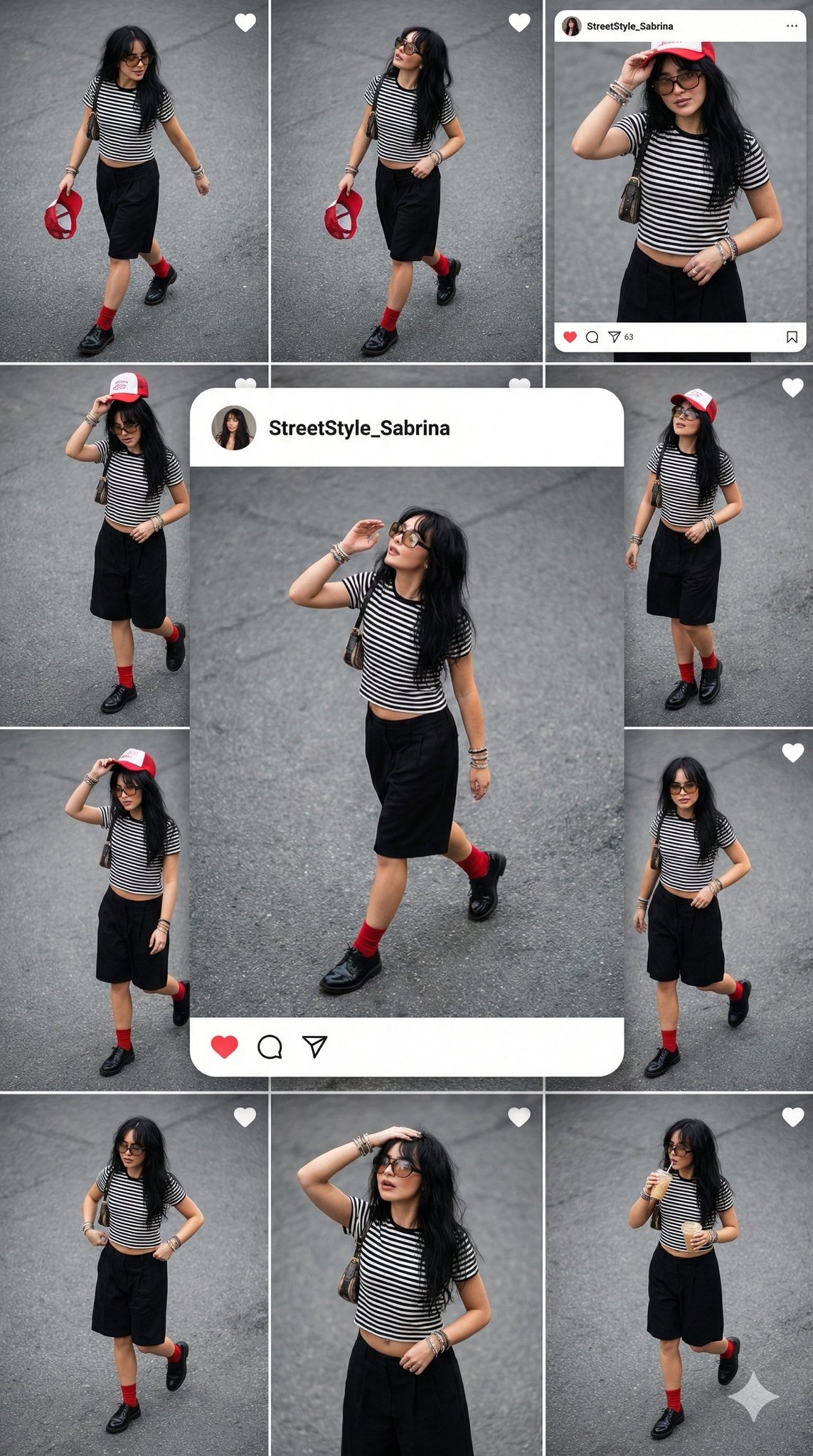
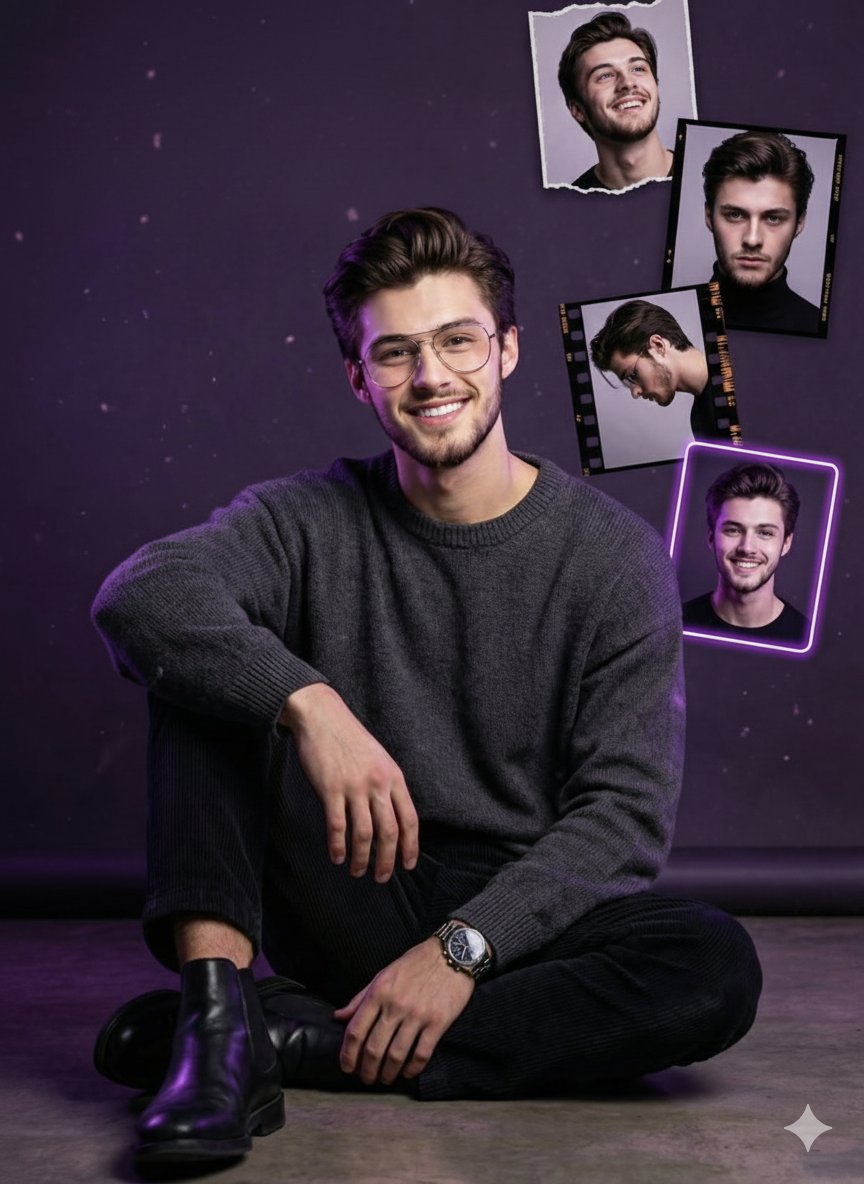
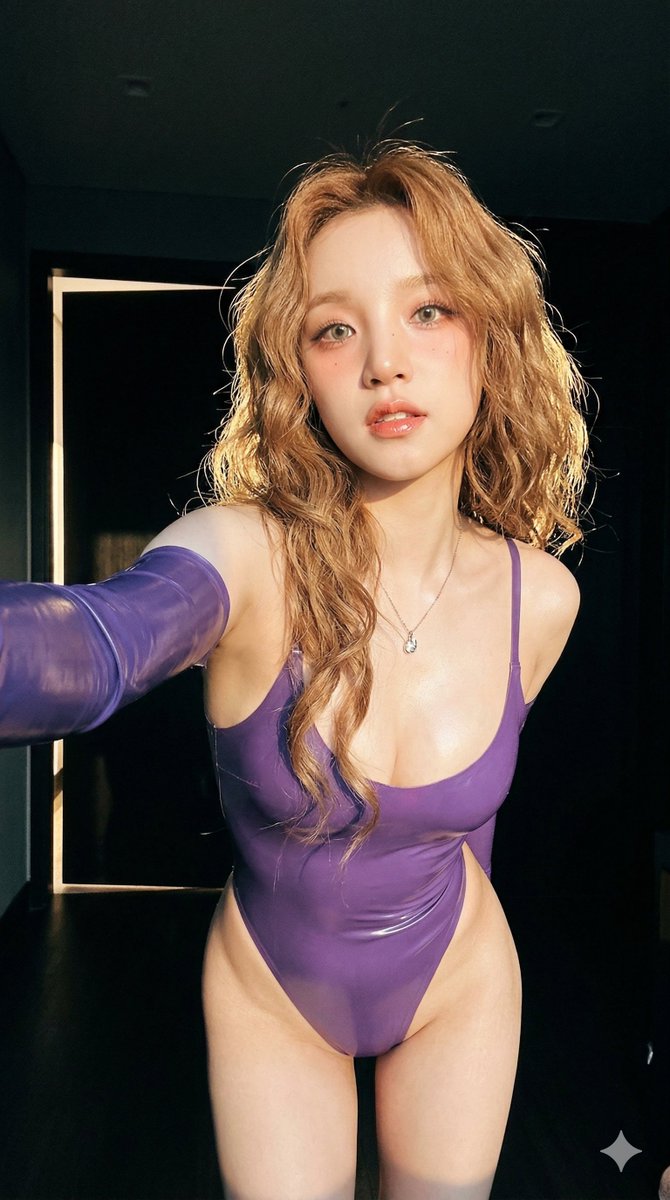
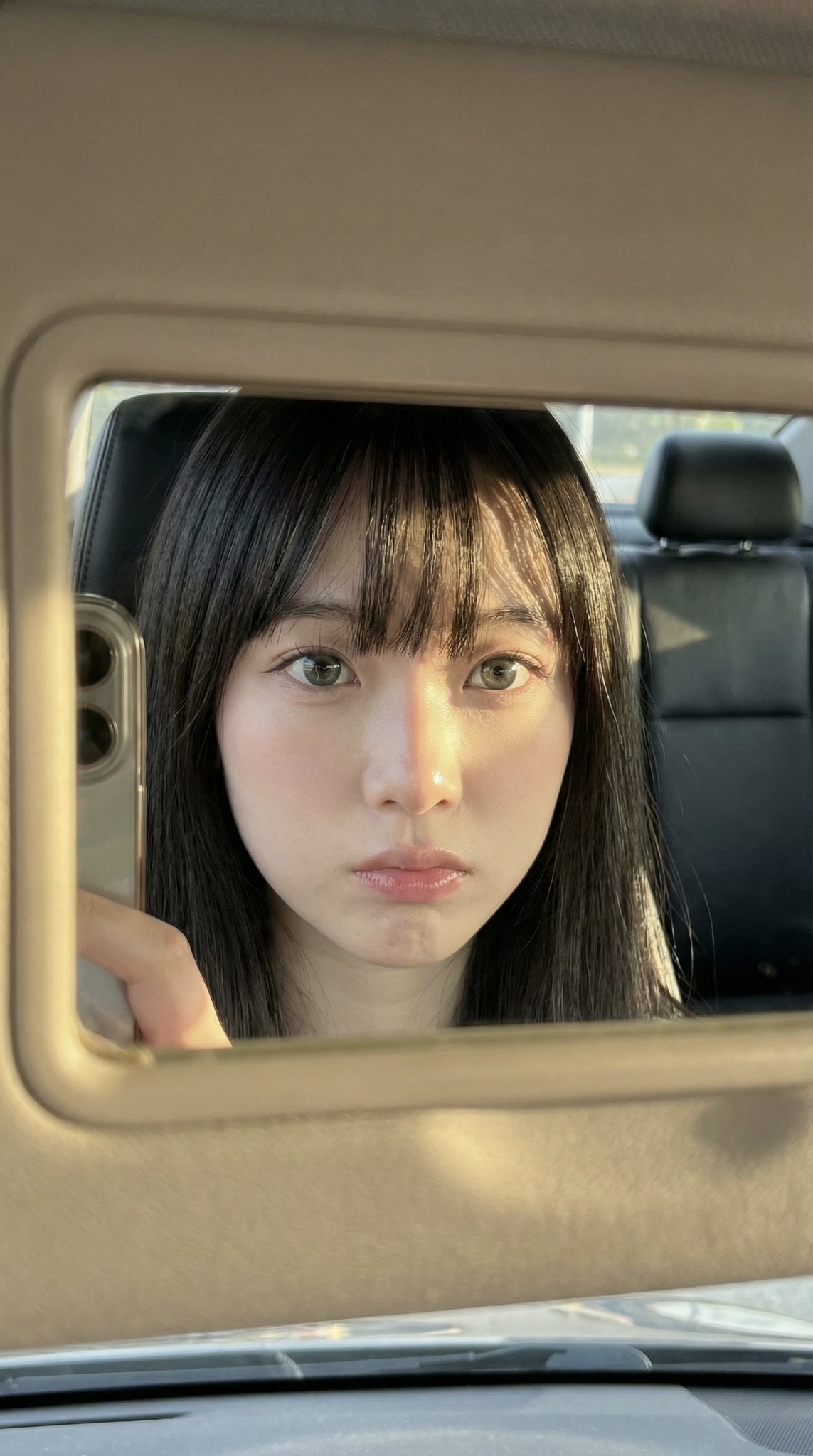
How do I use the Retro Tokyo Girl Lifestyle Photography template?
Choose the primary action to open PicX Studio with the available template settings. Review the model and format, personalize the creative direction, and generate when ready.
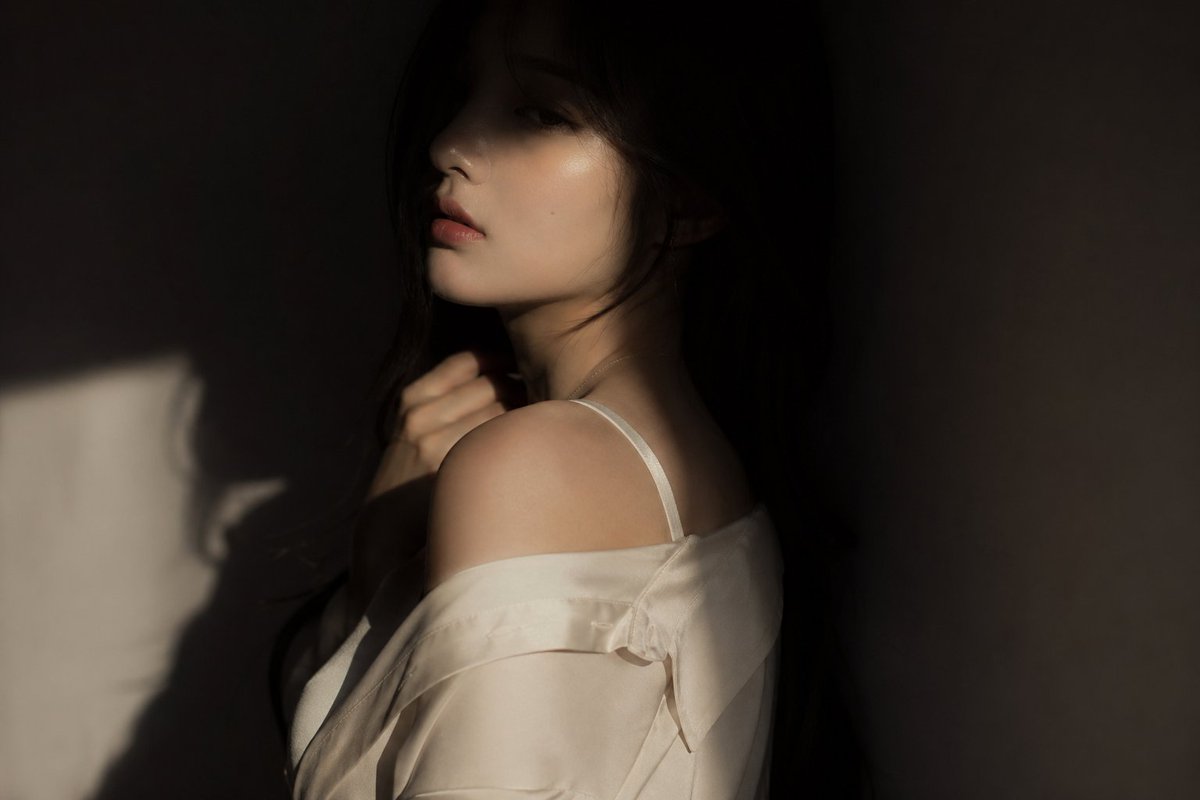
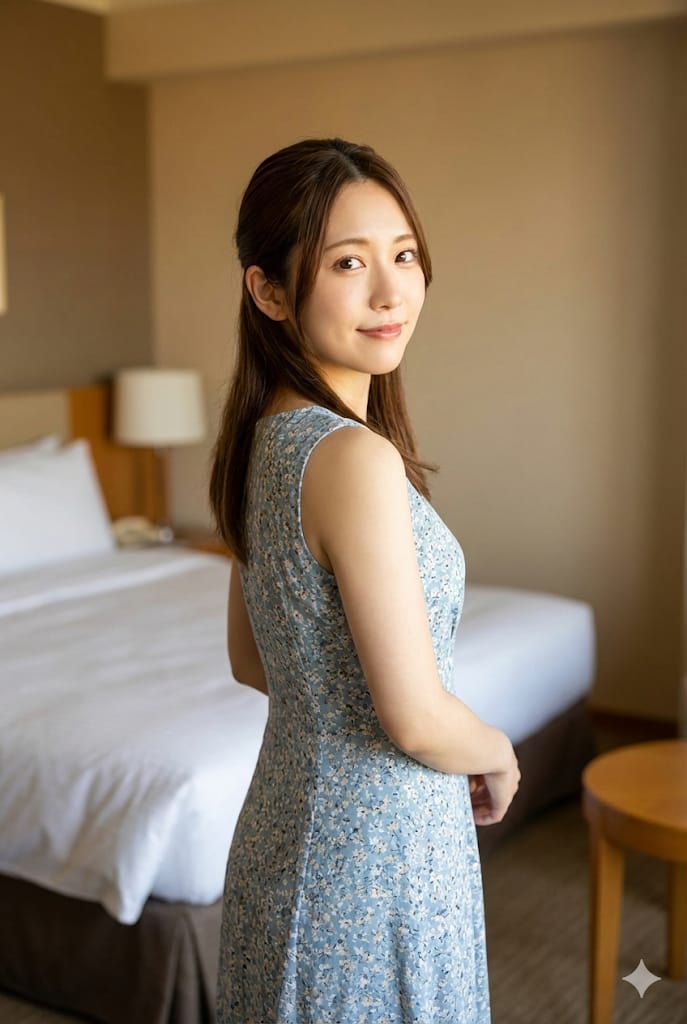
A detailed JSON generation request for a nostalgic Tokyo-style lifestyle photo, featuring a retro cafe setting and high-end fashion elements.
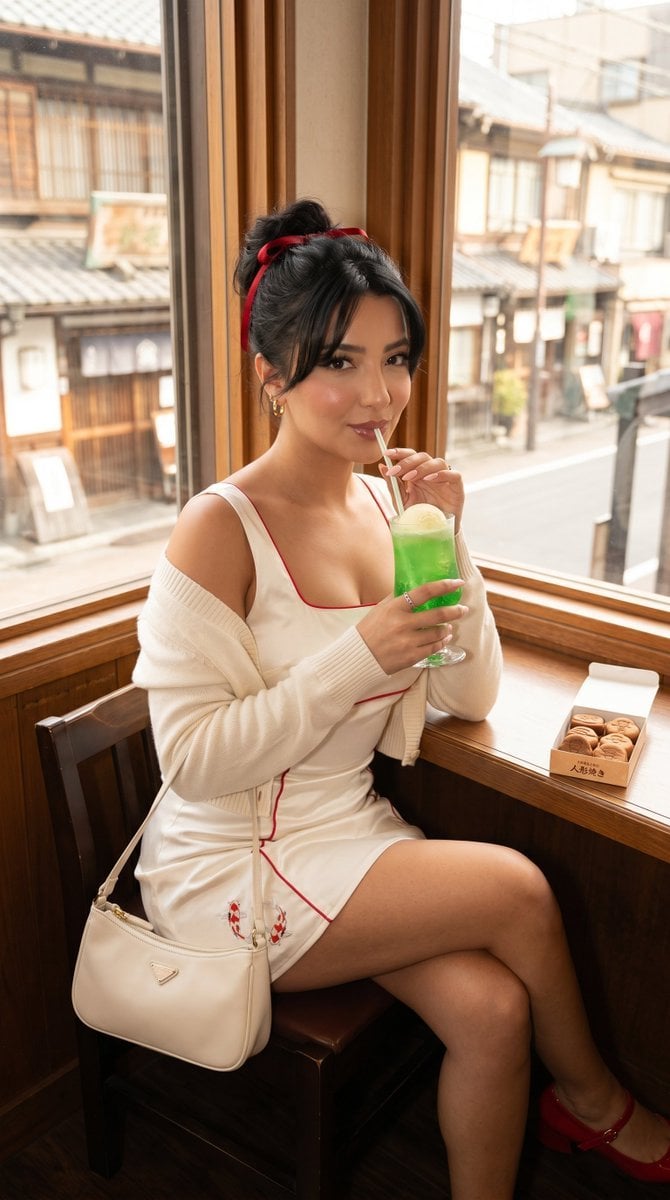
{ "generation_request": { "task_type": "single_viral_lifestyle_fashion_photo", "style": "retro_tokyo_soft_girl_luxury_editorial", "aspect_ratio": "4:5", "resolution": "8K", "subject": { "description": "adult beautiful woman, playful feminine confidence, flirty but polished", "hair": "soft messy updo with ribbon and loose curtain bangs", "makeup": "glossy rose lips, peach blush, lifted lashes, fresh luminous skin", "pose": "seated near retro cafe window, playful straw sip, eyes looking directly into camera, relaxed shoulder line" }, "location": { "place": "{argument name="location" default="Asakusa retro kissaten cafe near old Tokyo streets"}", "environment": "warm wood interior, window view of traditional street, nostalgic Tokyo atmosphere, soft daylight" }, "fashion": { "outfit": "{argument name="outfit" default="ivory satin square-neck mini dress with red piping, fitted waist, soft cropped cardigan slipping off one shoulder"}", "motifs": "tiny koi or goldfish embroidery near hem, minimal and refined", "accessories": "gold hoop earrings, red ribbon hair detail, cream mini shoulder bag, red Mary Jane heels" }, "props": { "main_prop": "{argument name="drink" default="retro melon soda float with straw"}", "extra_prop": "small box of ningyo-yaki sweets on the table" }, "color_palette": { "colors": ["warm ivory", "lipstick red", "caramel wood", "soft black"], "psychology": "nostalgia, flirtation, sweetness, youthful luxury" }, "camera": { "camera_body": "Fujifilm GFX100 II look", "lens": "50mm f/1.4 lifestyle portrait lens", "settings": "f/1.8, 1/250s, ISO 400", "angle": "intimate seated cafe portrait, slightly above eye level" }, "lighting": { "style": "soft window daylight with creamy highlights", "key_light": "natural side window light", "fill": "gentle white bounce under face", "grade": "warm retro film color, realistic skin, soft contrast" }, "quality": "viral Instagram travel beauty editorial, crisp eyes, realistic food props, no text" } }
Choose the primary action to open PicX Studio with the available template settings. Review the model and format, personalize the creative direction, and generate when ready.
Yes. You can change the subject, setting, lighting, mood, format, and available model controls before creating your image.
This template is free to open and customize. Generation usage is shown in PicX Studio before you create.
Start with Nano Banana 2, which is the model associated with this template. You can compare another compatible model for a different finish.
Follow a topic to a crawlable collection of related PicX Studio templates.