How do I use the Pool Float Character Transformation template?
Choose the primary action to open PicX Studio with the available template settings. Review the model and format, personalize the creative direction, and generate when ready.
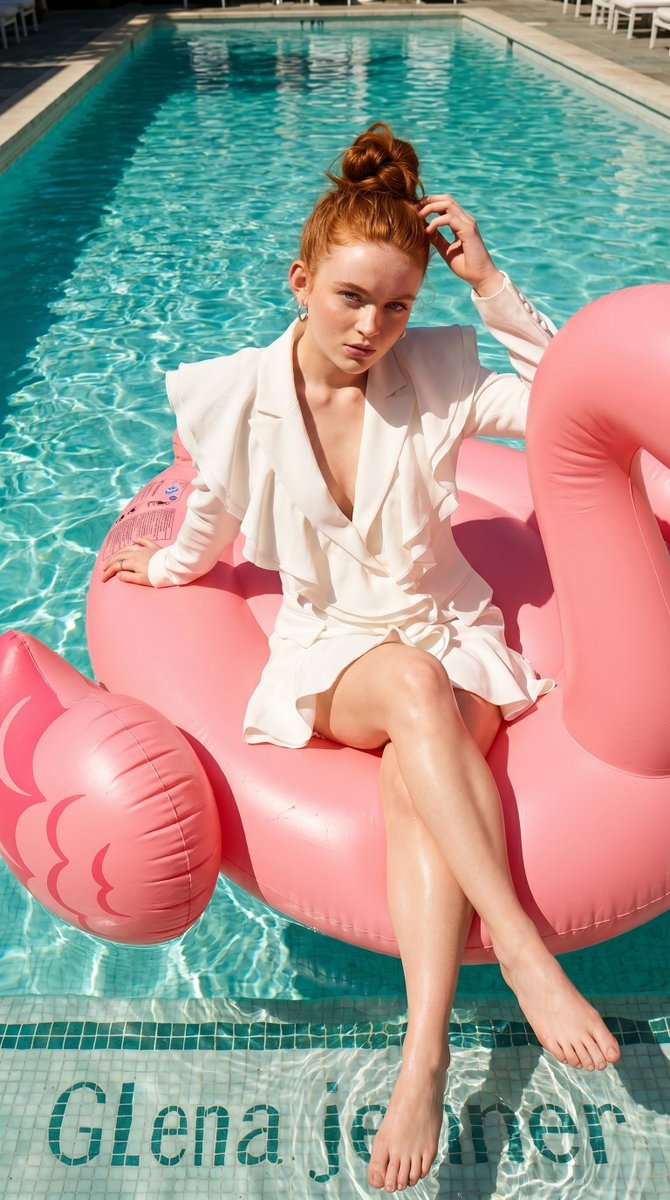
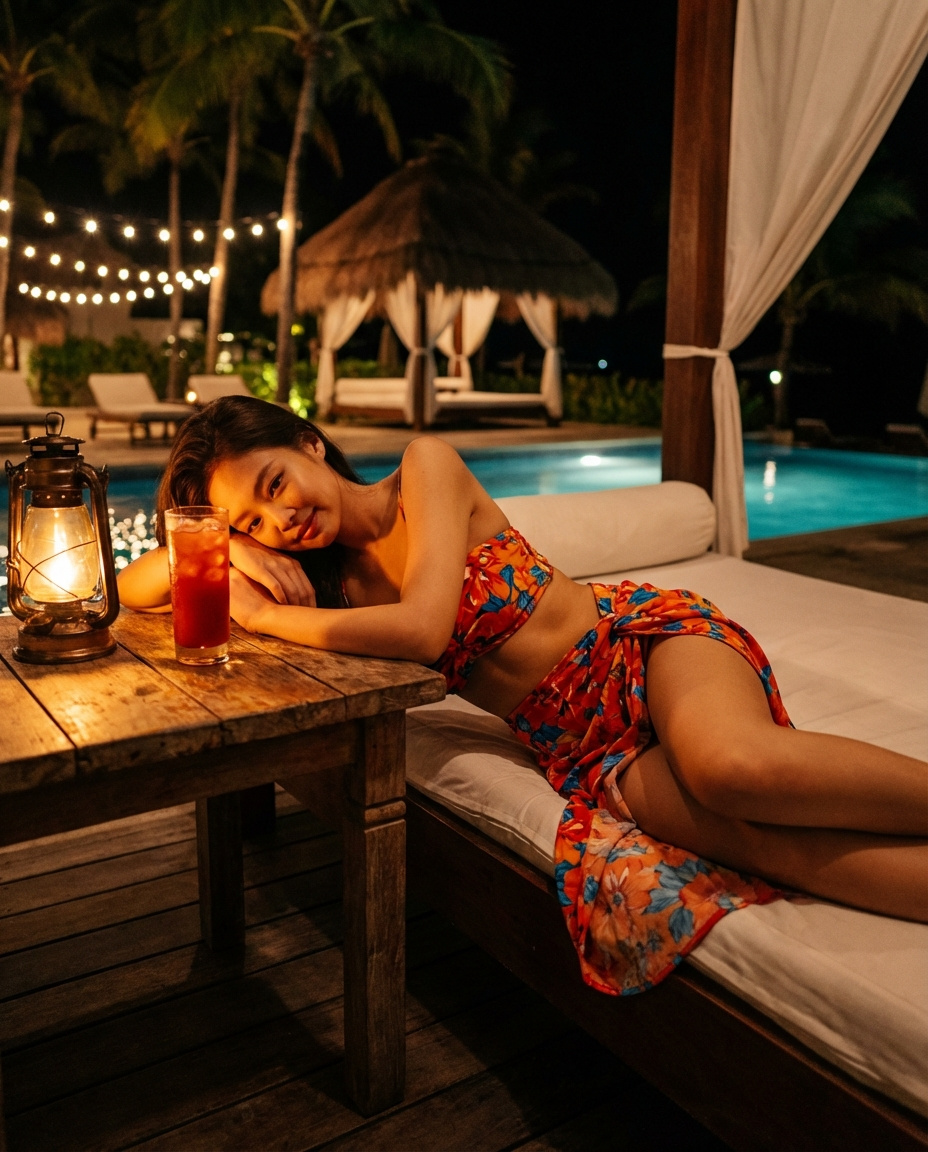
A prompt for transforming a reference image into a high-fidelity photographic shot of a person on a pool float.
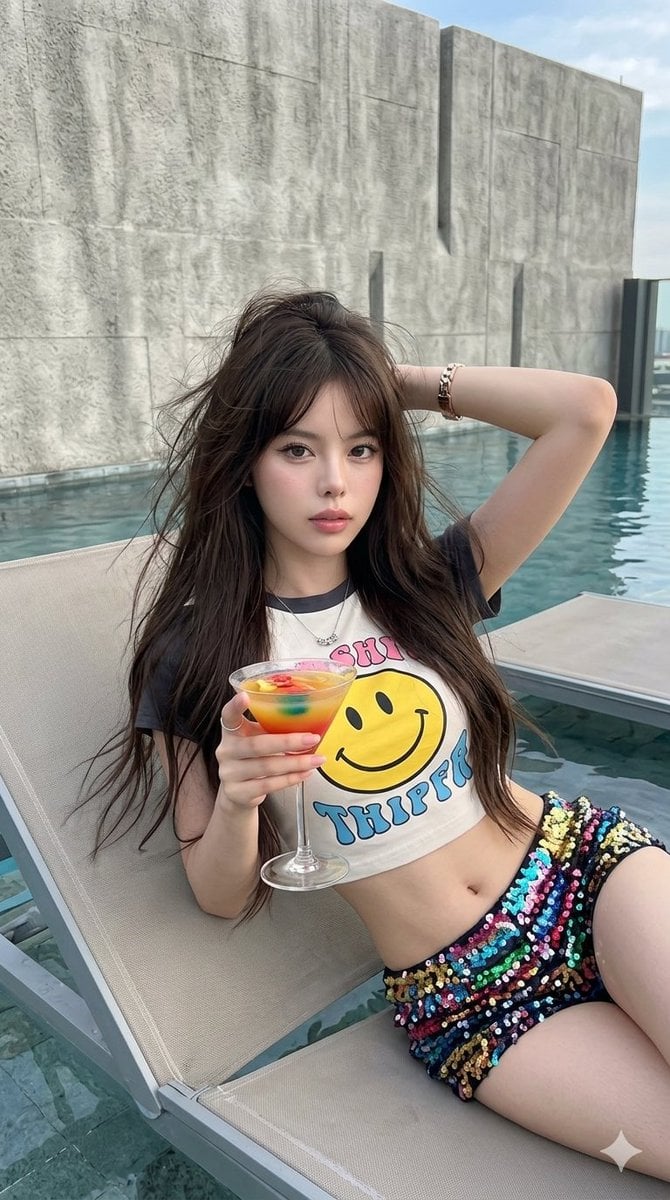
Create a high-fidelity photographic transformation. Maintain the exact facial identity from the provided source image with absolute precision and zero alteration. [COMPOSITION]: Reclining medium shot on pool float, holding cocktail glass, hand behind head. [LIGHTING]: Natural daylight, clean white balance, soft highlights. [ENVIRONMENT]: Modern setting, textured wall, sharp focus, no background blur. [SUBJECT]: {argument name="top" default="Smiley graphic croped tee"}, {argument name="shorts" default="colorful sequin low rise mini shorts"}, fair glass skin, long dark brown messy windswept hair, looking directy to the lens with soft intensity gaze, subtle parted lips. Make up: wispy eyelashes, thin wing eyeline, brushed-up brows, champagne eye shadow, soft blush with highlights, pink lips gloss, grey contact lenses. [AESTHETIC]: Shot on high-end smartphone, digital clarity, modern aesthetic. ar 9:16 ISO 100. No extra limbs, no weird proportion.
Choose the primary action to open PicX Studio with the available template settings. Review the model and format, personalize the creative direction, and generate when ready.
Yes. You can change the subject, setting, lighting, mood, format, and available model controls before creating your image.
This template is free to open and customize. Generation usage is shown in PicX Studio before you create.
Start with Nano Banana 2, which is the model associated with this template. You can compare another compatible model for a different finish.
Follow a topic to a crawlable collection of related PicX Studio templates.