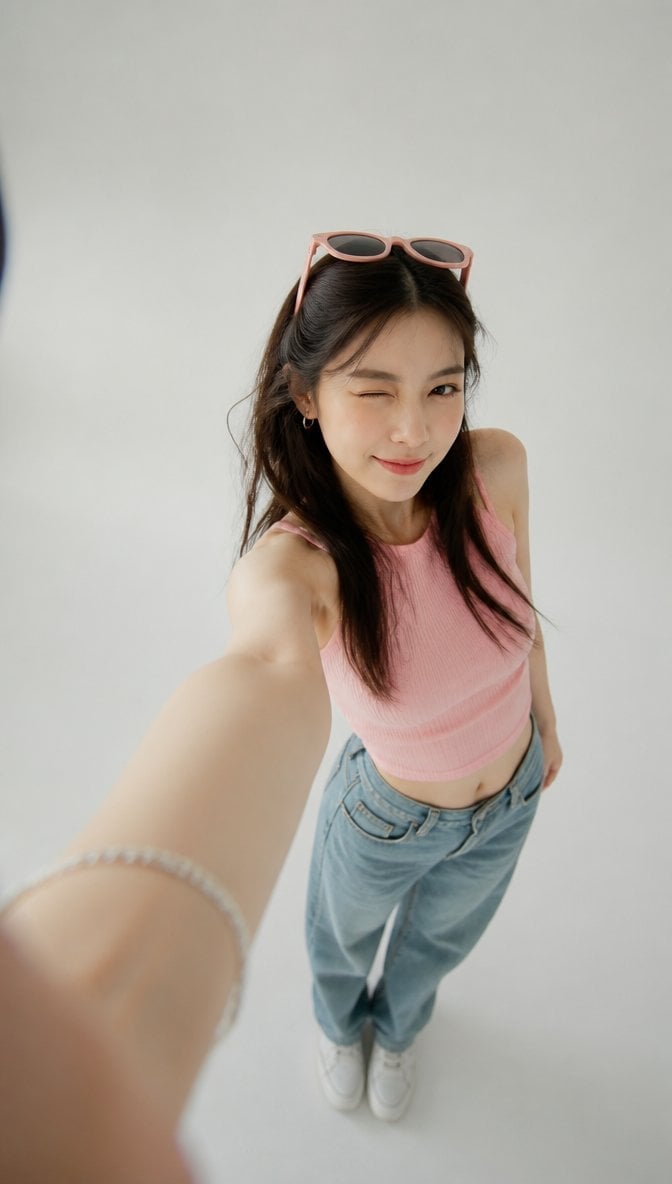
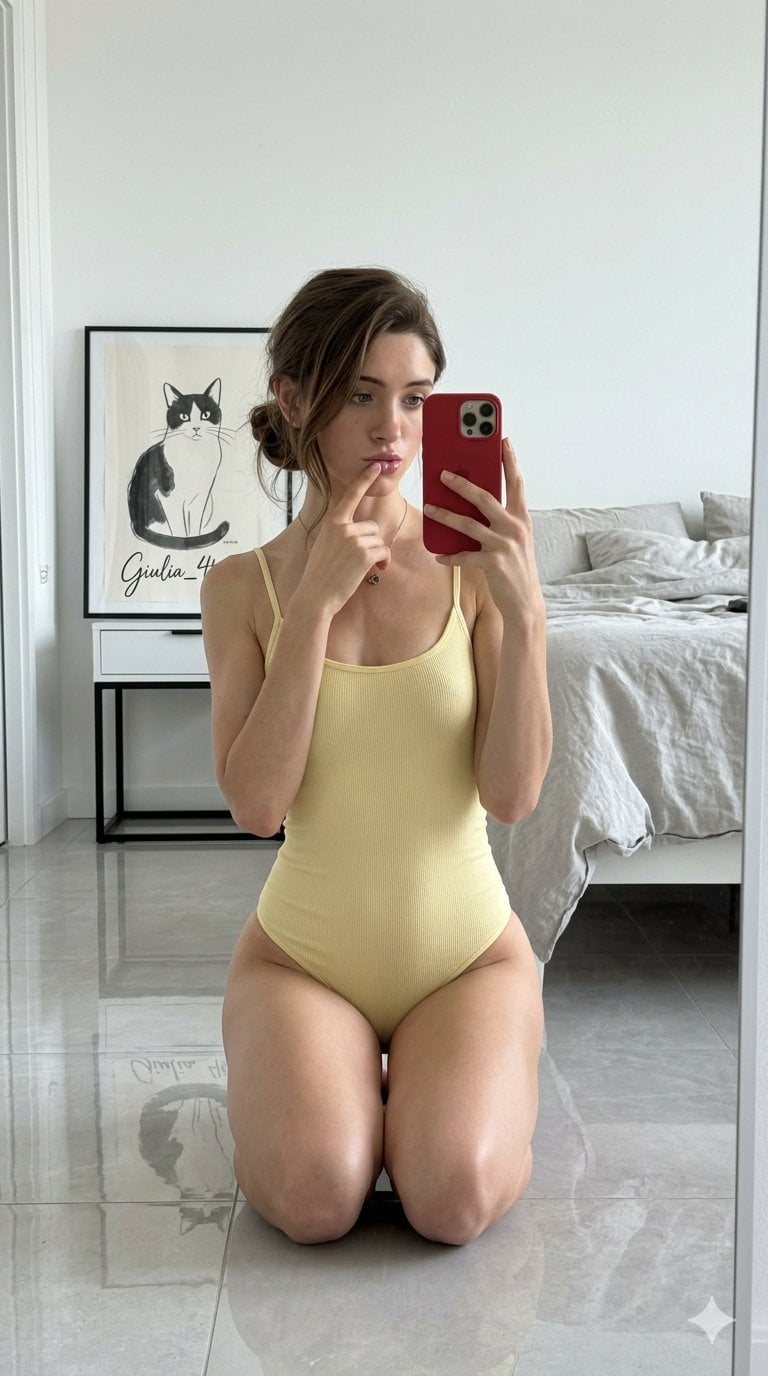
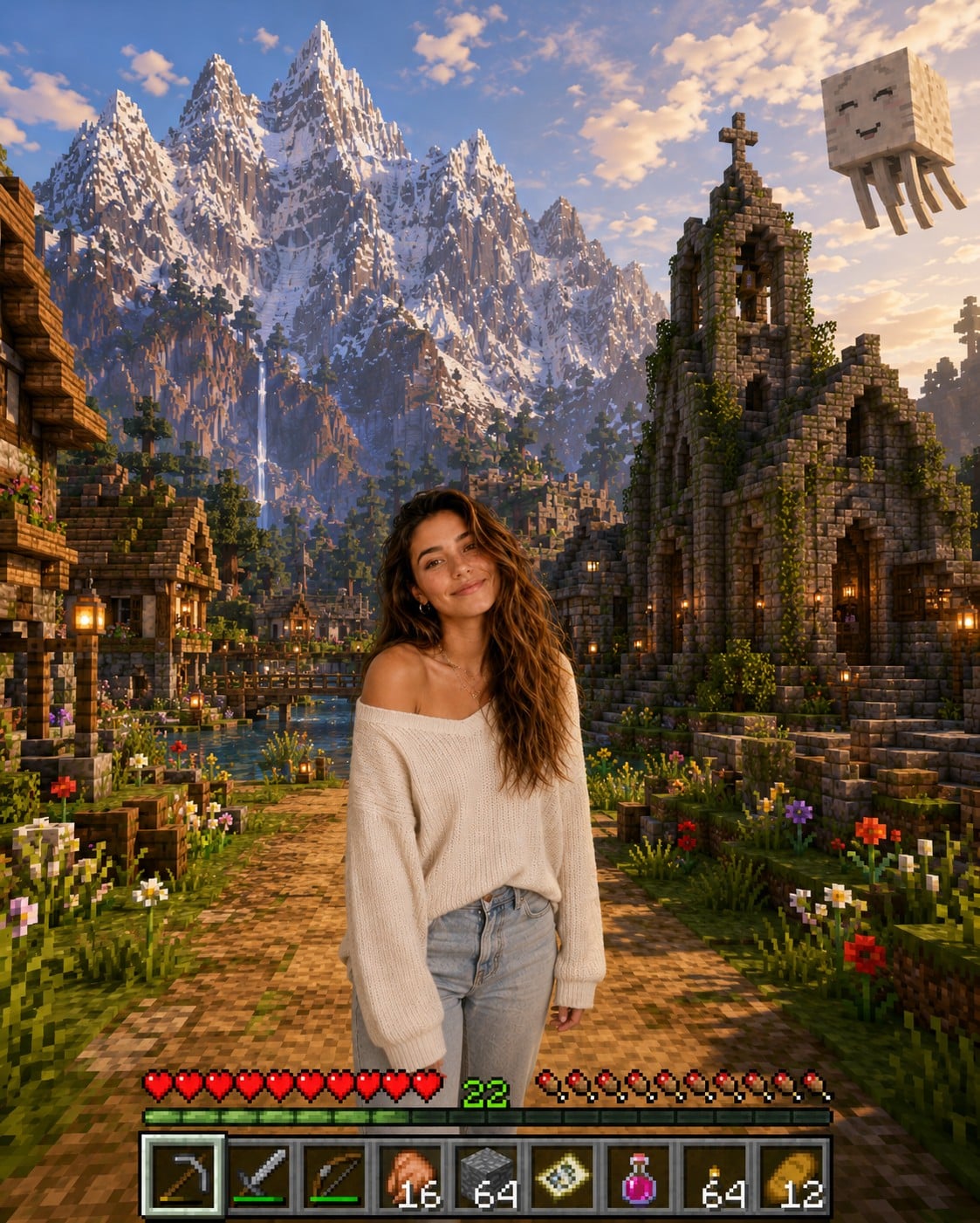
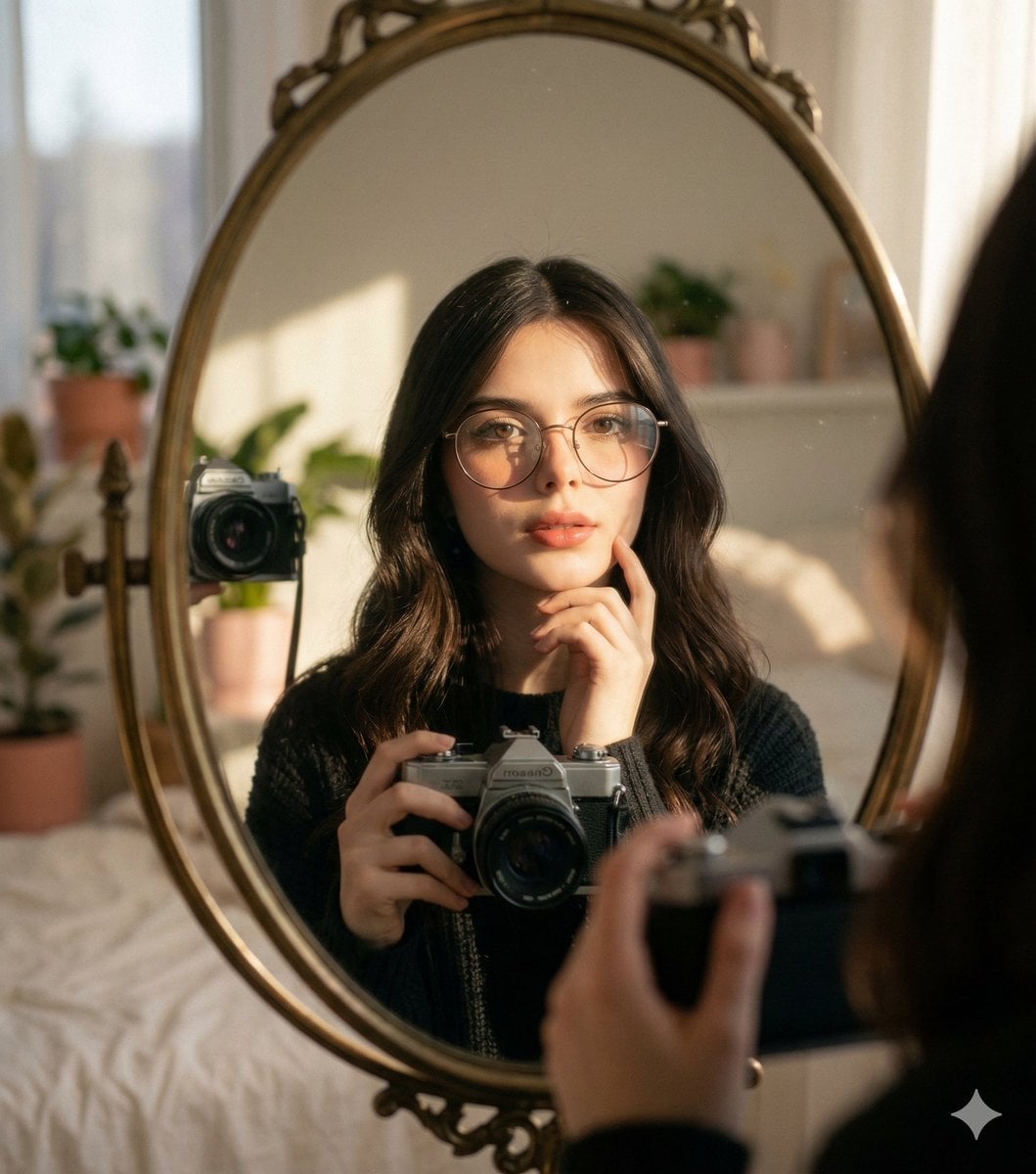
How do I use the Trendy Mirror Selfie with Sneakers template?
Choose the primary action to open PicX Studio with the available template settings. Review the model and format, personalize the creative direction, and generate when ready.
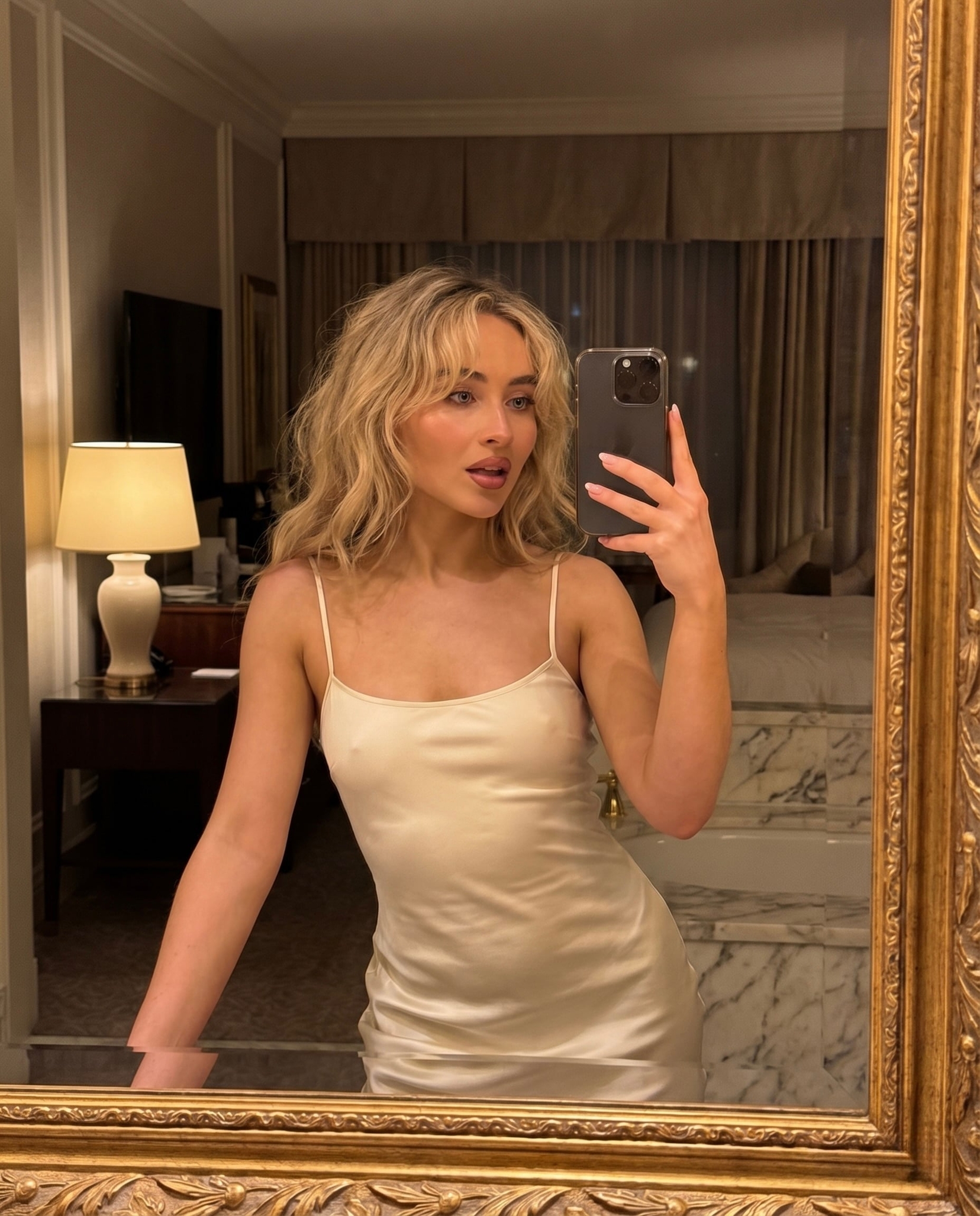
A detailed prompt for a mirror selfie of a woman in a pink ruched dress and iconic high-top sneakers.
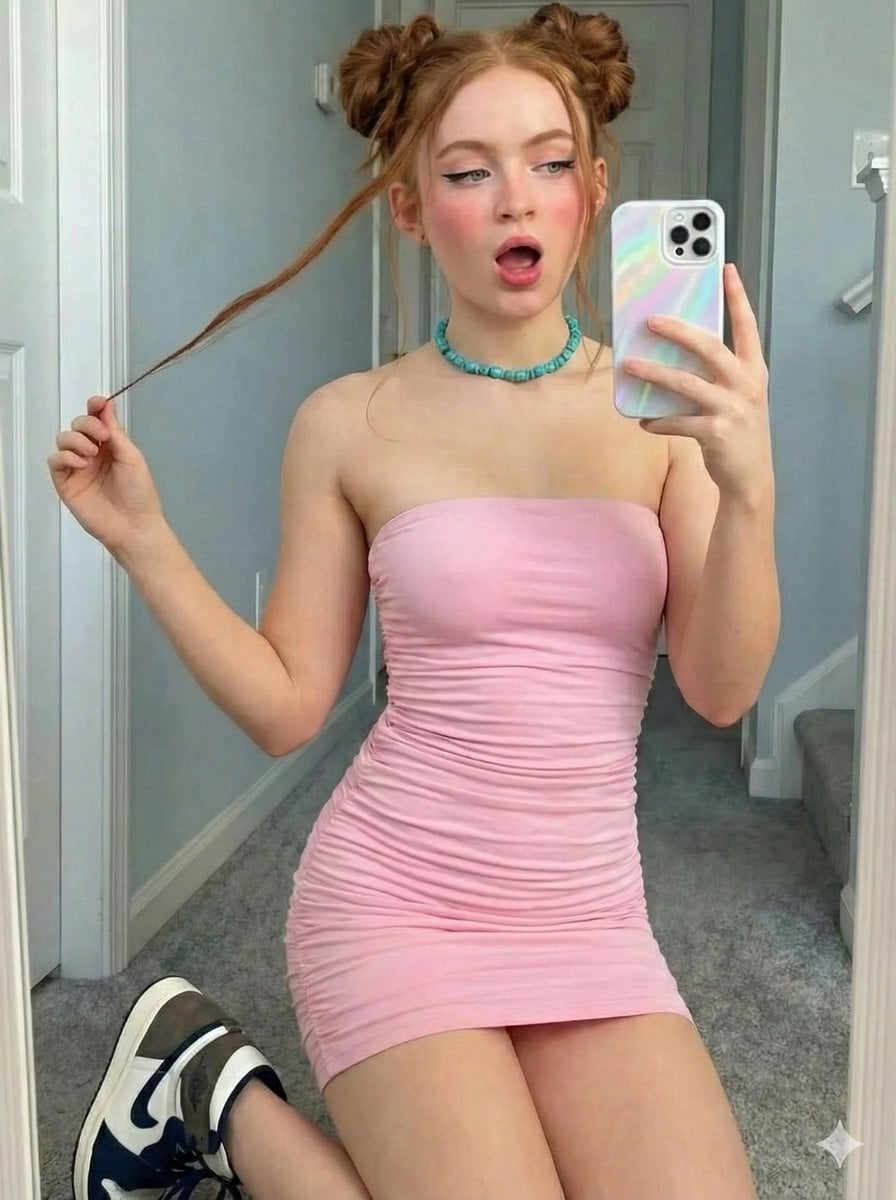
{ "image_prompt_data": { "subject": { "demographics": "Young woman", "hair": { "color": "Reddish-brown / Ginger", "style": "{argument name="hair style" default="Double space buns (high buns) with loose face-framing tendrils/strands"}", "texture": "Straight to wavy" }, "appearance": { "skin_tone": "Fair", "makeup": "Heavy pink blush on cheeks and nose, black winged eyeliner, soft natural lip color" }, "expression": "Playful, mouth slightly open in a surprised or singing manner, gazing into mirror/phone" }, "attire": { "dress": { "color": "Pastel pink / Baby pink", "style": "{argument name="dress style" default="Strapless tube top mini dress"}", "fit": "Bodycon, tight-fitting", "details": "Ruched fabric texture (gathered horizontal folds) throughout the dress" }, "footwear": { "style": "High-top basketball sneakers", "colorway": "White leather base, black leather toe caps and swoosh, brown (mocha) suede heel and ankle flaps", "model_resemblance": "Nike Air Jordan 1 Retro High OG 'Dark Mocha'", "lacing": "White laces" } }, "accessories": { "jewelry": "Chunky turquoise/teal irregularly shaped beaded choker necklace", "tech": "Smartphone (iPhone style) with a triple-lens camera", "tech_case": "Iridescent / Holographic wavy pattern case in pearlescent white/silver" }, "environment": { "location": "{argument name="location" default="Indoor hallway"}", "details": { "walls": "Light blue-grey paint", "trim": "White door frames and baseboards", "flooring": "Grey plush carpet", "doors": "White paneled interior doors visible in background", "lighting": "Soft natural indoor daylight" } }, "composition": { "type": "Mirror selfie", "framing": "Full body to upper-thigh shots", "pose_variations": [ "Kneeling with one leg forward, holding hair strand", "Standing with weight on one leg, hand touching hair bun" ] } } }
Choose the primary action to open PicX Studio with the available template settings. Review the model and format, personalize the creative direction, and generate when ready.
Yes. You can change the subject, setting, lighting, mood, format, and available model controls before creating your image.
This template is free to open and customize. Generation usage is shown in PicX Studio before you create.
Start with Nano Banana 2, which is the model associated with this template. You can compare another compatible model for a different finish.
Follow a topic to a crawlable collection of related PicX Studio templates.