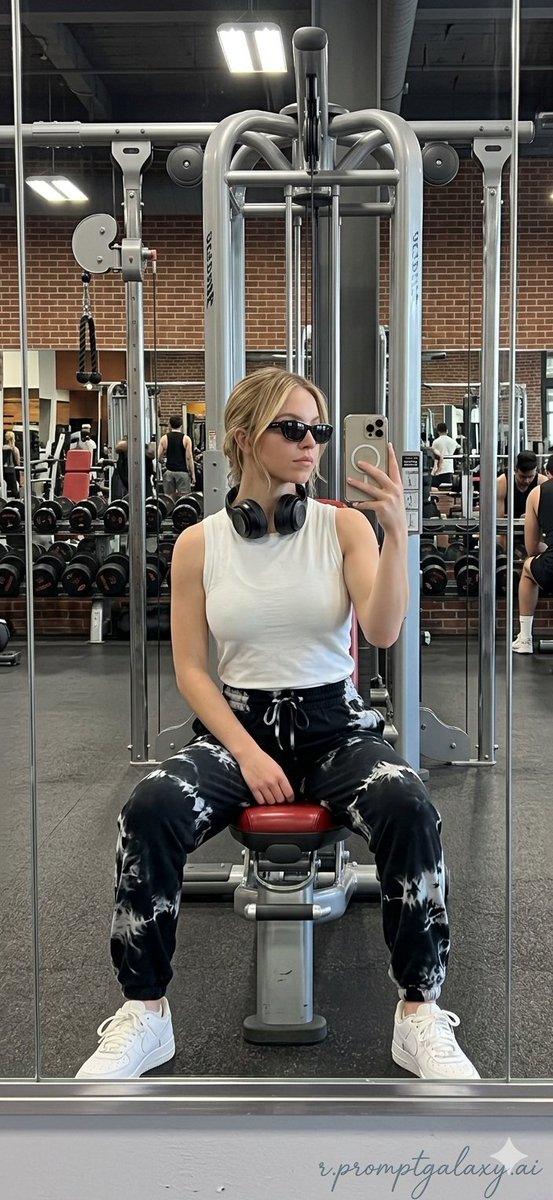
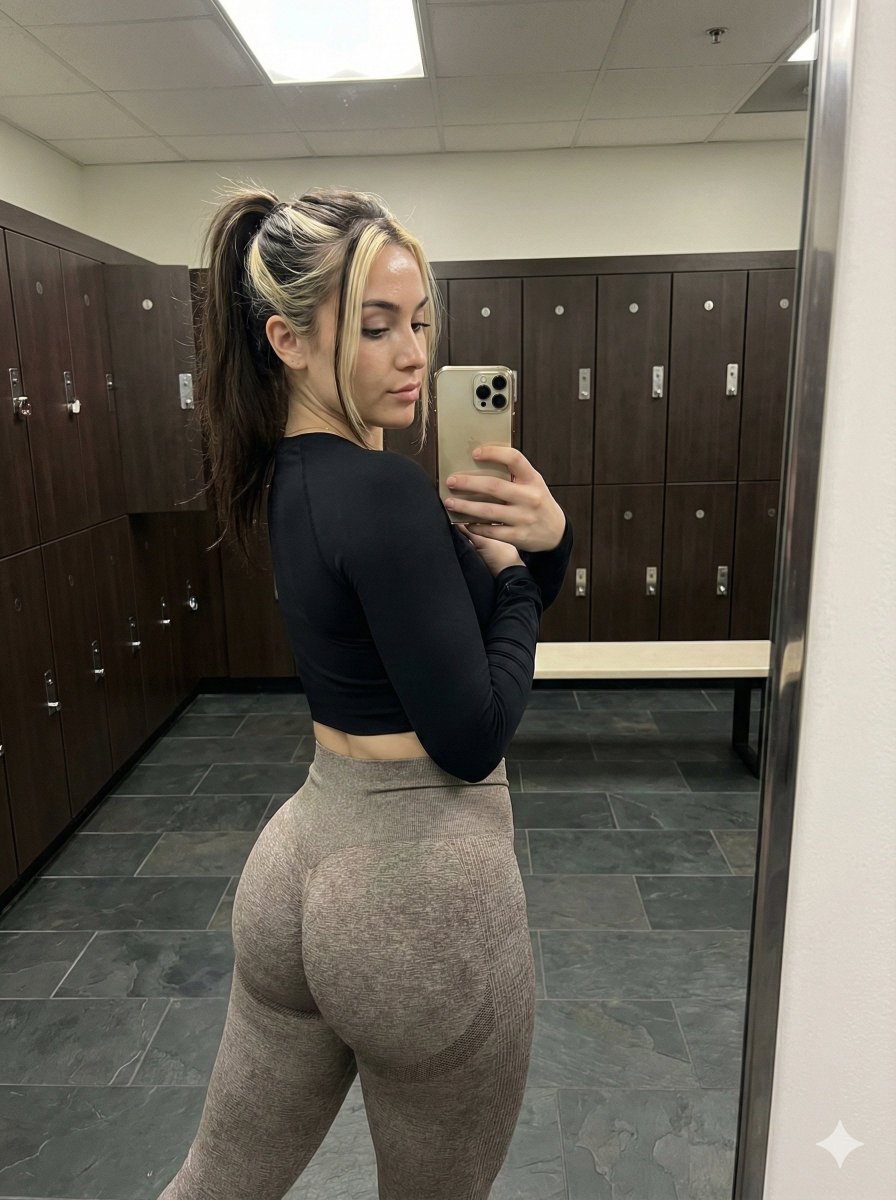
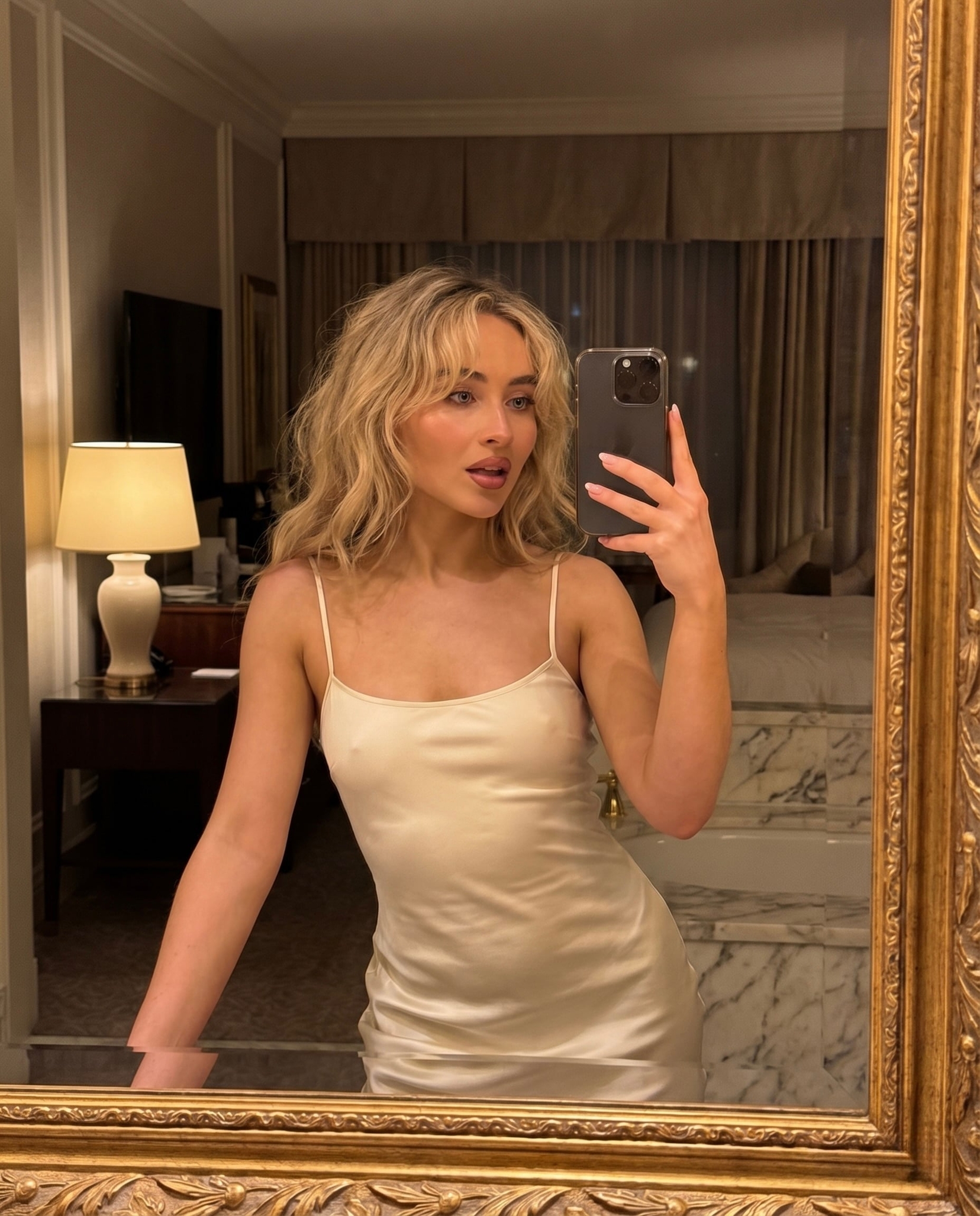
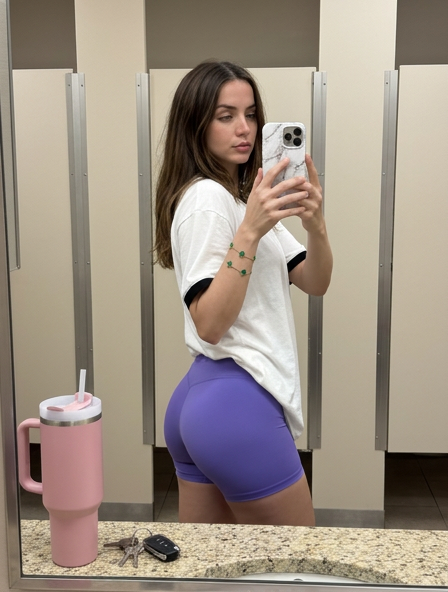
How do I use the Celebrity Gym Mirror Selfie template?
Choose the primary action to open PicX Studio with the available template settings. Review the model and format, personalize the creative direction, and generate when ready.
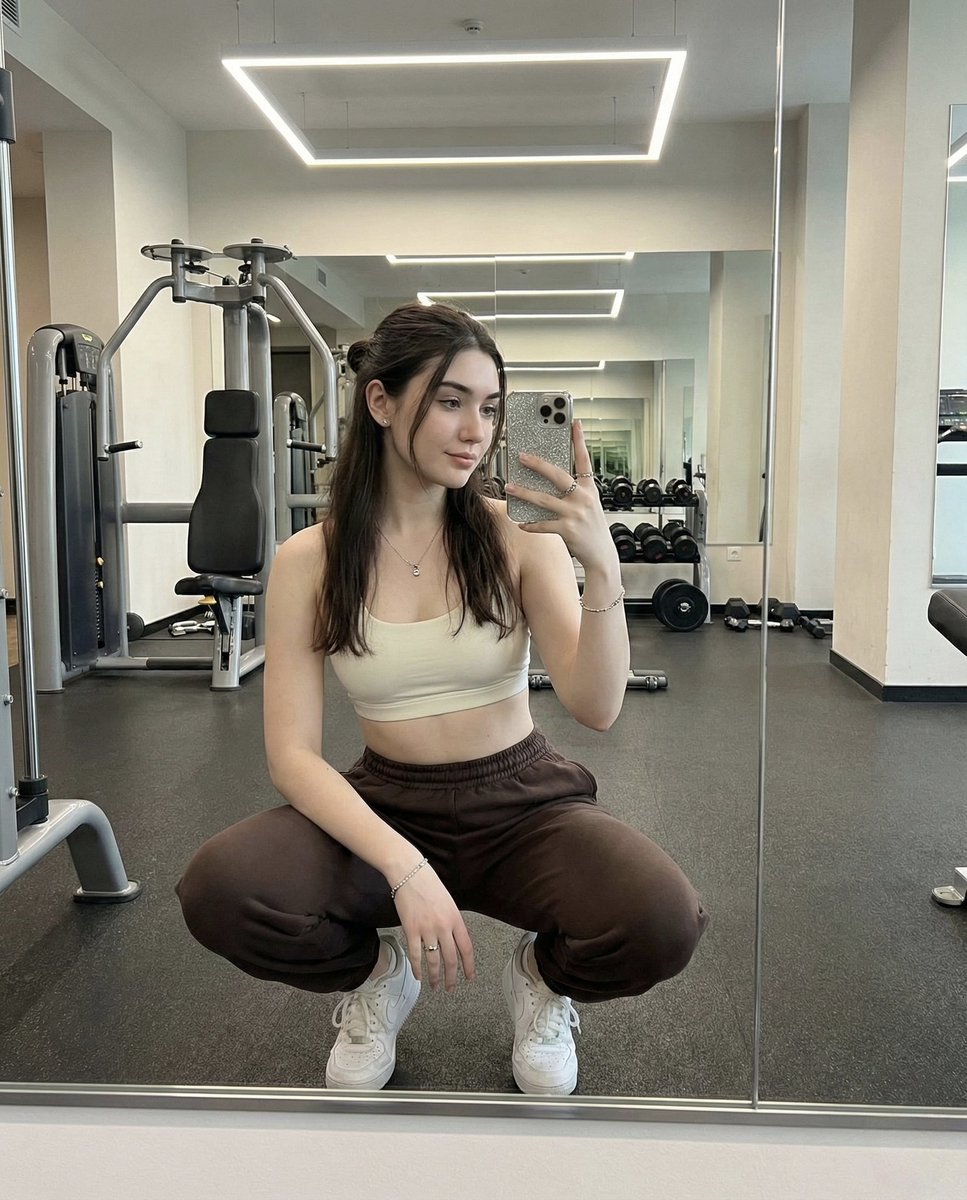
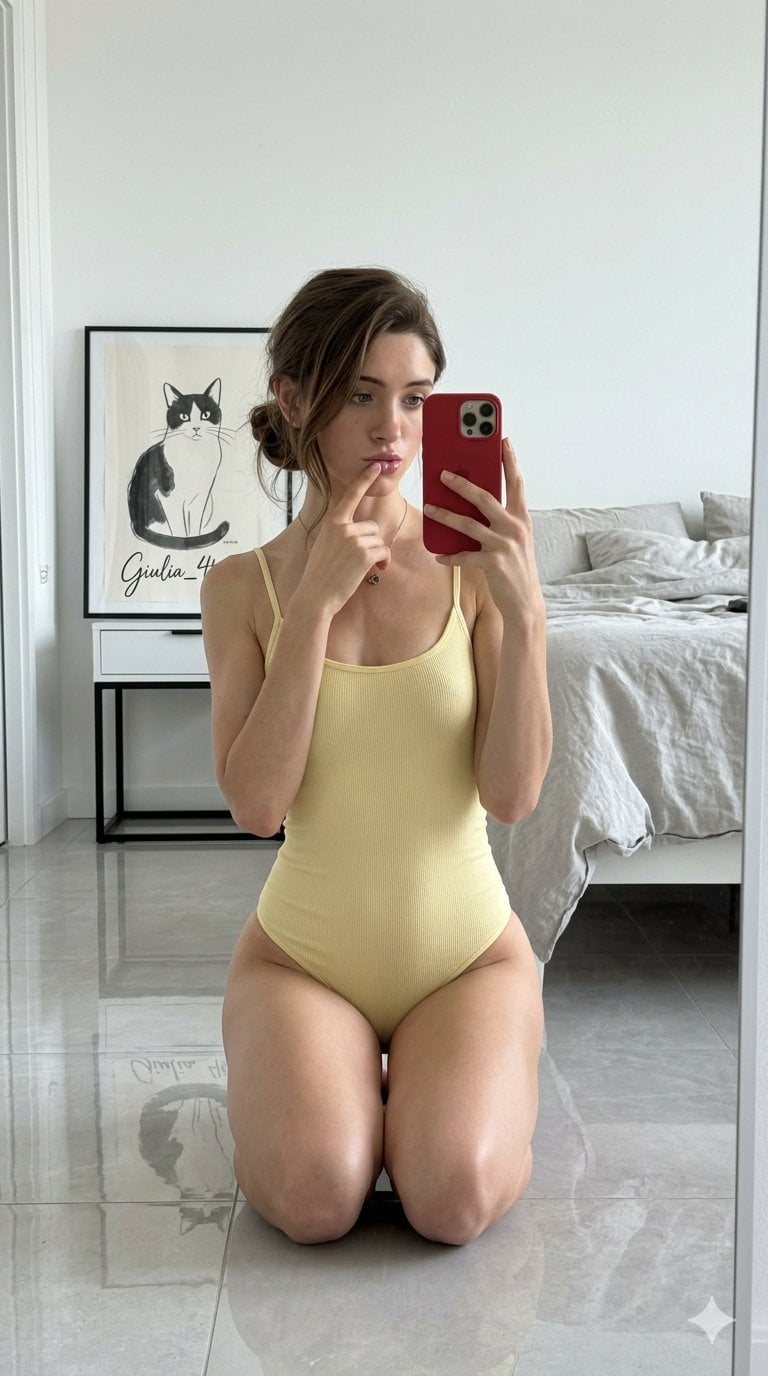
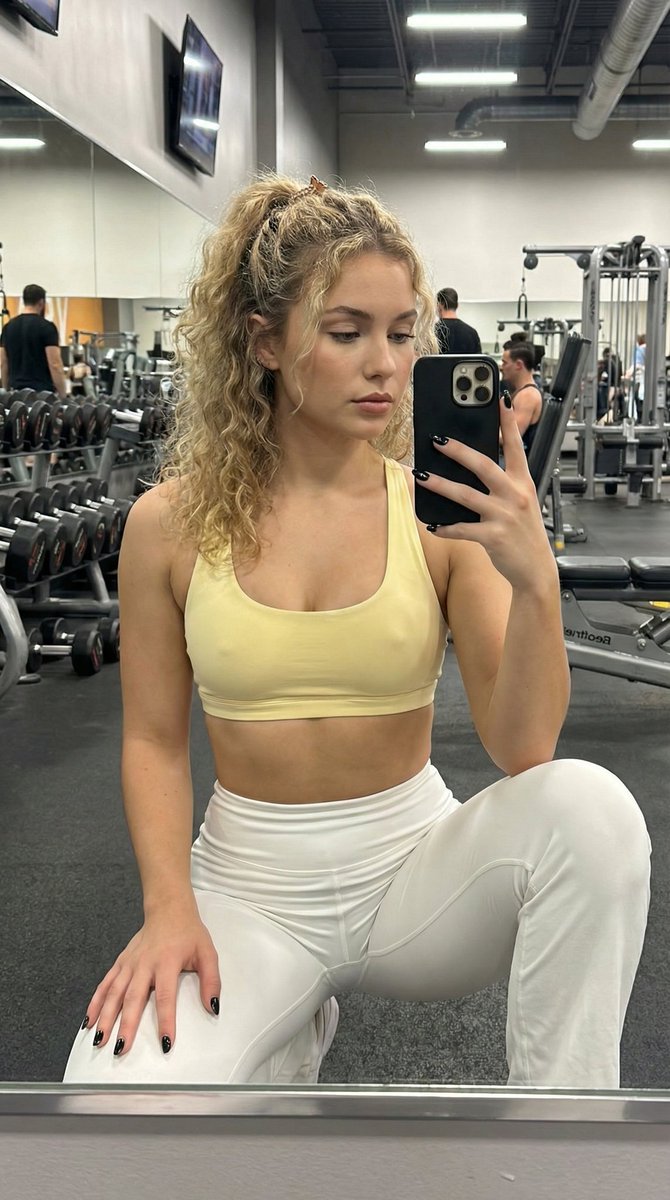
A prompt designed to create a realistic mirror selfie of celebrities in a gym setting with specific attire and poses.
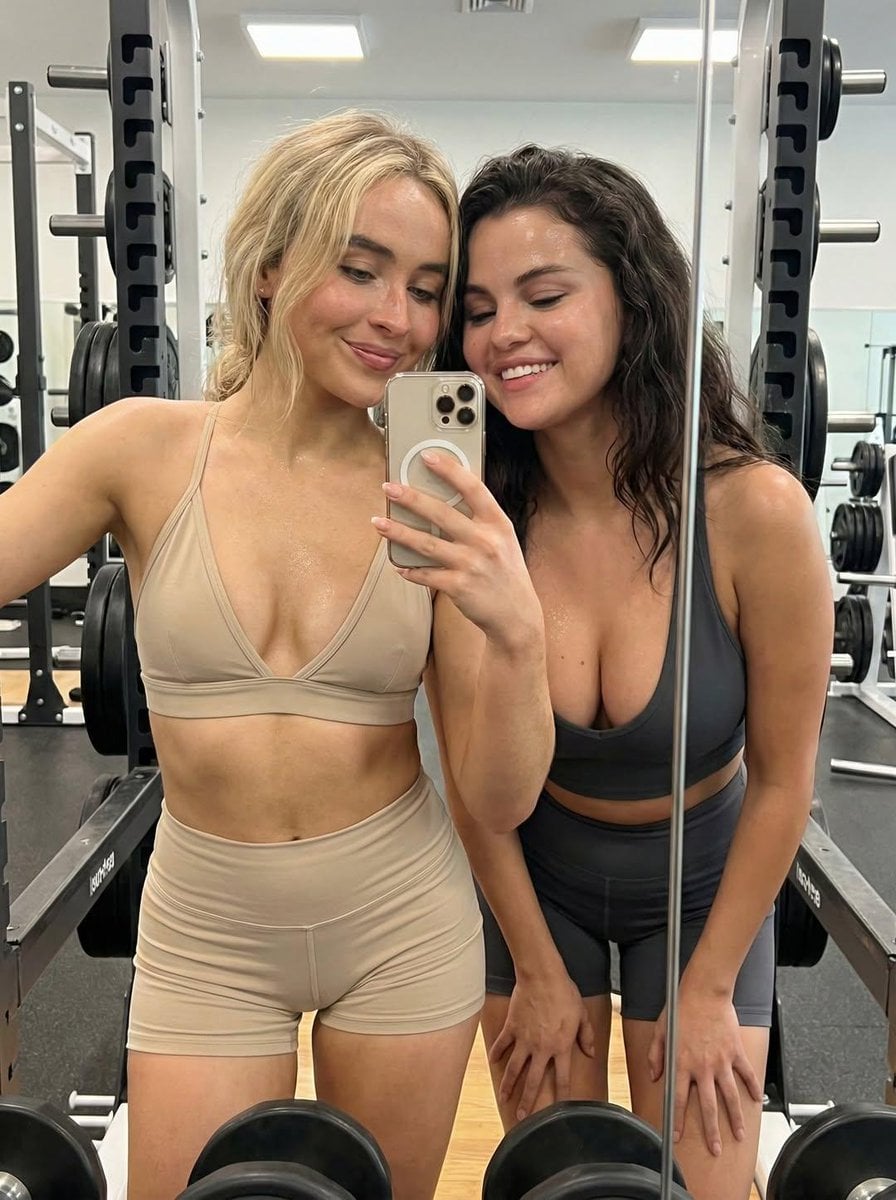
{ "image": { "type": "photograph", "setting": "{argument name="setting" default="brightly lit gym with mirrors and weight machines"}", "subjects": [ { "name": "{argument name="first person" default="Victoria Justice"}", "position": "left", "attire": { "top": "dark grey sports bra", "bottom": "dark grey workout shorts" }, "pose": "holding smartphone, taking selfie, smiling" }, { "name": "Sabrina Carpenter", "position": "center", "attire": { "top": "beige sports bra", "bottom": "beige workout shorts" }, "pose": "smiling slightly, looking at phone" }, { "name": "{argument name="third person" default="Selena Gomez"}", "position": "right", "attire": { "top": "taupe sports bra", "bottom": "olive green workout shorts" }, "pose": "smiling broadly, leaning in" } ], "composition": "mirror selfie, medium shot, three women standing close together", "details": [ "smartphone held by Victoria Justice", "reflection in the mirror showing the women and gym equipment", "gym racks and machines in the background", "bright, even lighting", "sweaty appearance on subjects" ] } }
Choose the primary action to open PicX Studio with the available template settings. Review the model and format, personalize the creative direction, and generate when ready.
Yes. You can change the subject, setting, lighting, mood, format, and available model controls before creating your image.
This template is free to open and customize. Generation usage is shown in PicX Studio before you create.
Start with Nano Banana 2, which is the model associated with this template. You can compare another compatible model for a different finish.
Follow a topic to a crawlable collection of related PicX Studio templates.