
Cinematic police raid scene
A complex image prompt depicting a realistic scene of a woman being arrested in a luxury apartment surrounded by cash and special forces officers.
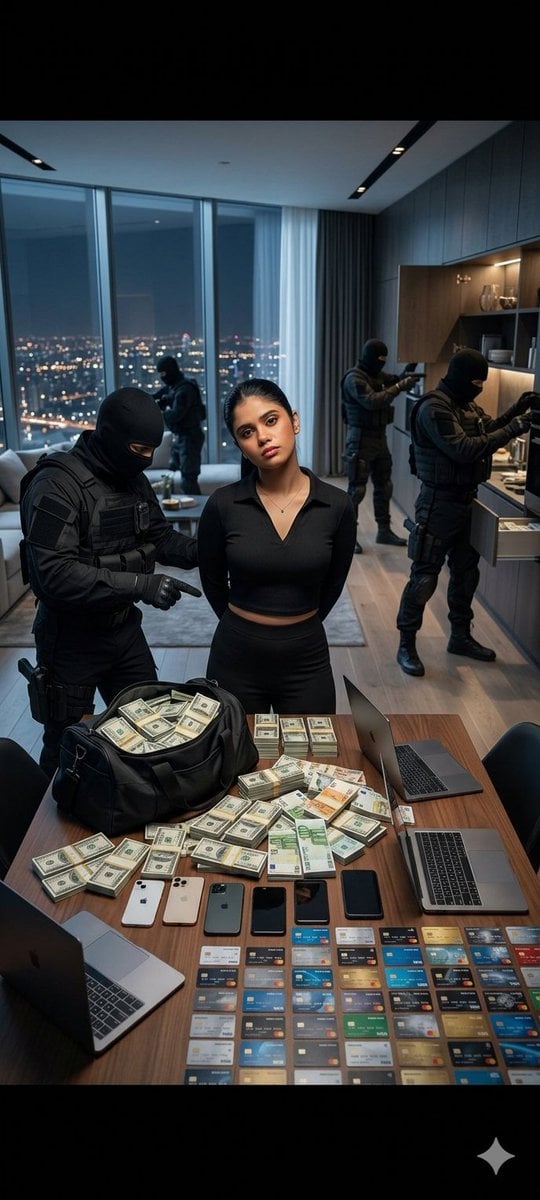
- Prompt included
- Model and format preset
- Free template
The prompt behind this image
Copy the exact prompt behind Cinematic police raid scene, or open it in the studio and make it yours.
ultra realistic photo, young woman with pale skin and long black hair, same face as reference, emotionless expression, slightly tired eyes, standing with hands behind her back as if handcuffed, relaxed posture, slight head tilt, confident “I regret nothing” attitude luxury modern apartment at night, panoramic windows with city lights, expensive minimalistic interior, cinematic atmosphere large wooden table in front of her covered with: huge stacks of US dollars and euro banknotes, slightly messy but mostly organized, black duffel bag filled with cash, partially open, multiple smartphones (latest models), 2-3 laptops (MacBook style), many bank cards spread in rows across the table behind and around her: tactical officers in black uniforms (special forces style), faces covered, actively searching the apartment, some opening шкафы and shelves, some walking in the background, one officer standing near the table pointing at the money cinematic lighting, soft cold light from windows mixed with warm interior light, realistic shadows, reflections on table medium shot, slightly low angle, focus on the girl, shallow depth of field, background slightly blurred dark luxury, tension, realistic raid scene, controlled chaos.
How to use Cinematic police raid scene in 3 steps
- 1
Open
The prompt is already in the box next to the preview, with the template's model and format selected.
- 2…a portrait of your subject in softgolden-hour light, 85mm…
Personalize
Edit the subject and creative details for your destination.
- 3Generate
Generate
Press Generate — your image is created in PicX Studio, so you can compare it with the original and refine one variable at a time.
More like this
Templates with the same subject, style or setup. Open one to see its prompt.
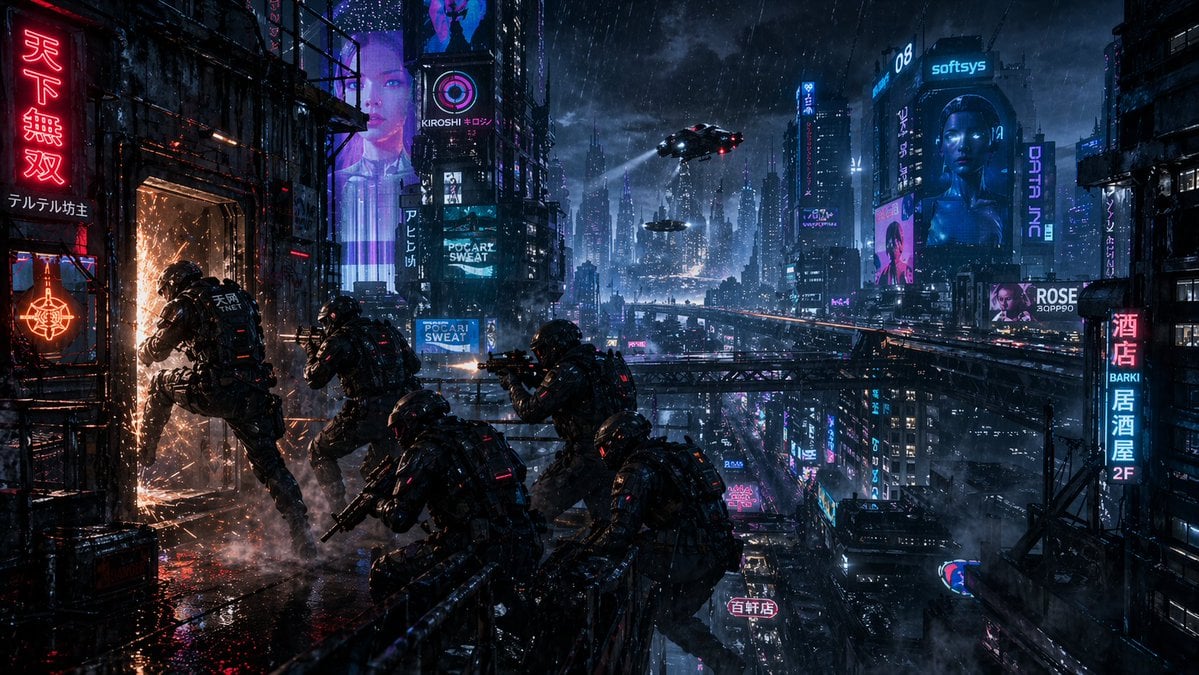
Cyberpunk Rooftop Breach Raid
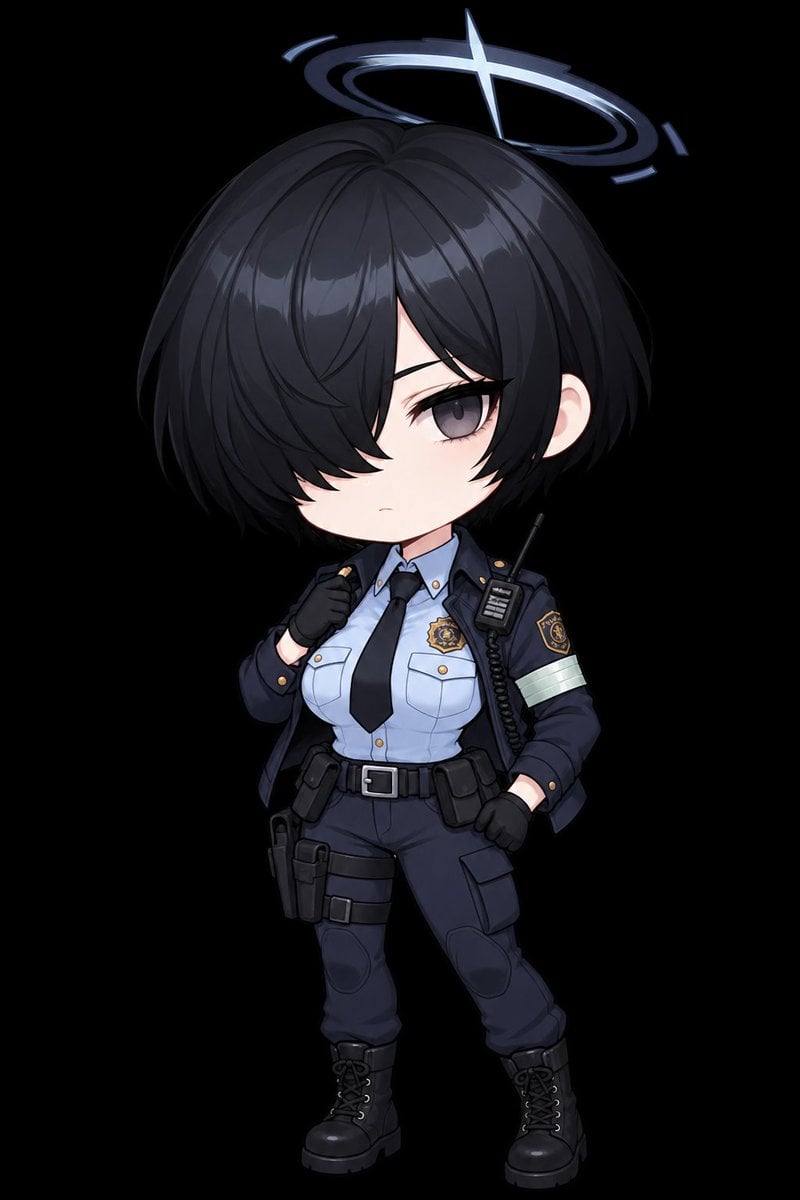
Chibi Tactical Police Girl with Halo
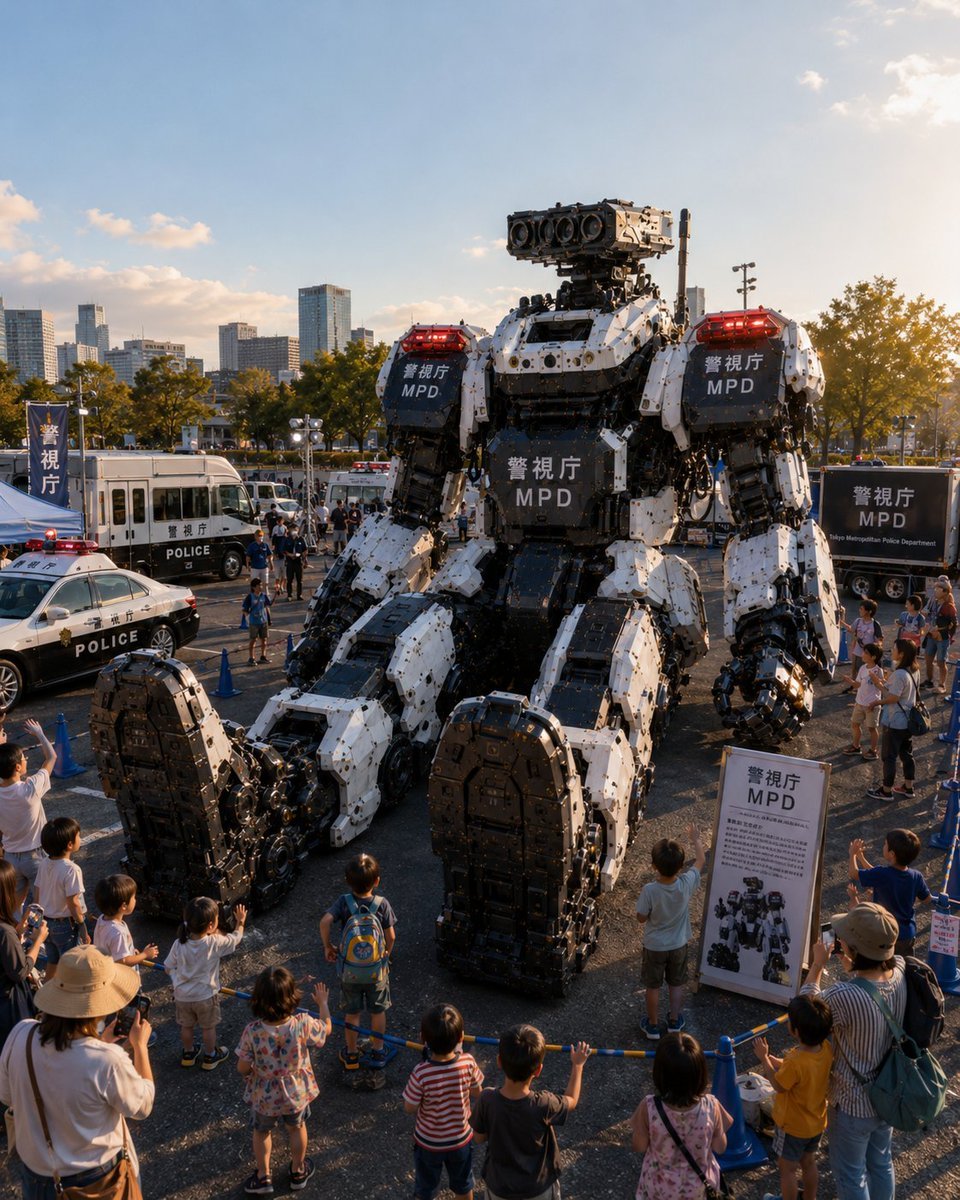
Tokyo Police Robot Exhibition
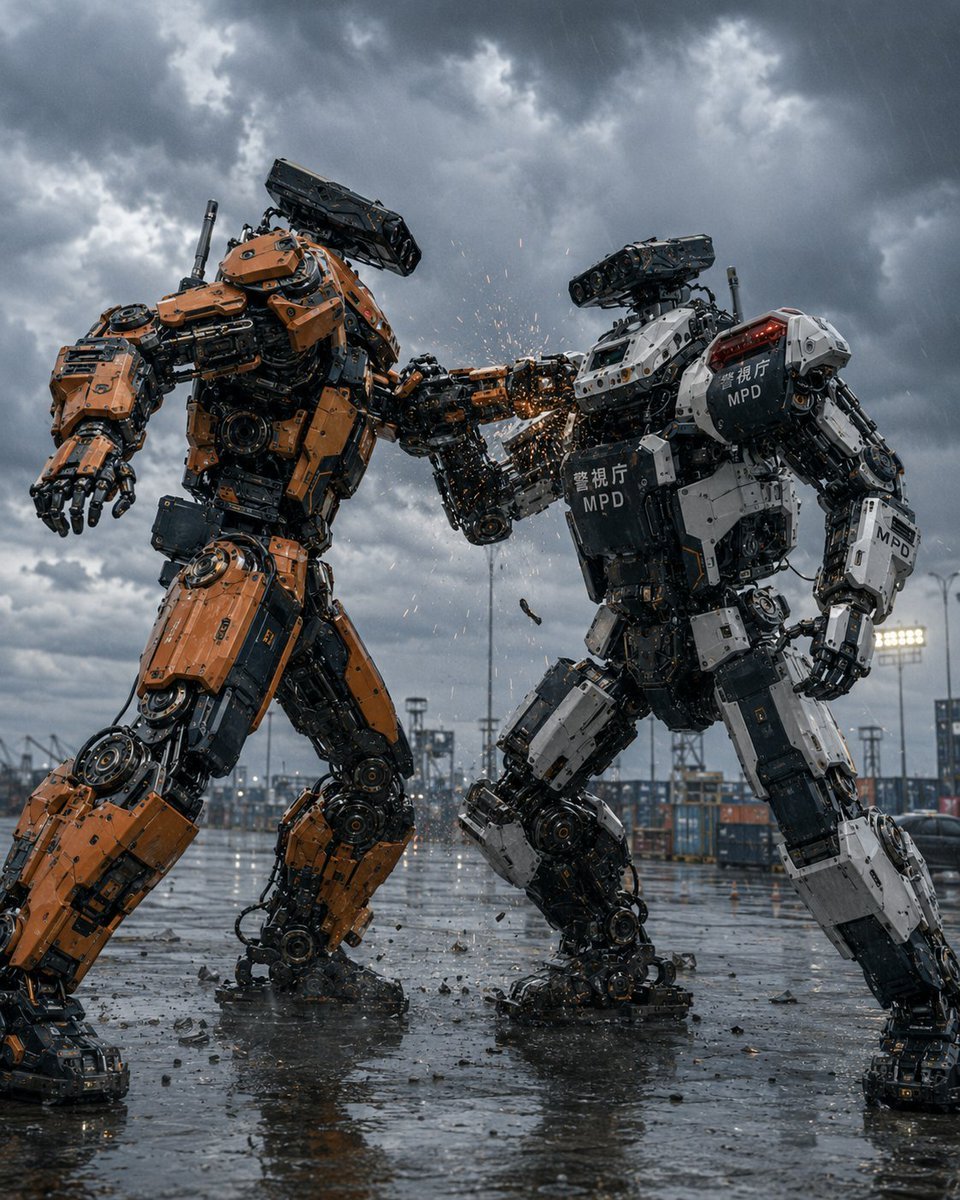
Stormy Police Mech Duel
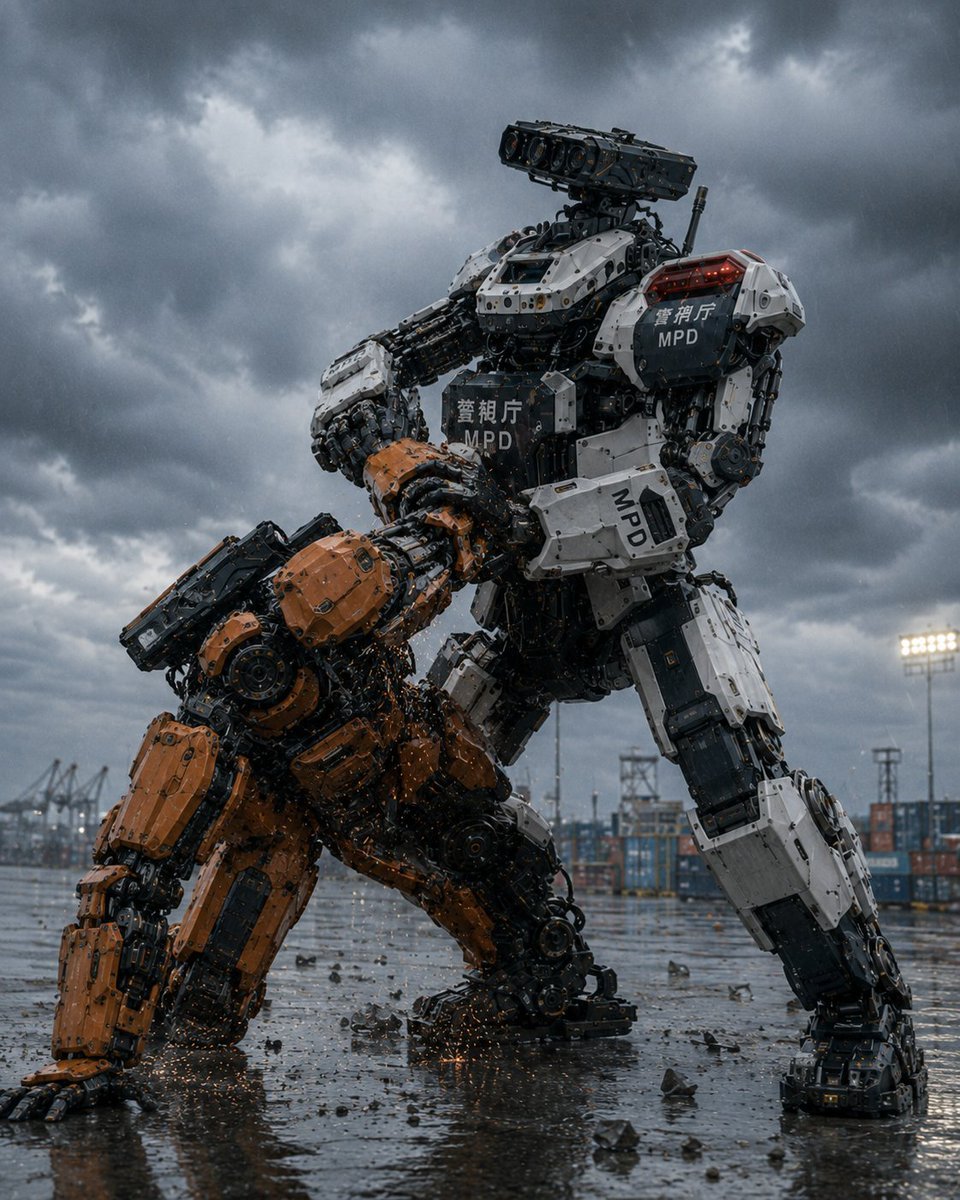
MPD Police Mecha Arrest Scene
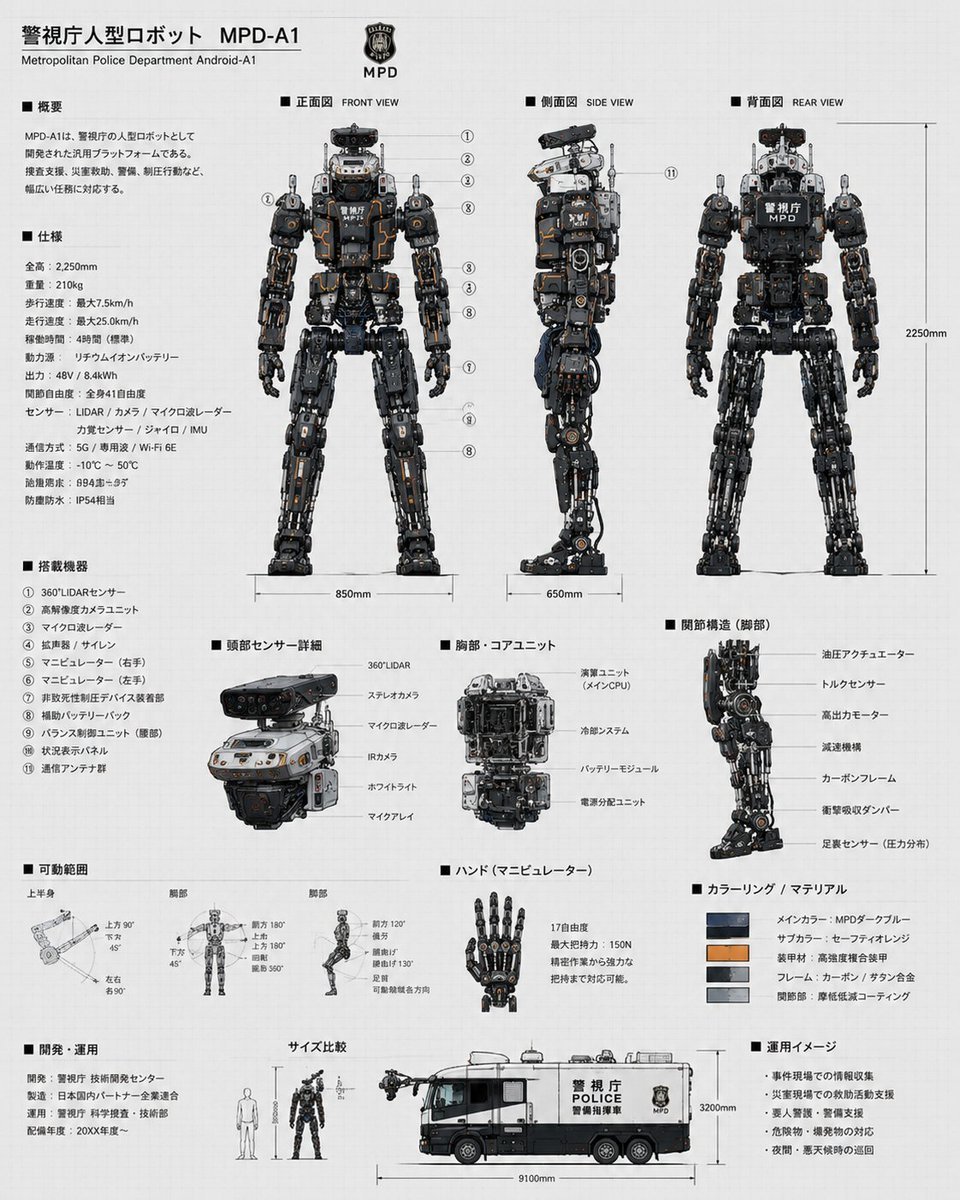
Police Robot Blueprint
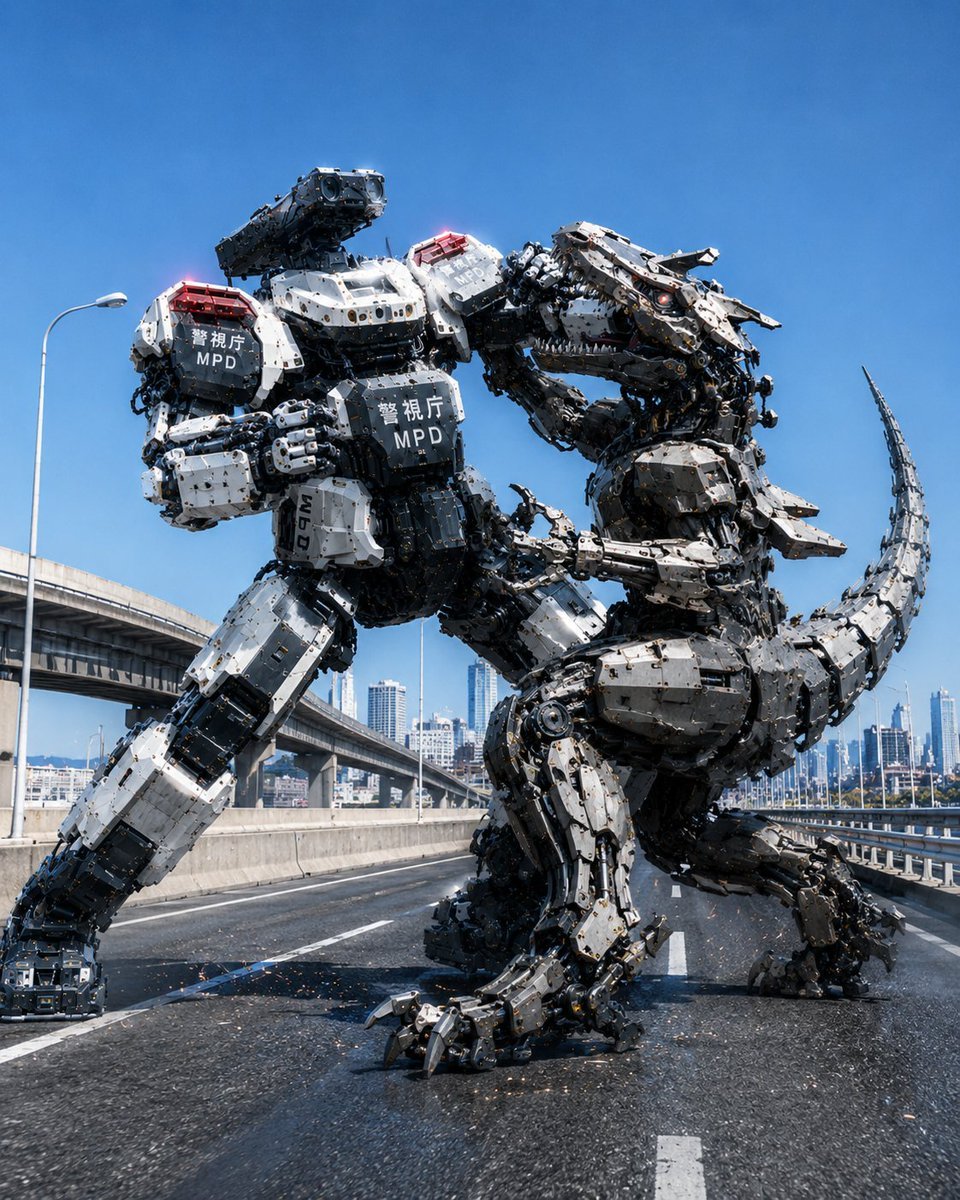
Police Robot Dinosaur Battle Scene
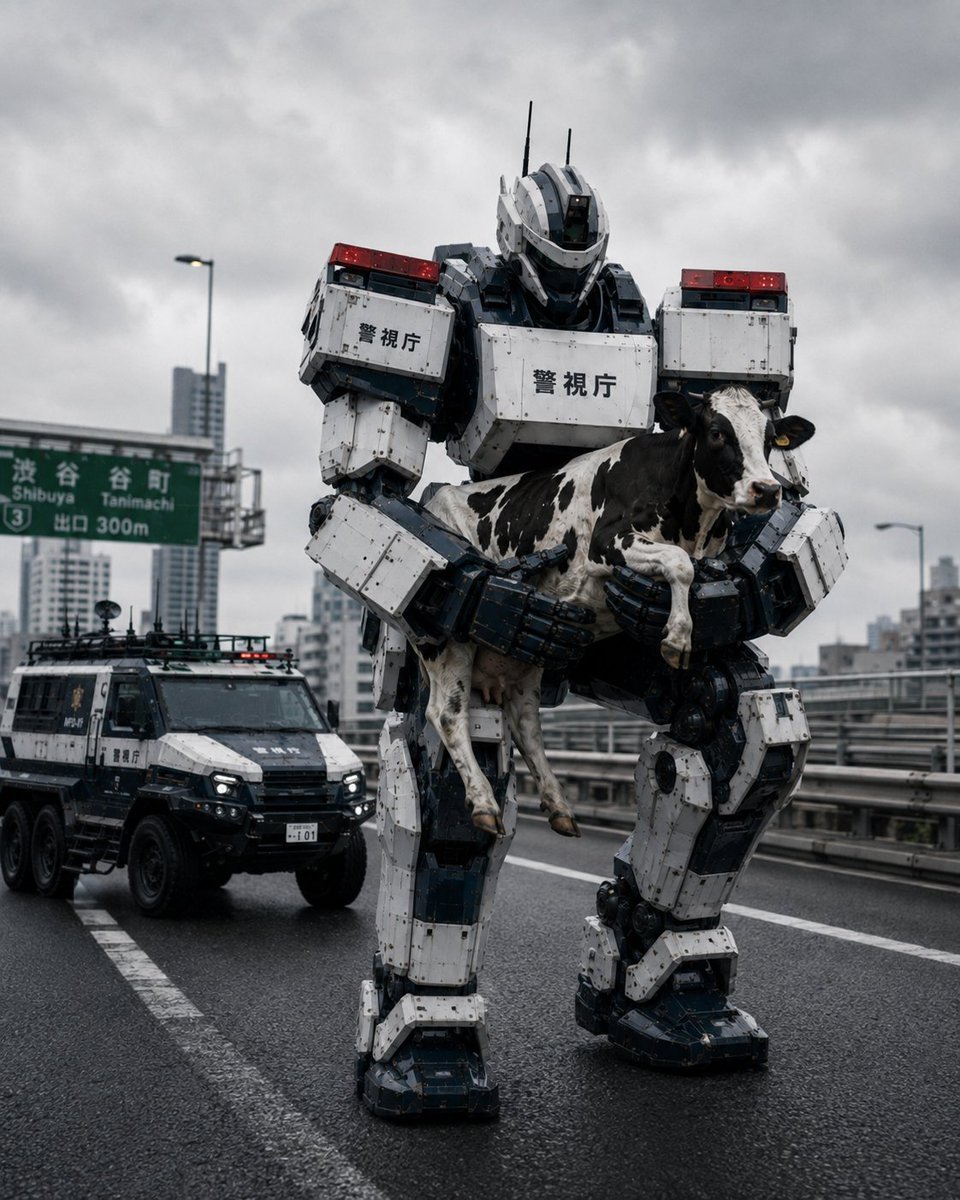
Tokyo Police Robot Rescuing Cow
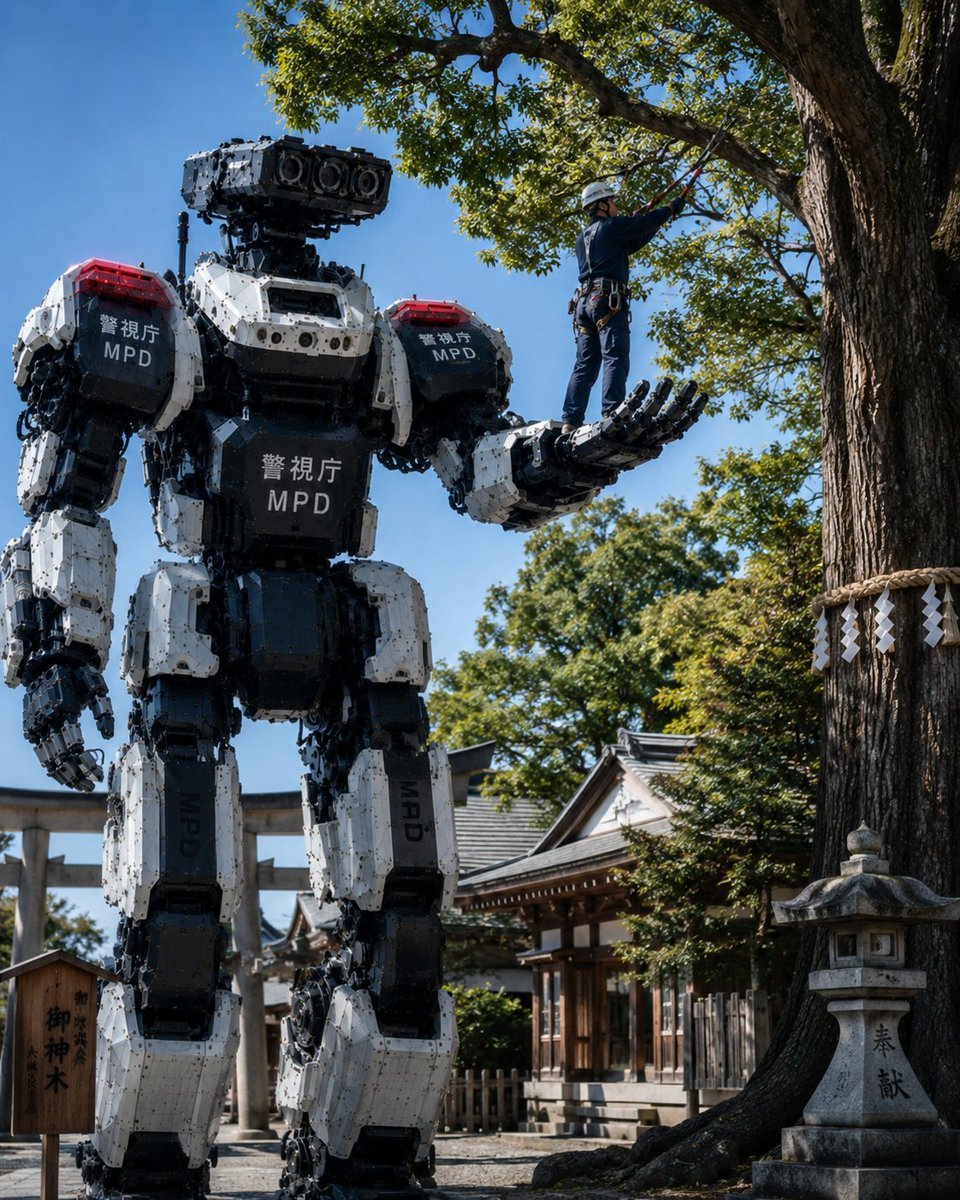
Police Robot Pruning Shrine Trees
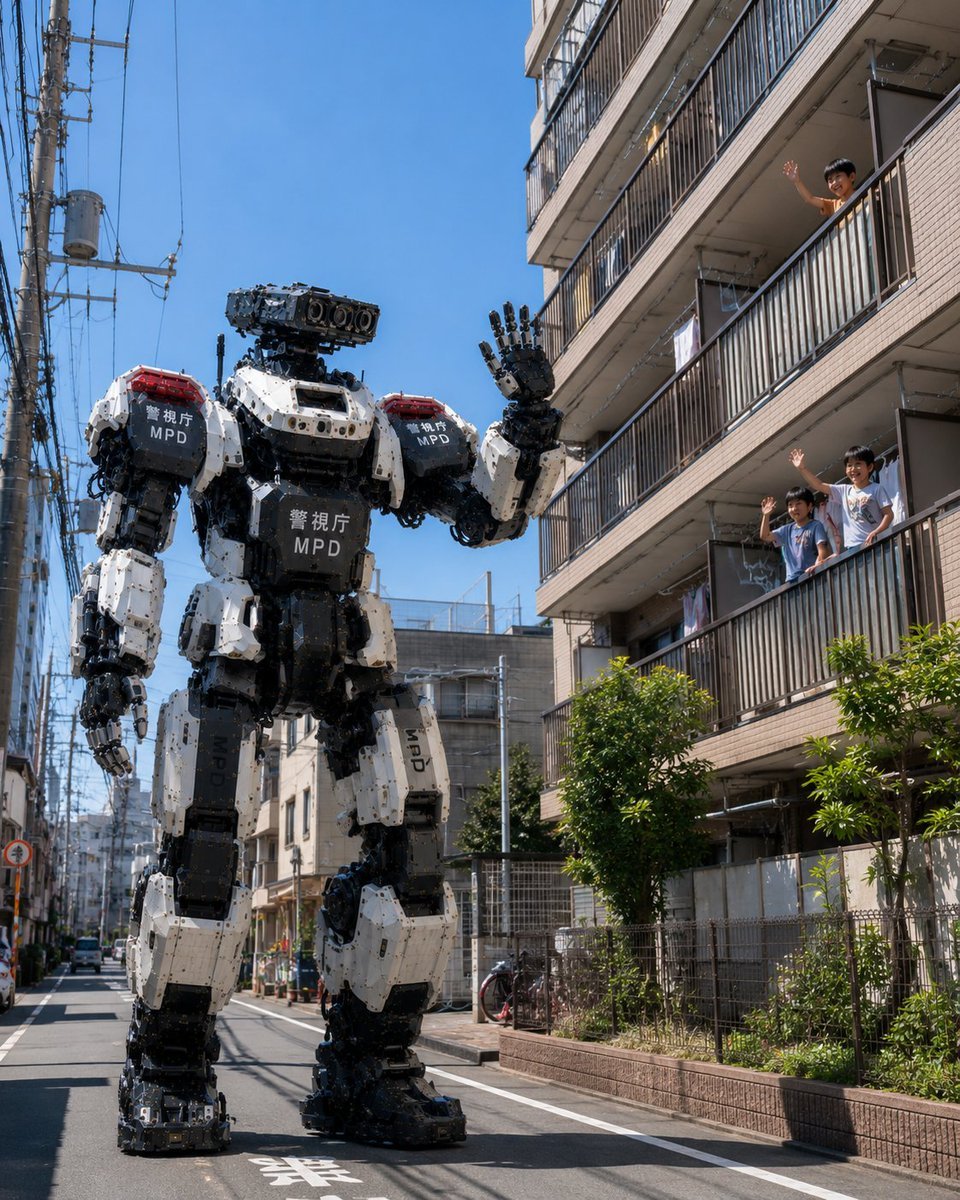
Tokyo Police Robot Neighborhood Patrol
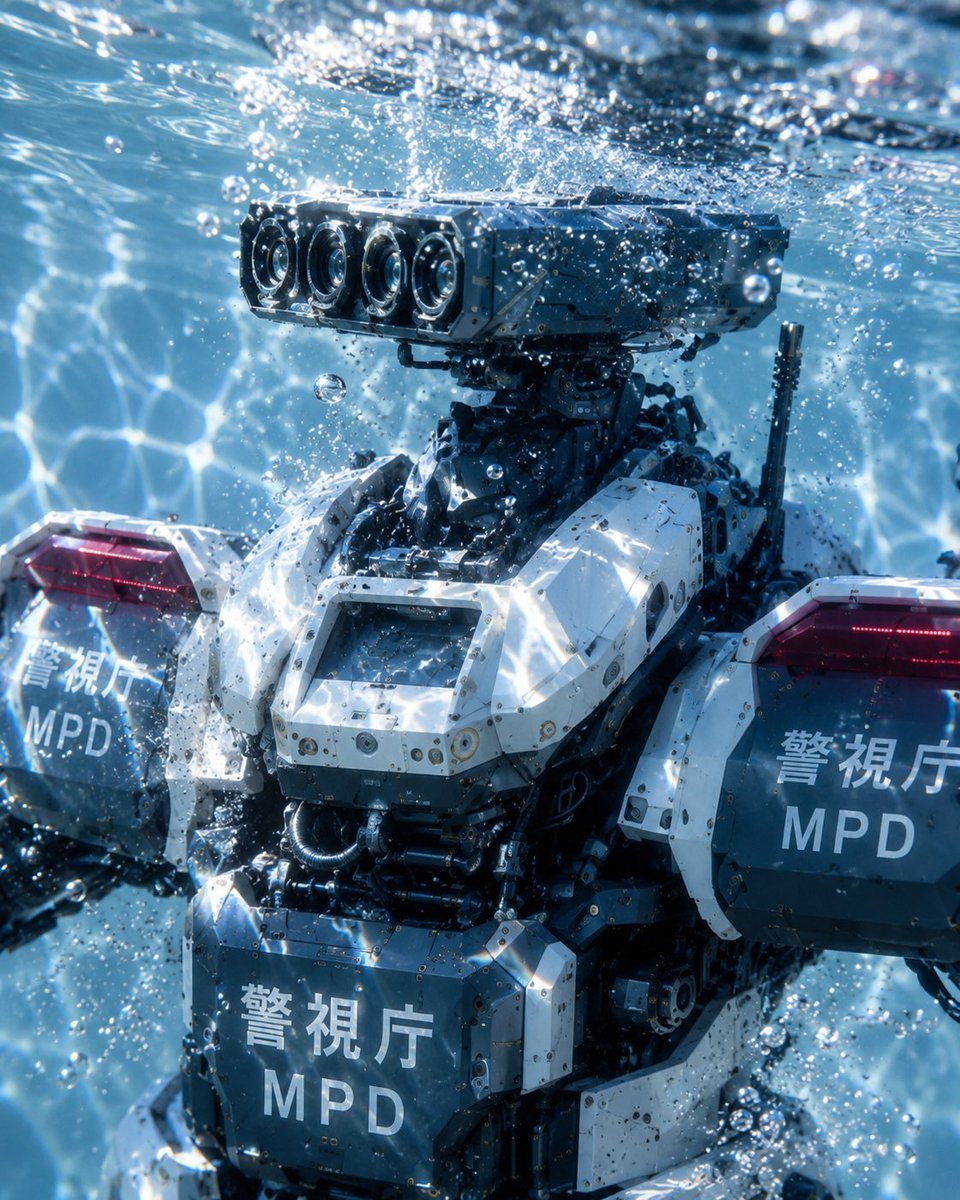
Underwater MPD Police Robot Test
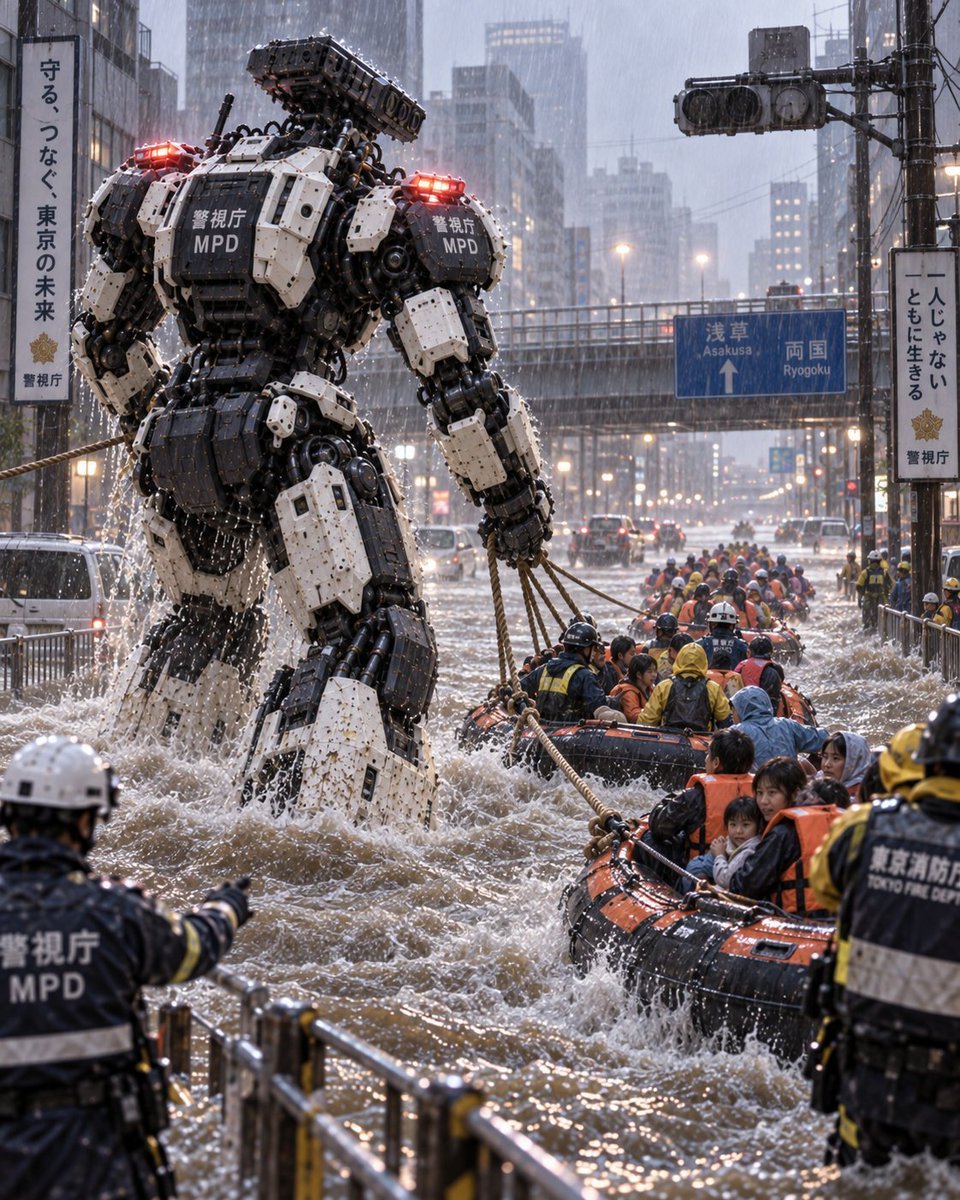
Police Robot Rescue Scene
Make it yours
Cinematic police raid scene works as-is. These are the safest ways to change it without losing the look.
Change one field
Copy a single group, rewrite it, and generate again so you can see what that field is doing.
Keep the frame, change the subject
Hold the composition and light of Cinematic police raid scene, then swap wardrobe, props or the person for a new take.
| If the result… | Why | Fix |
|---|---|---|
| The result drifts from the preview | Too many fields changed at once. | Reuse Cinematic police raid scene as-is first, then change one group — subject, light, or setting. |
| The model over-stylizes the scene | The prose prompt leaves finish and camera underspecified. | Add one camera or lighting sentence and stay on Nano Banana 2. |
More Nano Banana 2 templates
Other prompts made for Nano Banana 2.

Photorealistic Leaf Shaped Like a Dragon

K-Pop Idol Portrait Grid for Rapid Selection

Poetic Rain Forest Portrait During Golden Hour

Urban Street Portrait with Cartoon Inner Self Duo

Candid Nighttime Photo with Cat Prompt

High-Concept 3D Diorama Generation Prompt

Cinematic Futuristic Studio Portrait Template

Skincare Editorial Photography Collage Prompt

Hyper-Realistic Commercial Product Photography (Splash Effect)

Hyper-Realistic Nightclub Portrait Prompt
More image prompts
Fresh picks from across the catalog.
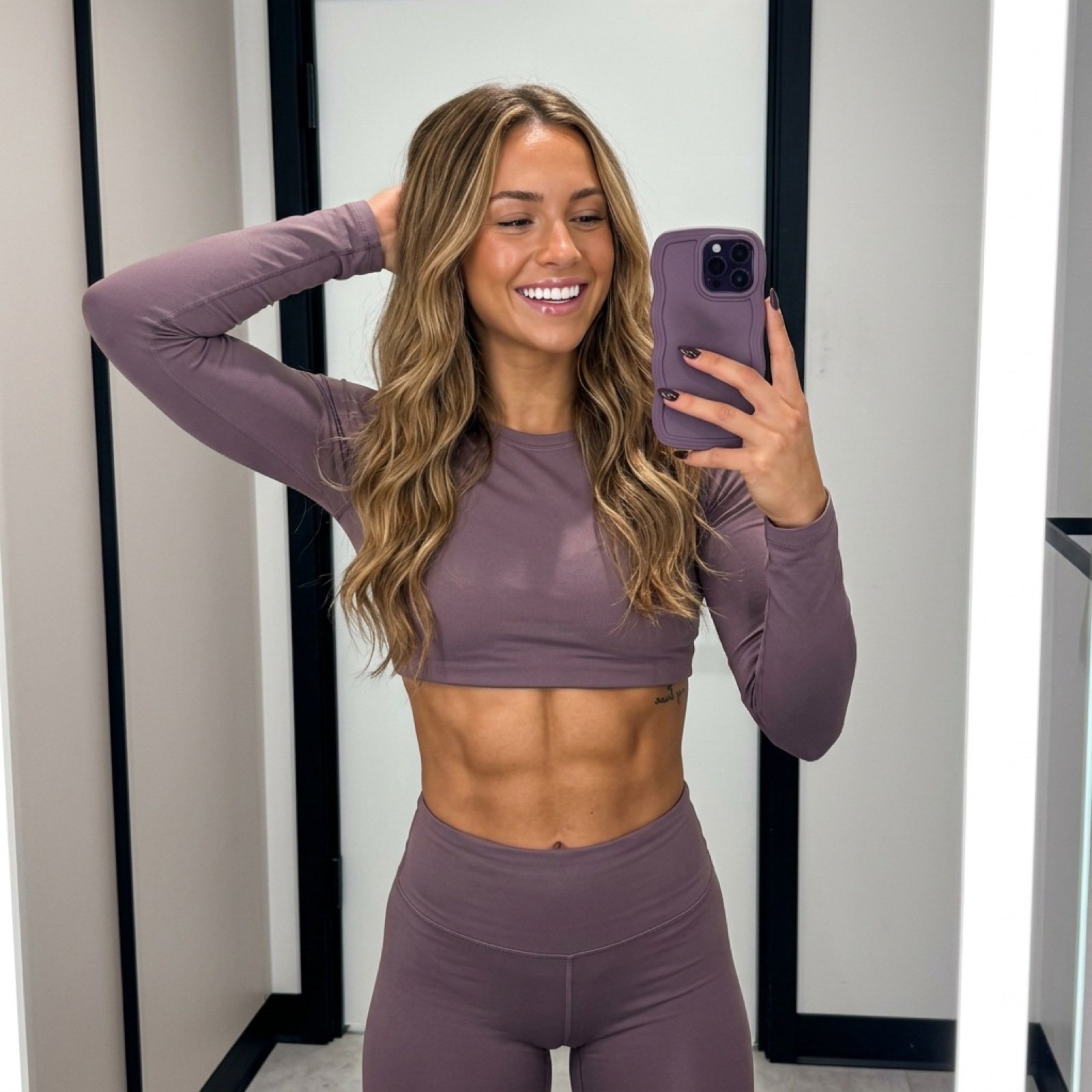
Athletic Mirror Selfie with Defined Physique
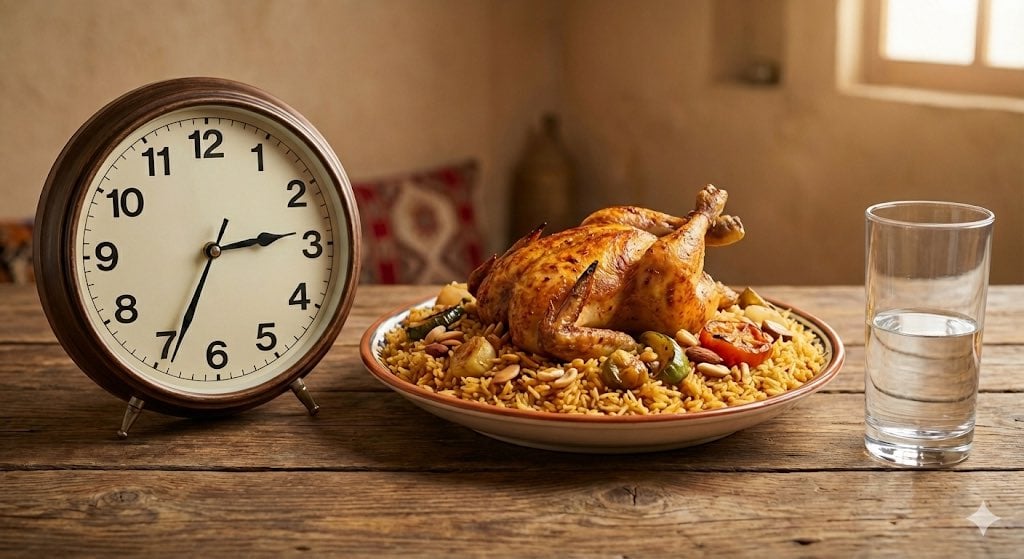
Analog clock and Saudi kabsa meal still life
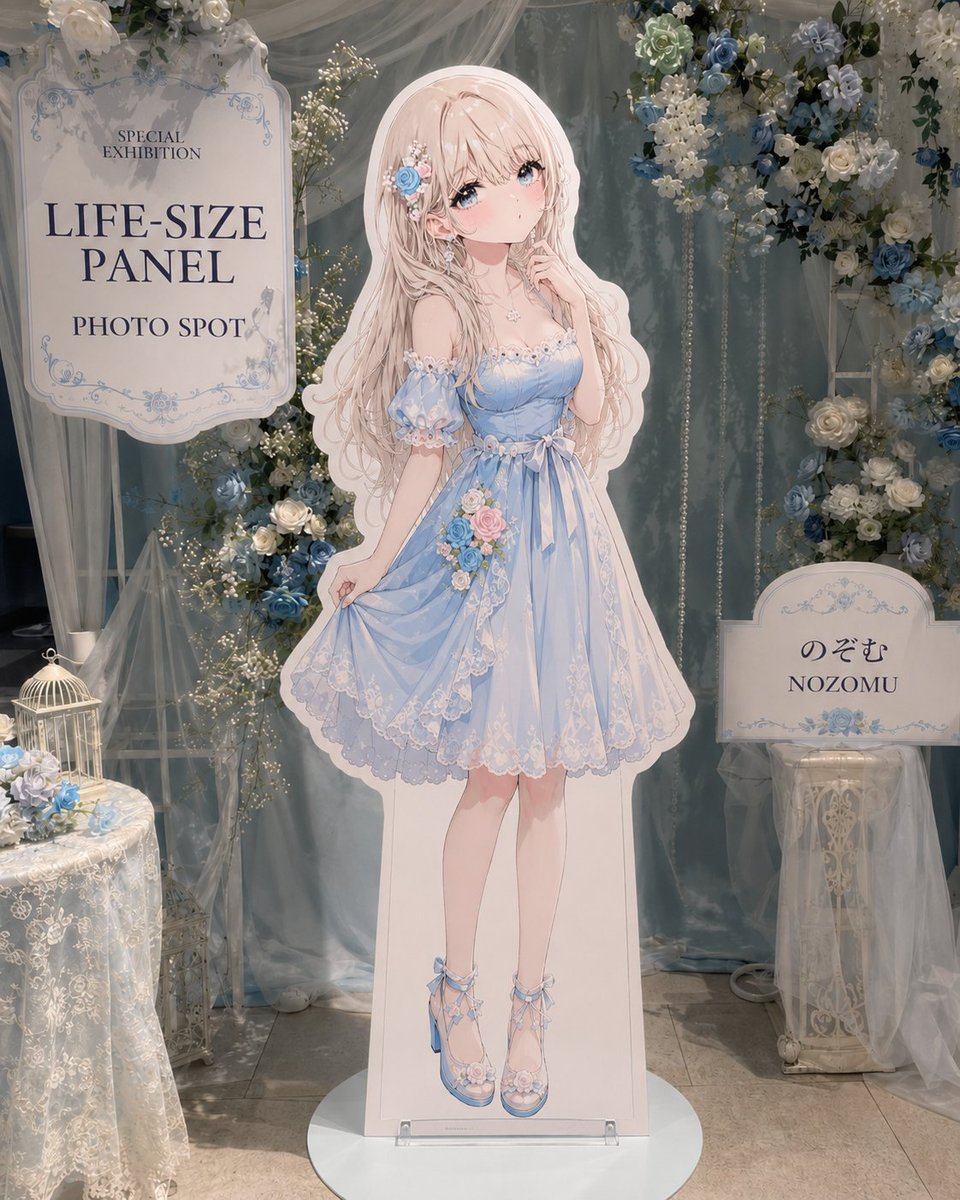
Anime Life-Size Panel Photo Spot
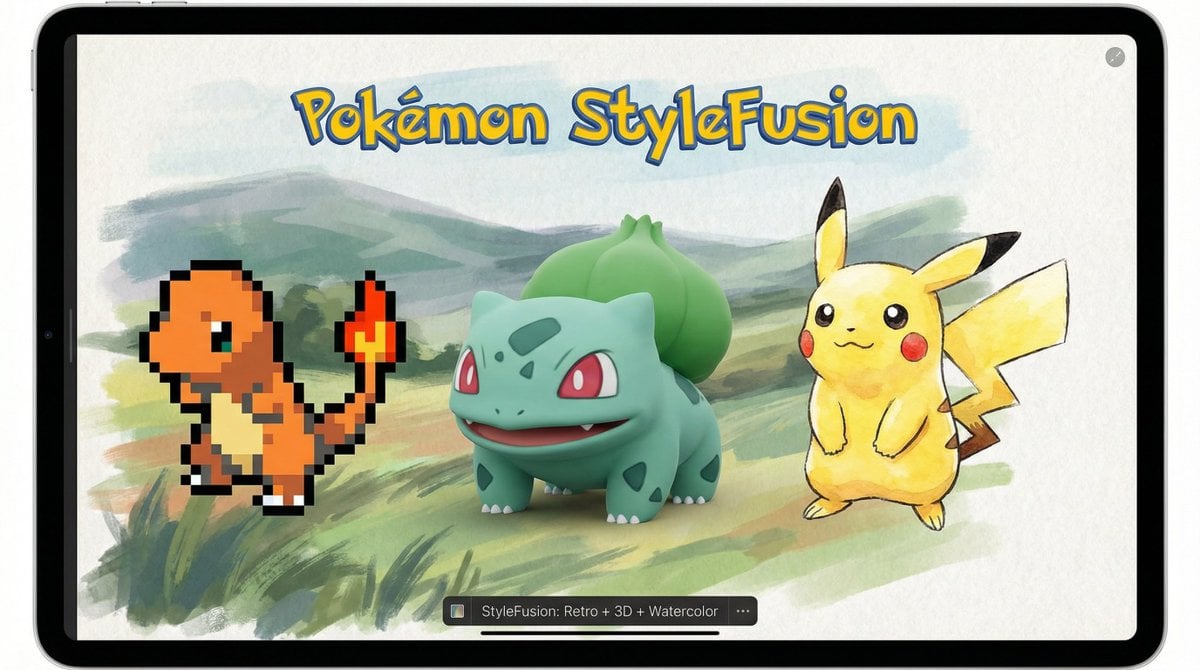
Pokémon Style Fusion Promo
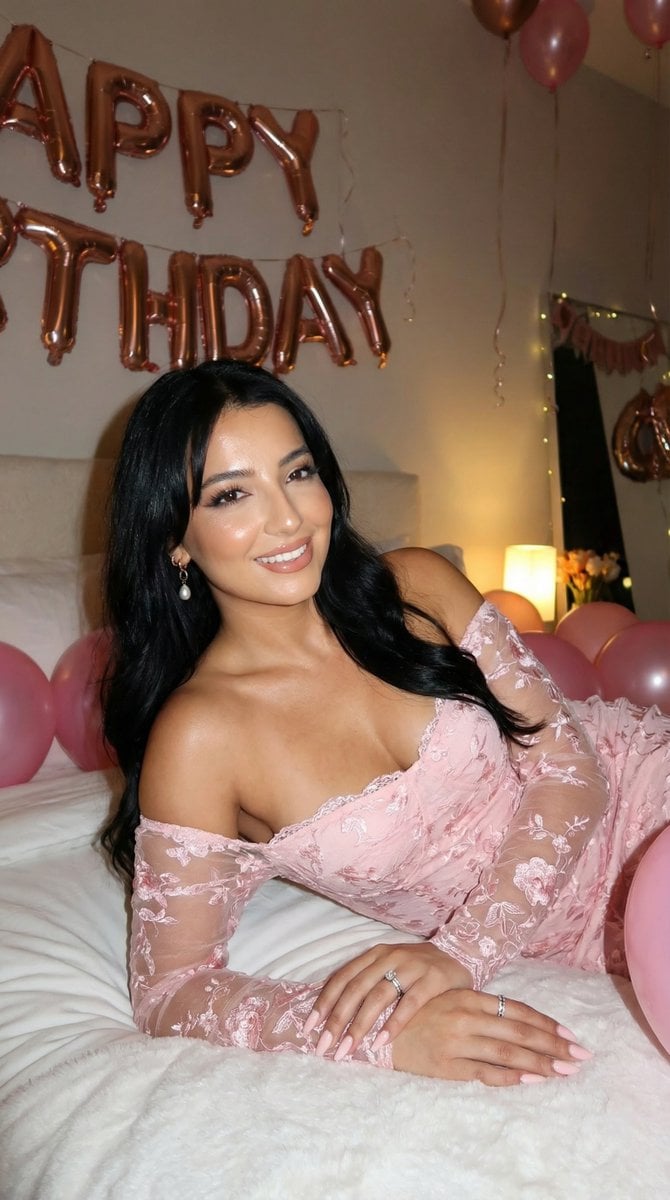
Flash Photography Birthday Portrait Prompt

Luxury Ad Style Prompt
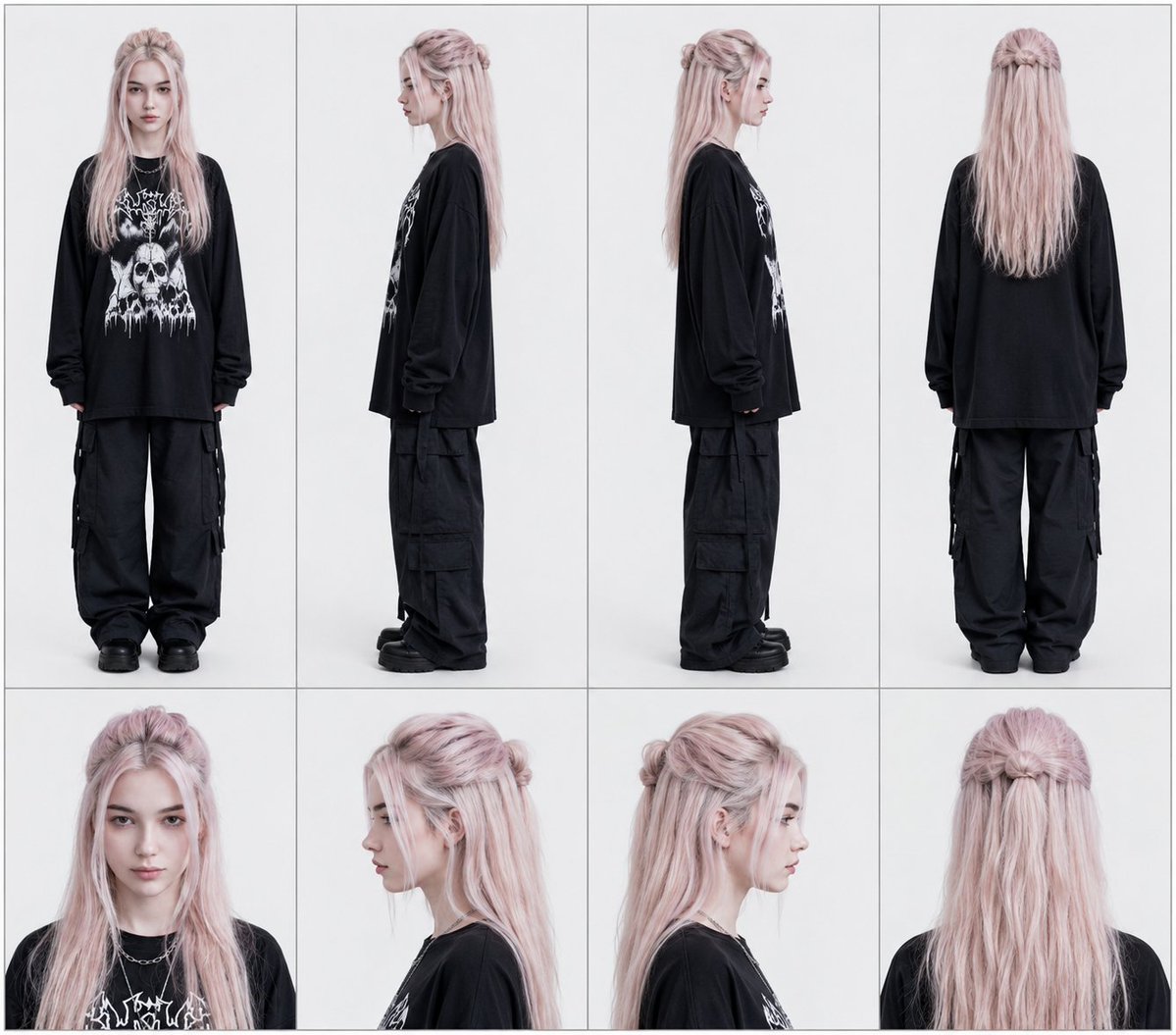
Professional Character Reference Sheet Layout
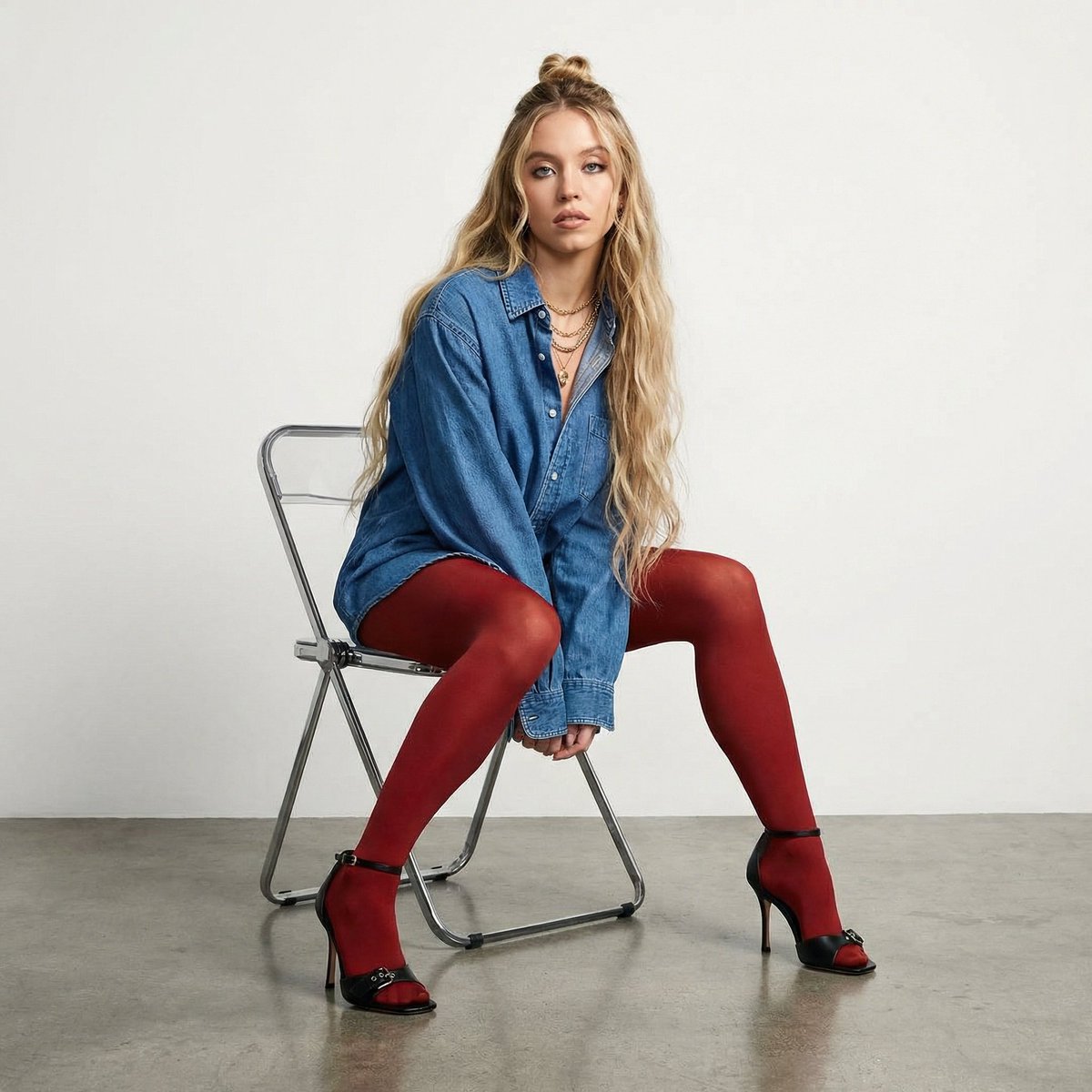
High-Fashion Denim Photoshoot with Ultra-Long Hair
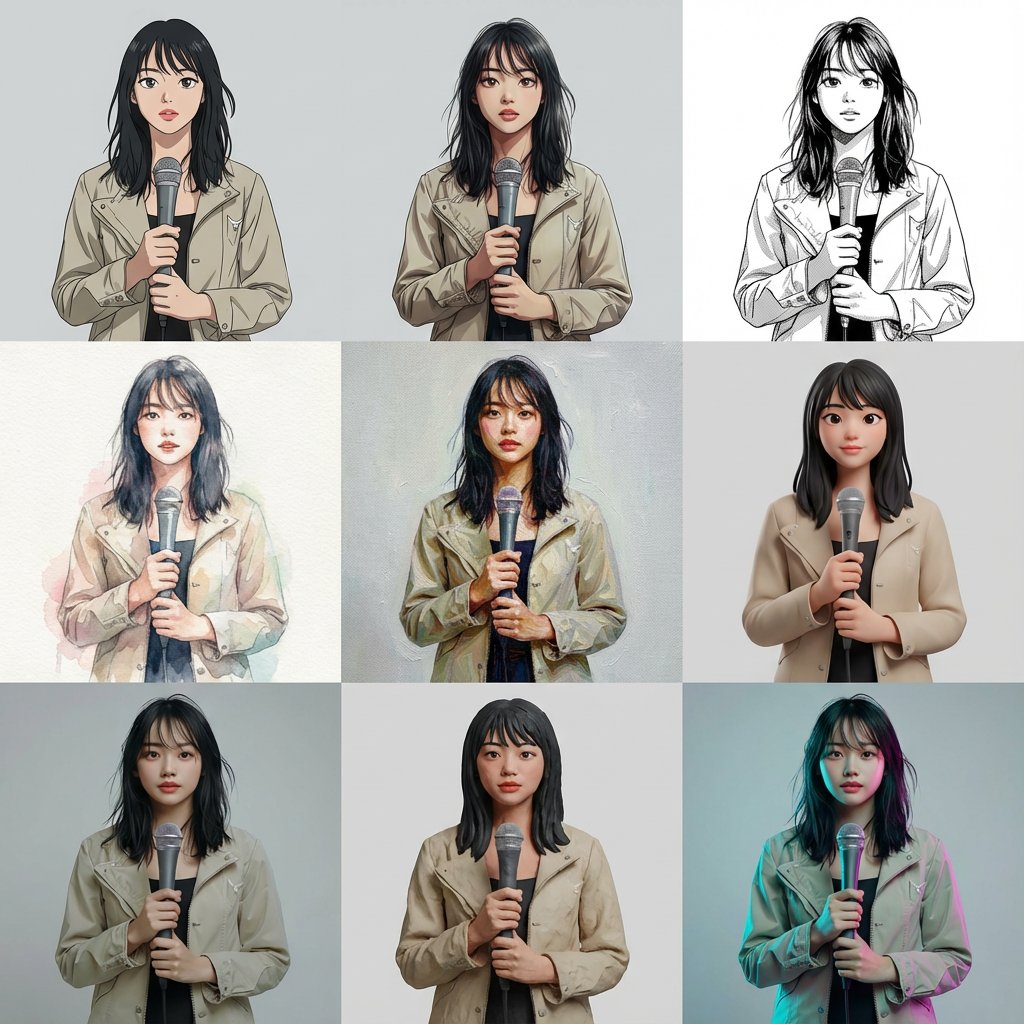
Multi-Cut Image Generation with Style Variation
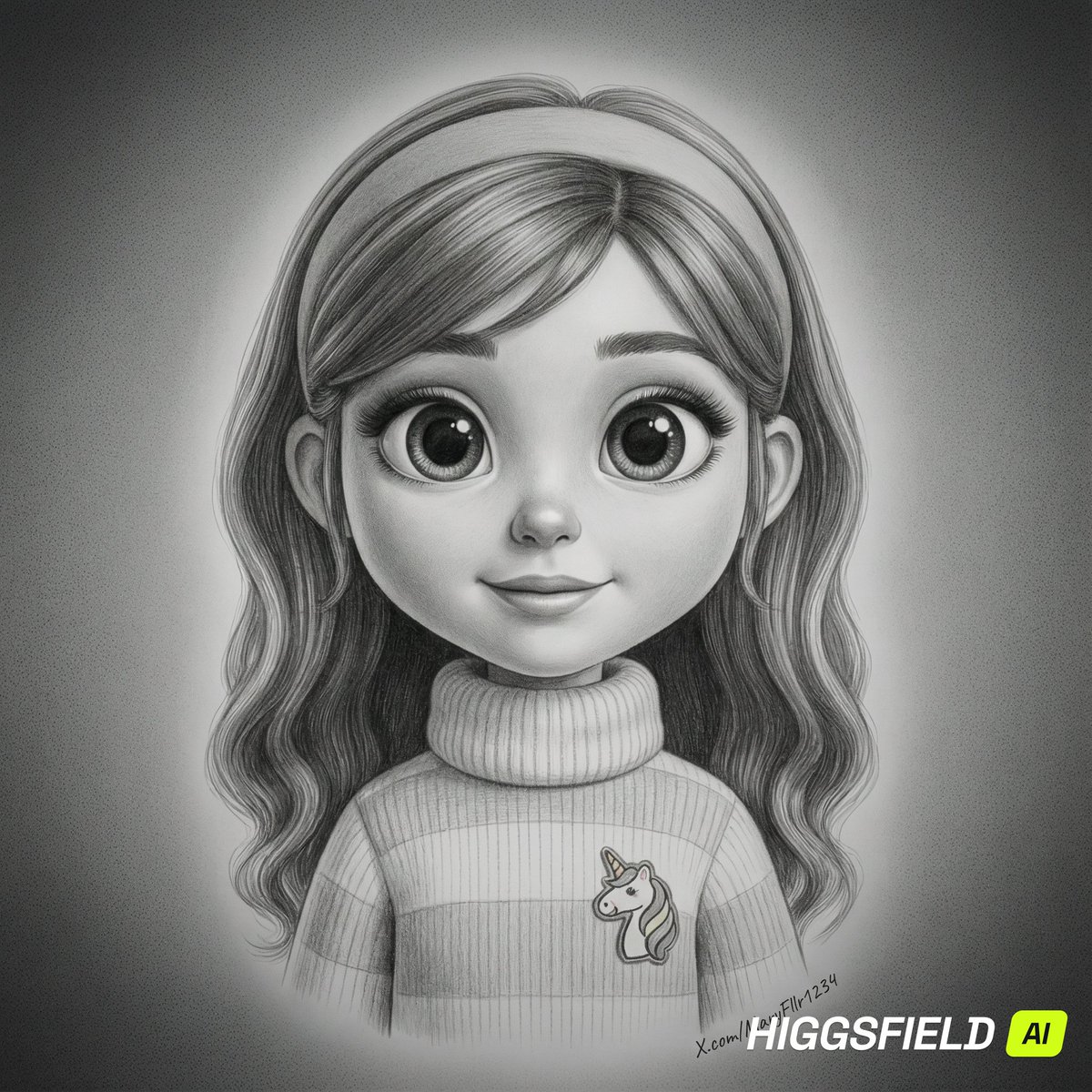
Hyper-Realistic Pencil Sketch Portrait Prompt
Browse template categories
Cinematic police raid scene questions
How do I use the Cinematic police raid scene template?
Add your photo if the template asks for one, edit the prompt if you like — the template's model and format are already selected — and press Generate. Your version opens in PicX Studio.
Can I customize the Cinematic police raid scene template?
Yes. You can change the subject, setting, lighting, mood, format, and available model controls before creating your image.
Is the Cinematic police raid scene template free?
Opening and editing this template is free. Generating uses credits, shown on the Generate button when you are signed in.
Which AI model should I use?
Start with Nano Banana 2, which is the model associated with this template. You can compare another compatible model for a different finish.
Looking for something else? Browse all templates.

Your photo, any look
Thousands of ready templates for every top image and video model, from one credit balance.