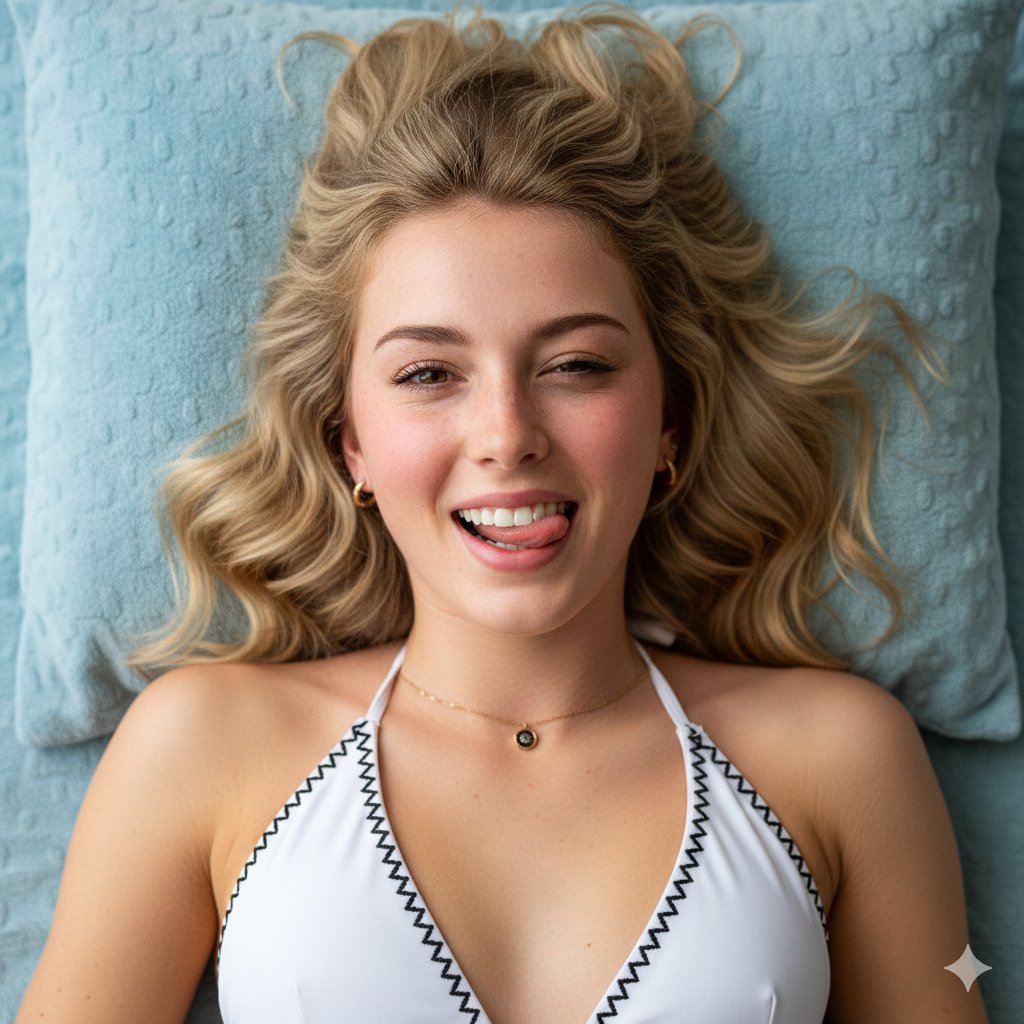
How do I use the iPhone Style Joyful Portrait template?
Choose the primary action to open PicX Studio with the available template settings. Review the model and format, personalize the creative direction, and generate when ready.
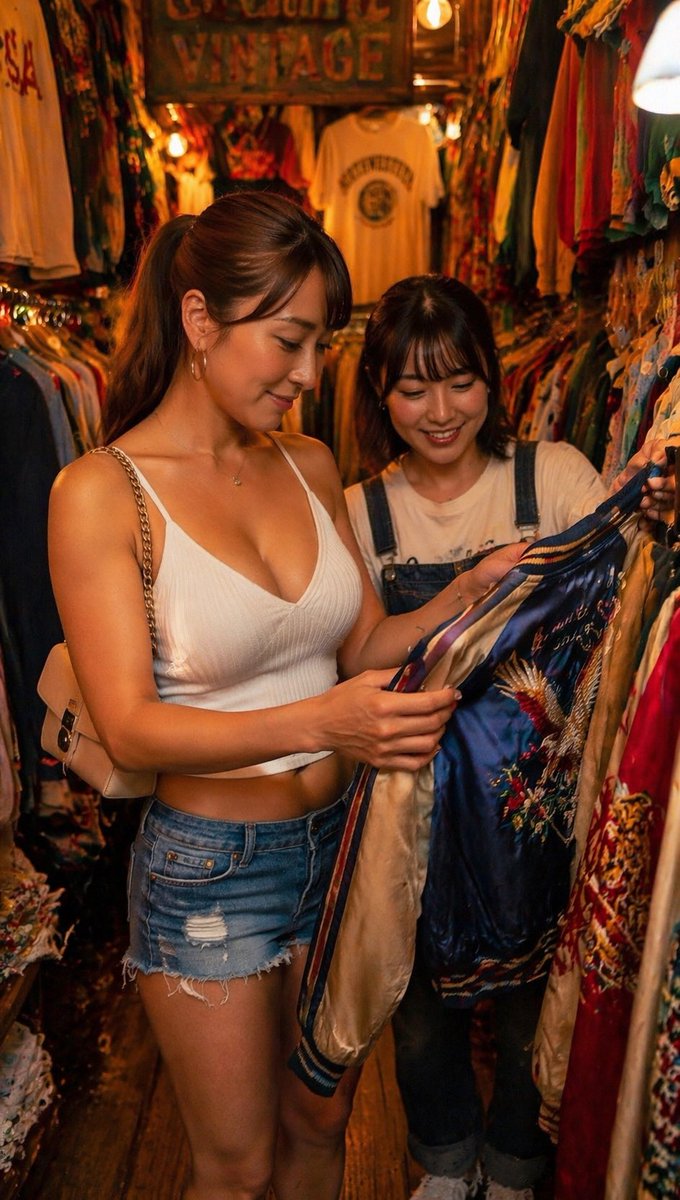
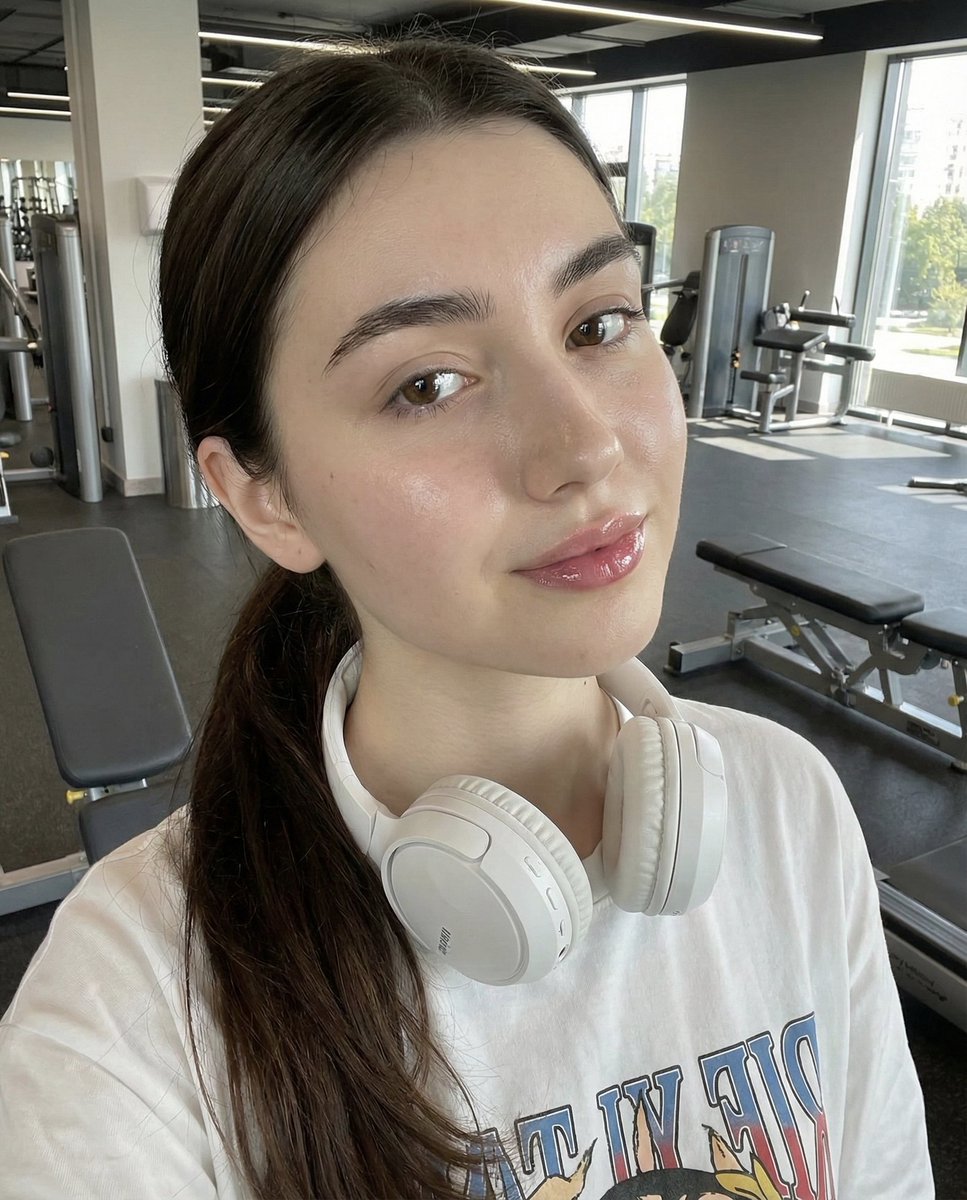
A comprehensive prompt using a reference image to generate a hyper-realistic iPhone photo of a woman in a cloud-patterned cardigan.
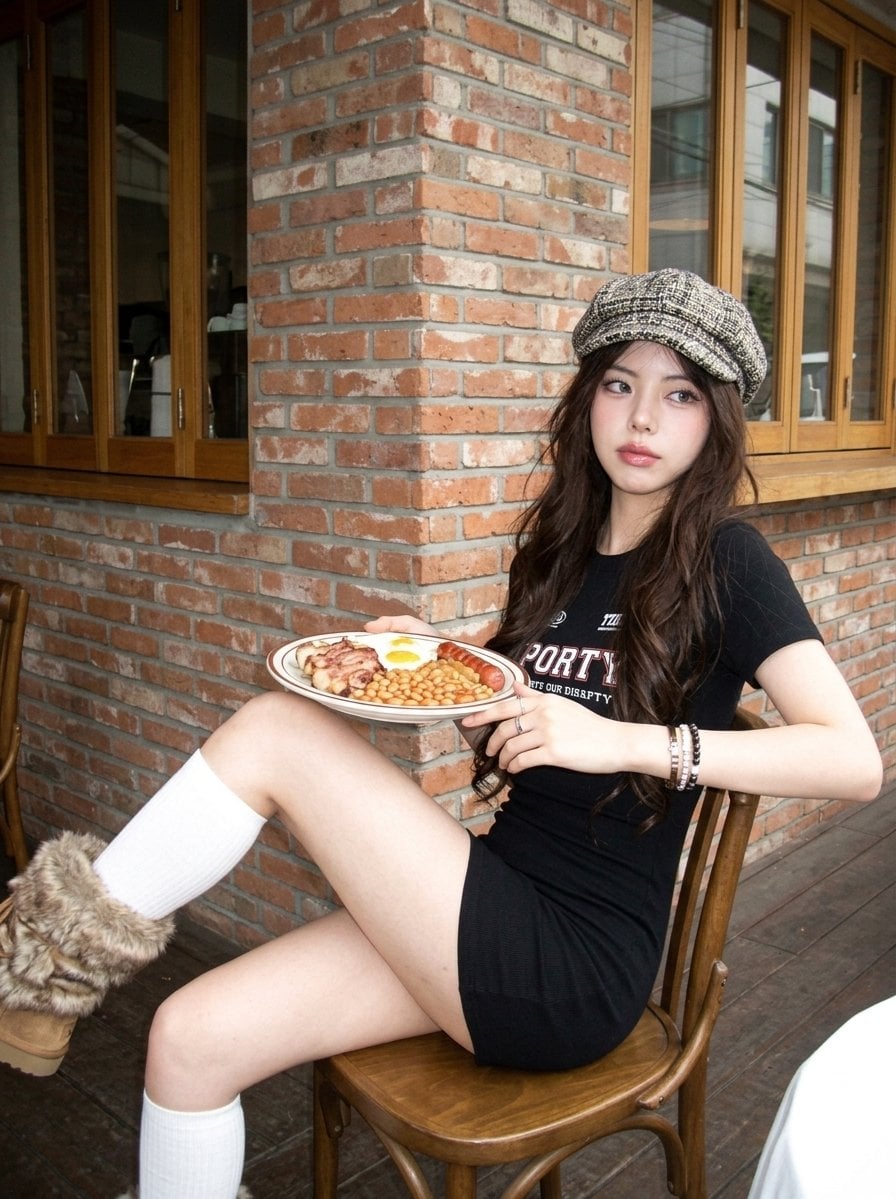
Create image: Use the attached reference image as a visual guide for the character’s appearance. Preserve key visual traits such as facial structure and overall proportions, while allowing small natural variations typical of real photography. The generated subject should clearly resemble the reference while remaining a natural photographic interpretation. Aspect Ratio: 3:4. A hyper-realistic, ultra-sharp photograph taken on a modern smartphone, specifically an iPhone 15 Pro, characterized by its digital clarity and shot on a modern high-end smartphone camera with a wide-angle lens at ISO 50 and f/1.8. The subject is a young adult woman captured from a low-angle perspective, leaning her torso forward and angled 15 degrees to the left. Her pose is a study in human asymmetry: her left arm is extended directly toward the lens in a candid, reaching gesture with relaxed, softly curved fingers, while her right arm hangs back, creating a natural weight shift that causes her right shoulder to drop lower than the left. Her {argument name="hair color" default="dark"} hair is styled with wispy bottleneck bangs and two long, symmetrical braids resting on her chest, with fine flyaway strands caught in a soft breeze. Her expression is one of radiant joy, a beaming smile that causes a slight nose scrunch and a genuine "eye smile" where her eyes are half-lidded with micro-tightening at the outer corners and a glistening inner corner shine. Her brows are relaxed and slightly raised in spontaneous delight. Her skin exhibits a healthy radiance and a distinct rosy warmth, featuring visible pores and a clear texture with soft highlights on the bridge and tip of her nose. A subtle pinkish-mauve gloss covers her lips with a subtle shimmer, and a high-placed pink blush accents her cheekbones. She is dressed in a {argument name="clothing" default="light blue ribbed cotton camisole crop top"} under an {argument name="outerwear" default="oversized, cobalt blue chunky-knit cardigan"} decorated with large, white intarsia cloud patterns; the heavy knit texture is microscopically detailed where it slips off her shoulders. She wears high-waisted, distressed indigo denim shorts with intricate fraying and white thread tassels at the hem. The entire scene is rendered in incredibly sharp focus against a vast, saturated azure sky, illuminated by bright, natural overhead sunlight that creates a subtle lens flare and gentle shadows under the jawline. Digital texture is paramount, revealing the crisp fabric details and the soft glow of the skin, devoid of film grain but with a hint of subtle digital noise, maintaining a natural, minimal contrast look.
Choose the primary action to open PicX Studio with the available template settings. Review the model and format, personalize the creative direction, and generate when ready.
Yes. You can change the subject, setting, lighting, mood, format, and available model controls before creating your image.
This template is free to open and customize. Generation usage is shown in PicX Studio before you create.
Start with Nano Banana 2, which is the model associated with this template. You can compare another compatible model for a different finish.
Follow a topic to a crawlable collection of related PicX Studio templates.