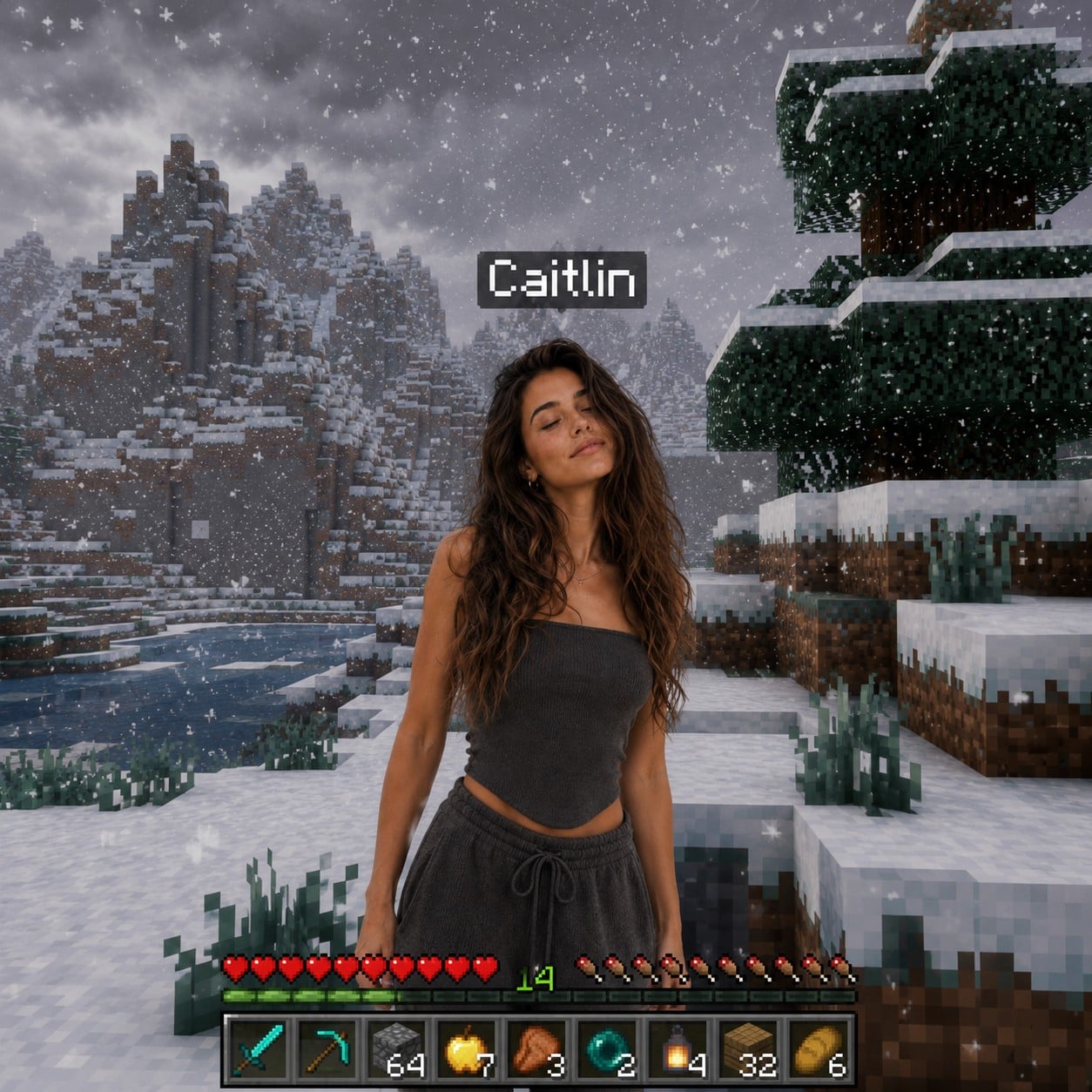
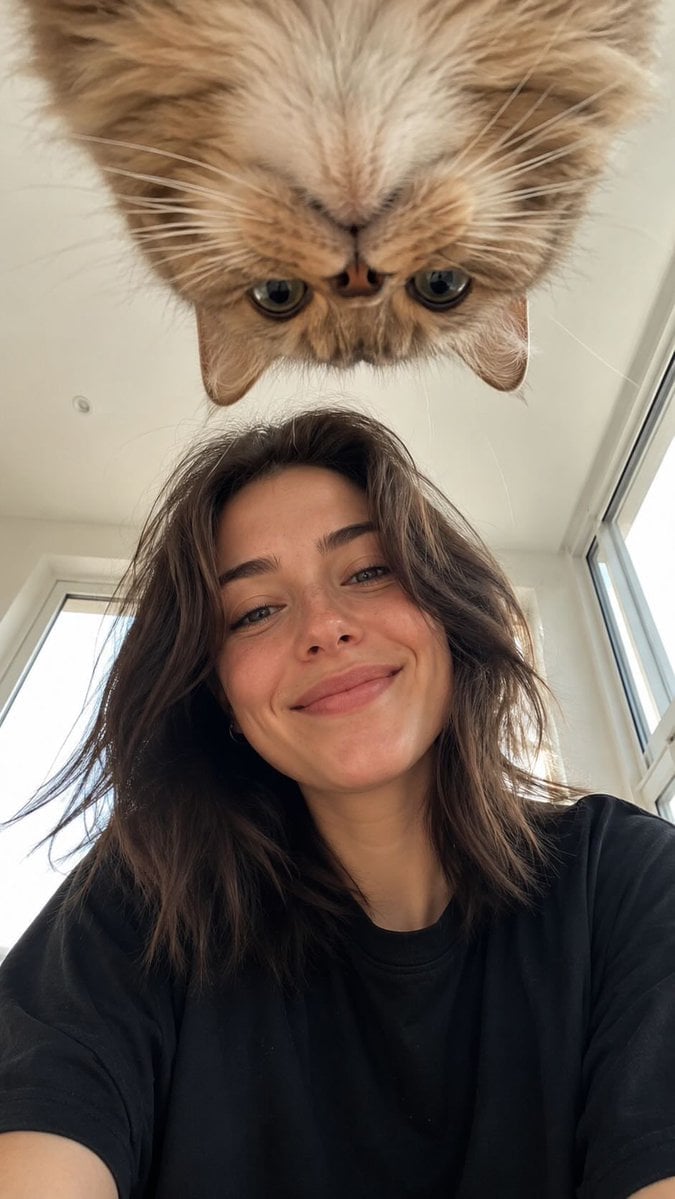
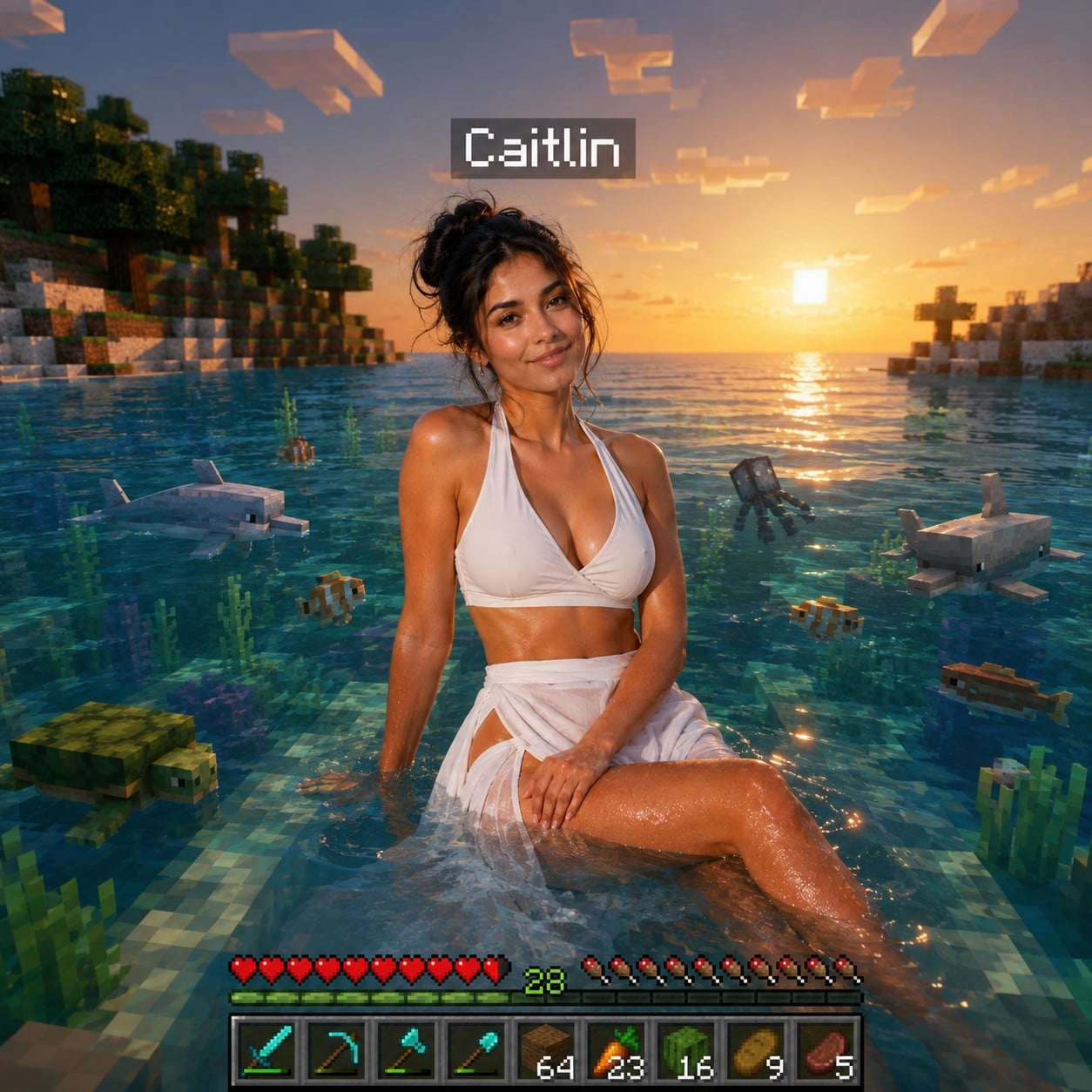
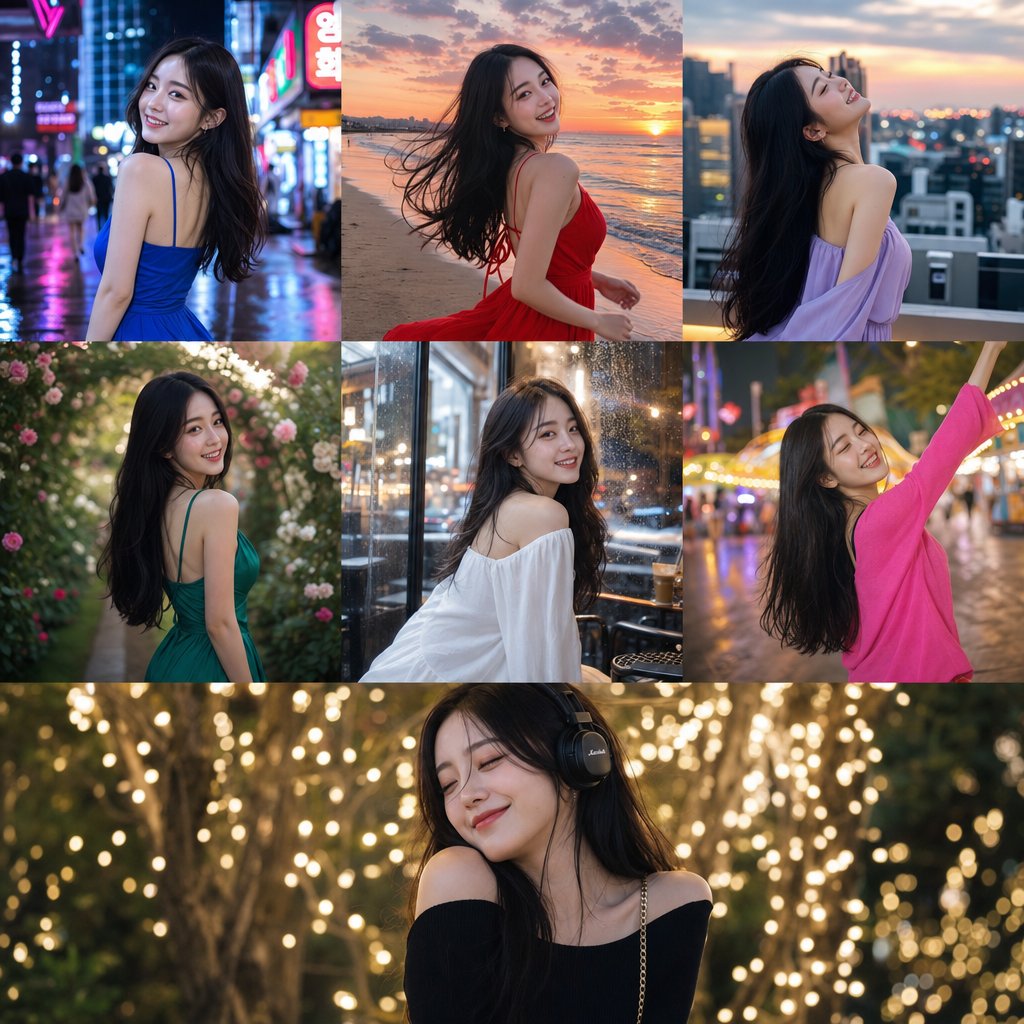
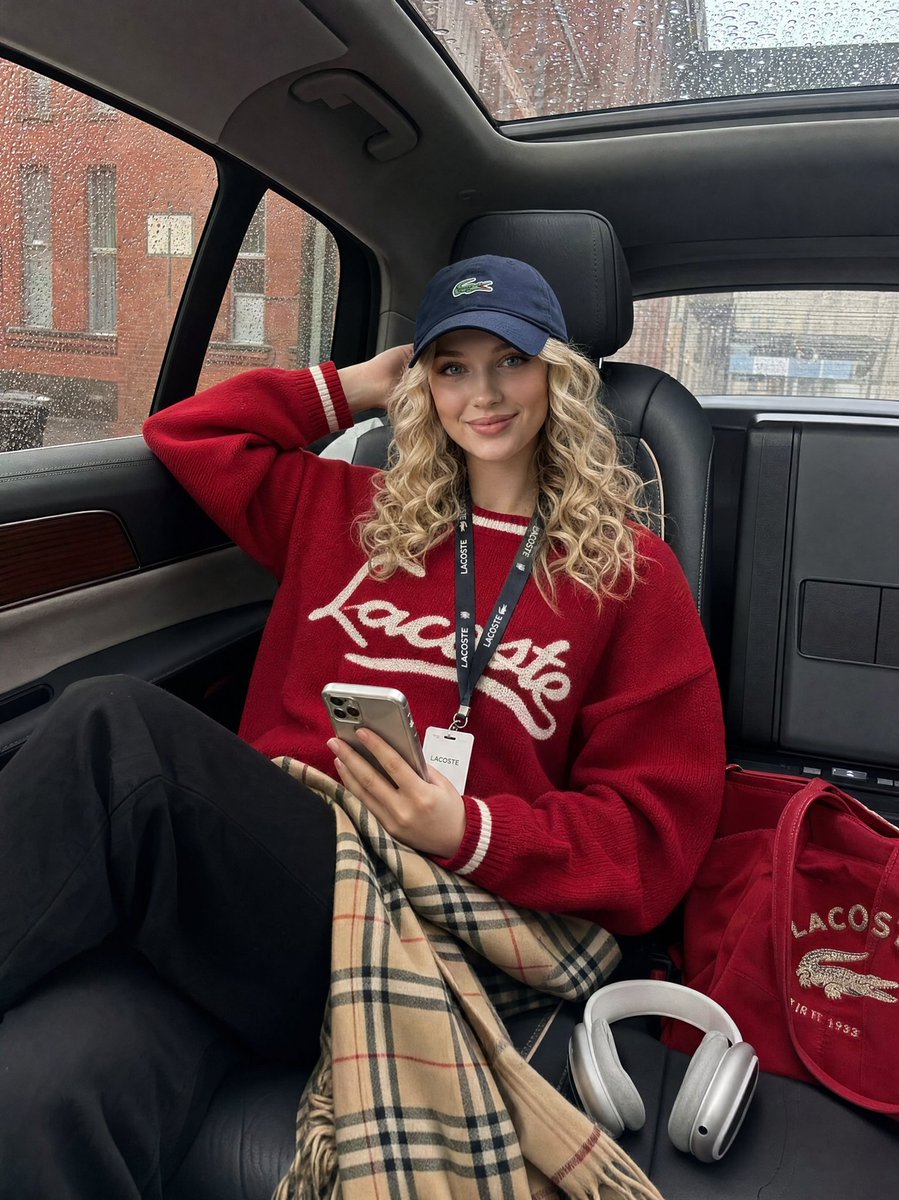
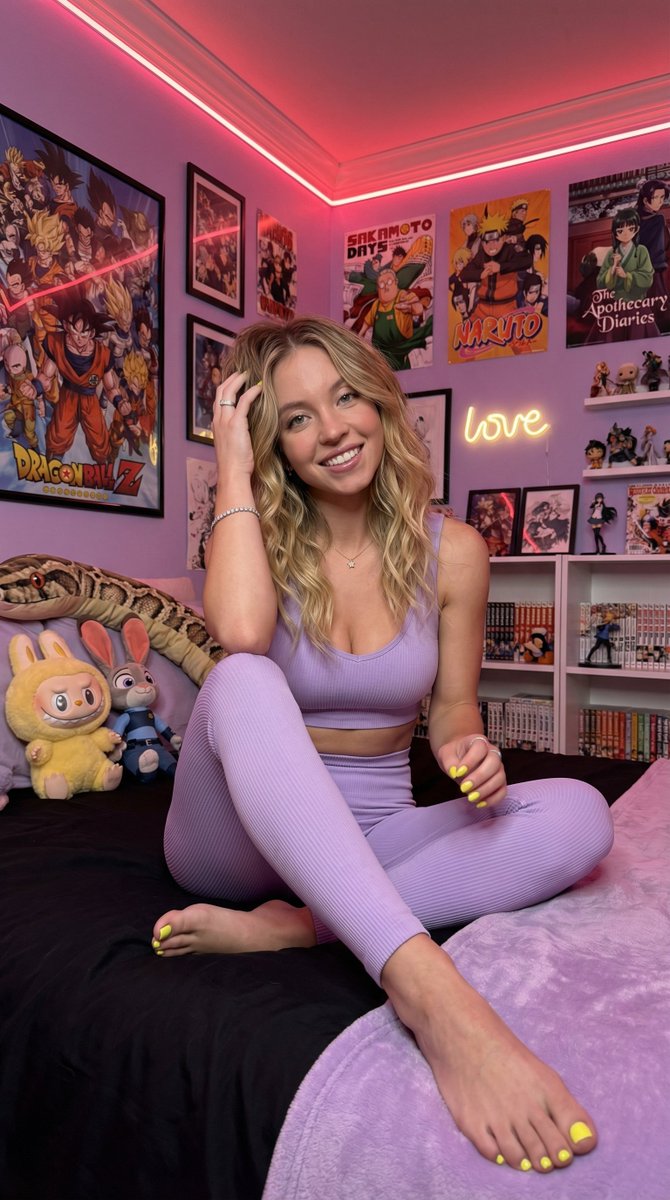
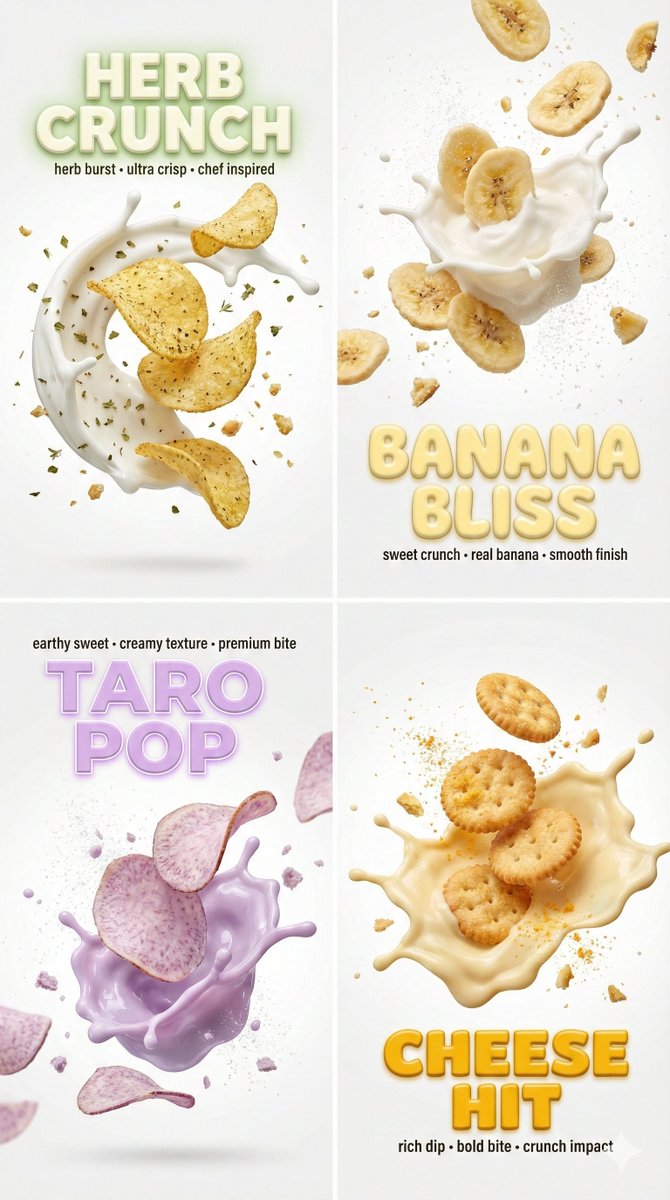
How do I use the Celebrity beach surfing selfie template?
Choose the primary action to open PicX Studio with the available template settings. Review the model and format, personalize the creative direction, and generate when ready.
A JSON prompt for a photorealistic beach scene with a celebrity resemblance and a vintage car.
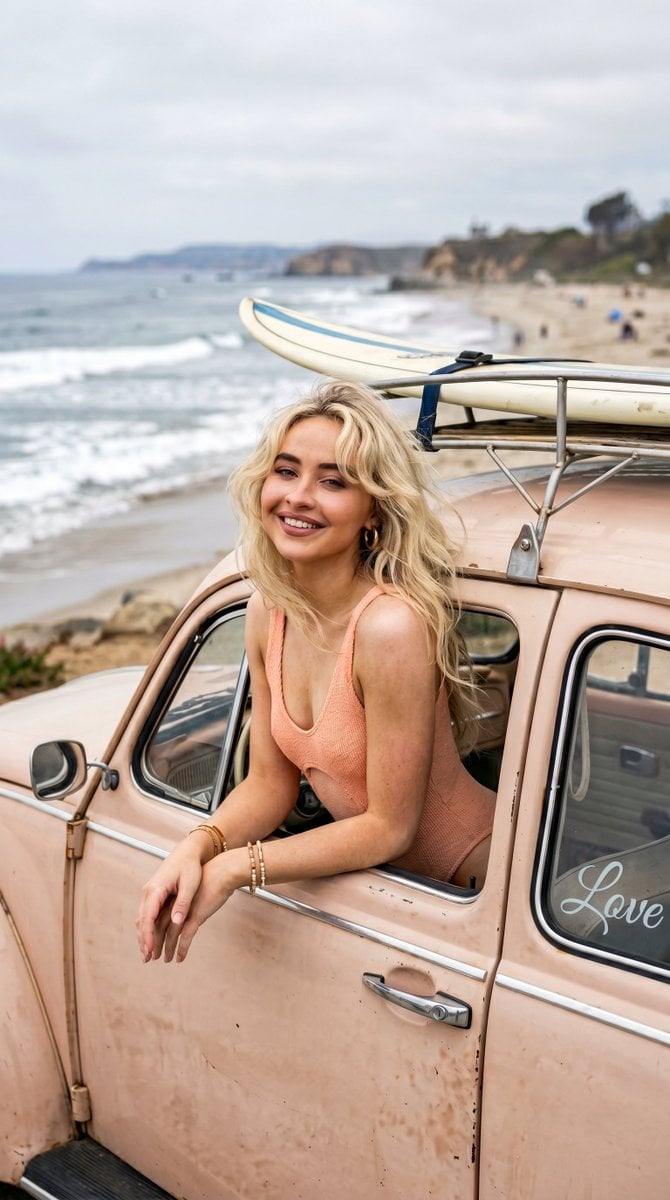
{ "prompt": "A young woman resembling {argument name="subject" default="Sabrina Carpenter"} with platinum blonde hair leans from the open window of a {argument name="car" default="vintage Beetle car"} along a coastal beach. She wears a {argument name="outfit" default="soft peach monokini"}, resting her arms gently on the door frame. The sky is cloudy with diffused light, creating a soft cinematic glow. She looks directly toward the camera with a relaxed, natural smile. Behind her, the beach and ocean stretch into the distance, with a surfboard mounted on the roof. A delicate frosted 'Love' decal is visible on the glass. Centered eye-level composition, photorealistic, 8k" }
Choose the primary action to open PicX Studio with the available template settings. Review the model and format, personalize the creative direction, and generate when ready.
Yes. You can change the subject, setting, lighting, mood, format, and available model controls before creating your image.
This template is free to open and customize. Generation usage is shown in PicX Studio before you create.
Start with Nano Banana 2, which is the model associated with this template. You can compare another compatible model for a different finish.
Follow a topic to a crawlable collection of related PicX Studio templates.

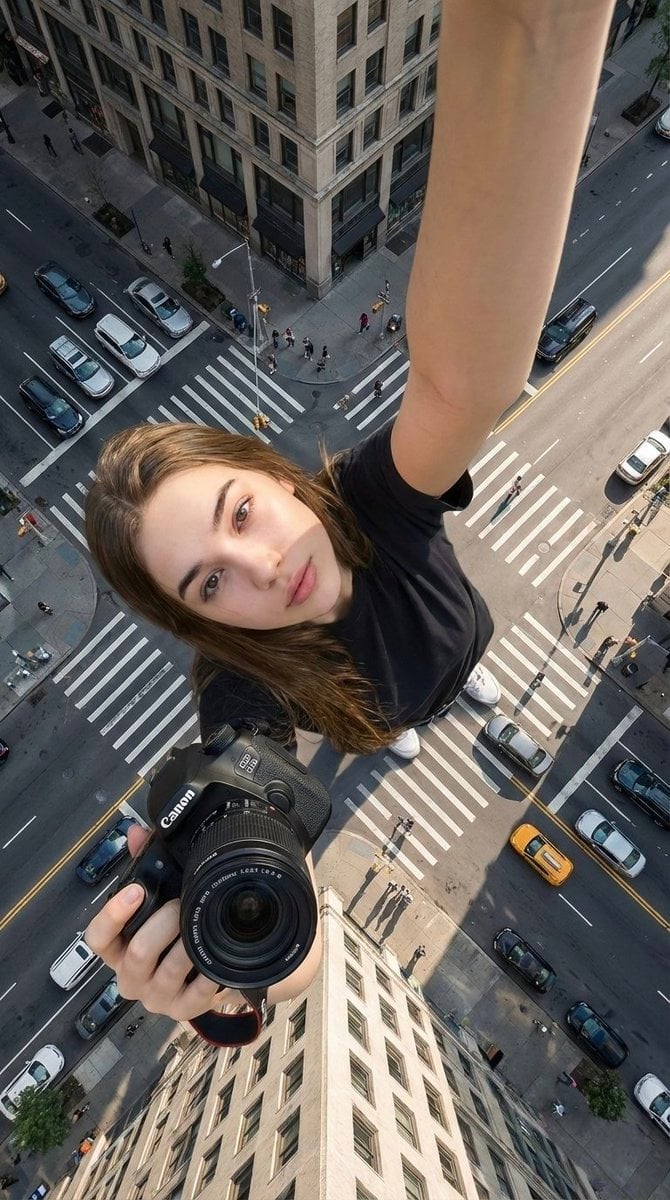
Rooftop Fisheye — Cat-Ear Balaclava at Golden Hour
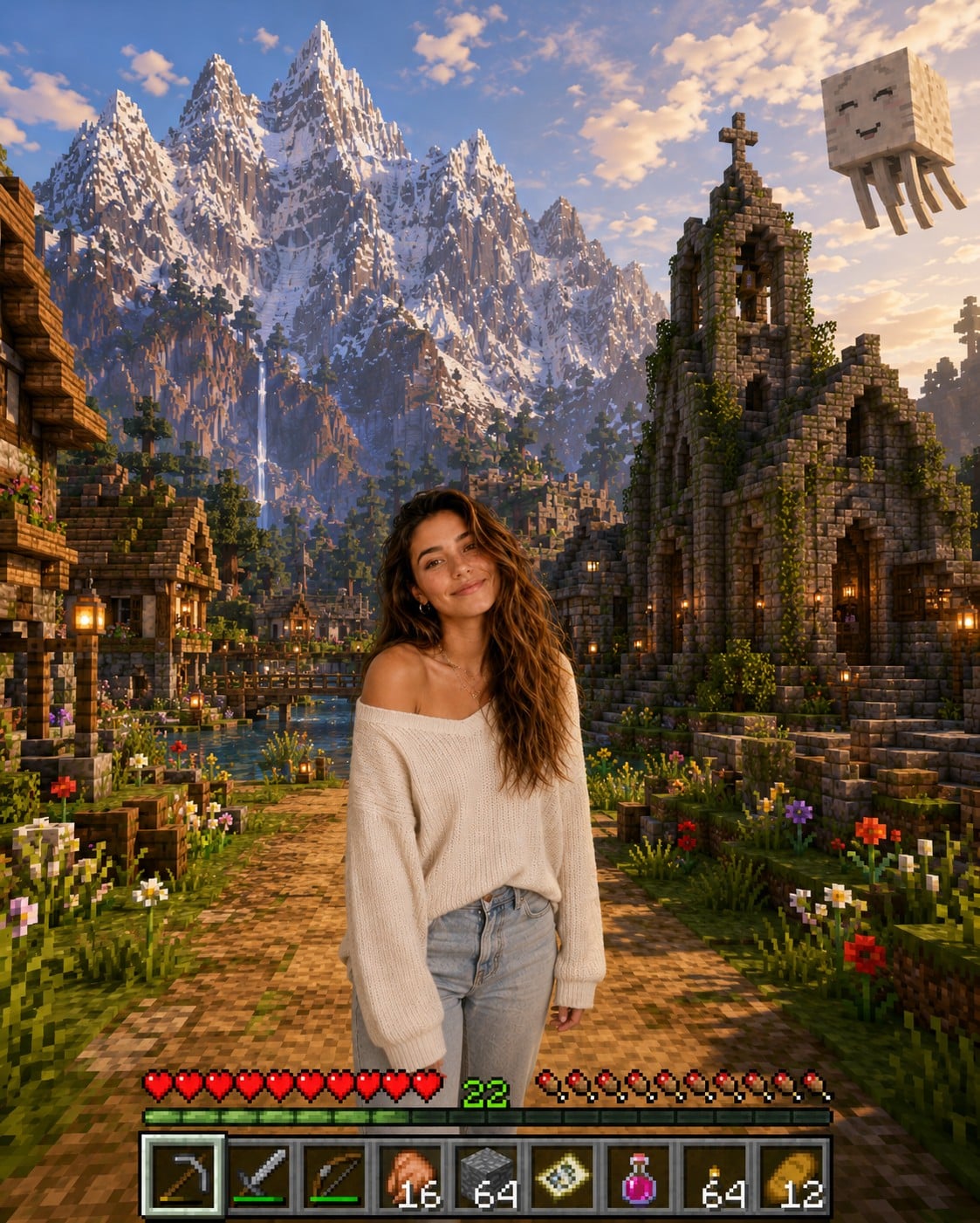
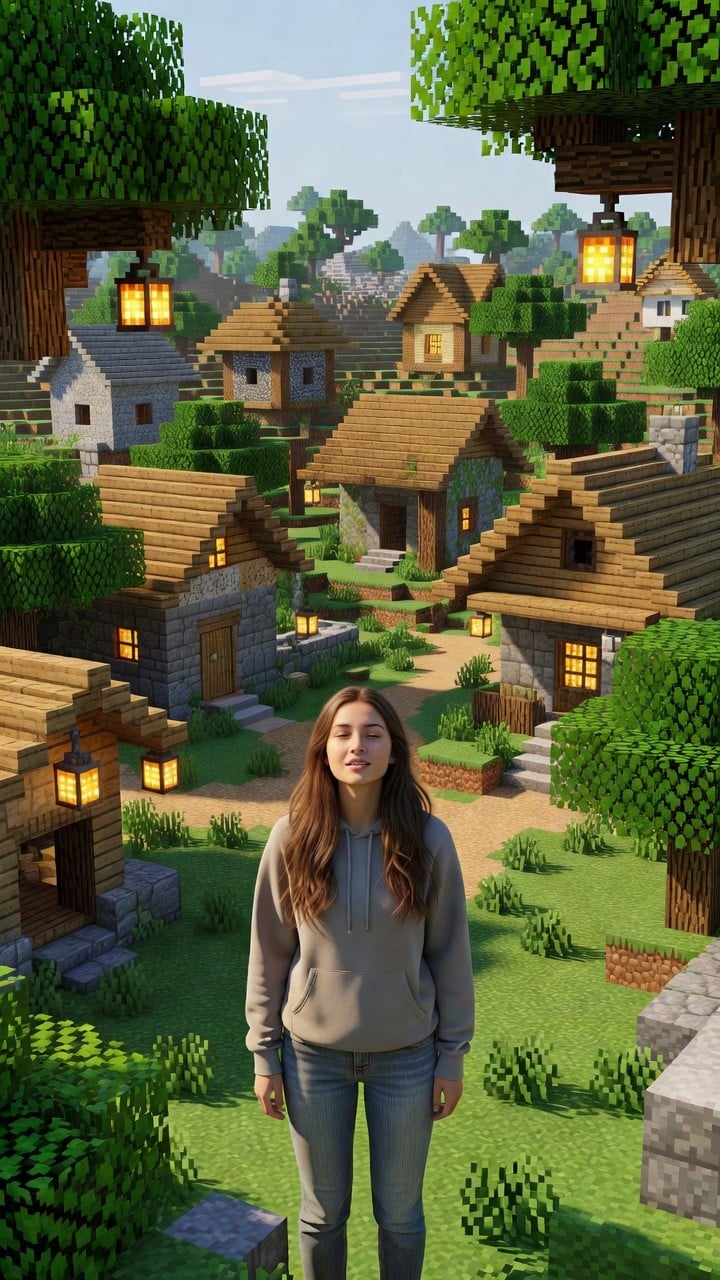
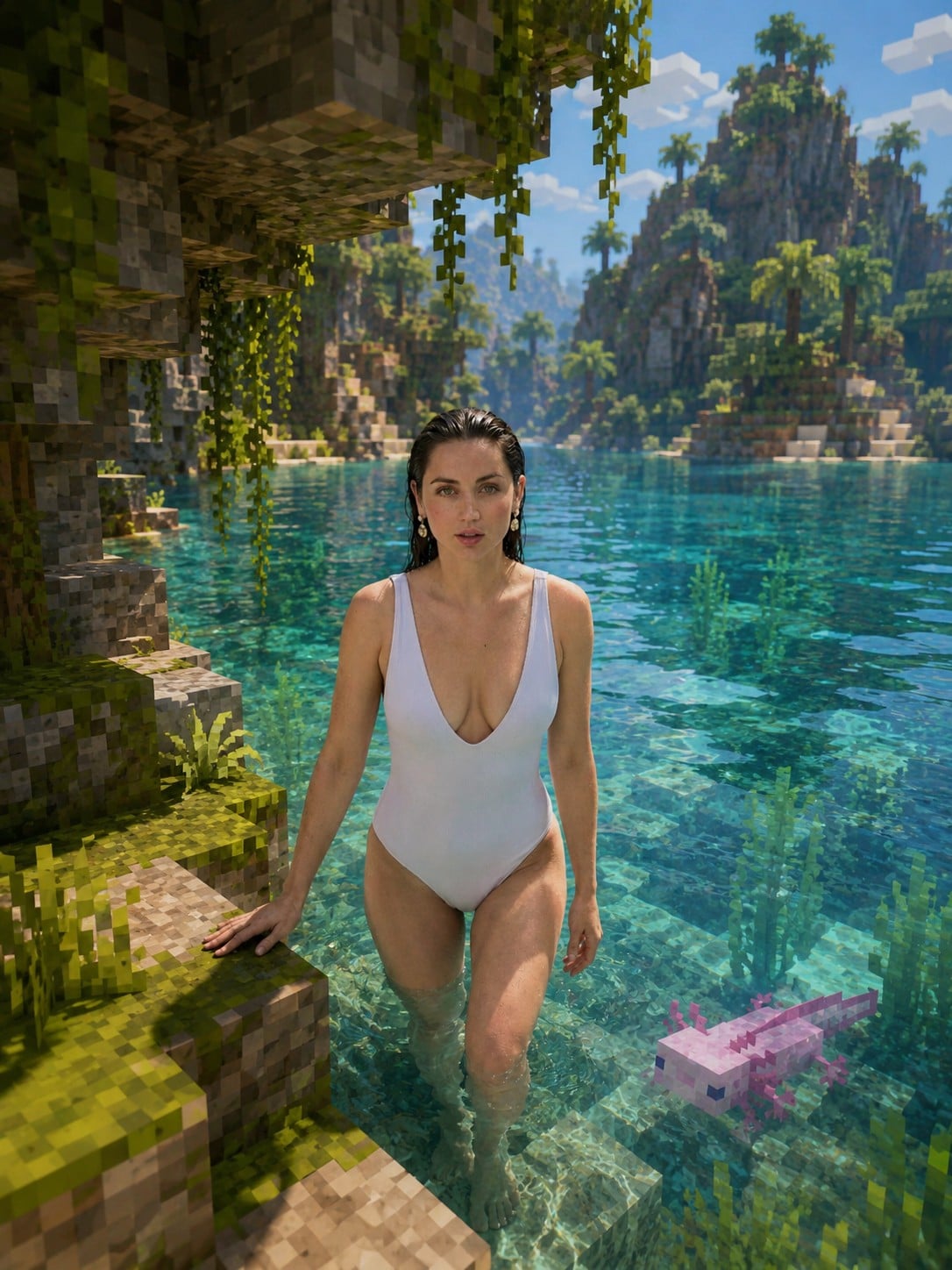
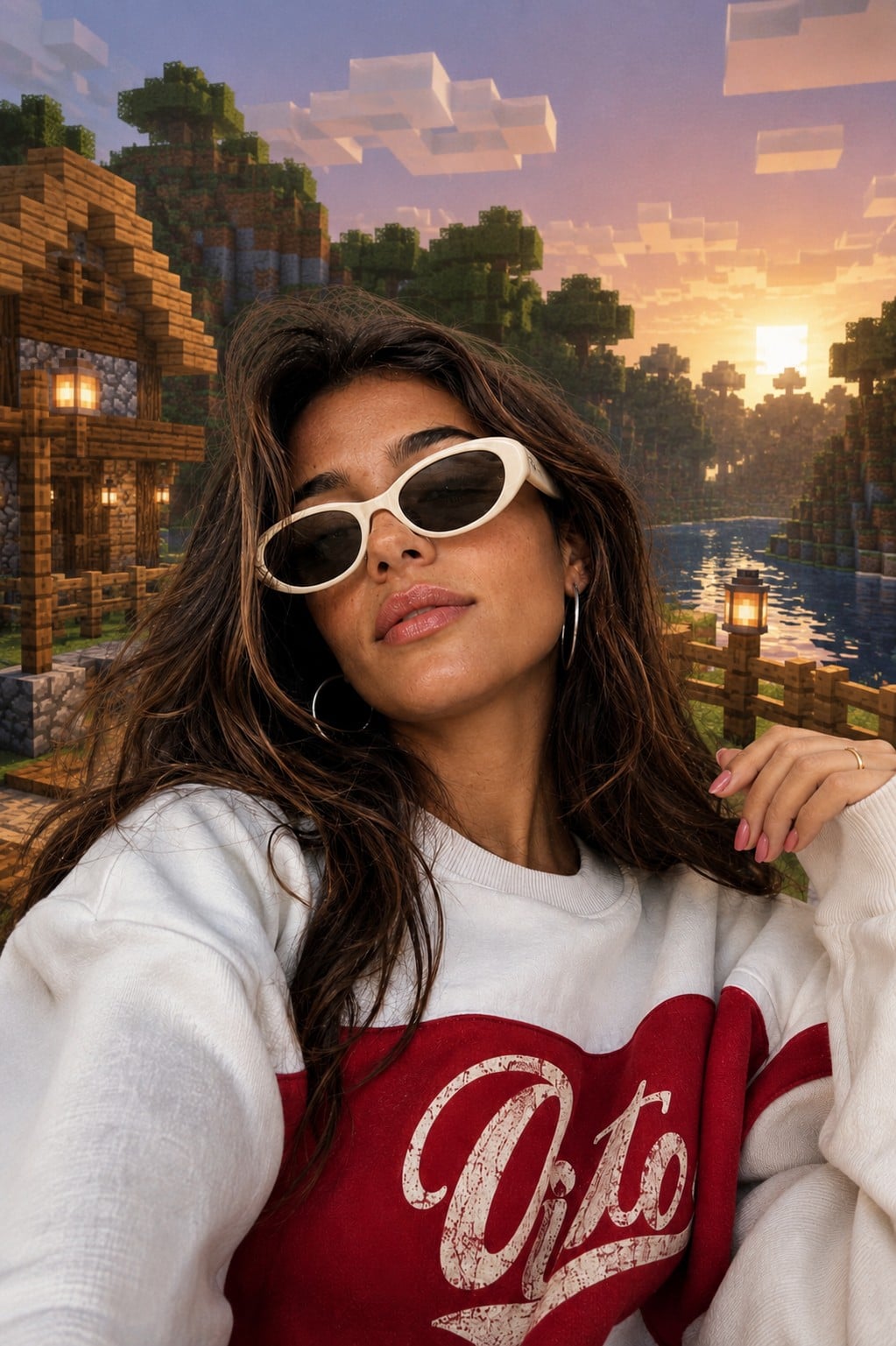
Photoreal Selfie Minecraft Village Ghast UI