How do I use the Hyper-Realistic Luxury Fashion Portrait template?
Choose the primary action to open PicX Studio with the available template settings. Review the model and format, personalize the creative direction, and generate when ready.
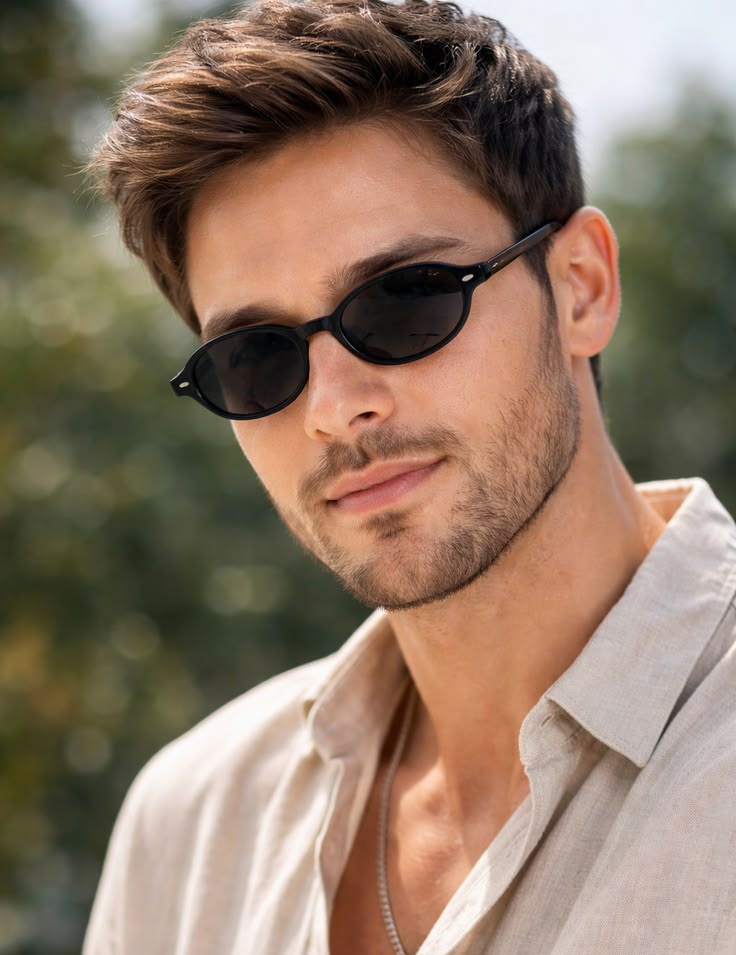
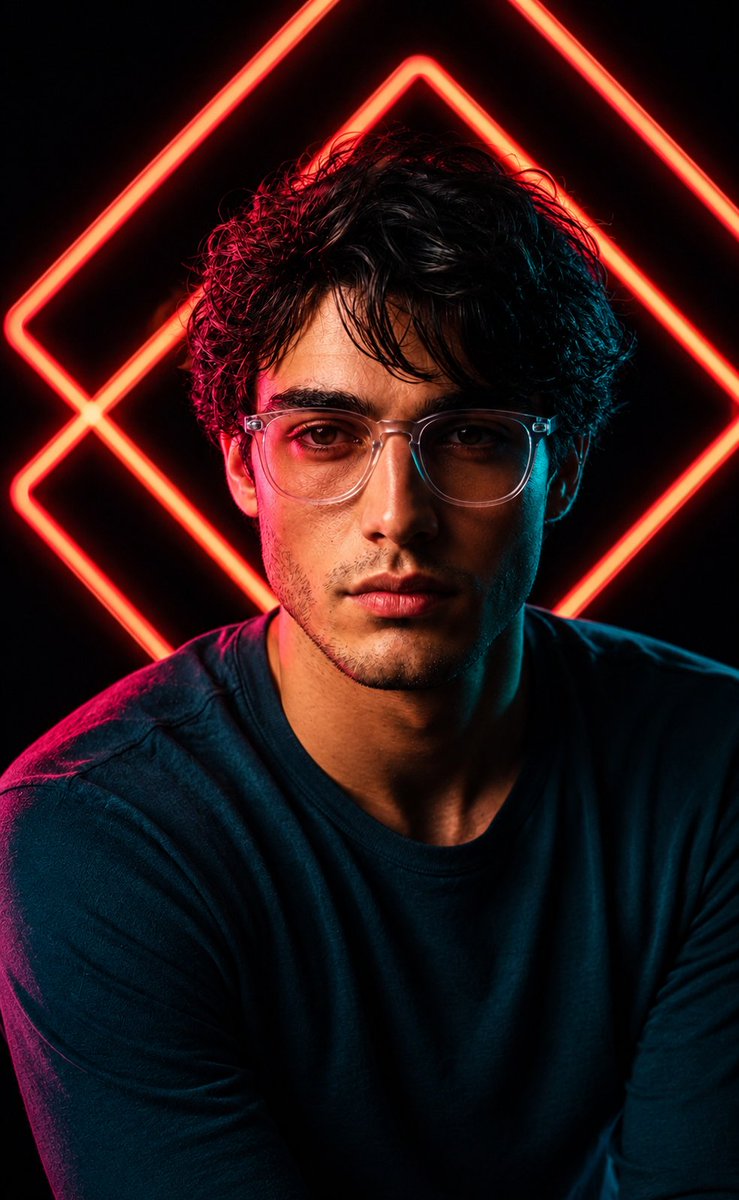
A luxury fragrance campaign style prompt for high-contrast, dramatic studio photography based on an identity reference.
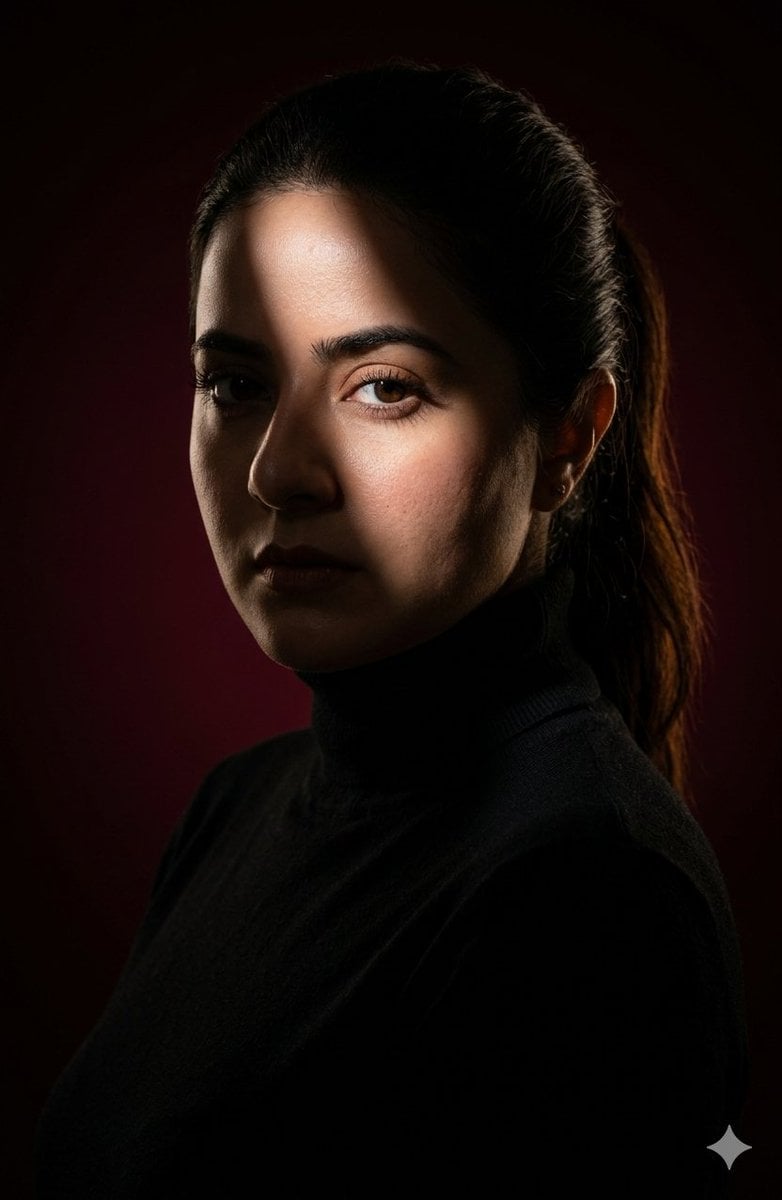
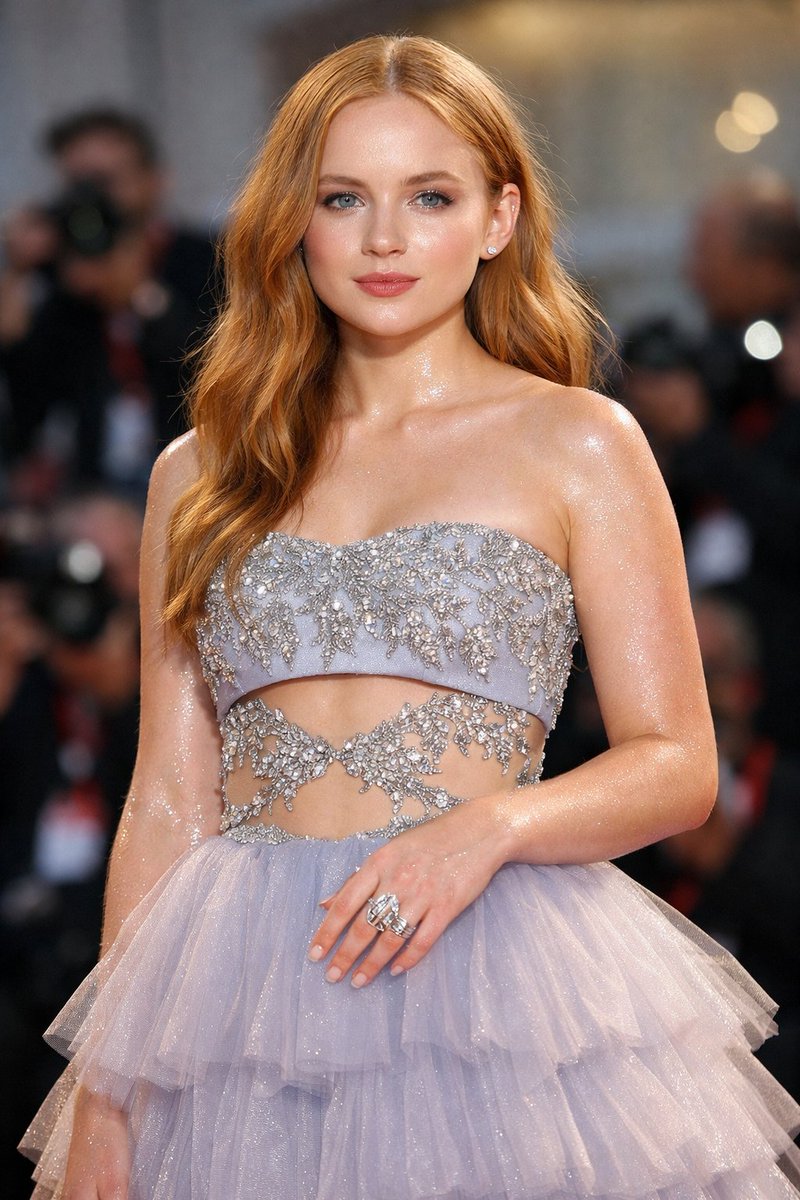
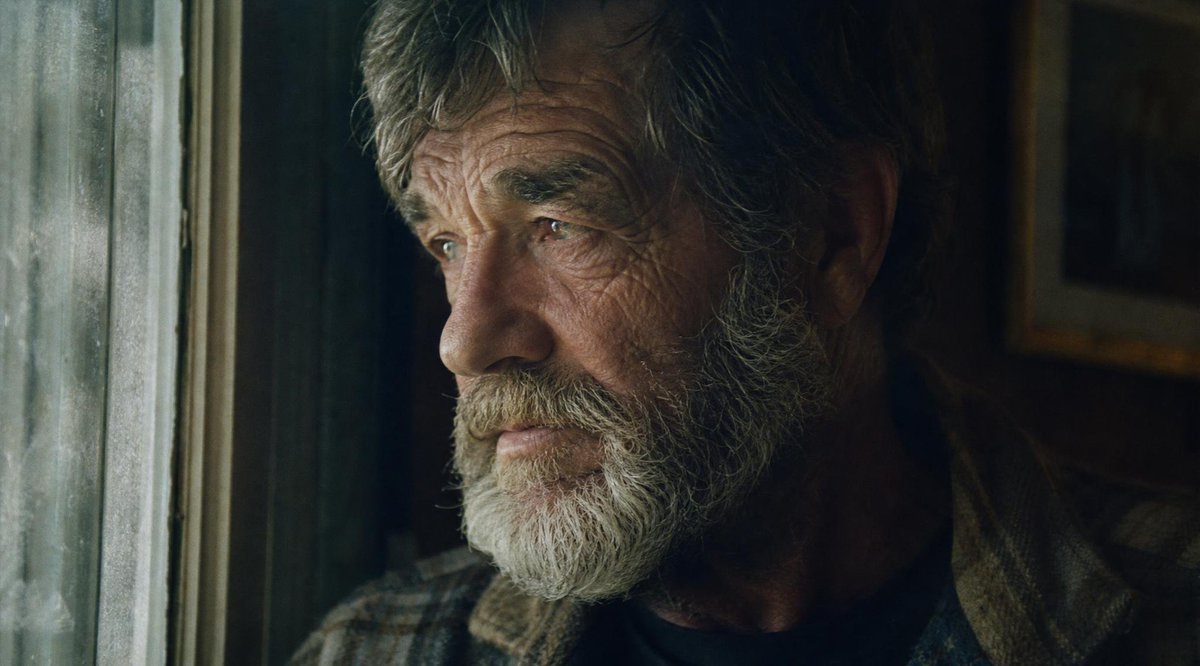
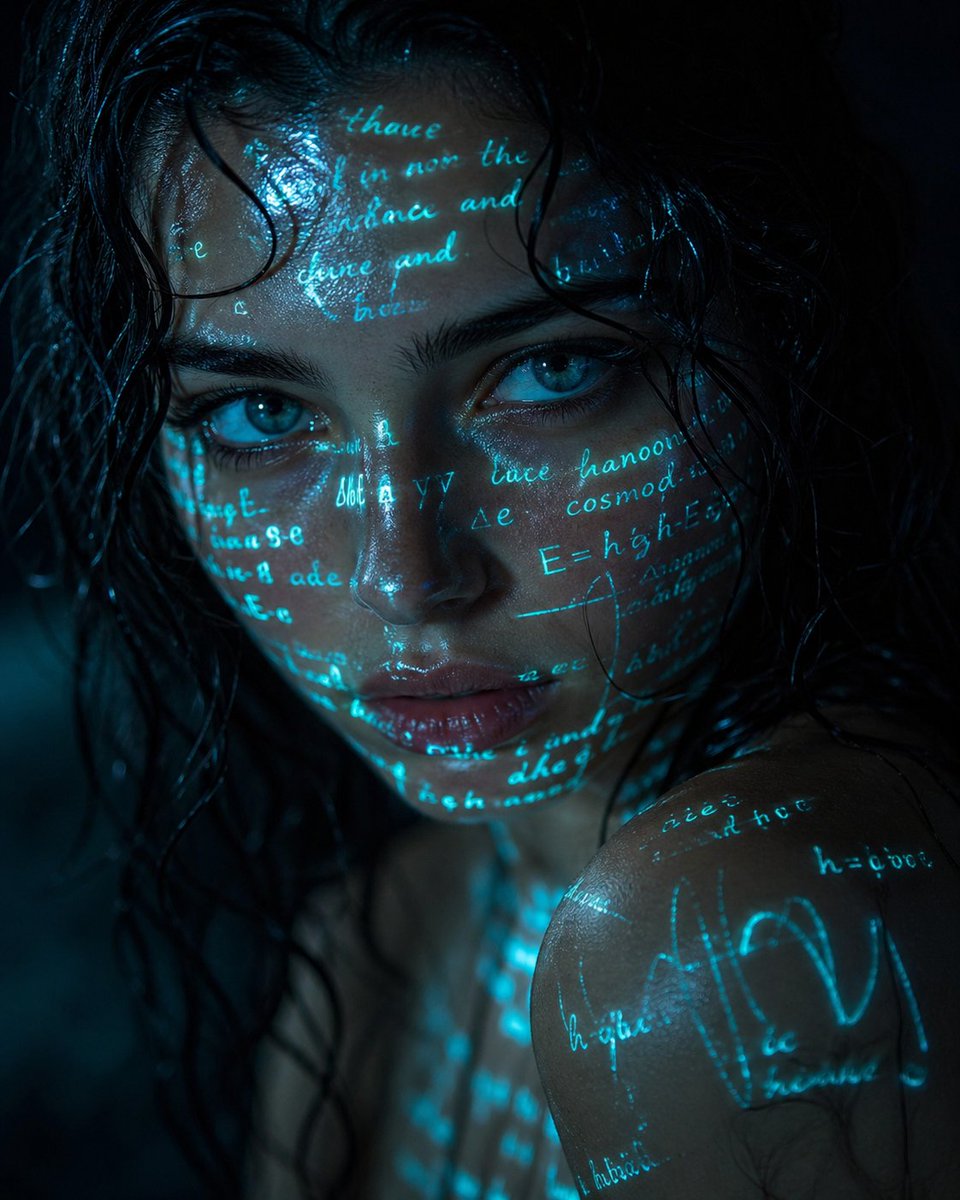
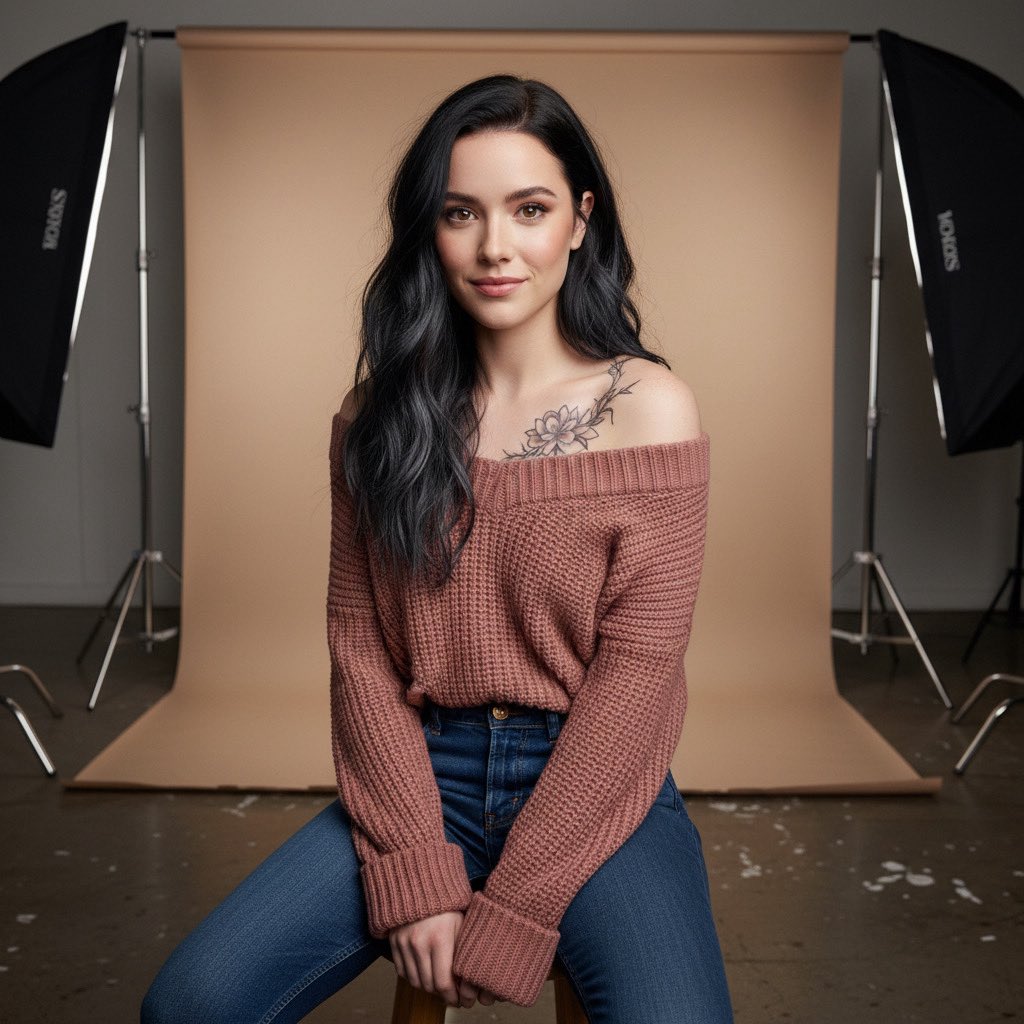
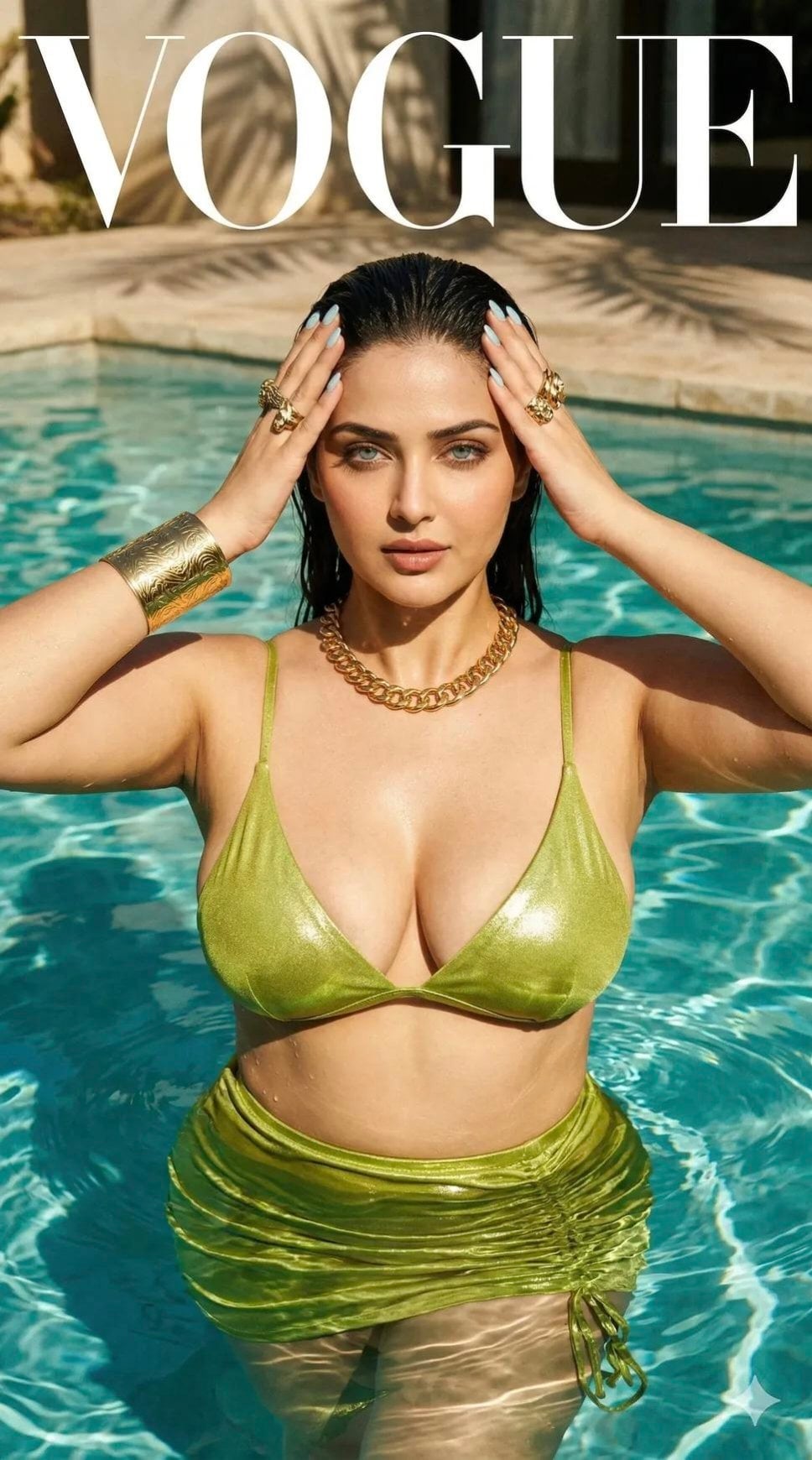
Using the provided photo as the exact identity reference, generate a hyper-realistic cinematic luxury fashion portrait while preserving 100% identical facial features, bone structure, skin tone, hairstyle, facial hair, and natural likeness with zero alteration Transform into an ultra-dark high-end commercial studio shoot with a {argument name="background" default="deep black-to-burgundy gradient background"}, almost fading into pure black, with a very heavy vignette consuming the edges. Lighting: extremely low-key and dramatic, a very narrow, hard spotlight beam from upper front-left cuts diagonally across the face, creating a razor-sharp strip of light across the forehead, eye, and cheek, while 80-90% of the face remains in deep shadowStrong negative fill to deepen shadowsAdd a very subtle warm rim light from behind to barely outline the jawline and hair edges. Mood: dark, intense, mysterious, premium luxury fragrance campaign. Cinematic, moody, bold. Deep blacks, crushed shadows, rich dark red tones, high contrast, glossy editorial finish. Wardrobe: {argument name="clothing" default="premium matte black turtleneck or textured sweater"} ab sorbing light (non-reflective). Framing & pose: {argument name="shot type" default="chest-up portrait"}. Shoulders turned 45 degrees to the right in a slight profile, but face turned back to look directly at the camera. Chin lifted very slightly higher than before, eyes looking piercingly forward, serious dominant expression. Details: ultra-realistic skin texture with visible pores, sharp focus on illuminated eye, 85mm lens look, shallow depth of field, studio photography, dramatic shadow falloff, strong light sculpting. Style keywords: low-key lighting, chiaroscuro, noir, high fashion editorial, cinematic grading.
Choose the primary action to open PicX Studio with the available template settings. Review the model and format, personalize the creative direction, and generate when ready.
Yes. You can change the subject, setting, lighting, mood, format, and available model controls before creating your image.
This template is free to open and customize. Generation usage is shown in PicX Studio before you create.
Start with Nano Banana 2, which is the model associated with this template. You can compare another compatible model for a different finish.
Follow a topic to a crawlable collection of related PicX Studio templates.