How do I use the Realistic Mirror Selfie Prompt template?
Choose the primary action to open PicX Studio with the available template settings. Review the model and format, personalize the creative direction, and generate when ready.
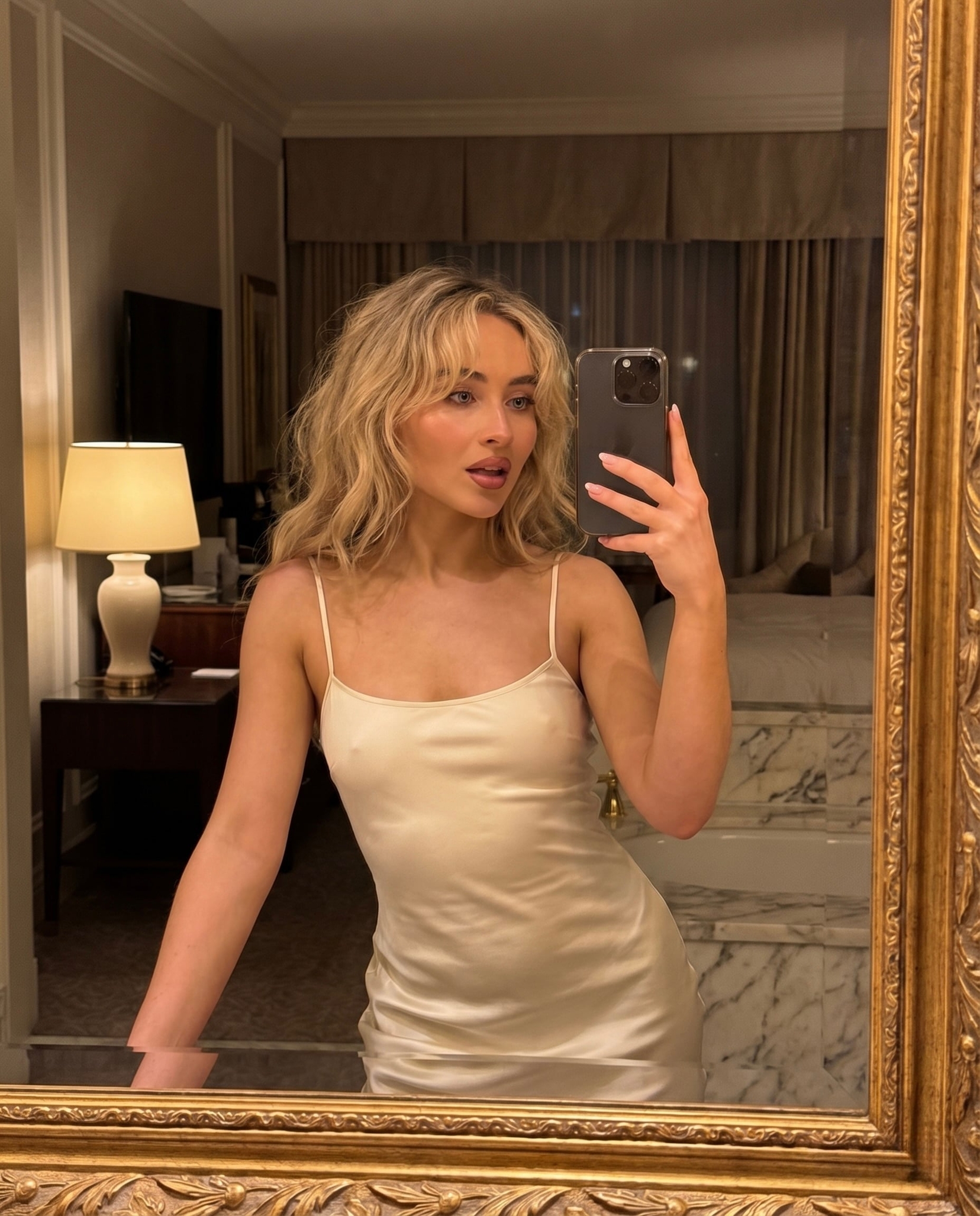
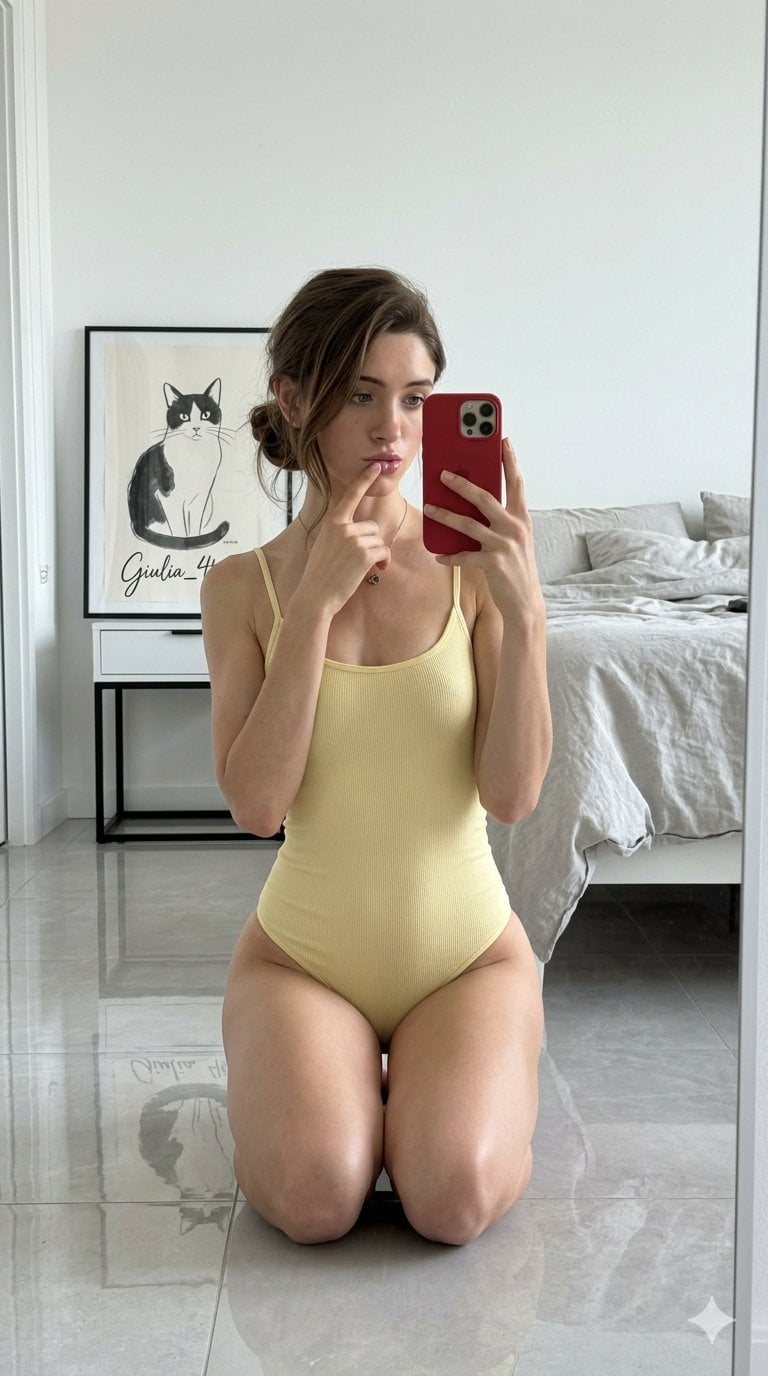
A highly specific structured prompt for generating an ultra-realistic smartphone mirror selfie with focus on posing and physical details. (free to use) — Free AI image template on PicX Studio.
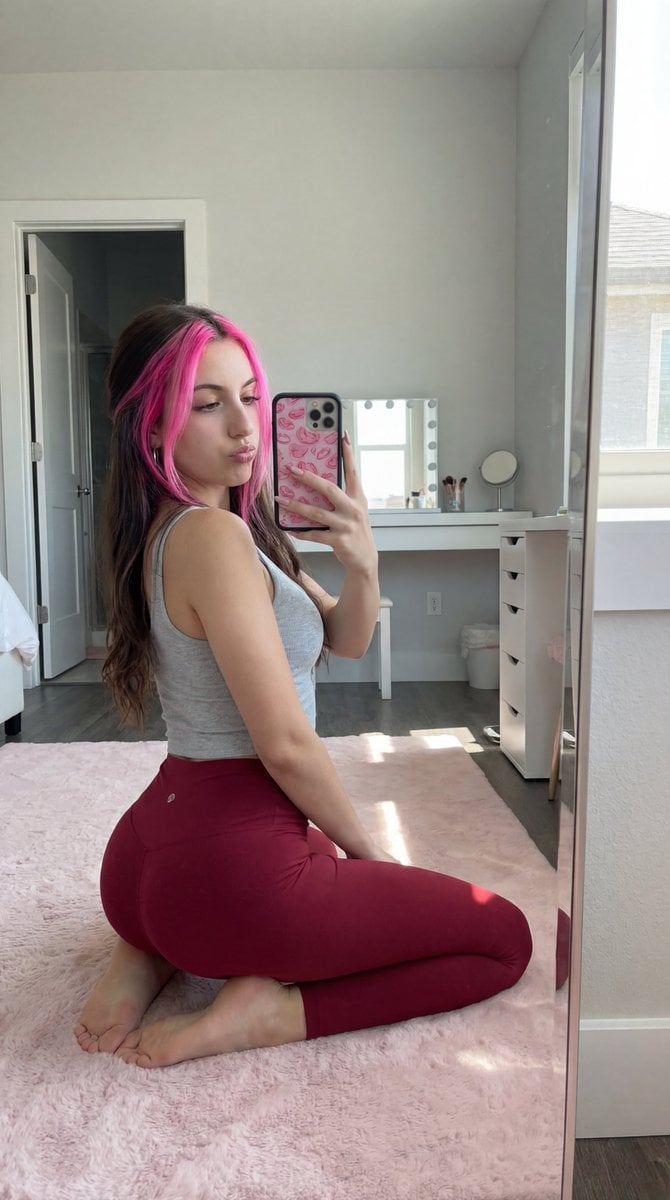
{"style": "ultra-realistic smartphone mirror selfie, natural daylight, high detail, realistic textures, clean modern room", "aspect_ratio": "4:5", "camera": {"type": "smartphone rear camera via mirror", "angle": "close mirror reflection from slight left side", "height": "around chest level", "tilt": "slight downward angle", "distance": "close to mirror", "lens": "24mm to 28mm smartphone lens", "focus": "sharp across subject and environment", "depth_of_field": "deep focus", "resolution": "4K"}, "subject": {"gender": "female", "pose": {"position": "low kneeling pose with body weight resting downward", "orientation": "diagonal toward mirror with back/hips closest to camera via reflection", "lower_body": {"left_leg": {"position": "fully folded under body", "contact": "shin and knee resting flat on floor"}, "right_leg": {"position": "extended backward along floor", "contact": "entire leg resting flat, no lift"}, "hip_position": "lowered and compressed toward heels", "weight_distribution": "majority of weight resting on hips and thighs", "effect": "natural compression creates fuller and rounded lower body appearance"}, "upper_body": {"posture": "leaning slightly forward", "support": "partially supported by forearm on soft surface", "torso_alignment": "slightly angled but mostly facing mirror", "arms": {"right_hand": "holding smartphone near face", "left_arm": "resting forward"}}, "head": {"direction": "turned toward mirror", "tilt": "slight downward tilt", "gaze": "looking at phone screen"}, "expression": {"mouth": "soft pout", "eyes": "focused and relaxed"}}, "appearance": {"skin_tone": "light-medium warm tone", "body_type": "curvy with fuller lower body, pronounced hips and thighs, natural proportions", "hair": {"color": "dark brown", "style": "long, slightly wavy", "length": "mid-back", "parting": "center"}, "facial_features": {"reference_image": "USE_ATTACHED_REFERENCE_IMAGE", "instruction": "Exactly match ALL facial features from the reference image: face shape, eye shape/color/position, nose, lips shape/fullness, eyebrows, jawline, cheekbones, forehead, skin texture/details, and overall facial structure. Transfer the exact face from the reference while keeping the head angle, tilt, gaze, and expression as described.", "visibility": "partial front/side face visible in mirror", "eyes": "dark", "lips": "full", "makeup": "soft natural glam"}}, "clothing": {"top": {"type": "fitted tank top", "color": "light gray", "fit": "tight"}, "bottom": {"type": "high-waisted leggings", "color": "deep red/maroon", "fit": "tight, compressive fabric emphasizing natural contours"}, "footwear": "barefoot"}}, "environment": {"location": "bright modern bedroom/studio", "mirror": {"type": "full-length mirror with gold frame", "placement": "leaning against wall on left"}, "floor": {"type": "light wood", "covering": "soft pink rug beneath subject"}, "background": {"window": {"type": "large windows", "light": "bright daylight"}, "door": "white door open", "vanity": {"desk": "white vanity", "chair": "pink chair"}}, "foreground": {"object": "soft gray blanket partially visible"}}, "props": {"smartphone": {"type": "modern smartphone", "case": "bright pink patterned case", "orientation": "vertical", "position": "near face, slight occlusion"}}, "lighting": {"type": "natural daylight", "direction": "from right side (window)", "quality": "soft, diffused", "effect": "gentle highlights, natural shadows, enhances depth"}, "composition": {"subject_placement": "center-left in mirror frame", "perspective": "rear three-quarter reflection with grounded lower body", "focus": "pose structure and natural body compression", "depth": "foreground (blanket), midground (subject), background (room)"}, "rendering_notes": {"realism_priority": "extreme realism", "pose_accuracy": "legs fully grounded, hips lowered and compressed", "body_physics": "natural weight compression and realistic proportions", "mirror_accuracy": "correct reflection geometry", "no_distortion": true, "no_extra_limbs": true, "accurate_anatomy": true, "consistent_lighting": true, "high_texture_detail": true, "face_reference_priority": "high - match reference face exactly while preserving body, pose, and proportions"}}
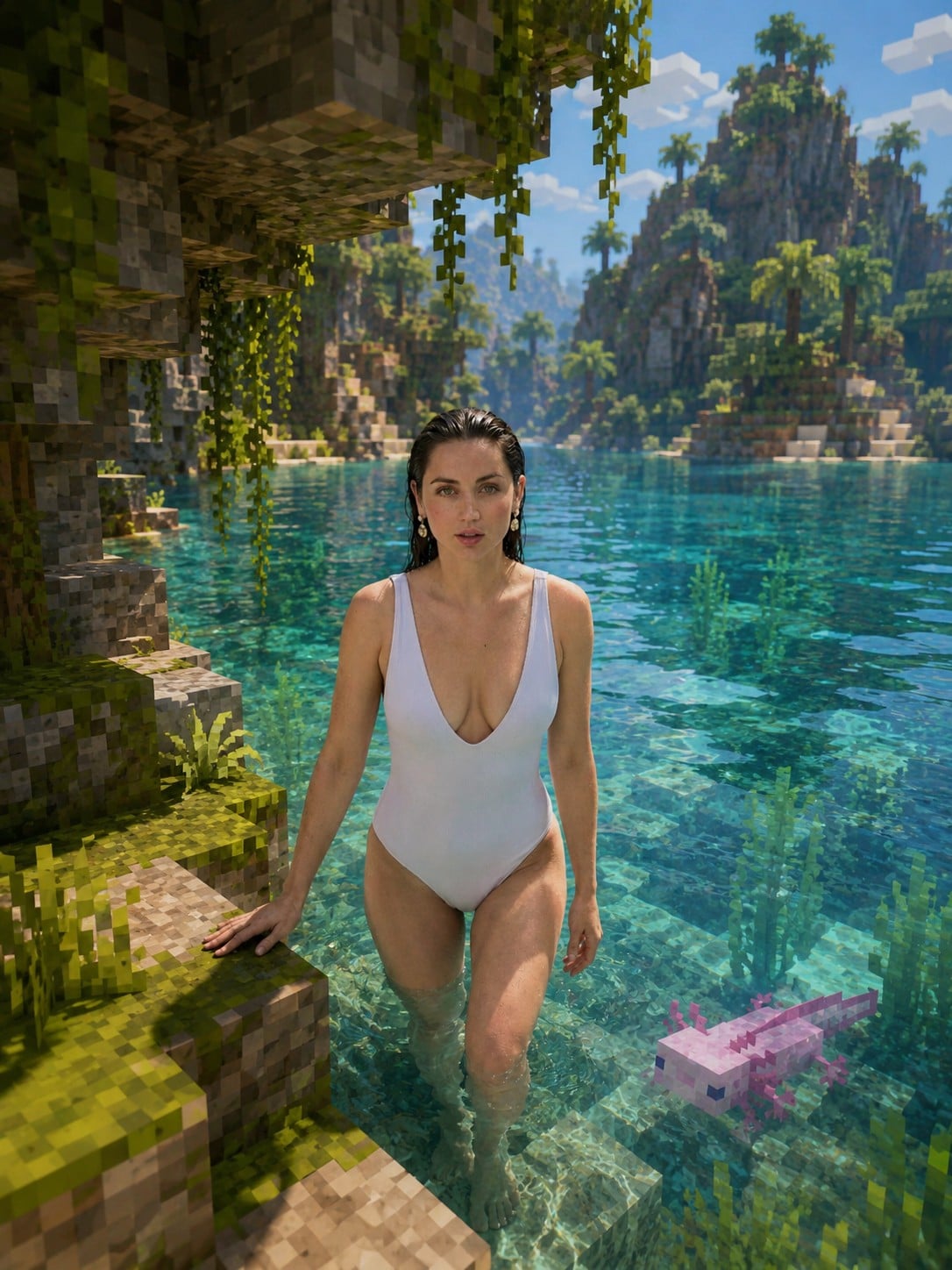
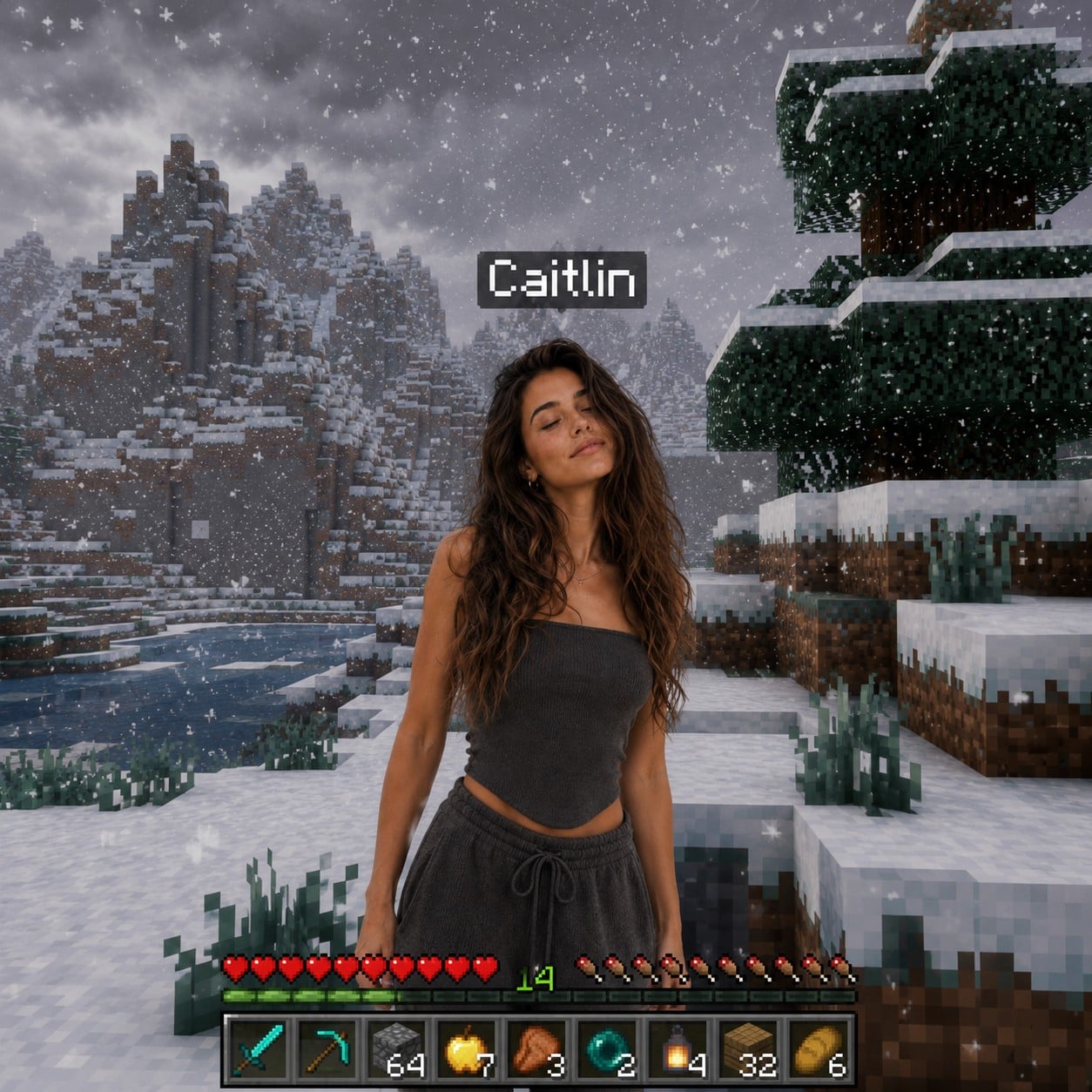
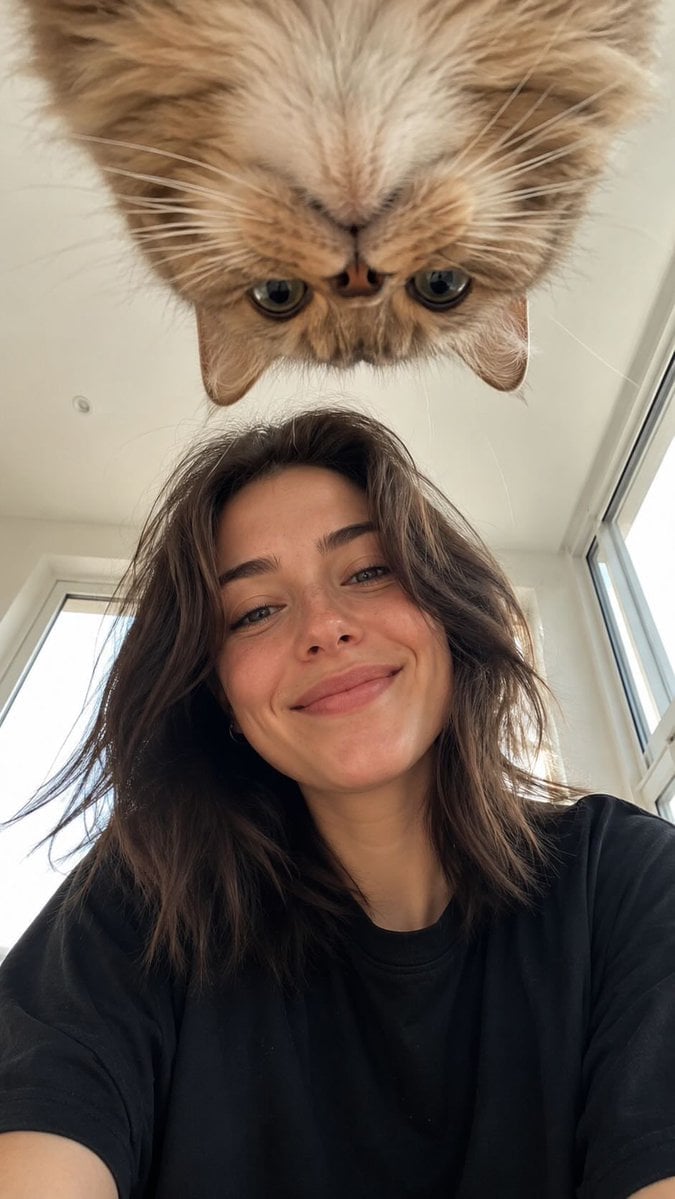
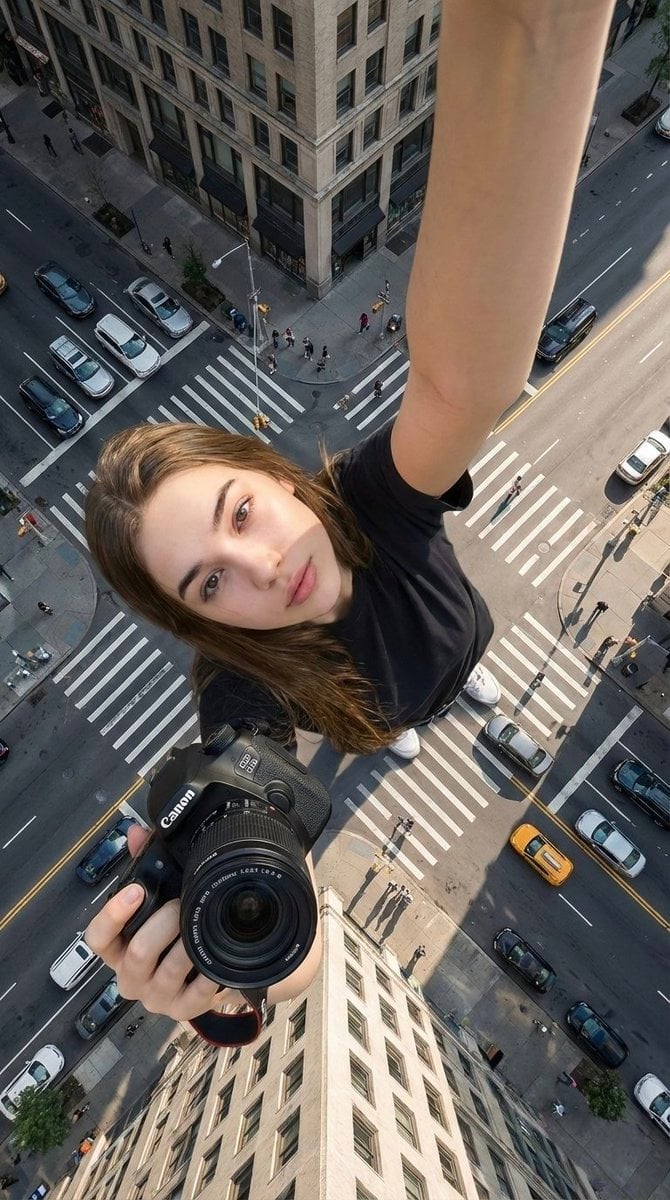
Use Realistic Mirror Selfie Prompt to plan an AI image around nano-banana-2 generation. Match the preview's composition first, then personalize the subject, setting, and mood for your own project.
Use the primary action to load the template settings in PicX Studio.
Adjust the subject and creative details for your destination.
Create the image, compare the result with the preview, and refine one variable at a time.
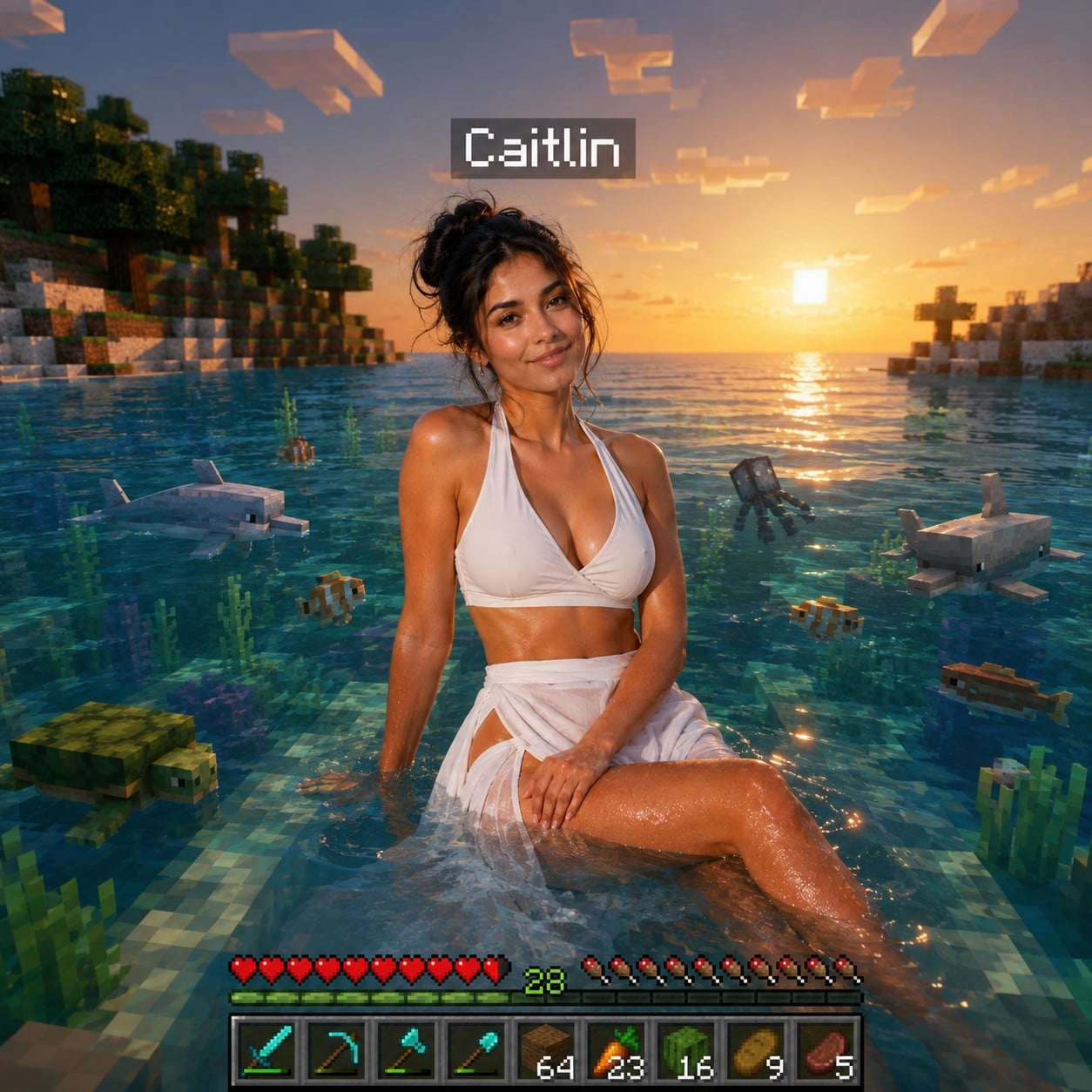
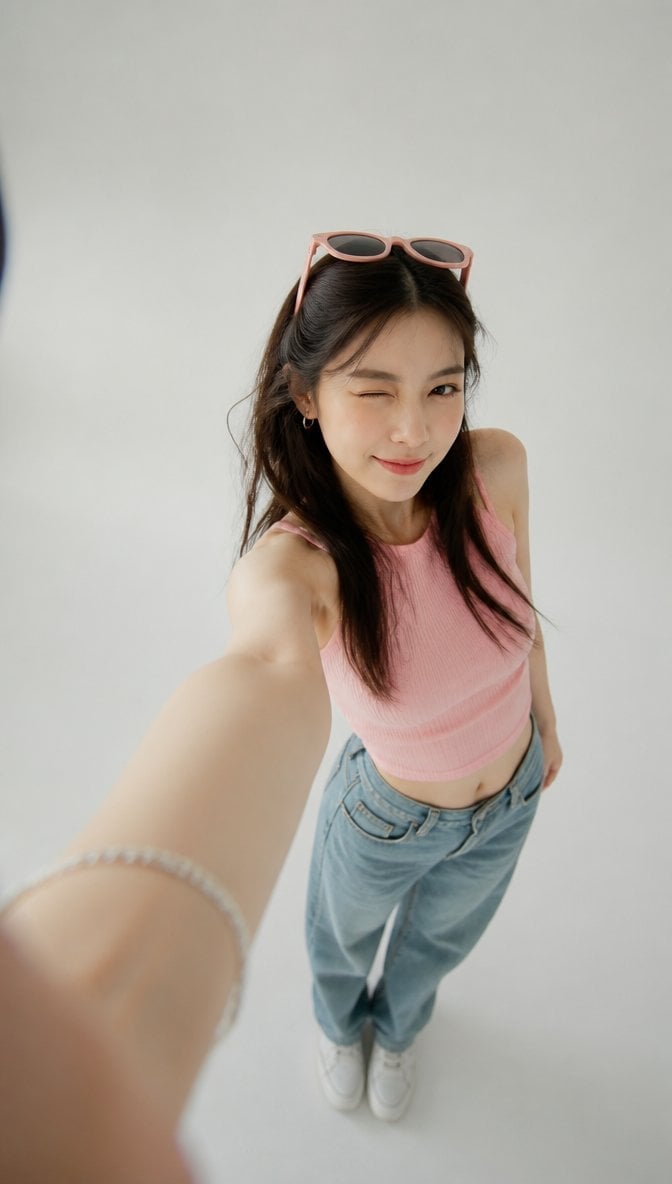
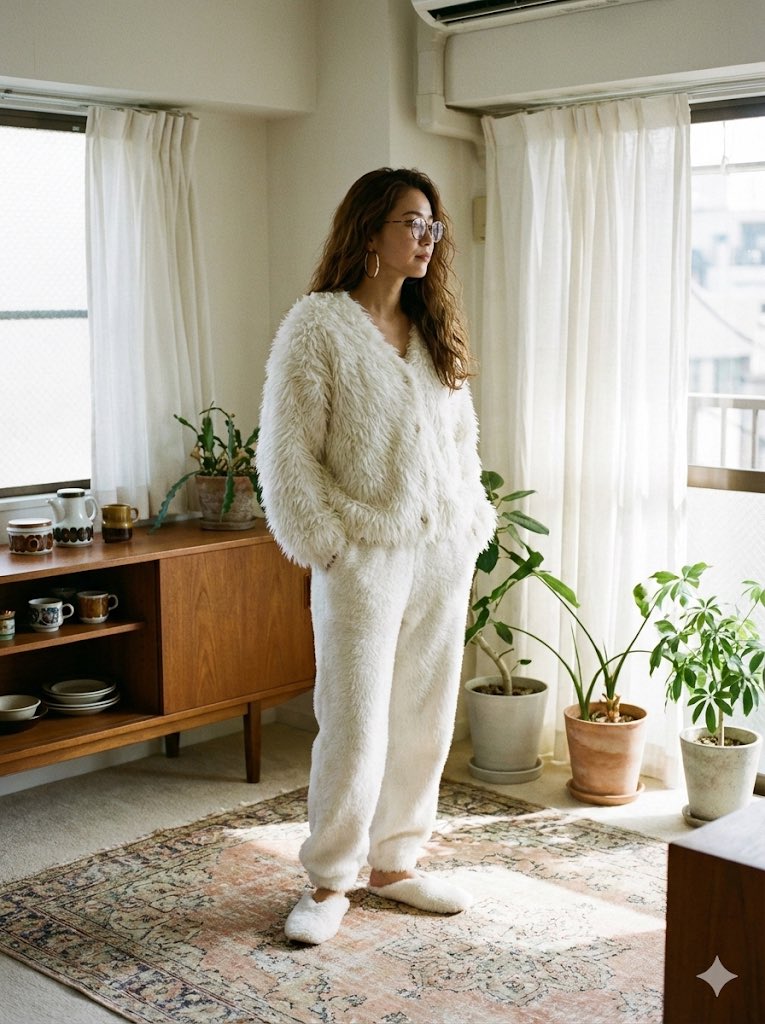
A continuous mix — similar concepts first, woven with same-model prompts and fresh picks from the catalog.
Choose the primary action to open PicX Studio with the available template settings. Review the model and format, personalize the creative direction, and generate when ready.
Yes. You can change the subject, setting, lighting, mood, format, and available model controls before creating your image.
This template is free to open and customize. Generation usage is shown in PicX Studio before you create.
Start with nano-banana-2, which is the model associated with this template. You can compare another compatible model for a different finish.
A continuous mix — similar concepts first, woven with same-model prompts and fresh picks from the catalog.
Follow a topic to a crawlable collection of related PicX Studio templates.
32,032 public templates available. Verified via the PicX Studio public templates API; refreshed hourly.