
Authentic UGC Smartphone Selfie Recipe
A detailed RAW-style photography prompt for Seedance 2.0 aimed at achieving a realistic, unretouched smartphone selfie aesthetic with an East Asian subject.
- Prompt included
- Model and format preset
- Free template
The prompt behind this video
Copy the exact prompt behind Authentic UGC Smartphone Selfie Recipe, or open it in the studio and make it yours.
STYLE: unretouched RAW-style photography, authentic UGC smartphone selfie aesthetic, shot on front-facing phone camera, slight wide-angle distortion, natural ambient light, visible facial microtexture (skin pores, fine lines, natural texture, subtle imperfections), true-to-life color grading, candid amateur framing. LAYOUT: arm-length front camera angle slightly above eye level, subject fills most of the frame, casual slightly tilted composition. SUBJECT: original young adult woman in her early-to-mid 20s, East Asian features, long straight vividly blue-dyed hair reaching lower back, side-parted with face-framing strands, small silver hairclip above right temple, large expressive dark gray-blue eyes, delicate facial structure, soft confident smile, one arm extended holding the phone, fair skin with natural flush on cheeks. ENVIRONMENT: gym locker room, bright fluorescent light, lockers and bench in background. DETAILS: y2k style — baby pink cropped cardigan, low-rise flared jeans, butterfly hairclips, tinted sunglasses on head; realistic dyed-hair texture with slightly darker roots, flyaway strands, natural skin shine on nose and forehead, slight motion blur on extended arm. NEGATIVE: no beauty retouching, no Instagram filters, no CGI, no 3D render, no anime, no illustration, no over-retouched skin, no doll skin, no porcelain skin, no airbrushed skin, no skin blur, no glossy plastic finish, non-photorealistic output rejected, no studio lighting, no professional camera look
How to use Authentic UGC Smartphone Selfie Recipe in 3 steps
- 1
Open
The prompt is already in the box next to the preview, with the template's model and format selected.
- 2…a portrait of your subject in softgolden-hour light, 85mm…
Personalize
Edit the subject and creative details for your destination.
- 3Generate
Generate
Press Generate — your video is created in PicX Studio, so you can compare it with the original and refine one variable at a time.
More like this
Templates with the same subject, style or setup. Open one to see its prompt.
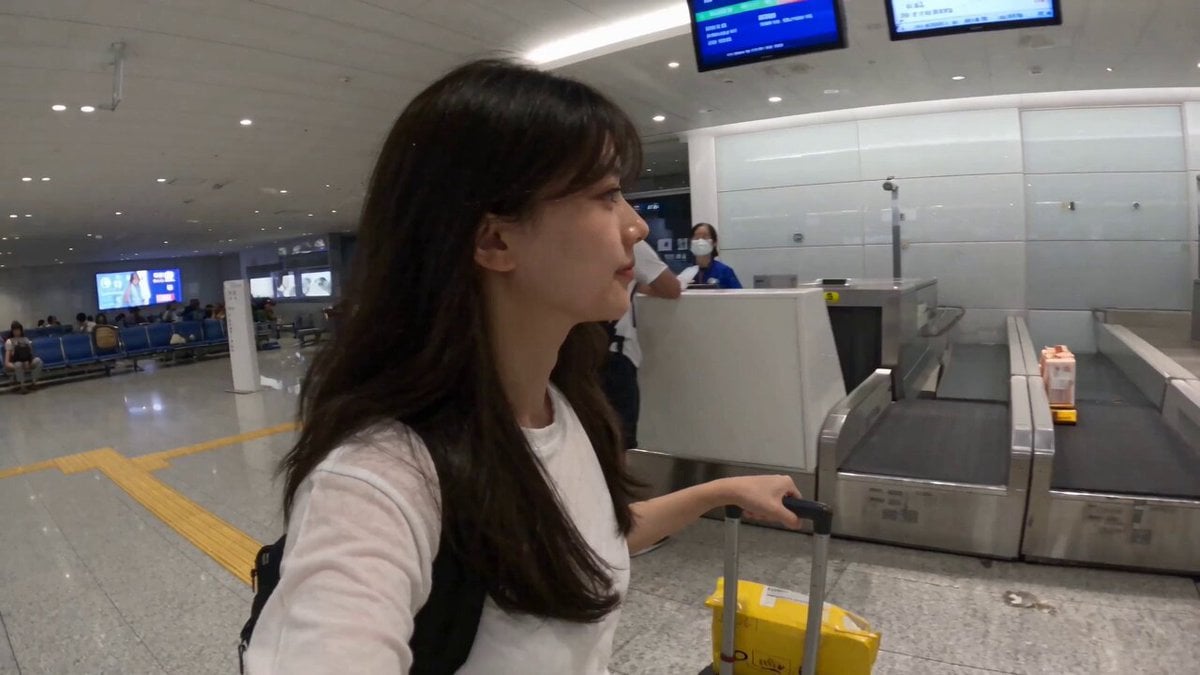
Smartphone Travel Vlog Tokyo Trip Identity Preserved
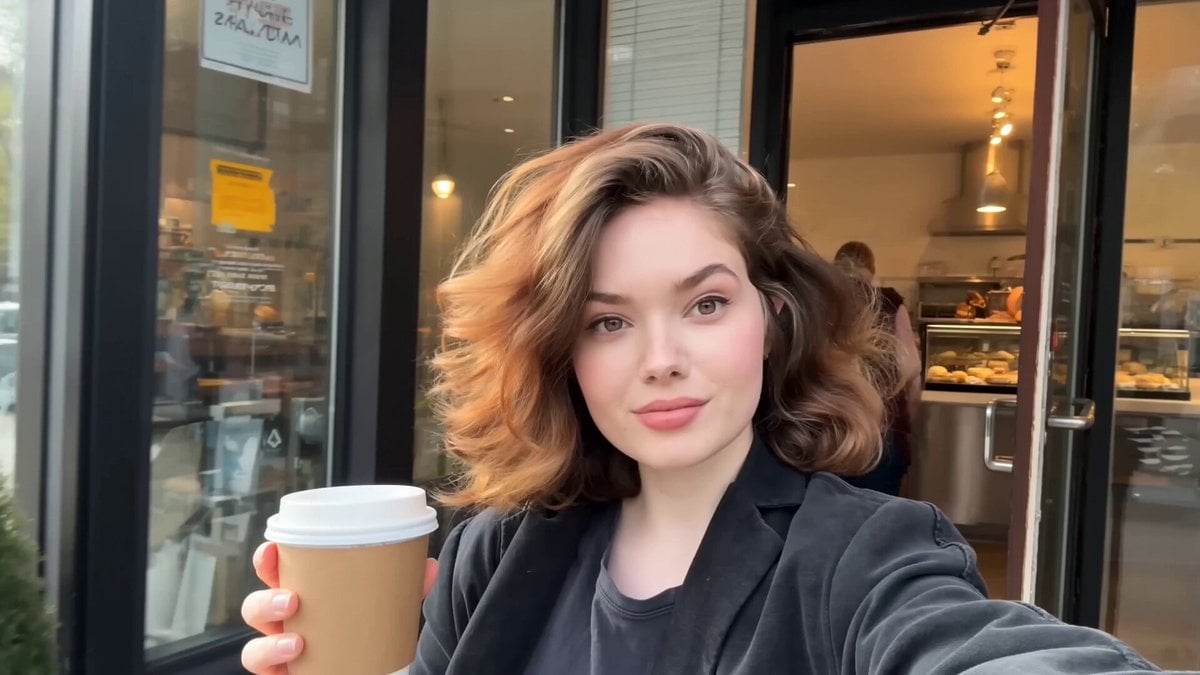
Authentic Smartphone Lifestyle Vlog
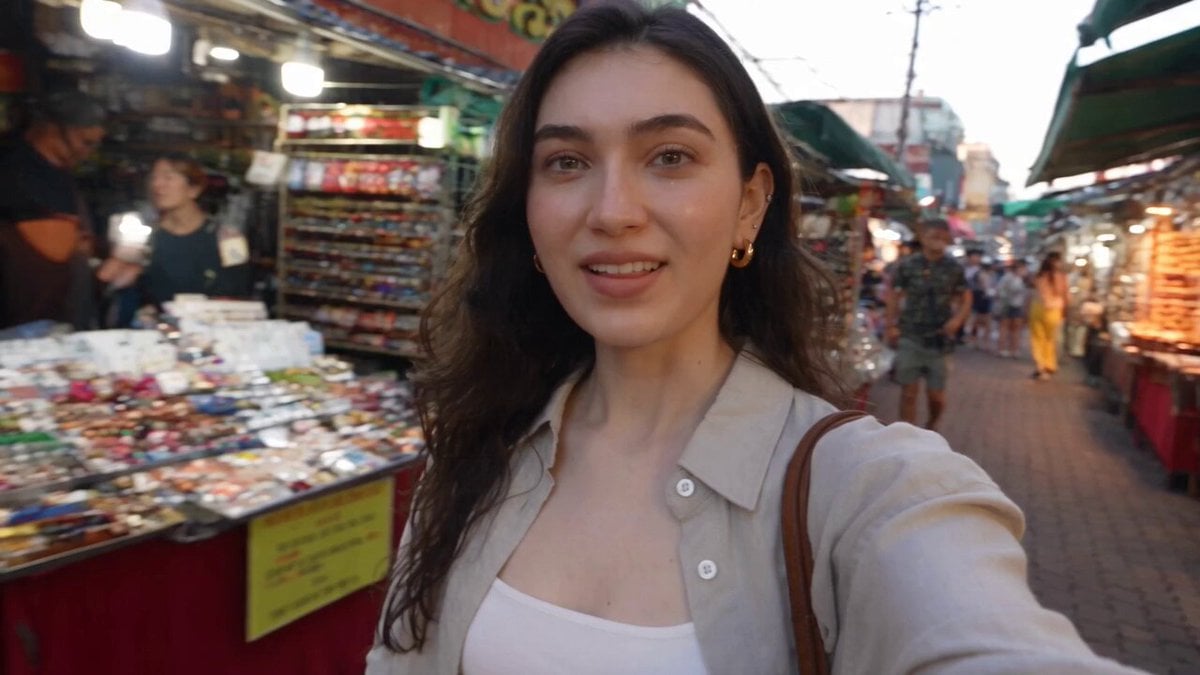
Smartphone Selfie Vlog Market Tour
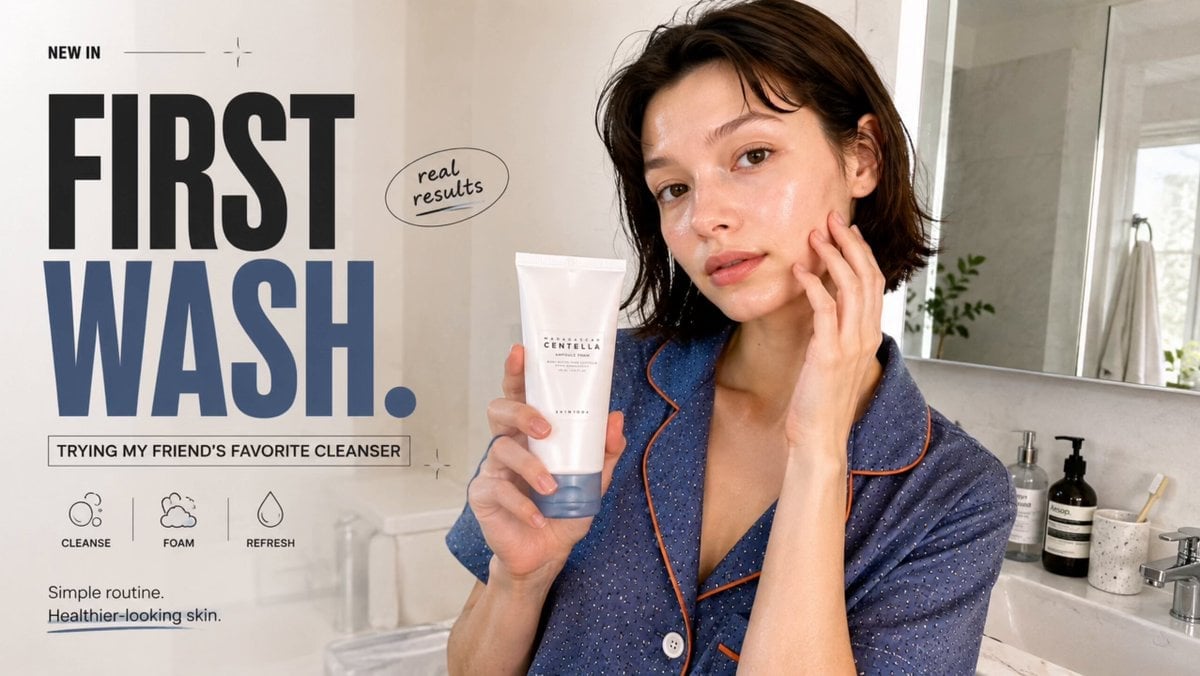
Realistic UGC Cleanser Review - Seedance 2.5
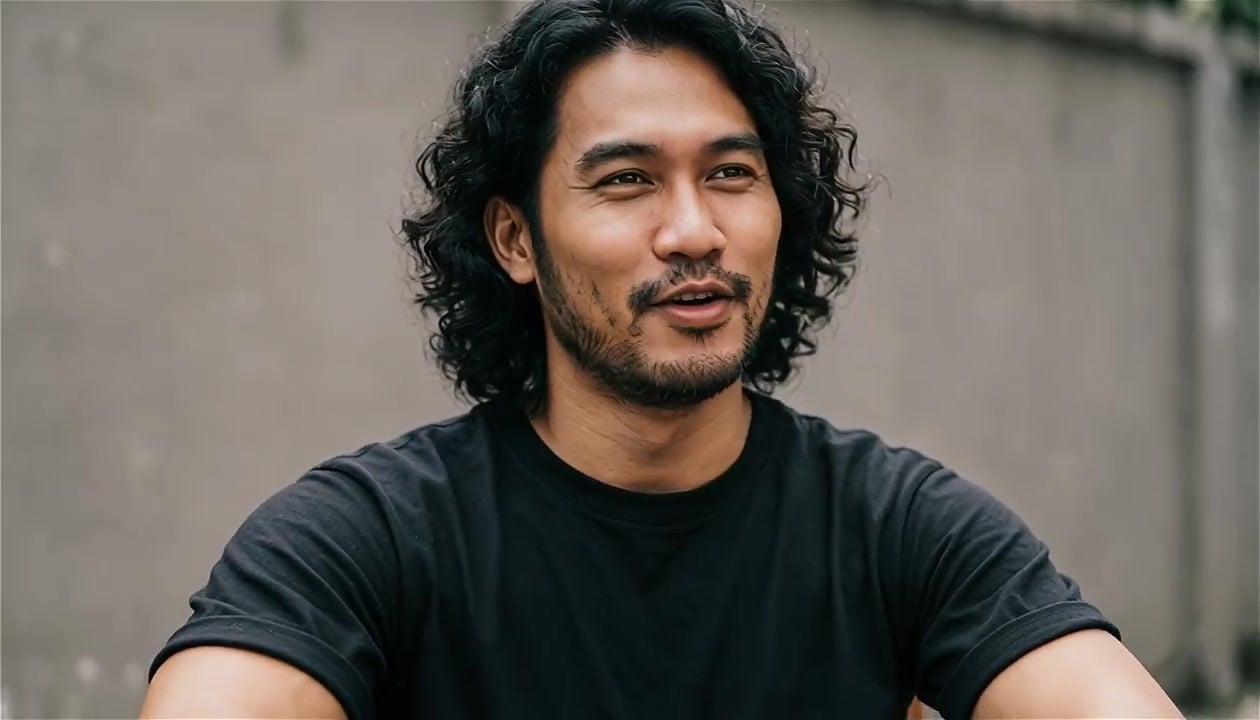
Definitive Anti-Slop AI Video Protocol — Qwen / Nano Banana / Grok
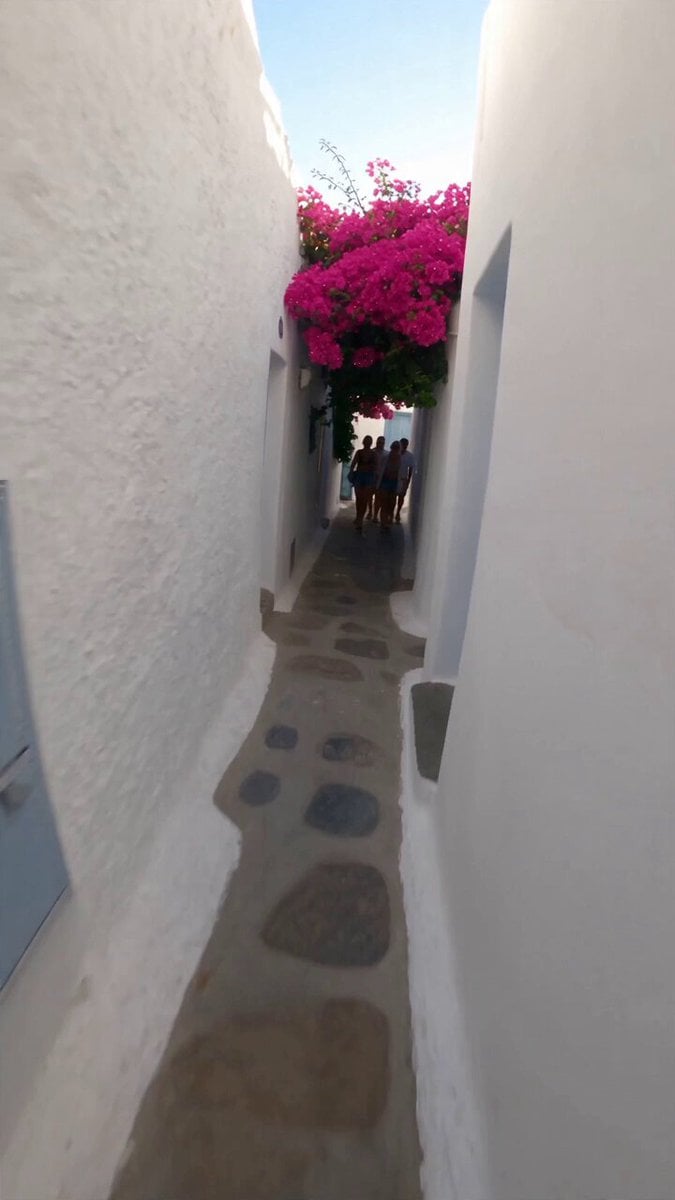
Selfie Travel Vlog Mykonos
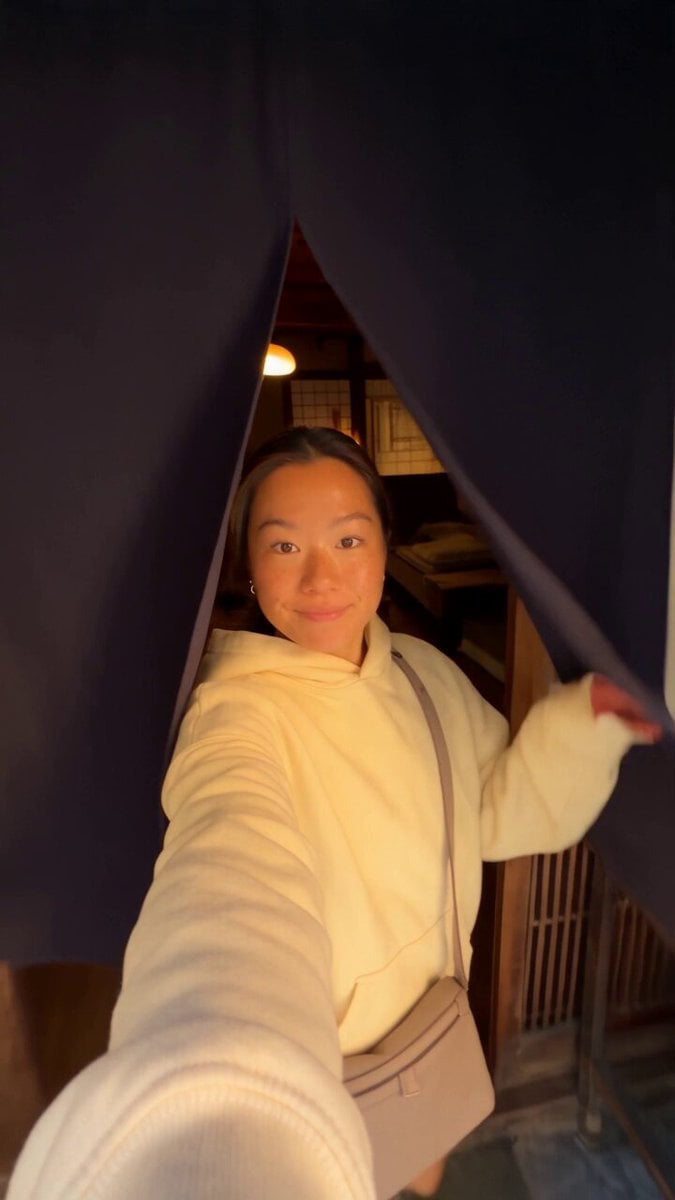
Kyoto Morning Selfie Vlog
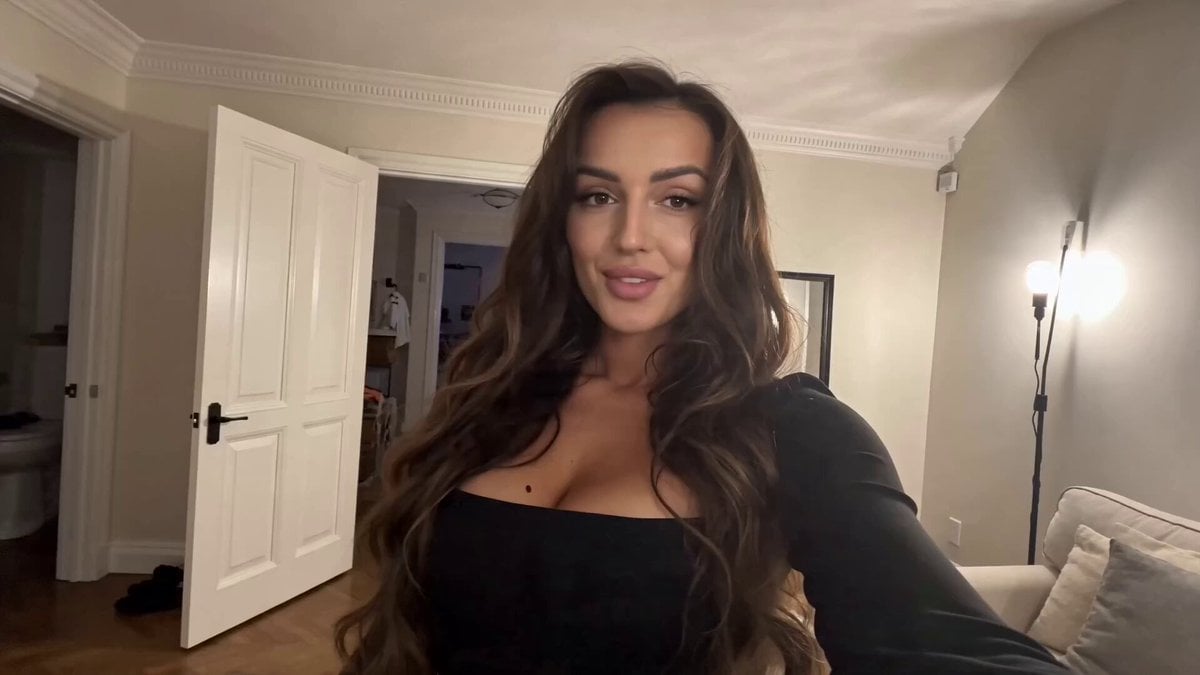
Continuous UGC Selfie Transition
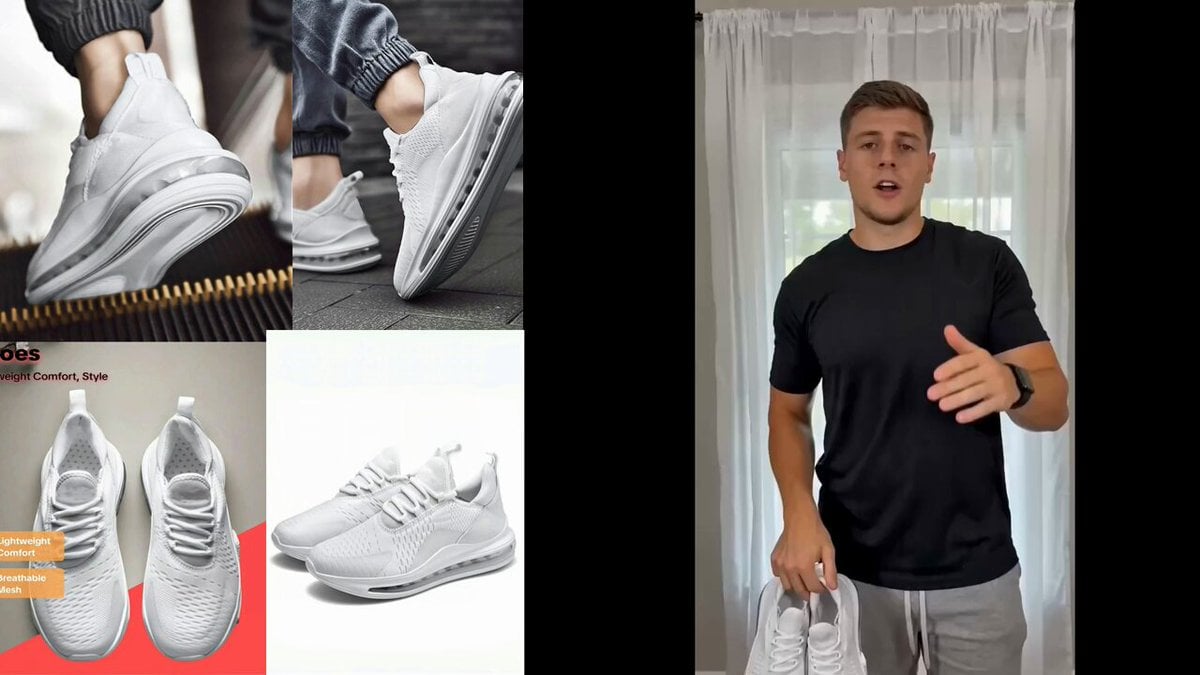
Authentic UGC Video Generation
Bullet Time Selfie — Modular Parameter Template (Seedance)
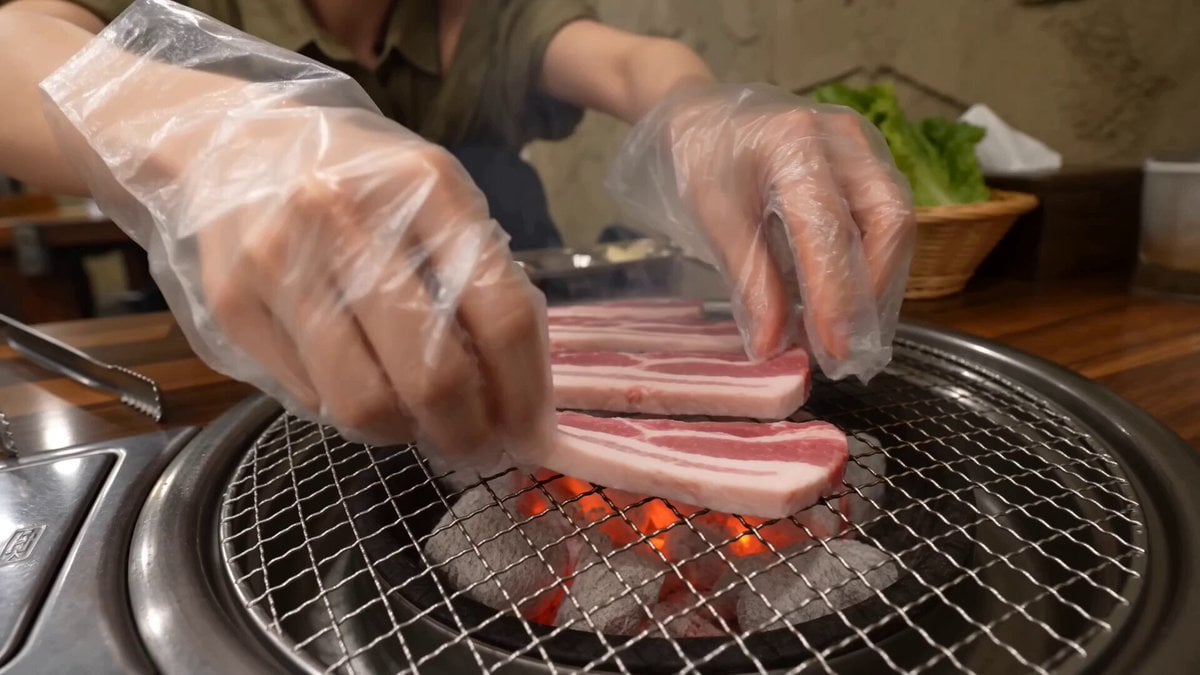
Authentic Korean Samgyupsal Vlog

Fashion GRWM Smartphone Vlog
Make it yours
Authentic UGC Smartphone Selfie Recipe works as-is. These are the safest ways to change it without losing the look.
Change one field
Copy a single group, rewrite it, and generate again so you can see what that field is doing.
Keep the frame, change the subject
Hold the composition and light of Authentic UGC Smartphone Selfie Recipe, then swap wardrobe, props or the person for a new take.
| If the result… | Why | Fix |
|---|---|---|
| The result drifts from the preview | Too many fields changed at once. | Reuse Authentic UGC Smartphone Selfie Recipe as-is first, then change one group — subject, light, or setting. |
| The model over-stylizes the scene | The prose prompt leaves finish and camera underspecified. | Add one camera or lighting sentence and stay on Seedance 2.0. |
More Seedance 2.0 templates
Other prompts made for Seedance 2.0.

Comical Martial Arts Punch Scene

Maglev Train Action Sequence

Martial Arts Fight Sequence

Wuxia Protection and Trust Script

Vintage Korean Arcade MiniDV Vlog

Mercedes 190 SL Luxury Ad

Rainy Night Supernatural Reverse Comedy Video Script

Amazon Civilization Discovery

Futuristic South Asian City Transformation

Cozy Luxury Cafe Commercial
More video prompts
Fresh picks from across the catalog.
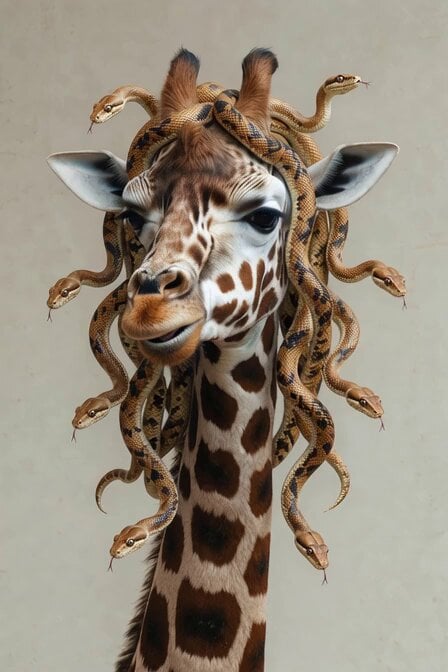
Surreal Snake Hair Giraffe Animation
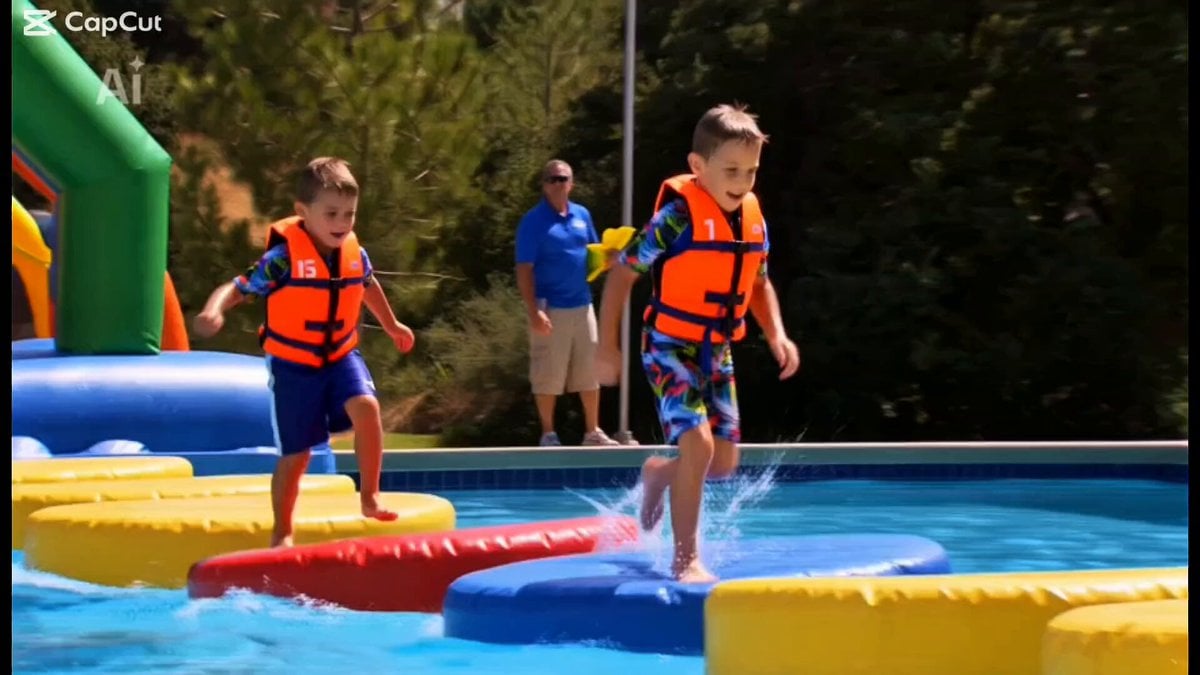
Retro Reality TV Kids Obstacle Course
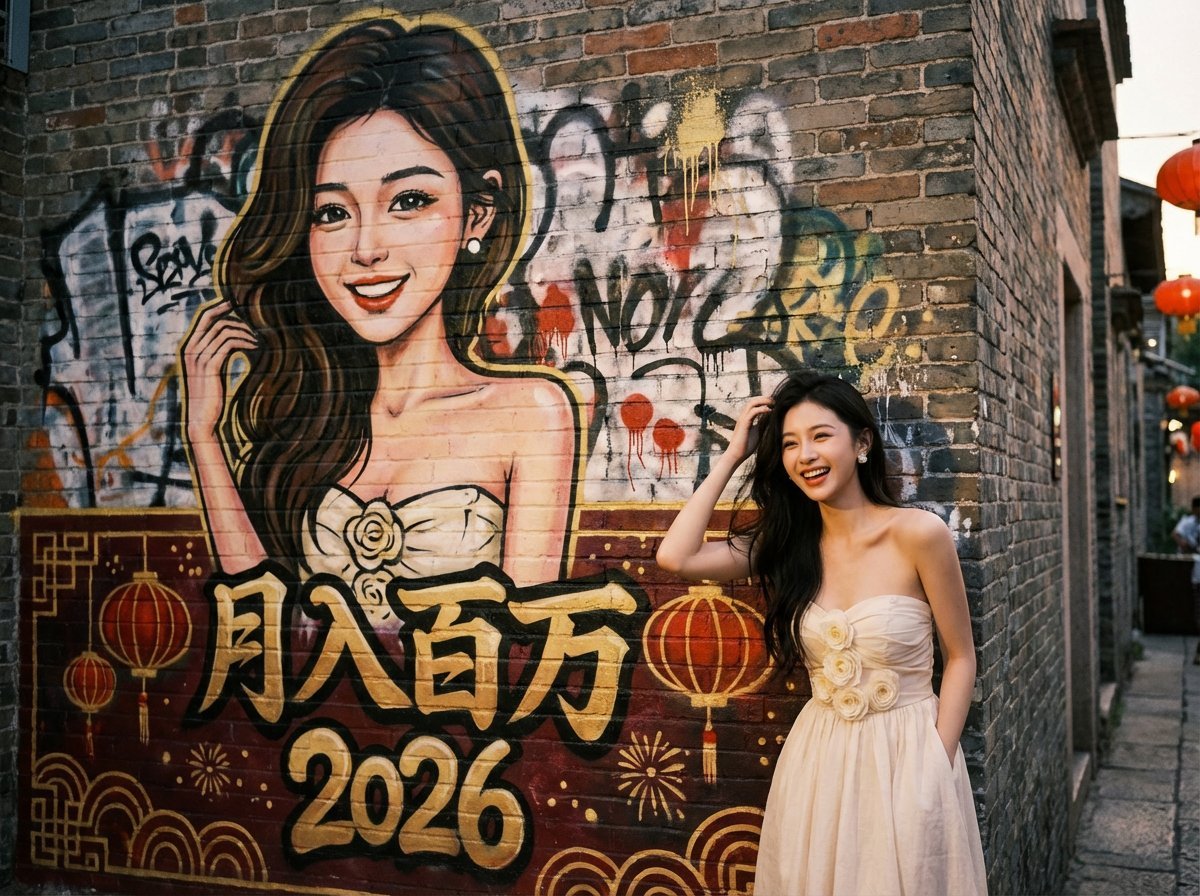
Street Graffiti Portrait Generator Prompt (JSON Format)

Clay-Style Pirate Duck Adventure

Mice and Rabbits in Blowing Winds

Cybernetic Warrior Queen Transformation

Mystic Ocean Victorian Lady
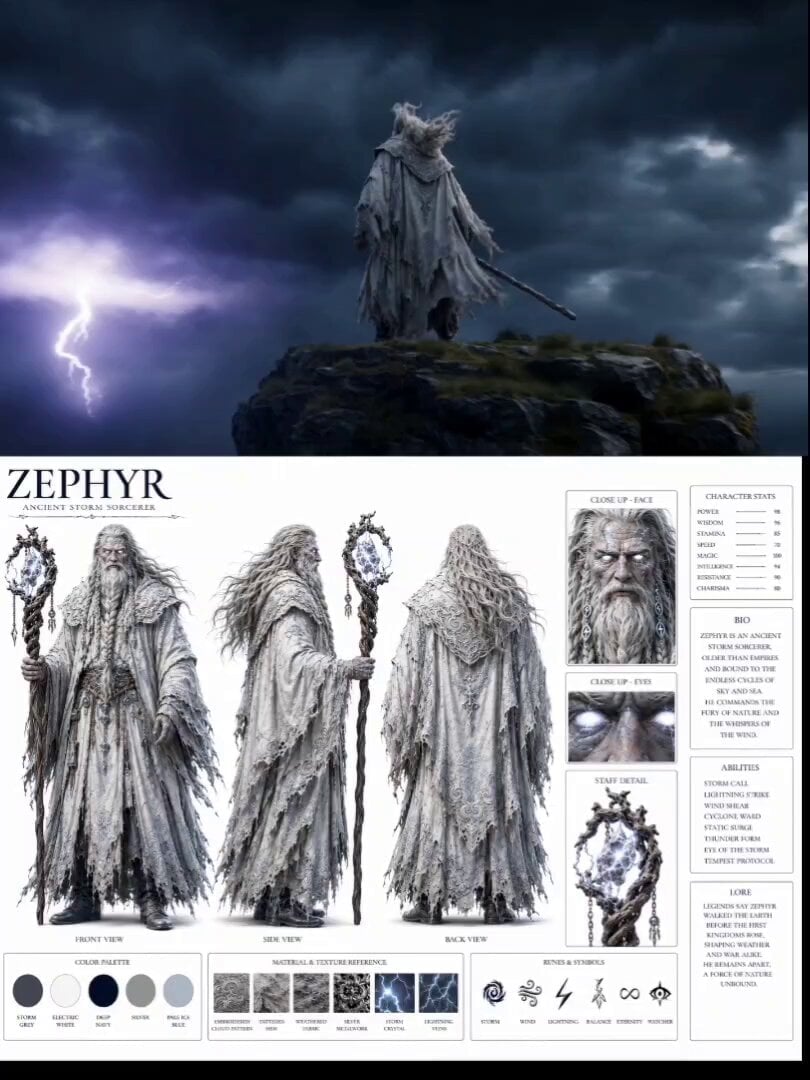
Ancient Storm Mage Cinematic Sequence

Cinematic Mars Space Pioneer
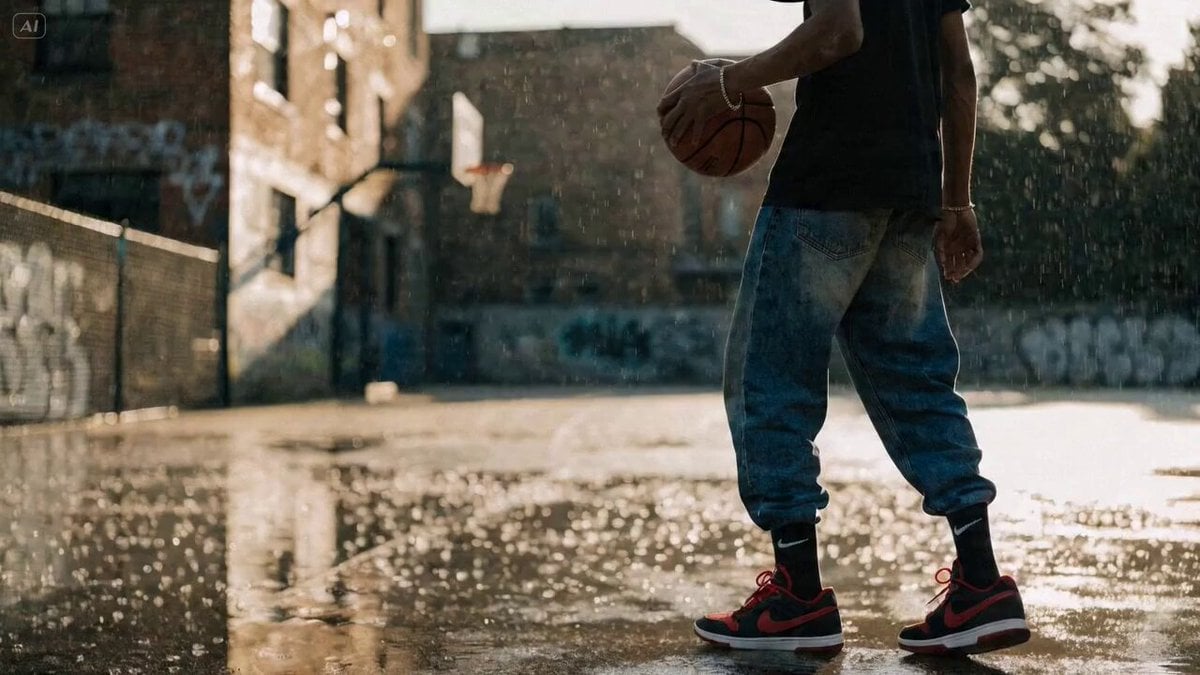
Nike Basketball Sprint Video Prompt
Browse template categories
Authentic UGC Smartphone Selfie Recipe questions
How do I use the Authentic UGC Smartphone Selfie Recipe template?
Add your photo if the template asks for one, edit the prompt if you like — the template's model and format are already selected — and press Generate. Your version opens in PicX Studio.
Can I customize the Authentic UGC Smartphone Selfie Recipe template?
Yes. You can change the subject, setting, lighting, mood, format, and available model controls before creating your video.
Is the Authentic UGC Smartphone Selfie Recipe template free?
Opening and editing this template is free. Generating uses credits, shown on the Generate button when you are signed in.
Which AI model should I use?
Start with Seedance 2.0, which is the model associated with this template. You can compare another compatible model for a different finish.
Looking for something else? Browse all templates.

Your photo, any look
Thousands of ready templates for every top image and video model, from one credit balance.