
Cyberpunk Skyscraper Fall Action
A complex action sequence prompt involving a character falling from a skyscraper, transforming a chip into a katana, and destroying a combat robot.
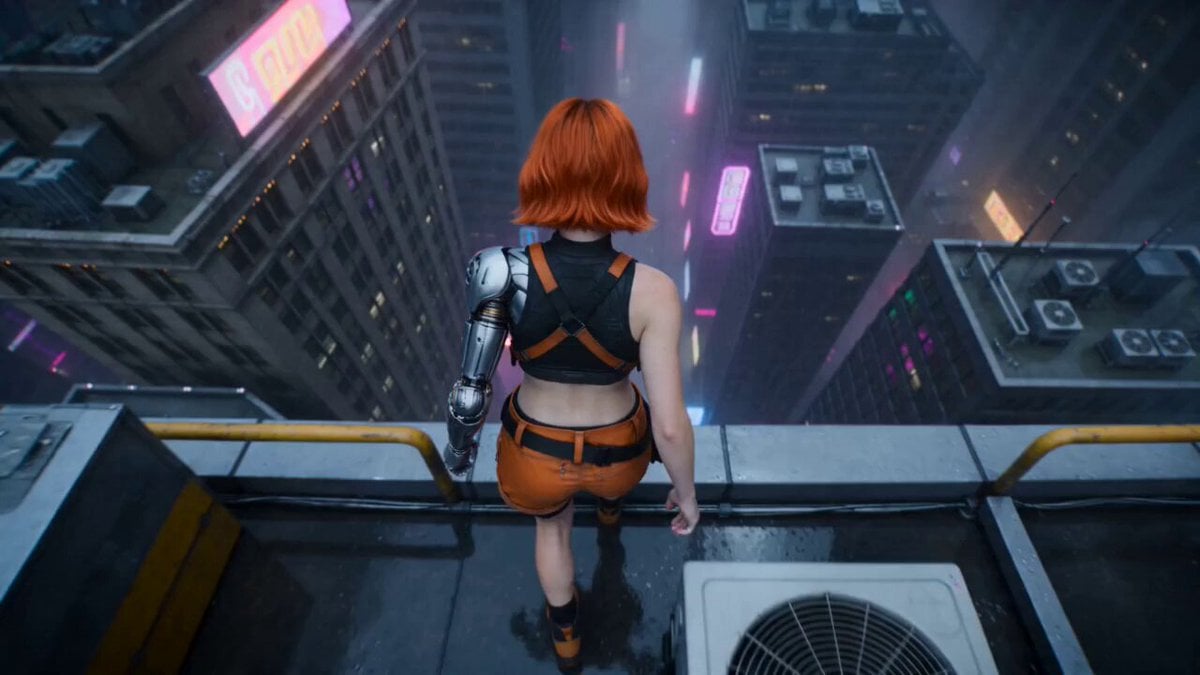
- Prompt included
- Model and format preset
- Free template
The prompt behind this video
Copy the exact prompt behind Cyberpunk Skyscraper Fall Action, or open it in the studio and make it yours.
<<<image_1>>> is the exact female character reference-preserve her face, short bright-orange bob haircut, slim athletic proportions, black sleeveless crop top, orange tactical shorts, harness straps, cybernetic silver arm, and black-orange armored boots. <<<image_2>>> is the exact combat robot reference—preserve its heavy black armor, broad mechanical silhouette, shoulder launchers, and magenta visor. <<<image_3>>> is the environment reference—preserve the vast rainy cyberpunk megacity, neon cyan and magenta lighting, skyscrapers, holographic billboards, and atmospheric fog. Cinematic photorealistic cyberpunk action sequence shot with anamorphic lenses, realistic physics, deep contrast, wet atmospheric haze, controlled motion blur, and a consistent night color grade. No subtitles, captions, or text overlays. A cybernetic orange-haired woman falls from a skyscraper toward a massive combat robot standing on the street among futuristic soldiers. During the fall, she transforms a tiny technological chip into a cyberpunk katana and performs a powerful vertical strike through the robot to slow her descent before landing safely. Opens with an extreme wide aerial shot as she drops into the neon canyon, her hair and harness whipping in the wind while the camera dives after her. High-angle shot reveals the robot standing motionless at the center of the formation as soldiers look up and raise their weapons without firing. Tight close-up: she reveals a tiny metallic chip glowing with cyan circuitry. Macro shot: the chip unfolds into a full-length cyberpunk katana with a matte black hilt and brilliant cyan plasma edge. Orbiting medium shot: she catches the katana, rotates into a feet-down vertical attack, and aligns with the robot. Fast downward tracking shot: she accelerates toward the robot while the soldiers dive back. She drives the katana straight through the robot from head to torso. A concentrated cyan energy arc erupts as the robot's armor slows her fall. The robot splits cleanly into two mechanical halves, sending sparks, glowing cables, and armor fragments outward without blood or gore. Final low-angle hero shot: she lands safely in a controlled three-point crouch between the separated robot halves, gripping the katana embedded in the pavement. Her orange hair settles as cyan electricity crawls across the blade. The soldiers remain unharmed, staring in shock while rain, smoke, and sparks drift through the neon street. Audio: roaring wind, tense electronic score, chip transformation clicks, plasma hum, soldiers shouting, powerful energy-blade slash, electrical crackle, collapsing metal, deep landing impact. Maintain the exact woman, outfit, cybernetic arm, hairstyle, and robot identity throughout. The robot remains standing until the final strike. She attacks only the robot; no soldiers are injured. Clear readable action, coherent anatomy, physically continuous fall, stable environment. Negative: no blood, no gore, no hum
How to use Cyberpunk Skyscraper Fall Action in 3 steps
- 1Upload ImagePNG, JPG or paste
Add your photo
Upload the photo the template builds on. The prompt, model and format are already set.
- 2…a portrait of your subject in softgolden-hour light, 85mm…
Personalize
Edit the subject and creative details for your destination.
- 3Generate
Generate
Press Generate — your video is created in PicX Studio, so you can compare it with the original and refine one variable at a time.
More like this
Templates with the same subject, style or setup. Open one to see its prompt.
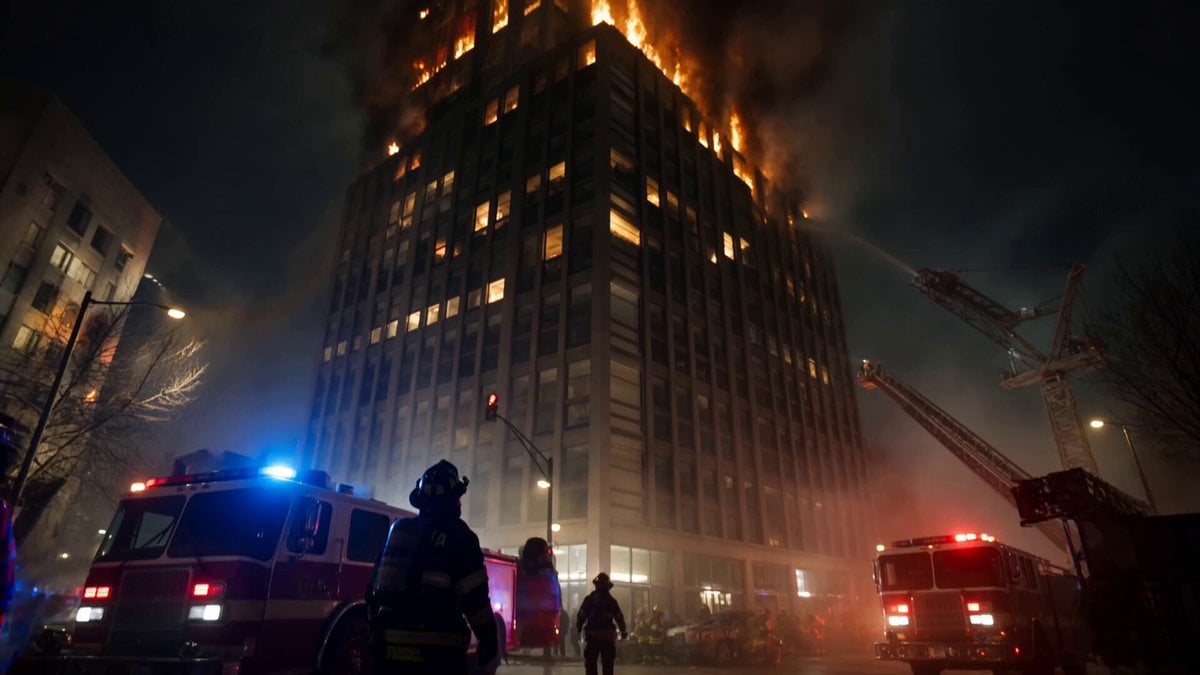
Live-Action Firefighter Rescue Night Scene
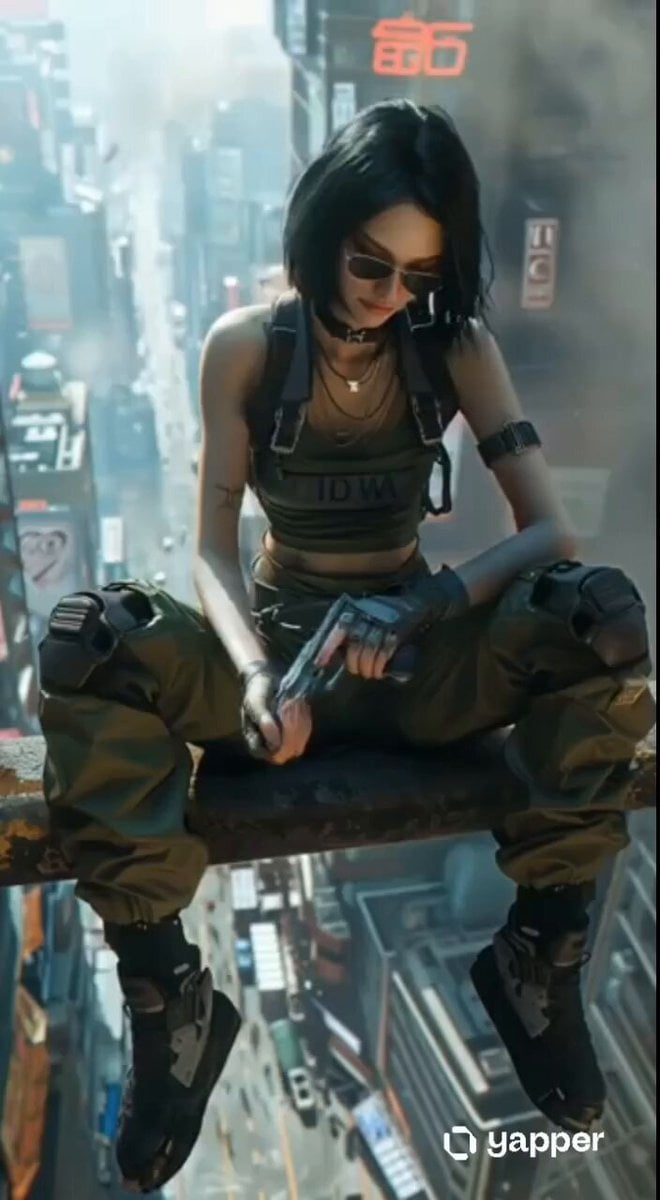
Cyberpunk Skyscraper Vertigo Fall
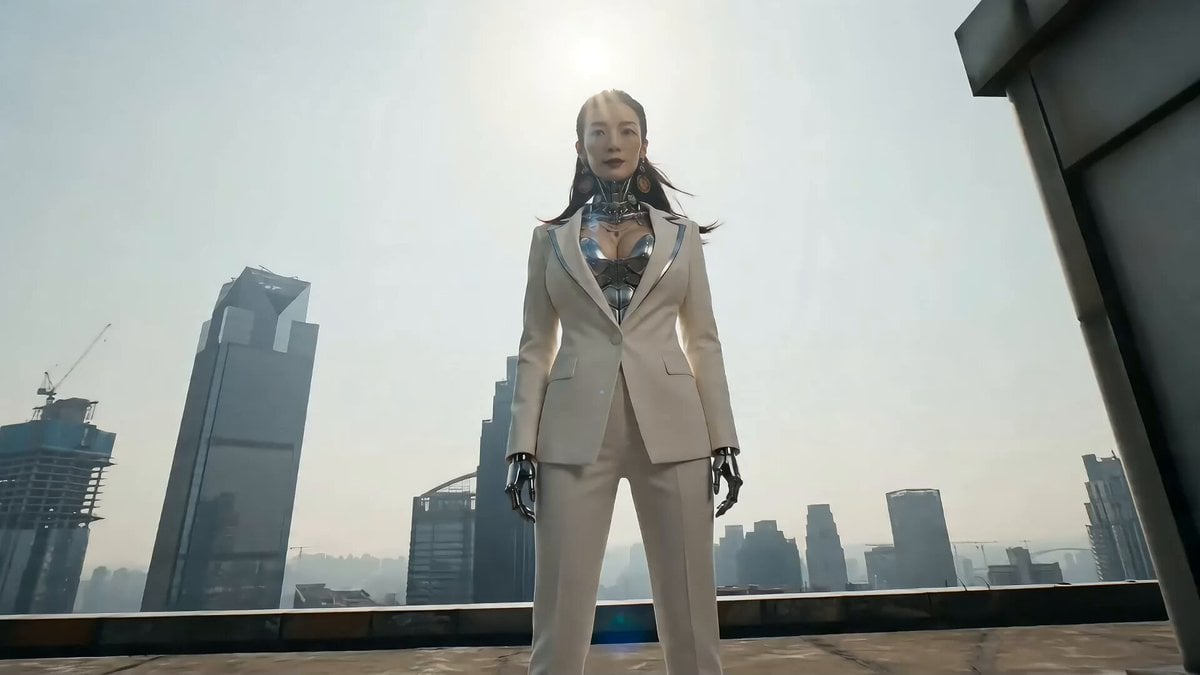
Cyberpunk Action Sequence: Elegant Female Agent Jumps from Skyscraper to Moving Car

Cyberpunk RPG Anime Action

Cyberpunk Holographic Dance Performance - Seedance 2.5

RX-7 to Mech Transformation Cyberpunk
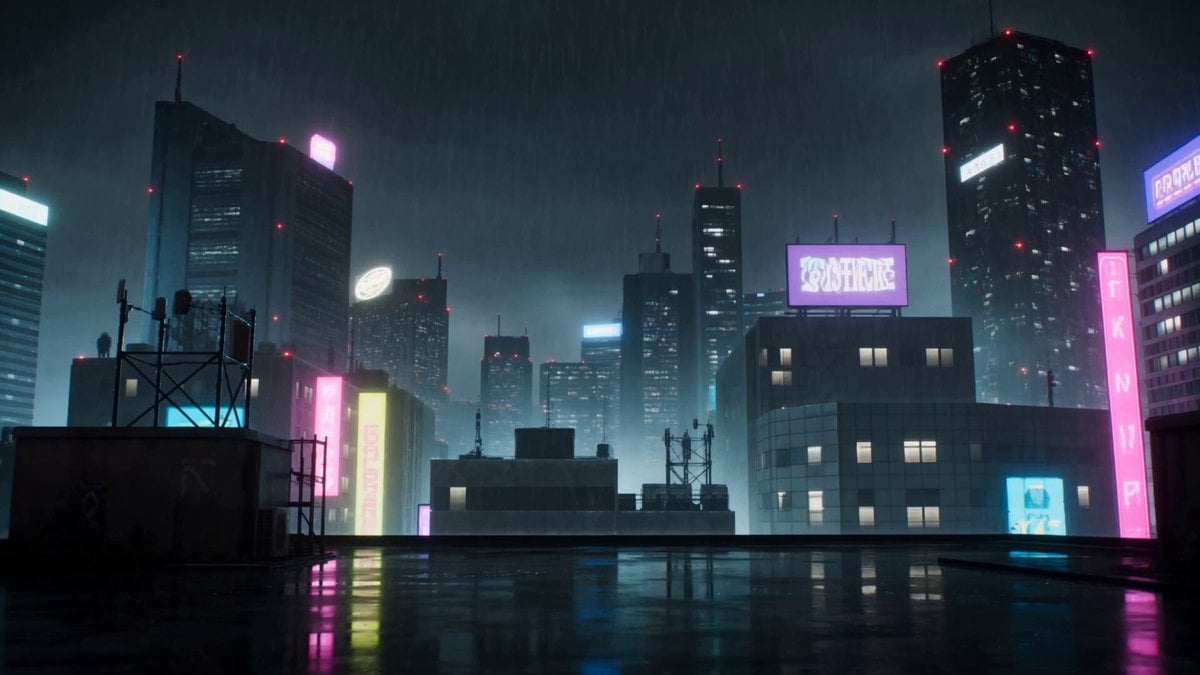
Cyberpunk Anime Duel Action
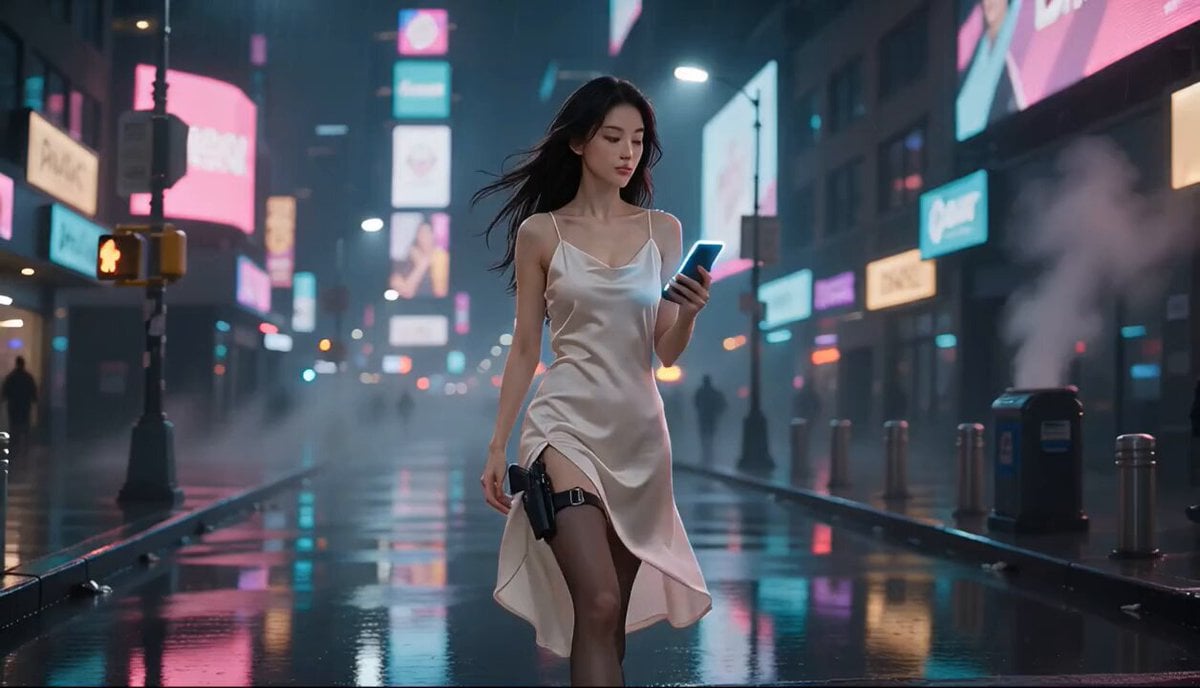
Cyberpunk Action Movie Short
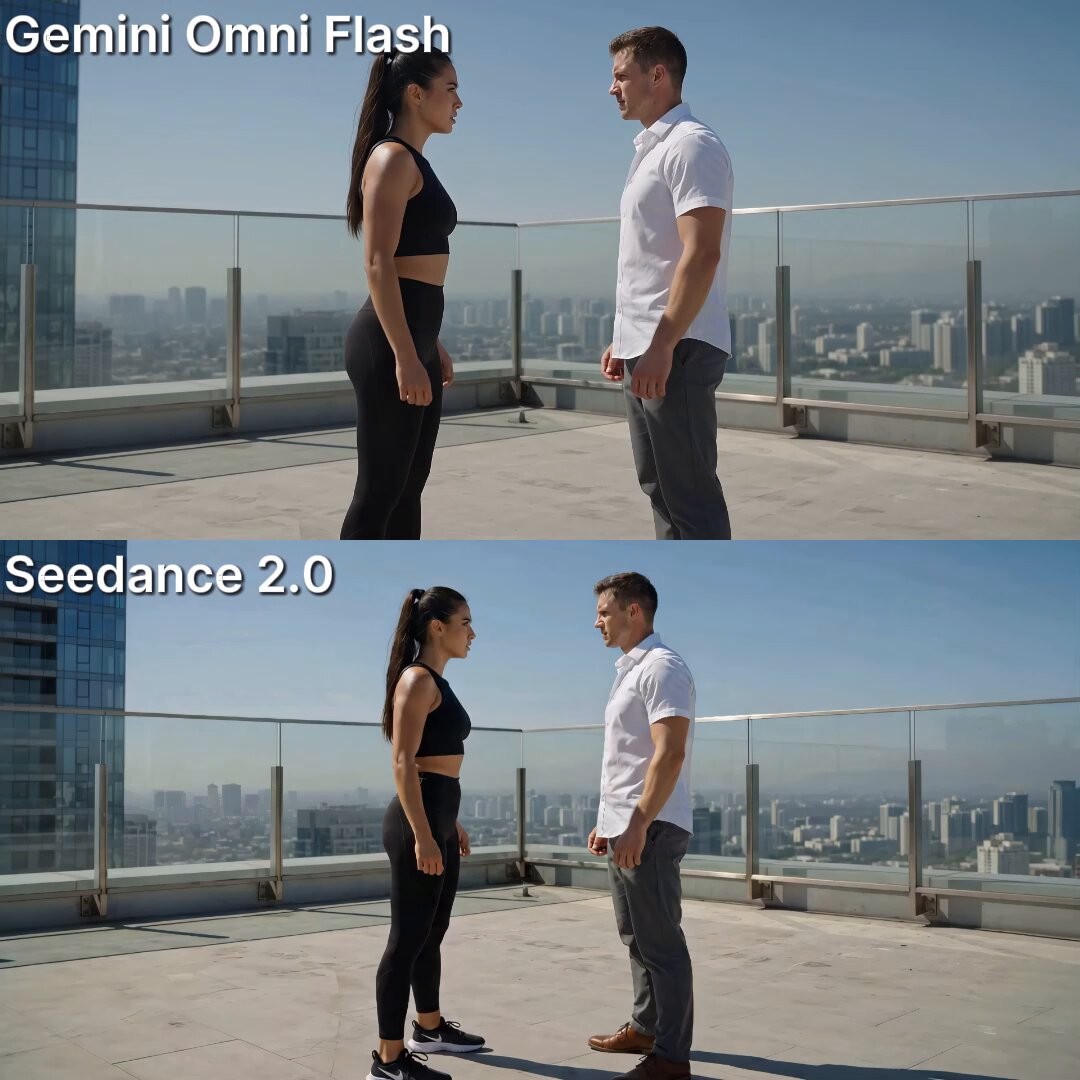
Skyscraper Rooftop Action Fight
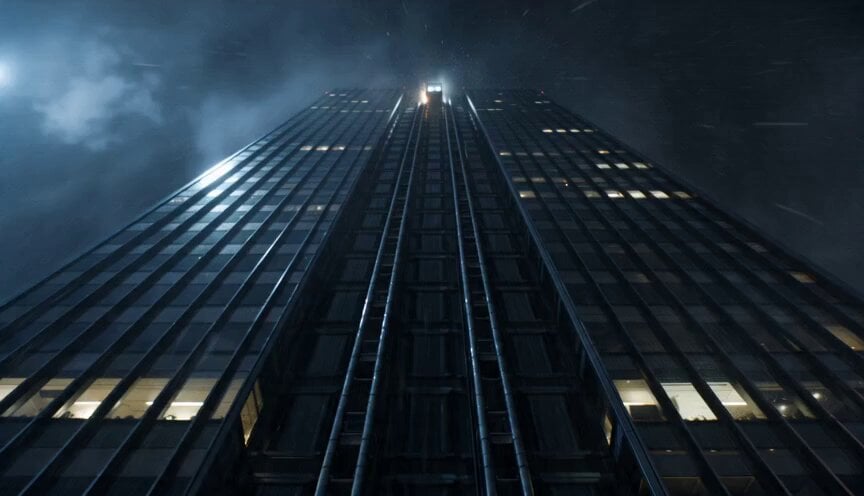
Cinematic Falling Elevator Action Sequence
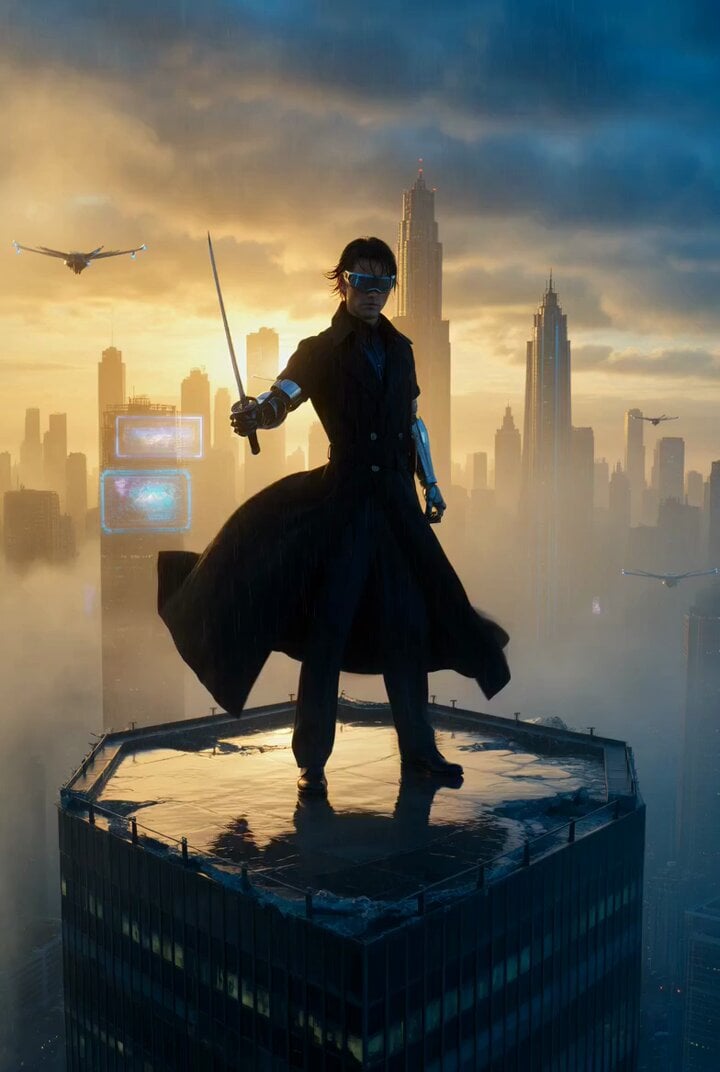
Cyberpunk samurai on a shattered skyscraper
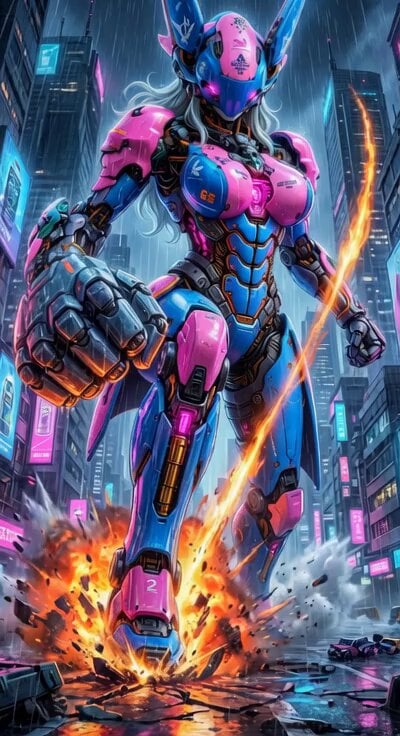
Cyberpunk Mecha Action Scene
Make it yours
Cyberpunk Skyscraper Fall Action works as-is. These are the safest ways to change it without losing the look.
Change one field
Copy a single group, rewrite it, and generate again so you can see what that field is doing.
Keep the frame, change the subject
Hold the composition and light of Cyberpunk Skyscraper Fall Action, then swap wardrobe, props or the person for a new take.
| If the result… | Why | Fix |
|---|---|---|
| The result drifts from the preview | Too many fields changed at once. | Reuse Cyberpunk Skyscraper Fall Action as-is first, then change one group — subject, light, or setting. |
| The model over-stylizes the scene | The prose prompt leaves finish and camera underspecified. | Add one camera or lighting sentence and stay on Seedance 2.0. |
More Seedance 2.0 templates
Other prompts made for Seedance 2.0.

Comical Martial Arts Punch Scene

Maglev Train Action Sequence

Martial Arts Fight Sequence

Wuxia Protection and Trust Script

Vintage Korean Arcade MiniDV Vlog

Mercedes 190 SL Luxury Ad

Rainy Night Supernatural Reverse Comedy Video Script

Amazon Civilization Discovery

Futuristic South Asian City Transformation

Cozy Luxury Cafe Commercial
More video prompts
Fresh picks from across the catalog.
Fruit Ninja Gen-Z Anime Reboot
Premium Coffee Maker UGC Ad
GRWM Influencer Lunch Date Vlog

Woman Flying from Butterfly Bench

Iced Latte Coffee Commercial

McDonald's Fast Food Commercial
Urban Survival Street Chase Short

Portable Blender UGC Kitchen Video
Grok Imagine Prompt: Cinematic 5-second 4K video of a demonic warrior swinging a scythe
Astronaut in Abandoned Amusement Park
Browse template categories
Cyberpunk Skyscraper Fall Action questions
How do I use the Cyberpunk Skyscraper Fall Action template?
Add your photo if the template asks for one, edit the prompt if you like — the template's model and format are already selected — and press Generate. Your version opens in PicX Studio.
Can I customize the Cyberpunk Skyscraper Fall Action template?
Yes. You can change the subject, setting, lighting, mood, format, and available model controls before creating your video.
Is the Cyberpunk Skyscraper Fall Action template free?
Opening and editing this template is free. Generating uses credits, shown on the Generate button when you are signed in.
Which AI model should I use?
Start with Seedance 2.0, which is the model associated with this template. You can compare another compatible model for a different finish.
Looking for something else? Browse all templates.

Your photo, any look
Thousands of ready templates for every top image and video model, from one credit balance.