
Rainy Anime Schoolgirl Greeting
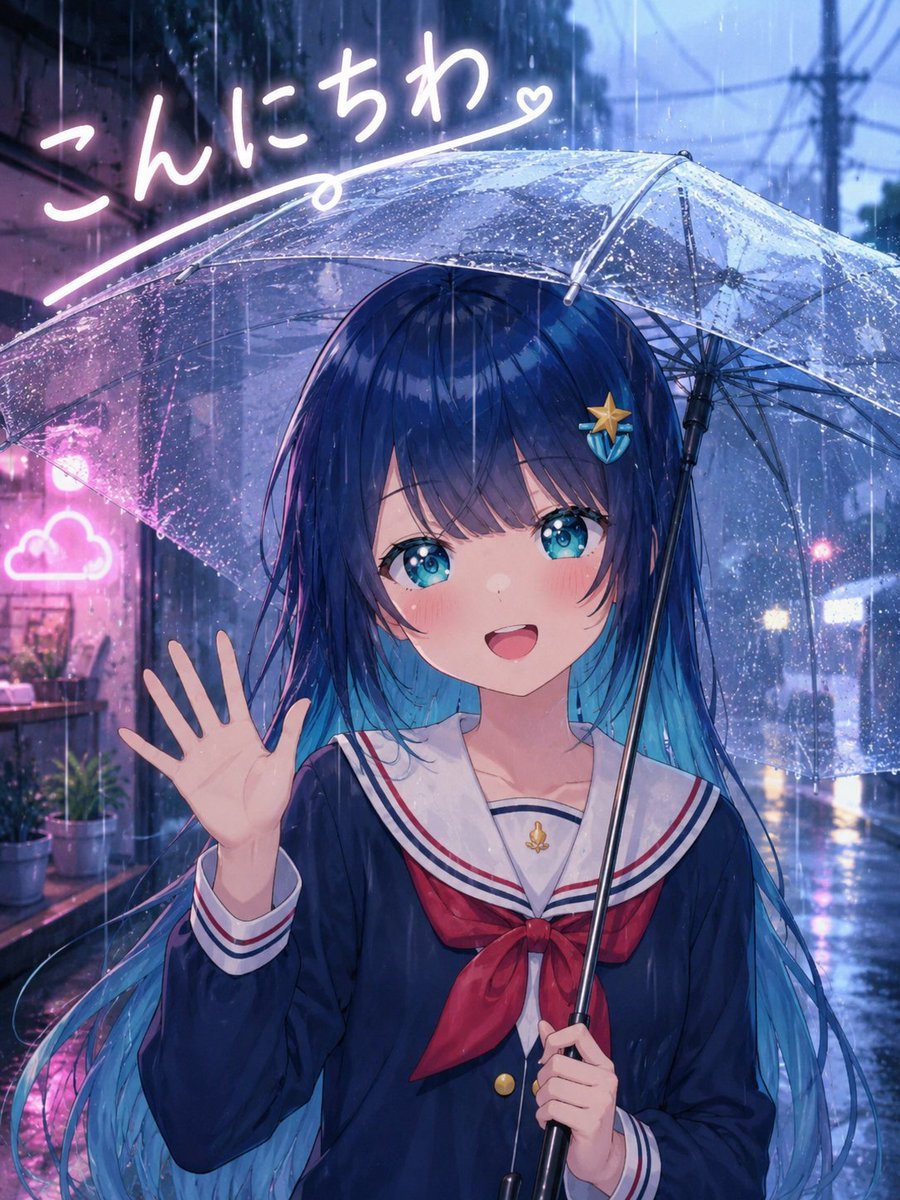
A vertical anime key visual of a cute sailor-uniform girl waving under a transparent umbrella in a neon rainy alley.
- Prompt included
- Model and format preset
- Free template
The prompt behind this image
Copy the exact prompt behind Rainy Anime Schoolgirl Greeting, or open it in the studio and make it yours.
Create a polished anime-style portrait illustration of a cheerful schoolgirl saying hello in the rain. The main subject is {argument name="character name" default="an original anime girl"}, shown from about mid-thigh up, centered slightly right, smiling warmly with her mouth open and waving with her left hand while holding a clear transparent umbrella in her right hand. She has long flowing {argument name="hair color" default="deep navy blue hair with bright cyan tips"}, straight bangs, large sparkling turquoise-blue eyes, soft blush, and a small starfish-shaped hair clip on the right side of her hair. She wears a Japanese sailor school uniform: dark navy long-sleeve top, white sailor collar with red and navy stripes, red neckerchief bow, gold buttons, and a small gold anchor charm at the chest. The umbrella is large, dome-shaped, transparent plastic with visible metal ribs, a black central shaft, and many raindrops beading across the surface. Set the scene in a narrow rainy city alley at dusk or night, with cool blue ambient lighting, wet pavement, vertical rain streaks, reflections on the ground, blurred utility poles and overhead wires in the distance, and soft bokeh lights from shops and traffic. Add pink neon accents on the left side, including a glowing cloud-shaped sign and handwritten Japanese greeting text in bright white-pink neon at the top left reading {argument name="greeting text" default="こんにちわ"}, with a sweeping underline ending in a small heart. The mood should be friendly, cute, and cinematic, like a high-quality modern anime key visual. Use rich detail, glossy rain effects, soft bloom, luminous reflections, shallow depth of field, and vibrant blue-and-pink color contrast. Vertical composition, 3:4 aspect ratio. Avoid extra characters, avoid watermark, avoid distorted hands, keep exactly one girl, one umbrella, one waving hand, one starfish hair clip, one neon cloud sign, and one handwritten greeting line.
How to use Rainy Anime Schoolgirl Greeting in 3 steps
- 1Upload ImagePNG, JPG or paste
Add your photo
Upload the photo the template builds on. The prompt, model and format are already set.
- 2…a portrait of your subject in softgolden-hour light, 85mm…
Personalize
Edit the subject and creative details for your destination.
- 3Generate
Generate
Press Generate — your image is created in PicX Studio, so you can compare it with the original and refine one variable at a time.
More like this
Templates with the same subject, style or setup. Open one to see its prompt.











Make it yours
Rainy Anime Schoolgirl Greeting works as-is. These are the safest ways to change it without losing the look.
Change one field
Copy a single group, rewrite it, and generate again so you can see what that field is doing.
Keep the frame, change the subject
Hold the composition and light of Rainy Anime Schoolgirl Greeting, then swap wardrobe, props or the person for a new take.
| If the result… | Why | Fix |
|---|---|---|
| The result drifts from the preview | Too many fields changed at once. | Reuse Rainy Anime Schoolgirl Greeting as-is first, then change one group — subject, light, or setting. |
| The model over-stylizes the scene | The prose prompt leaves finish and camera underspecified. | Add one camera or lighting sentence and stay on GPT Image 2. |
More GPT Image 2 templates
Other prompts made for GPT Image 2.

Six VTuber Japanese Logo Sheet

Realistic Portrait of Woman and Deer

The Vista Modular Condo Poster

AI Model Routing Comparison Infographic

2.5D Anime Art Board

Isometric Productivity Desk Scene

New York Double Exposure Poster

Four-Panel AI Landscape Comparison

Japanese Tatami Lifestyle Magazine Cover

NESCAFÉ Coffee Map Poster
More image prompts
Fresh picks from across the catalog.

Cinematic Travel Storytelling Aesthetic Prompt
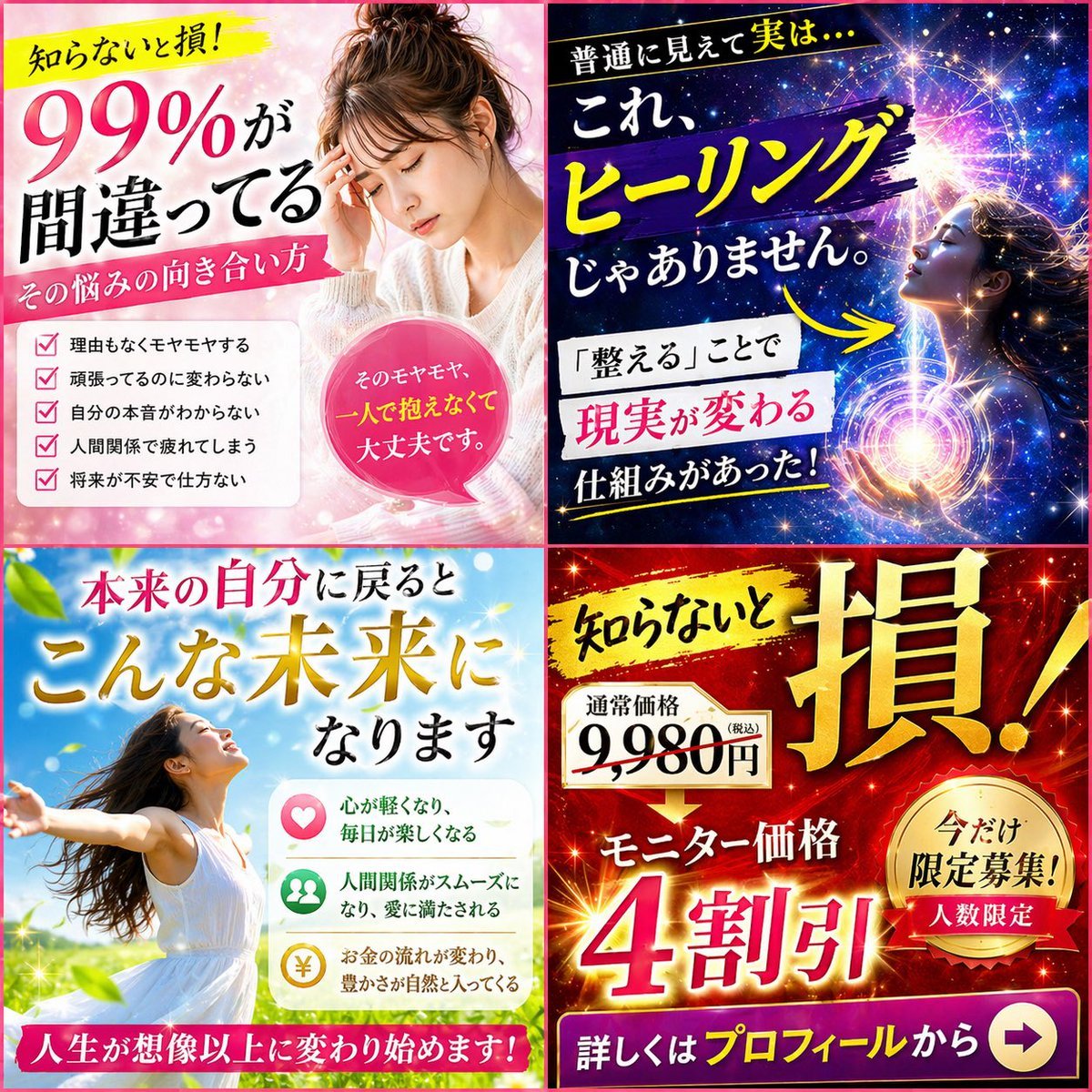
Japanese Four-Panel Healing Ad Collage

Holi Festival Cinematic Photography Prompt (JSON Format)
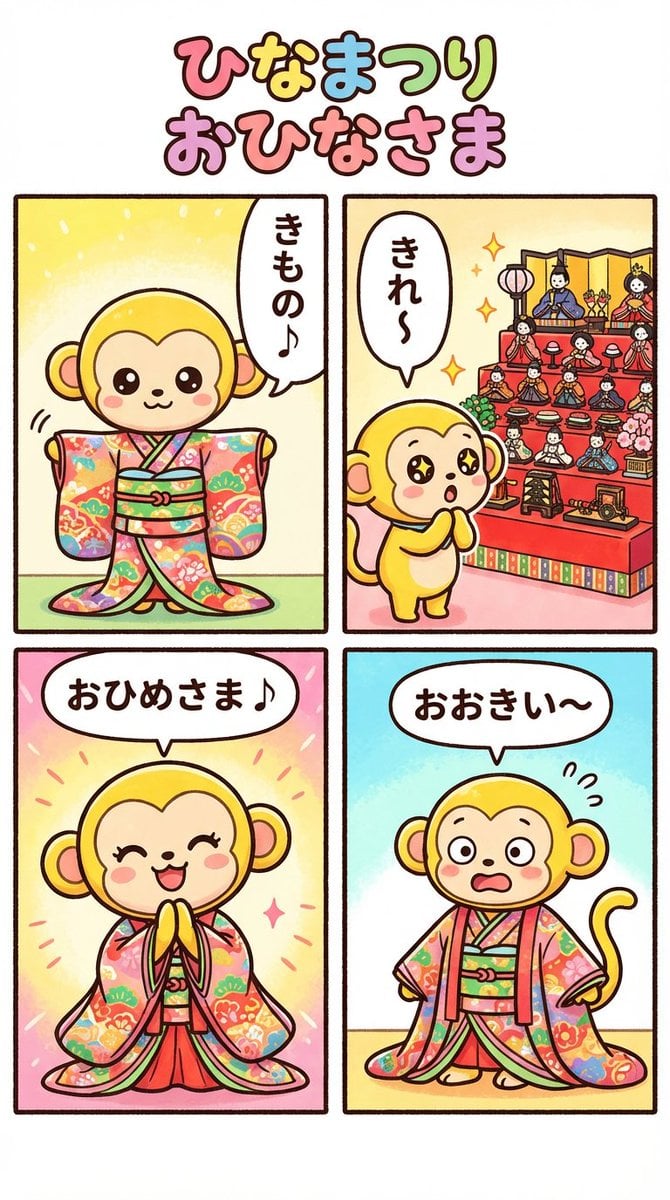
Nano Banana Pro 4-panel comic: Hina Matsuri
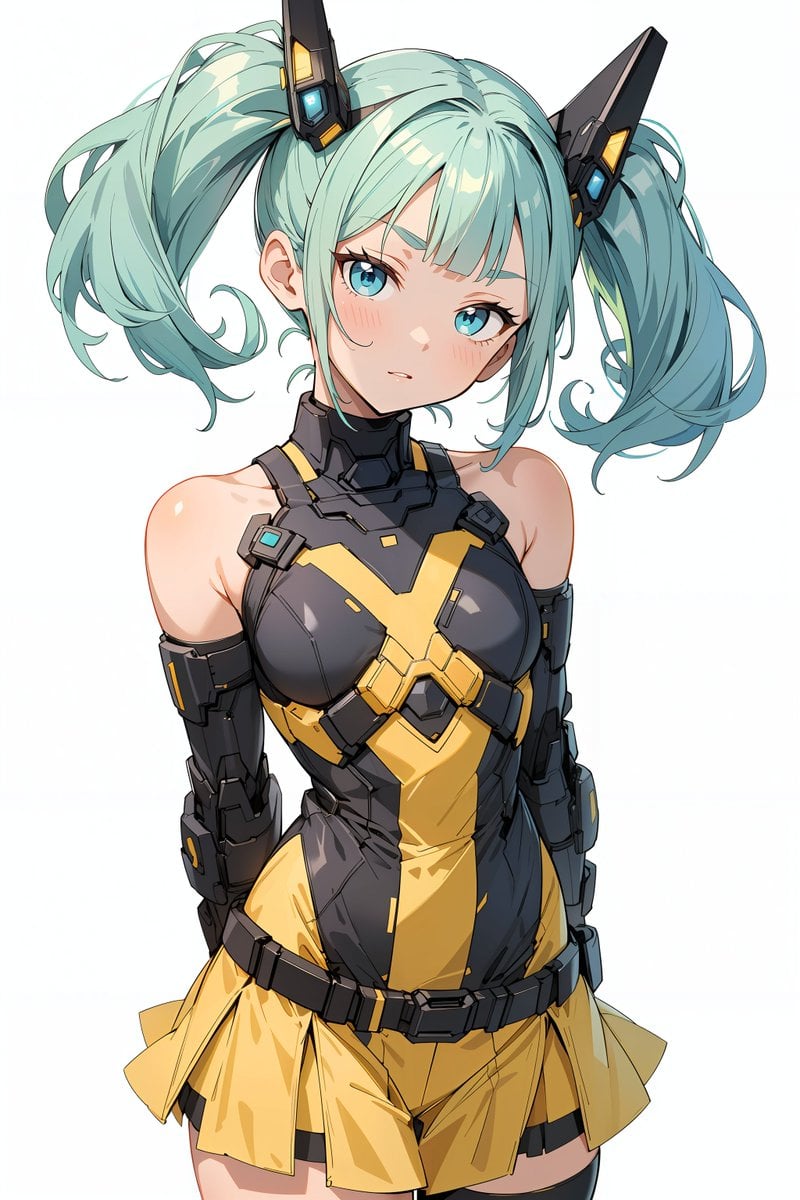
Energy field barrier VFX and pose adjustment YAML prompt
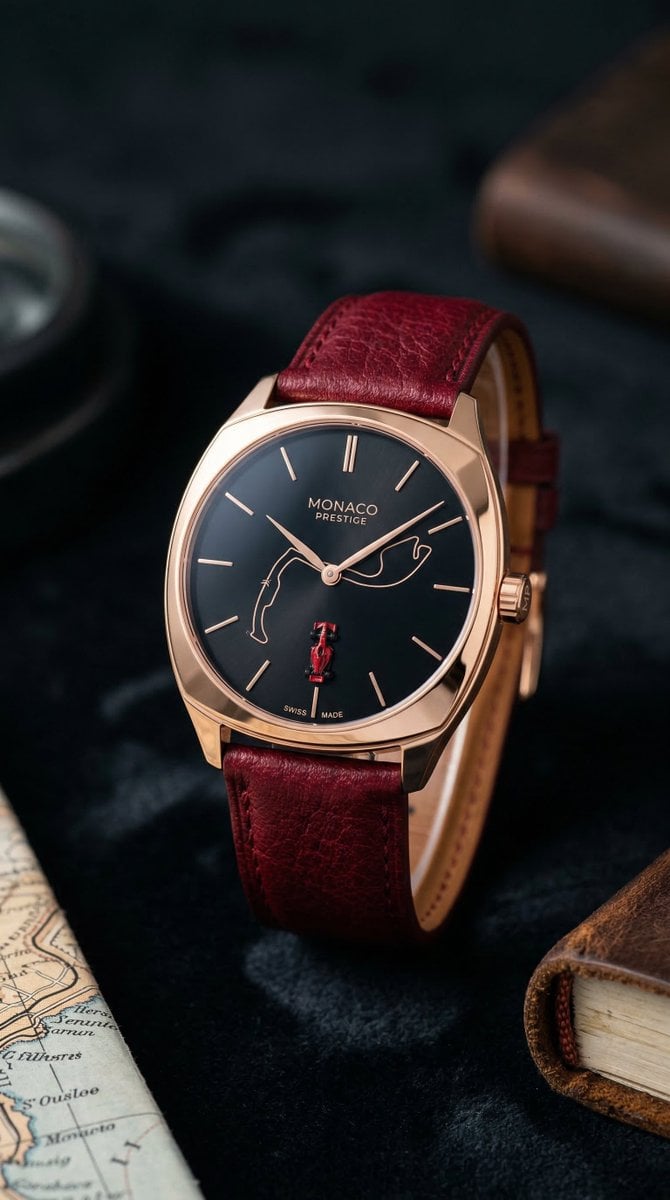
Minimalist Luxury Watch Editorial Prompt for Nano Banana 2
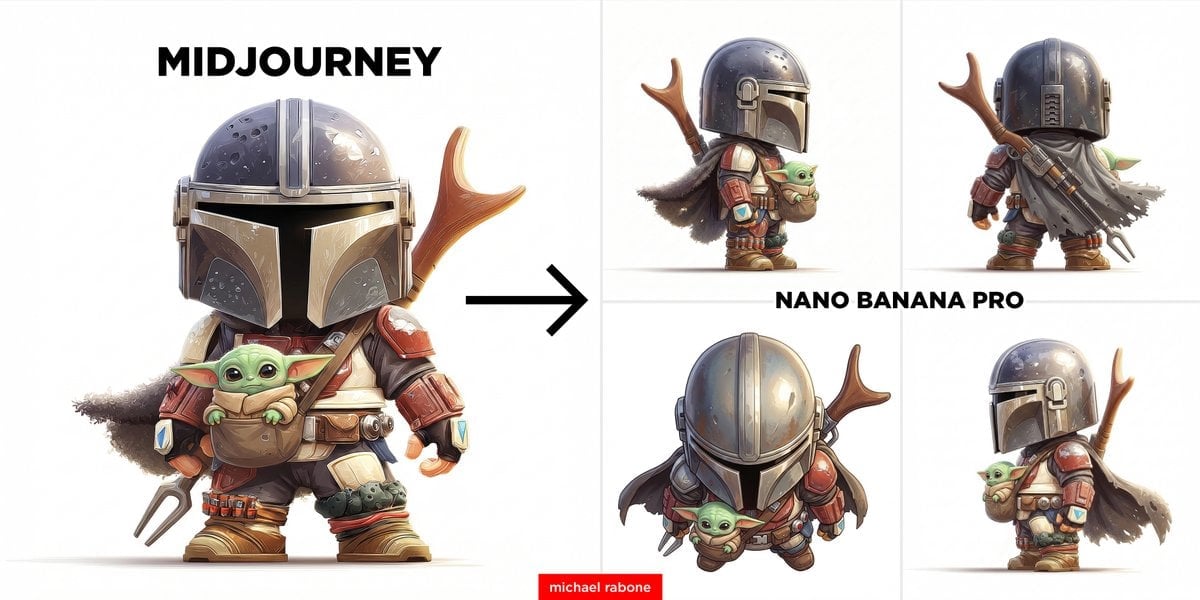
Image-to-Image View Generation Prompt

Anne Hathaway Ethereal Altitude Portrait

Ultra-Realistic Commercial Soda Can Photography
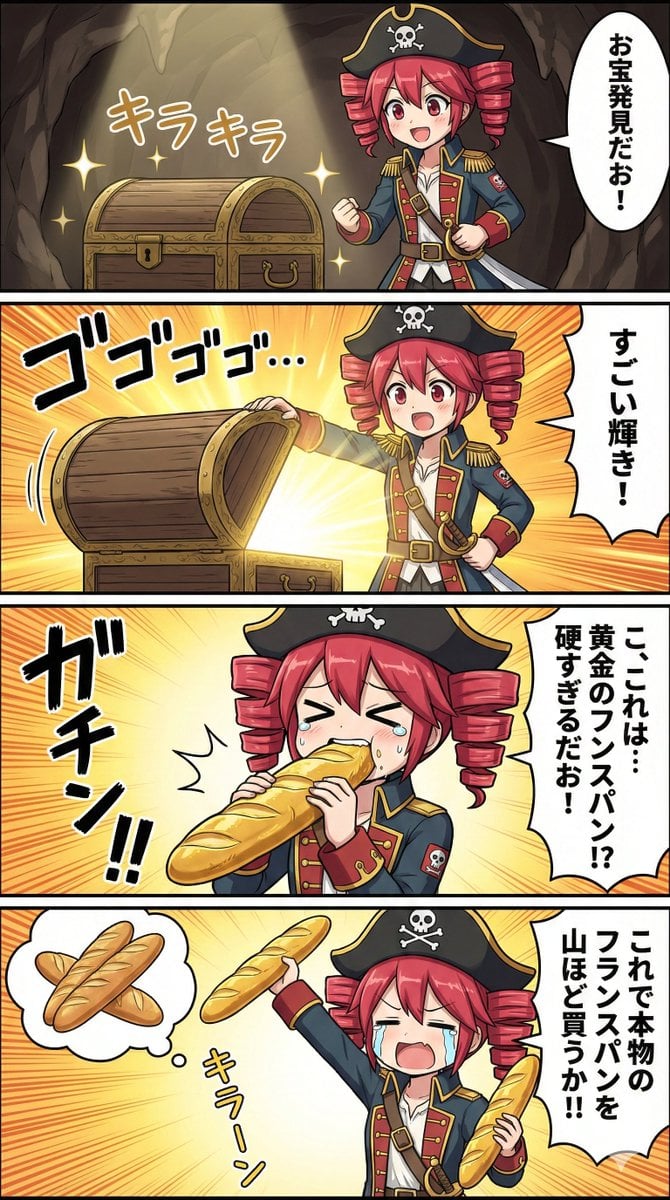
Nano Banana Pro Prompt for Teto Kasane in Pirate Attire
Browse template categories
Rainy Anime Schoolgirl Greeting questions
How do I use the Rainy Anime Schoolgirl Greeting template?
Add your photo if the template asks for one, edit the prompt if you like — the template's model and format are already selected — and press Generate. Your version opens in PicX Studio.
Can I customize the Rainy Anime Schoolgirl Greeting template?
Yes. You can change the subject, setting, lighting, mood, format, and available model controls before creating your image.
Is the Rainy Anime Schoolgirl Greeting template free?
Opening and editing this template is free. Generating uses credits, shown on the Generate button when you are signed in.
Which AI model should I use?
Start with GPT Image 2, which is the model associated with this template. You can compare another compatible model for a different finish.
Looking for something else? Browse all templates.

Your photo, any look
Thousands of ready templates for every top image and video model, from one credit balance.