How do I use the Anime Girl Floating in Summer Clouds template?
Edit the prompt in the box under the preview — the template's model and format are already selected — and press Generate. Your version appears right on this page.
Generates a vibrant vertical anime poster of a stylish girl drifting through bright clouds with two small airplanes and sweeping contrails.

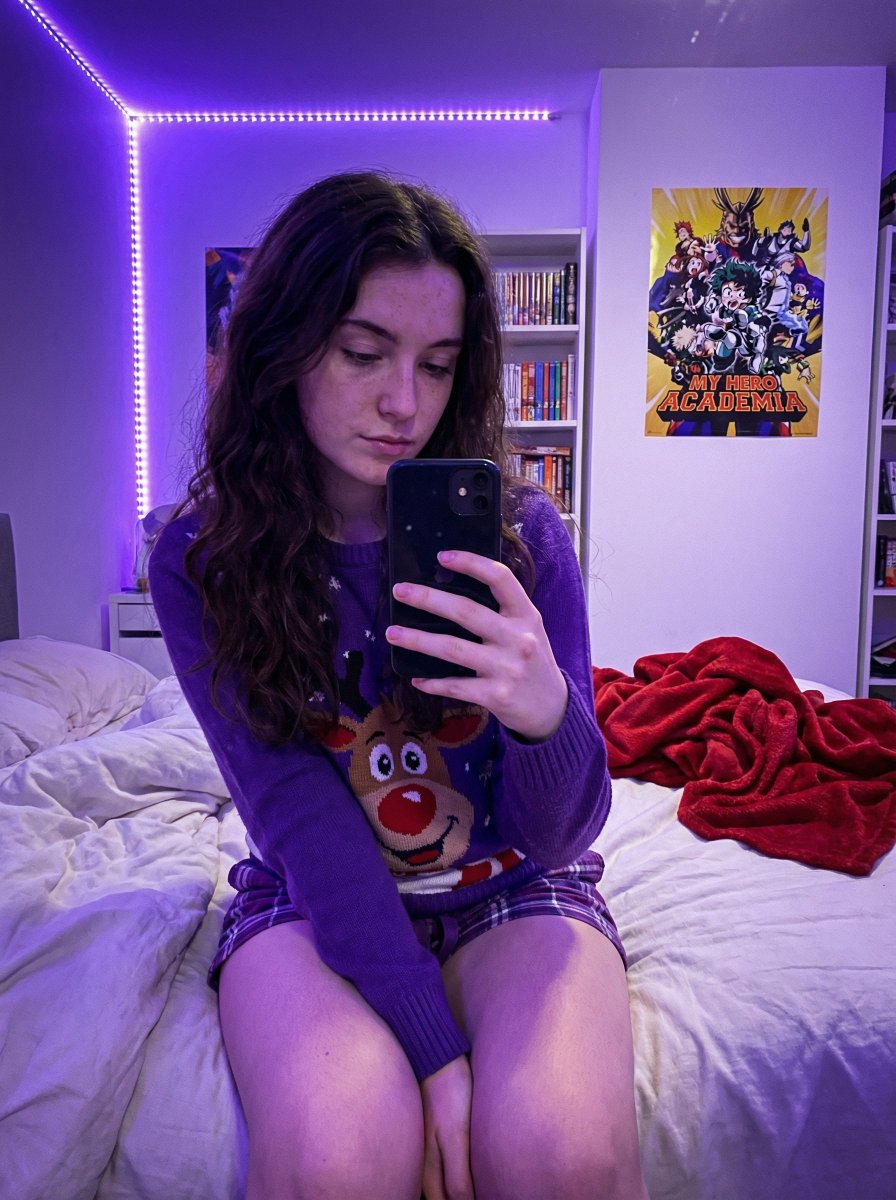
This template uses your photo — add one with the + button.
Create a vertical anime-style summer illustration of {argument name="character name" default="a fashionable young woman"} floating or dancing weightlessly among towering white cumulus clouds in a vivid cobalt-blue sky. She is shown full body from a low upward angle, centered diagonally with one arm stretched high above her head making a delicate hand gesture, the other arm extended outward, one leg long and straight downward and the other bent back playfully. She has short tousled {argument name="hair color" default="black"} bob hair, pale skin, a calm dreamy expression, glossy eyes looking upward, orange-red drop earrings, and a small beaded bracelet. Outfit: an oversized light blue and white vertical striped button-up shirt tied in a knot at the waist, sleeves rolled loosely, a bright blue crop top underneath, high-waisted white shorts with a white belt, white scrunched socks, and light blue canvas sneakers. The background is filled with dense stylized clouds outlined in fine ink with pale blue shadow hatching, leaving patches of intense blue sky. Include exactly 2 small orange-and-white passenger jets: one in the upper right leaving a sweeping white curved contrail, and one in the lower left flying through blue streaks with a thin trail. Use clean Japanese anime line art, crisp ink outlines, airy composition, saturated summer blues, soft cream skin tones, minimal shading, dynamic poster-like framing, and a nostalgic 1990s manga illustration mood. Add a tiny handwritten signature and date near the bottom right reading {argument name="signature text" default="June 29, 2026 Oyagi"}. No extra characters, no cityscape, no text besides the signature/date.
Create a vertical anime-style summer illustration of {argument name="character name" default="a fashionable young woman"} floating or dancing weightlessly among towering white cumulus clouds in a vivid cobalt-blue sky. She is shown full body from a low upward angle, centered diagonally with one arm stretched high above her head making a delicate hand gesture, the other arm extended outward, one leg long and straight downward and the other bent back playfully. She has short tousled {argument name="hair color" default="black"} bob hair, pale skin, a calm dreamy expression, glossy eyes looking upward, orange-red drop earrings, and a small beaded bracelet. Outfit: an oversized light blue and white vertical striped button-up shirt tied in a knot at the waist, sleeves rolled loosely, a bright blue crop top underneath, high-waisted white shorts with a white belt, white scrunched socks, and light blue canvas sneakers. The background is filled with dense stylized clouds outlined in fine ink with pale blue shadow hatching, leaving patches of intense blue sky. Include exactly 2 small orange-and-white passenger jets: one in the upper right leaving a sweeping white curved contrail, and one in the lower left flying through blue streaks with a thin trail. Use clean Japanese anime line art, crisp ink outlines, airy composition, saturated summer blues, soft cream skin tones, minimal shading, dynamic poster-like framing, and a nostalgic 1990s manga illustration mood. Add a tiny handwritten signature and date near the bottom right reading {argument name="signature text" default="June 29, 2026 Oyagi"}. No extra characters, no cityscape, no text besides the signature/date.
Edit the prompt in the box under the preview — the template's model and format are already selected — and press Generate. Your version appears right on this page.
Yes. You can change the subject, setting, lighting, mood, format, and available model controls before creating your image.
Opening and editing this template is free. Generating uses credits, shown on the Generate button when you are signed in.
Start with GPT Image 2, which is the model associated with this template. You can compare another compatible model for a different finish.
Follow a topic to a crawlable collection of related PicX Studio templates.