
Japanese Fantasy Kekkai-shi Character Sheet
A comprehensive custom prompt for creating a 2D anime-style character sheet of a Japanese fantasy barrier master (Kekkai-shi) runner girl, designed for reference in video generation tools.
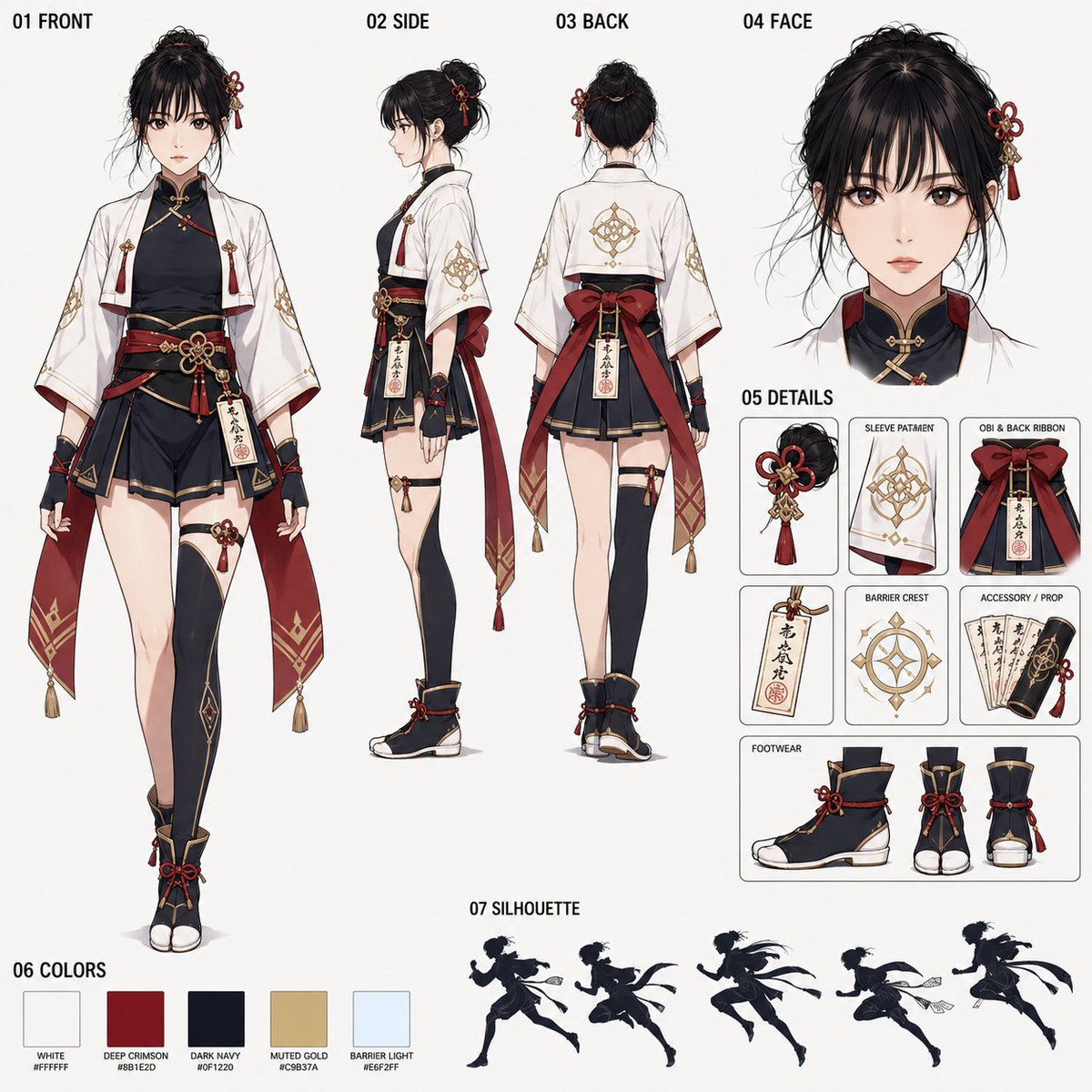
- Prompt included
- Model and format preset
- Free template
The prompt behind this image
Copy the exact prompt behind Japanese Fantasy Kekkai-shi Character Sheet, or open it in the studio and make it yours.
1:1スクエアのアニメ調キャラクターシートを作成する。テーマは、{argument name="テーマ" default="和風ファンタジーの結界術師ランナー少女"}。Seedance2.0に読み込ませる共有用参照シートとして、背景なし・整理されたレイアウト・番号付きセクション構成で仕上げる。 参照画像がある場合は、実写写真でもアニメ・イラストでも可。参照するのは顔立ち、顔の印象、年齢感、髪型の印象のみ。服装、背景、ポーズ、ライティング、画風は参照しない。参照顔を自然に高品質なアニメキャラクターへ変換する。 背景は無地の明るいオフホワイトまたは薄いグレー。鳥居、神社、森、祭り、街並み、魔法陣背景などの風景は入れない。長文説明、装飾文字、ロゴ、透かしは不要。小さく明確な黒ラベル付きで、以下の番号セクションを入れる。 01 FRONT 02 SIDE 03 BACK 04 FACE 05 DETAILS 06 COLORS 07 SILHOUETTE 【レイアウト】 01 FRONT:左に大きめの正面全身図。足先まで見える立ち姿。衣装構造が読みやすく、走れる印象を持たせる。 02 SIDE:中央に側面全身図。袖、帯、後ろリボン、脚まわり、足元が分かる。 03 BACK:中央に背面全身図。羽織の背中、後ろリボン、護符ホルダー、後ろ髪が分かる。 04 FACE:右上に大きめの顔アップ。落ち着いた集中表情。やさしさと芯の強さがある目。 05 DETAILS:右側に小パネルで、髪飾り、袖模様、帯と後ろリボン、護符、結界紋、小物、足元を整理して見せる。 06 COLORS:下部に小さな色見本。{argument name="配色" default="白、深紅、濃紺または黒、くすんだ金、淡い青白い結界光"}。 07 SILHOUETTE:下部に小さな走るシルエット群、または走る全身シルエット。俊敏で上品、結界術師ランナーらしい形にする。 【キャラクターデザイン】 和風ファンタジーの少女結界術師。短い羽織、身体に沿う黒または濃紺のインナー、短めの袴風またはレイヤー構造の下衣、腰帯、赤い後ろリボン、控えめな金装飾、腰の護符ホルダー、紙の護符、走れる足袋ブーツ風または和風ファンタジーシューズ。袖は広めだが長すぎず、疾走時に邪魔にならない。キャラクターは静的すぎず、軽い躍動感と走れる雰囲気を持たせる。 【髪】 {argument name="髪の参照" default="参照画像の髪型の印象"}を可能な範囲で反映し、和風ファンタジー向けに整える。必要なら赤や金の小さな髪飾りを追加する。複雑にしすぎない。 【魔法モチーフ】 和風の結界魔法を使うキャラクター。袖や護符、小物に小さな結界紋モチーフを入れる。大きな魔法陣や派手な背景演出は入れない。 【画風】 高品質な2Dアニメ調。きれいな線画、明瞭で上品な塗り、整理されたキャラクターシート構成。資料感は保ちつつ、キャラクターの魅力と華やかさも残す。 【ネガティブ】 背景風景なし、鳥居背景なし、神社背景なし、祭り背景なし、魔法陣背景なし、アクションシーン化しない、複数キャラ化しない、実写調なし、3Dなし、ちび化なし、レイアウト崩れなし、長文テキストなし、大きな装飾文字なし、ロゴなし、透かしなし、手足の破綻なし、顔の崩れなし、衣装不統一なし。参照画像の服装、背景、ポーズをコピーしない。
How to use Japanese Fantasy Kekkai-shi Character Sheet in 3 steps
- 1Upload ImagePNG, JPG or paste
Add your photo
Upload the photo the template builds on. The prompt, model and format are already set.
- 2…a portrait of your subject in softgolden-hour light, 85mm…
Personalize
Edit the subject and creative details for your destination.
- 3Generate
Generate
Press Generate — your image is created in PicX Studio, so you can compare it with the original and refine one variable at a time.
More like this
Templates with the same subject, style or setup. Open one to see its prompt.
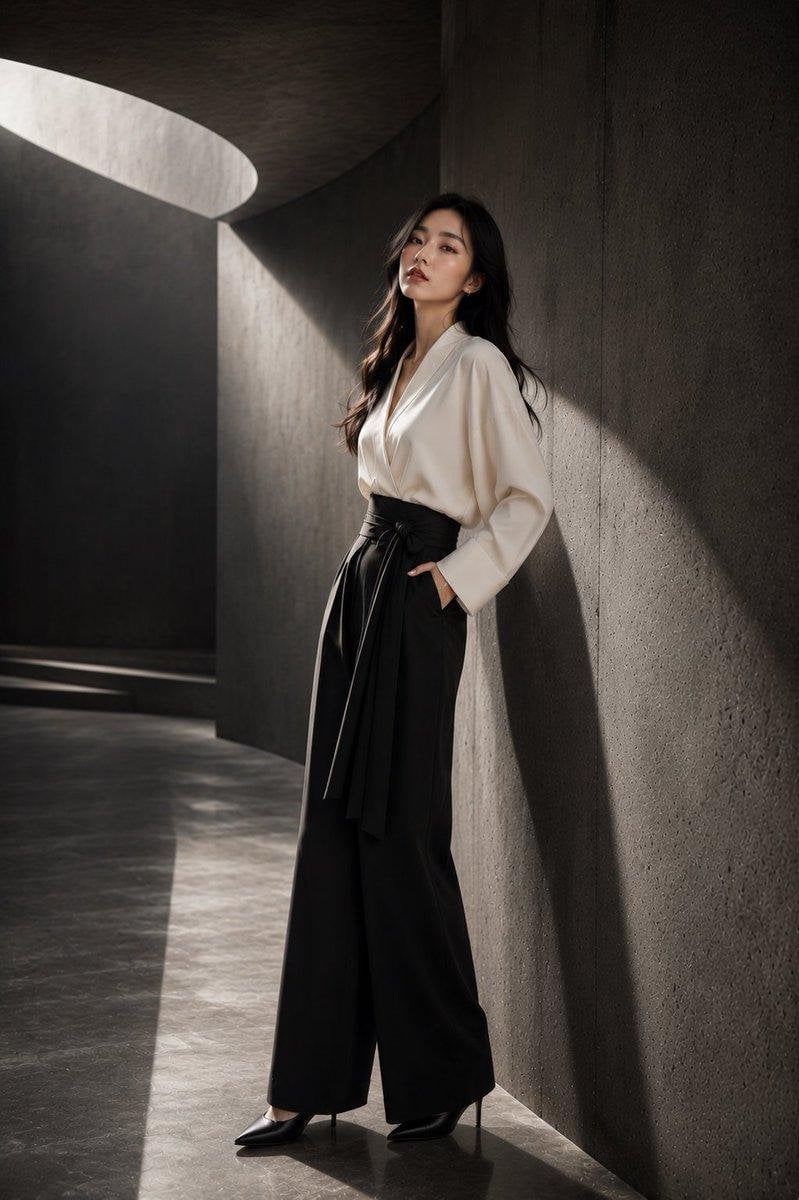
Japanese Architectural Concrete Studio Fashion Campaign
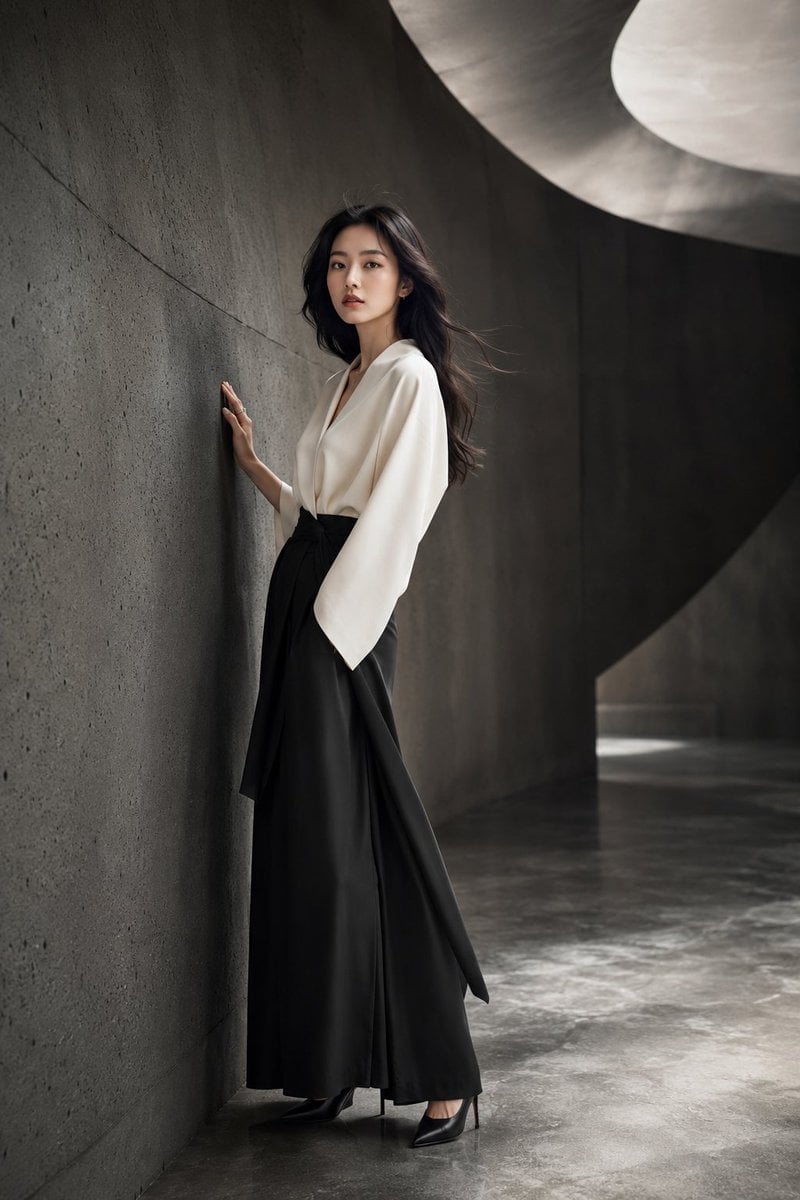
Japanese Minimalist Concrete Studio Fashion Editorial

Blue Backdrop Luxury Fashion Portrait Campaign

Six VTuber Japanese Logo Sheet
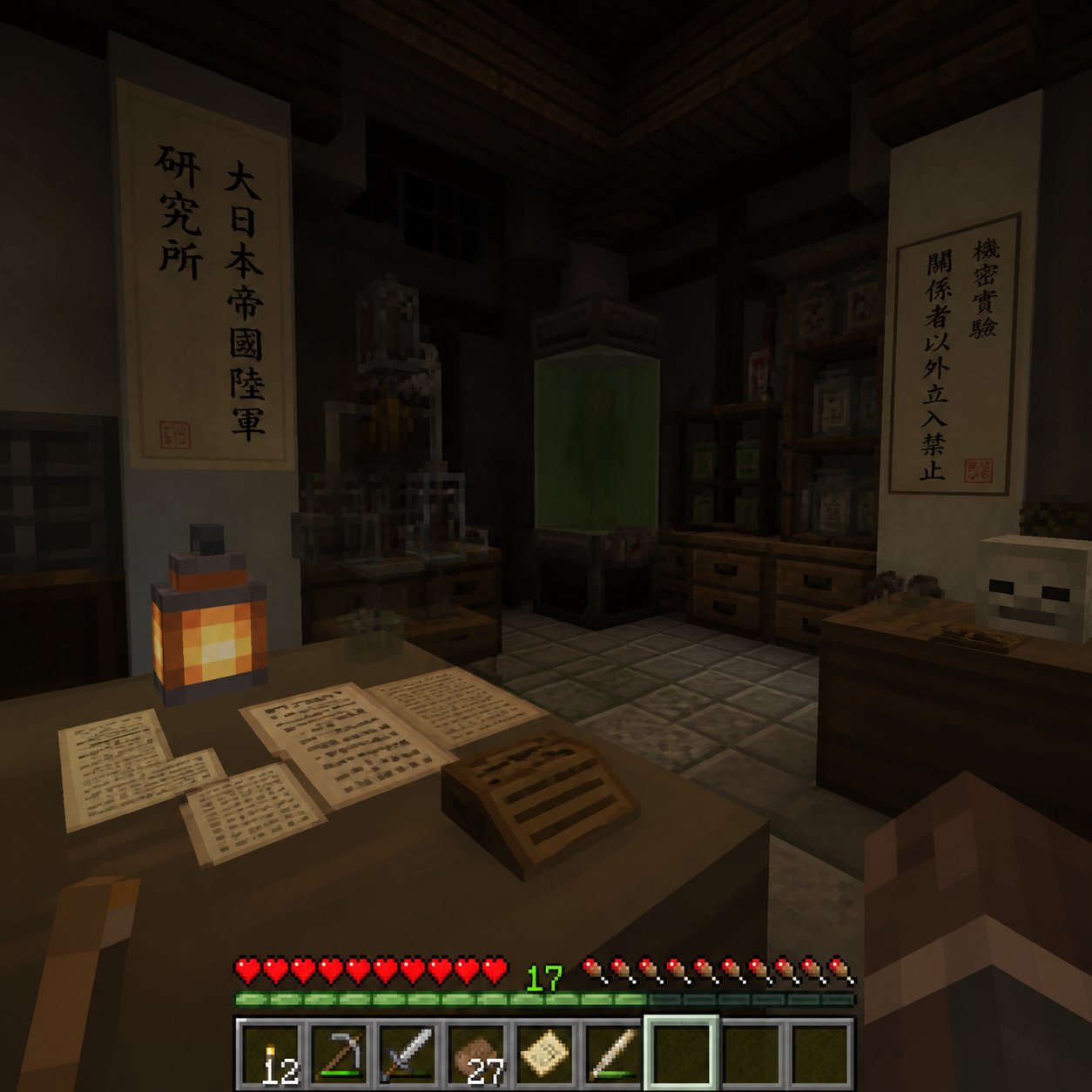
Minecraft Japanese Research Lab Exploration
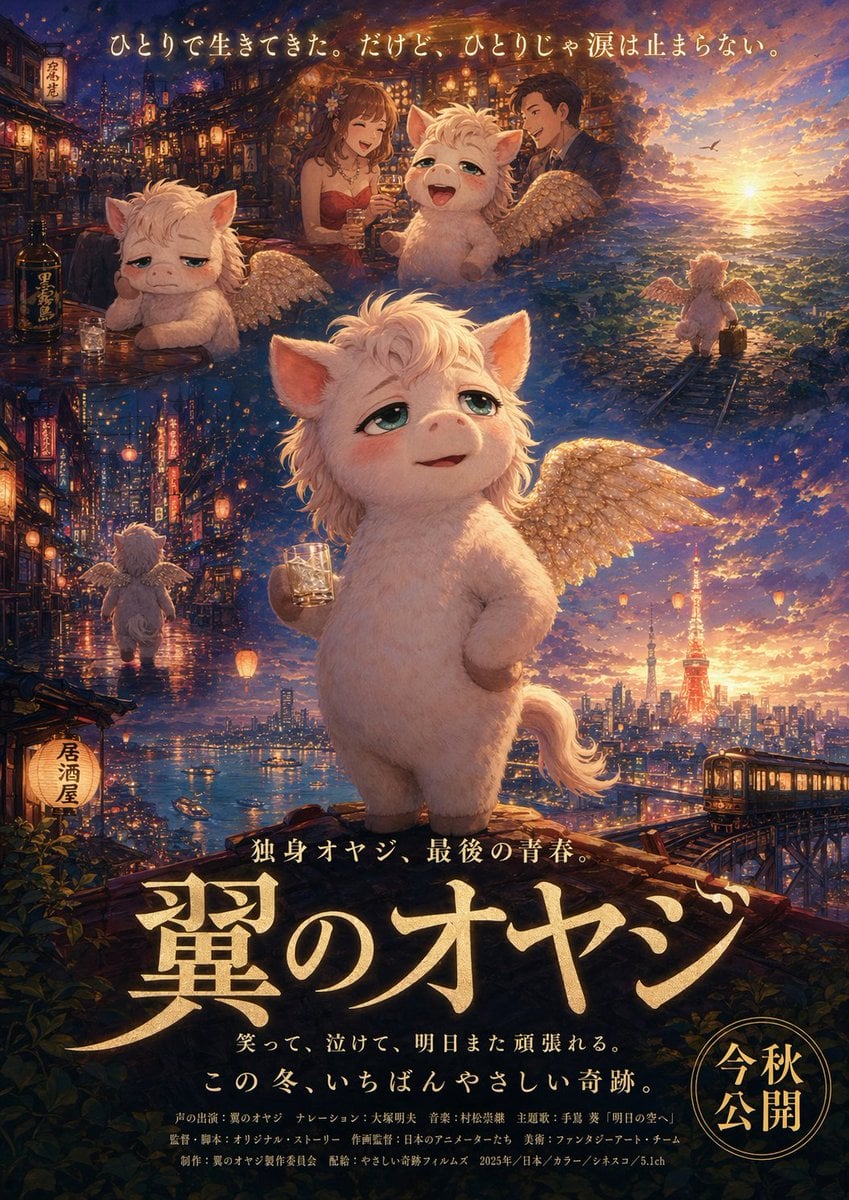
Japanese Fantasy Winged Pig Film Poster
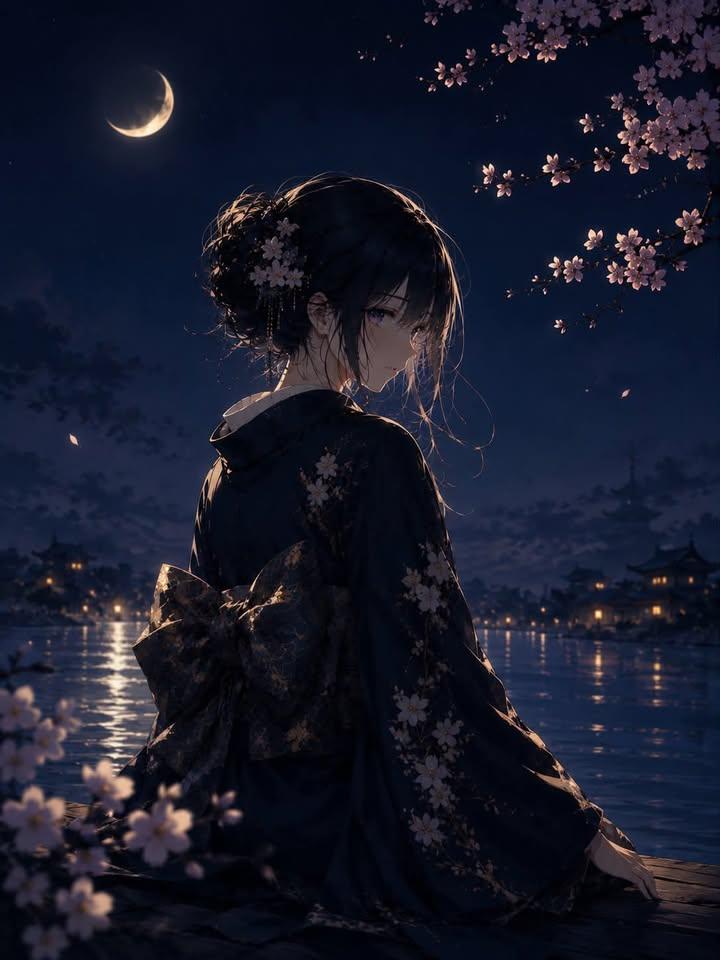
Luxury Japanese Fantasy Anime Kimono
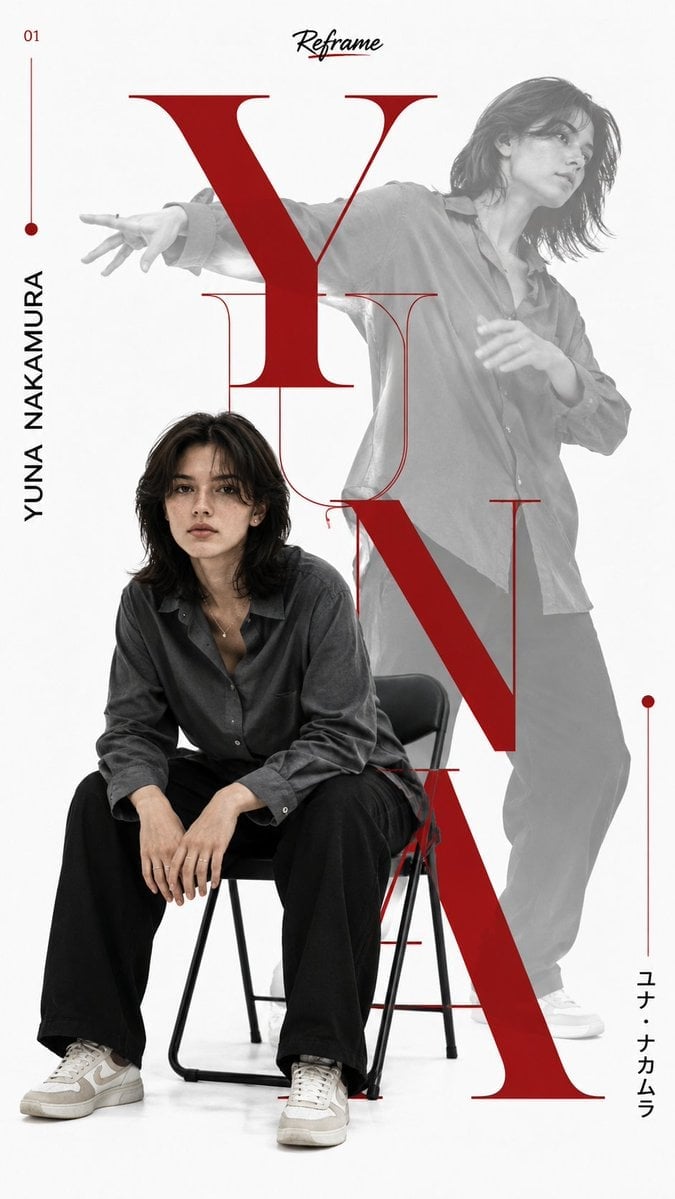
Japanese Minimalist Editorial Fashion Poster
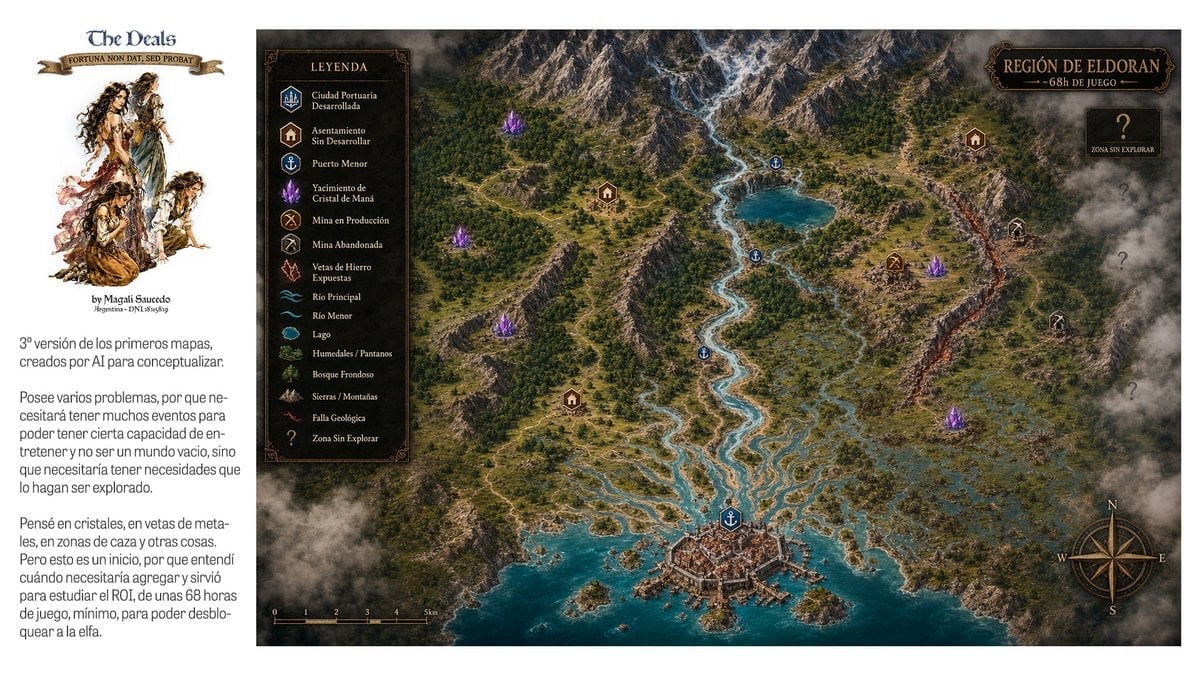
Fantasy RPG Region Map Sheet
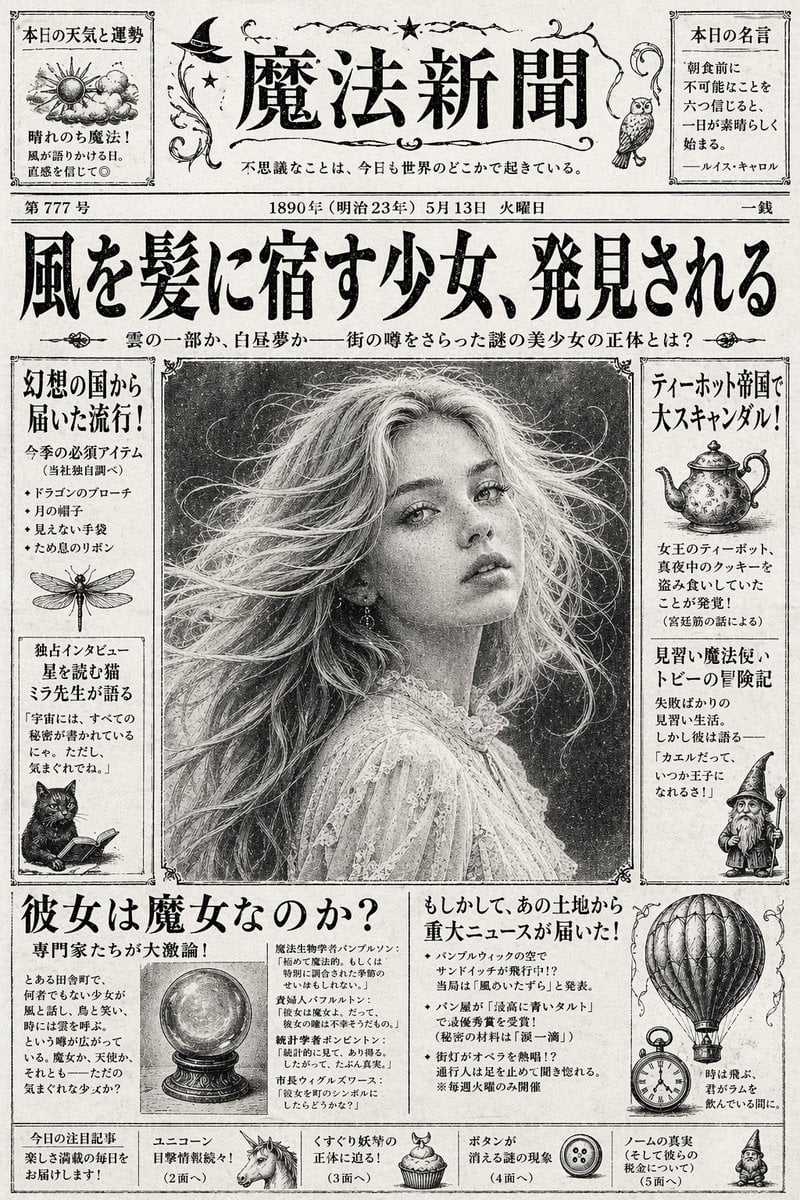
Vintage Japanese Fantasy Magic Newspaper

Anime Fantasy Celestial Movie Poster
Anime Fantasy Celestial Movie Poster
Make it yours
Japanese Fantasy Kekkai-shi Character Sheet works as-is. These are the safest ways to change it without losing the look.
Change one field
Copy a single group, rewrite it, and generate again so you can see what that field is doing.
Keep the frame, change the subject
Hold the composition and light of Japanese Fantasy Kekkai-shi Character Sheet, then swap wardrobe, props or the person for a new take.
| If the result… | Why | Fix |
|---|---|---|
| The result drifts from the preview | Too many fields changed at once. | Reuse Japanese Fantasy Kekkai-shi Character Sheet as-is first, then change one group — subject, light, or setting. |
| The model over-stylizes the scene | The prose prompt leaves finish and camera underspecified. | Add one camera or lighting sentence and stay on GPT Image 2. |
More GPT Image 2 templates
Other prompts made for GPT Image 2.

Realistic Portrait of Woman and Deer

The Vista Modular Condo Poster

AI Model Routing Comparison Infographic

2.5D Anime Art Board

Isometric Productivity Desk Scene

New York Double Exposure Poster

Four-Panel AI Landscape Comparison

Japanese Tatami Lifestyle Magazine Cover

NESCAFÉ Coffee Map Poster

Brutalist Cogito Chinese Typography Poster
More image prompts
Fresh picks from across the catalog.
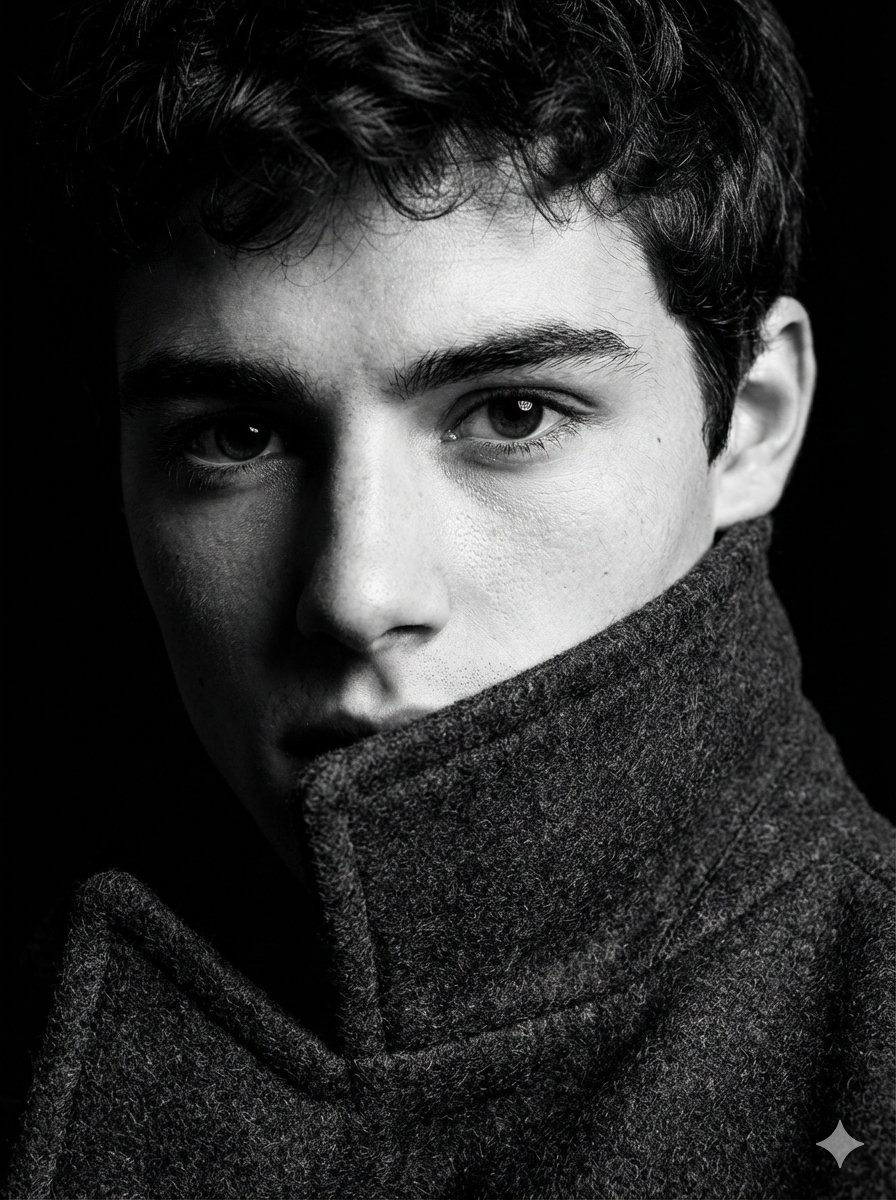
Extreme Close-Up High-Contrast Portrait Prompt
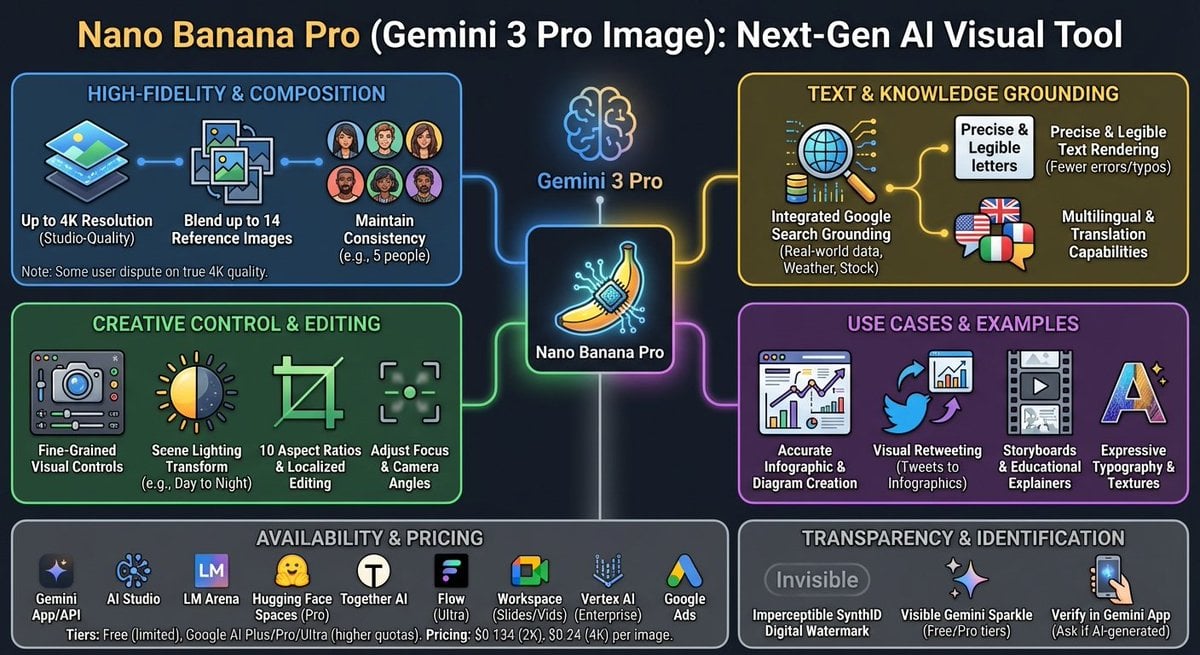
Nano Banana Pro Tesla FSD infographic
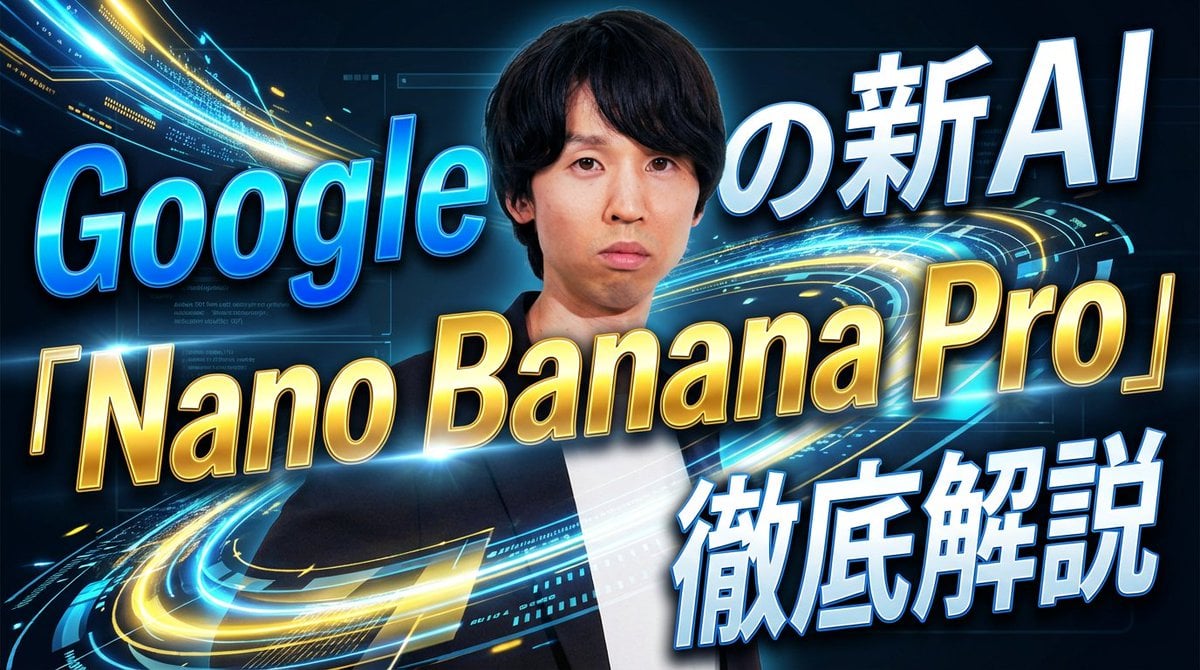
YouTube thumbnail introducing Nano Banana Pro

Negative Prompt for Photorealistic Fashion Image
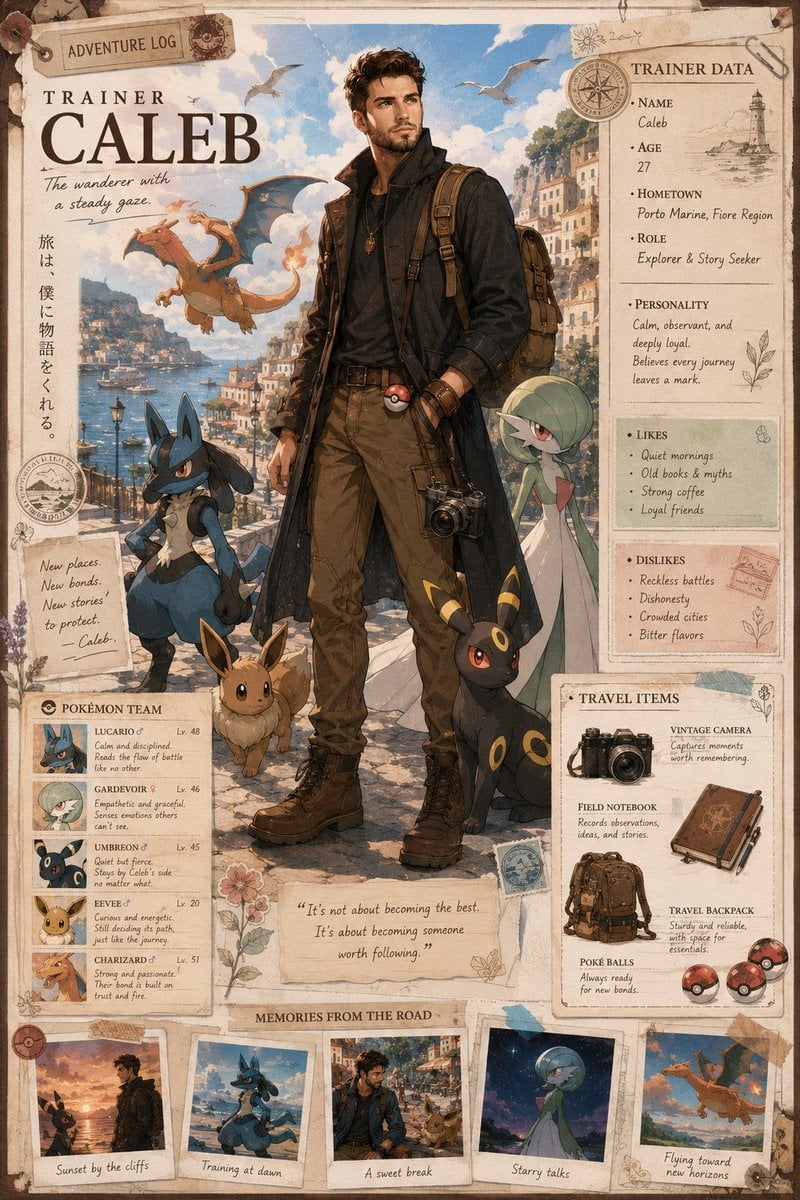
Anime Trainer Character Poster
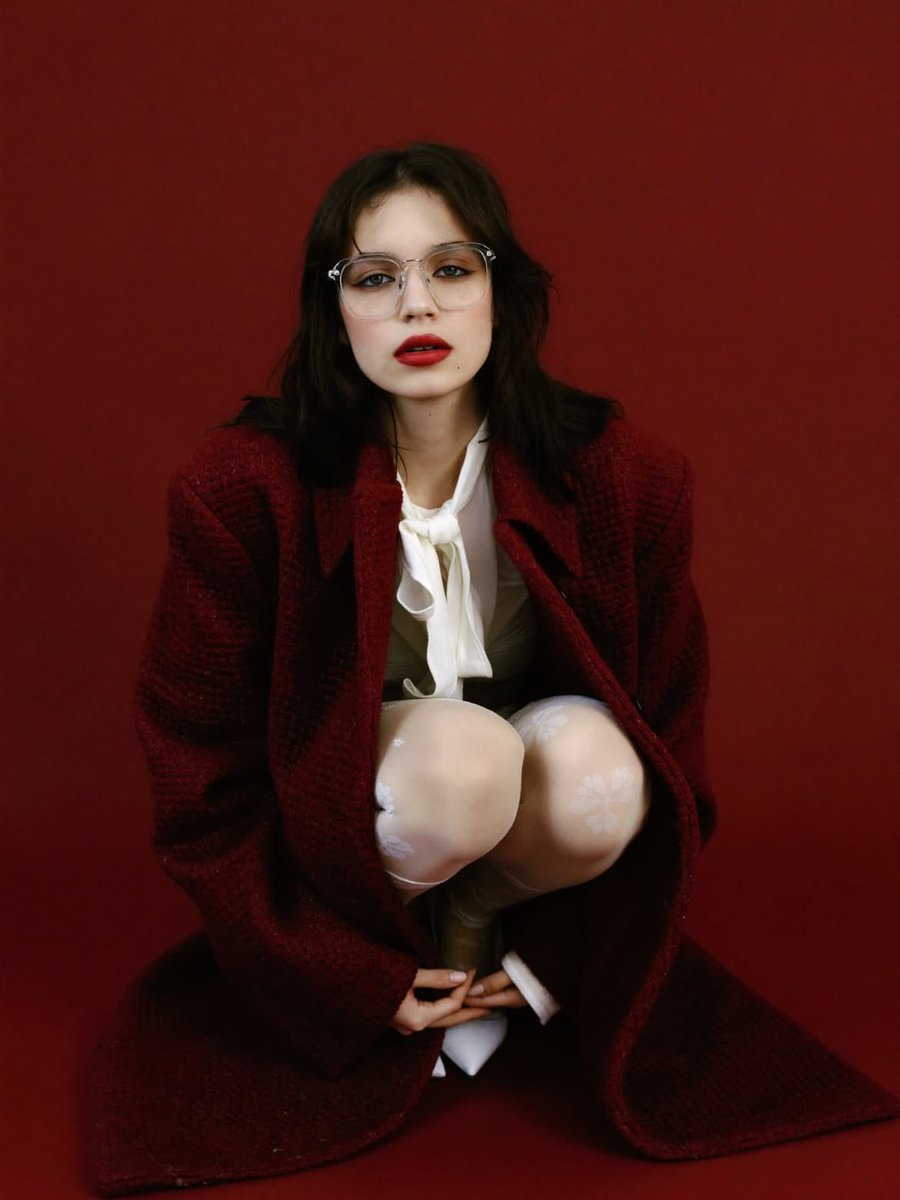
High-Fashion Editorial Portrait with Red Background
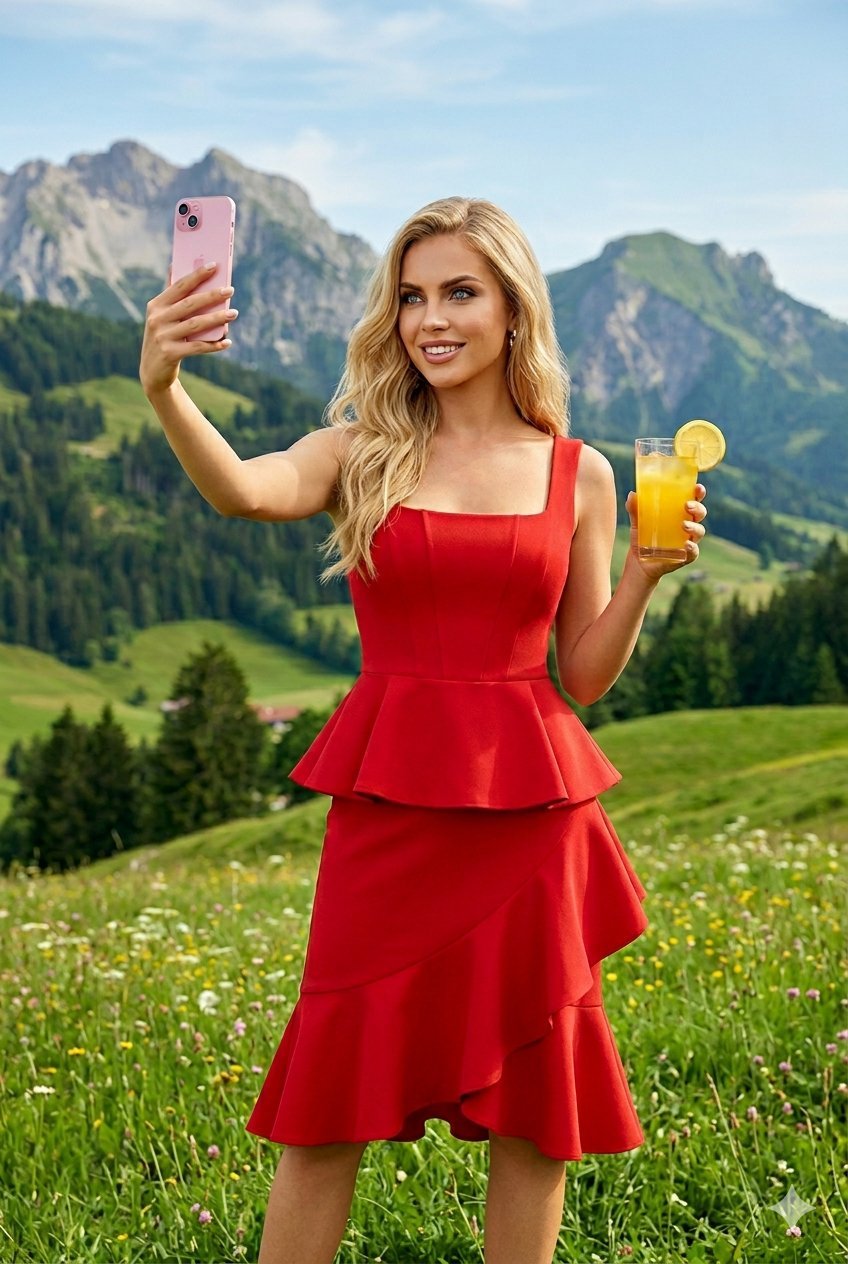
Young Woman in a Red Ensemble in an Alpi
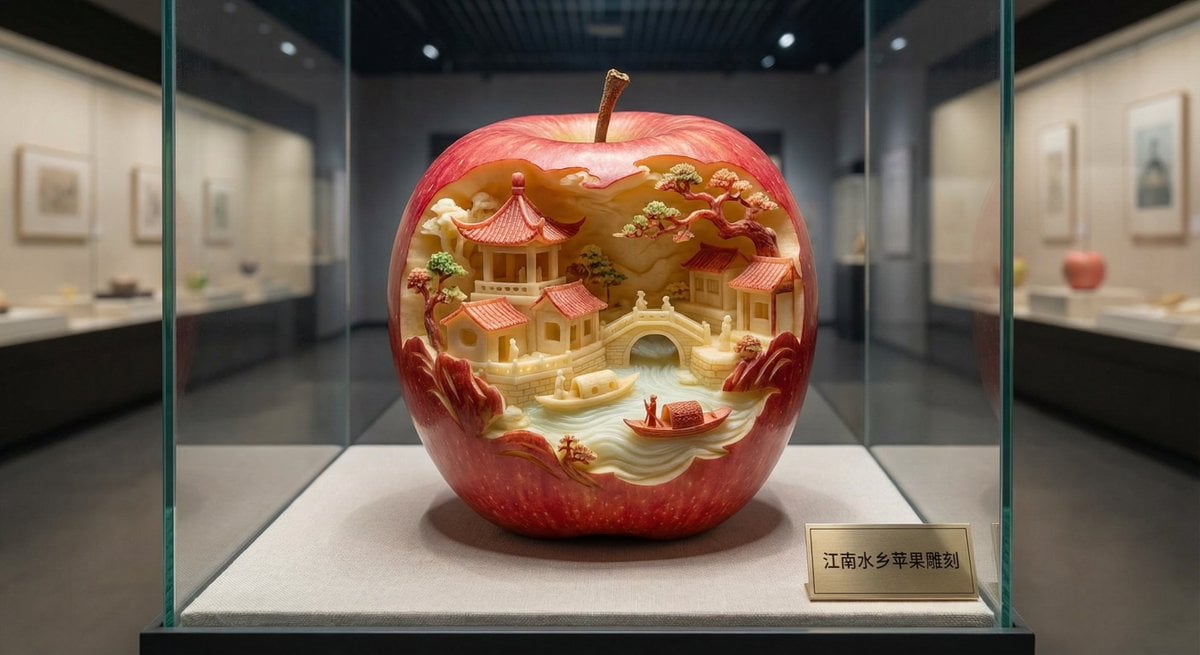
Apple Carving Art Prompt
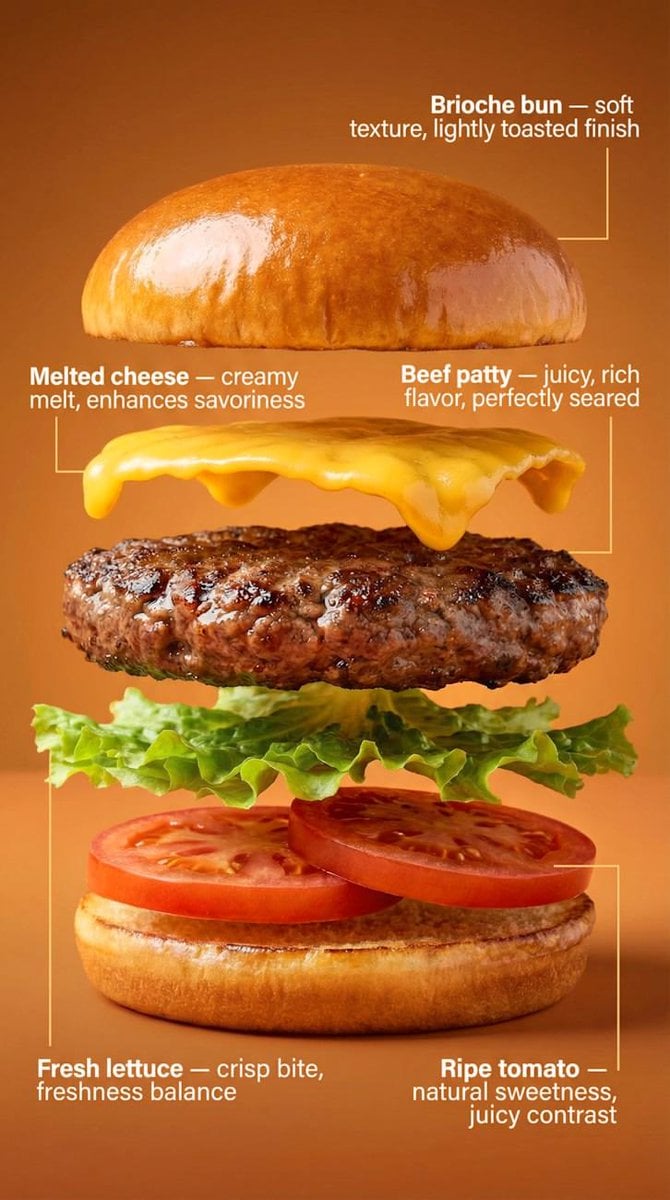
Exploded-View Burger Composition with Annotations
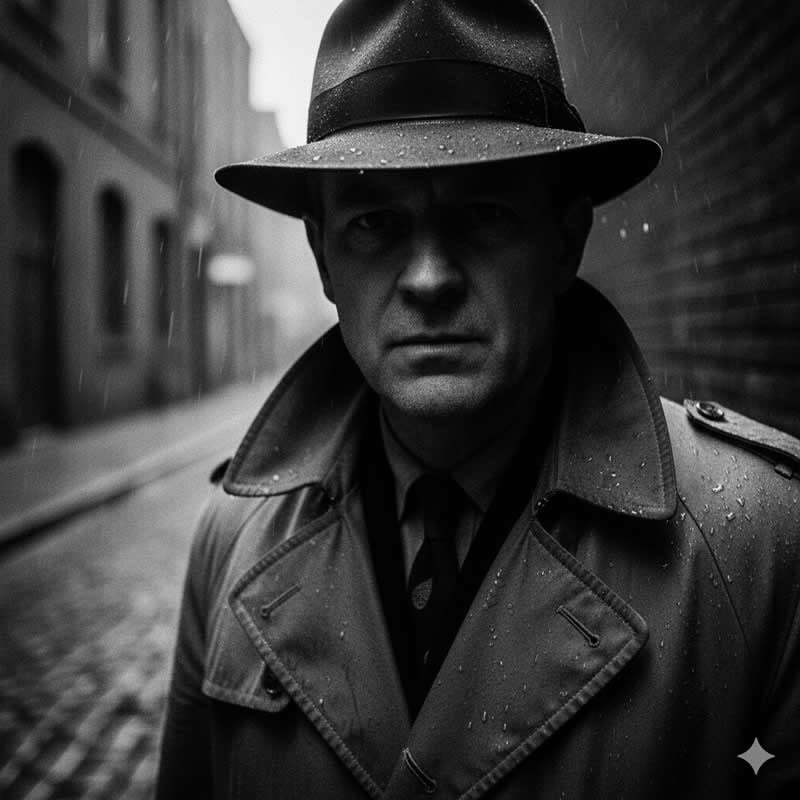
Cinematic Noir Portrait Prompt
Browse template categories
Japanese Fantasy Kekkai-shi Character Sheet questions
How do I use the Japanese Fantasy Kekkai-shi Character Sheet template?
Add your photo if the template asks for one, edit the prompt if you like — the template's model and format are already selected — and press Generate. Your version opens in PicX Studio.
Can I customize the Japanese Fantasy Kekkai-shi Character Sheet template?
Yes. You can change the subject, setting, lighting, mood, format, and available model controls before creating your image.
Is the Japanese Fantasy Kekkai-shi Character Sheet template free?
Opening and editing this template is free. Generating uses credits, shown on the Generate button when you are signed in.
Which AI model should I use?
Start with GPT Image 2, which is the model associated with this template. You can compare another compatible model for a different finish.
Looking for something else? Browse all templates.

Your photo, any look
Thousands of ready templates for every top image and video model, from one credit balance.