
Real Woman and Line Art Cartoon Comparison
A unique creative prompt that places a realistic photo of a woman next to a matching line-art cartoon illustration of herself on a wall.
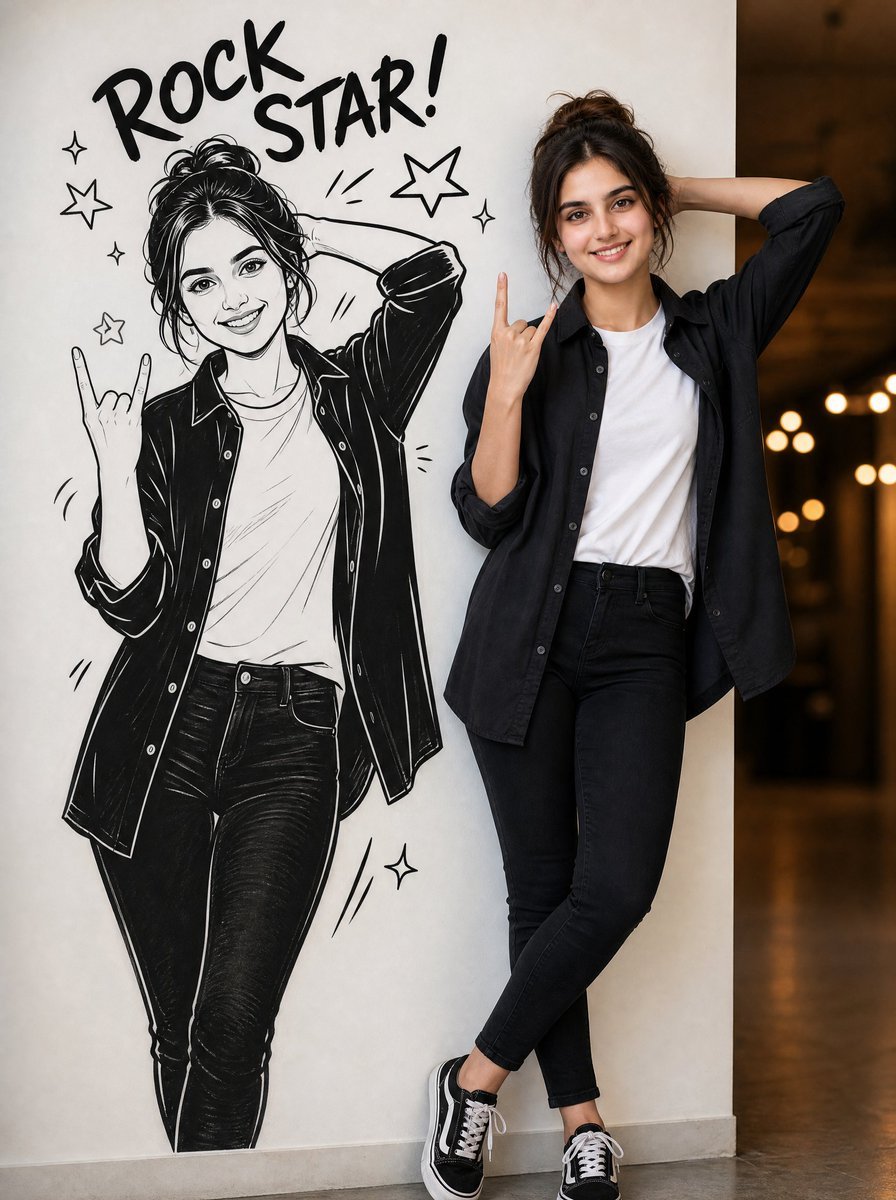
- Prompt included
- Model and format preset
- Free template
The prompt behind this image
Copy the exact prompt behind Real Woman and Line Art Cartoon Comparison, or open it in the studio and make it yours.
"A realistic full-body photograph of a {argument name="subject" default="young South Asian woman"} leaning casually against a white wall. She has dark brown hair tied in a low messy bun with soft strands framing her face, warm medium skin tone, and a bright cheerful smile. She is wearing {argument name="clothing" default="an oversized black button-down shirt with sleeves rolled up over a plain white crew-neck t-shirt, paired with black skinny jeans"}. Her right hand is raised making the ‘rock on’ hand gesture (index and pinky fingers extended), left hand resting behind her head. Soft warm lighting with out-of-focus bokeh lights visible in a dark hallway on the right. Clean studio composition, high detail, photorealistic. To her left on the white wall is a large black-and-white line-art cartoon illustration of the same woman in a matching pose: right hand making the ‘rock on’ gesture, smiling, with the bold {argument name="text" default="handwritten text “ROCK STAR!”"} above her head, plus several star shapes and sparkles around her. The cartoon figure has the same hairstyle, open shirt over t-shirt, and jeans, drawn in a clean modern cartoon style with bold outlines and motion lines. Vertical portrait orientation, natural colors, sharp focus on the real woman, artistic contrast between photorealism and line art."
How to use Real Woman and Line Art Cartoon Comparison in 3 steps
- 1Upload ImagePNG, JPG or paste
Add your photo
Upload the photo the template builds on. The prompt, model and format are already set.
- 2…a portrait of your subject in softgolden-hour light, 85mm…
Personalize
Edit the subject and creative details for your destination.
- 3Generate
Generate
Press Generate — your image is created in PicX Studio, so you can compare it with the original and refine one variable at a time.
More like this
Templates with the same subject, style or setup. Open one to see its prompt.

Real Illustration Split Portrait Transition

Realistic Portrait of Woman and Deer
Isometric Zen Woman Line Art
Woman with 3D Cartoon Miniature
Mixed Reality Cartoon Composite
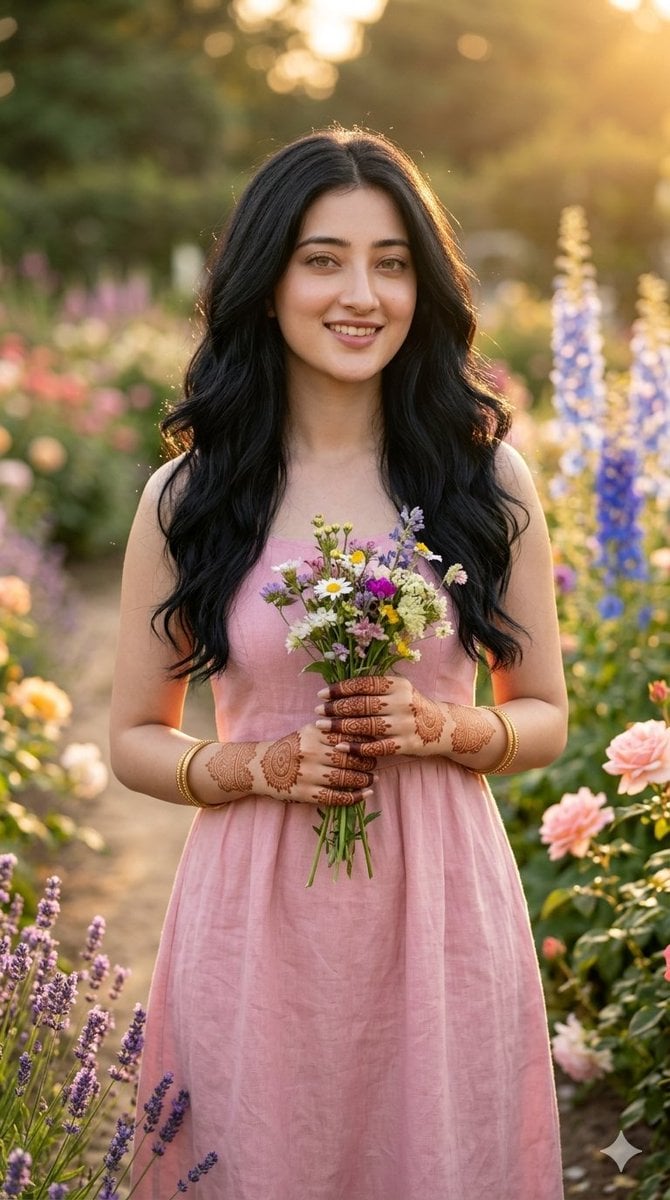
Lined Paper Illustration of Woman with Daisies

Toon Cartoon Finale Fireworks

Toon Cartoon Garden Maze

Toon Cartoon Rooftop Concert

Toon Cartoon Kitchen Chaos

Toon Cartoon Carnival Ride
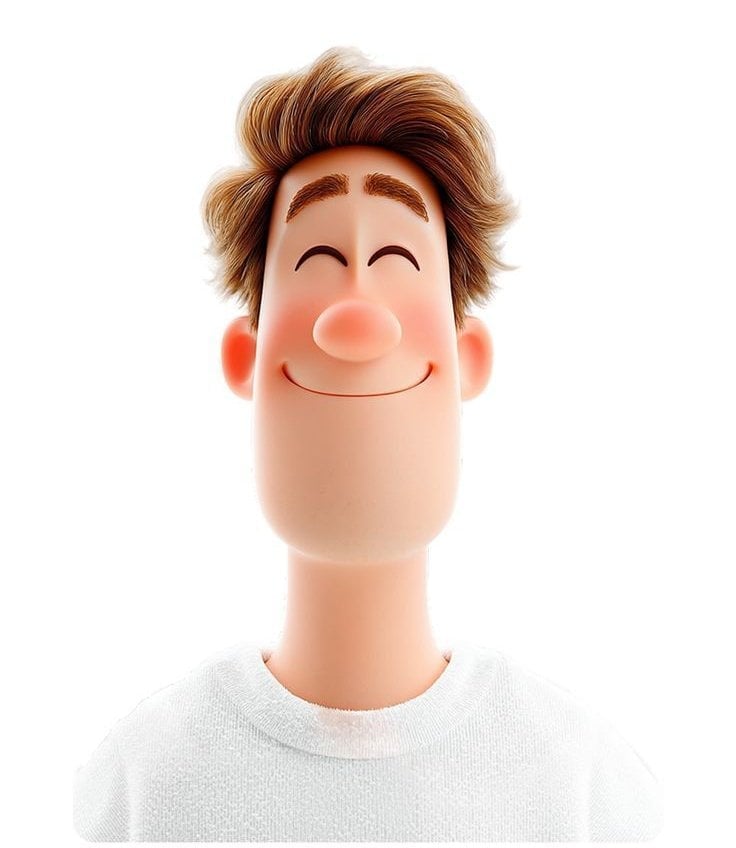
Toon Cartoon Rainy Bus Stop
Make it yours
Real Woman and Line Art Cartoon Comparison works as-is. These are the safest ways to change it without losing the look.
Change one field
Copy a single group, rewrite it, and generate again so you can see what that field is doing.
Keep the frame, change the subject
Hold the composition and light of Real Woman and Line Art Cartoon Comparison, then swap wardrobe, props or the person for a new take.
| If the result… | Why | Fix |
|---|---|---|
| The result drifts from the preview | Too many fields changed at once. | Reuse Real Woman and Line Art Cartoon Comparison as-is first, then change one group — subject, light, or setting. |
| The model over-stylizes the scene | The prose prompt leaves finish and camera underspecified. | Add one camera or lighting sentence and stay on GPT Image 2. |
More GPT Image 2 templates
Other prompts made for GPT Image 2.

Six VTuber Japanese Logo Sheet

The Vista Modular Condo Poster

AI Model Routing Comparison Infographic

2.5D Anime Art Board

Isometric Productivity Desk Scene

New York Double Exposure Poster

Four-Panel AI Landscape Comparison

Japanese Tatami Lifestyle Magazine Cover

NESCAFÉ Coffee Map Poster

Brutalist Cogito Chinese Typography Poster
More image prompts
Fresh picks from across the catalog.
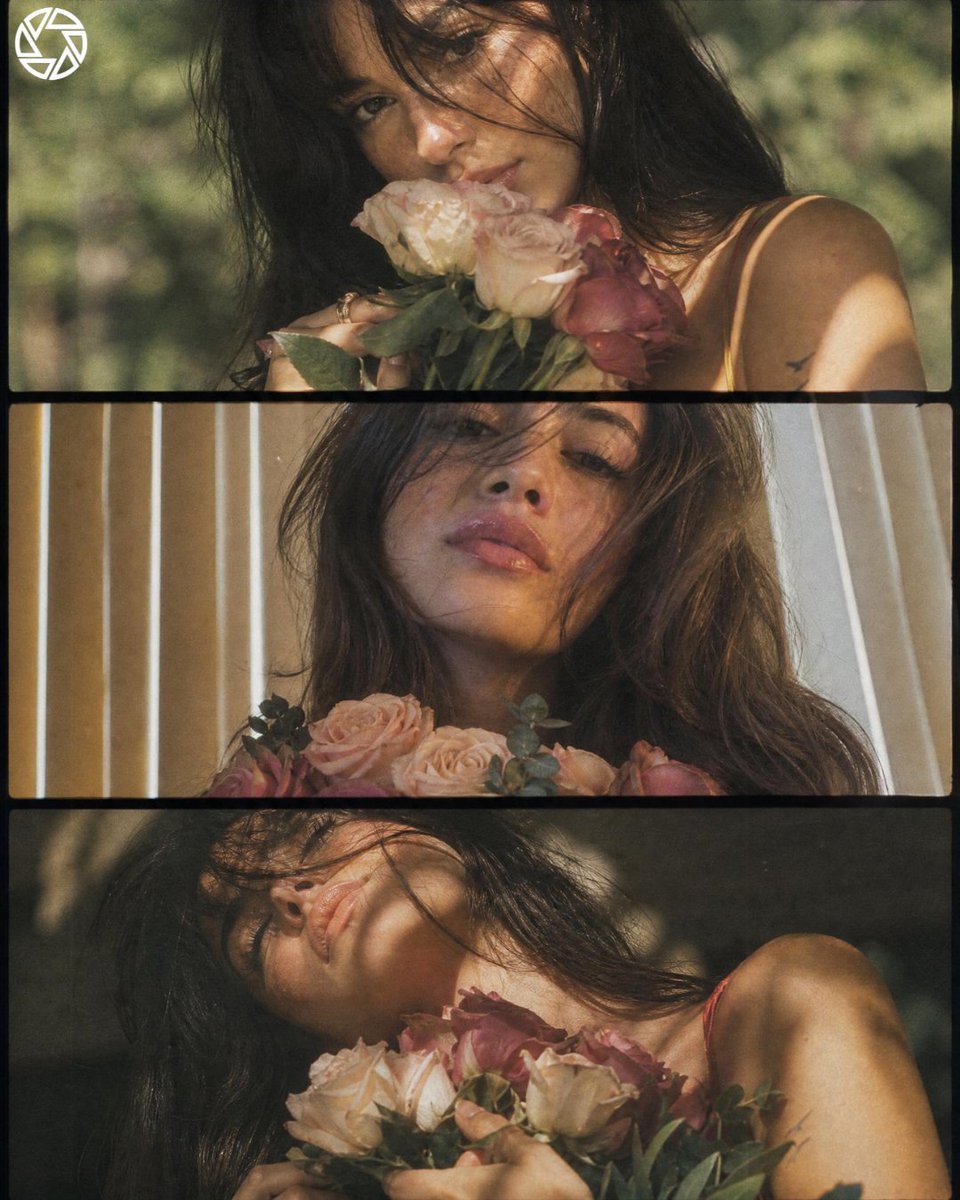
Cinematic Romantic Floral Portrait
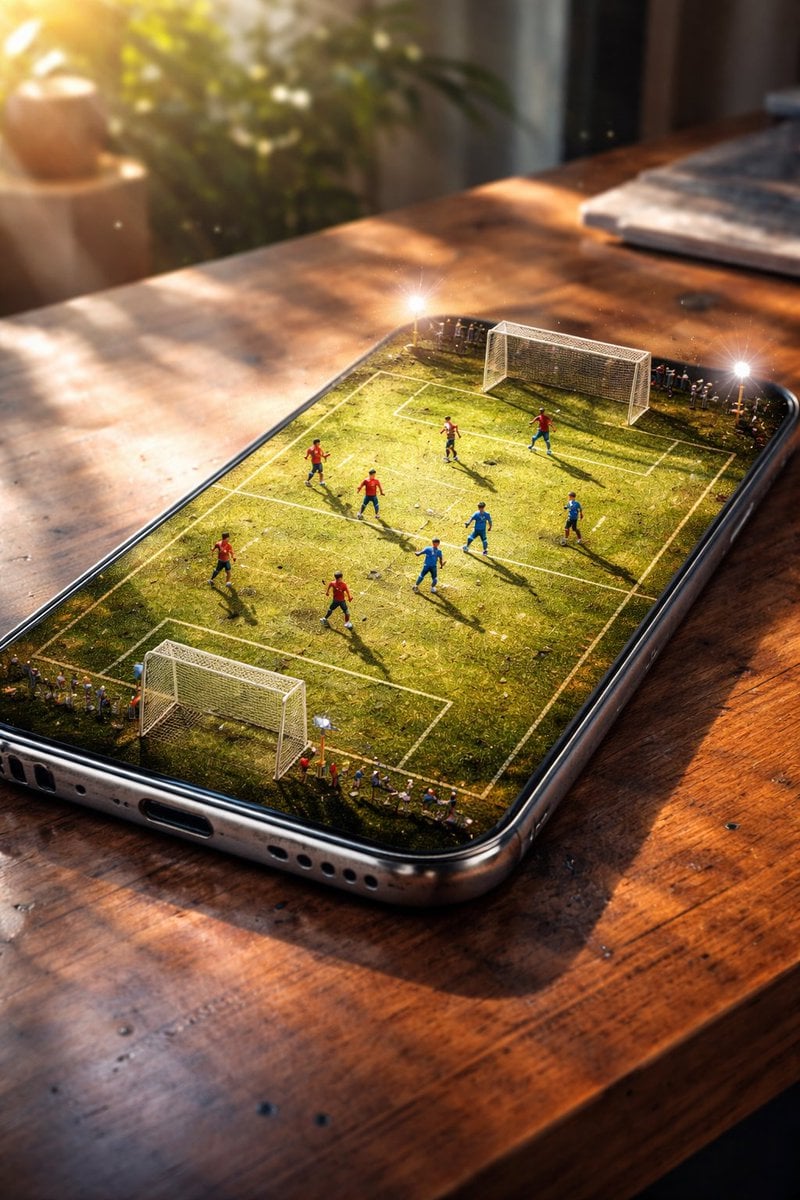
Hyper-Realistic Cinematic Football Stadium on a Smartphone Screen
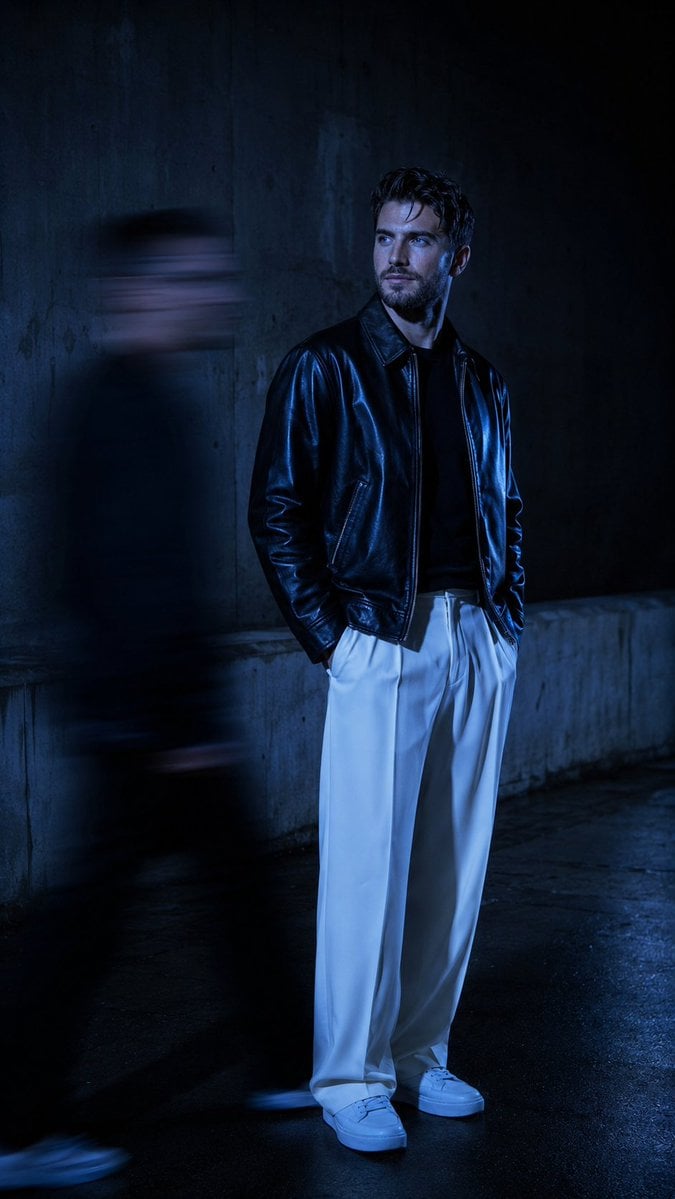
Urban Alley Night Portrait with Motion Blur
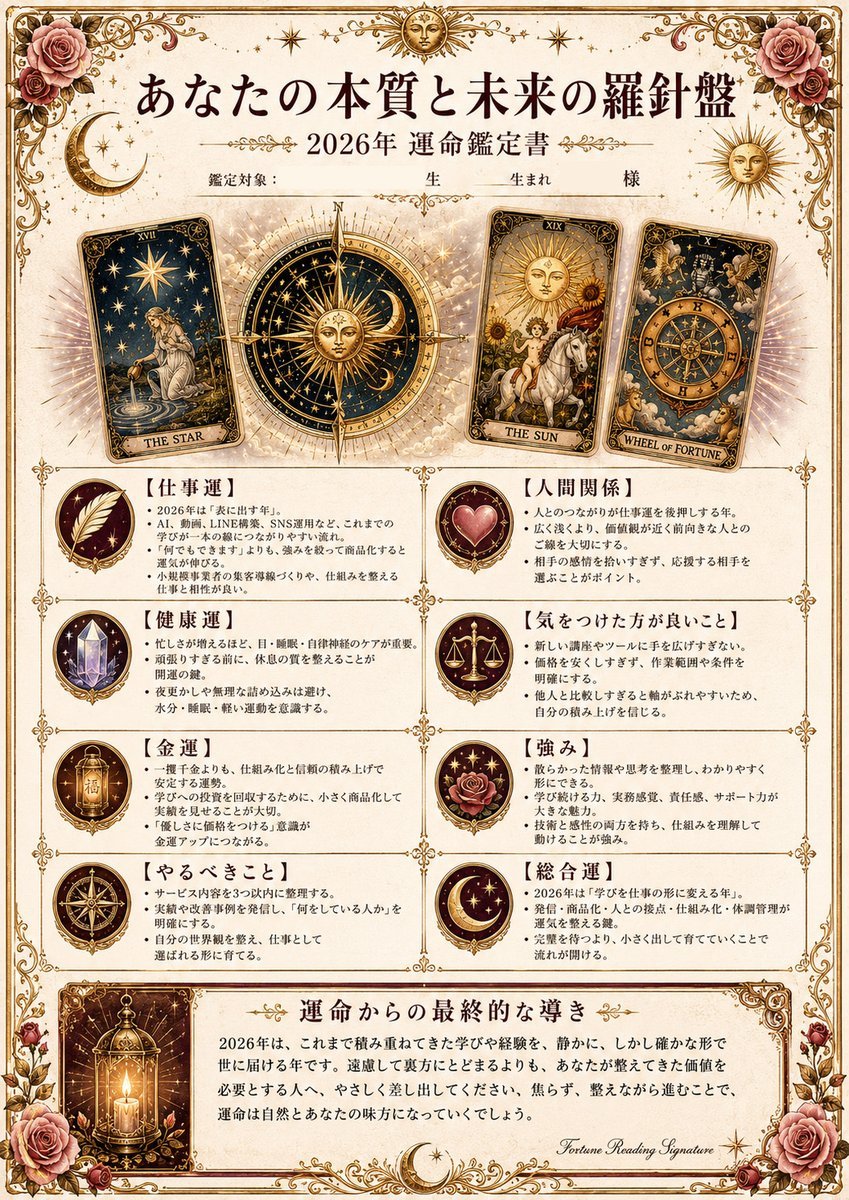
Ornate Japanese Tarot Fortune Certificate
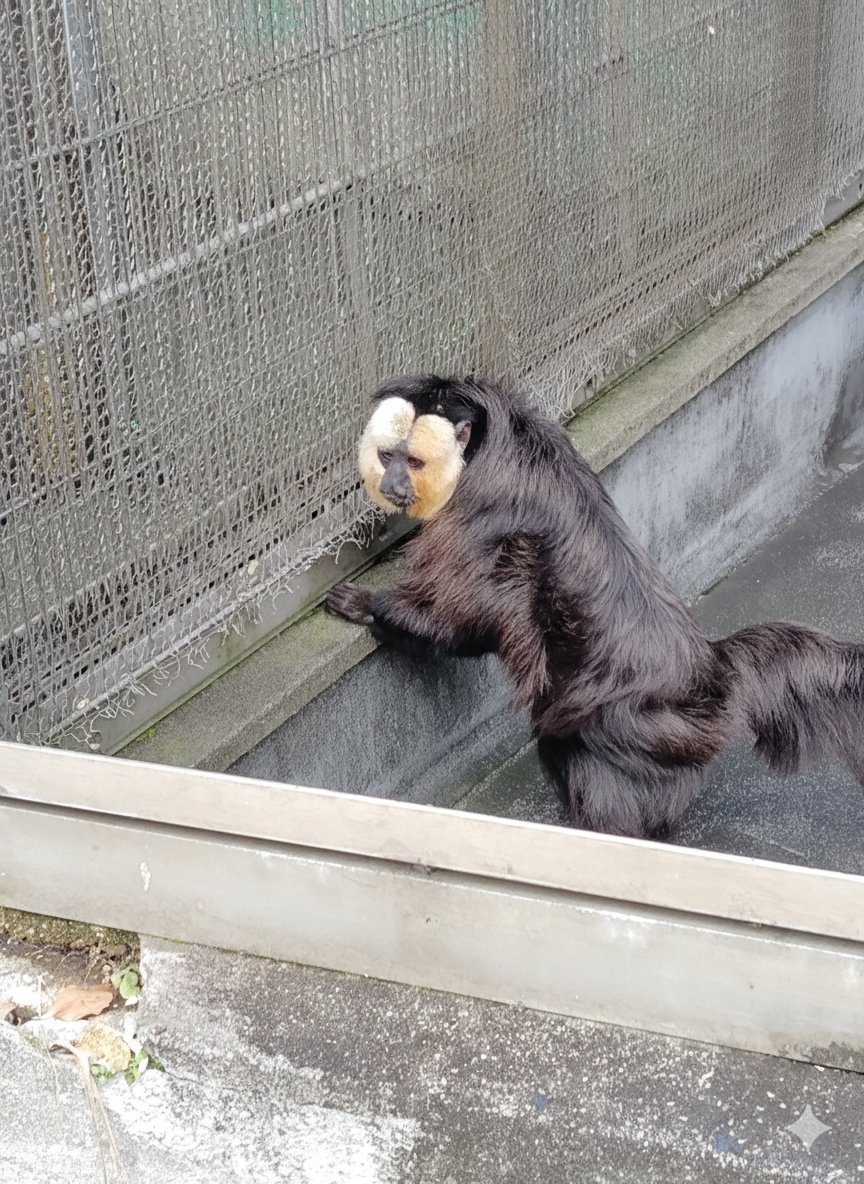
Image Editing with Nano Banana: Removing a Fence

Travel Poster Graphic Collage
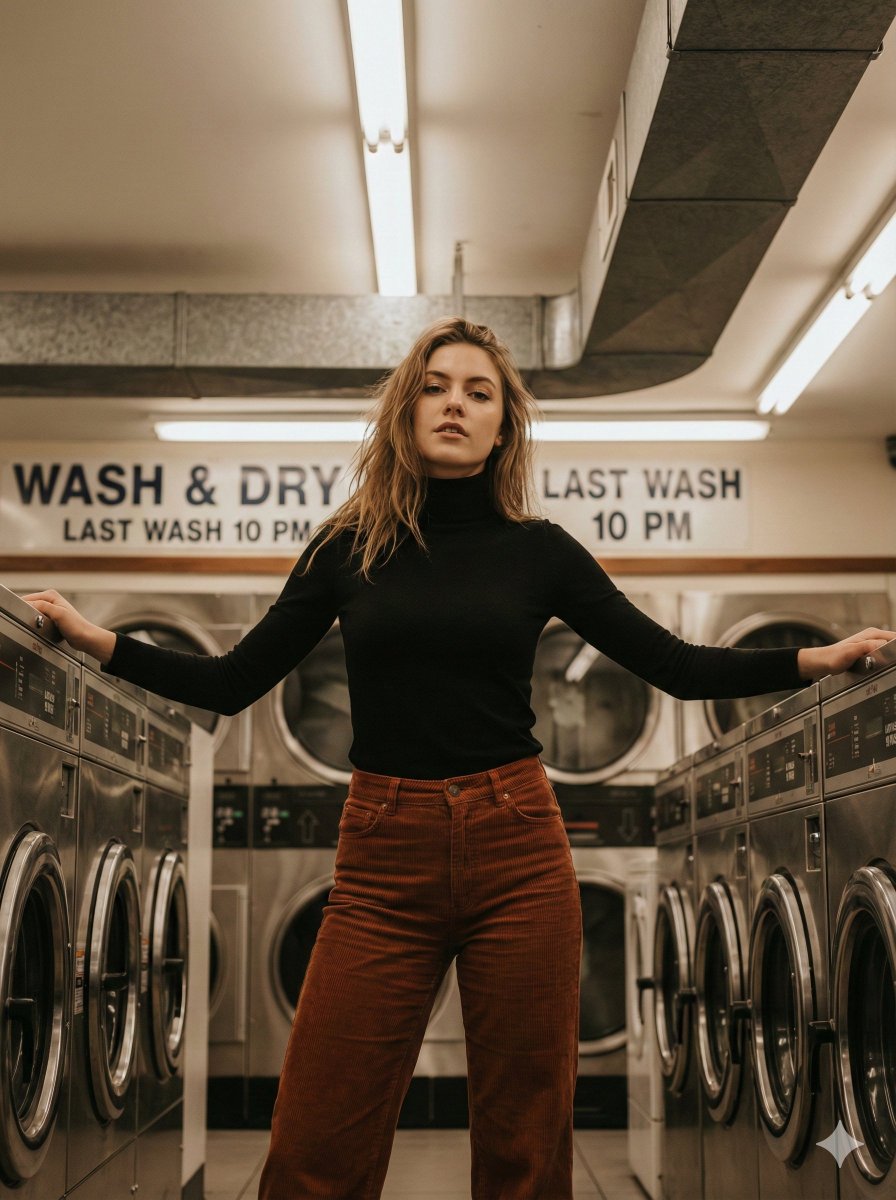
Editorial Laundromat Portrait Prompt
Instructional Prompt for Strict Image Generation
Elegant beauty in luxury lounge
Dark Romantic Tabletop Composition Prompt
Browse template categories
Real Woman and Line Art Cartoon Comparison questions
How do I use the Real Woman and Line Art Cartoon Comparison template?
Add your photo if the template asks for one, edit the prompt if you like — the template's model and format are already selected — and press Generate. Your version opens in PicX Studio.
Can I customize the Real Woman and Line Art Cartoon Comparison template?
Yes. You can change the subject, setting, lighting, mood, format, and available model controls before creating your image.
Is the Real Woman and Line Art Cartoon Comparison template free?
Opening and editing this template is free. Generating uses credits, shown on the Generate button when you are signed in.
Which AI model should I use?
Start with GPT Image 2, which is the model associated with this template. You can compare another compatible model for a different finish.
Looking for something else? Browse all templates.

Your photo, any look
Thousands of ready templates for every top image and video model, from one credit balance.