How do I use the Soft Storybook Bunny Hug Avatar template?
Choose the primary action to open PicX Studio with the available template settings. Review the model and format, personalize the creative direction, and generate when ready.
Transforms a reference portrait into a warm, childlike pastel illustration avatar of the subject hugging a white bunny.

Using REFERENCE_0 as the character base, transform the person into a soft, childlike storybook illustration avatar. Keep the recognizable hair, navy suit, white shirt, and red tie, but make the face rounded and gentle with closed eyes, rosy cheeks, and a peaceful smile. Change the pose so the character is warmly hugging one small white bunny with floppy ears. Remove the podium, microphone, and real-world background. Place the simplified character centered on a warm golden-yellow textured backdrop with subtle paper grain and a few tiny star-like sparkles. Use a soft pastel, fuzzy crayon/chalk texture with rounded forms, low detail, glowing edges, and an innocent whimsical children’s-book mood. Square composition, no text, no watermark.
Soft Storybook Bunny Hug Avatar needs input media to work. Open it in the studio and these load alongside the prompt — pick whichever ones your chosen model can take.

Choose the primary action to open PicX Studio with the available template settings. Review the model and format, personalize the creative direction, and generate when ready.
Yes. You can change the subject, setting, lighting, mood, format, and available model controls before creating your image.
This template is free to open and customize. Generation usage is shown in PicX Studio before you create.
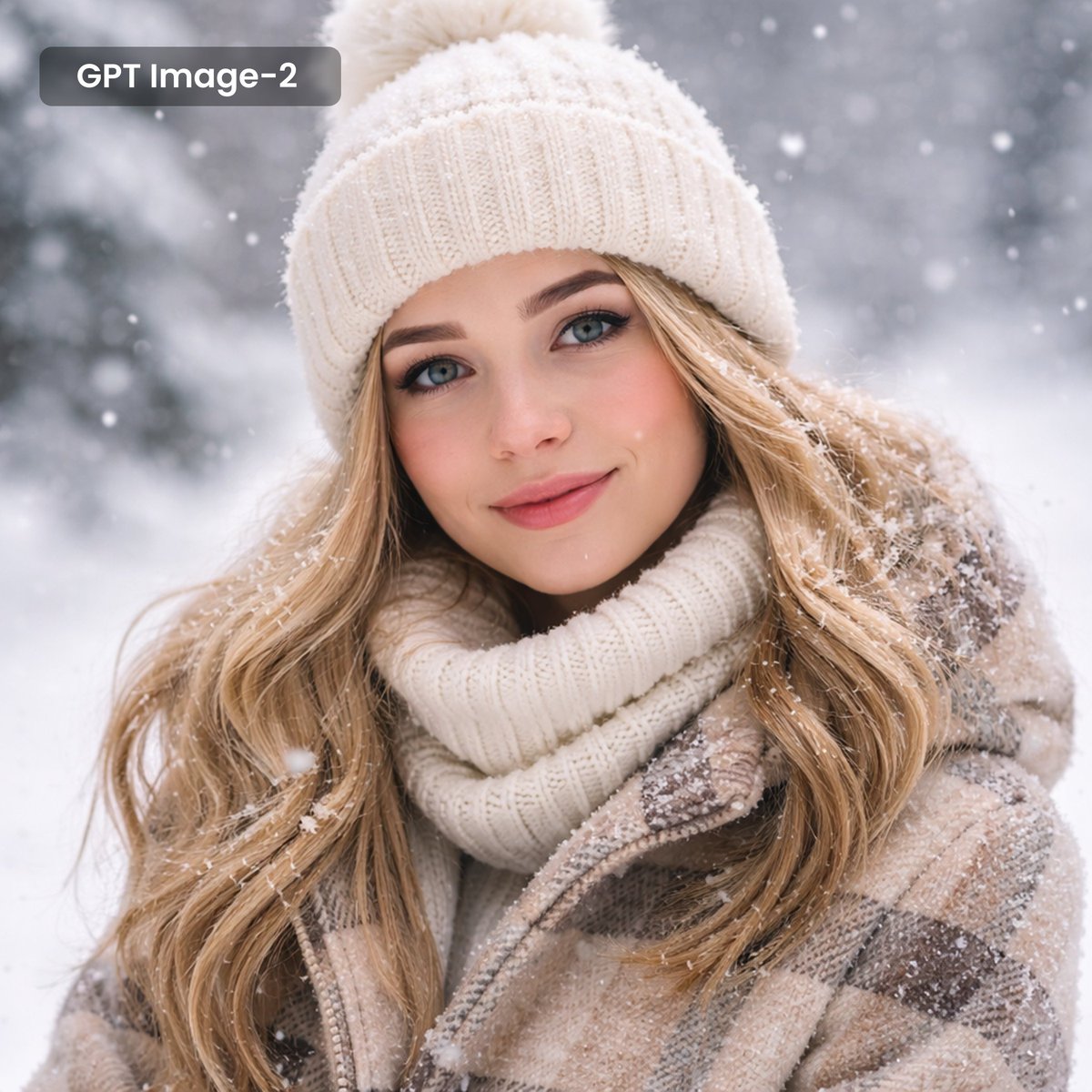
Start with GPT Image 2, which is the model associated with this template. You can compare another compatible model for a different finish.
Follow a topic to a crawlable collection of related PicX Studio templates.