
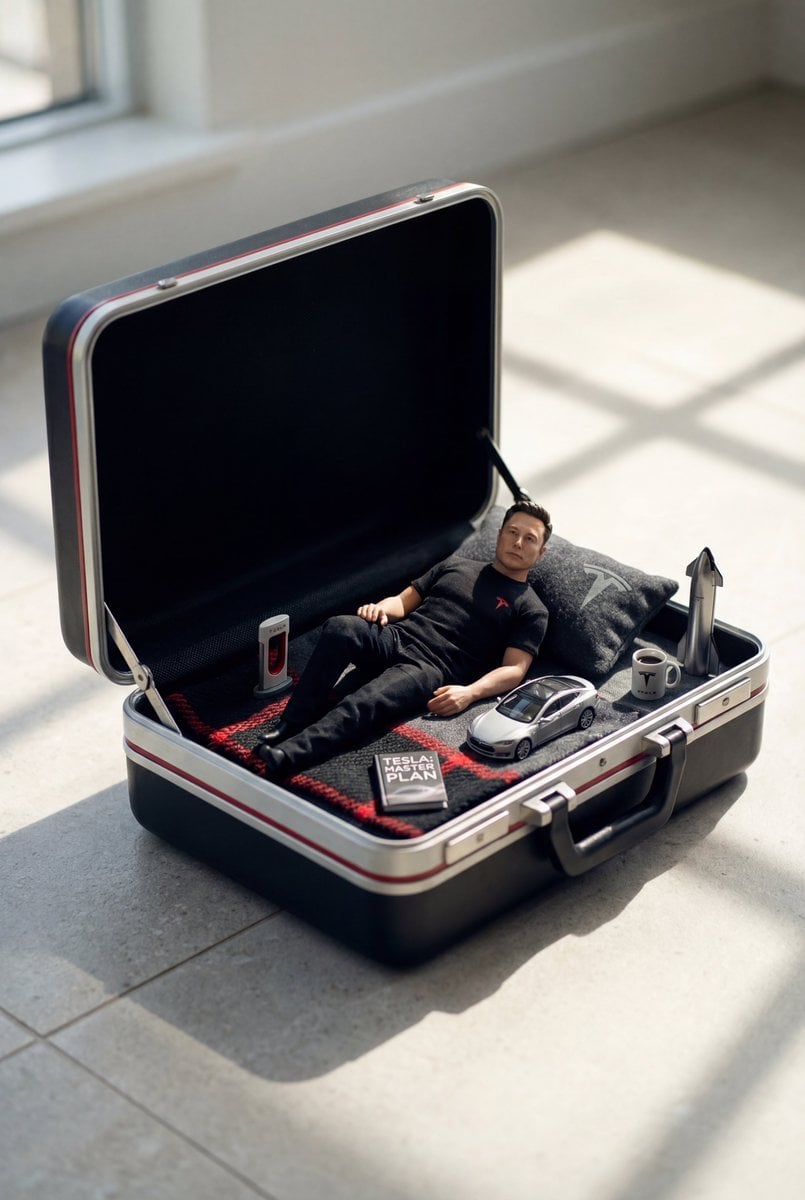
Hyper-realistic, ultra-detailed cinematic photo featuring a MINIATURE
{ "prompt": "Create a hyper-realistic, ultra-detailed cinematic photo featuring a MINIATURE version of the person from the provided reference image (preserve facial likeness, skin tone, hairstyle, and overall identity).
- Prompt included
- Model and format preset
- Premium template
The prompt behind this image
Copy the exact prompt behind Hyper-realistic, ultra-detailed cinematic photo featuring a MINIATURE, or open it in the studio and make it yours.
- Prompt
- Create a hyper-realistic, ultra-detailed cinematic photo featuring a MINIATURE version of the person from the provided reference image (preserve facial likeness, skin tone, hairstyle, and overall identity). The tiny character is relaxing inside an OPEN vintage hard-shell suitcase that is used like a tiny bed. The suitcase sits on a clean stone/tile floor in a bright room with strong natural sunlight casting soft rectangular window shadows across the floor. ONLY VARIABLES: 1) Character: use the user reference photo for the person’s face and identity. 2) Theme/Genre: {THEME} COMPOSITION & SCALE: - The person must be clearly mini-sized (toy-scale) relative to the suitcase, with correct perspective and believable proportions. - The open suitcase interior is styled like a cozy miniature scene: pillow, textured blanket or towel, and themed tiny props. - Add realistic micro-details: fabric weave, zipper teeth, suitcase latches, scuffs, stitching, subtle dust, realistic contact shadows. THEME STYLING (derive everything from {THEME}): - Choose a cohesive color palette and make the SUITCASE COLOR match the theme (e.g., beach = warm coral/sand; football = deep green/black or team-inspired; sporty = bold neon accents; cozy-casual = muted cream/tan; luxury = black/ivory/gold). - Dress the tiny character in an outfit that fits {THEME}. - Place 5–8 tiny theme props neatly inside the suitcase near the character (miniature scale, photoreal materials). Examples by theme: • Beach: tiny sunscreen bottle, mini sunglasses, seashells, flip-flops, mini straw hat, folded towel. • Football/Soccer: tiny soccer ball, mini jersey/scarf, cleats, shin guards, whistle, small tactic board. • Sporty/Fitness: tiny water bottle, mini dumbbell, resistance band, smartwatch, towel, energy bar. • Cozy/Casual: tiny book/magazine, mug, knitted throw, headphones, mini candle. (If {THEME} is different, invent equivalent props that strongly communicate that theme.) LIGHTING & CAMERA: - Bright natural sunlight, soft realistic shadows, subtle bounce light, HDR-like dynamic range. - Photographic realism: shallow depth of field (but keep face and key props sharp), 50–85mm lens look. - No text, no logos, no watermarks. FINAL LOOK: - Hyper-real, high detail, clean editorial product-photography vibe, believable miniature diorama realism, crisp textures and natural skin rendering.
- Negative Prompt
- cartoon, CGI, illustration, anime, plastic-looking skin, uncanny face, distorted anatomy, extra fingers, deformed hands, duplicated limbs, wrong perspective, unrealistic scale, blurry, low-res, noisy, harsh artifacts, over-smoothed, bad shadows, floating objects, cluttered scene, messy background, text, watermark, logo, brand names, extra people, face not matching reference
- Variables › THEME
- beach | football | sporty | cozy-casual | luxury | etc.
- Variables › USER IMAGE
- reference photo uploaded by the user (required)
Raw JSON
{
  "prompt": "Create a hyper-realistic, ultra-detailed cinematic photo featuring a MINIATURE version of the person from the provided reference image (preserve facial likeness, skin tone, hairstyle, and overall identity). The tiny character is relaxing inside an OPEN vintage hard-shell suitcase that is used like a tiny bed. The suitcase sits on a clean stone/tile floor in a bright room with strong natural sunlight casting soft rectangular window shadows across the floor.\n\nONLY VARIABLES:\n1) Character: use the user reference photo for the person’s face and identity.\n2) Theme/Genre: {THEME}\n\nCOMPOSITION & SCALE:\n- The person must be clearly mini-sized (toy-scale) relative to the suitcase, with correct perspective and believable proportions.\n- The open suitcase interior is styled like a cozy miniature scene: pillow, textured blanket or towel, and themed tiny props.\n- Add realistic micro-details: fabric weave, zipper teeth, suitcase latches, scuffs, stitching, subtle dust, realistic contact shadows.\n\nTHEME STYLING (derive everything from {THEME}):\n- Choose a cohesive color palette and make the SUITCASE COLOR match the theme (e.g., beach = warm coral/sand; football = deep green/black or team-inspired; sporty = bold neon accents; cozy-casual = muted cream/tan; luxury = black/ivory/gold).\n- Dress the tiny character in an outfit that fits {THEME}.\n- Place 5–8 tiny theme props neatly inside the suitcase near the character (miniature scale, photoreal materials). Examples by theme:\n  • Beach: tiny sunscreen bottle, mini sunglasses, seashells, flip-flops, mini straw hat, folded towel.\n  • Football/Soccer: tiny soccer ball, mini jersey/scarf, cleats, shin guards, whistle, small tactic board.\n  • Sporty/Fitness: tiny water bottle, mini dumbbell, resistance band, smartwatch, towel, energy bar.\n  • Cozy/Casual: tiny book/magazine, mug, knitted throw, headphones, mini candle.\n(If {THEME} is different, invent equivalent props that strongly communicate that theme.)\n\nLIGHTING & CAMERA:\n- Bright natural sunlight, soft realistic shadows, subtle bounce light, HDR-like dynamic range.\n- Photographic realism: shallow depth of field (but keep face and key props sharp), 50–85mm lens look.\n- No text, no logos, no watermarks.\n\nFINAL LOOK:\n- Hyper-real, high detail, clean editorial product-photography vibe, believable miniature diorama realism, crisp textures and natural skin rendering.",
  "negative_prompt": "cartoon, CGI, illustration, anime, plastic-looking skin, uncanny face, distorted anatomy, extra fingers, deformed hands, duplicated limbs, wrong perspective, unrealistic scale, blurry, low-res, noisy, harsh artifacts, over-smoothed, bad shadows, floating objects, cluttered scene, messy background, text, watermark, logo, brand names, extra people, face not matching reference",
  "variables": {
    "THEME": "beach | football | sporty | cozy-casual | luxury | etc.",
    "USER_IMAGE": "reference photo uploaded by the user (required)"
  }
}How to use Hyper-realistic, ultra-detailed cinematic photo featuring a MINIATURE in 3 steps
- 1Upload ImagePNG, JPG or paste
Add your photo
Upload the photo the template builds on. The prompt, model and format are already set.
- 2…a portrait of your subject in softgolden-hour light, 85mm…
Personalize
Edit the subject and creative details for your destination.
- 3Generate
Generate
Press Generate — your image is created in PicX Studio, so you can compare it with the original and refine one variable at a time.
More like this
Templates with the same subject, style or setup. Open one to see its prompt.
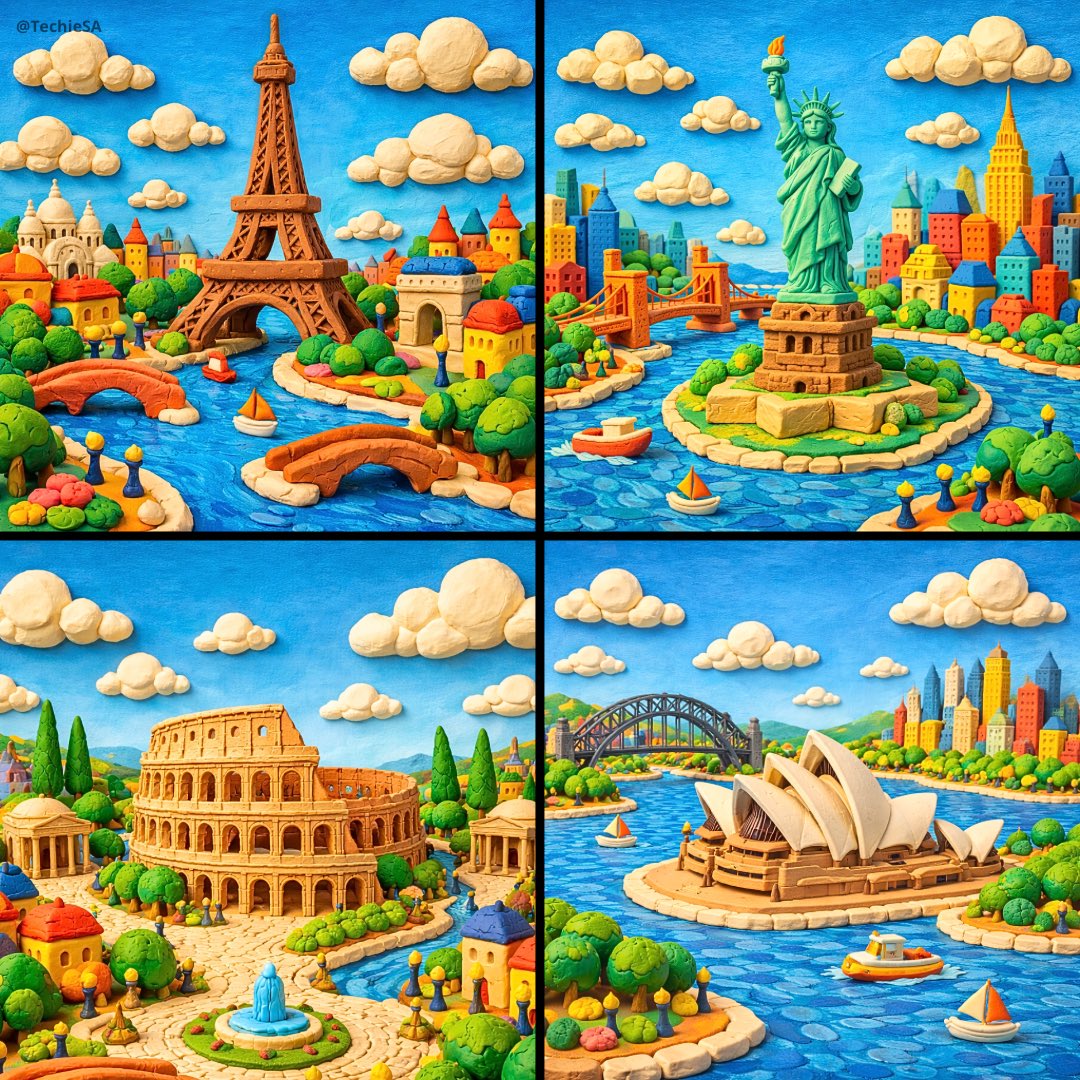
Whimsical miniature world featuring crafted entirely from colorful
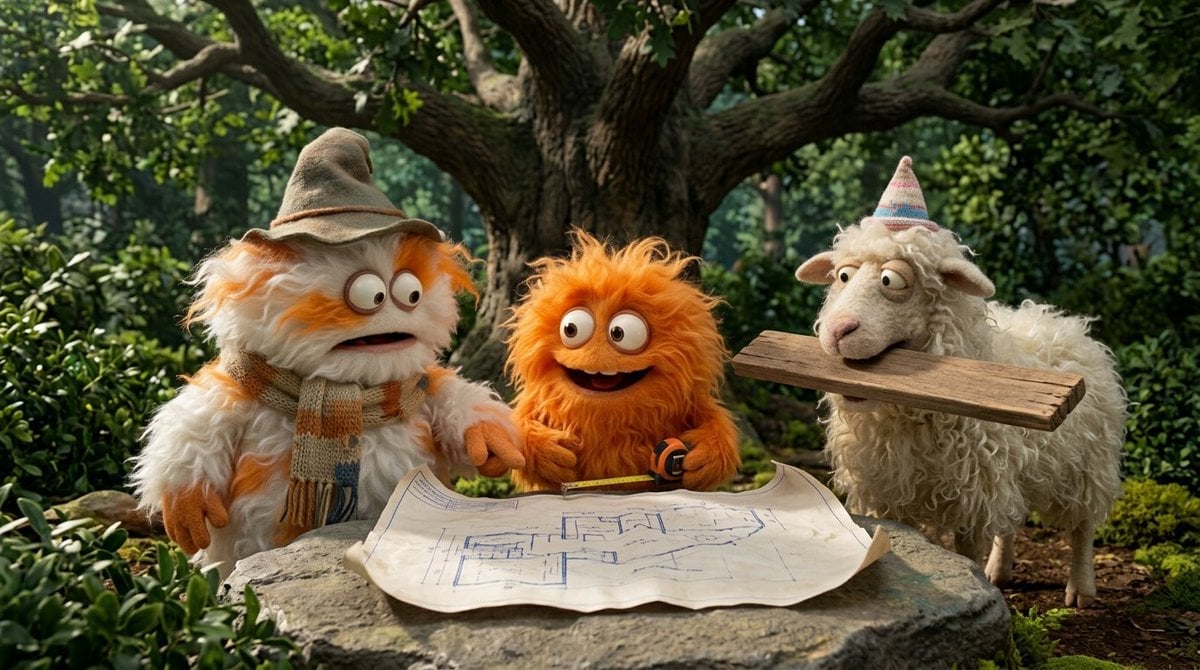
Funny 4-part story featuring 3 fluffy creatures building a treehouse

Clear, 45 top-down isometric miniature 3D cartoon scene of the iconic
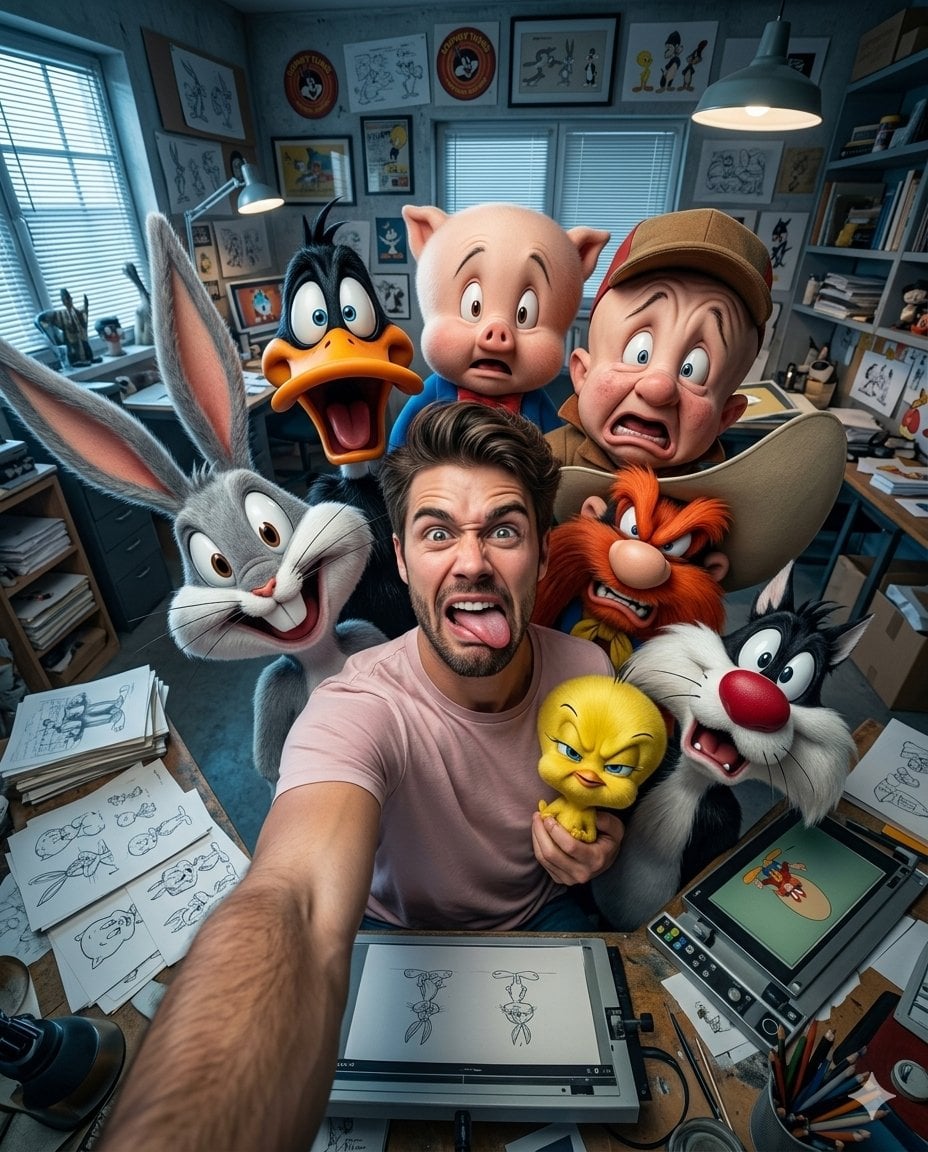
Illustration & 3D Prompt #533
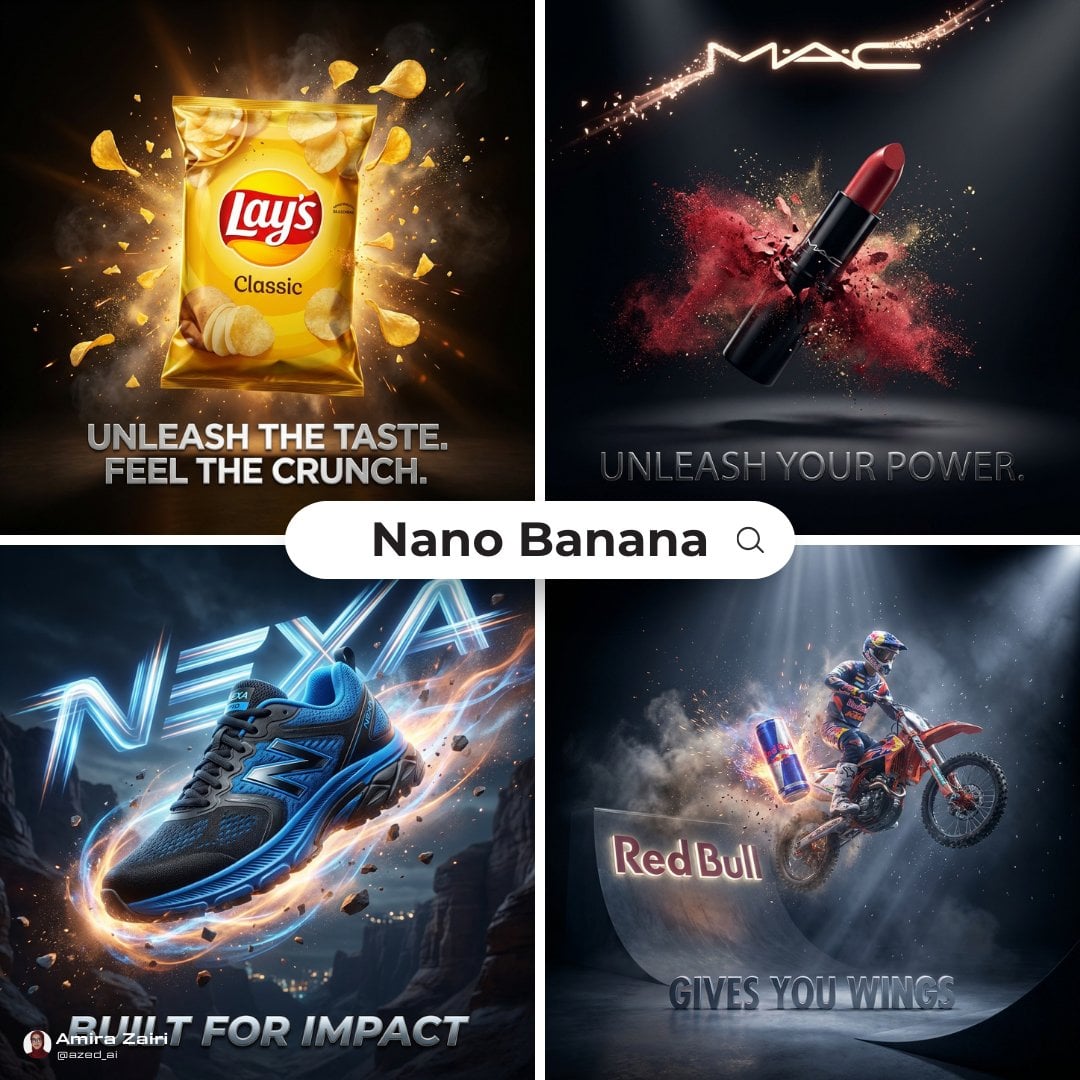
Cinematic 3D action-packed advertisement captured in an intense
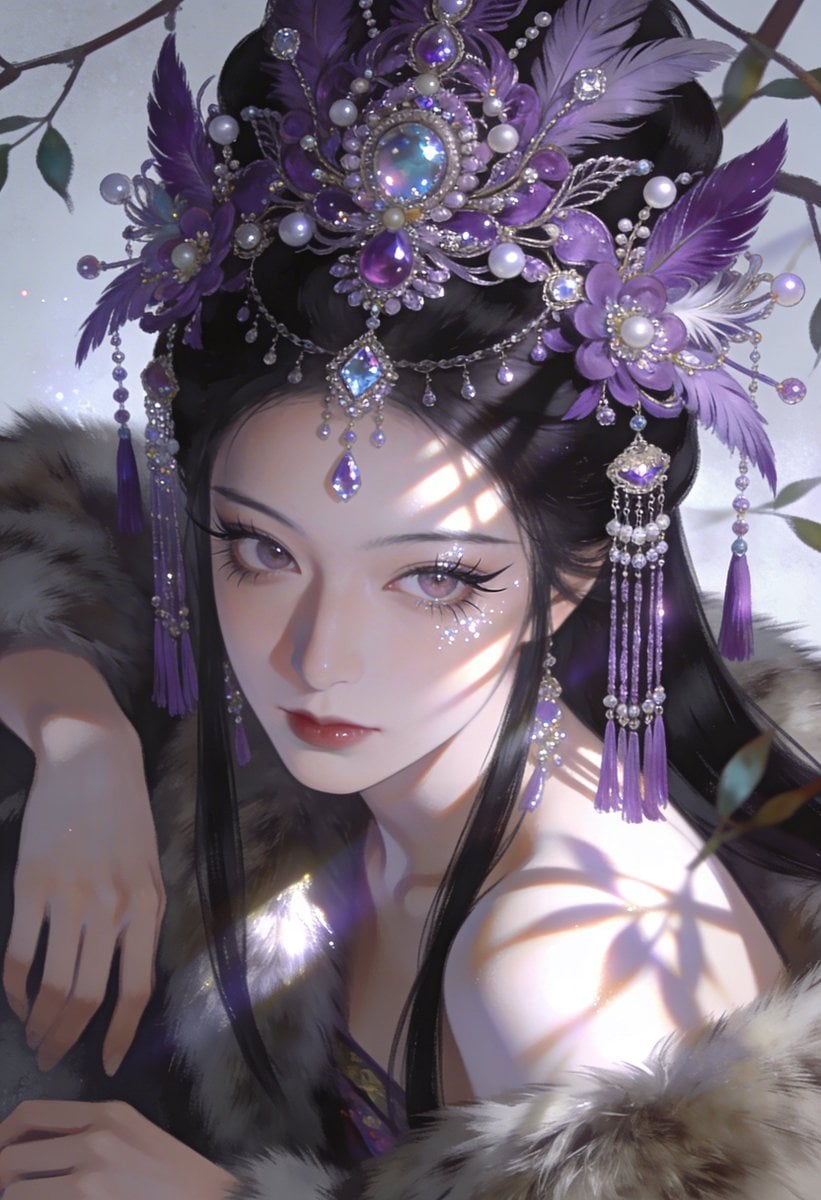
Ime characters into realistic human portraits Convert character
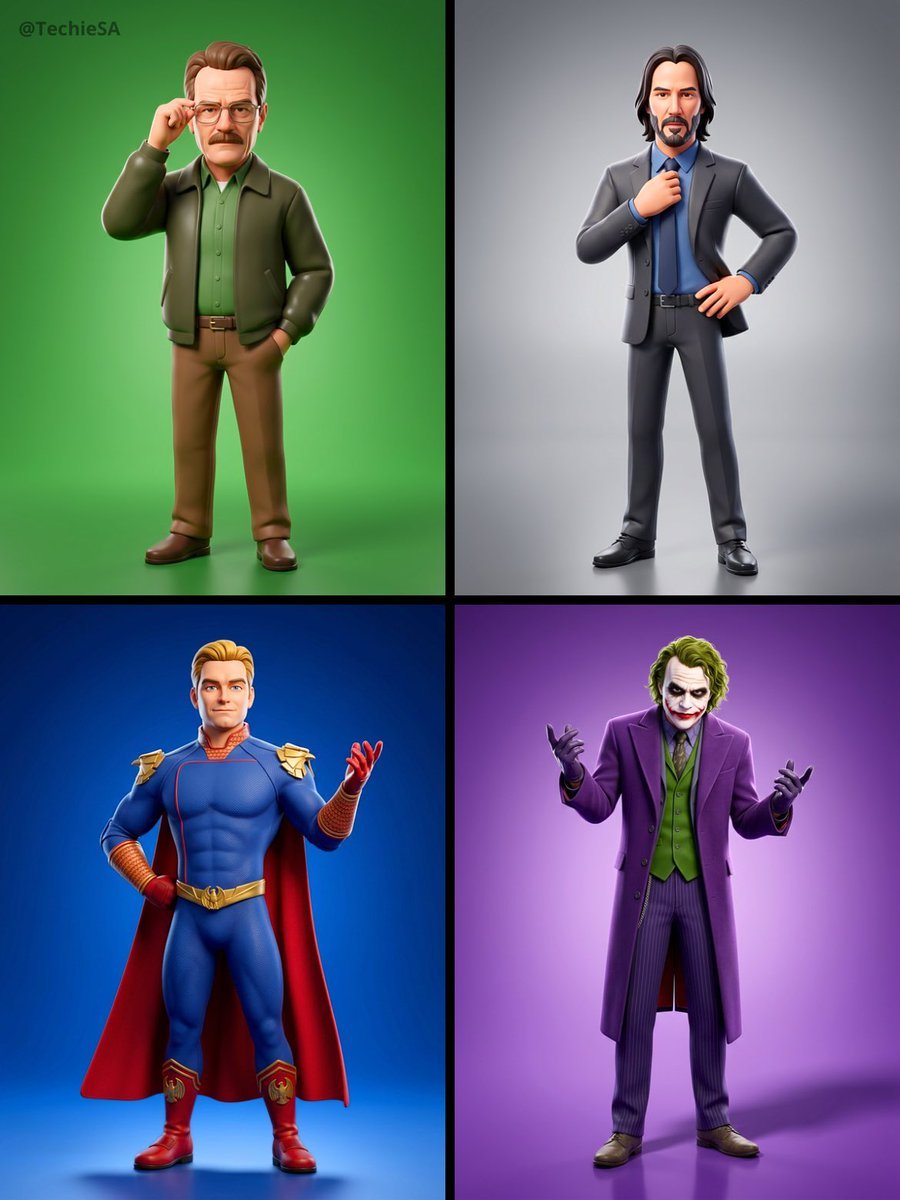
Referenced person into a premium stylized 3D animated character, full
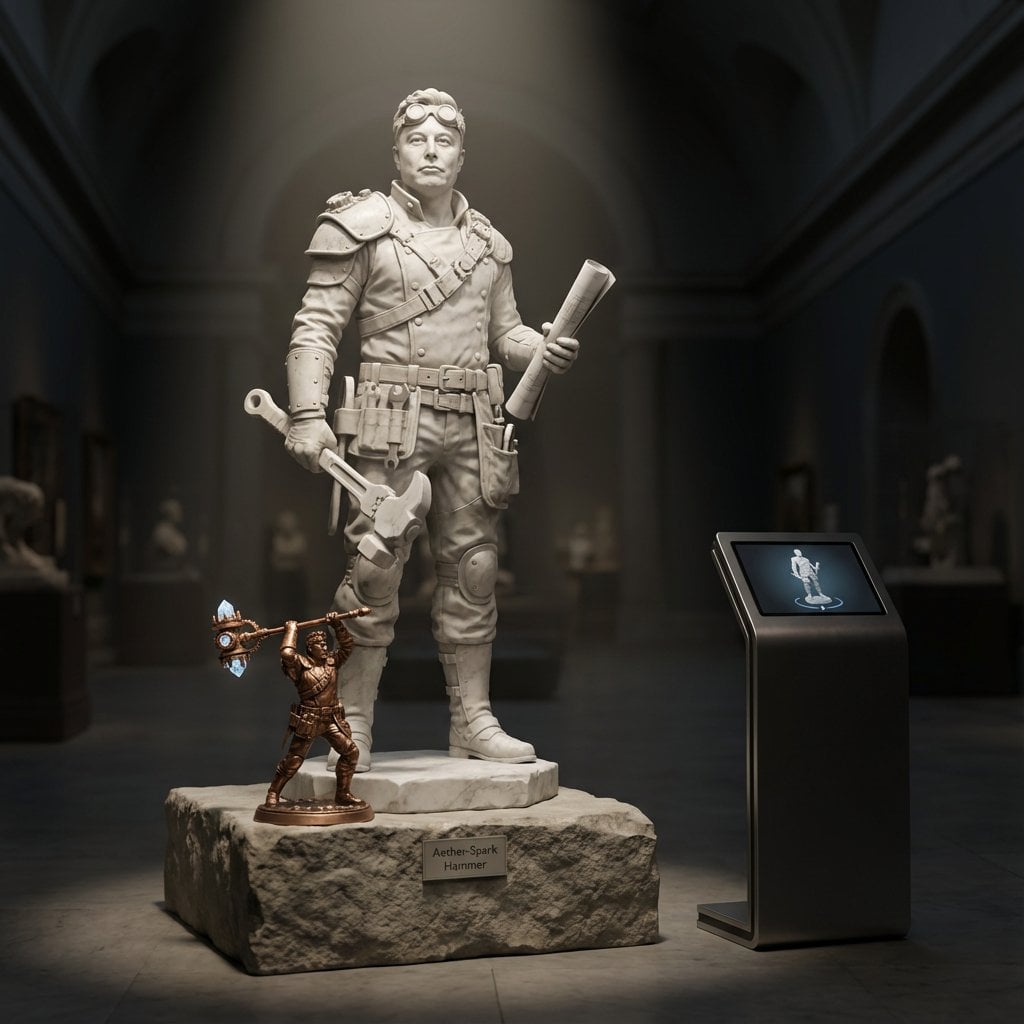
Illustration & 3D Prompt #1437
To hyper-realistic 3D CGI collectible figurine render
Illustration & 3D Prompt #1419
Illustration & 3D Prompt #813
Illustration & 3D Prompt #313
Make it yours
Hyper-realistic, ultra-detailed cinematic photo featuring a MINIATURE works as-is. These are the safest ways to change it without losing the look.
Change one field
Copy a single group, rewrite it, and generate again so you can see what that field is doing.
Keep the frame, change the subject
Hold the composition and light of Hyper-realistic, ultra-detailed cinematic photo featuring a MINIATURE, then swap wardrobe, props or the person for a new take.
| If the result… | Why | Fix |
|---|---|---|
| The result drifts from the preview | Too many fields changed at once. | Reuse Hyper-realistic, ultra-detailed cinematic photo featuring a MINIATURE as-is first, then change one group — subject, light, or setting. |
| GPT Image 2 ignores part of the JSON | Some models flatten or skip nested keys. | Keep the same values and paste them as a short paragraph instead. |
More GPT Image 2 templates
Other prompts made for GPT Image 2.

Six VTuber Japanese Logo Sheet

Realistic Portrait of Woman and Deer

The Vista Modular Condo Poster

AI Model Routing Comparison Infographic

2.5D Anime Art Board

Isometric Productivity Desk Scene

New York Double Exposure Poster

Four-Panel AI Landscape Comparison

Japanese Tatami Lifestyle Magazine Cover

NESCAFÉ Coffee Map Poster
More image prompts
Fresh picks from across the catalog.
Sgraffito Mechanical Blueprint of NVIDIA 4090 GPU
Zhao Yun Cavalry Infographic Poster
Cinematic Life-Journey Film Strip Portrait
Conceptual Portrait with Symbolic Devil Horn Shadow
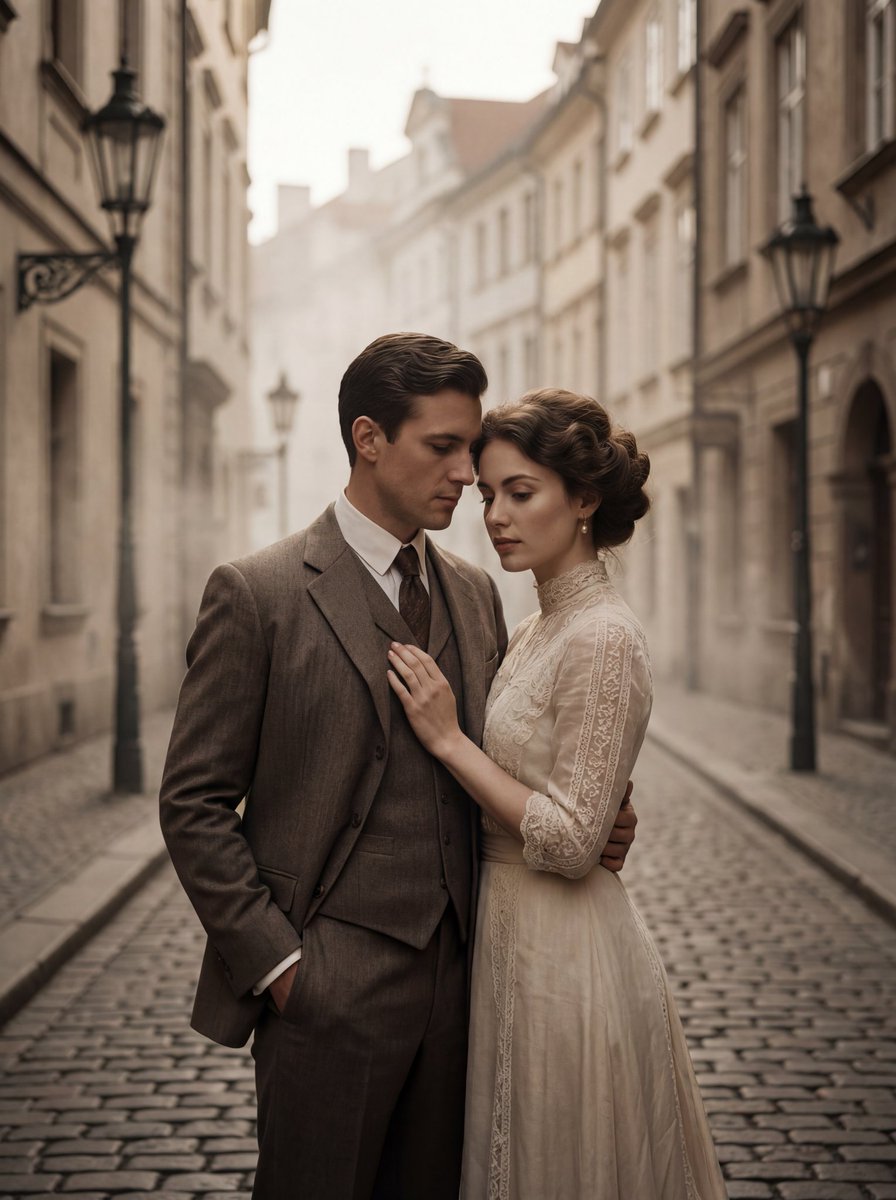
Ultra-Premium Cinematic 1900s Couple Portrait
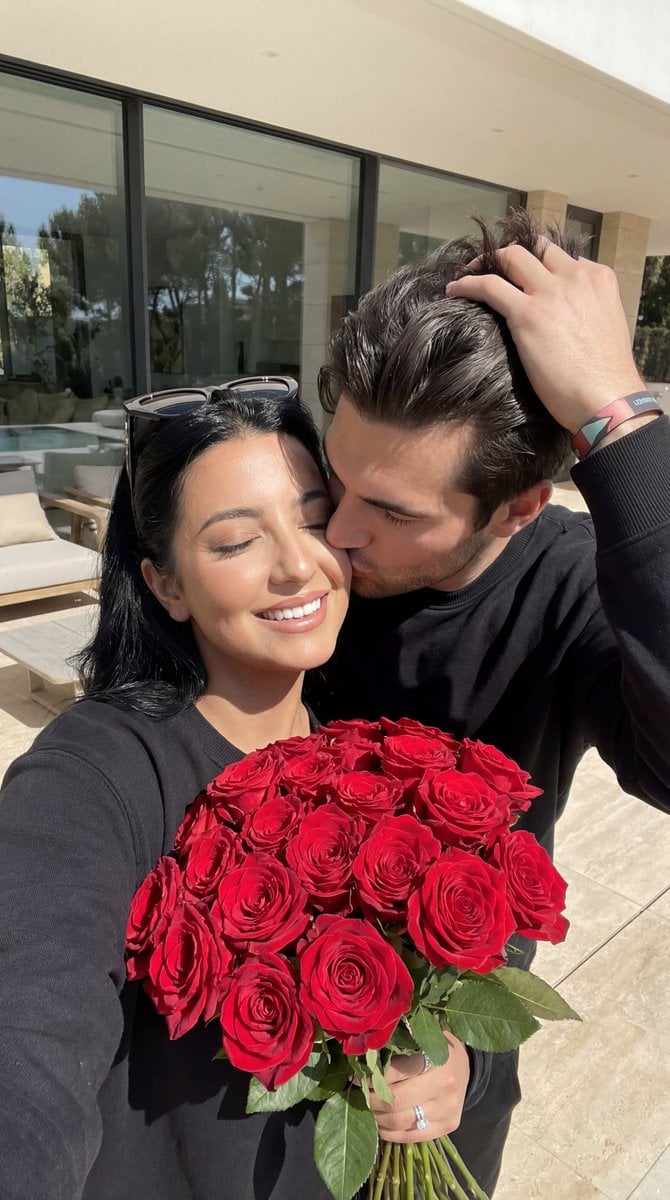
Photorealistic Couple Portrait with Harsh Midday Sun and Red Roses
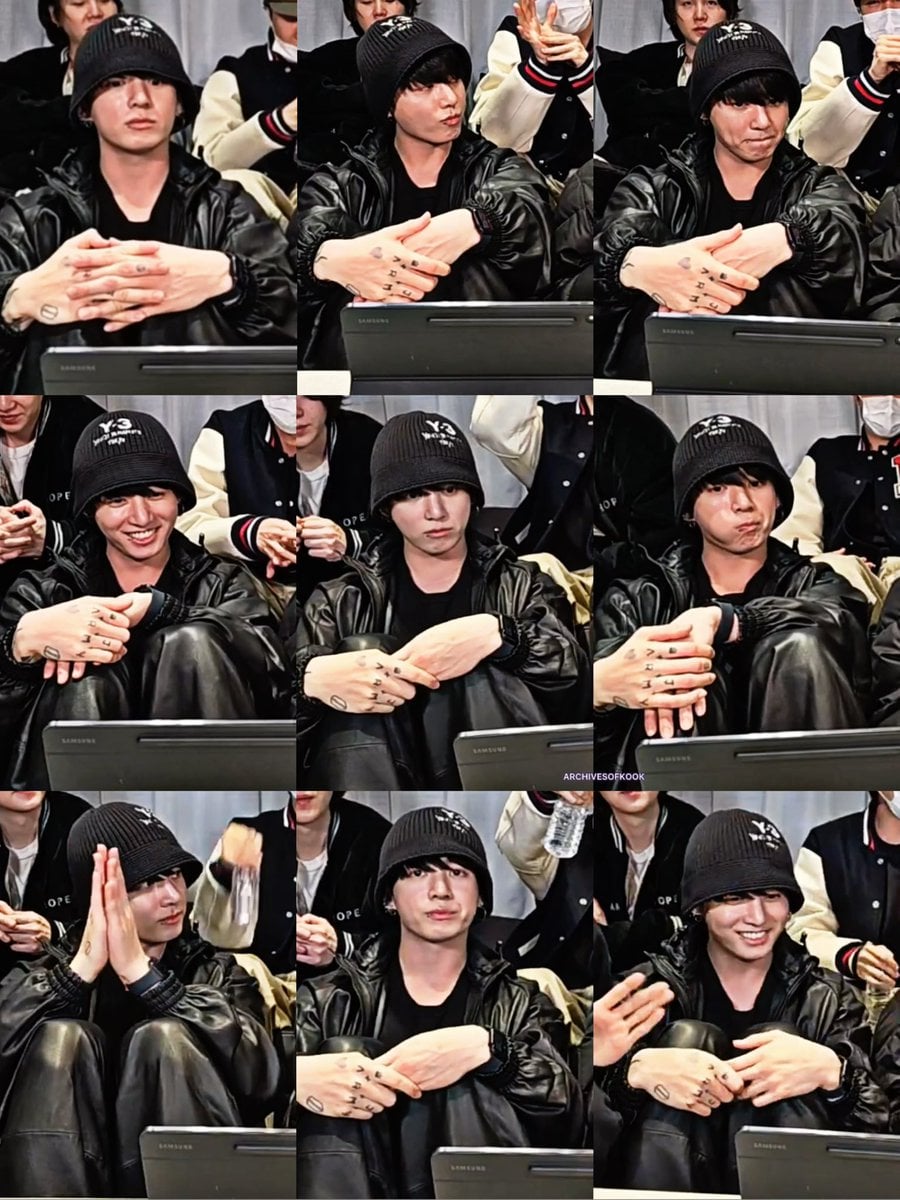
Black and White Aesthetic Image Generation
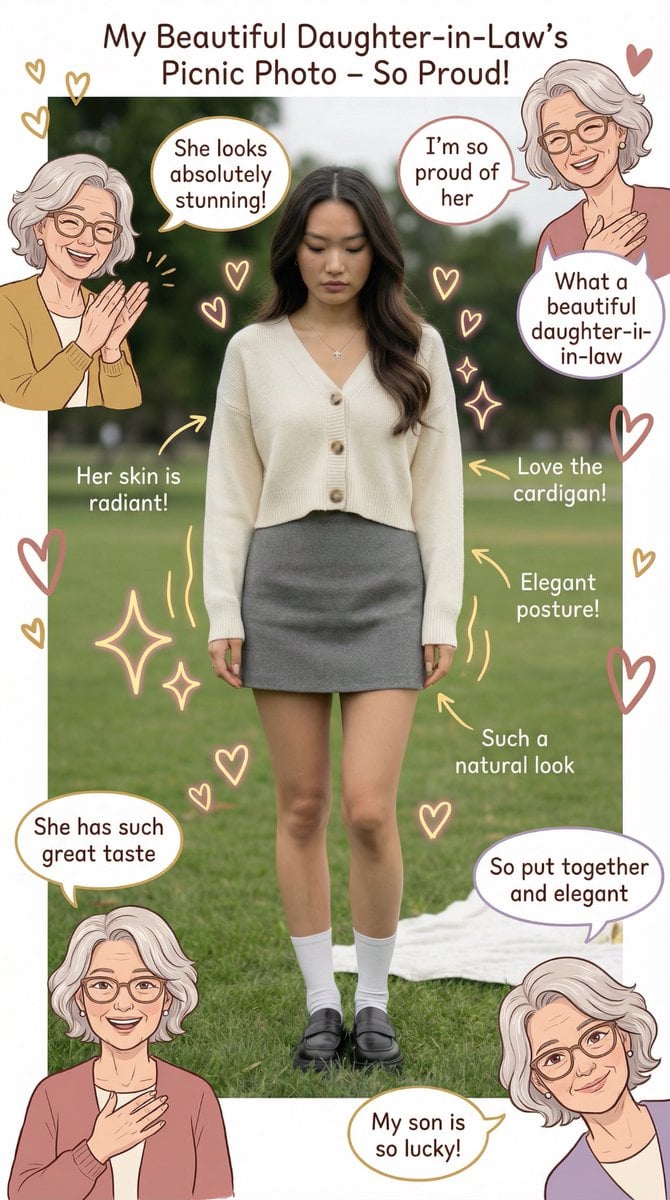
Mother-in-Law Admiring Assessment System Prompt
X Bubblebrain Portrait

Gym Besties Mirror Selfie
Browse template categories
Hyper-realistic, ultra-detailed cinematic photo featuring a MINIATURE questions
How do I use the Hyper-realistic, ultra-detailed cinematic photo featuring a MINIATURE template?
Add your photo if the template asks for one, edit the prompt if you like — the template's model and format are already selected — and press Generate. Your version opens in PicX Studio.
Can I customize the Hyper-realistic, ultra-detailed cinematic photo featuring a MINIATURE template?
Yes. You can change the subject, setting, lighting, mood, format, and available model controls before creating your image.
Is the Hyper-realistic, ultra-detailed cinematic photo featuring a MINIATURE template free?
Opening and editing this template is free. Generating uses credits, shown on the Generate button when you are signed in.
Which AI model should I use?
Start with GPT Image 2, which is the model associated with this template. You can compare another compatible model for a different finish.
Looking for something else? Browse all templates.

Your photo, any look
Thousands of ready templates for every top image and video model, from one credit balance.