
Person in the attached reference photo
Convert the person in the attached reference photo into a hyper-vibrant 80s pop-art illustration.
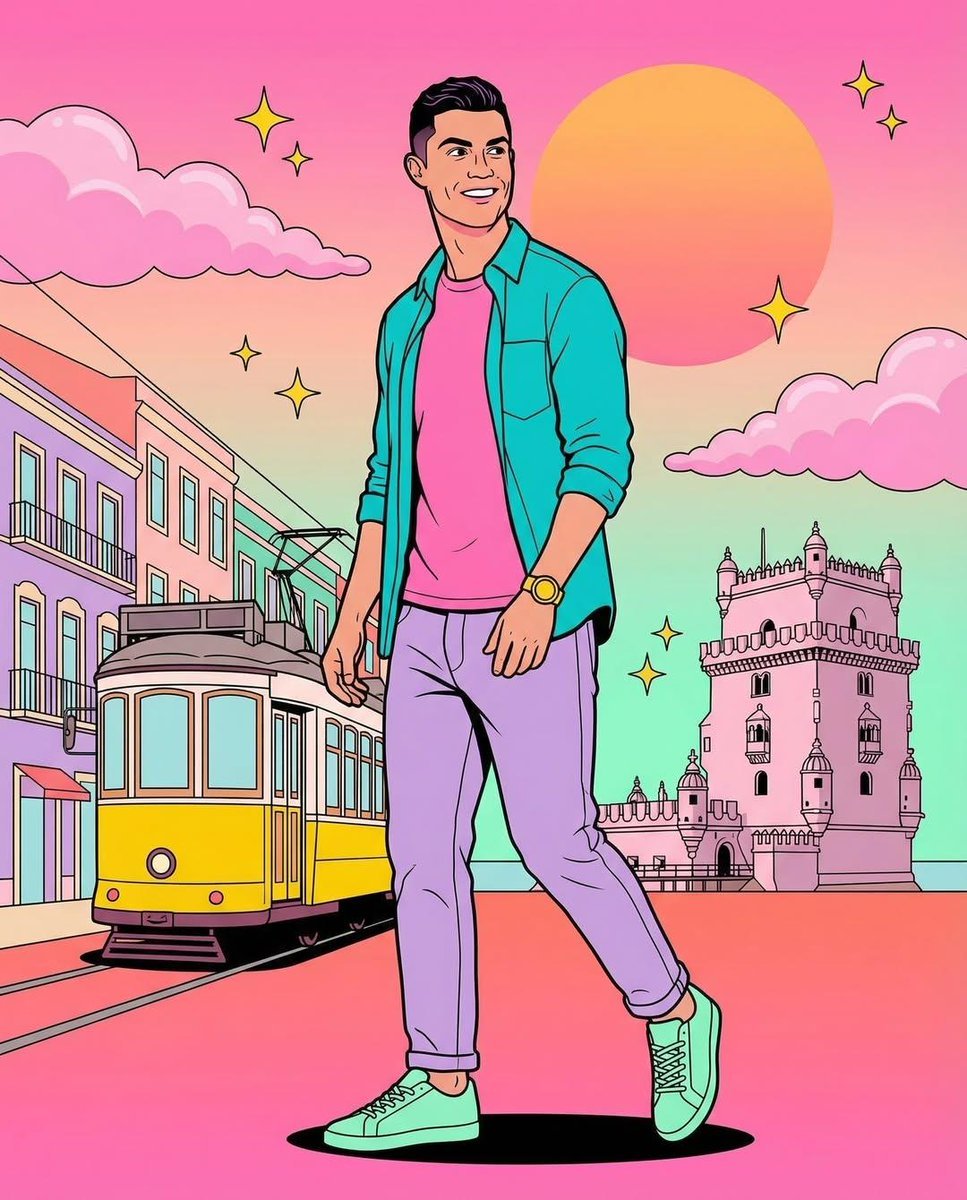
- Prompt included
- Model and format preset
- Premium template
The prompt behind this image
Copy the exact prompt behind Person in the attached reference photo, or open it in the studio and make it yours.
Convert the person in the attached reference photo into a hyper-vibrant 80s pop-art illustration. CHARACTER: - Faithfully recreate the person's facial features, skin tone, hair color, and hair style from the reference photo - Automatically detect if the person is male or female and dress them accordingly in relatable, everyday casual wear: IF FEMALE → light summer dress or casual crop top with high-waist jeans or linen trousers, simple sandals or white sneakers, a small shoulder bag, minimal jewelry — outfits a real person would actually wear on a day out IF MALE → plain crew-neck tee or casual open shirt over a basic tee, slim chinos or relaxed jeans, clean sneakers or loafers, optional watch or crossbody bag — everyday street-ready look - All clothing rendered in the pastel-neon color palette of the art style — pinks, mints, lavenders, corals — but the silhouette and style remain realistic and wearable - Place them in a fun, natural candid pose — mid-walk, looking over the shoulder, sitting on steps, leaning casually, or glancing upward — as if caught in a real moment - Bold black outlines on the entire figure, flat color fills, minimal graphic shading BACKGROUND: - The setting is Portugal— depict its most recognizable landmark, skyline, street, or scenery prominently - Render the entire background in hyper-vibrant pop-art illustration style: bold outlines, flat pastel-neon fills, no photorealism - Sky: warm gradient of hot pink to peach to mint, large solid yellow or orange sun, puffy candy-pink clouds, and scattered 4-point sparkle stars COLOR PALETTE: Hot pink bubblegum pink, mint green teal, lavender, coral , yellow-gold STYLE KEYWORDS: 80s pop-art, flat illustration, bold black outlines, pastel neon, anime-adjacent, retro sun-drenched, vibrant graphic novel aesthetic, no photorealism, clean cel-shaded look, relatable everyday fashion
How to use Person in the attached reference photo in 3 steps
- 1Upload ImagePNG, JPG or paste
Add your photo
Upload the photo the template builds on. The prompt, model and format are already set.
- 2…a portrait of your subject in softgolden-hour light, 85mm…
Personalize
Edit the subject and creative details for your destination.
- 3Generate
Generate
Press Generate — your image is created in PicX Studio, so you can compare it with the original and refine one variable at a time.
More like this
Templates with the same subject, style or setup. Open one to see its prompt.
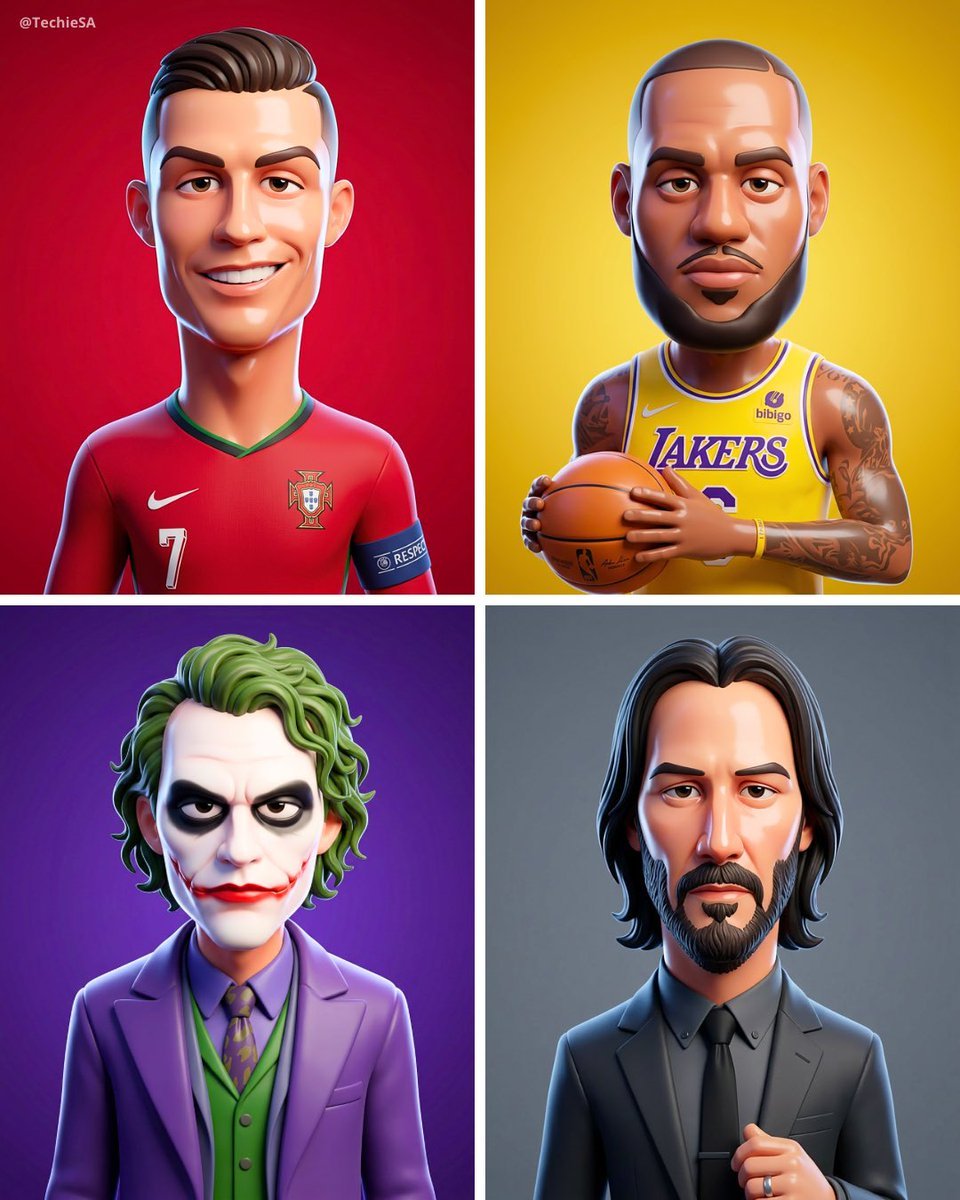
Person from the attached photo into a smooth stylized 3D cartoon
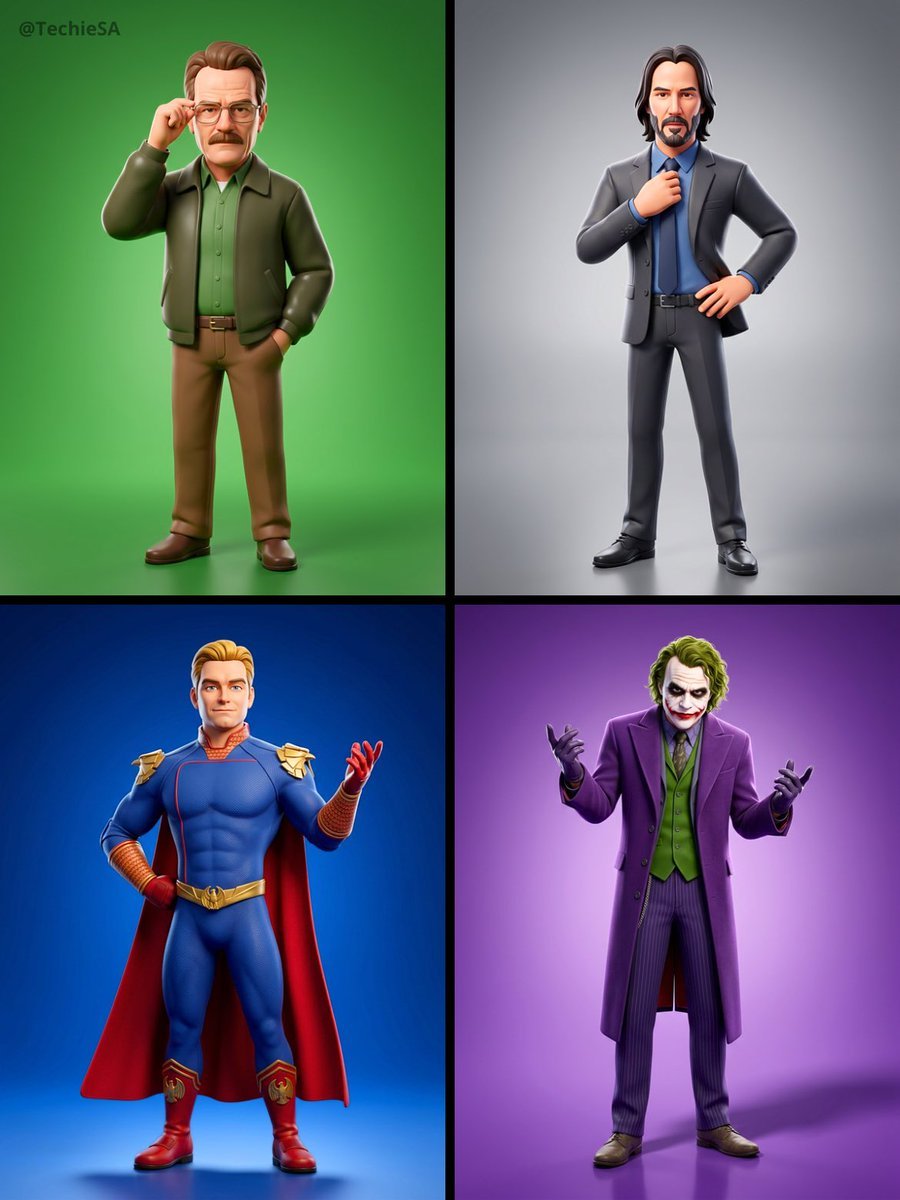
Referenced person into a premium stylized 3D animated character, full
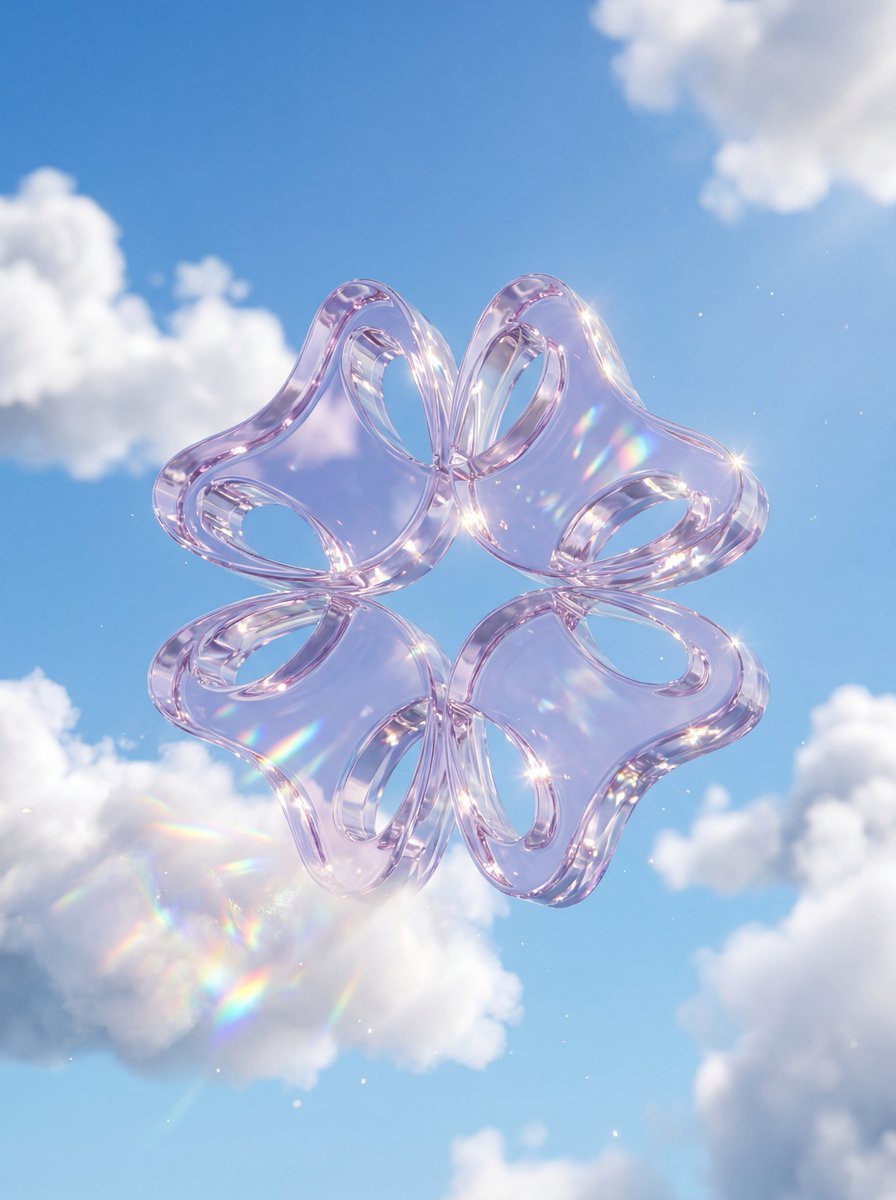
A premium 3D stylized version of attached logo, rendered as thick
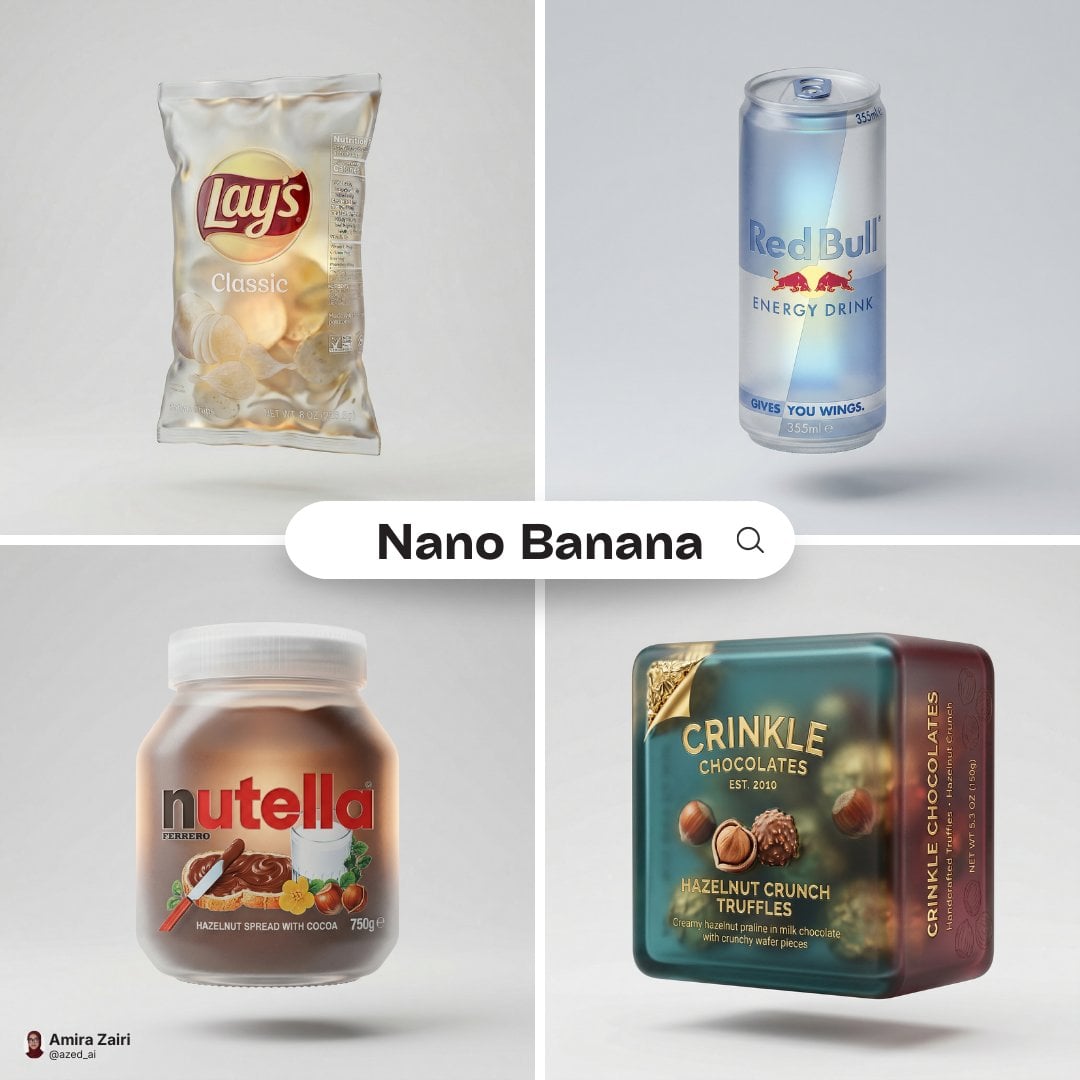
A hyper-detailed 3D frosted translucent glass version of the attached
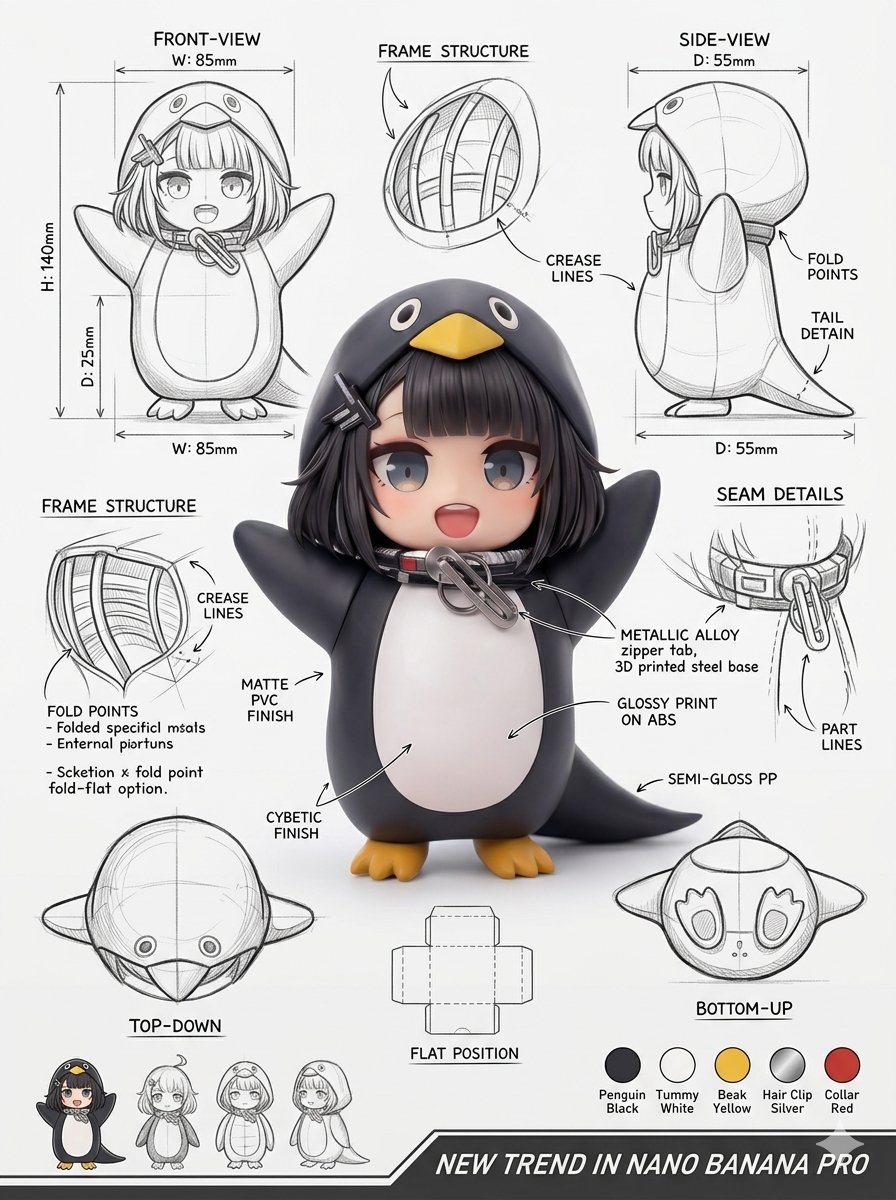
Using the attached image, create an illustration sheet of professional
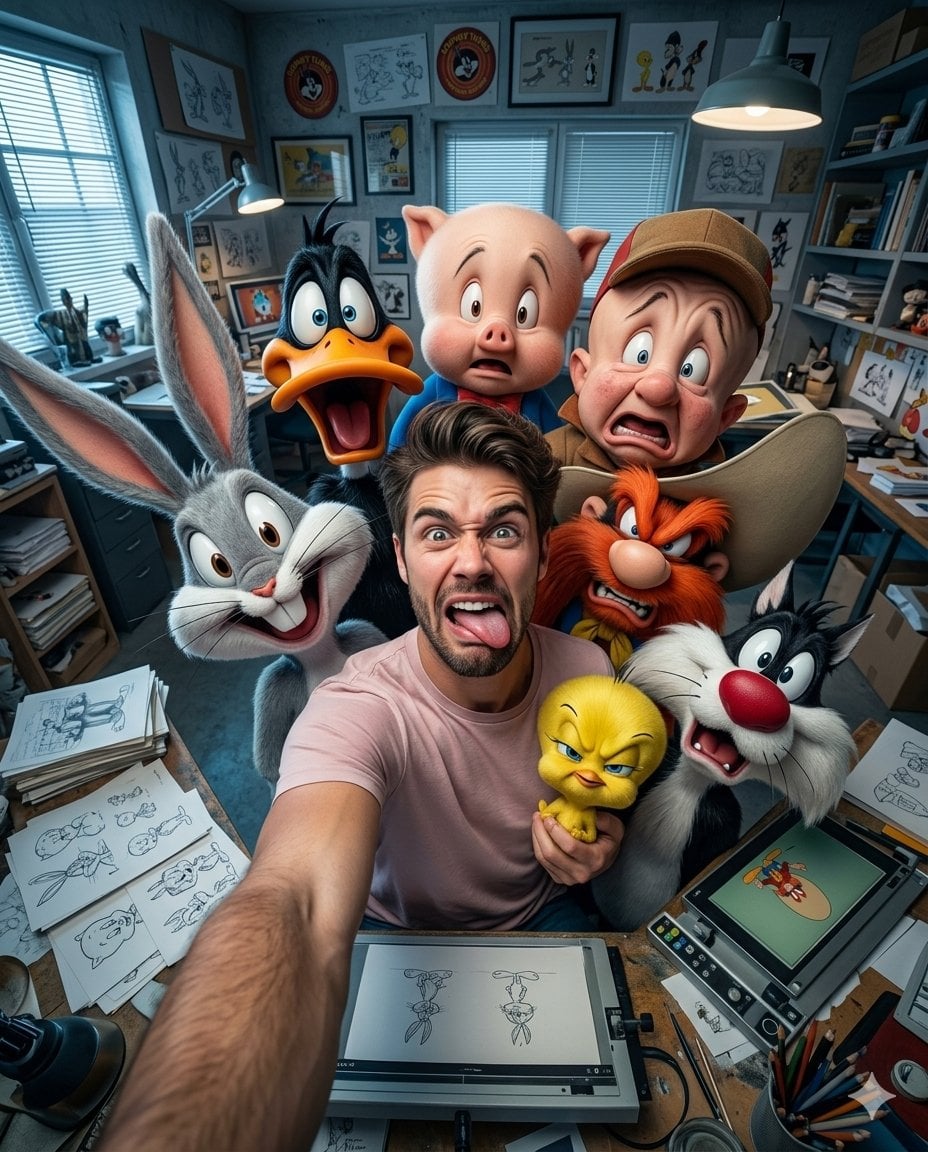
Illustration & 3D Prompt #533
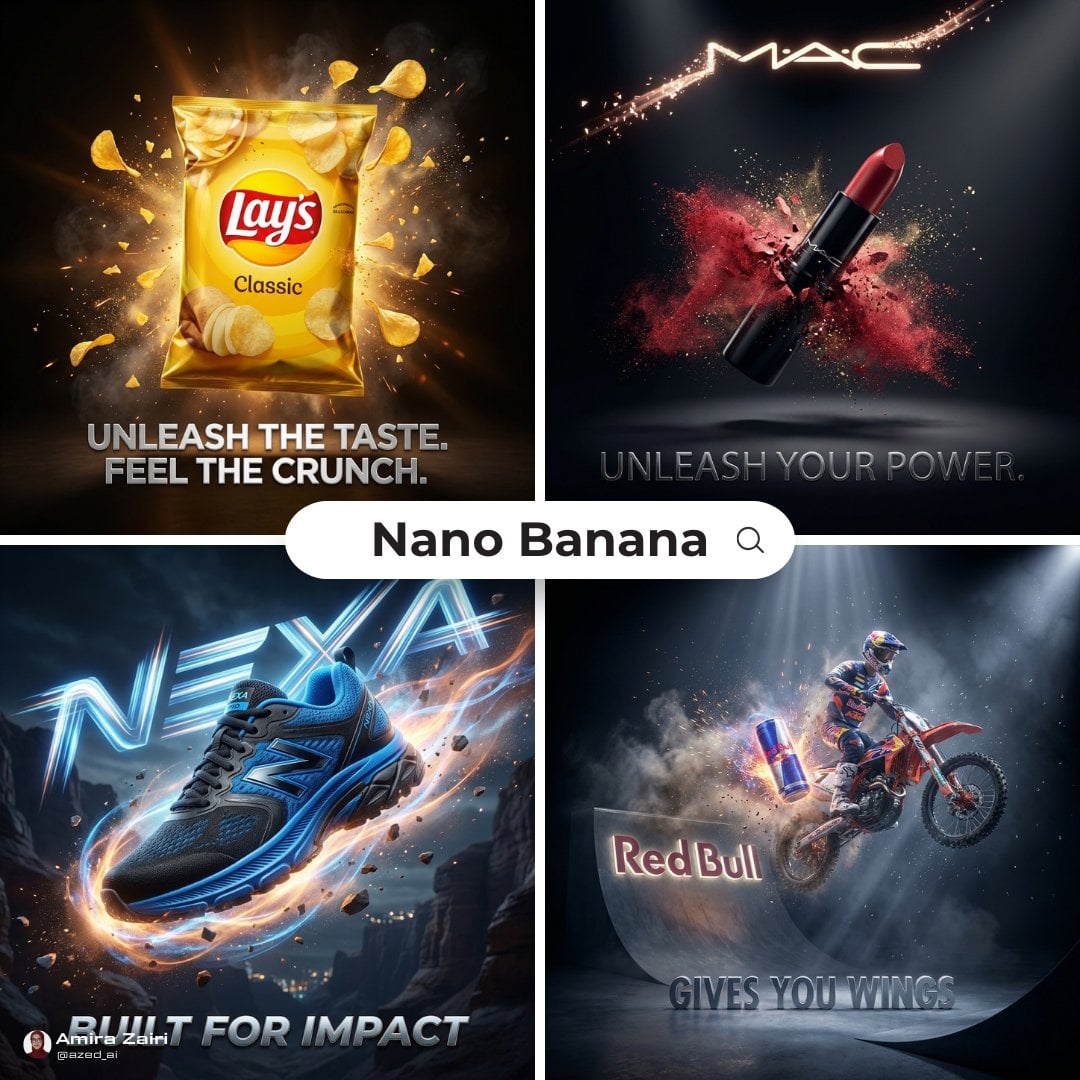
Cinematic 3D action-packed advertisement captured in an intense
Ime characters into realistic human portraits Convert character
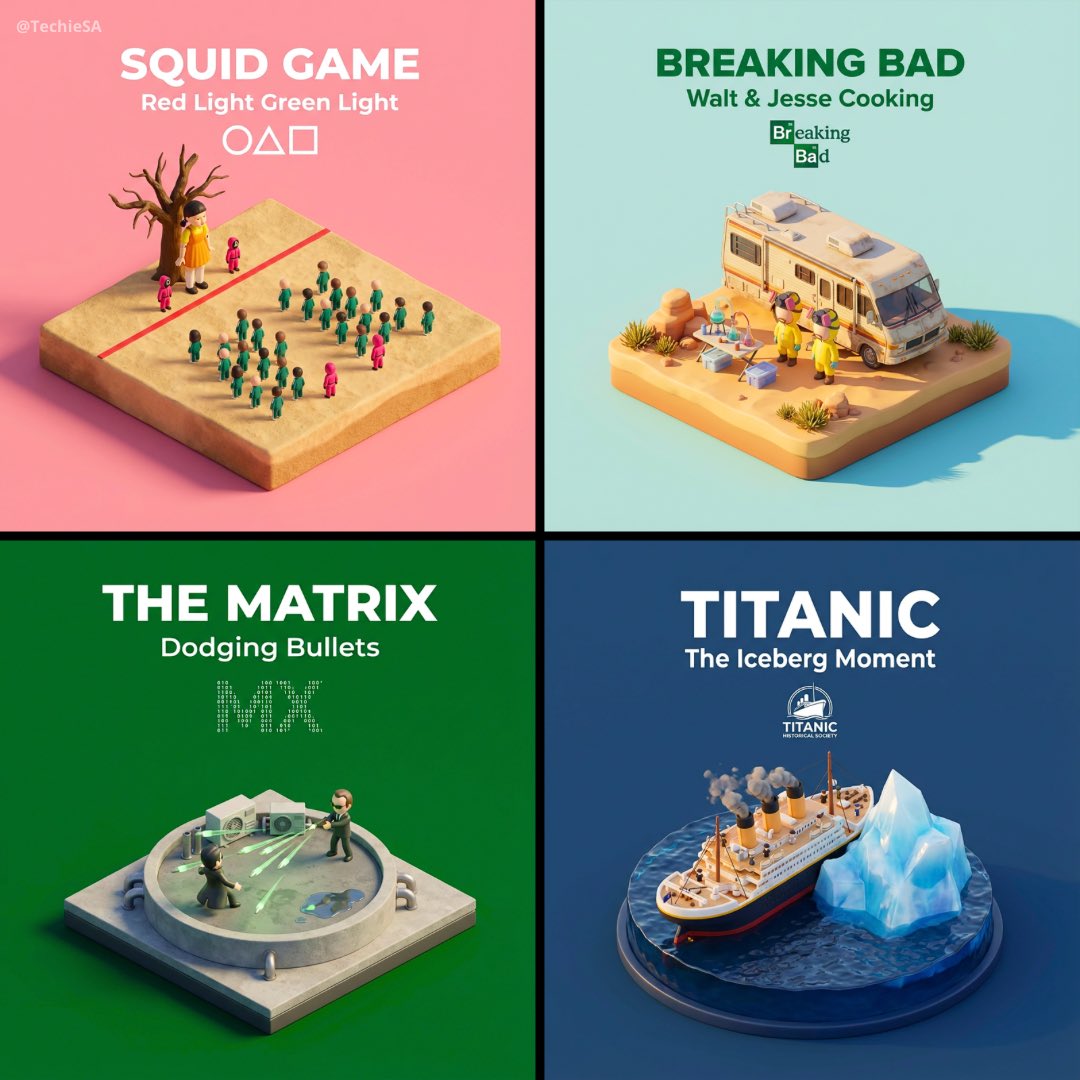
Clear, 45 top-down isometric miniature 3D cartoon scene of the iconic
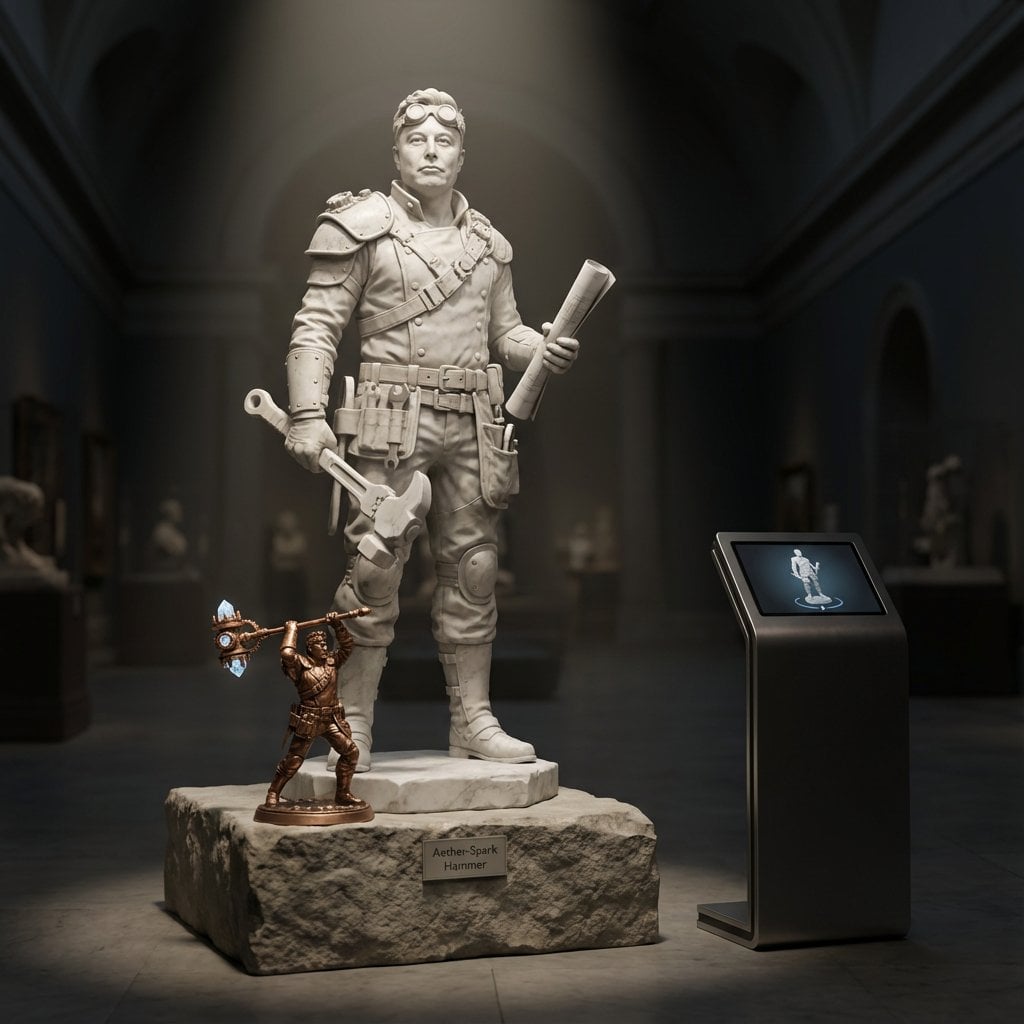
Illustration & 3D Prompt #1437
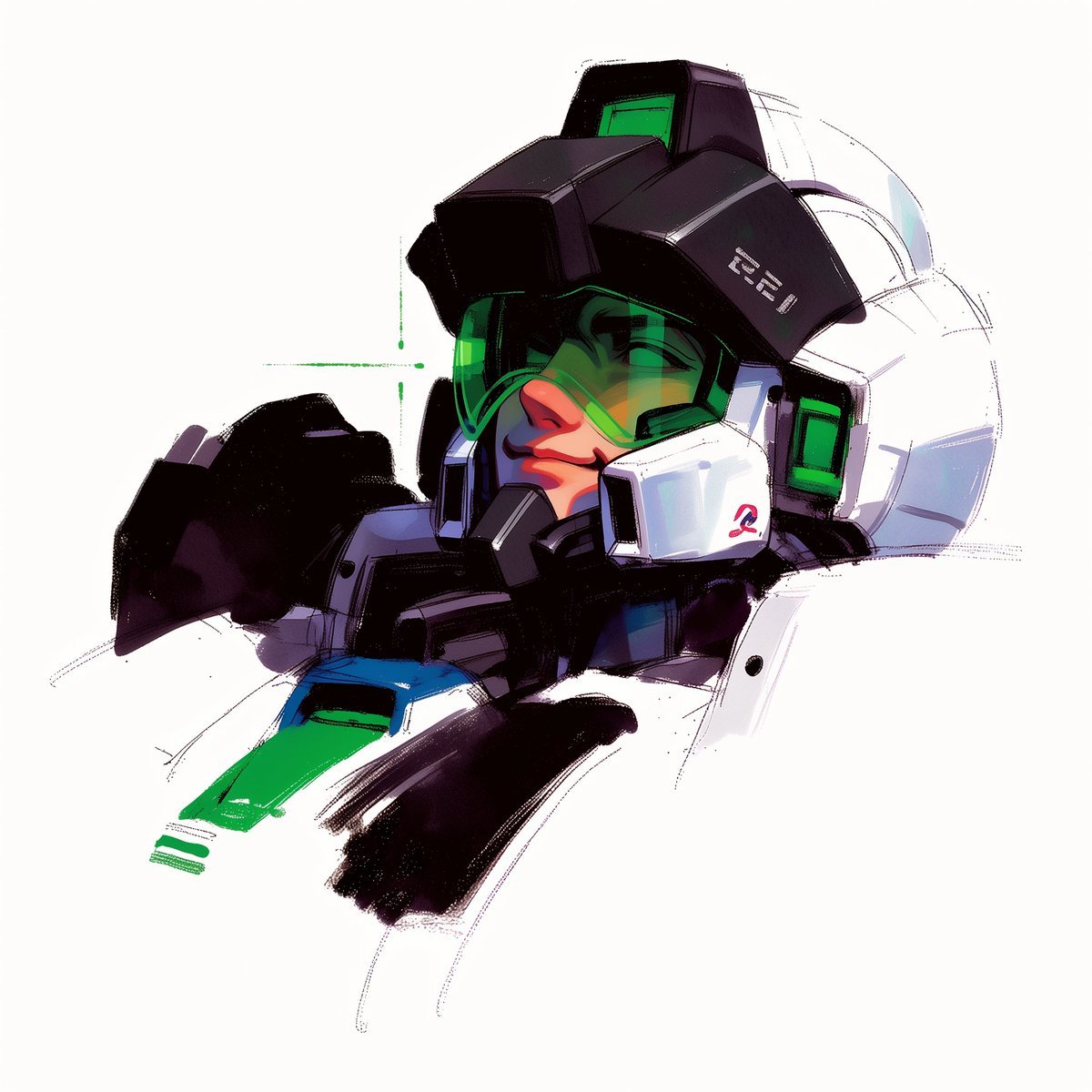
To hyper-realistic 3D CGI collectible figurine render
Illustration & 3D Prompt #1419
Make it yours
Person in the attached reference photo works as-is. These are the safest ways to change it without losing the look.
Change one field
Copy a single group, rewrite it, and generate again so you can see what that field is doing.
Keep the frame, change the subject
Hold the composition and light of Person in the attached reference photo, then swap wardrobe, props or the person for a new take.
| If the result… | Why | Fix |
|---|---|---|
| The result drifts from the preview | Too many fields changed at once. | Reuse Person in the attached reference photo as-is first, then change one group — subject, light, or setting. |
| The model over-stylizes the scene | The prose prompt leaves finish and camera underspecified. | Add one camera or lighting sentence and stay on GPT Image 2. |
More GPT Image 2 templates
Other prompts made for GPT Image 2.

Six VTuber Japanese Logo Sheet

Realistic Portrait of Woman and Deer

The Vista Modular Condo Poster

AI Model Routing Comparison Infographic

2.5D Anime Art Board

Isometric Productivity Desk Scene

New York Double Exposure Poster

Four-Panel AI Landscape Comparison

Japanese Tatami Lifestyle Magazine Cover

NESCAFÉ Coffee Map Poster
More image prompts
Fresh picks from across the catalog.
Structured JSON Prompt for Luxury Couple Editorial Campaign
Stunning Fashion Photo Prompt
Gen Z Valentine's Day Bedroom Scene Prompt
Cinematic Rainy Night Car Portrait Prompt
Golden Hour Portrait of Stylish Man on Balcony
Stylized Screen Print Illustration of Woman in Sea
Premium Anime Bicycle Gear Design
Documentary Photo of African Village Scene
Fantasy UR Forest Priestess Card
Stylized 3D Clay Character Generation
Browse template categories
Person in the attached reference photo questions
How do I use the Person in the attached reference photo template?
Add your photo if the template asks for one, edit the prompt if you like — the template's model and format are already selected — and press Generate. Your version opens in PicX Studio.
Can I customize the Person in the attached reference photo template?
Yes. You can change the subject, setting, lighting, mood, format, and available model controls before creating your image.
Is the Person in the attached reference photo template free?
Opening and editing this template is free. Generating uses credits, shown on the Generate button when you are signed in.
Which AI model should I use?
Start with GPT Image 2, which is the model associated with this template. You can compare another compatible model for a different finish.
Looking for something else? Browse all templates.

Your photo, any look
Thousands of ready templates for every top image and video model, from one credit balance.