How do I use the Cyberpunk Geisha with Luminous Cat template?
Edit the prompt in the box under the preview — the template's model and format are already selected — and press Generate. Your version appears right on this page.
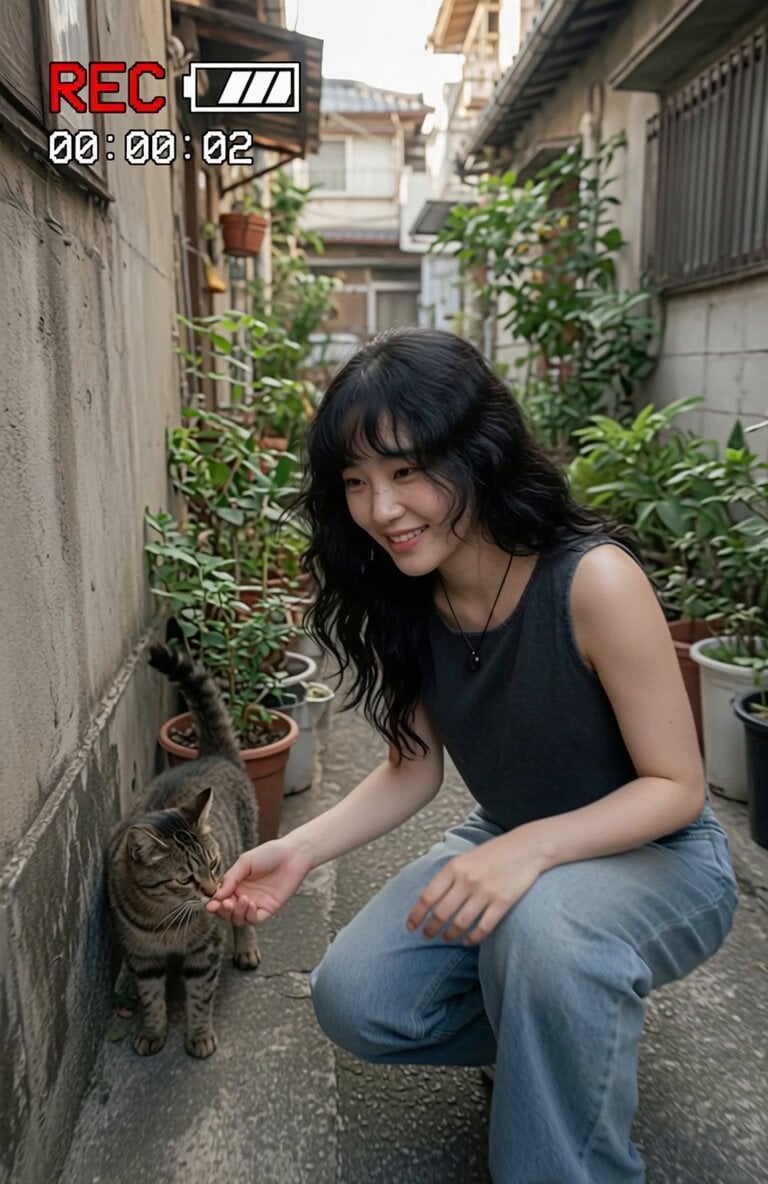
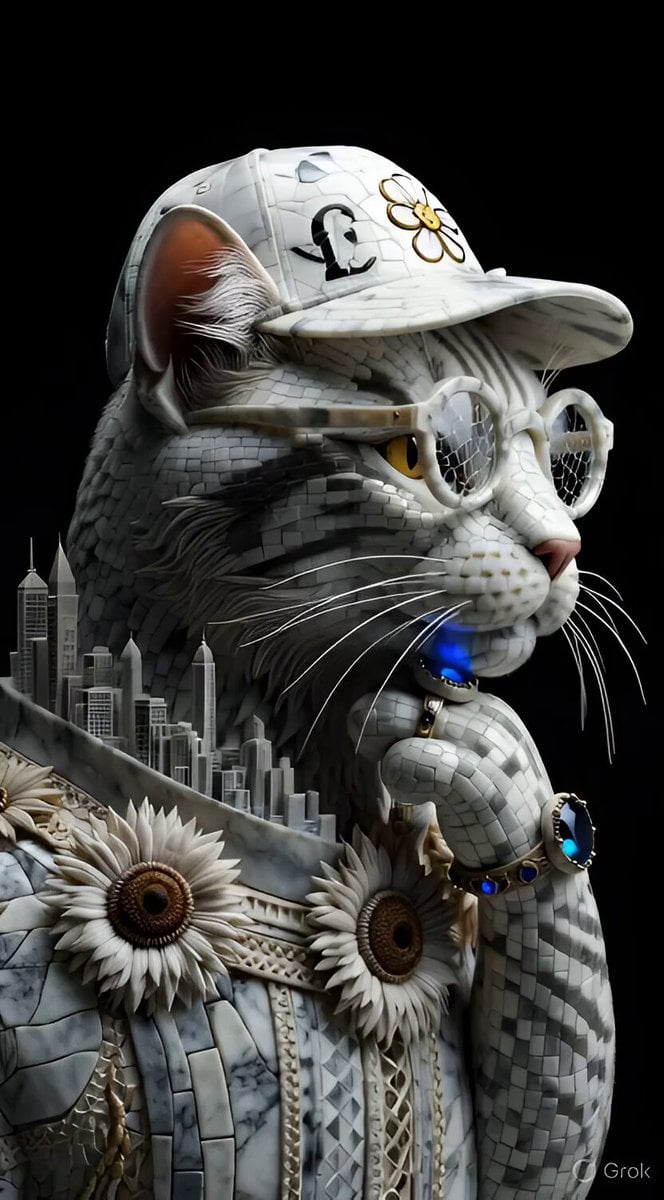
A highly detailed video prompt for a cinematic cyberpunk scene featuring a woman in a cyber-geisha outfit holding a robotic cat in a neon-lit rain alley.
Cinematic cyberpunk alley at night during heavy rain, neon signs reflecting on wet pavement in pink, cyan and violet. A stunning Japanese woman in her mid-20s with long black hair, soft face, wearing a modern cyber-geisha outfit: elegant black silk kimono with glowing neon embroidery, high slit, thigh-high boots. She is gently cradling a fluffy white and silver cat with big luminous eyes and tiny glowing cybernetic ear implants. Soft rain droplets on their faces and fur. Shallow depth of field, volumetric god rays from neon signs, ultra-detailed, emotional and serene atmosphere, shot on 85mm lens, cinematic lighting, high contrast, 8k
Cinematic cyberpunk alley at night during heavy rain, neon signs reflecting on wet pavement in pink, cyan and violet. A stunning Japanese woman in her mid-20s with long black hair, soft face, wearing a modern cyber-geisha outfit: elegant black silk kimono with glowing neon embroidery, high slit, thigh-high boots. She is gently cradling a fluffy white and silver cat with big luminous eyes and tiny glowing cybernetic ear implants. Soft rain droplets on their faces and fur. Shallow depth of field, volumetric god rays from neon signs, ultra-detailed, emotional and serene atmosphere, shot on 85mm lens, cinematic lighting, high contrast, 8k
Edit the prompt in the box under the preview — the template's model and format are already selected — and press Generate. Your version appears right on this page.
Yes. You can change the subject, setting, lighting, mood, format, and available model controls before creating your video.
Opening and editing this template is free. Generating uses credits, shown on the Generate button when you are signed in.
Start with Grok Imagine, which is the model associated with this template. You can compare another compatible model for a different finish.
Follow a topic to a crawlable collection of related PicX Studio templates.