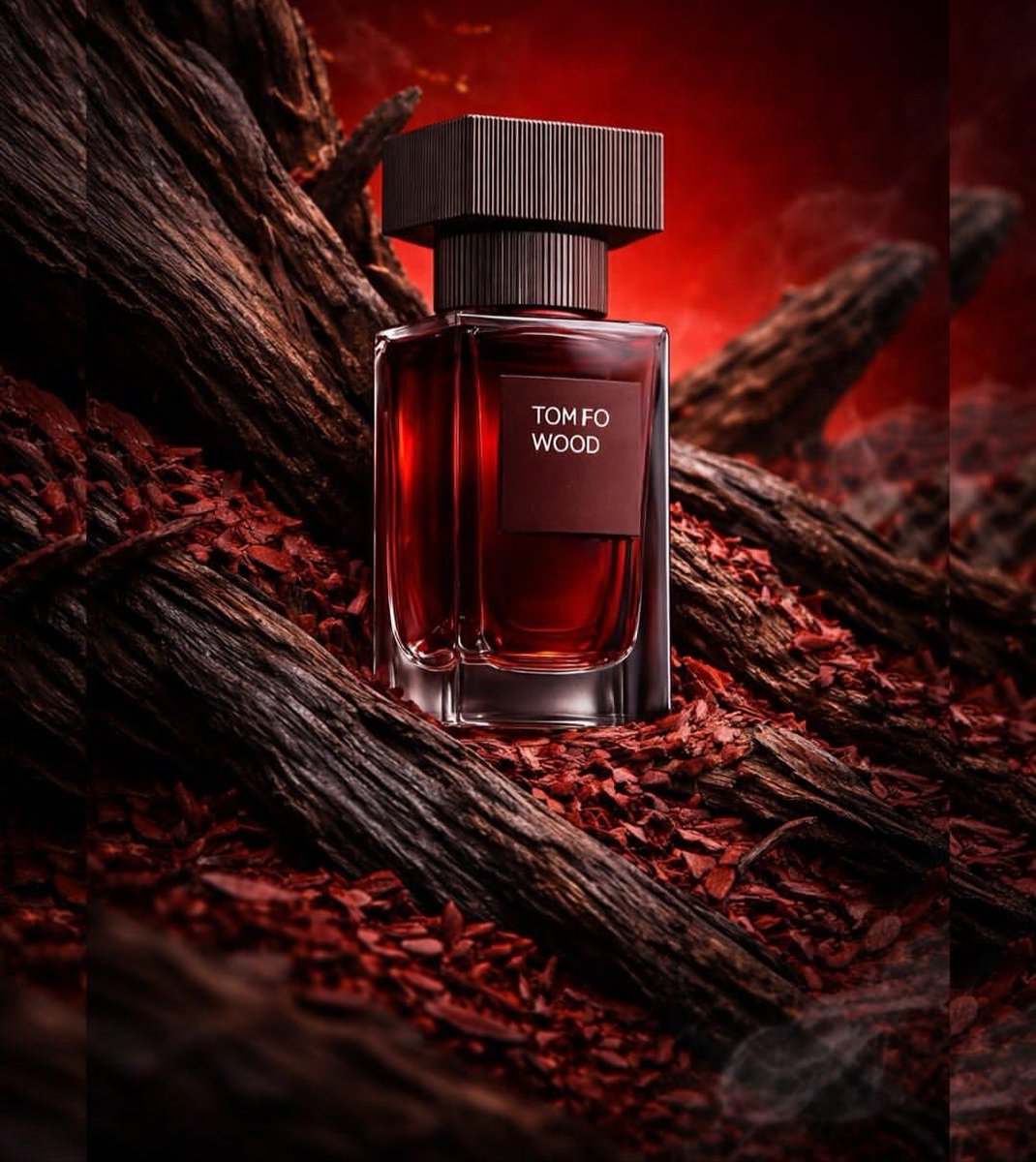
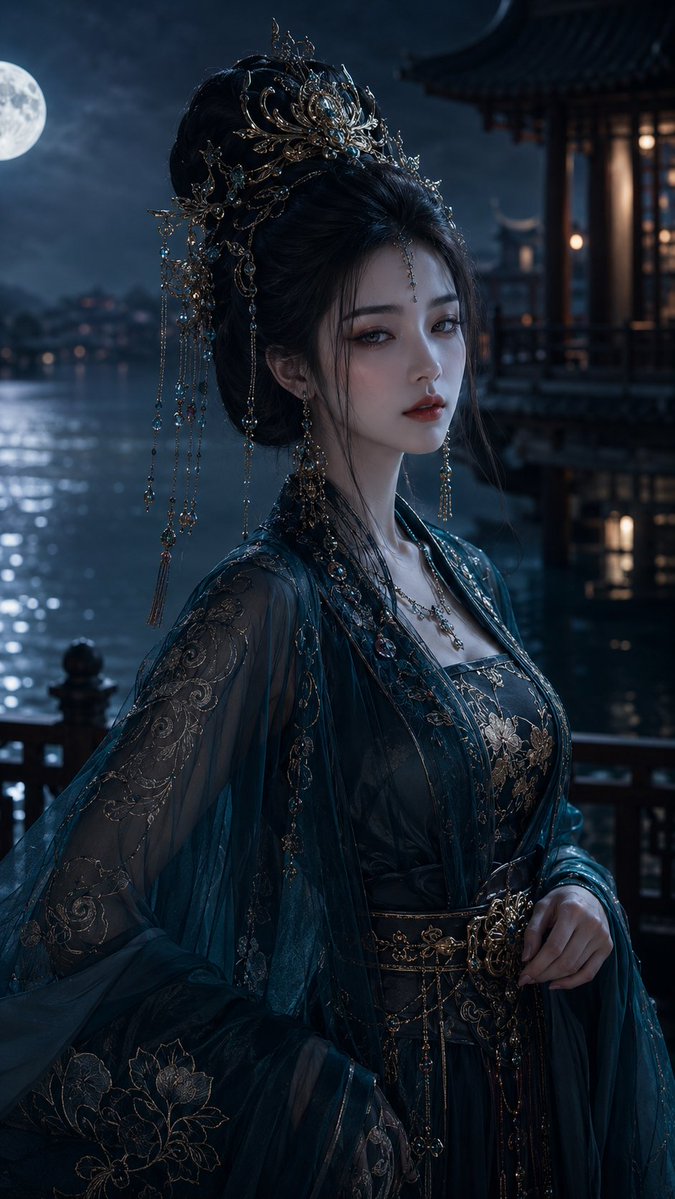
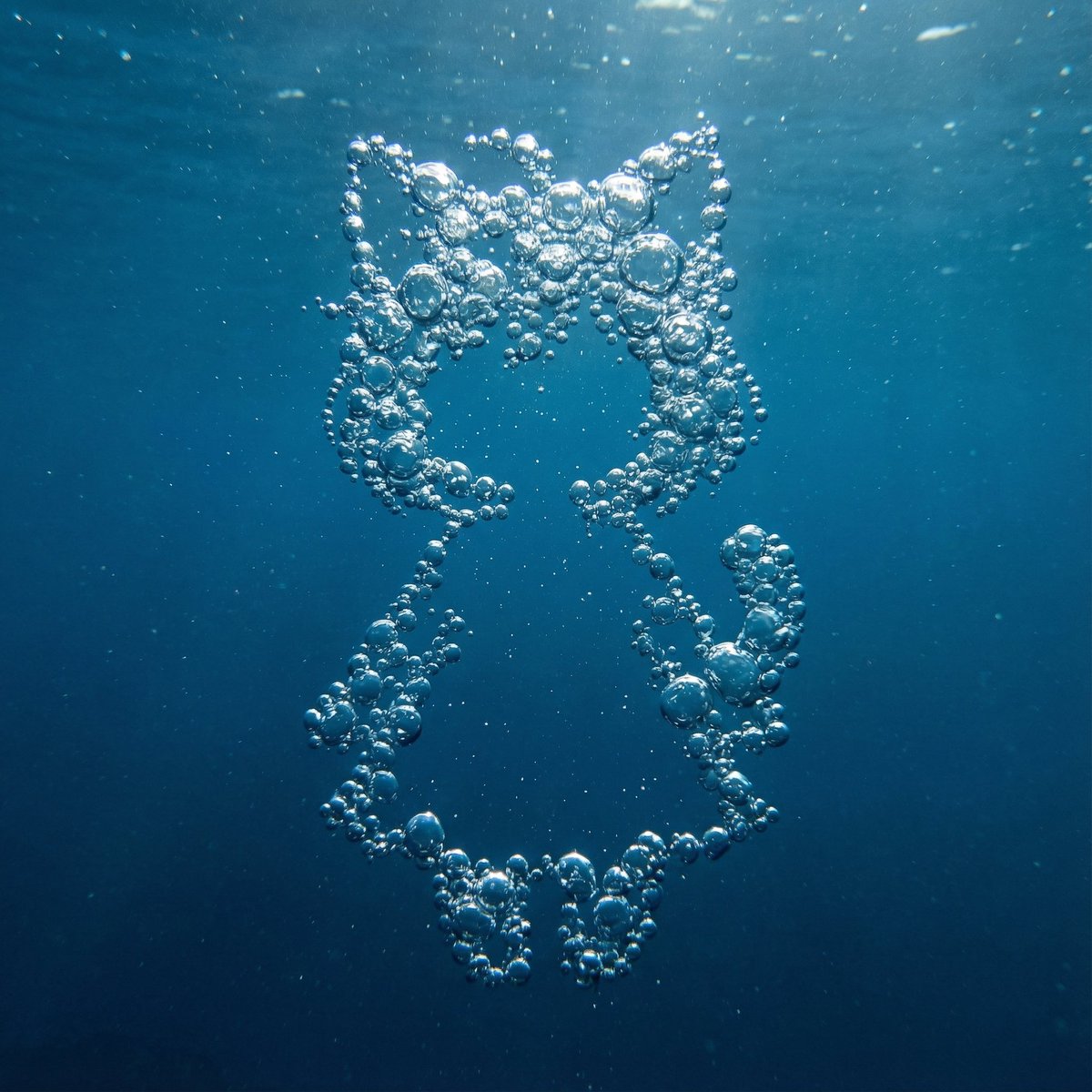
How do I use the Edgy Fashion Portrait of a Smoking Celebrity template?
Choose the primary action to open PicX Studio with the available template settings. Review the model and format, personalize the creative direction, and generate when ready.
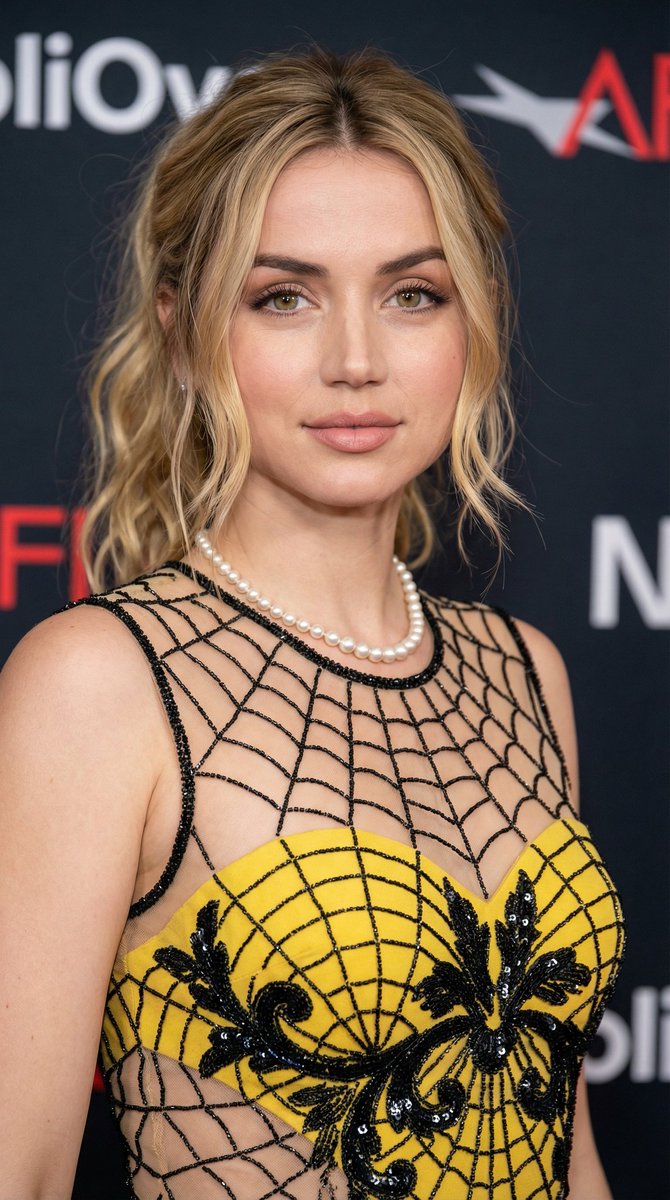
A highly detailed, ultra-realistic prompt for Nano Banana 2 or Nano Banana Pro, designed to generate a dramatic fashion portrait of a specified celebrity (Ana de Armas, Anya Taylor-Joy, Millie Bobby Brown, or Sabrina Carpenter) with an edgy style, intense gaze, and dramatic rim lighting against a vibrant red background. Change the subject, setting, or lighting one variable at a time.

{ "prompt": "Ultra realistic photorealistic dramatic portrait photograph of attached celebrity as a young woman with straight blonde bob haircut and full bangs, intense dark eyeliner, small freckle-like dots on cheeks, red lips, crouching low with knees wide apart and feet flat on the ground against a solid vibrant red background, one hand holding a lit cigarette near mouth with smoke curling upward, the other hand resting among legs, head tilted with piercing direct gaze and slightly parted lips, wearing an open white satin bomber jacket revealing floral lining over a black cropped button-up shirt opened down revealing chest, black lace choker with layered chains, intricate white lace arm sleeves and thigh-high fishnet stockings with detailed floral vine patterns, white glossy high heels with lace-up details, multiple golden rings on fingers, large dangling earrings, dramatic rim lighting with deep shadows and red glow highlights on skin and fabric, neon red written 'KeorUnreal' on wall in backdrop, cinematic movie camera lenses with shallow depth of field, high detail realistic skin texture lace patterns smoke trails high heels shine jewelry reflections, 8k resolution, appears as an authentic unedited edgy fashion photoshoot capture, no AI artifacts" }
Choose the primary action to open PicX Studio with the available template settings. Review the model and format, personalize the creative direction, and generate when ready.
Yes. You can change the subject, setting, lighting, mood, format, and available model controls before creating your image.
This template is free to open and customize. Generation usage is shown in PicX Studio before you create.
Start with Nano Banana 2, which is the model associated with this template. You can compare another compatible model for a different finish.
© 2026 PicX Studio. All rights reserved.

Follow a topic to a crawlable collection of related PicX Studio templates.
43,474 public templates available. Verified via the PicX Studio public templates API; refreshed hourly.

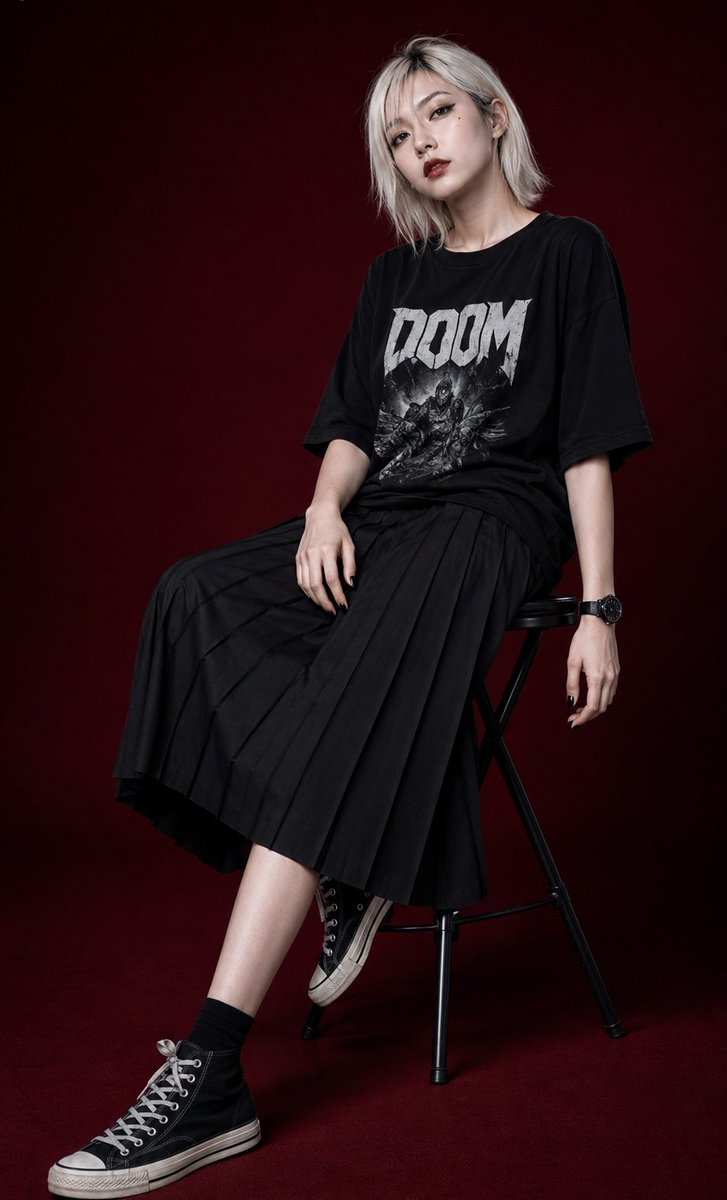















![69-untitled — FORMAT: 15s / 145 BPM / 14 SHOTS
SUBJECT: @[image1]
WARDROBE: Clean modern outfit
ENVIRONMENT: Street / indoor transitions
MOOD: Discovery → contr](/_next/image?url=https%3A%2F%2Fcdn.picxstudio.com%2Fuploads%2Fpost69_img0_d45faecf-38c3-4bcb-81a4-f6eb1cf42bb2.jpg&w=828&q=100)
![118-google-nano-banana-pro-skincare-product- — A professional skincare shot of a [product container] with [cap/lid], labeled [brand, product, descriptor, volume](/_next/image?url=https%3A%2F%2Fcdn.picxstudio.com%2Fuploads%2Fpost118_img0_332898b8-29ea-42a9-87ab-9ed746a3f944.jpg&w=828&q=100)

![Naive doodle-style subject illustration — A doodle-style {argument name="subject" default="[subject]"}, naive lines, humorous shape exaggeration](https://pbs.twimg.com/media/G6Wl2YxbsAARB2b.jpg)

















![Vast Open-World Game Environment Generator — [THEME] = "{argument name="theme" default="Enter a theme here"}"
Make a wide cinematic fantasy game environment i](https://pbs.twimg.com/media/HAixLdyXIAAbYEq.jpg)