
realistic photo
realistic photo is a ready photo look.
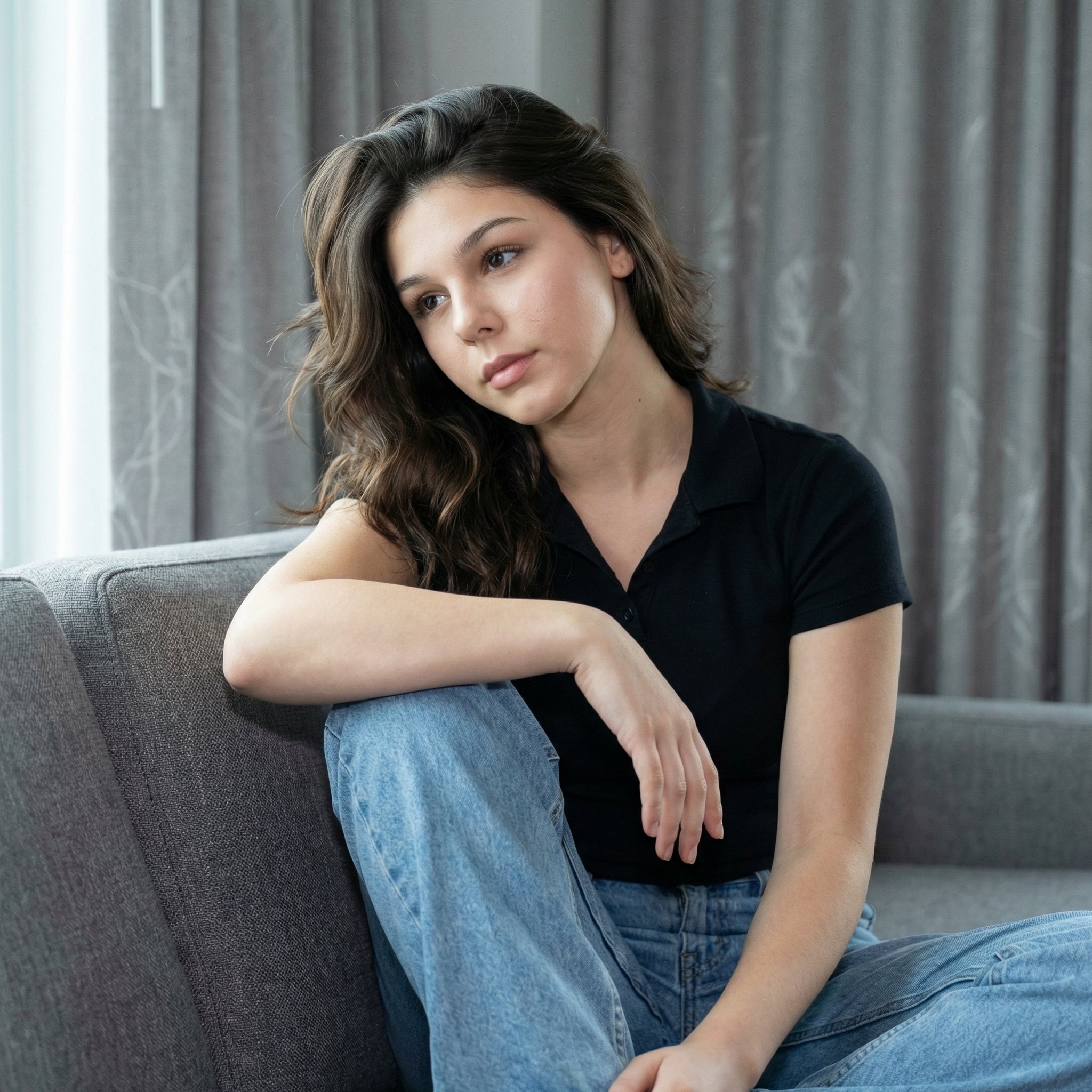
- Prompt included
- Model and format preset
- Premium template
The prompt behind this image
Copy the exact prompt behind realistic photo, or open it in the studio and make it yours.
Create a photorealistic candid portrait of the same person seated casually on a couch indoors, wearing a black polo t-shirt and relaxed blue denim jeans, natural everyday styling. The posture is slightly leaned forward, arms resting casually, head tilted subtly while looking off-camera, giving a calm, effortless, lived-in feel. Lighting: real indoor ambient lighting with mild camera flash, soft shadows, no dramatic highlights Skin: real human skin texture with pores, fine lines, natural shine, zero retouching Background: neutral indoor curtain backdrop, soft depth separation, realistic fabric texture Camera: real DSLR photo, 35–50mm lens look, handheld candid shot, slight grain Color: true-to-life tones, no HDR, no artificial contrast Style: unposed lifestyle photograph, authentic Instagram candid photorealistic, RAW photo look, unfiltered, no beauty AI, no stylization 🚫 NEGATIVE PROMPT (IMPORTANT) AI-looking face, over-smoothed skin, waxy texture, beauty filter, altered facial proportions, cinematic exaggeration, studio lighting, fake depth of field, overly sharp edges, plastic skin
How to use realistic photo in 3 steps
- 1
Open
The prompt is already in the box next to the preview, with the template's model and format selected.
- 2…a portrait of your subject in softgolden-hour light, 85mm…
Personalize
Edit the subject and creative details for your destination.
- 3Generate
Generate
Press Generate — your image is created in PicX Studio, so you can compare it with the original and refine one variable at a time.
More like this
Templates with the same subject, style or setup. Open one to see its prompt.
Mirror Selfie Chibi Characters Pixar Style

A k.pop idol on the stage with mic
Minimalist Fashion Editorial Split Layout
Warm Window Side Café Studio Portrait

Cozy Café Ice Cream Hands Close-Up
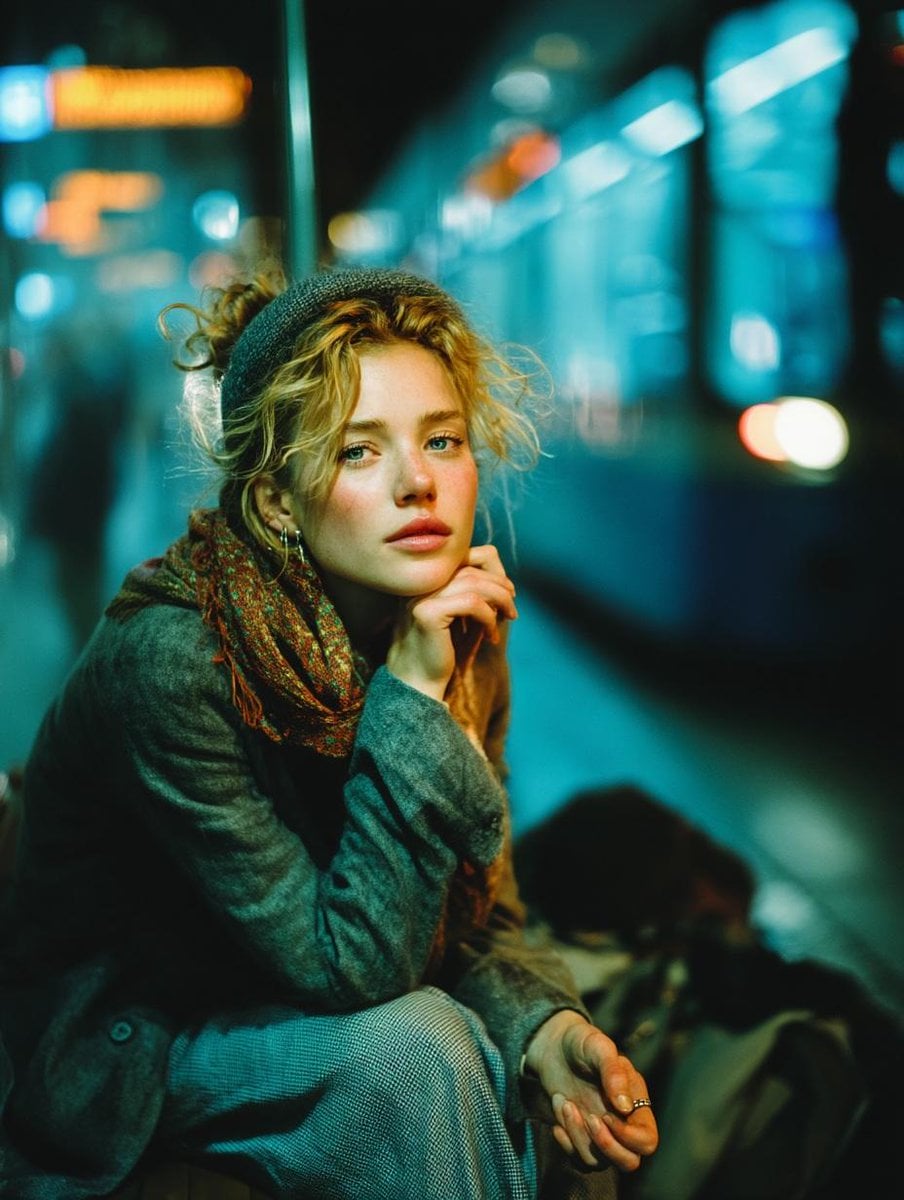
Subway Platform Quiet Introspective Portrait
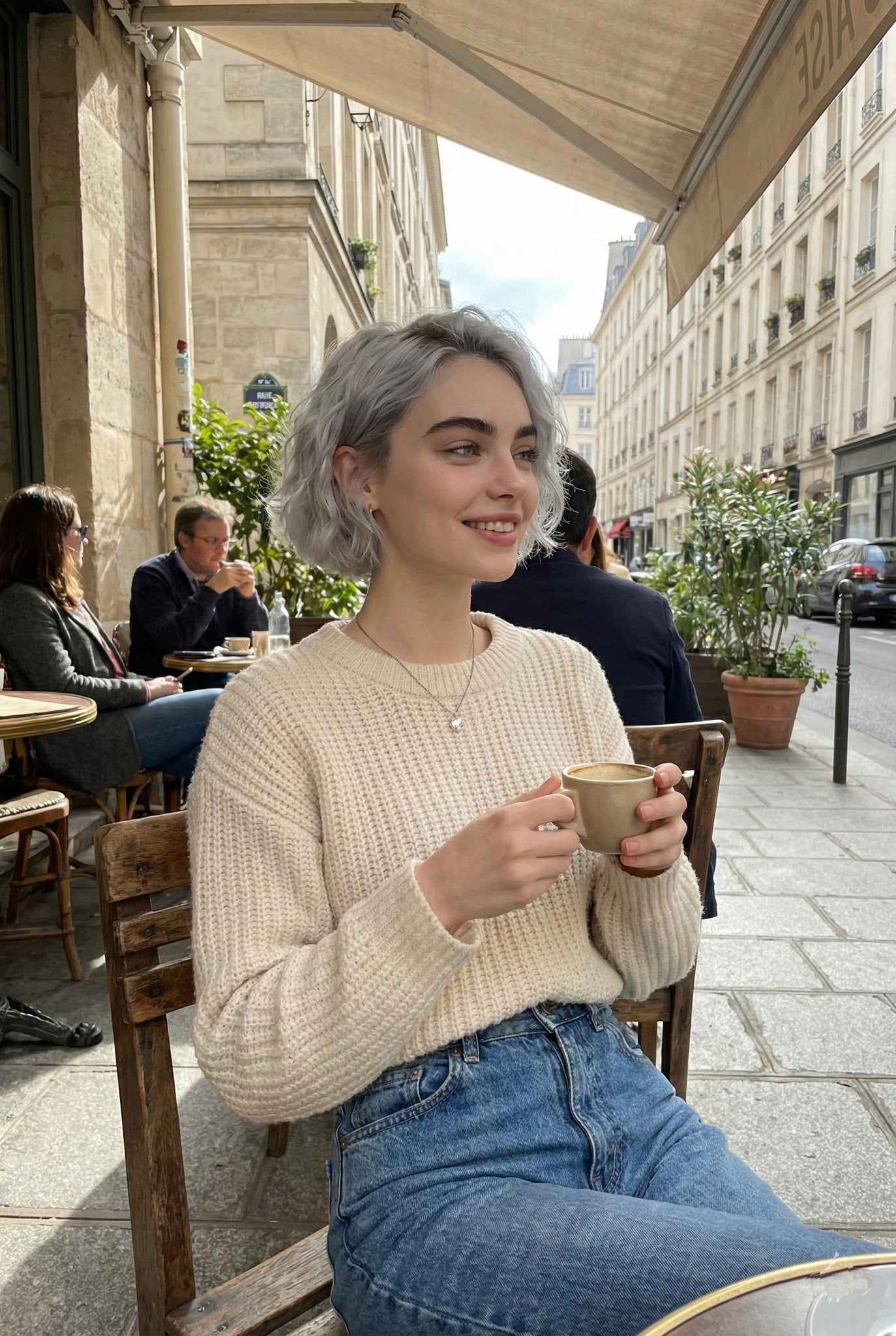
Parisian Outdoor Café Silver-Hair Portrait
Warm Window Side Café Studio Portrait
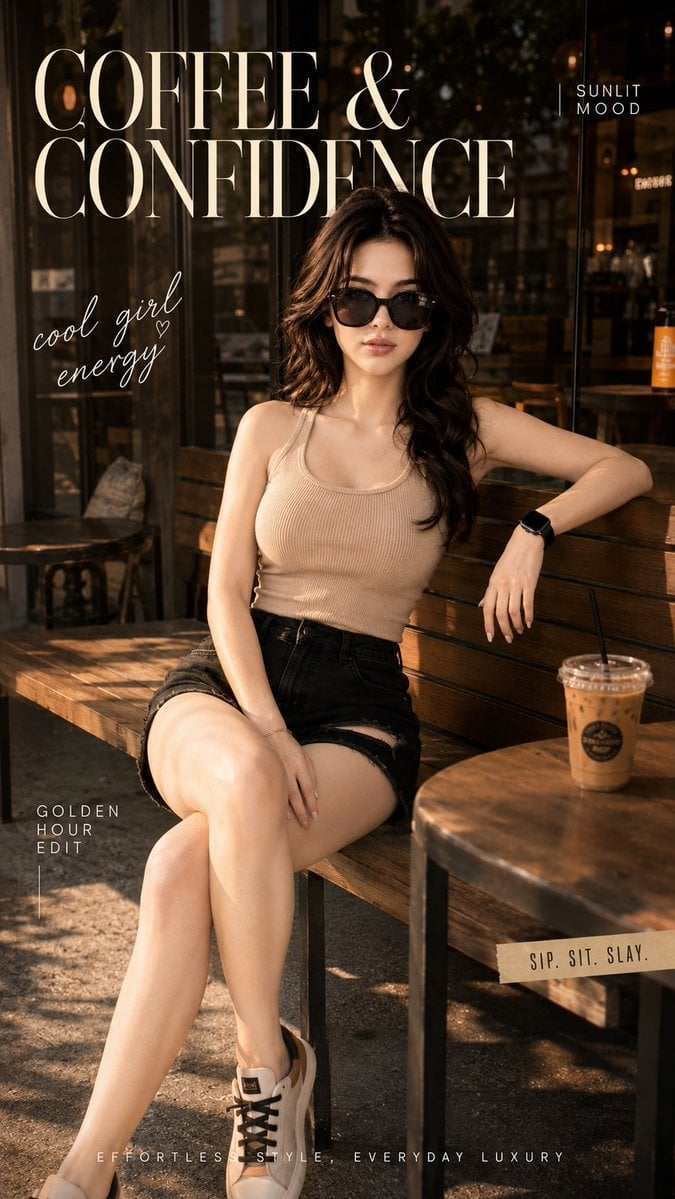
Ultra-Cinematic Lifestyle Fashion Portrait
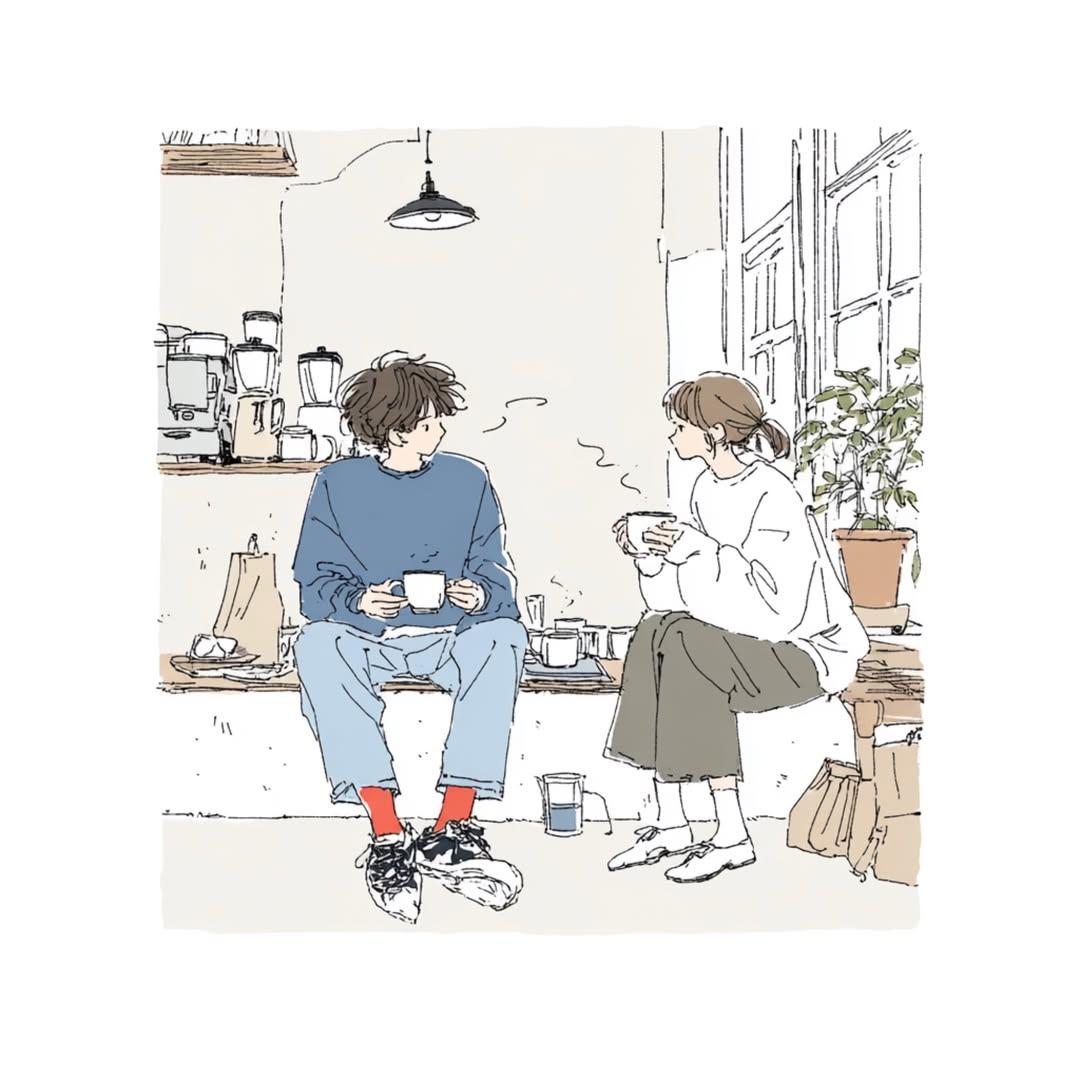
Delicate Japanese Café Lifestyle Illustration
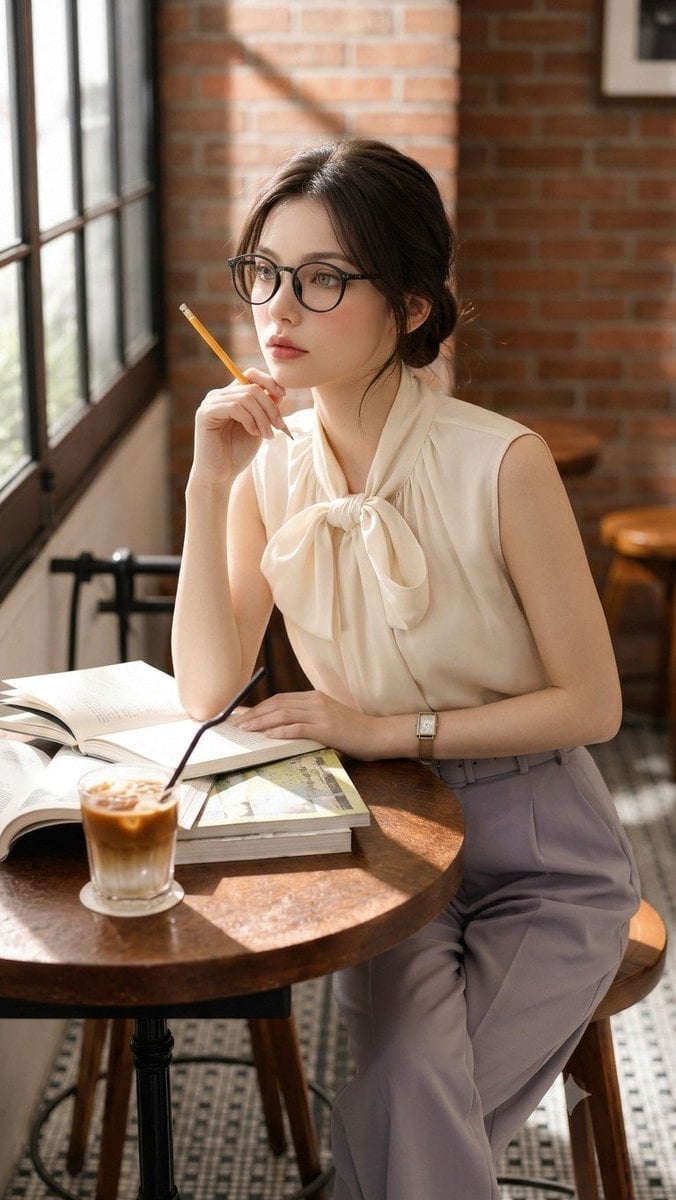
Douyin Aesthetic Café Study Portrait
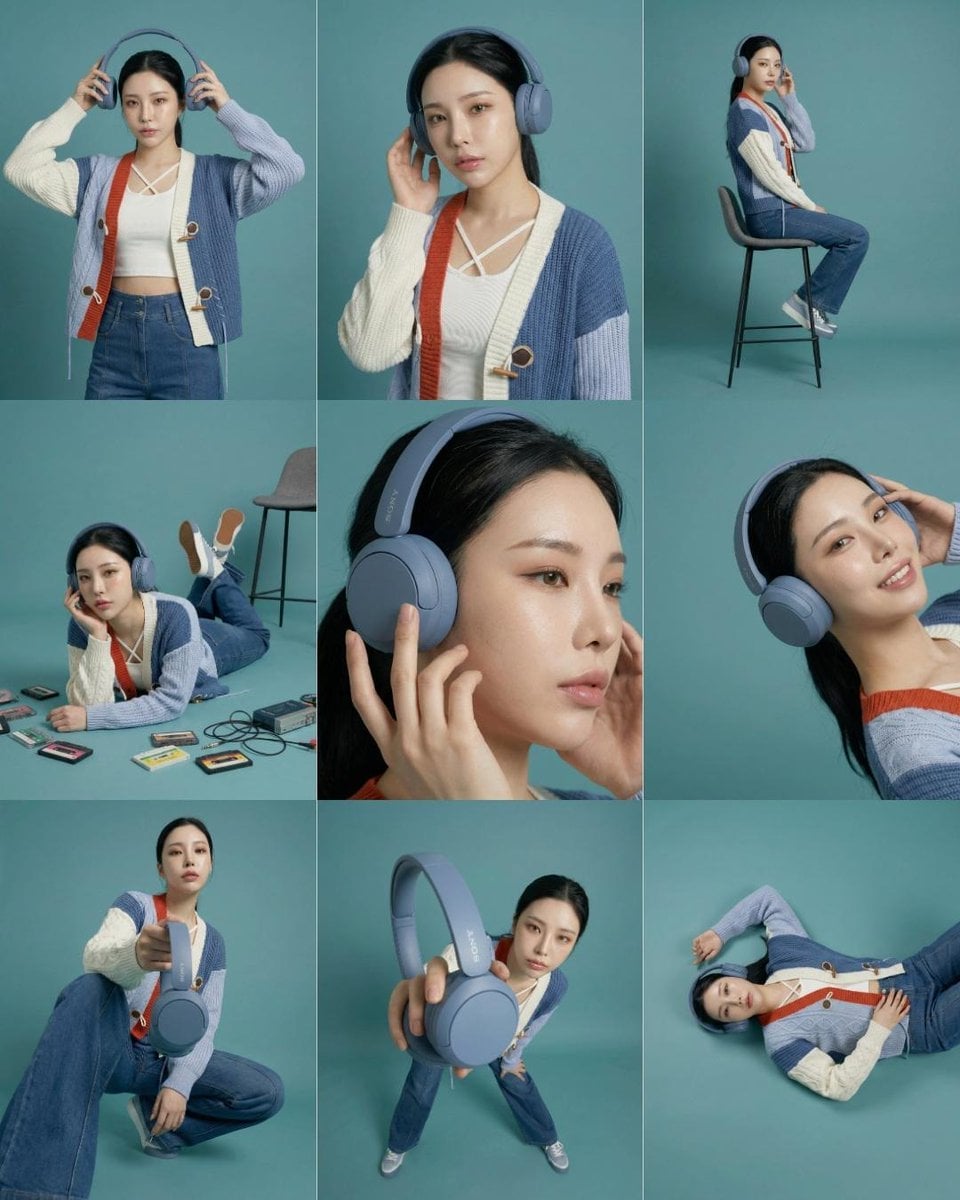
Headphones Lifestyle Nine Panel Grid
Make it yours
realistic photo works as-is. These are the safest ways to change it without losing the look.
Change one field
Copy a single group, rewrite it, and generate again so you can see what that field is doing.
Keep the frame, change the subject
Hold the composition and light of realistic photo, then swap wardrobe, props or the person for a new take.
| If the result… | Why | Fix |
|---|---|---|
| The result drifts from the preview | Too many fields changed at once. | Reuse realistic photo as-is first, then change one group — subject, light, or setting. |
| The model over-stylizes the scene | The prose prompt leaves finish and camera underspecified. | Add one camera or lighting sentence and stay on PicX Studio. |
More image prompts
Fresh picks from across the catalog.
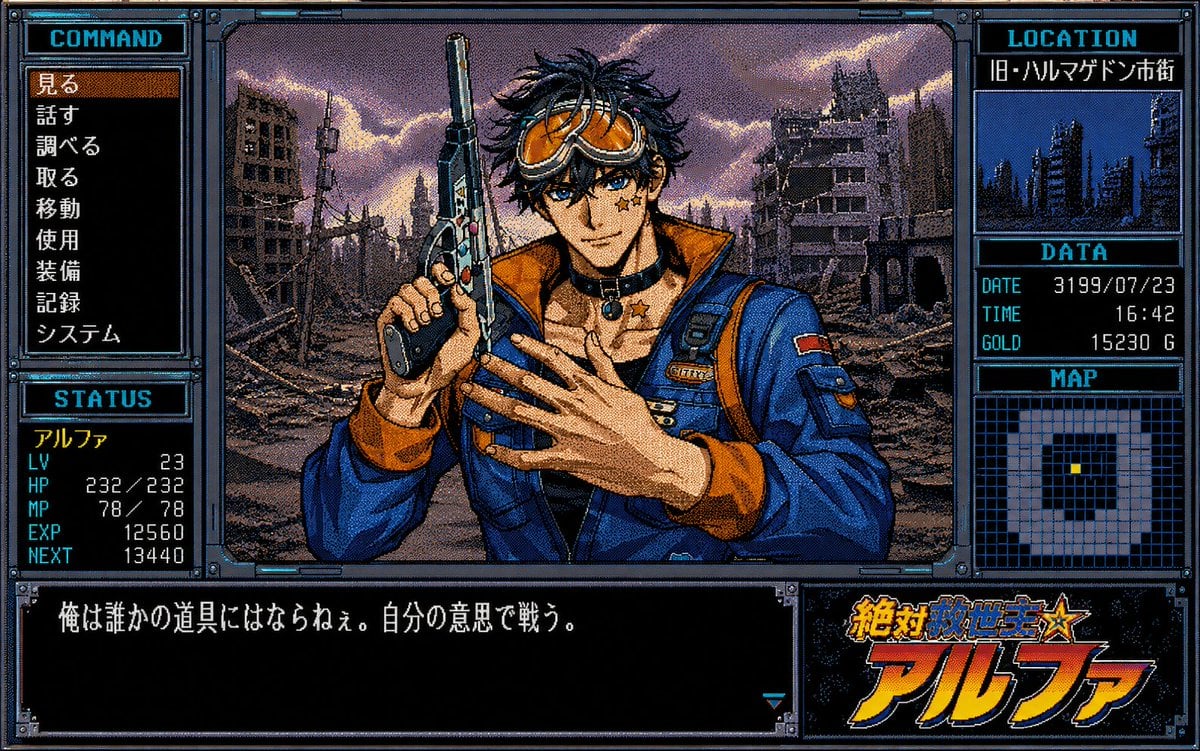
Retro PC-98 Adventure Game UI

Katsujin Miso Katsu Dip-Only Poster
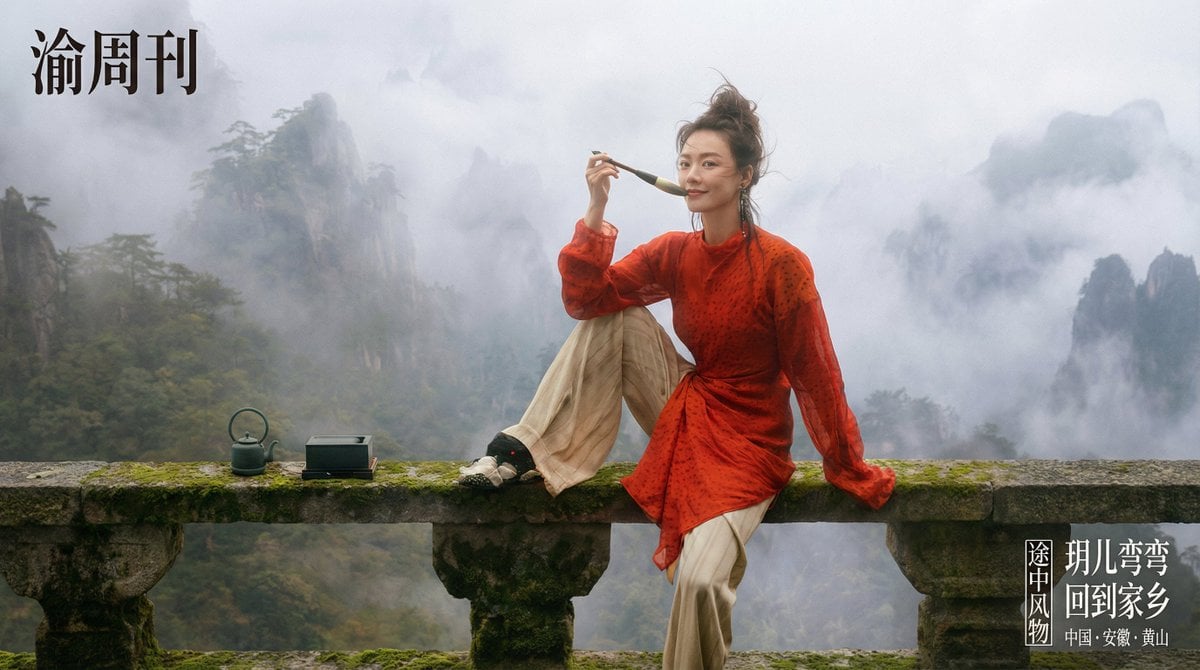
Cinematic Chinese Style Editorial Prompt (Ma Sichun Style)
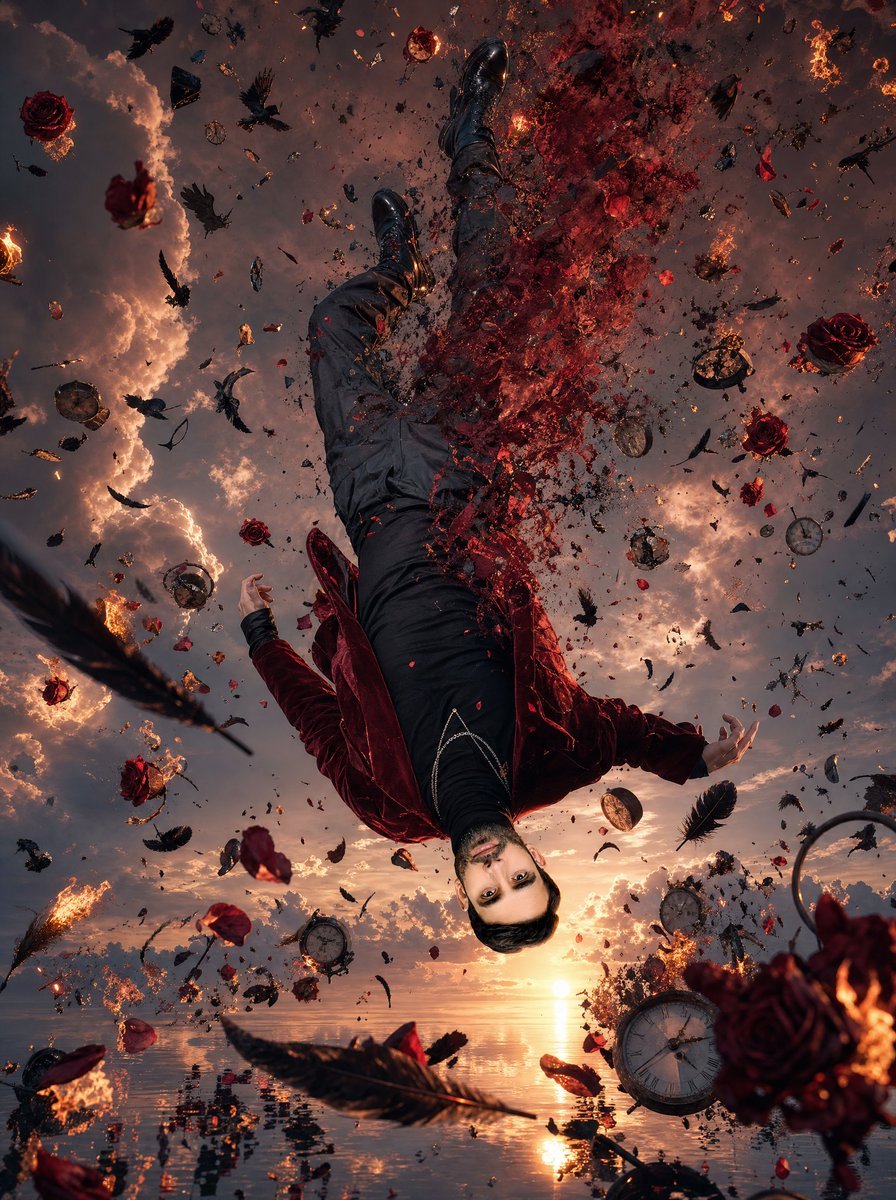
Upside-Down Surreal Falling Man
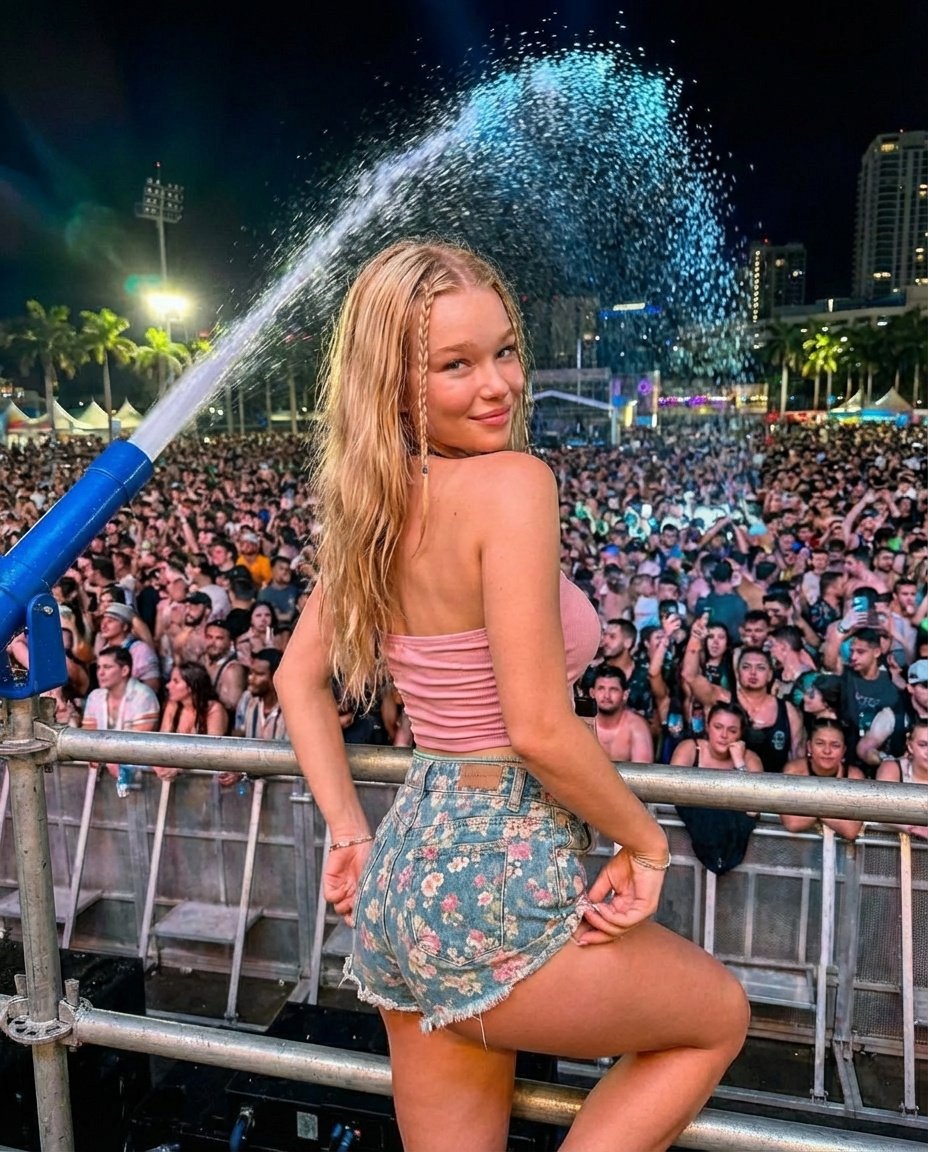
Nighttime Music Festival Photography Prompt
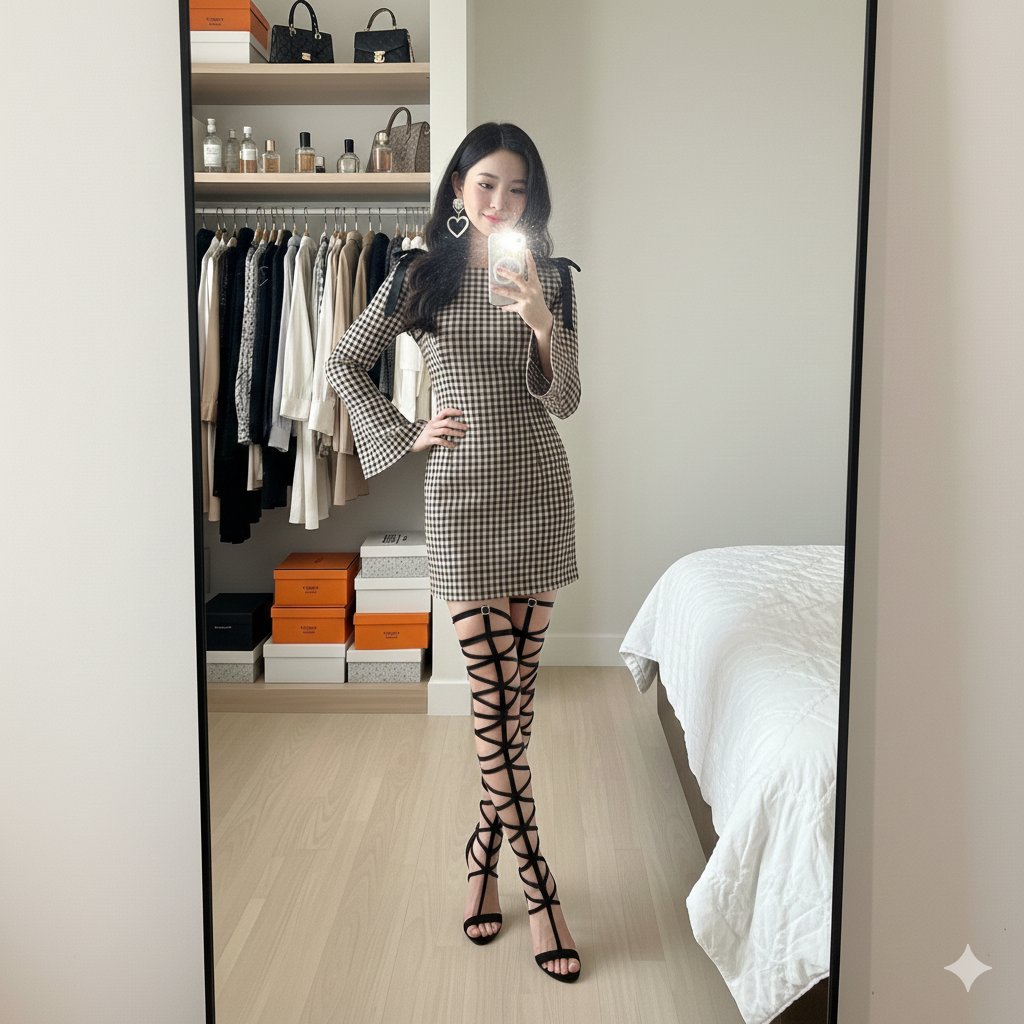
Mirror Selfie in Walk-In Closet Prompt
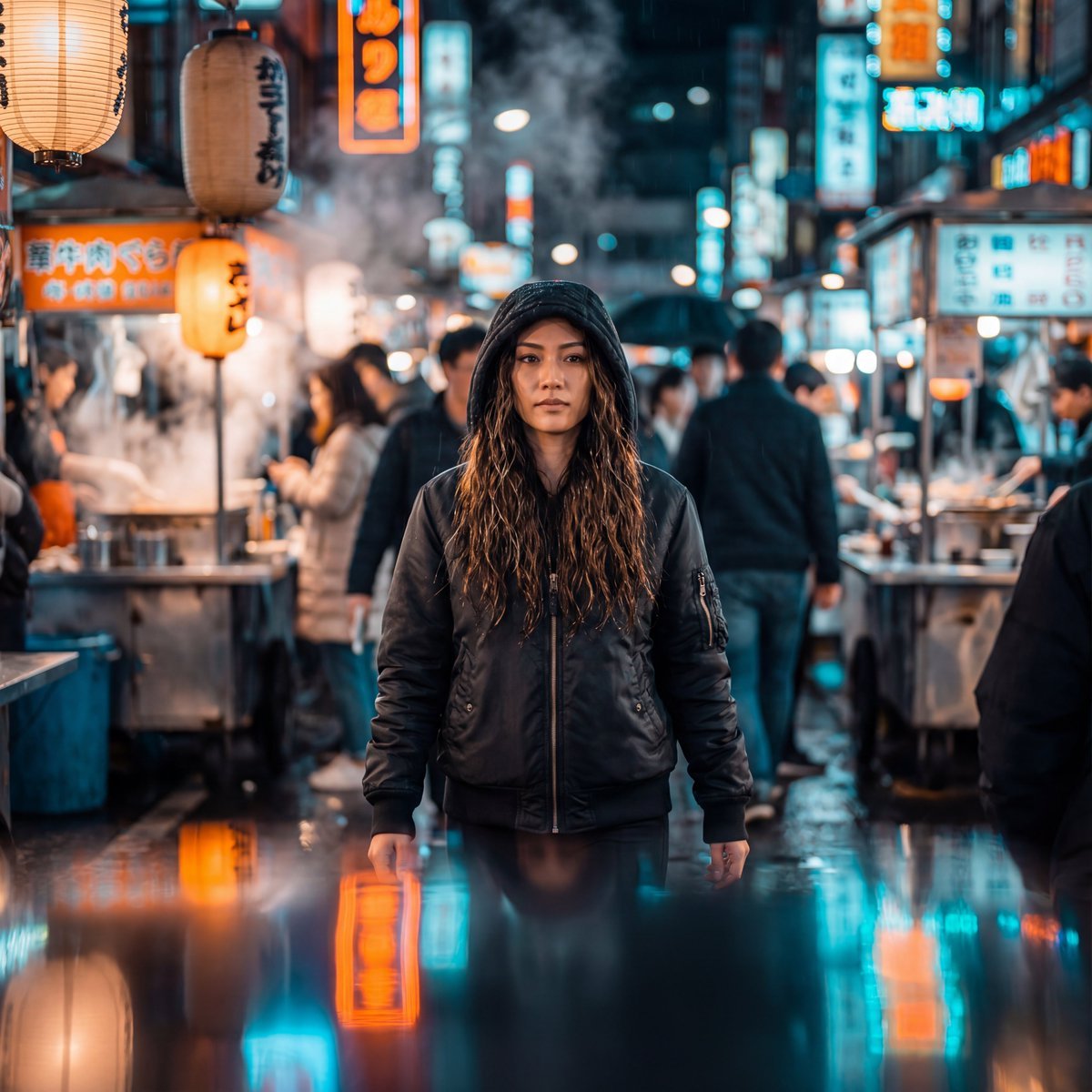
Neon-Lit Night Market Cinematic Portrait
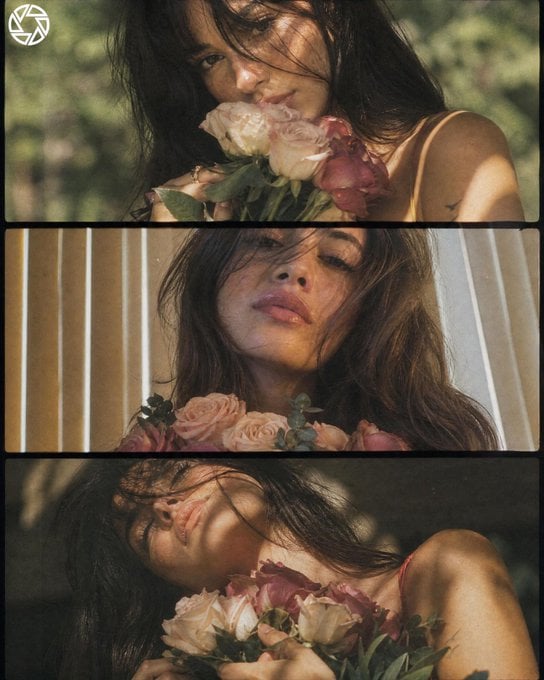
Dreamy Cottagecore 3-Panel Cinematic Collage

Ultra-Detailed 3D Plush Cartoon Character Rendering
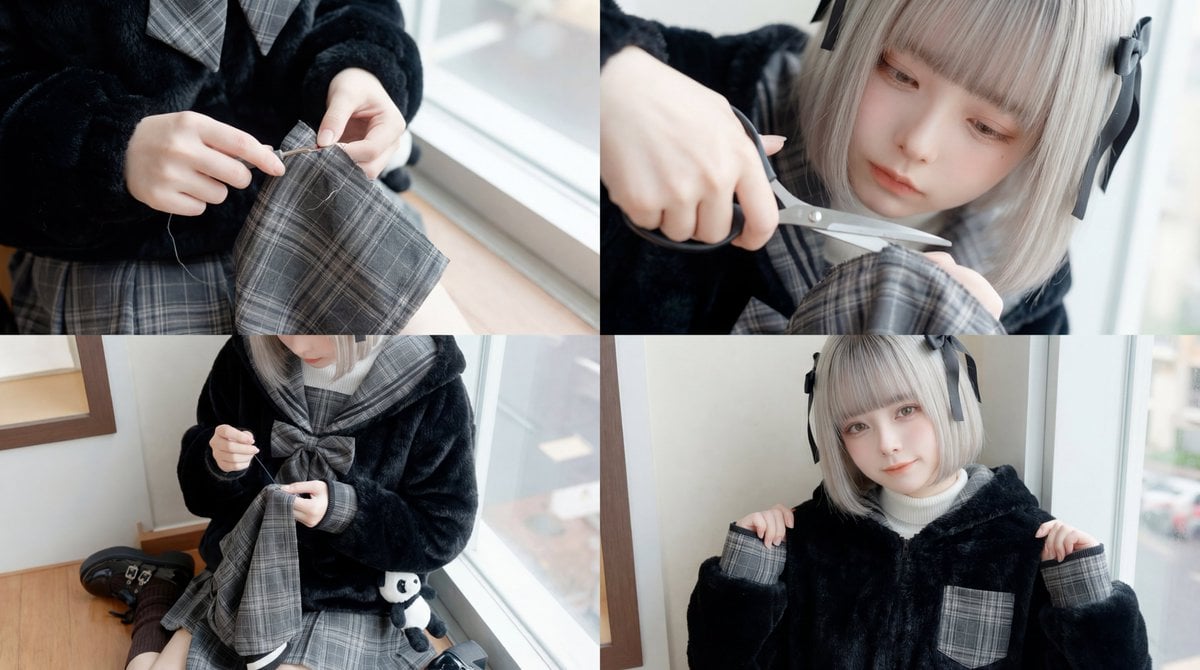
ASMR Sewing/Crafting Video Prompt (GPT-5 Generated)
Browse template categories
realistic photo questions
How do I use the realistic photo template?
Add your photo if the template asks for one, edit the prompt if you like — the template's model and format are already selected — and press Generate. Your version opens in PicX Studio.
Can I customize the realistic photo template?
Yes. You can change the subject, setting, lighting, mood, format, and available model controls before creating your image.
Is the realistic photo template free?
Opening and editing this template is free. Generating uses credits, shown on the Generate button when you are signed in.
Which AI model should I use?
Choose a compatible model in PicX Studio based on the style, speed, and output controls your project needs.
Looking for something else? Browse all templates.

Your photo, any look
Thousands of ready templates for every top image and video model, from one credit balance.