How do I use the Red Bull Energy Commercial template?
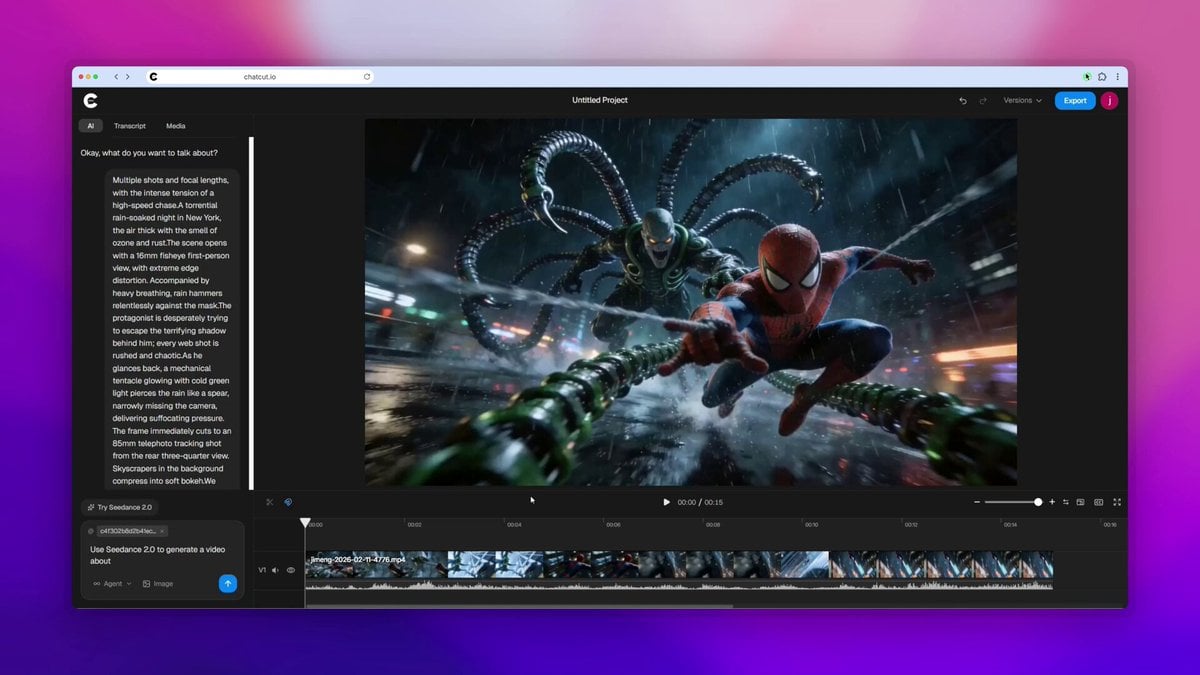
Edit the prompt in the box under the preview — the template's model and format are already selected — and press Generate. Your version appears right on this page.
A high-energy, photorealistic commercial prompt for Red Bull featuring macro shots and dynamic action.
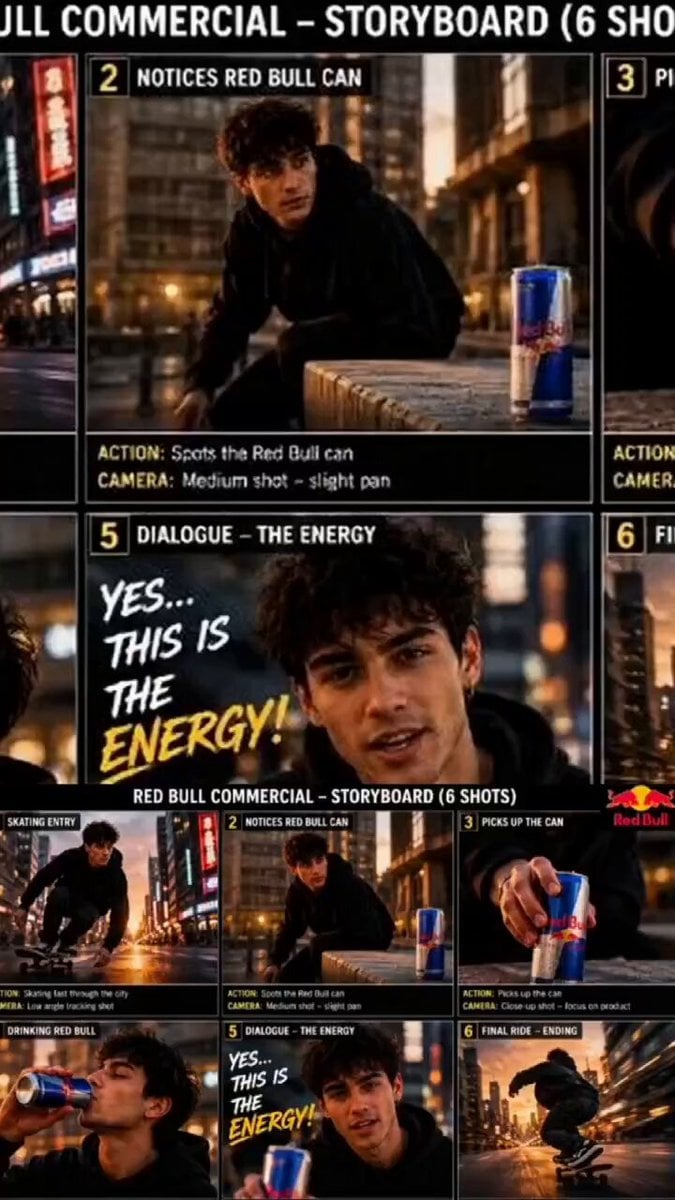
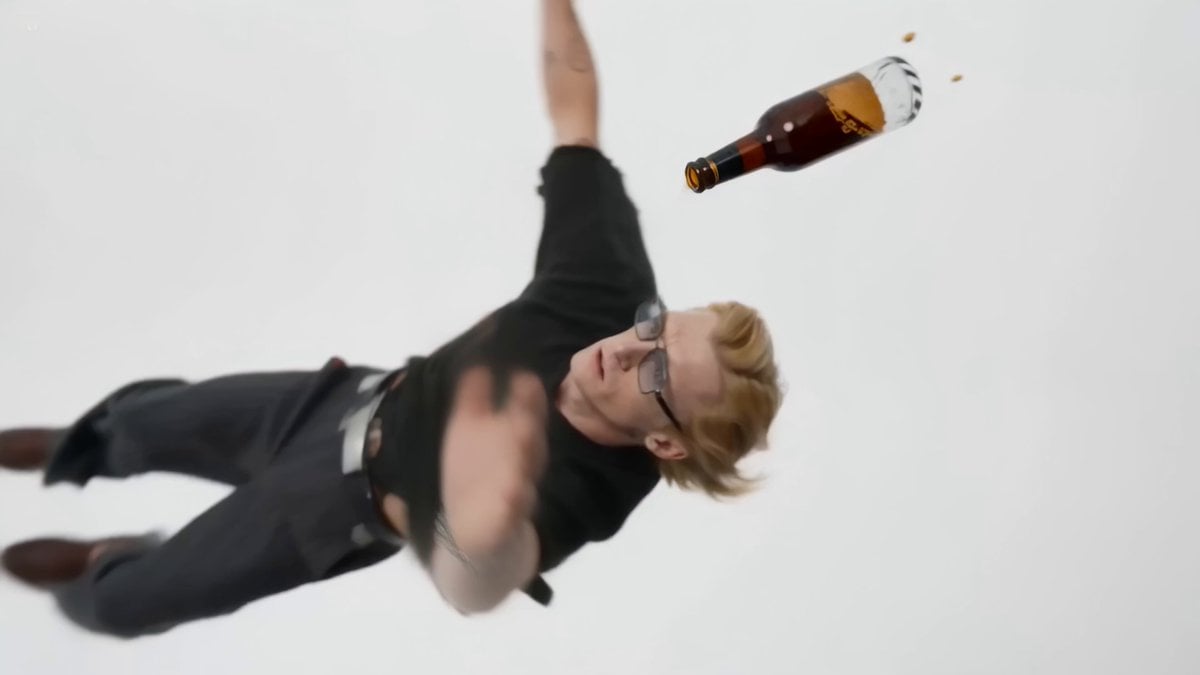
Cinematic Red Bull energy drink commercial, ultra-realistic product photography style. A sleek blue and silver Red Bull can standing upright on a reflective dark surface with a soft gradient grey background. Condensation water droplets cover the can. A strong male hand reaches in and pulls the ice-cold Red Bull can out of a metal ice bucket filled with clear ice cubes. Extreme close-up of water droplets on the metallic surface of the can. The pull-tab opens with a burst of cold mist and vapor rising from the top. Golden amber liquid pours from the can into a clear glass filled with ice cubes, creating bubbles and fizz. A shirtless, extremely muscular, fit young man with sharp jawline and short brown hair drinks from the Red Bull can, eyes closed in satisfaction, then smiles confidently while holding the can. Dynamic action shot of the Red Bull can floating in mid-air surrounded by exploding ice cubes, water splash, and light rays. Final shot: Red Bull logo (two red bulls and yellow sun) appears above the cold, wet Red Bull can on a reflective surface. High-end commercial lighting, sharp details, cold blue and silver color grading, steam and condensation effects, 8K, photorealistic.
Cinematic Red Bull energy drink commercial, ultra-realistic product photography style. A sleek blue and silver Red Bull can standing upright on a reflective dark surface with a soft gradient grey background. Condensation water droplets cover the can. A strong male hand reaches in and pulls the ice-cold Red Bull can out of a metal ice bucket filled with clear ice cubes. Extreme close-up of water droplets on the metallic surface of the can. The pull-tab opens with a burst of cold mist and vapor rising from the top. Golden amber liquid pours from the can into a clear glass filled with ice cubes, creating bubbles and fizz. A shirtless, extremely muscular, fit young man with sharp jawline and short brown hair drinks from the Red Bull can, eyes closed in satisfaction, then smiles confidently while holding the can. Dynamic action shot of the Red Bull can floating in mid-air surrounded by exploding ice cubes, water splash, and light rays. Final shot: Red Bull logo (two red bulls and yellow sun) appears above the cold, wet Red Bull can on a reflective surface. High-end commercial lighting, sharp details, cold blue and silver color grading, steam and condensation effects, 8K, photorealistic.
Edit the prompt in the box under the preview — the template's model and format are already selected — and press Generate. Your version appears right on this page.
Yes. You can change the subject, setting, lighting, mood, format, and available model controls before creating your video.
Opening and editing this template is free. Generating uses credits, shown on the Generate button when you are signed in.
Start with Seedance 2.0, which is the model associated with this template. You can compare another compatible model for a different finish.
Follow a topic to a crawlable collection of related PicX Studio templates.