
Neon Winking Selfie Portrait
A cinematic, neon-lit selfie prompt featuring a winking woman in a moody, intimate indoor setting with purple and magenta highlights.
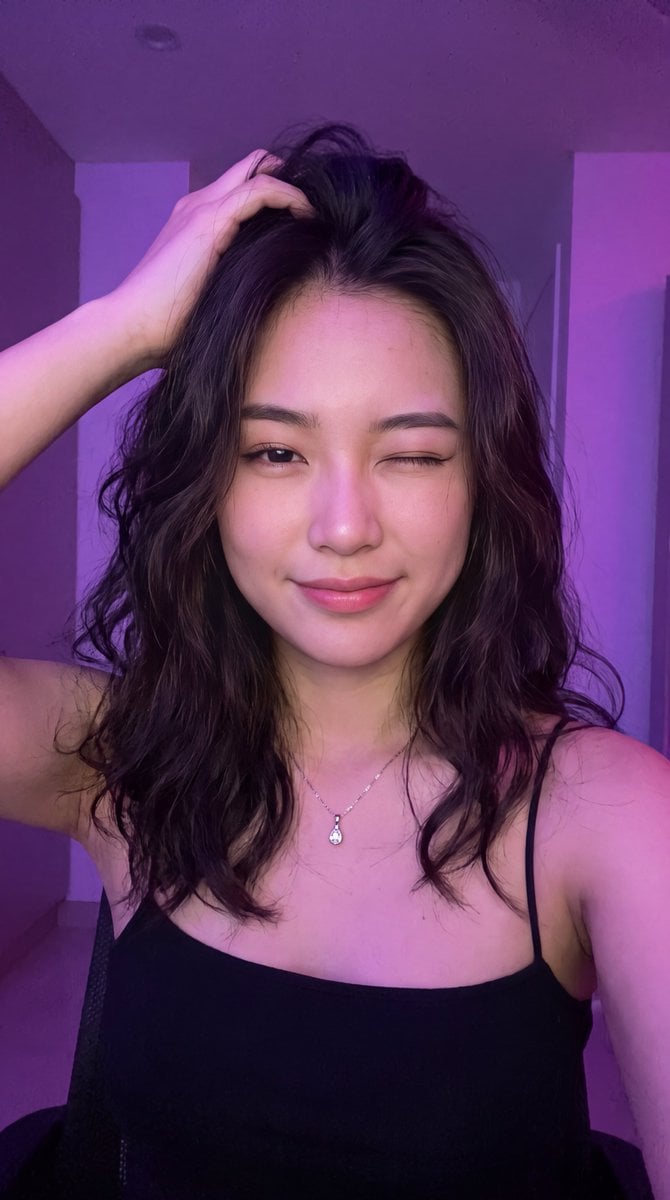
- Prompt included
- Model and format preset
- Premium template
The prompt behind this image
Copy the exact prompt behind Neon Winking Selfie Portrait, or open it in the studio and make it yours.
A close-up portrait of a young {argument name="subject" default="East/Southeast Asian woman"} with fair skin, long dark brown-to-black hair that falls loosely around her shoulders and partially across her face in soft, slightly messy strands. She is winking with her left eye closed while looking at the camera with a soft, playful, slightly coquettish expression and a gentle closed-mouth smile. Her right hand is raised, fingers gently running through the hair on the top of her head. She wears a {argument name="outfit" default="simple black spaghetti-strap camisole/top"} that shows her collarbones and upper chest. A delicate thin silver chain necklace with a small clear teardrop or heart-shaped pendant rests at the base of her neck. Strong cinematic {argument name="lighting" default="purple and magenta neon lighting"} bathes the scene, casting soft pink-purple highlights and rim light on her hair, face, and shoulders, creating a moody, intimate atmosphere. The background is a plain indoor wall with soft purple ambient glow, slightly out of focus. Shot from a slightly high angle in a selfie style, shallow depth of field, realistic skin texture, natural soft makeup with defined eyebrows, subtle eyeliner, and soft pink-coral lips. High detail, photorealistic, soft bokeh, atmospheric lighting.
How to use Neon Winking Selfie Portrait in 3 steps
- 1
Open
The prompt is already in the box next to the preview, with the template's model and format selected.
- 2…a portrait of your subject in softgolden-hour light, 85mm…
Personalize
Edit the subject and creative details for your destination.
- 3Generate
Generate
Press Generate — your image is created in PicX Studio, so you can compare it with the original and refine one variable at a time.
More like this
Templates with the same subject, style or setup. Open one to see its prompt.

Rooftop Fisheye — Cat-Ear Balaclava at Golden Hour

Underwater Macro Face Portrait

Nano Banana Pro Photoreal Playful Couple

Found Photograph: Us, 1970

80s Couple Studio Portrait

80s Neon Disco Night

80s Bollywood Star

80s Golden Hour Cinema

Me in 1985

1985 Studio Portrait
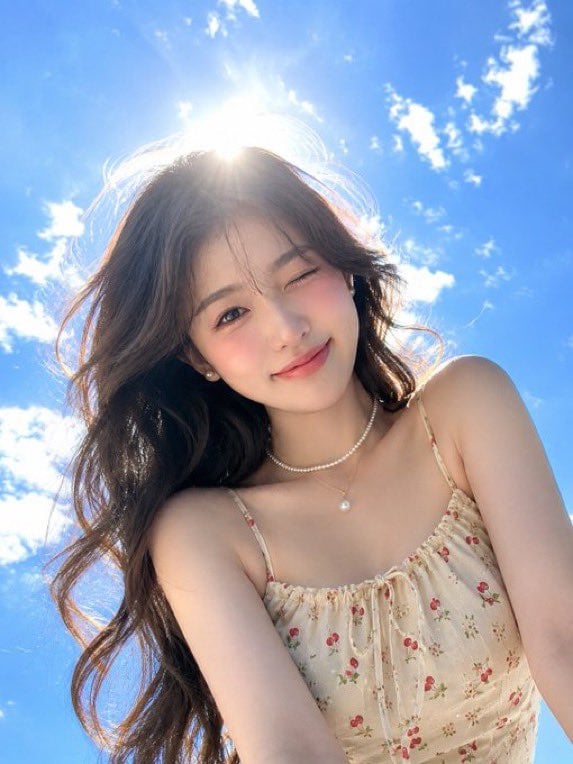
Hyper-Realistic Winking Girl Summer Portrait
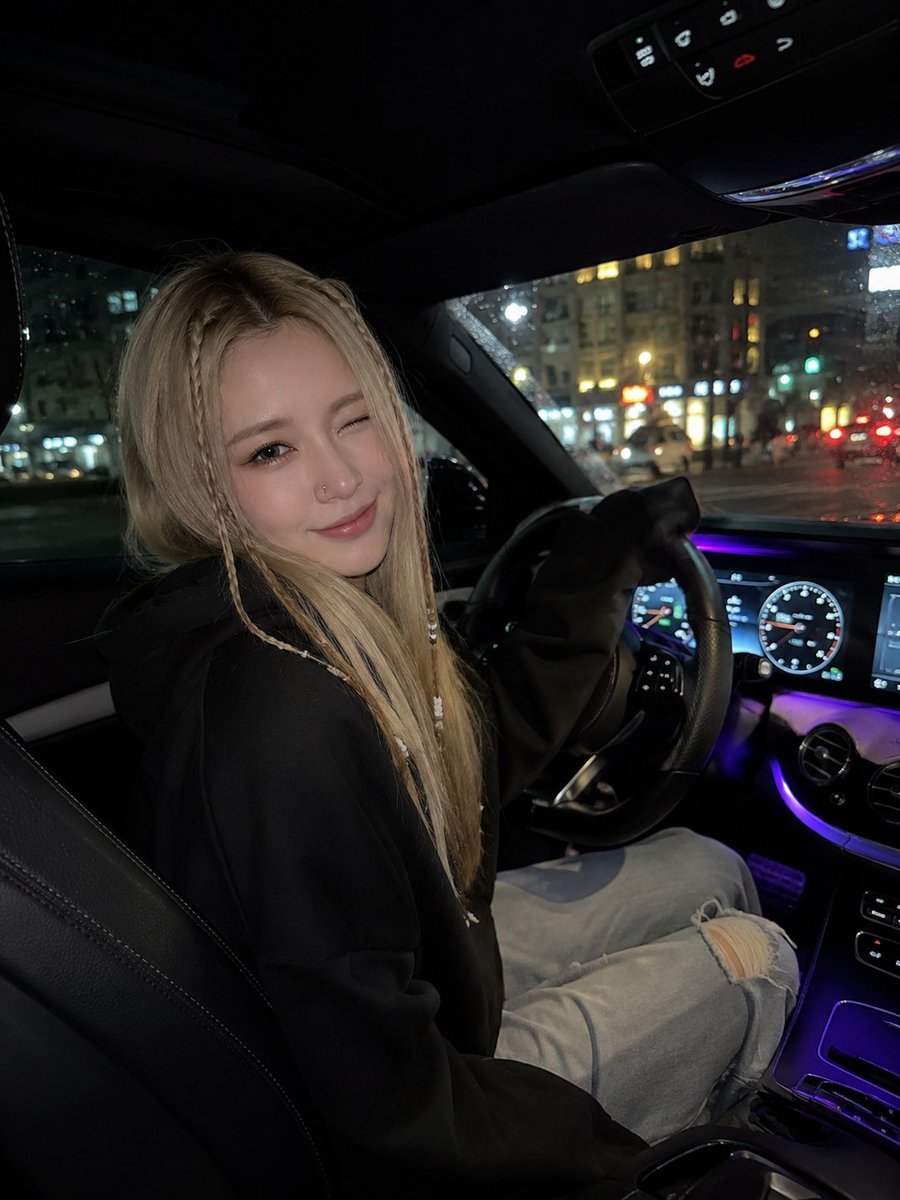
Winking Night Car Selfie
Make it yours
Neon Winking Selfie Portrait works as-is. These are the safest ways to change it without losing the look.
Change one field
Copy a single group, rewrite it, and generate again so you can see what that field is doing.
Keep the frame, change the subject
Hold the composition and light of Neon Winking Selfie Portrait, then swap wardrobe, props or the person for a new take.
| If the result… | Why | Fix |
|---|---|---|
| The result drifts from the preview | Too many fields changed at once. | Reuse Neon Winking Selfie Portrait as-is first, then change one group — subject, light, or setting. |
| The model over-stylizes the scene | The prose prompt leaves finish and camera underspecified. | Add one camera or lighting sentence and stay on Gemini 3 Pro Image Preview. |
More Gemini 3 Pro Image Preview templates
Other prompts made for Gemini 3 Pro Image Preview.

Noir Punk Street Portrait

High Contrast Cinematic Face Portrait

Monochrome Studio Portrait with Colored Lens

Ultra-Realistic Yacht Sunset Portrait

Mushroom Still Life Composition

Whimsical Anthropomorphic Friendly Insect

Cinematic Urban Night Billboard Portrait

Pop Art Summer Fruit Fashion Illustration

Ultra-Realistic iPhone Selfie with Motion Blur

Cinematic Mirror Reflection Portrait
More image prompts
Fresh picks from across the catalog.
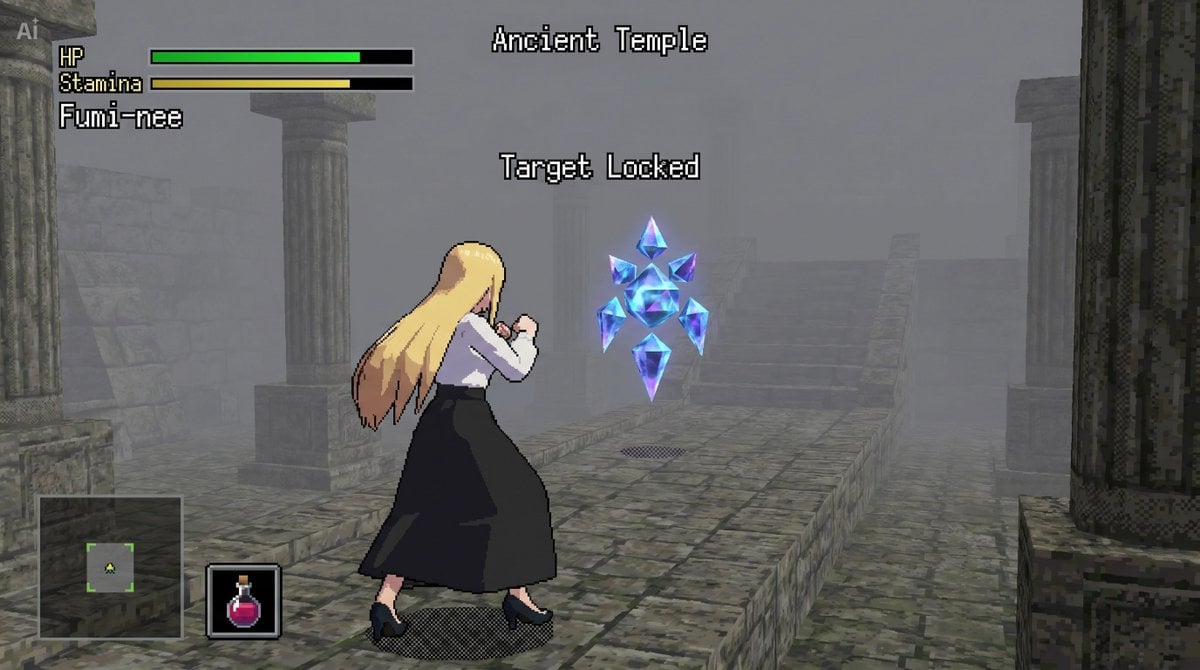
bit Low Poly Action RPG Prompt
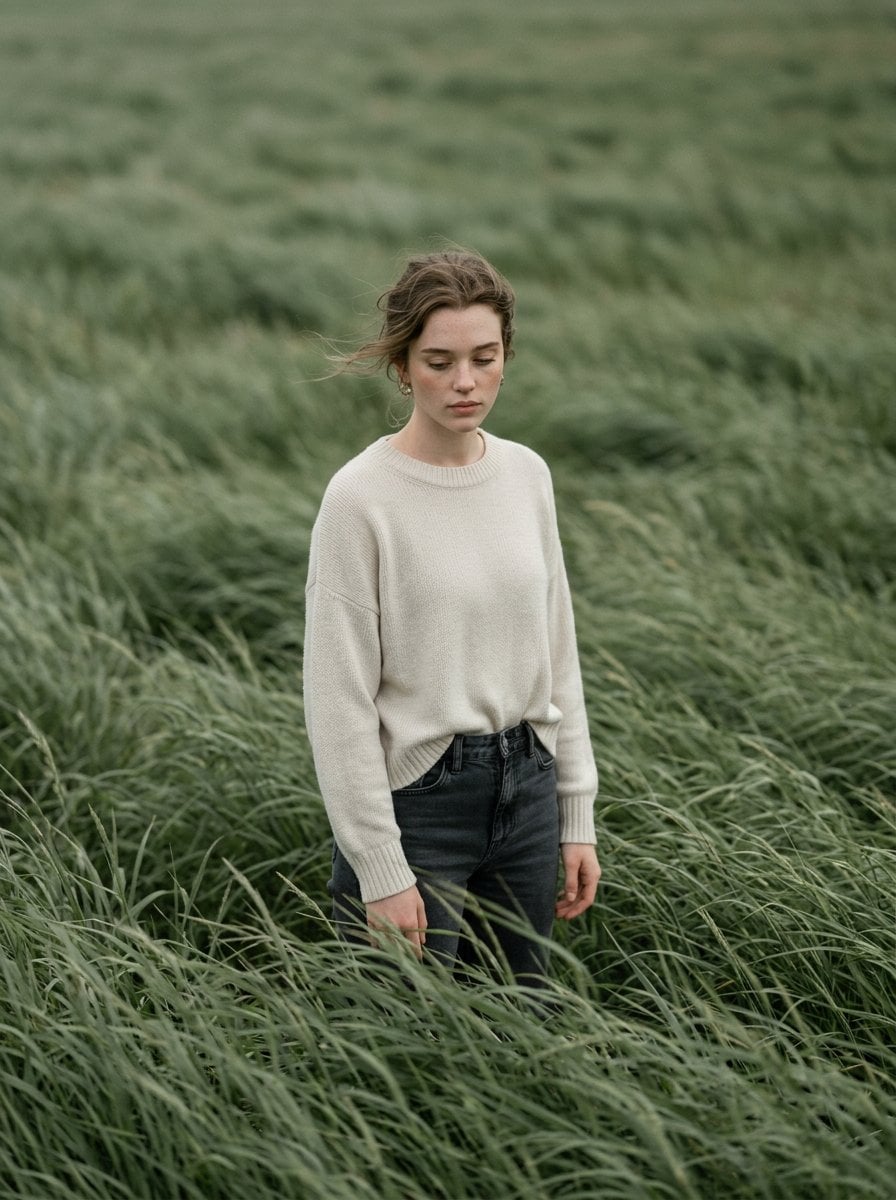
Cinematic Portrait in Sage-Green Grass Field
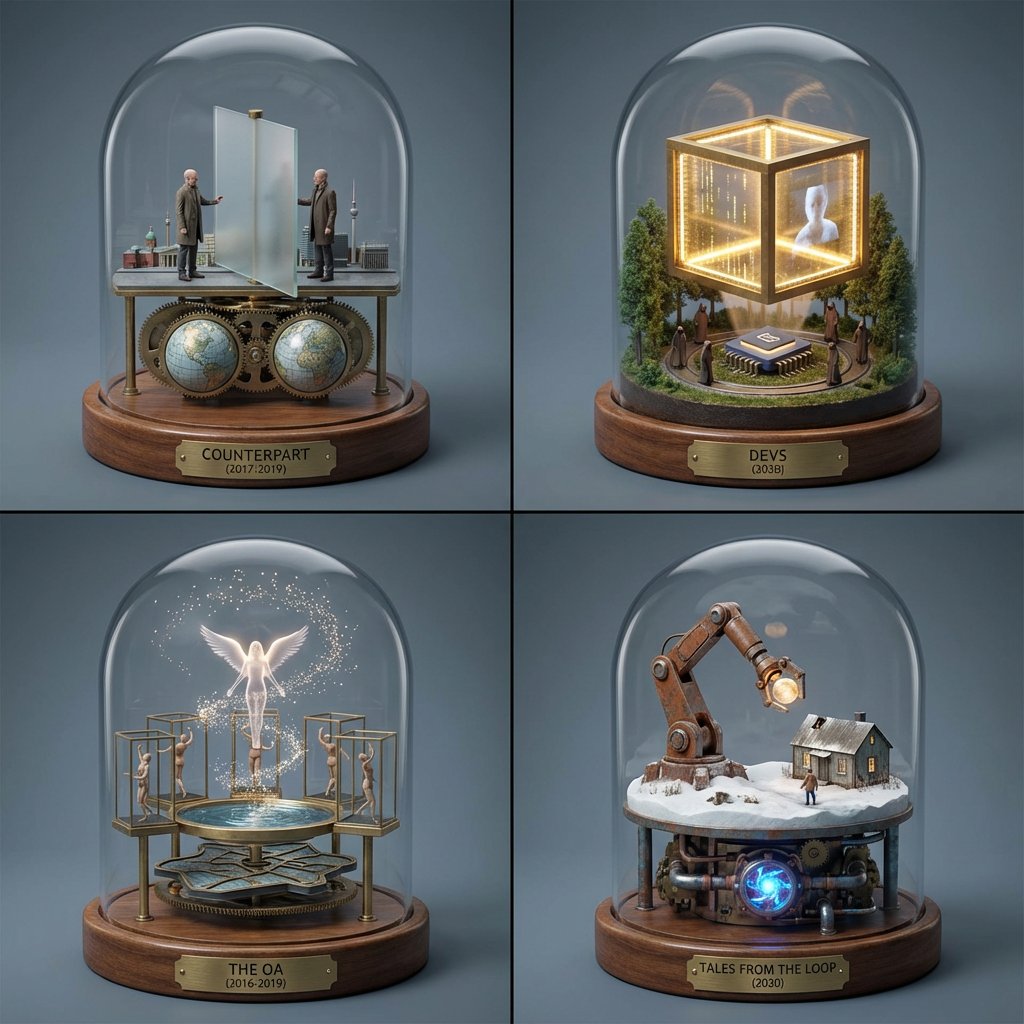
TV Series Recommendation Engine & Miniature Set Designer
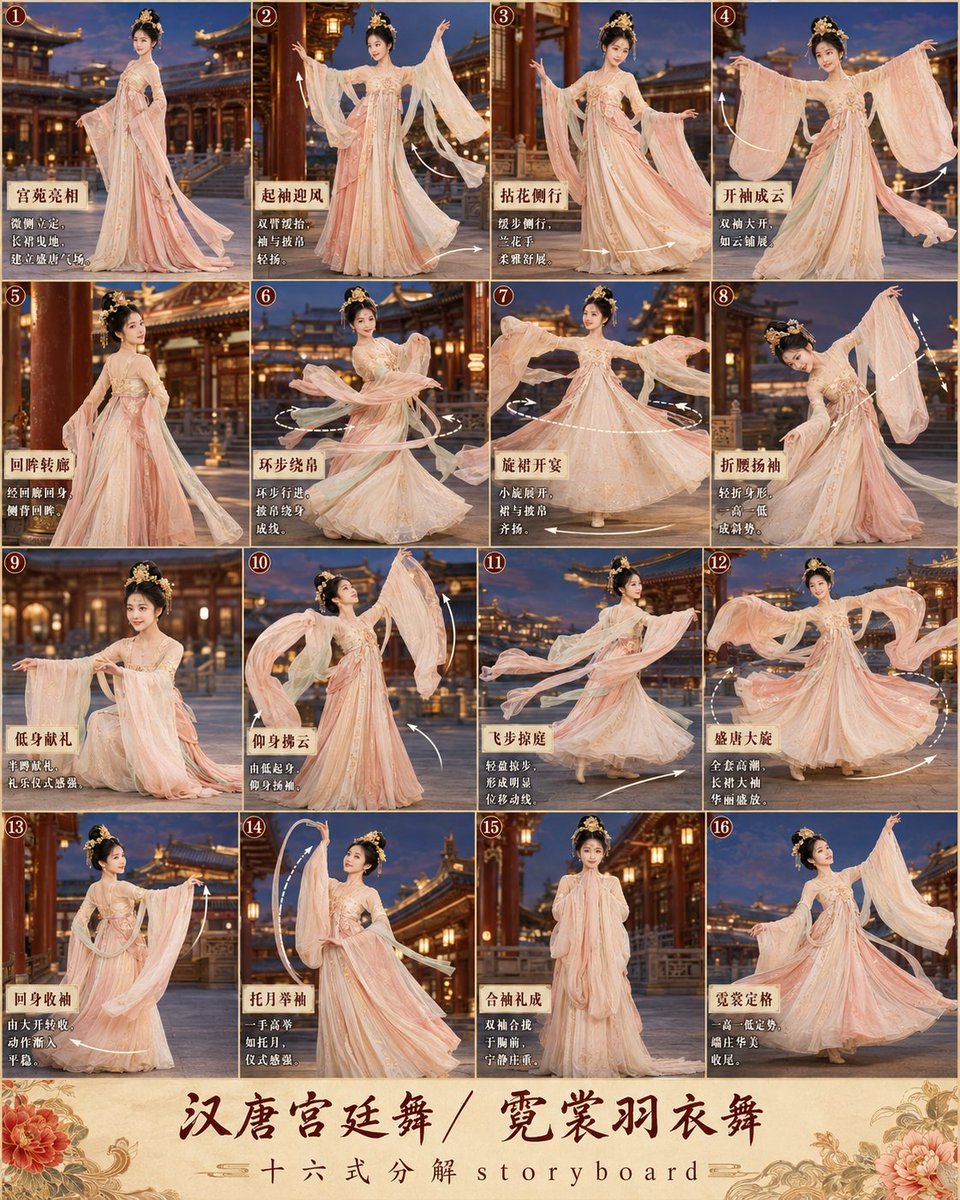
第3张分镜图提示词: 请创作一张高完成度、高清晰度的「汉唐宫廷舞 / 霓裳羽衣舞 · 16宫格分镜图
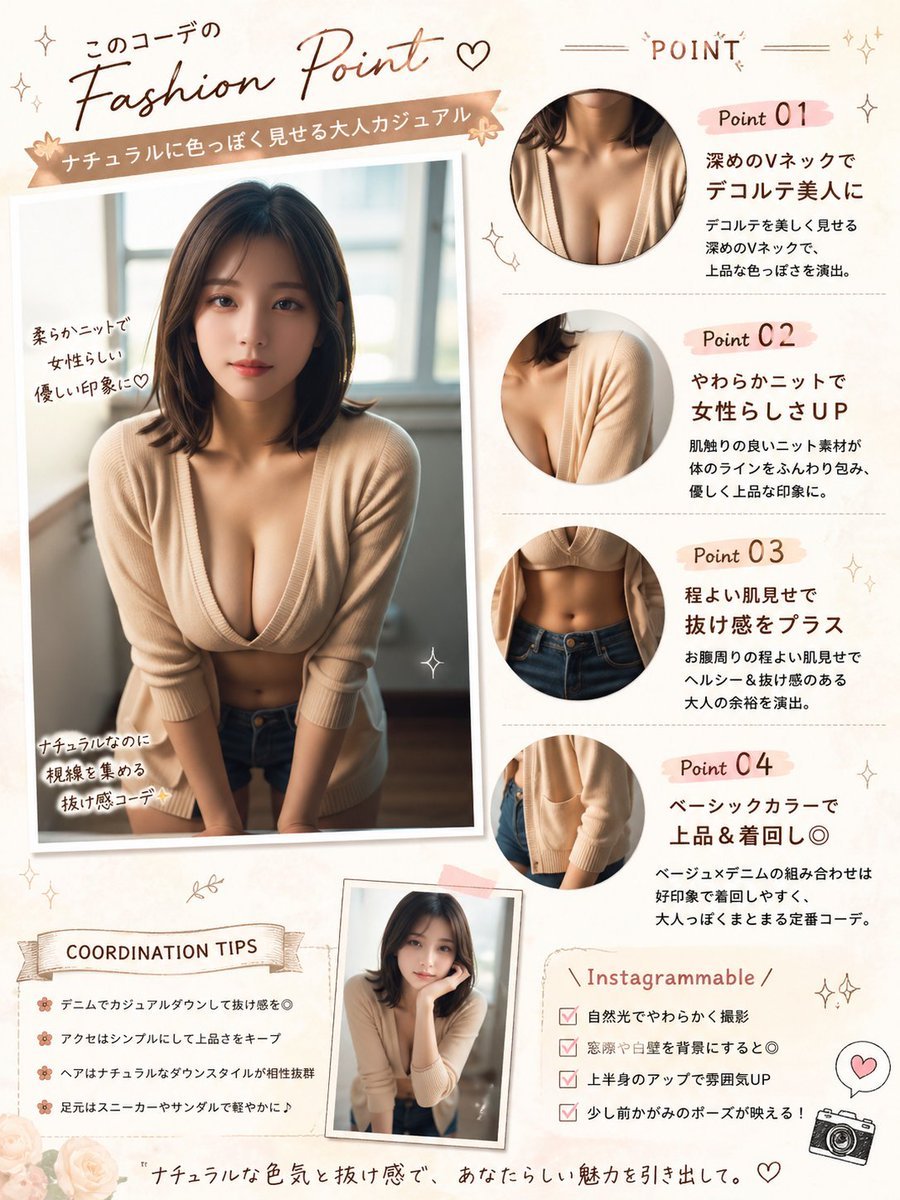
Japanese Fashion Point Poster Edit
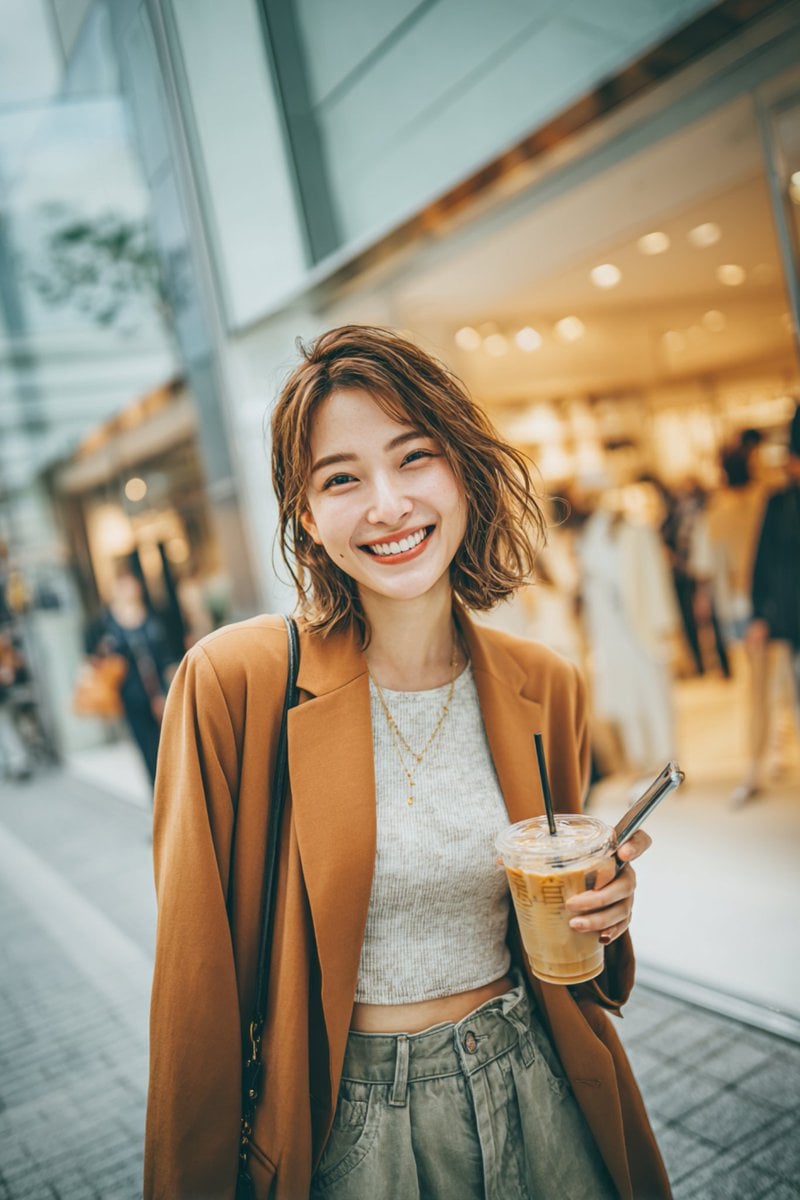
3D Pop-out Polaroid Effect
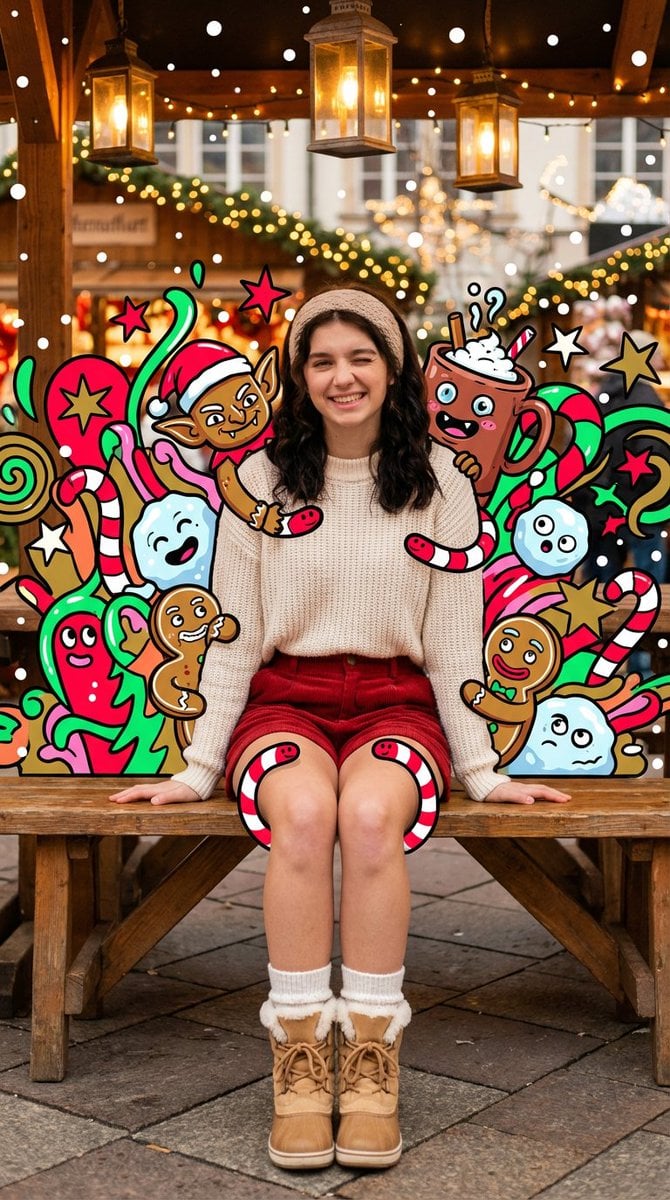
Maximalist Christmas Sweets-Monster Pop-Art Portrait
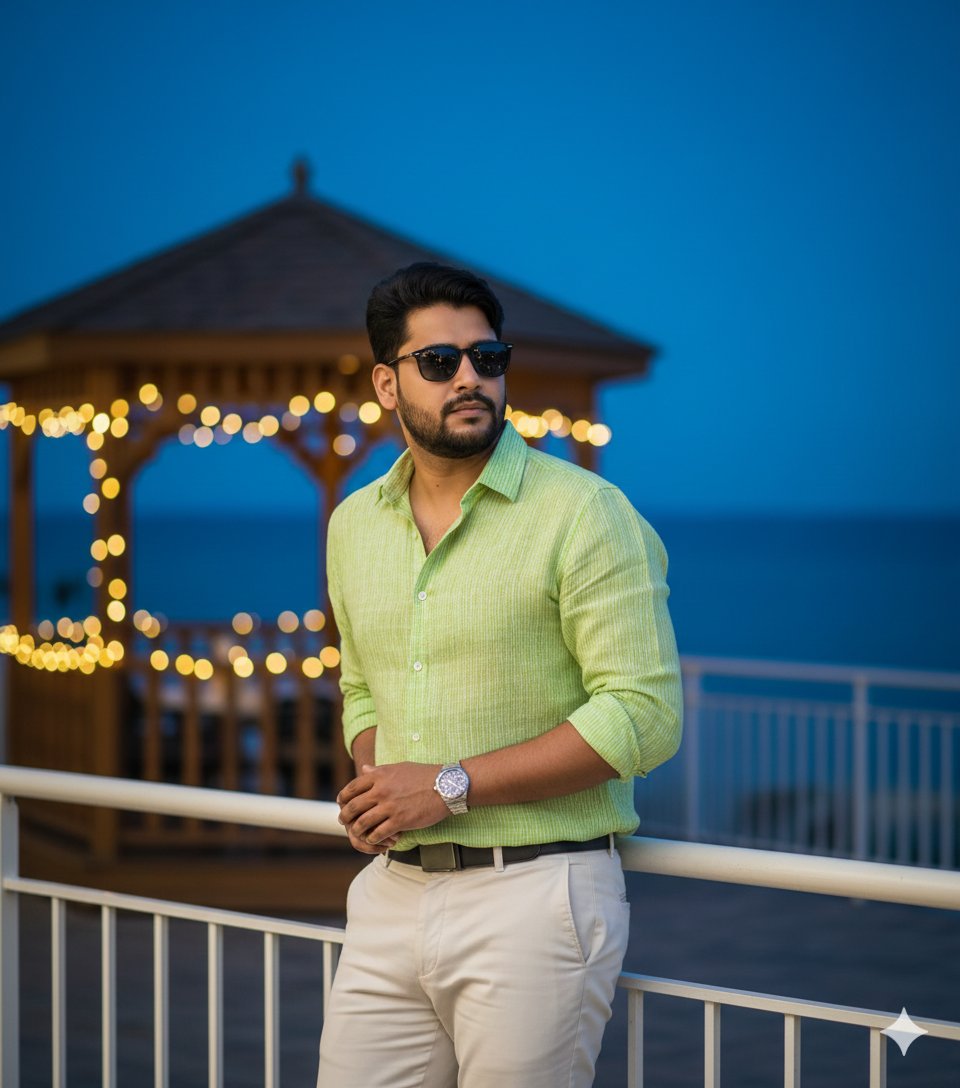
Hyper-Realistic Portrait of Man at Seaside Resort Prompt
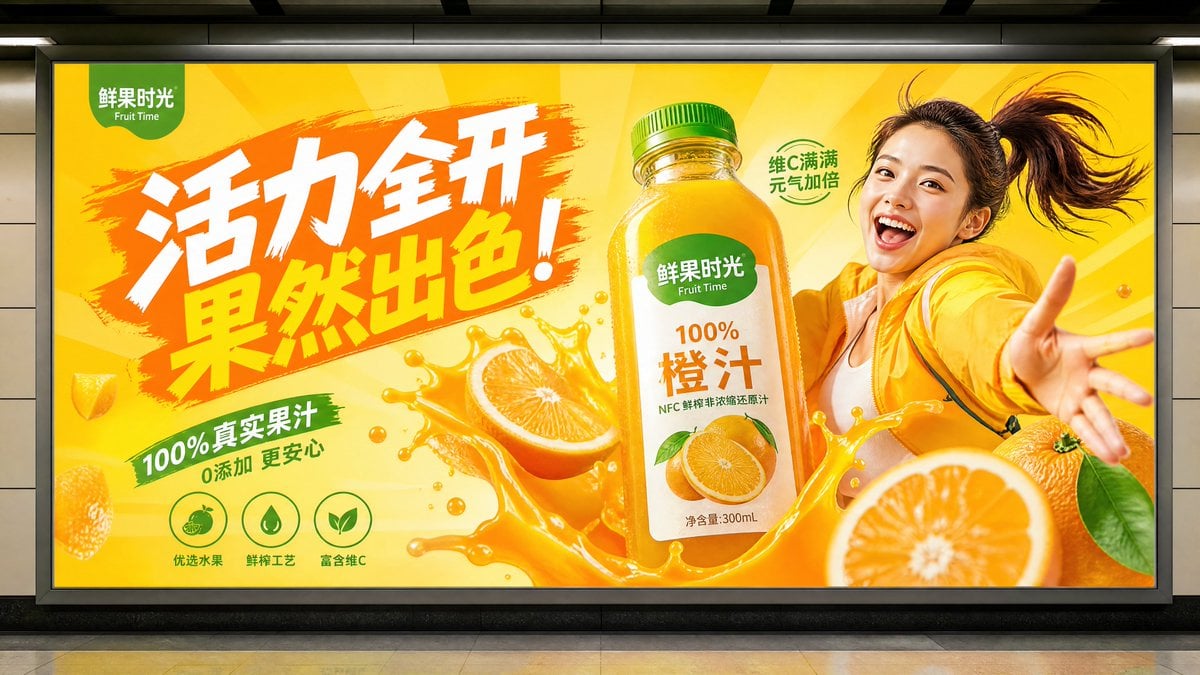
Subway Juice Drink Advertisement
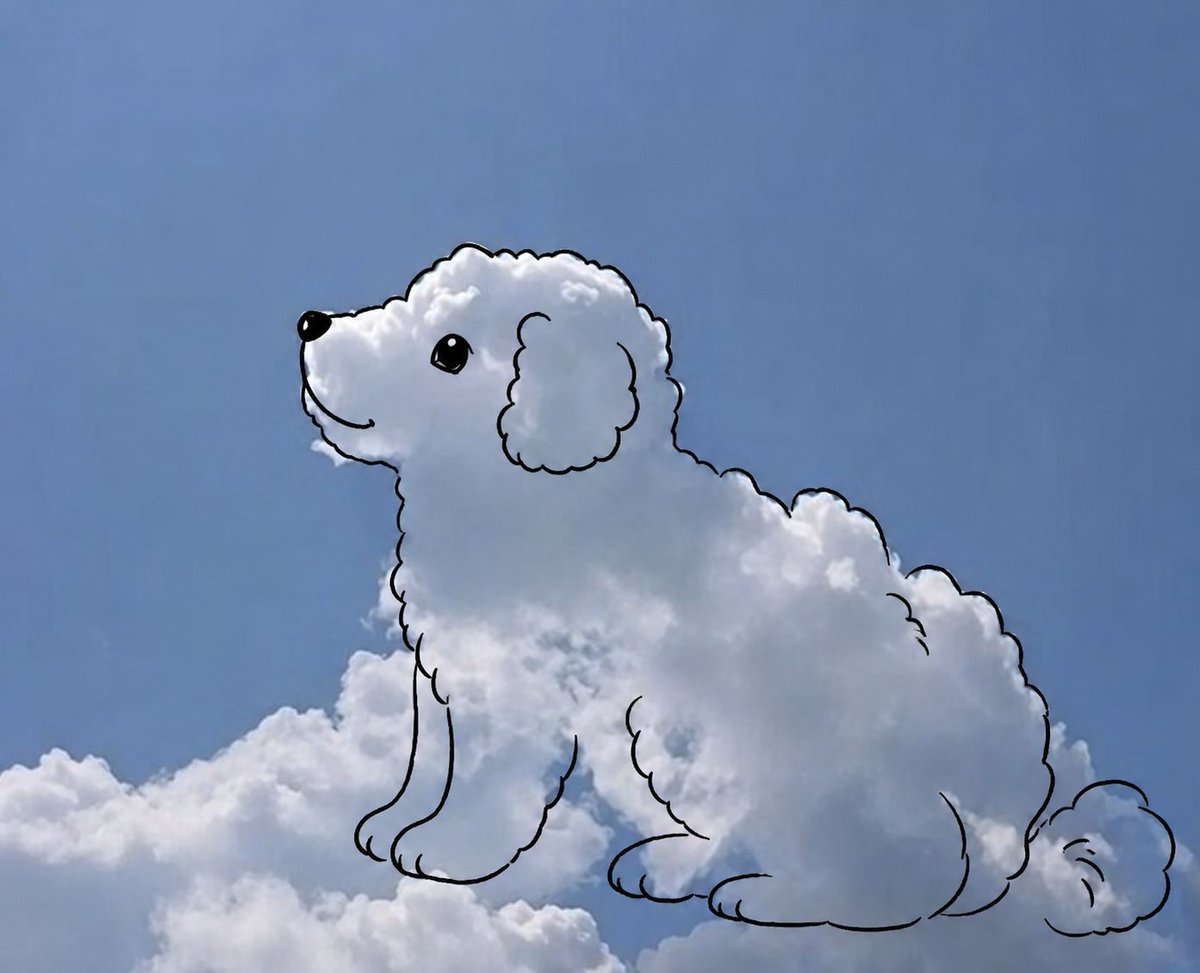
Cloud shape doodle generation
Browse template categories
Neon Winking Selfie Portrait questions
How do I use the Neon Winking Selfie Portrait template?
Add your photo if the template asks for one, edit the prompt if you like — the template's model and format are already selected — and press Generate. Your version opens in PicX Studio.
Can I customize the Neon Winking Selfie Portrait template?
Yes. You can change the subject, setting, lighting, mood, format, and available model controls before creating your image.
Is the Neon Winking Selfie Portrait template free?
Opening and editing this template is free. Generating uses credits, shown on the Generate button when you are signed in.
Which AI model should I use?
Start with Gemini 3 Pro Image Preview, which is the model associated with this template. You can compare another compatible model for a different finish.
Looking for something else? Browse all templates.

Your photo, any look
Thousands of ready templates for every top image and video model, from one credit balance.