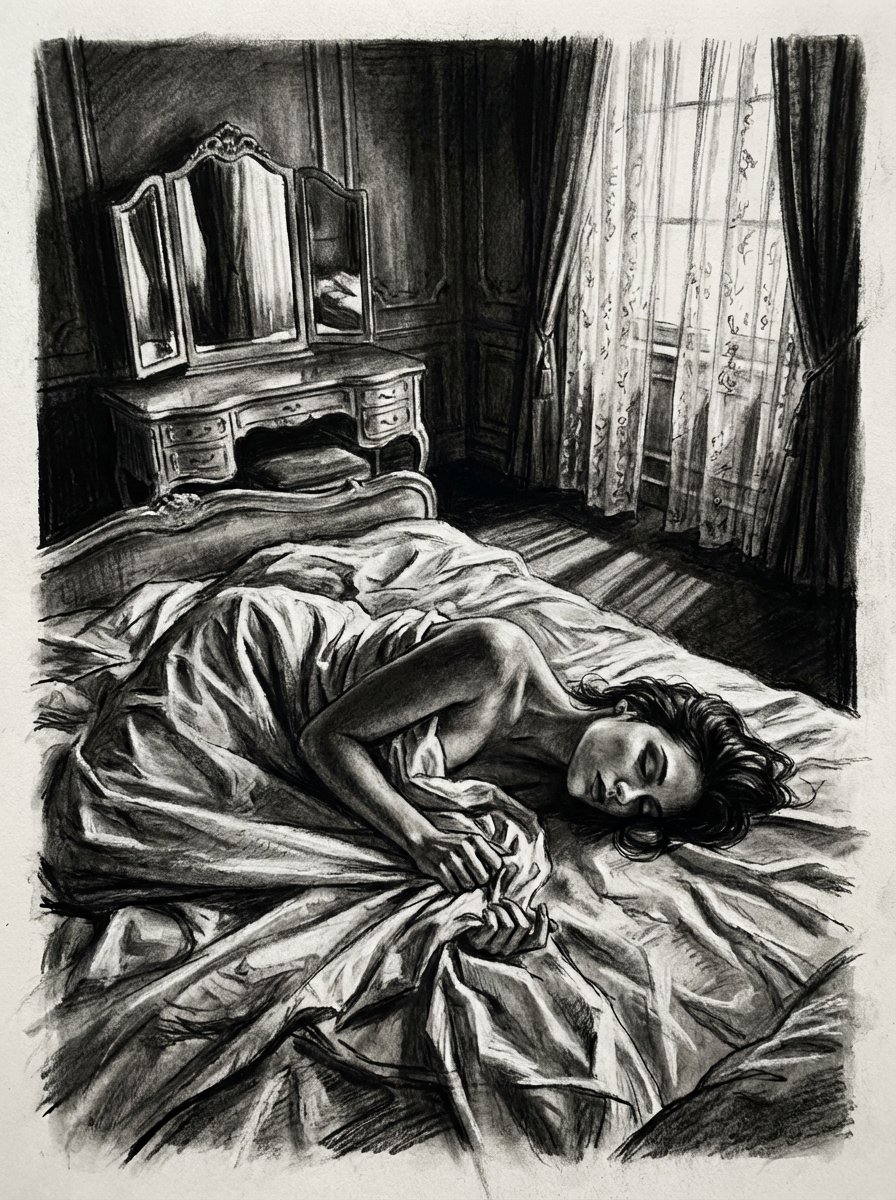
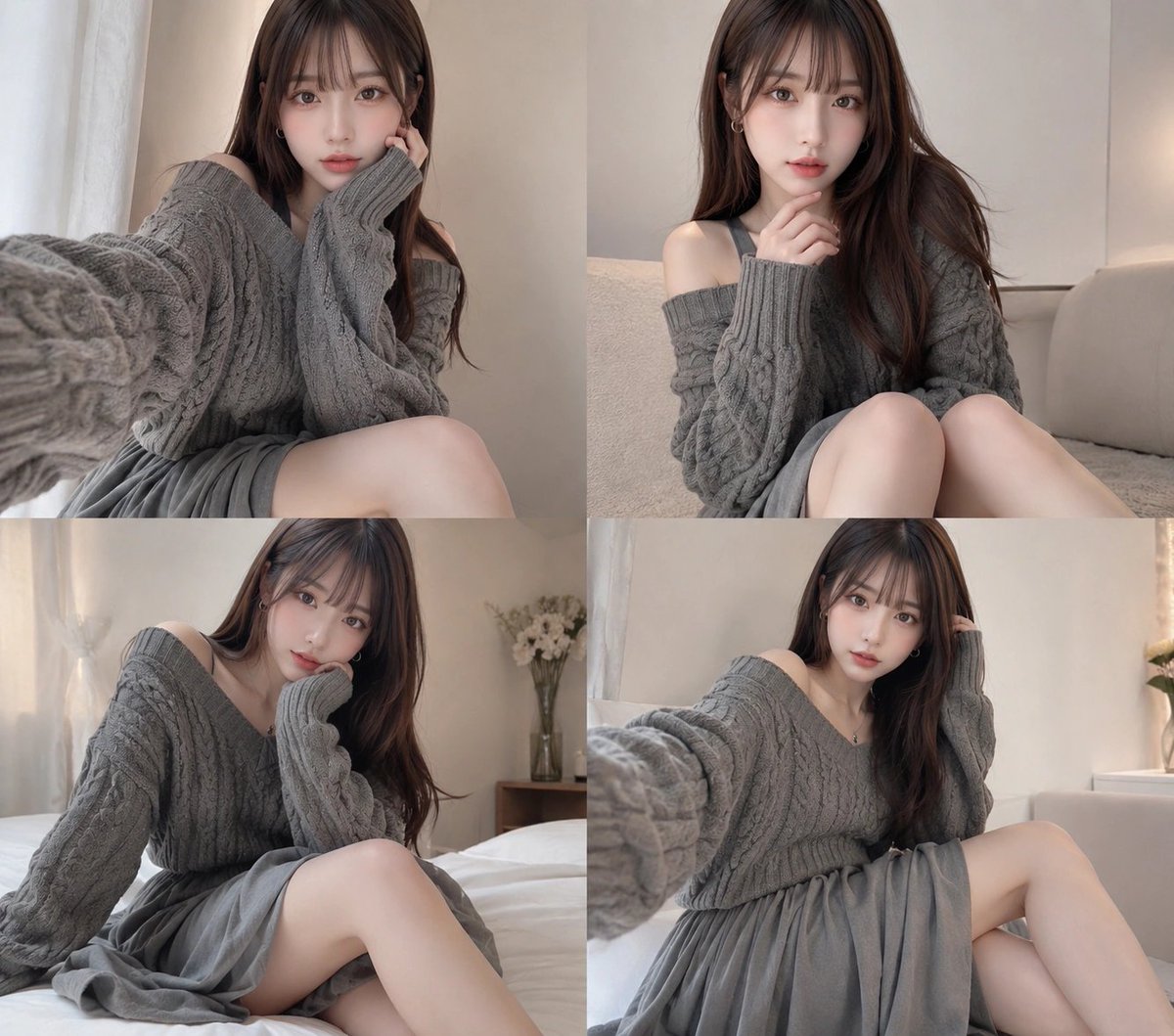
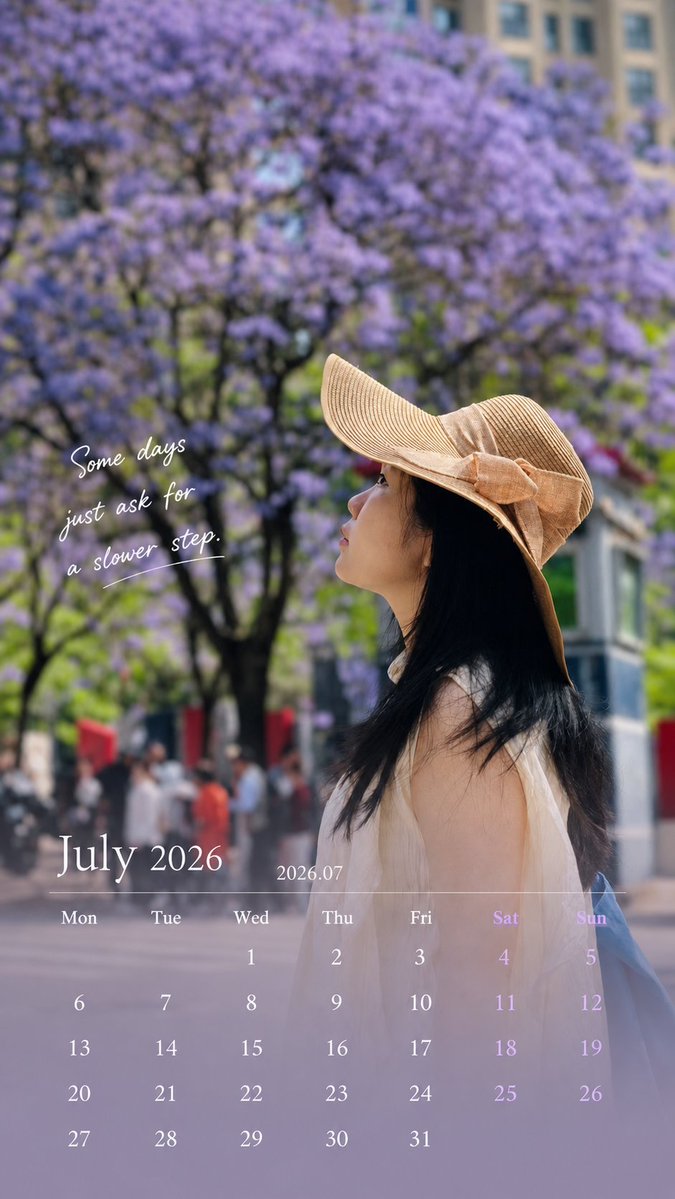
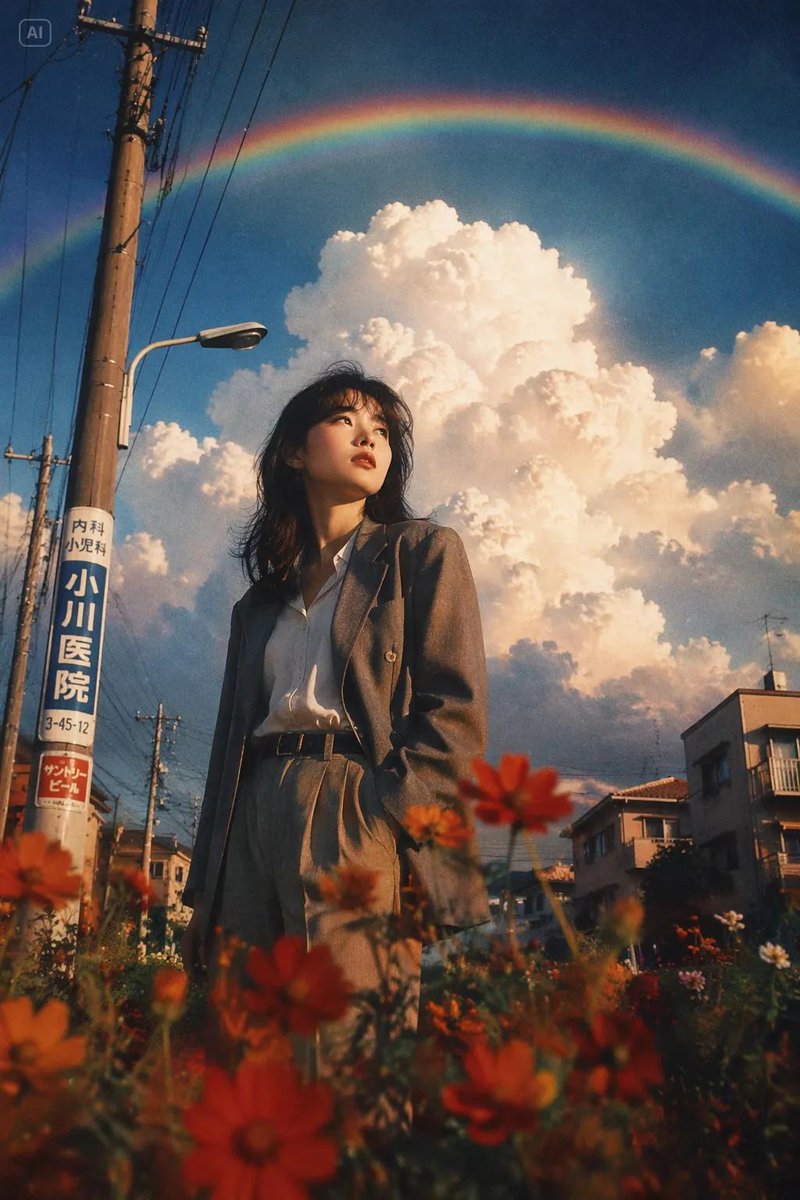
How do I use the Editorial Digital Portrait Painting template?
Choose the primary action to open PicX Studio with the available template settings. Review the model and format, personalize the creative direction, and generate when ready.
A prompt for creating premium semi-realistic digital portraits with expressive brushwork and refined fine-art aesthetics.

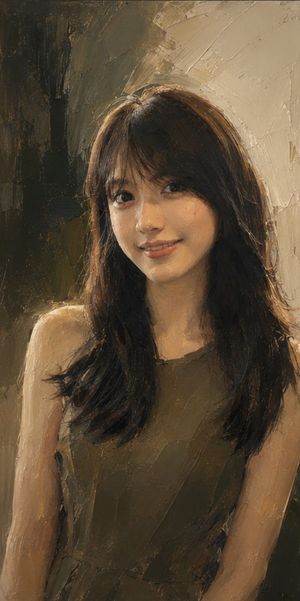
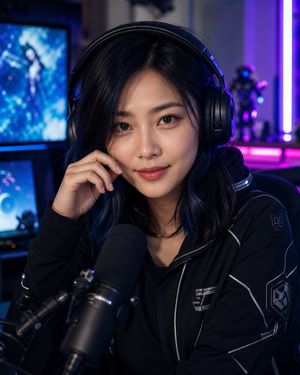
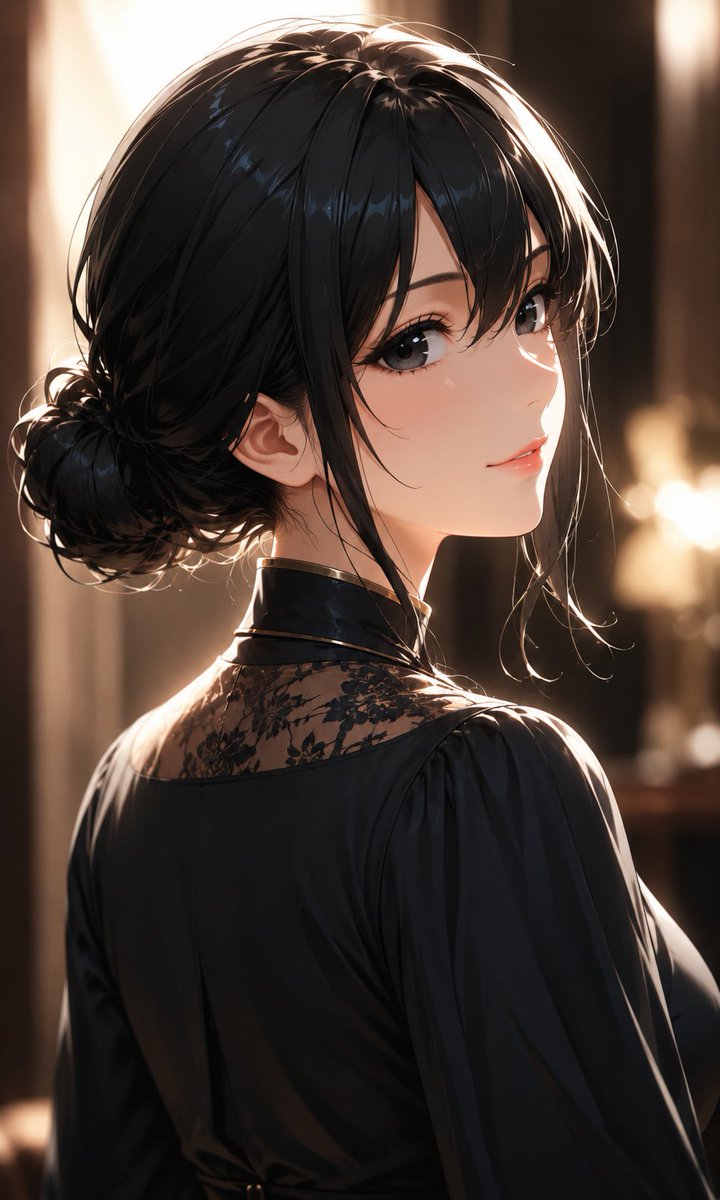
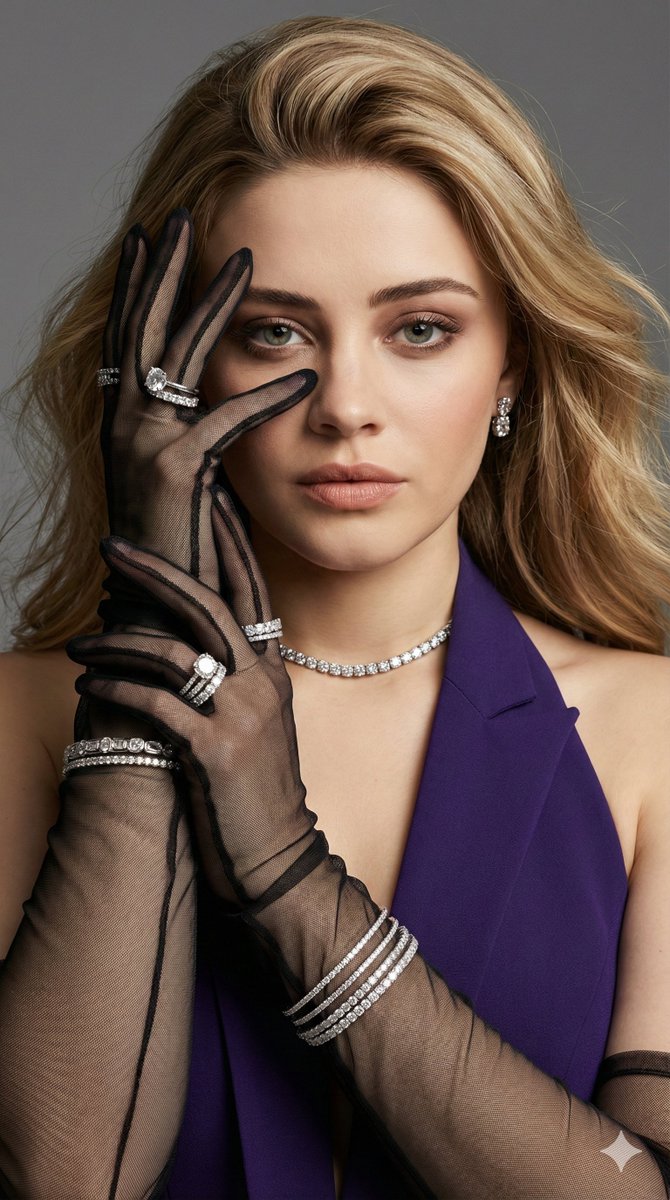
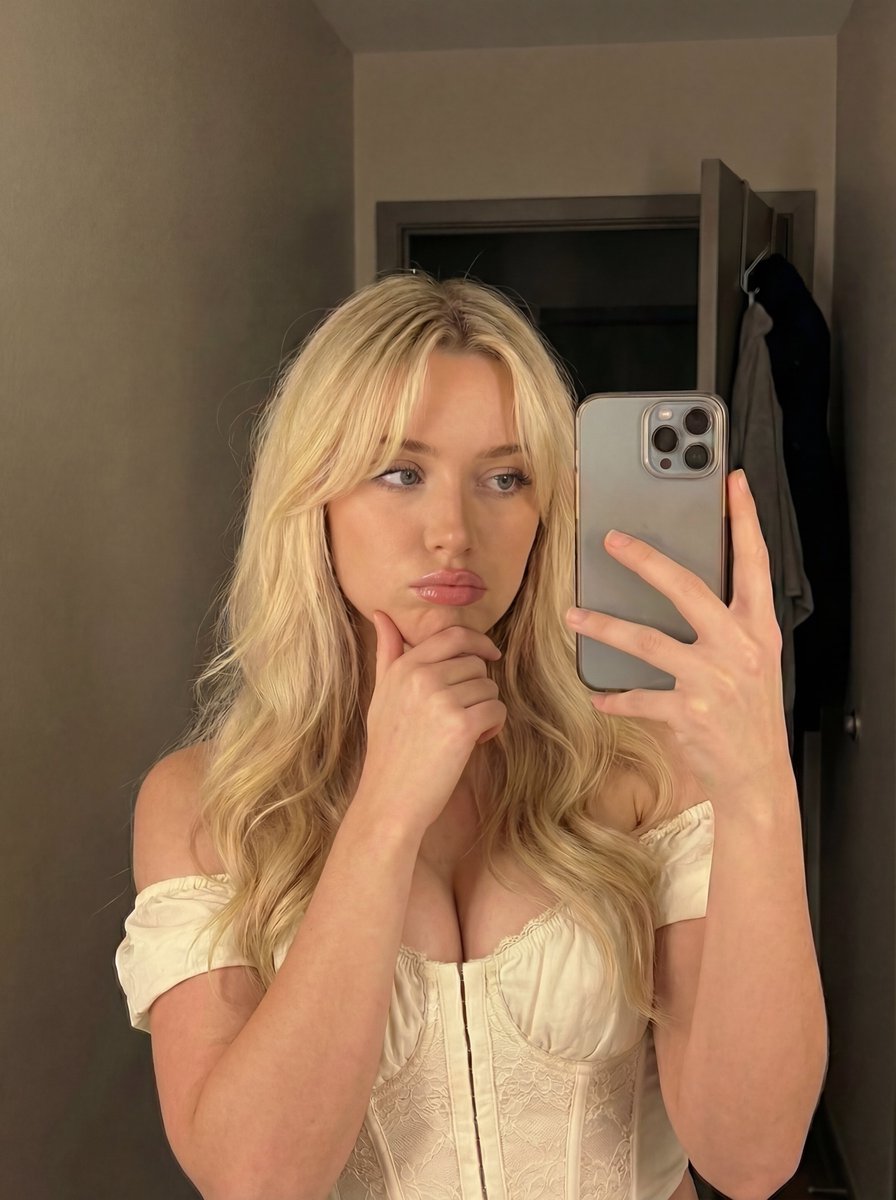
A premium semi-realistic digital portrait painting with refined editorial illustration aesthetics, combining expressive painterly brushwork and polished realism. Smooth yet visible layered brush strokes define every facial plane, with subtle painterly texture replacing photographic sharpness. Rich volumetric lighting and carefully blended color transitions create sculptural depth while preserving handcrafted artistic character. A {argument name="color palette" default="warm, elegant color palette featuring cream, ivory, warm beige, light sand, soft peach, burnt orange, terracotta, muted sienna, warm brown, charcoal navy, slate blue, and delicate desaturated teal accents"}. The background consists of abstract painterly brush strokes, soft watercolor washes, dry-brush textures, and subtle paint splatters, creating an airy fine-art atmosphere without distracting from the portrait. Soft cinematic lighting with luminous skin highlights, gentle ambient shadows, and balanced medium-to-high contrast. Hair is rendered using layered flowing brush strokes with natural volume and individual strand definition. Clothing combines broad painterly strokes with selective detail, emphasizing {argument name="clothing style" default="elegant simplicity"} rather than excessive texture. A clean contemporary fine-art illustration style inspired by high-end editorial portrait paintings, museum-quality digital artwork, ultra-detailed yet painterly, crisp edges with soft organic transitions, premium matte finish, expressive handcrafted brushwork, harmonious composition, vertical composition (9:16), no text, no typography, no signature, no initials, no logo, no watermark, no frame.
Choose the primary action to open PicX Studio with the available template settings. Review the model and format, personalize the creative direction, and generate when ready.
Yes. You can change the subject, setting, lighting, mood, format, and available model controls before creating your image.
This template is free to open and customize. Generation usage is shown in PicX Studio before you create.
Start with gemini-3-pro-image-preview, which is the model associated with this template. You can compare another compatible model for a different finish.
Follow a topic to a crawlable collection of related PicX Studio templates.