
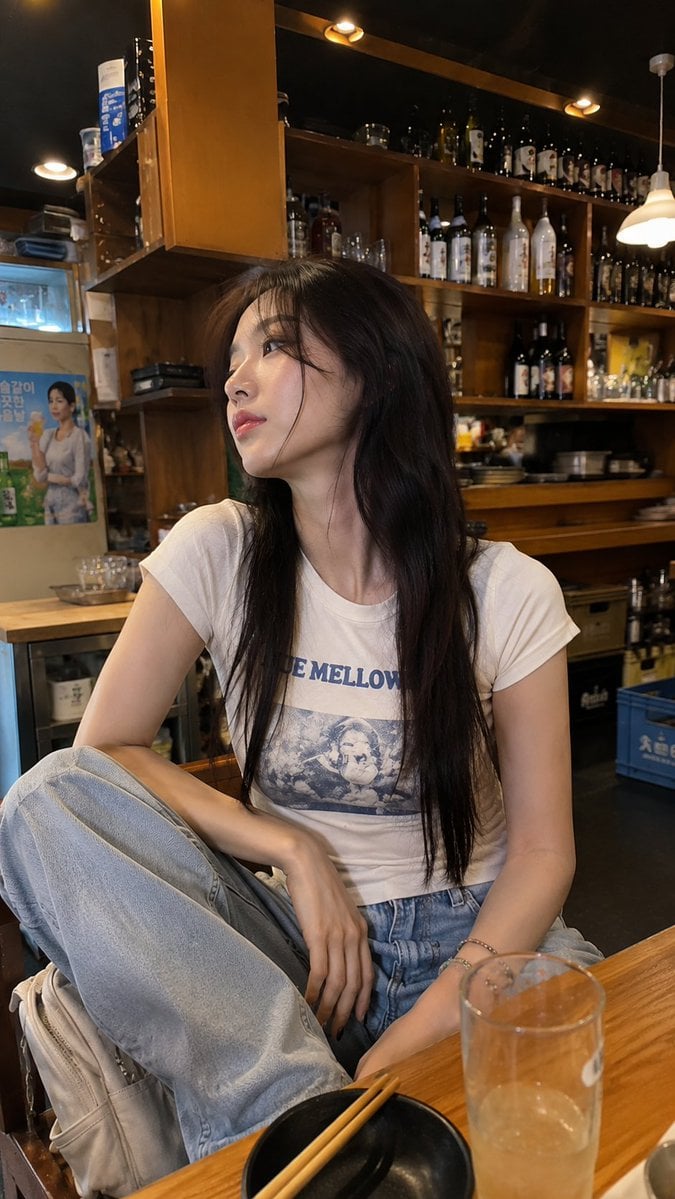
Realistic Smartphone Cafe Portrait
Generates a candid, unposed smartphone photo of a woman sitting in a cozy cafe, focusing on natural lighting and believable imperfections.
- Prompt included
- Model and format preset
- Premium template
The prompt behind this image
Copy the exact prompt behind Realistic Smartphone Cafe Portrait, or open it in the studio and make it yours.
A completely natural, photorealistic smartphone photo of a young {argument name="ethnicity" default="East Asian"} woman sitting casually inside a cozy small café or restaurant, photographed spontaneously by a friend using a modern phone camera. She has very long, straight {argument name="hair color" default="dark-brown"} hair with soft wispy bangs, naturally smooth skin, subtle everyday makeup, glossy pink lips, and a relaxed slightly dreamy expression while looking off to the side instead of directly at the camera. She wears a {argument name="clothing" default="fitted off-white graphic T-shirt with a blue vintage-style print"}, loose light-wash baggy jeans, and colorful beaded bracelets on her wrist. She sits casually on a chair with her legs relaxed and her hands resting naturally near her knees, giving the photo an unposed everyday feeling. Behind her are warm wooden shelves filled with assorted bottles, jars, glasses, and small café items, creating a cozy lived-in restaurant atmosphere. Warm indoor ceiling and shelf lighting, realistic mixed exposure, natural shadows, slight smartphone HDR, mild wide-angle perspective, imperfect framing, subtle motion softness, authentic skin pores and fine hair strands, realistic fabric texture, ordinary background details, no studio setup, no cinematic lighting, no beauty filter, no excessive retouching, no artificial sharpness. The final image should look exactly like a real casual phone photograph someone took while sitting in the café, slightly imperfect but highly believable, vertical portrait composition, natural colors, realistic smartphone camera quality.
How to use Realistic Smartphone Cafe Portrait in 3 steps
- 1Upload ImagePNG, JPG or paste
Add your photo
Upload the photo the template builds on. The prompt, model and format are already set.
- 2…a portrait of your subject in softgolden-hour light, 85mm…
Personalize
Edit the subject and creative details for your destination.
- 3Generate
Generate
Press Generate — your image is created in PicX Studio, so you can compare it with the original and refine one variable at a time.
More like this
Templates with the same subject, style or setup. Open one to see its prompt.

Underwater Macro Face Portrait
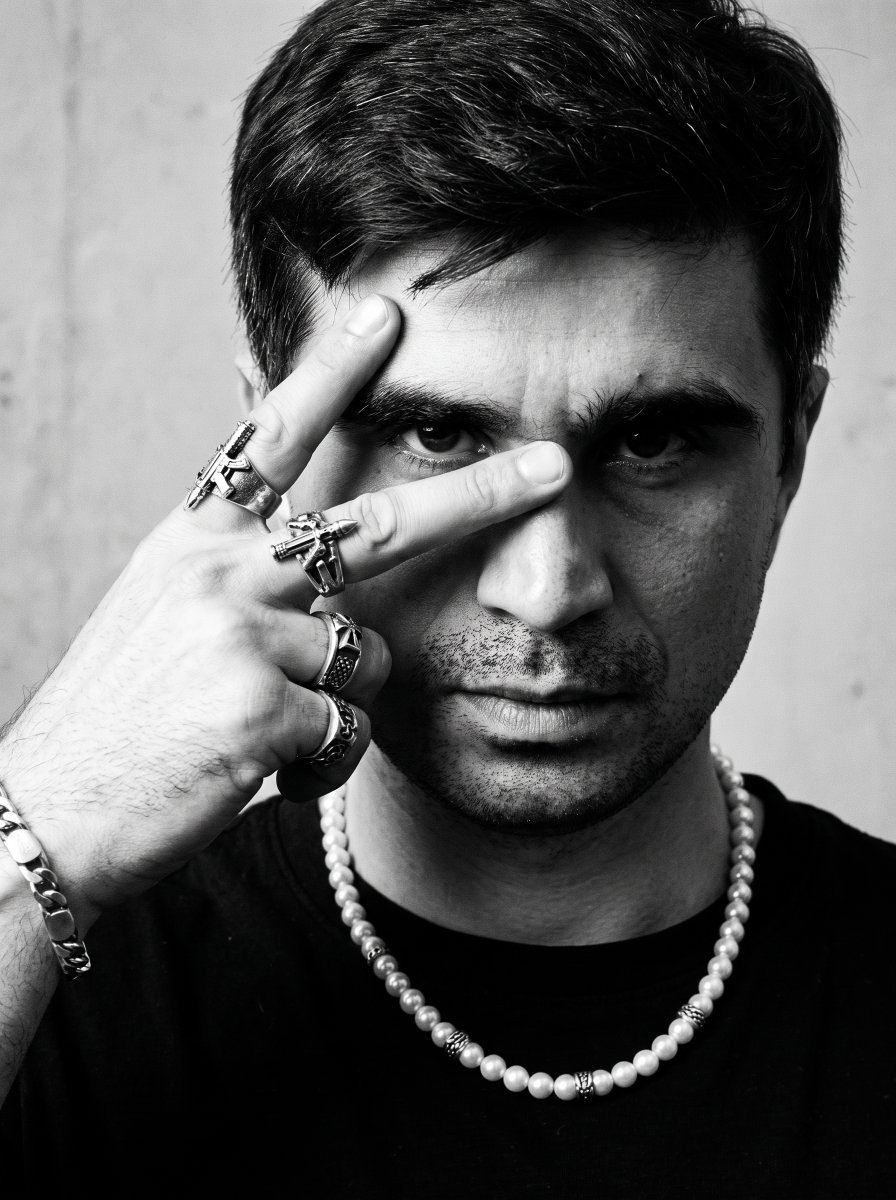
Noir Punk Street Portrait
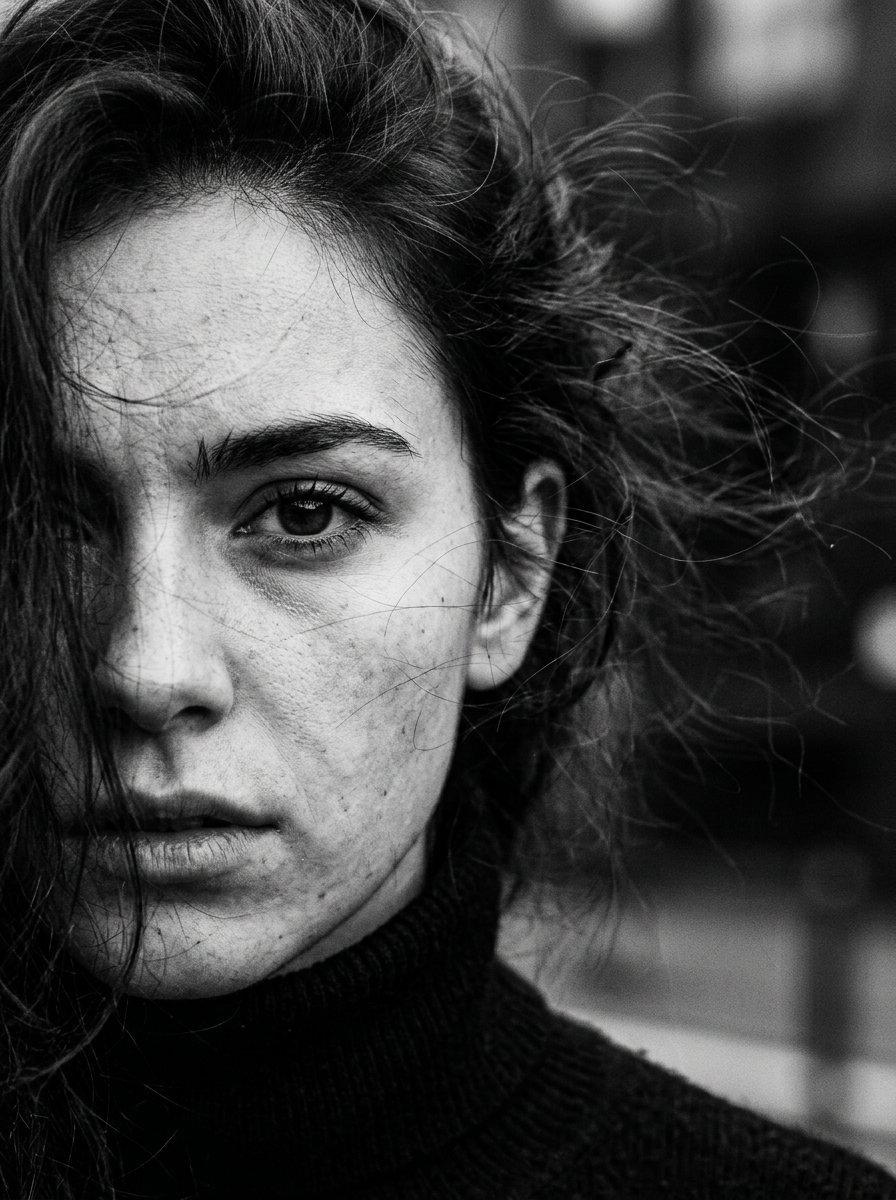
High Contrast Cinematic Face Portrait

Monochrome Studio Portrait with Colored Lens

Ultra-Realistic Yacht Sunset Portrait

Smartphone Selfie on Motorboat

Nano Banana Pro Photoreal Playful Couple

Found Photograph: Us, 1970

80s Couple Studio Portrait

80s Bollywood Star

80s Golden Hour Cinema

Me in 1985
Make it yours
Realistic Smartphone Cafe Portrait works as-is. These are the safest ways to change it without losing the look.
Change one field
Copy a single group, rewrite it, and generate again so you can see what that field is doing.
Keep the frame, change the subject
Hold the composition and light of Realistic Smartphone Cafe Portrait, then swap wardrobe, props or the person for a new take.
| If the result… | Why | Fix |
|---|---|---|
| The result drifts from the preview | Too many fields changed at once. | Reuse Realistic Smartphone Cafe Portrait as-is first, then change one group — subject, light, or setting. |
| The model over-stylizes the scene | The prose prompt leaves finish and camera underspecified. | Add one camera or lighting sentence and stay on Gemini 3 Pro Image Preview. |
More Gemini 3 Pro Image Preview templates
Other prompts made for Gemini 3 Pro Image Preview.

Mushroom Still Life Composition

Whimsical Anthropomorphic Friendly Insect
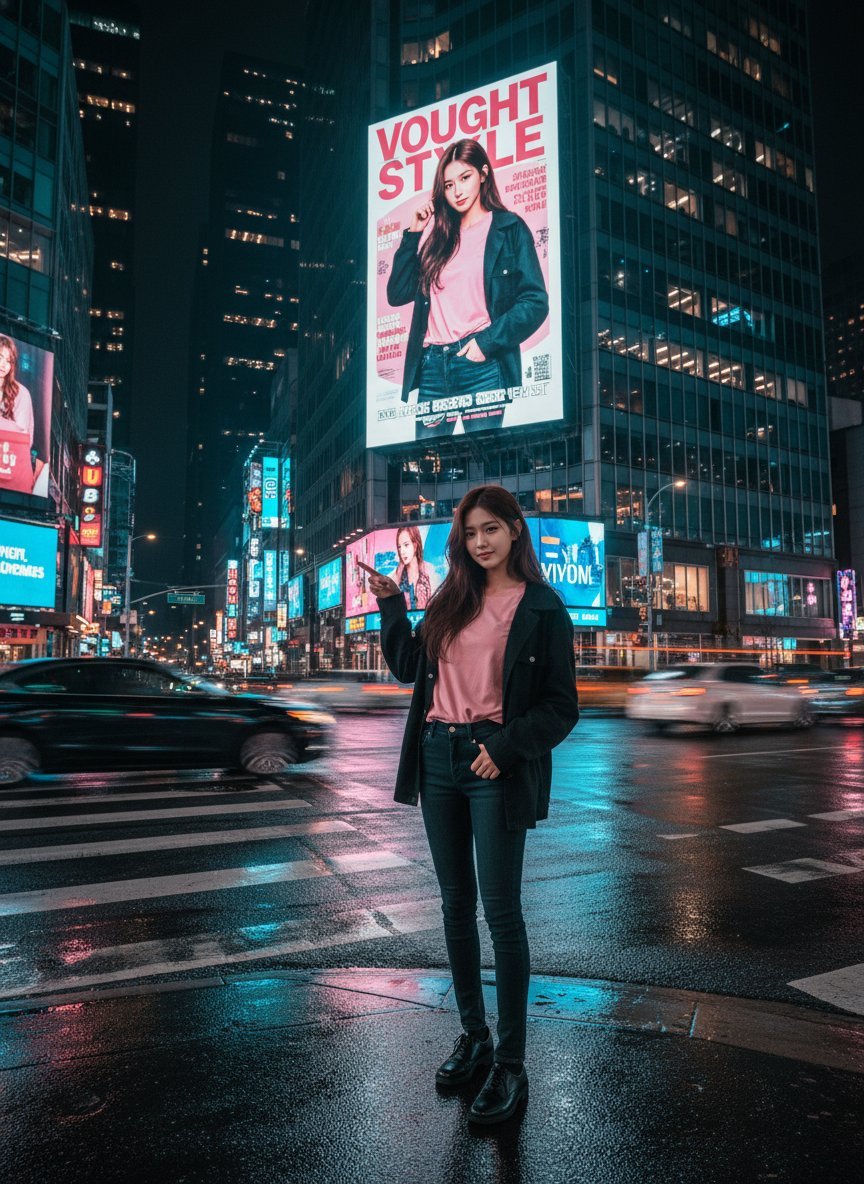
Cinematic Urban Night Billboard Portrait
Pop Art Summer Fruit Fashion Illustration
Ultra-Realistic iPhone Selfie with Motion Blur
Cinematic Mirror Reflection Portrait
Elegant Men's Twilight Editorial

Coastal Freedom Sunset Portrait
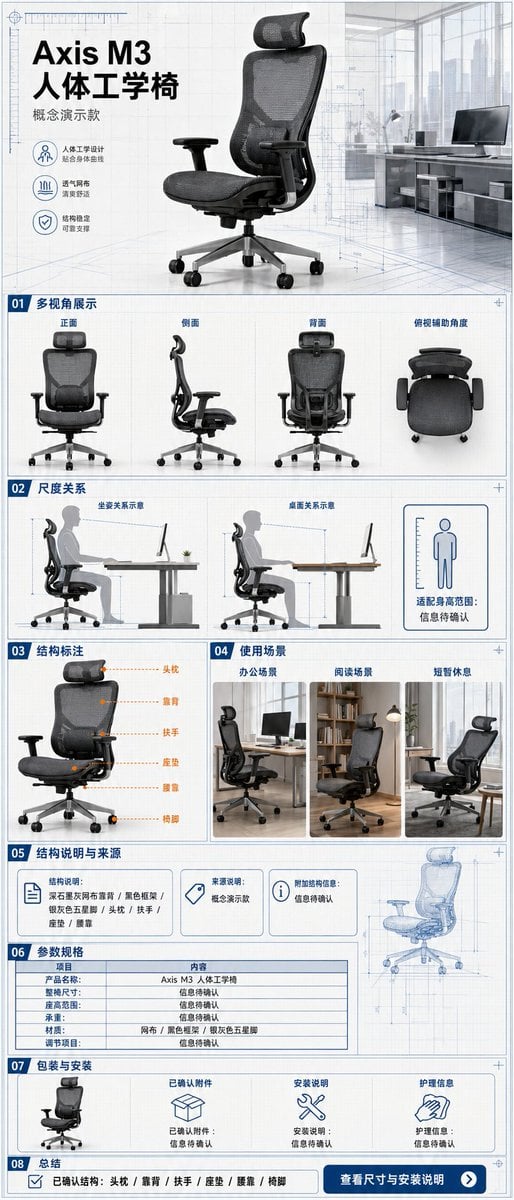
Ergonomic Office Chair E-commerce Mobile Detail Page
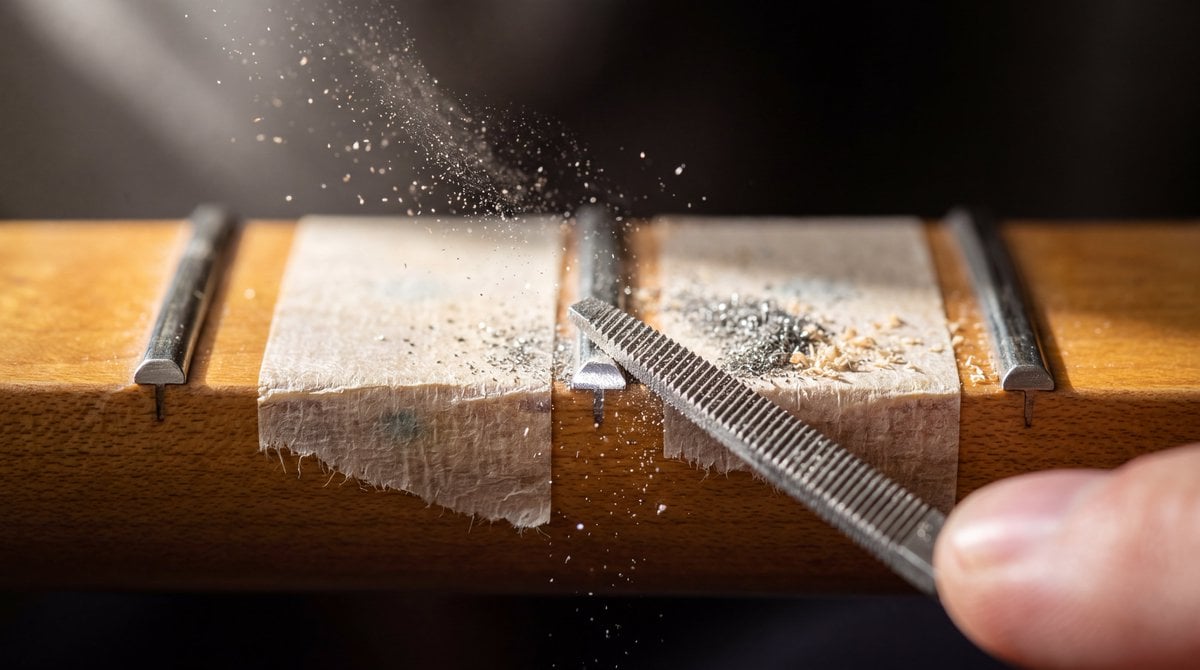
Macro Guitar Fret Dressing
More image prompts
Fresh picks from across the catalog.
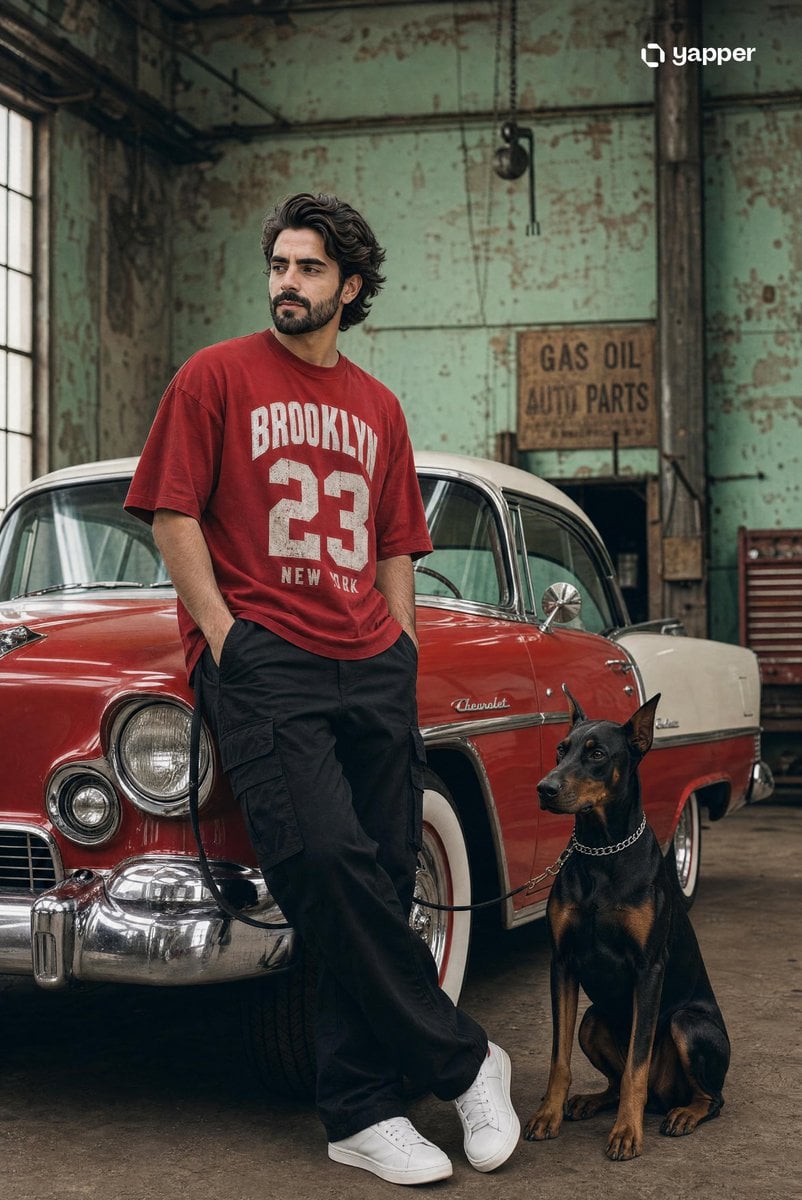
Vintage Car Streetwear Fashion Shoot

Futuristic Mecha Kimono Warrior
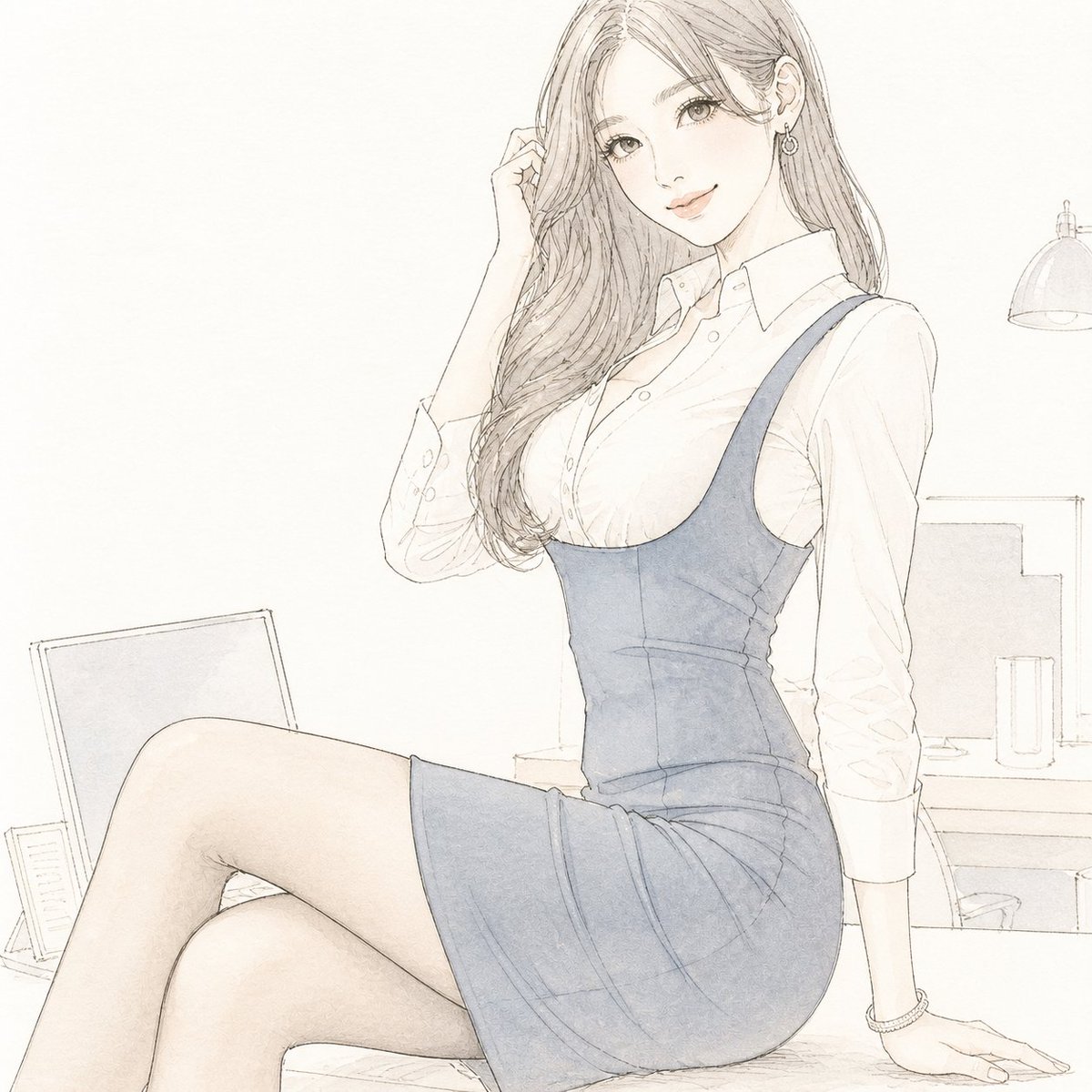
Pale Watercolor Line Art Transformation
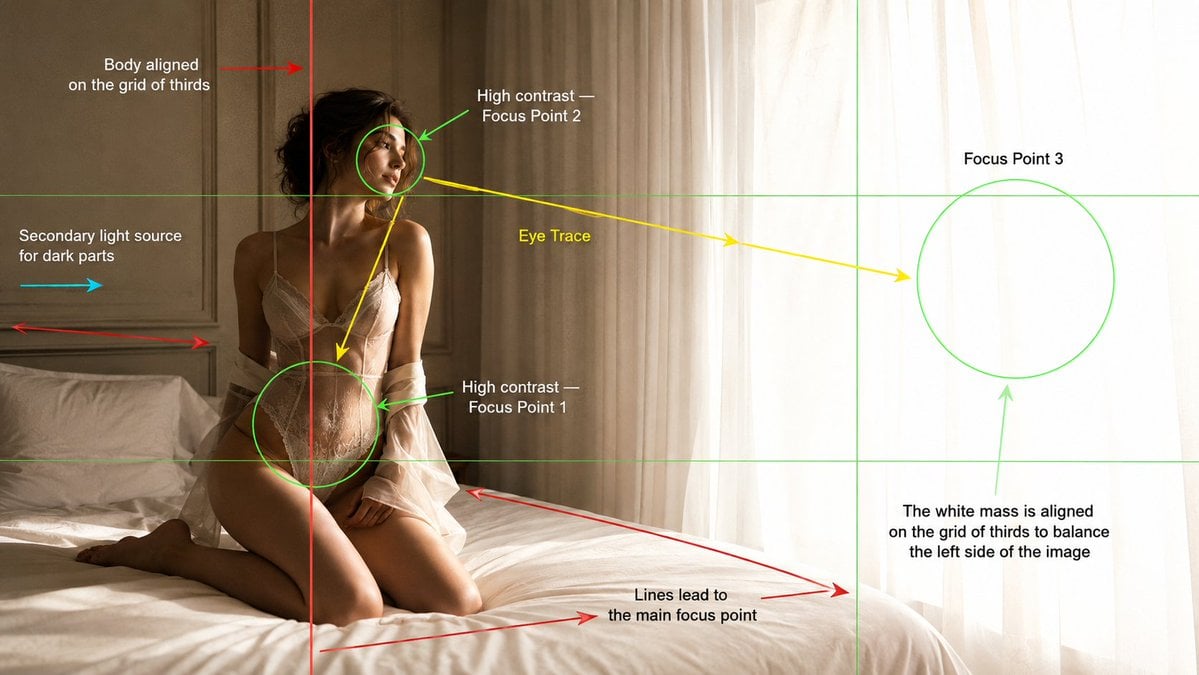
Cinematography Composition Analysis Frame
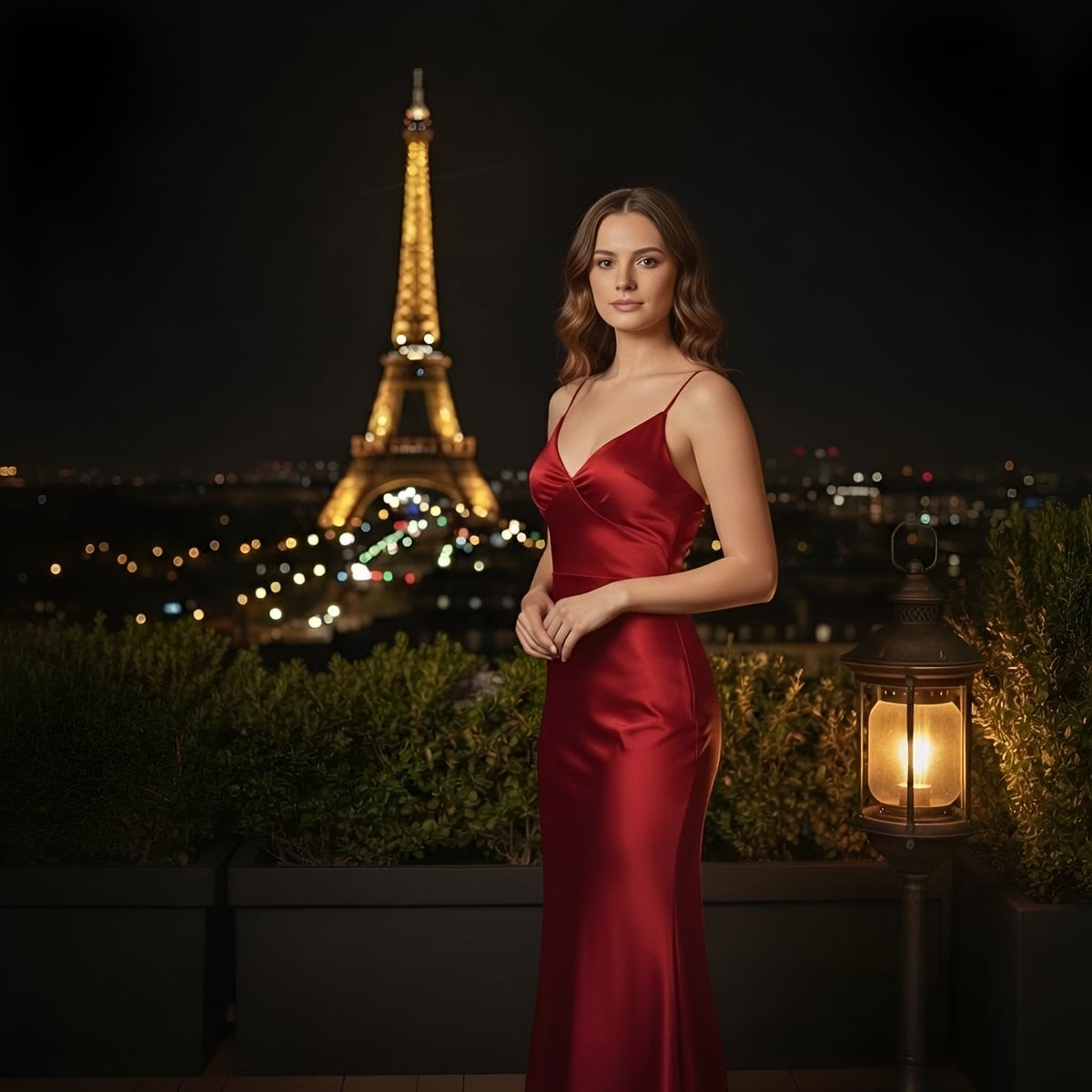
Cinematic Parisian Night Portrait with Eiffel Tower View
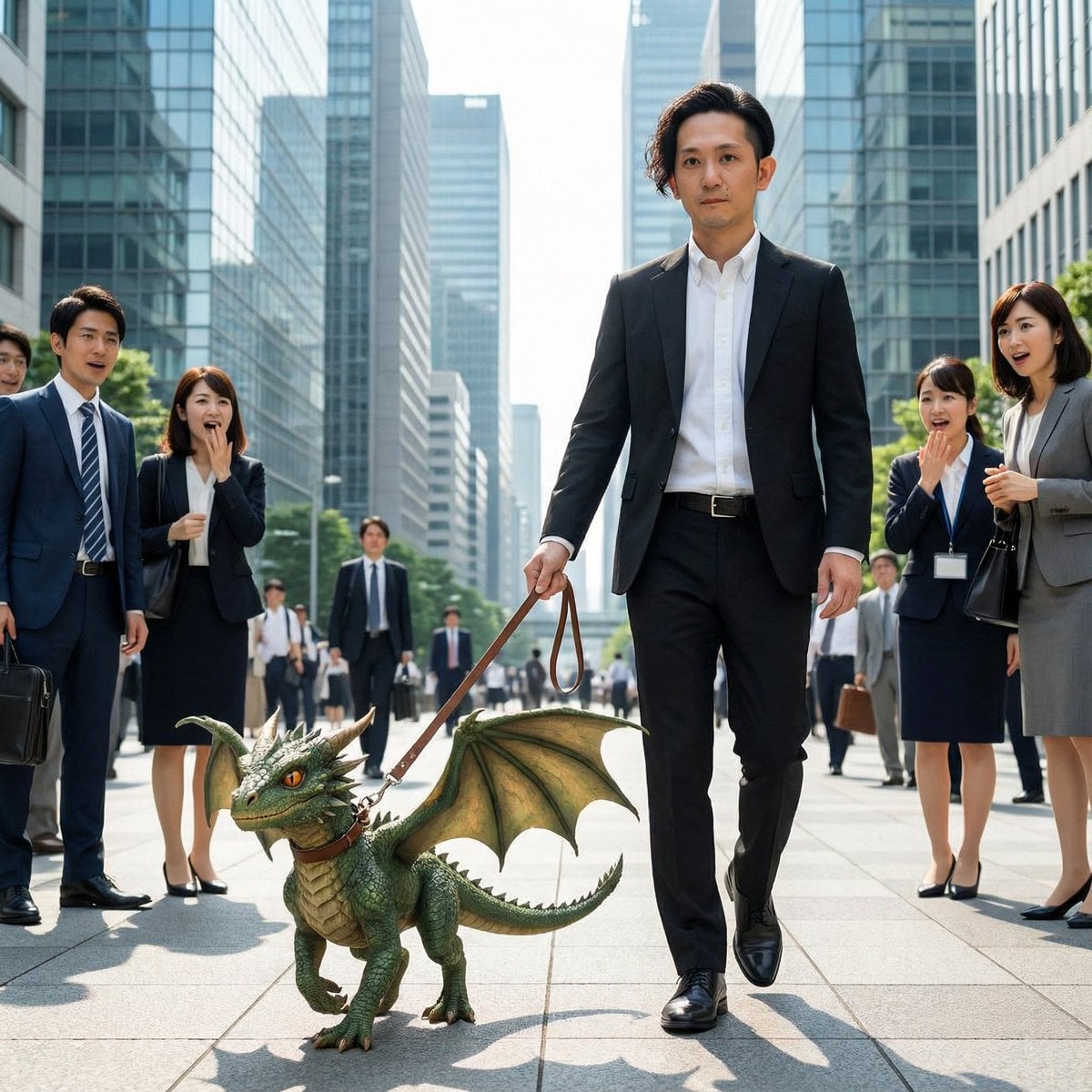
Dragon in the Office District

Old Money & Gangster Style Animal Squads

Transforming the Tower of the Sun into a Taro Okamoto Painting

Surrealist Rolex Advertisement Poster

Reference Image Naming Convention Prompt
Browse template categories
Realistic Smartphone Cafe Portrait questions
How do I use the Realistic Smartphone Cafe Portrait template?
Add your photo if the template asks for one, edit the prompt if you like — the template's model and format are already selected — and press Generate. Your version opens in PicX Studio.
Can I customize the Realistic Smartphone Cafe Portrait template?
Yes. You can change the subject, setting, lighting, mood, format, and available model controls before creating your image.
Is the Realistic Smartphone Cafe Portrait template free?
Opening and editing this template is free. Generating uses credits, shown on the Generate button when you are signed in.
Which AI model should I use?
Start with Gemini 3 Pro Image Preview, which is the model associated with this template. You can compare another compatible model for a different finish.
Looking for something else? Browse all templates.

Your photo, any look
Thousands of ready templates for every top image and video model, from one credit balance.