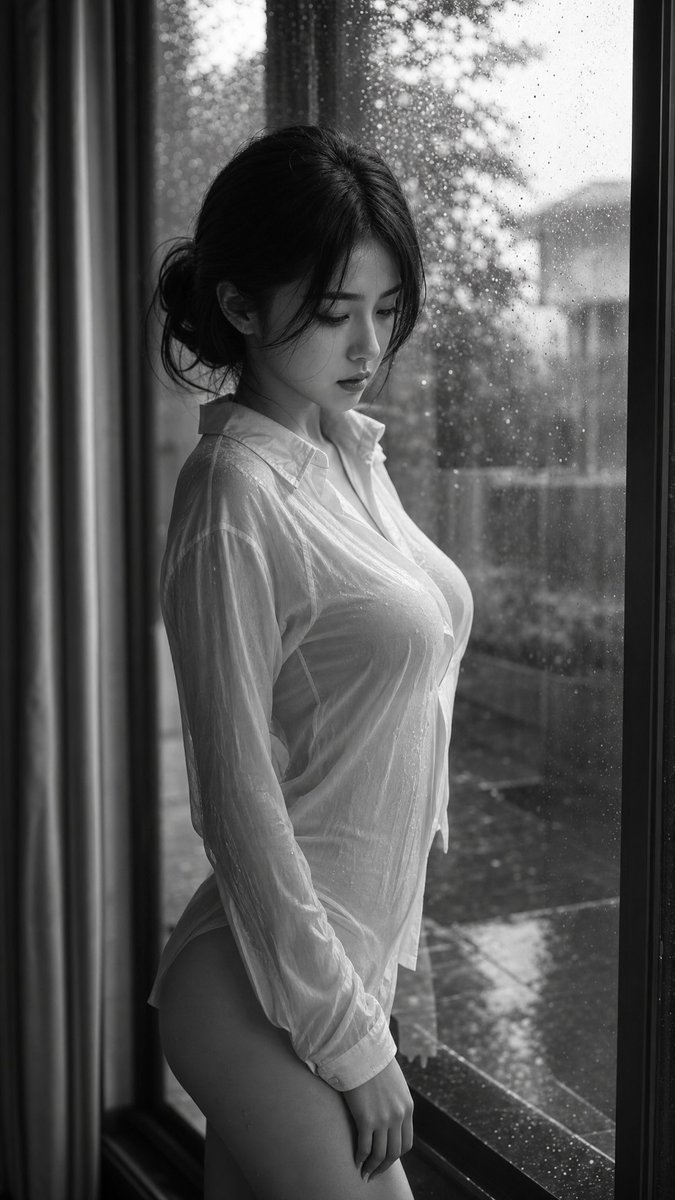
How do I use the Editorial Fashion Portrait in Minimalist Studio template?
Choose the primary action to open PicX Studio with the available template settings. Review the model and format, personalize the creative direction, and generate when ready.
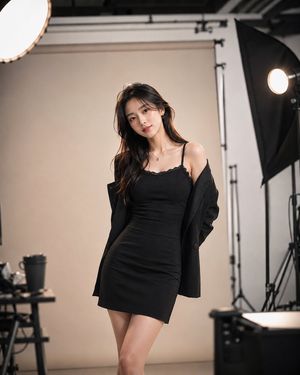
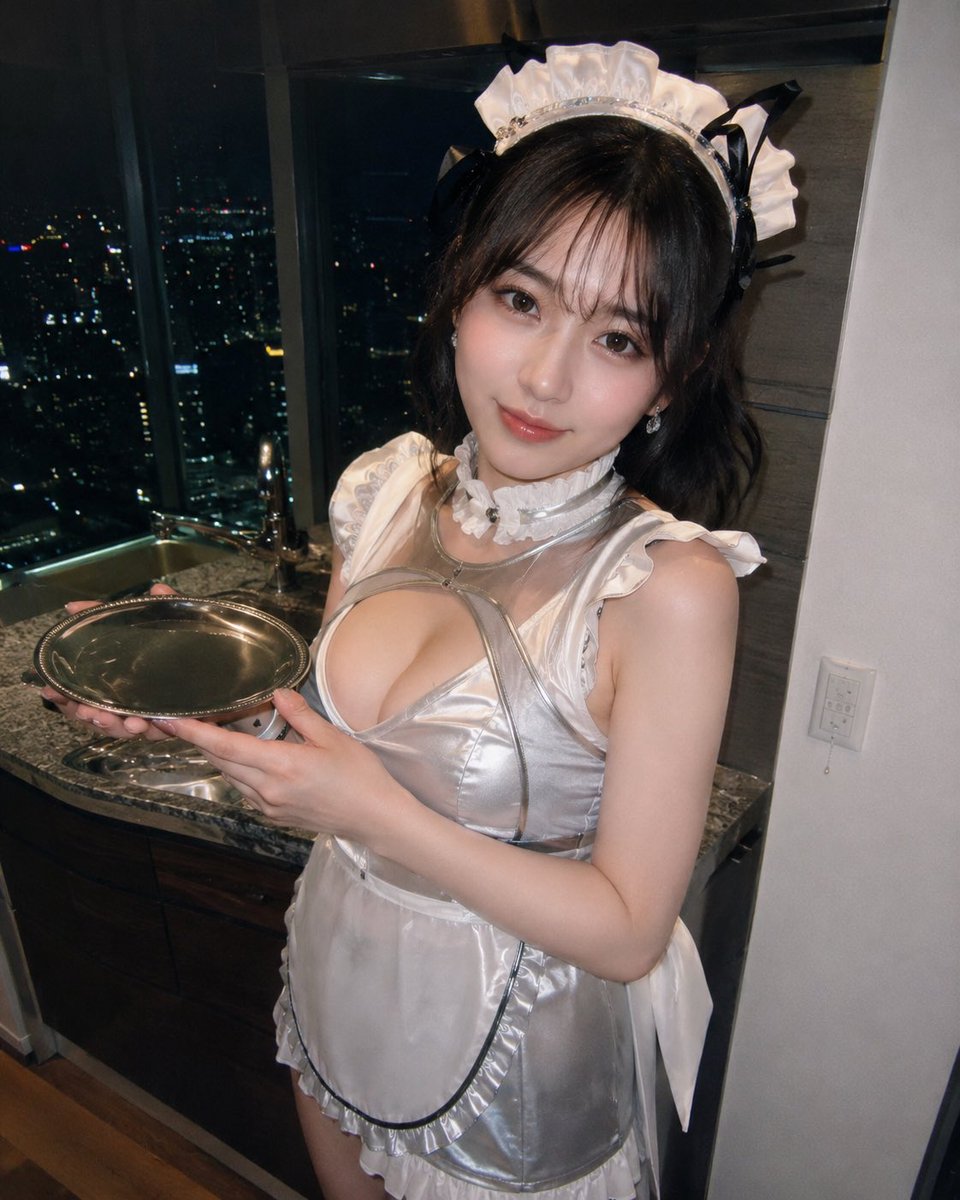
A high-fashion editorial prompt for creating a cinematic portrait of an East Asian woman in a modern minimalist studio.
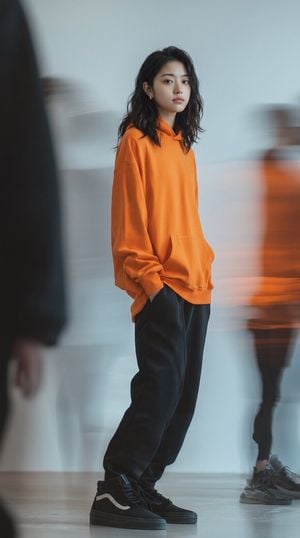
Editorial fashion photography of a young {argument name="ethnicity" default="East Asian woman"} standing in a modern, minimalist studio. She is wearing a {argument name="outfit" default="vibrant oversized orange hoodie, loose black sweatpants with cuffs gathered at the ankles, and black high-top skate sneakers with a white wave stripe"}. She has long dark hair, delicate features, and small gold earrings, looking over her shoulder toward the camera with a calm, neutral expression. One hand is tucked into her pocket. The background is a clean, neutral-toned room with blurred, ghost-like silhouettes of moving people creating intentional long-exposure motion blur and light trails around her. Soft, diffused indoor lighting, clean tones, cool color palette contrasted with the warm orange hoodie, shot on {argument name="camera" default="35mm film"}, sharp focus on the central subject, cinematic street-style editorial.
Choose the primary action to open PicX Studio with the available template settings. Review the model and format, personalize the creative direction, and generate when ready.
Yes. You can change the subject, setting, lighting, mood, format, and available model controls before creating your image.
This template is free to open and customize. Generation usage is shown in PicX Studio before you create.
Start with gemini-3-pro-image-preview, which is the model associated with this template. You can compare another compatible model for a different finish.
Follow a topic to a crawlable collection of related PicX Studio templates.