
Black and White Fashion Portrait
A detailed prompt for a black and white fashion portrait featuring a woman in a pinstripe blazer, emphasizing studio lighting and composition.
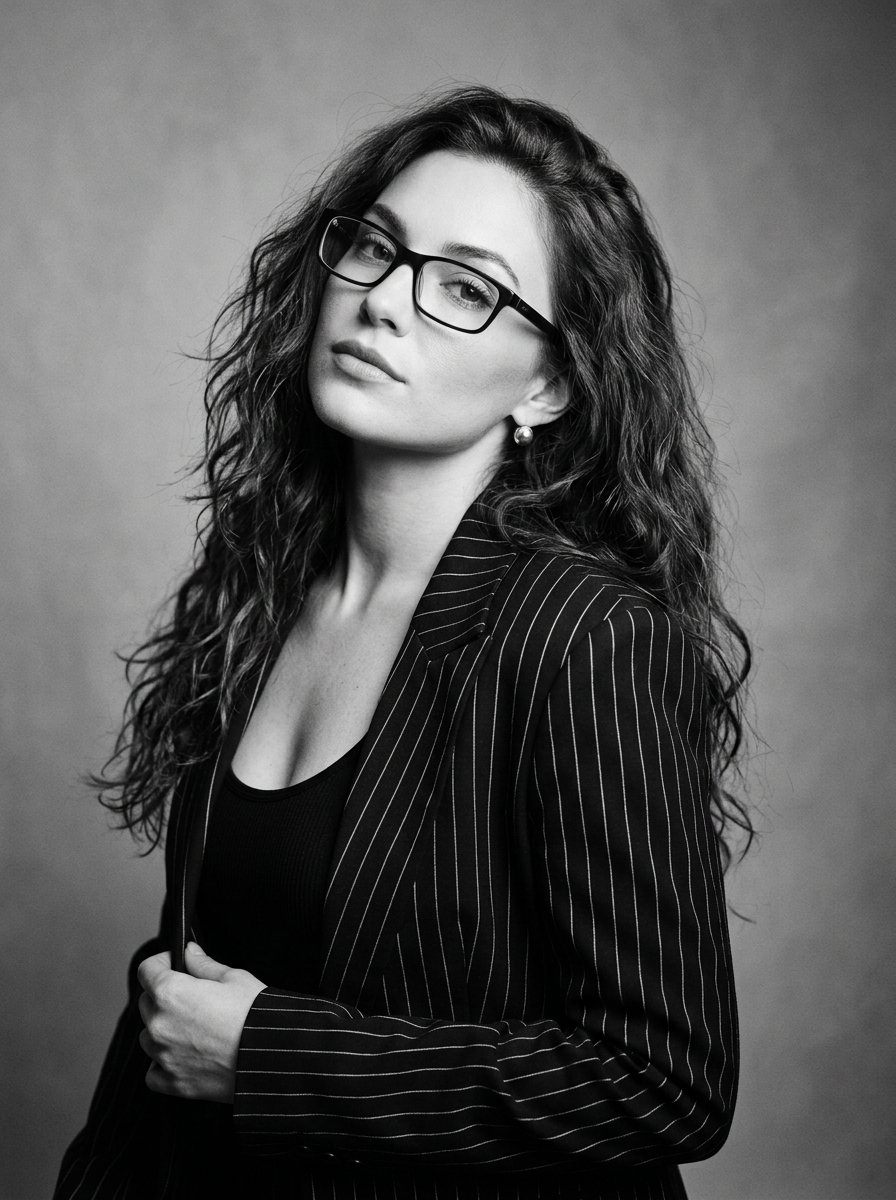
- Prompt included
- Model and format preset
- Free template
The prompt behind this image
Copy the exact prompt behind Black and White Fashion Portrait, or open it in the studio and make it yours.
ultra-detailed black and white fashion portrait of a woman posing in a studio. Camera angle: medium portrait shot captured from slightly above eye level, framing the subject from chest upward. Pose: the woman tilts her head slightly back and to the side while her shoulders turn subtly away from the camera. Her gaze is directed toward the viewer through her glasses with a confident composed expression. Outfit: {argument name="outfit" default="structured black pinstripe blazer with thin vertical white lines layered over a black fitted top with a low neckline"}. Accessories: {argument name="accessories" default="sleek rectangular eyeglasses with dark frames and small round stud earrings"}. Hair: {argument name="hair style" default="long voluminous hair styled in loose waves cascading over the shoulders"}. Environment: minimal studio background with smooth neutral tones enhancing the monochrome editorial aesthetic. Lighting: classic studio portrait lighting creating soft highlights on the hair and face while maintaining deep contrast typical of black and white fashion photography
How to use Black and White Fashion Portrait in 3 steps
- 1
Open
The prompt is already in the box next to the preview, with the template's model and format selected.
- 2…a portrait of your subject in softgolden-hour light, 85mm…
Personalize
Edit the subject and creative details for your destination.
- 3Generate
Generate
Press Generate — your image is created in PicX Studio, so you can compare it with the original and refine one variable at a time.
More like this
Templates with the same subject, style or setup. Open one to see its prompt.

Nano Banana 2 High Fashion Sports Campai

Couture Fashion Editorial Woman and Drag
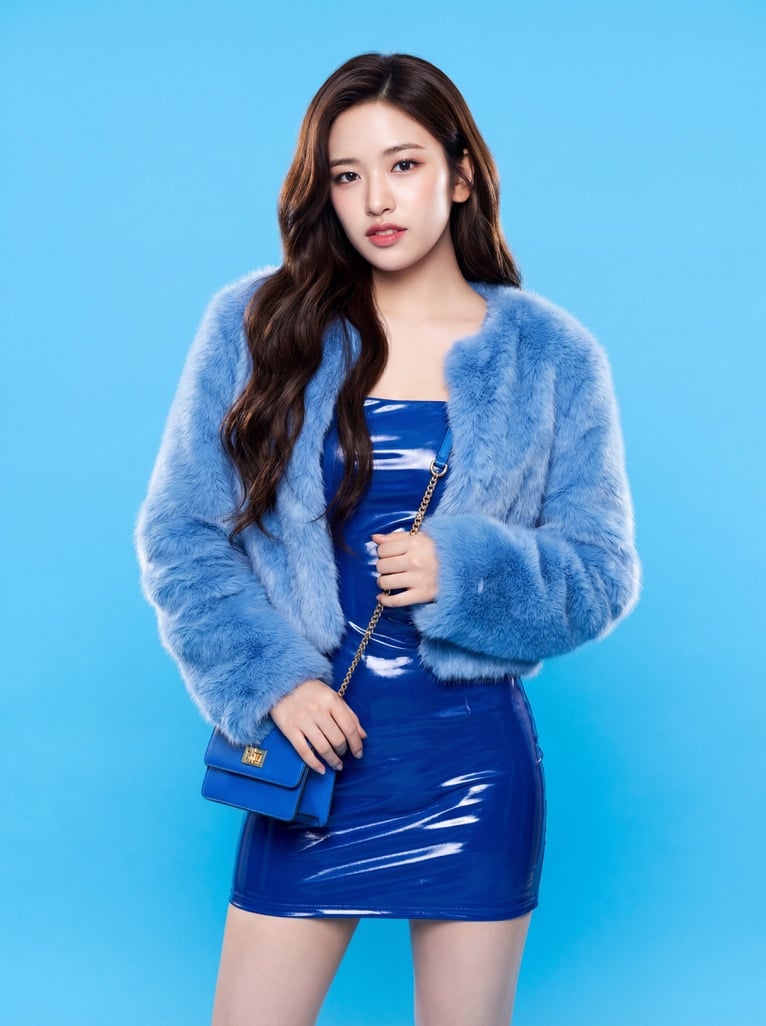
Ive Yujin Fashion Portrait in Blue

Nano Banana 2 Editorial Fashion Portrait

Caution Tape Fashion — Industrial Editorial
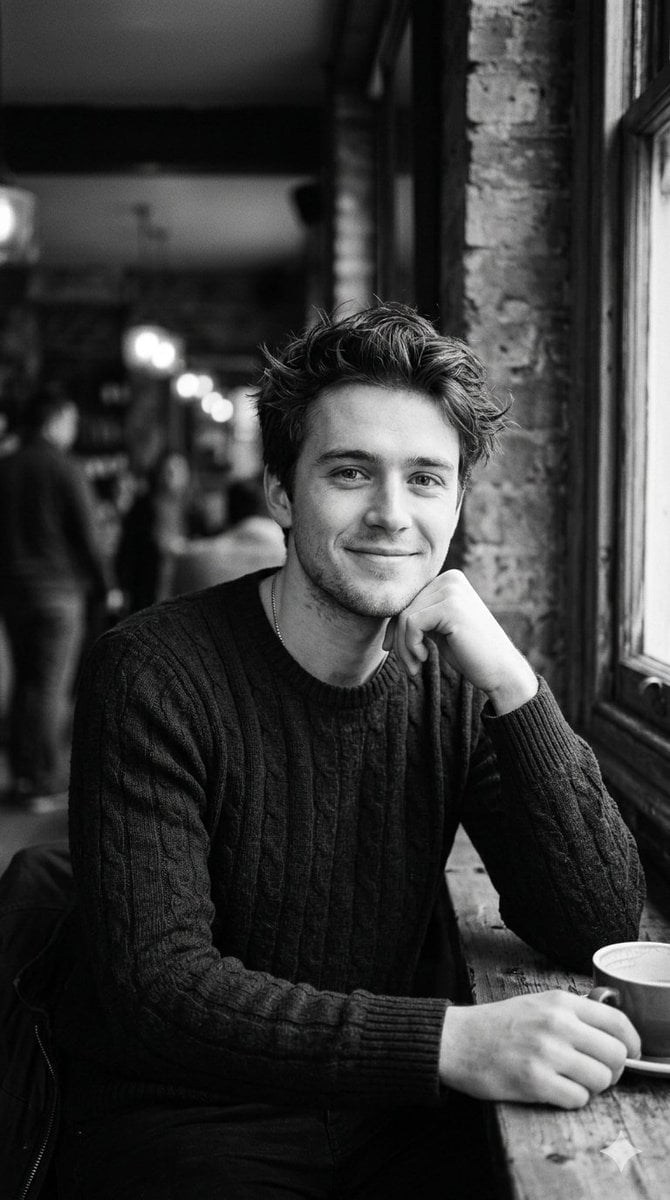
Black and White Cafe Portrait
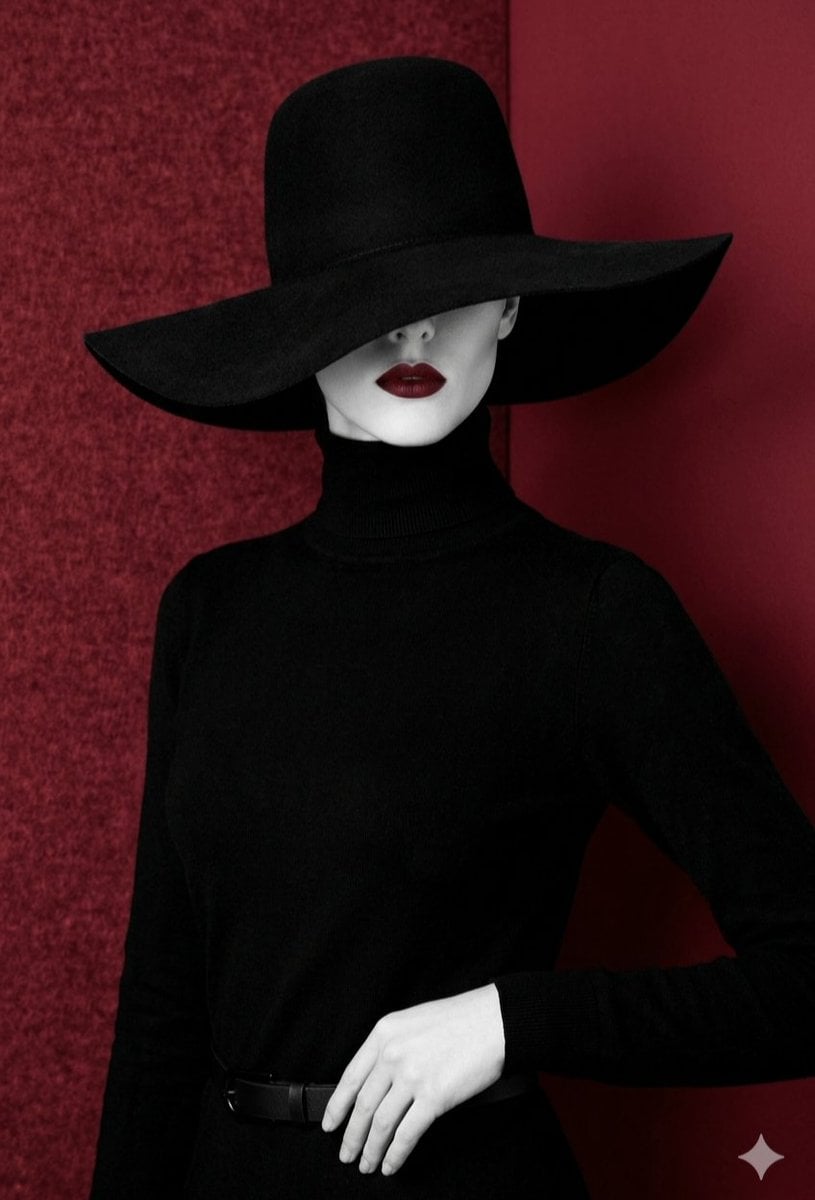
Mysterious Black and Red Fashion Portrait
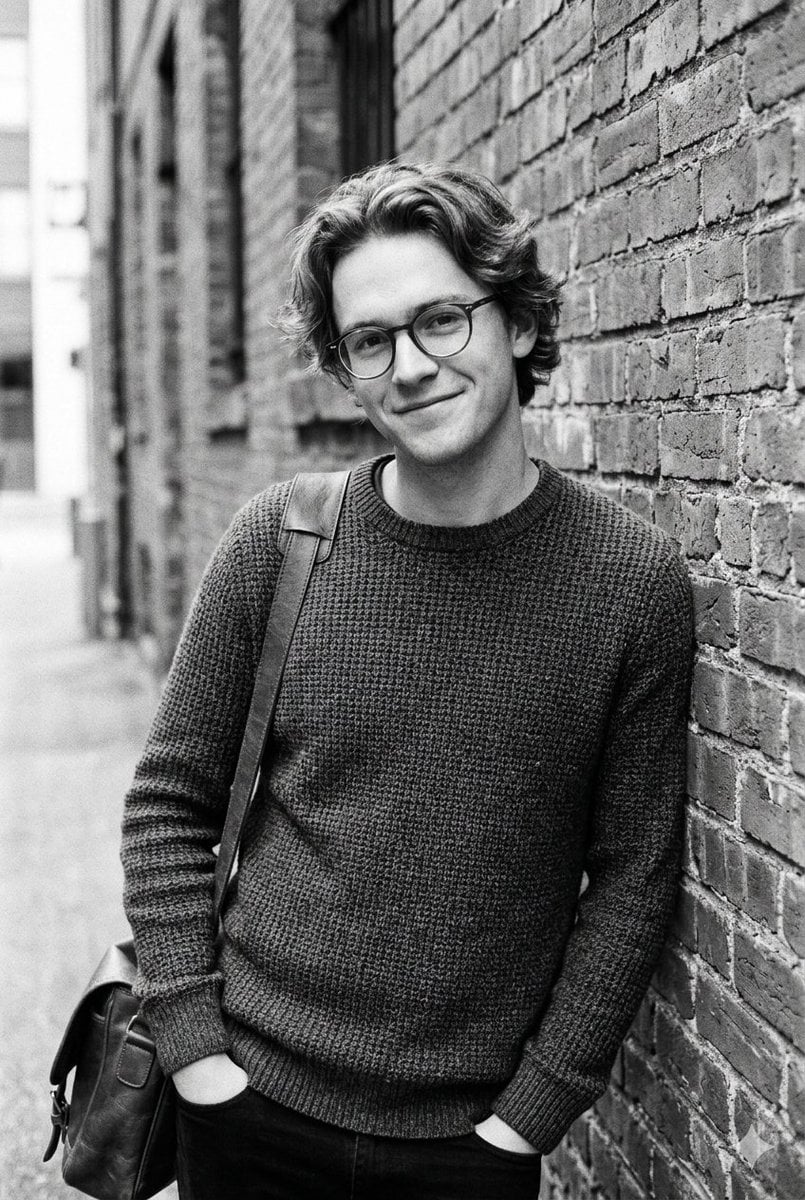
Black and White Urban Male Portrait
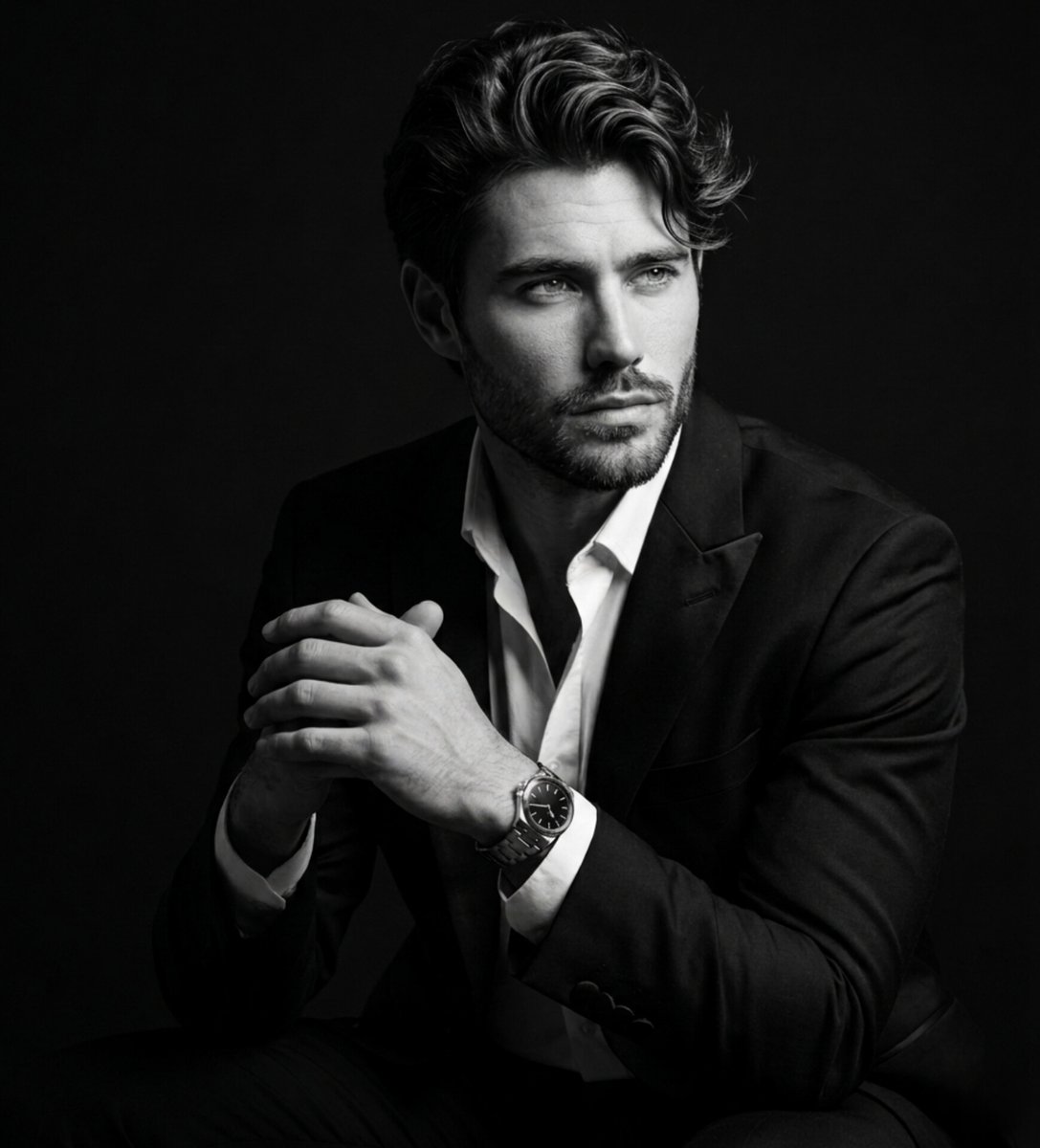
Fine Art Black and White Portrait
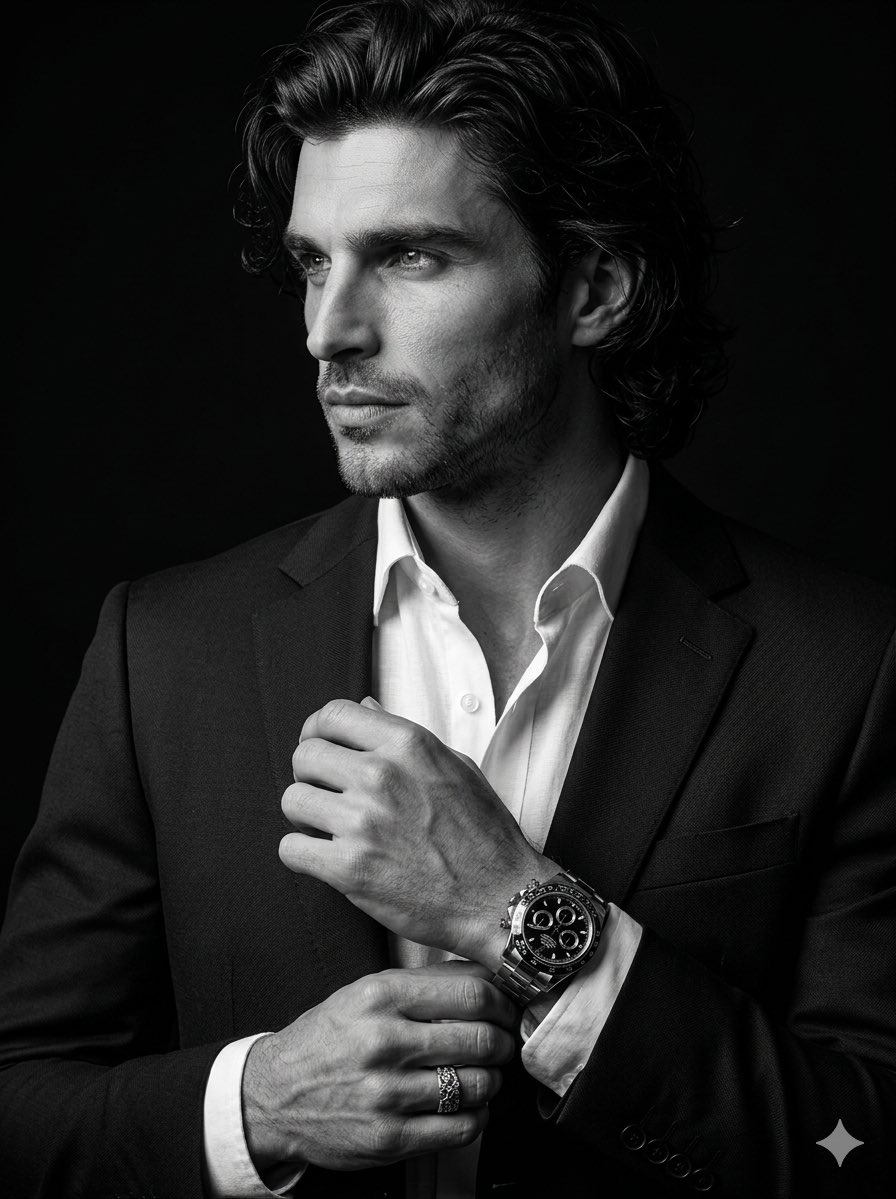
Cinematic Black-and-White Suit Portrait
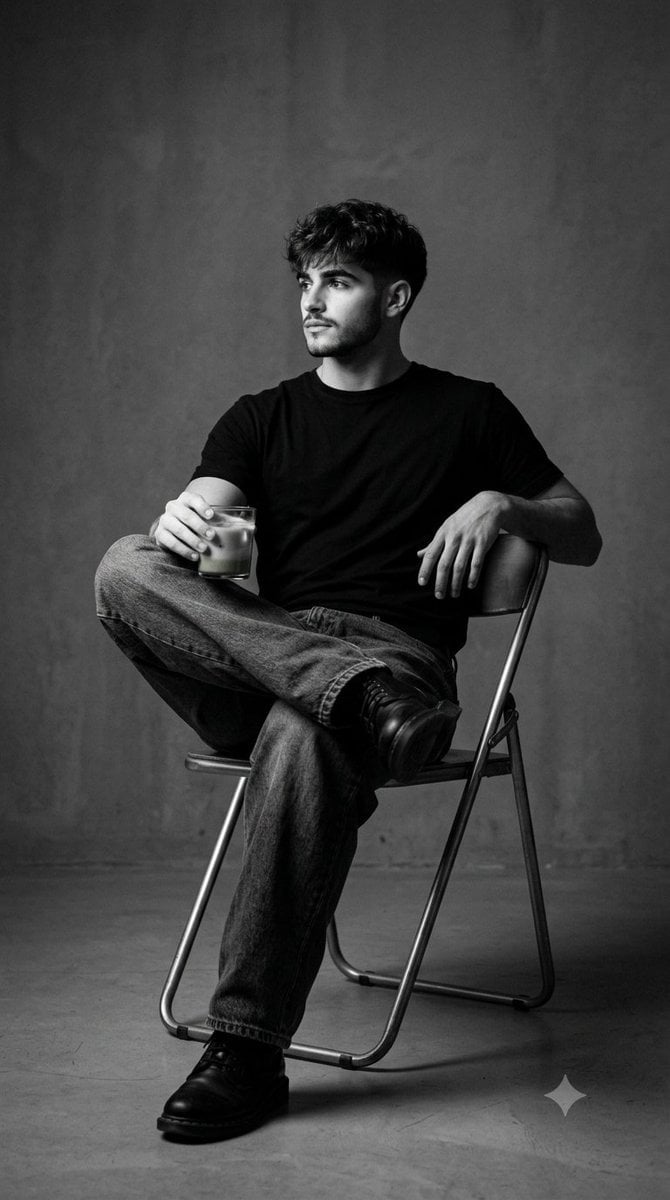
Black and White Studio Portrait
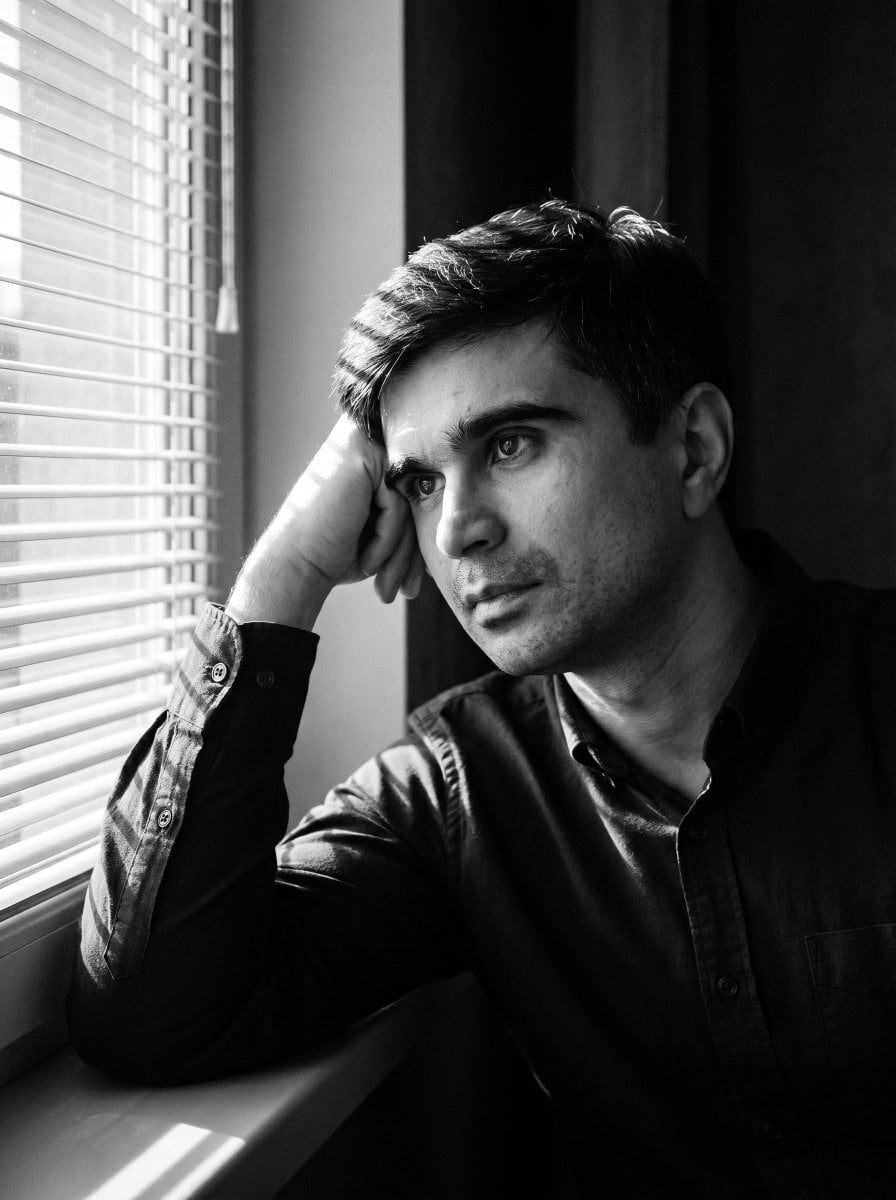
Moody Black and White Portrait
Make it yours
Black and White Fashion Portrait works as-is. These are the safest ways to change it without losing the look.
Change one field
Copy a single group, rewrite it, and generate again so you can see what that field is doing.
Keep the frame, change the subject
Hold the composition and light of Black and White Fashion Portrait, then swap wardrobe, props or the person for a new take.
| If the result… | Why | Fix |
|---|---|---|
| The result drifts from the preview | Too many fields changed at once. | Reuse Black and White Fashion Portrait as-is first, then change one group — subject, light, or setting. |
| The model over-stylizes the scene | The prose prompt leaves finish and camera underspecified. | Add one camera or lighting sentence and stay on Gemini 3 Pro Image Preview. |
More Gemini 3 Pro Image Preview templates
Other prompts made for Gemini 3 Pro Image Preview.
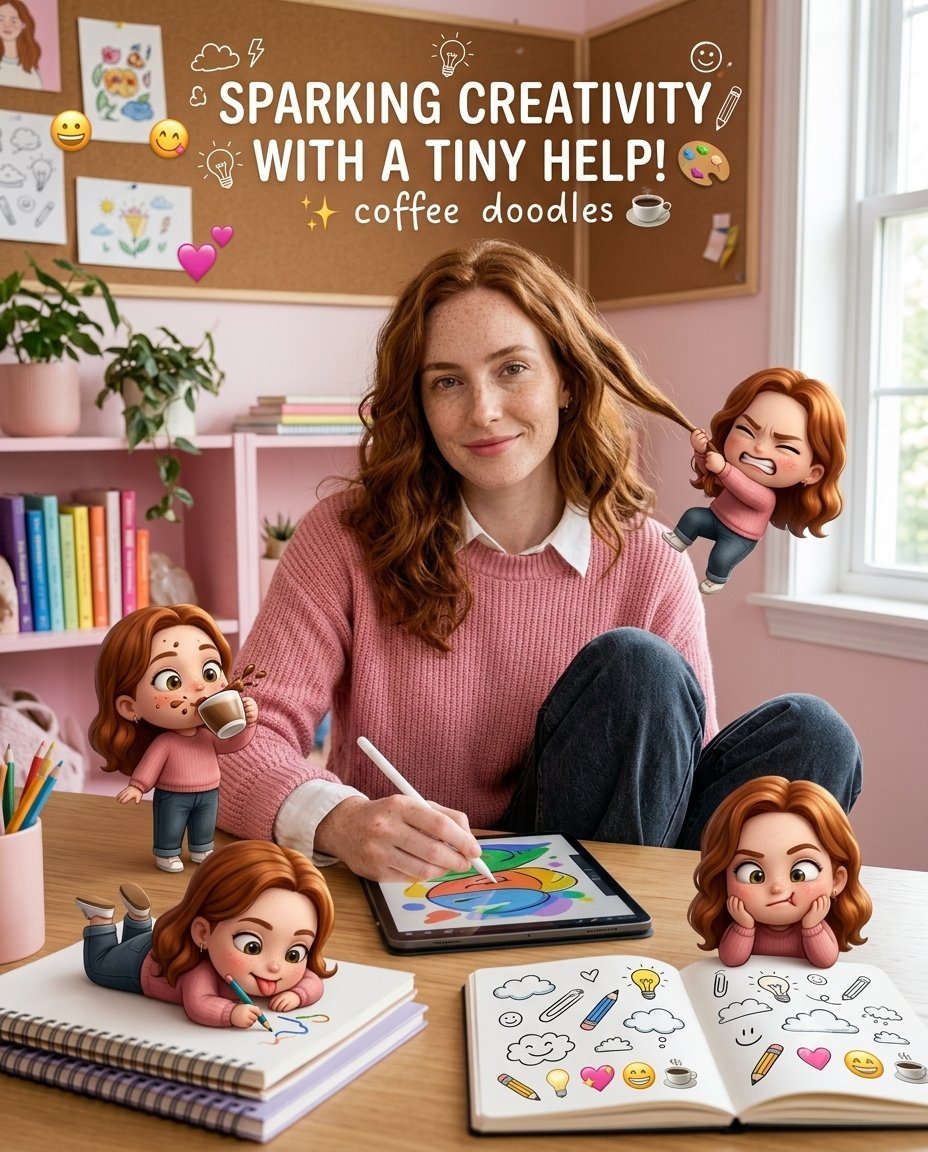
Creative Character in Pink Office
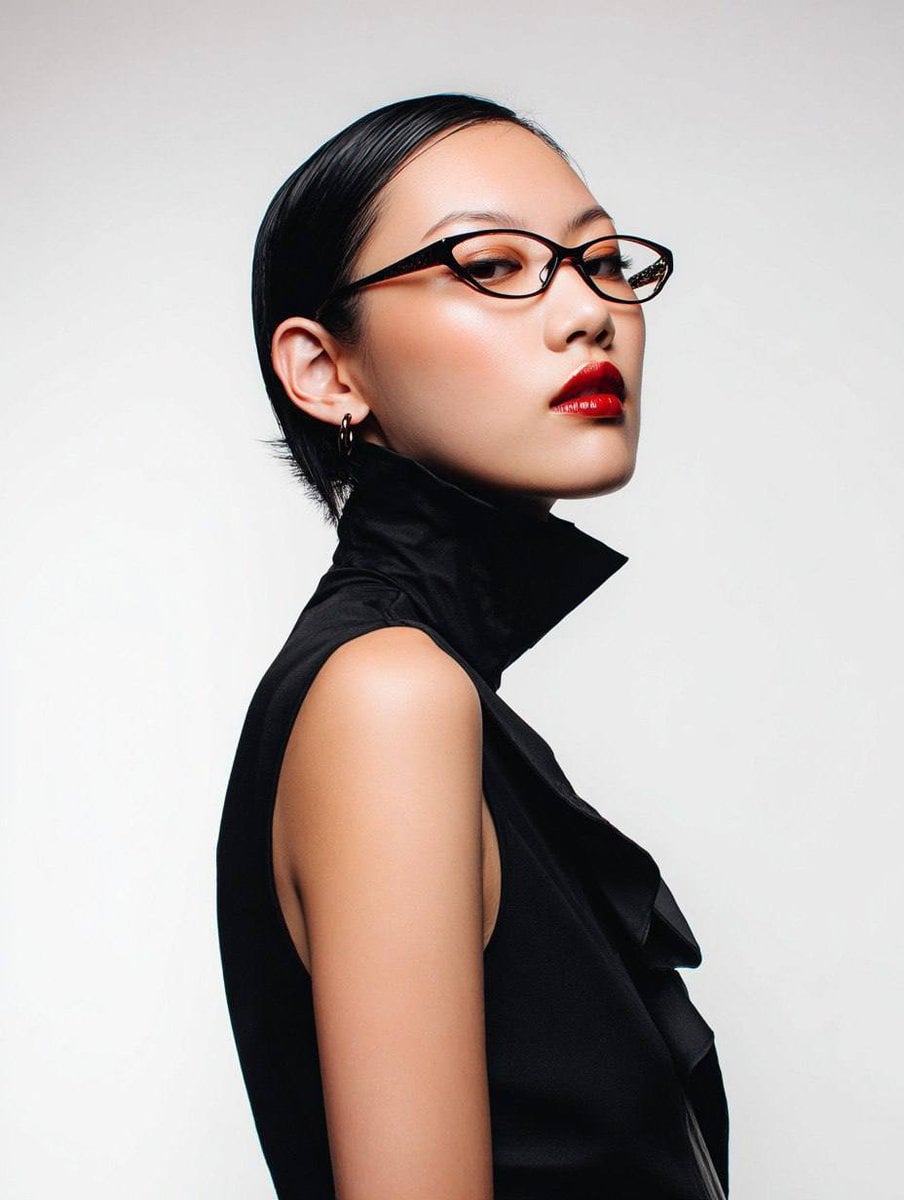
Avant-Garde Asian Fashion Model

Underwater Macro Face Portrait
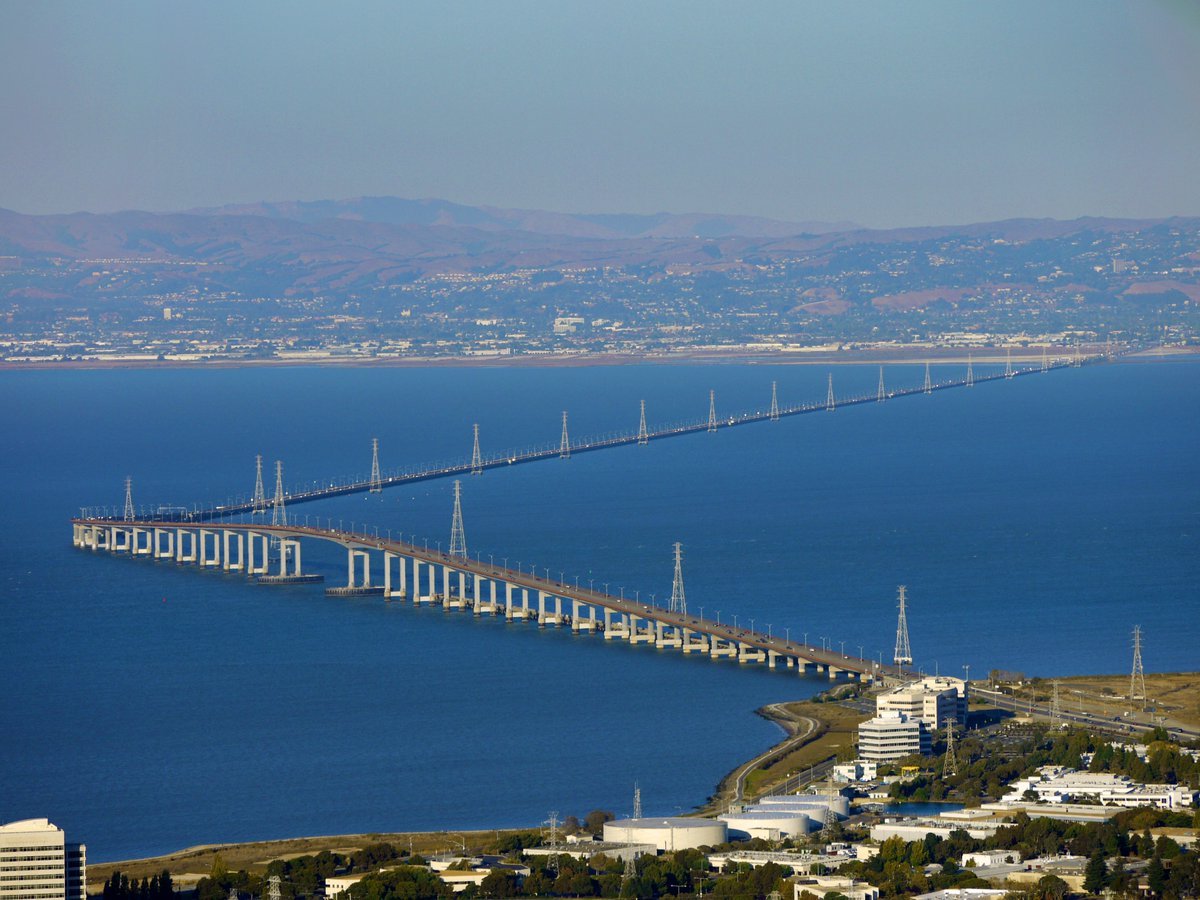
Water-level Bridge Modification
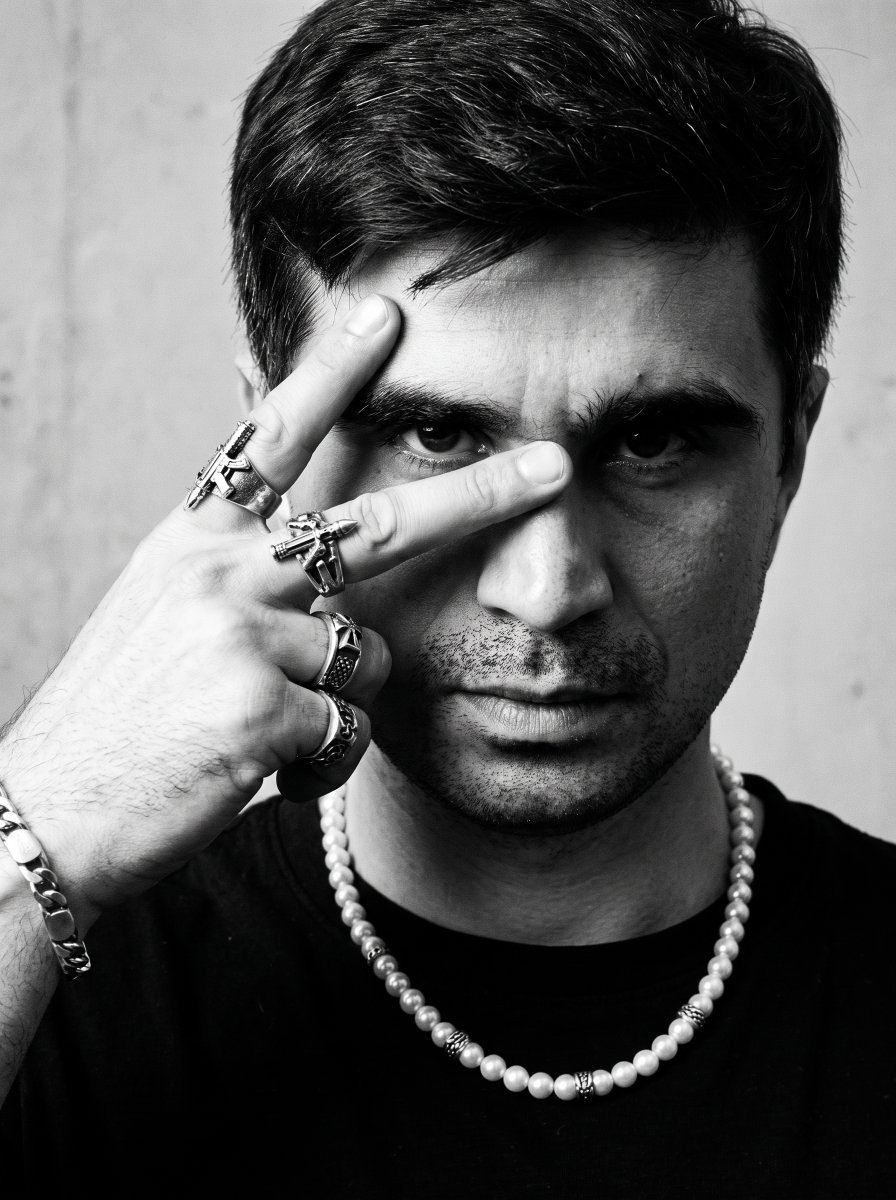
Noir Punk Street Portrait
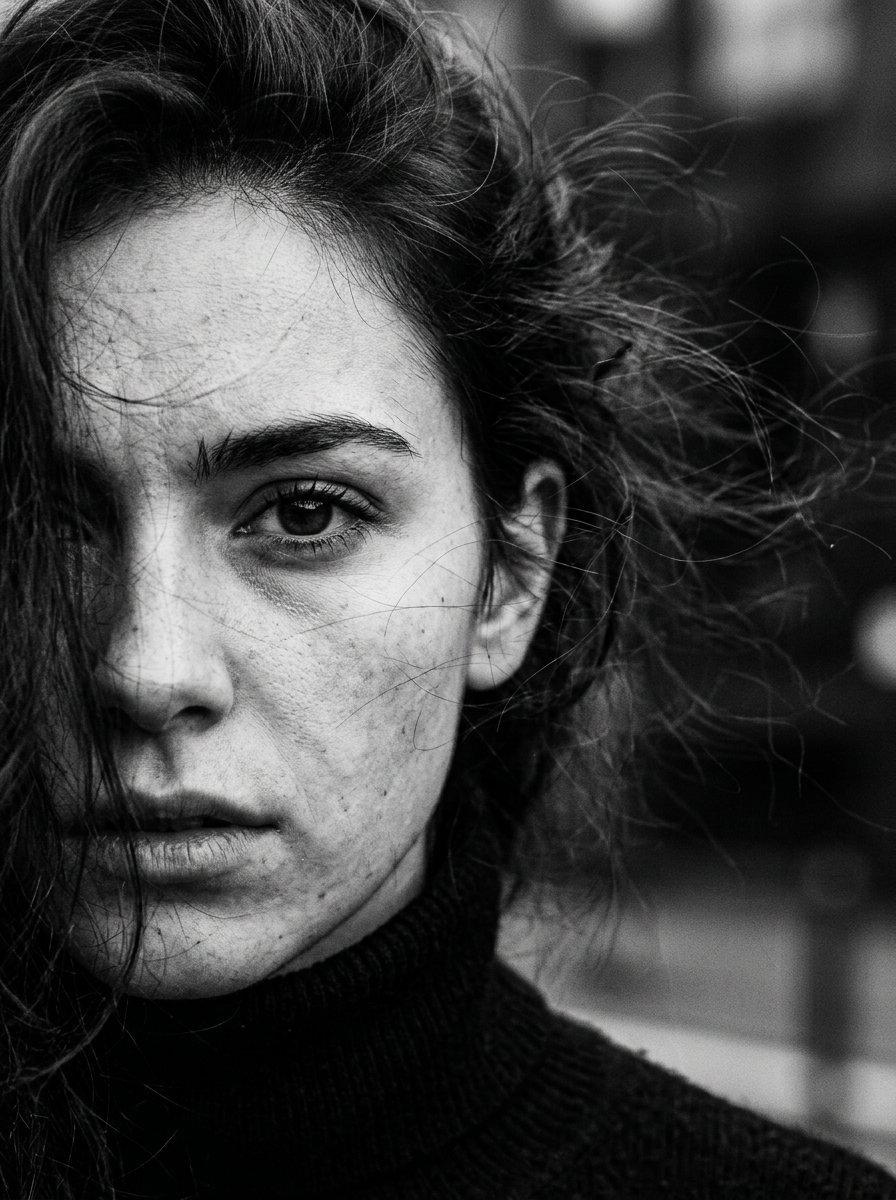
High Contrast Cinematic Face Portrait
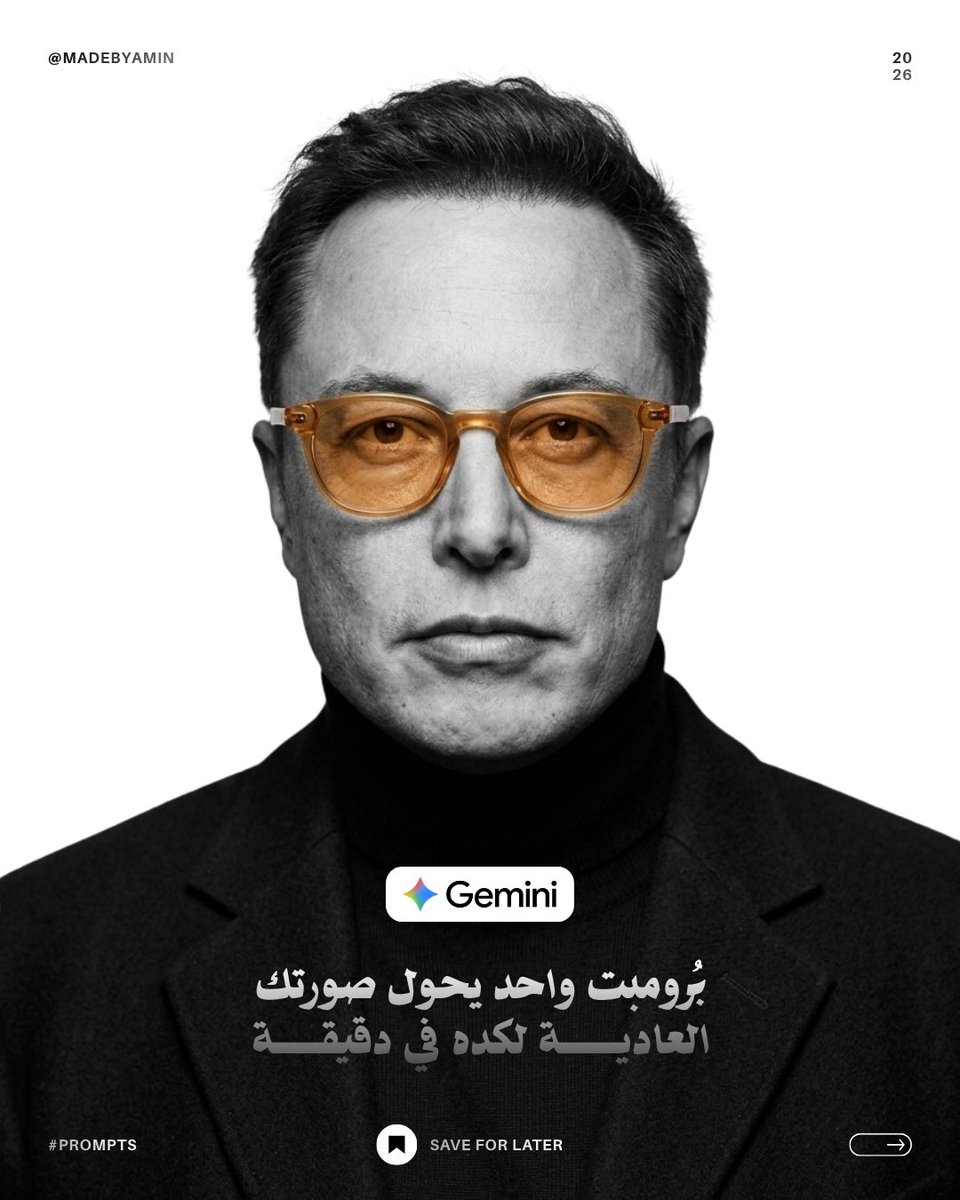
Monochrome Studio Portrait with Colored Lens

Ultra-Realistic Yacht Sunset Portrait

Mushroom Still Life Composition
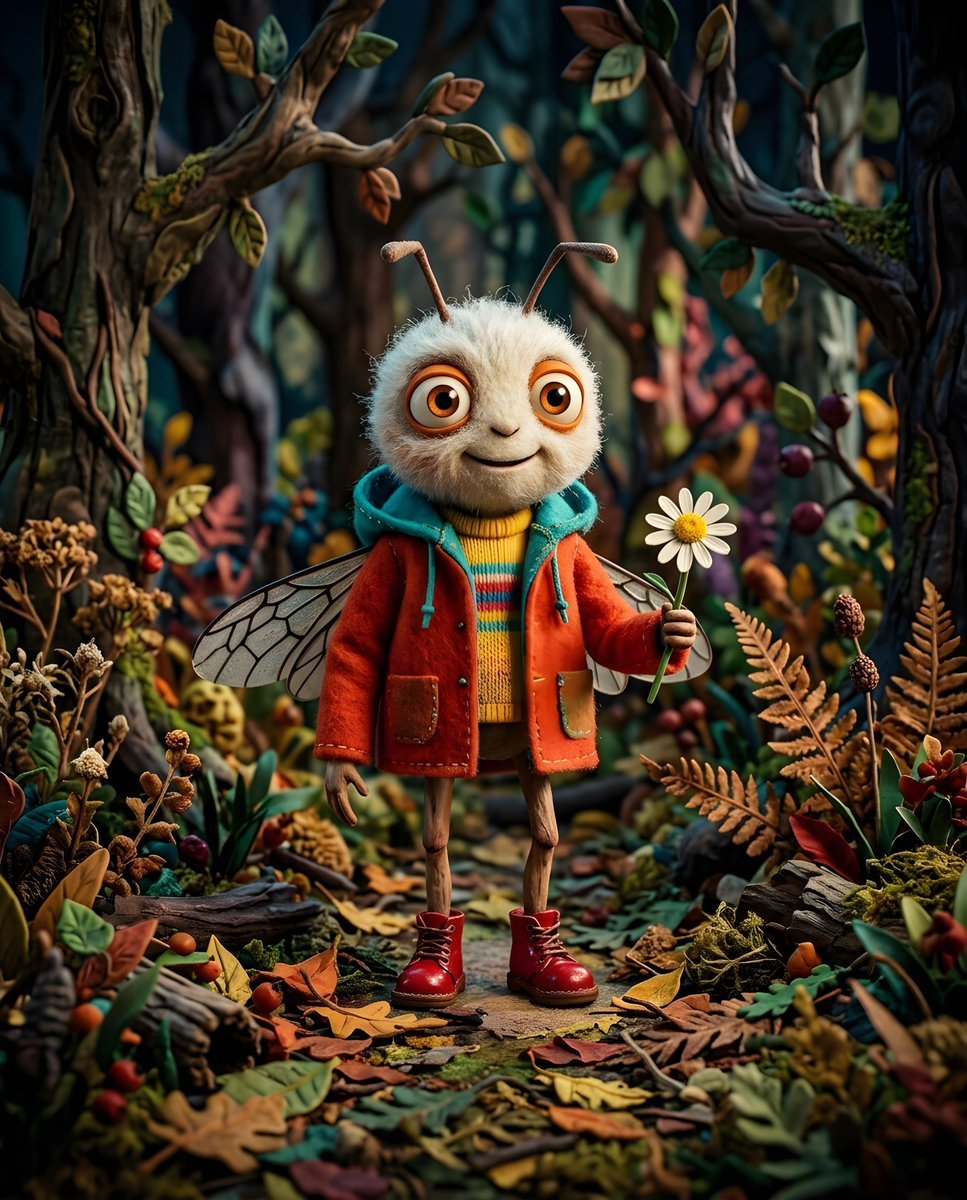
Whimsical Anthropomorphic Friendly Insect
More image prompts
Fresh picks from across the catalog.
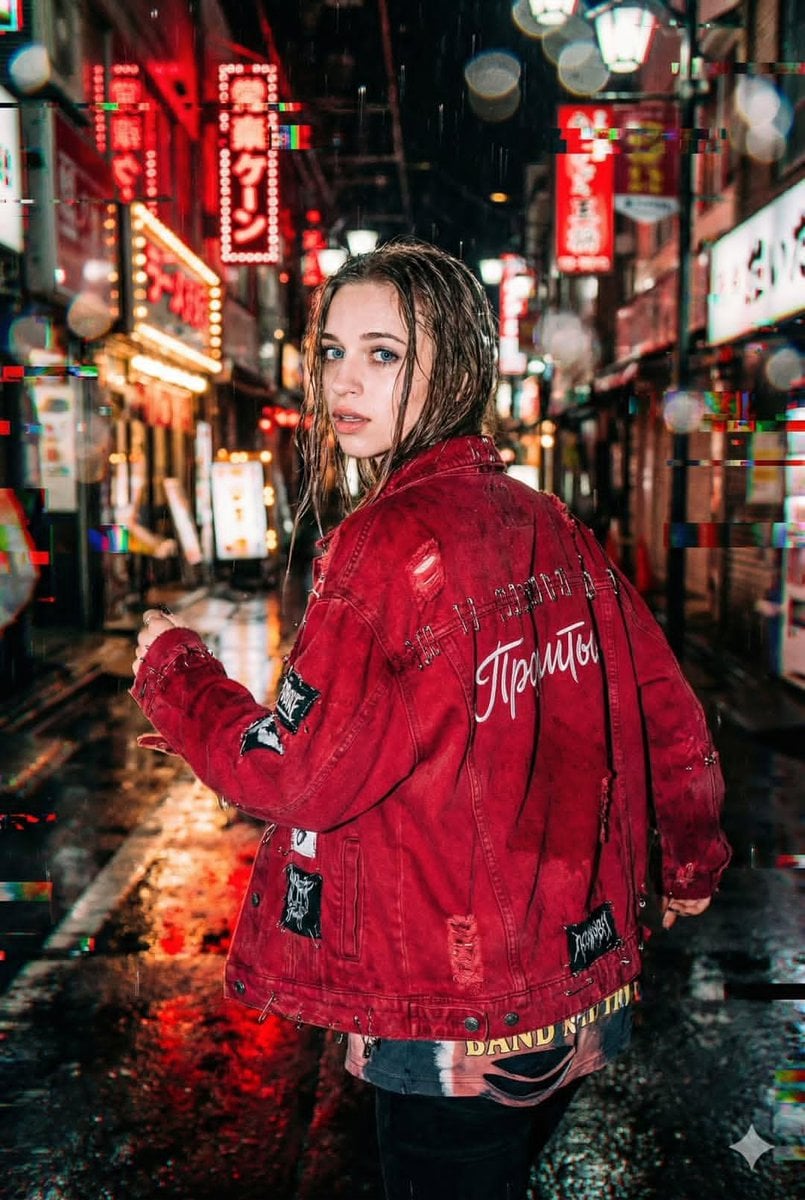
Neo-Tokyo Street Style Portrait Prompt with Glitch Effects
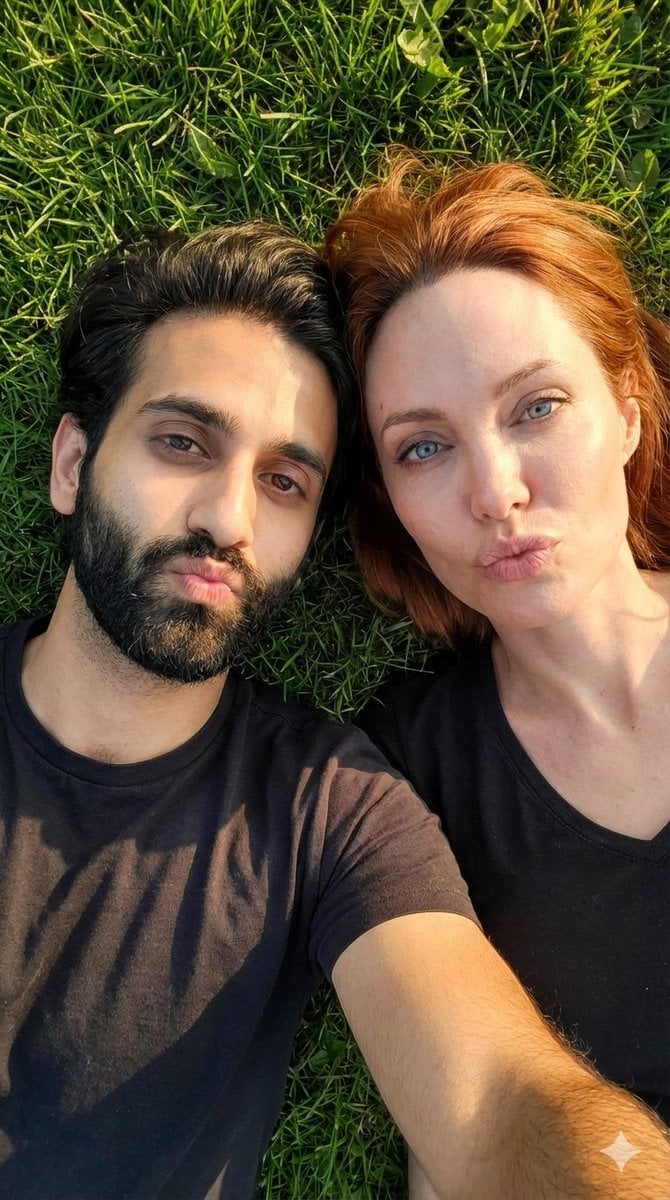
Hyper-Realistic Couple Selfie on Grass Prompt
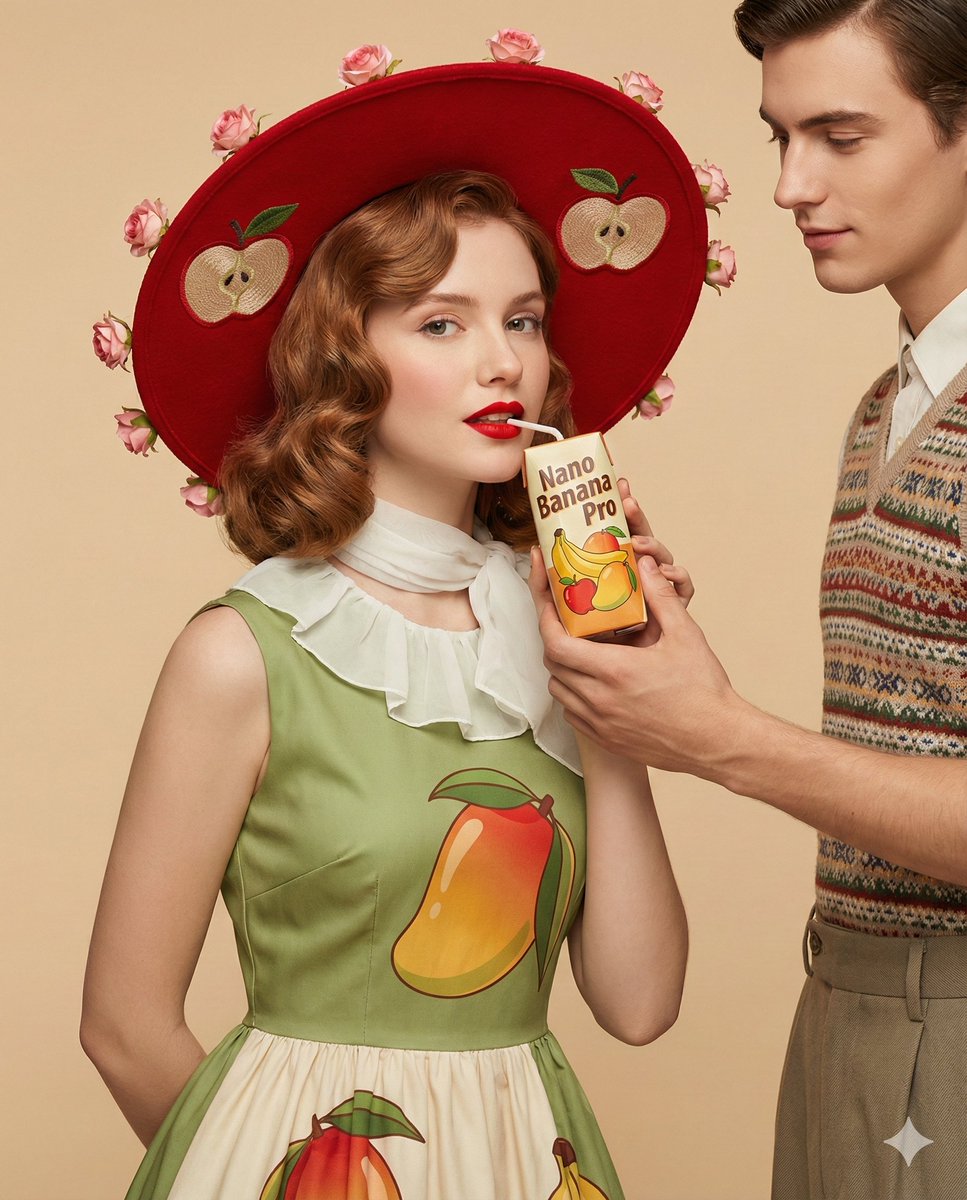
4K Ultra-Realistic Retro Fashion Editorial Portrait
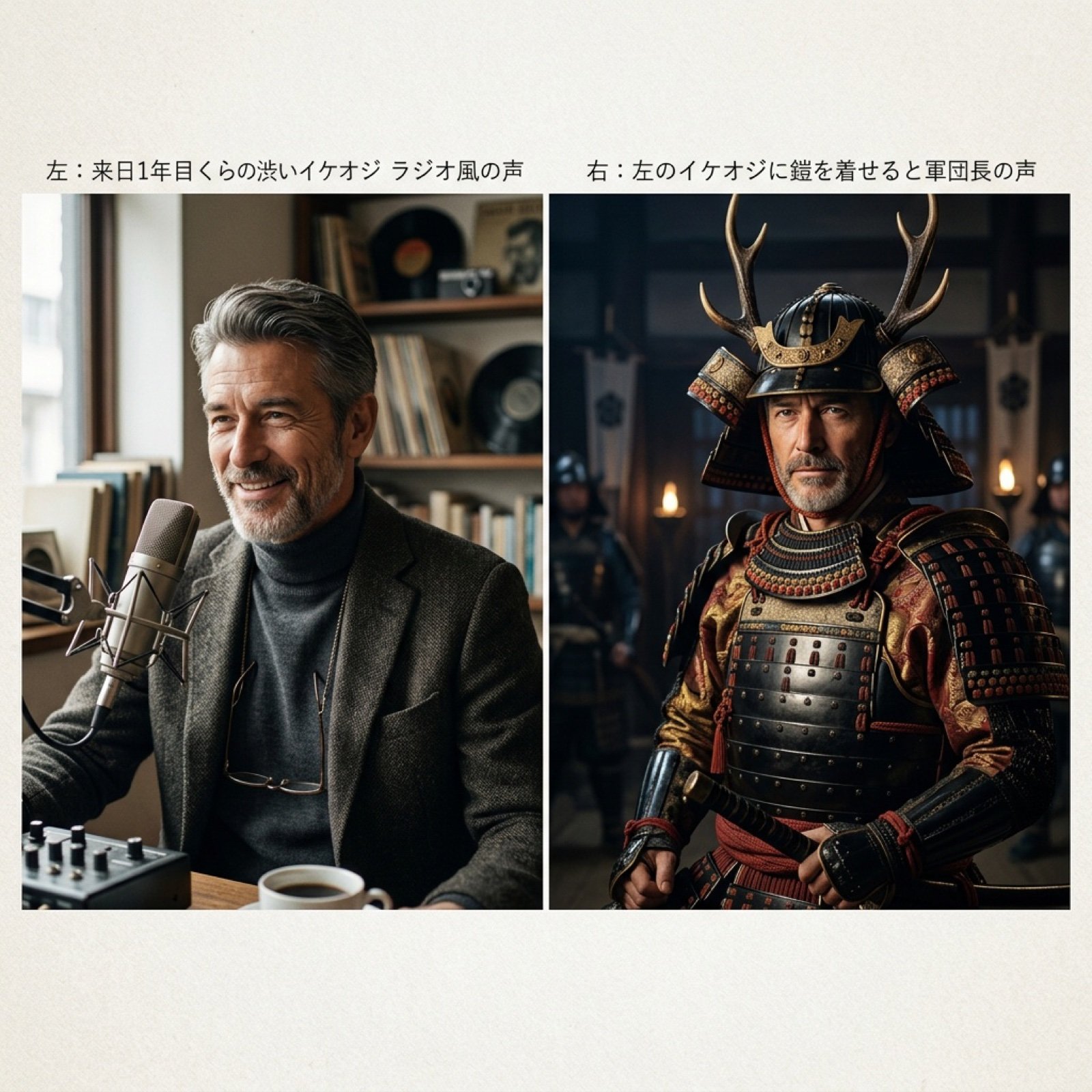
Grok Voice Generation Prompt Examples
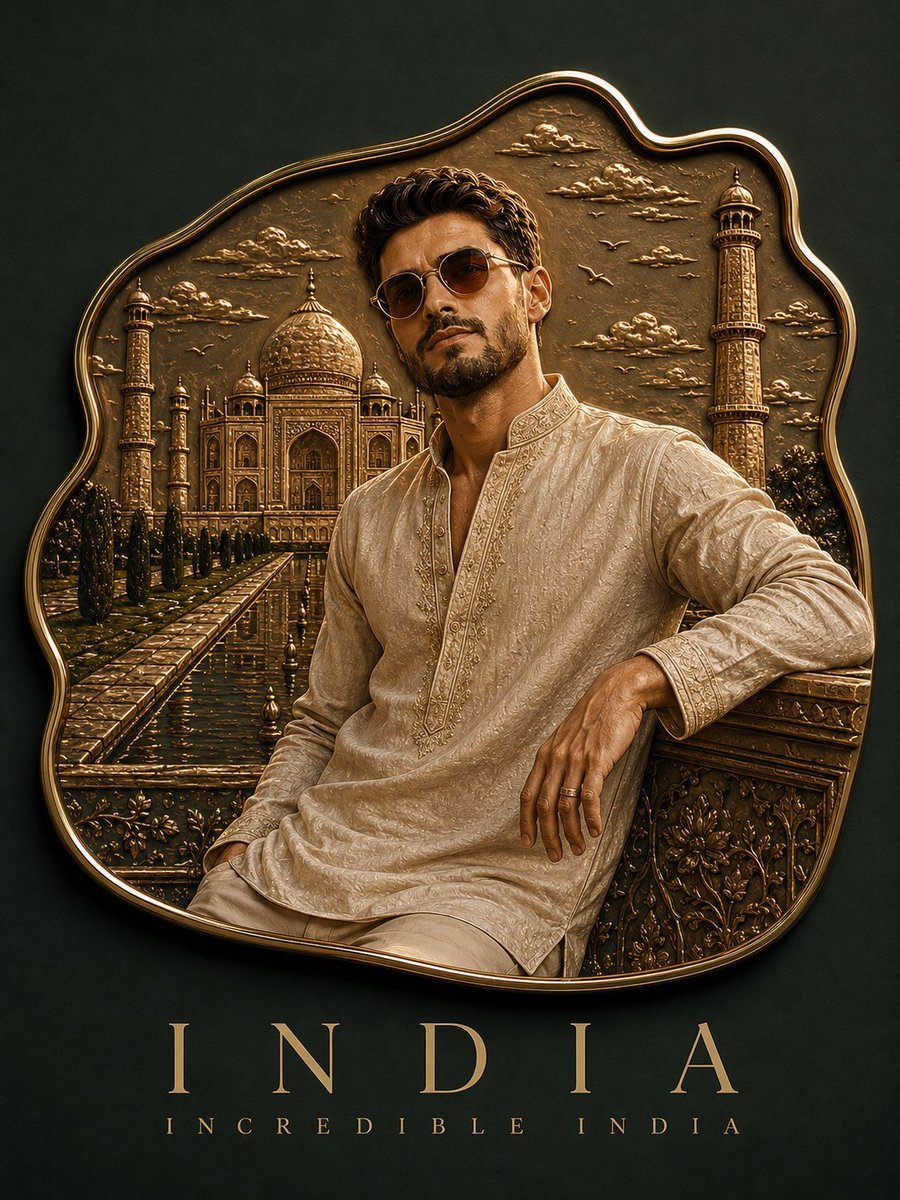
Custom Enamel Souvenir Magnet
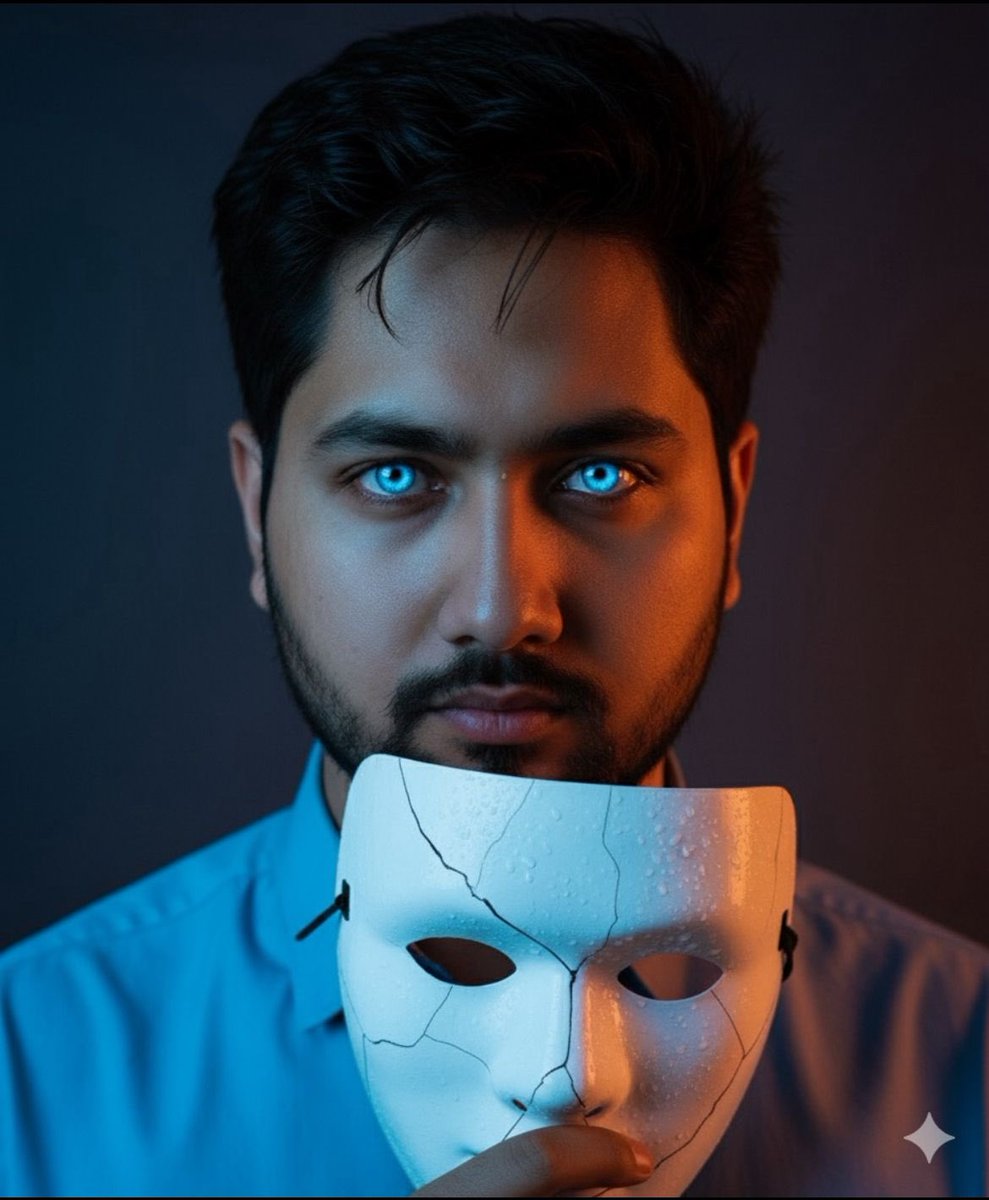
Dramatic Close-Up Portrait with Wet Skin and Cracked Mask
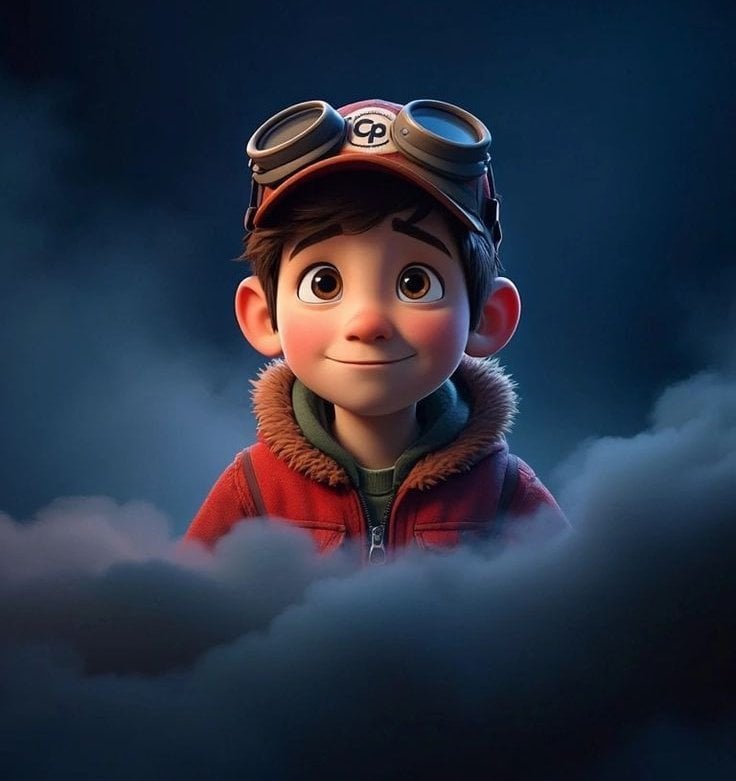
3D Animated Boy Portrait
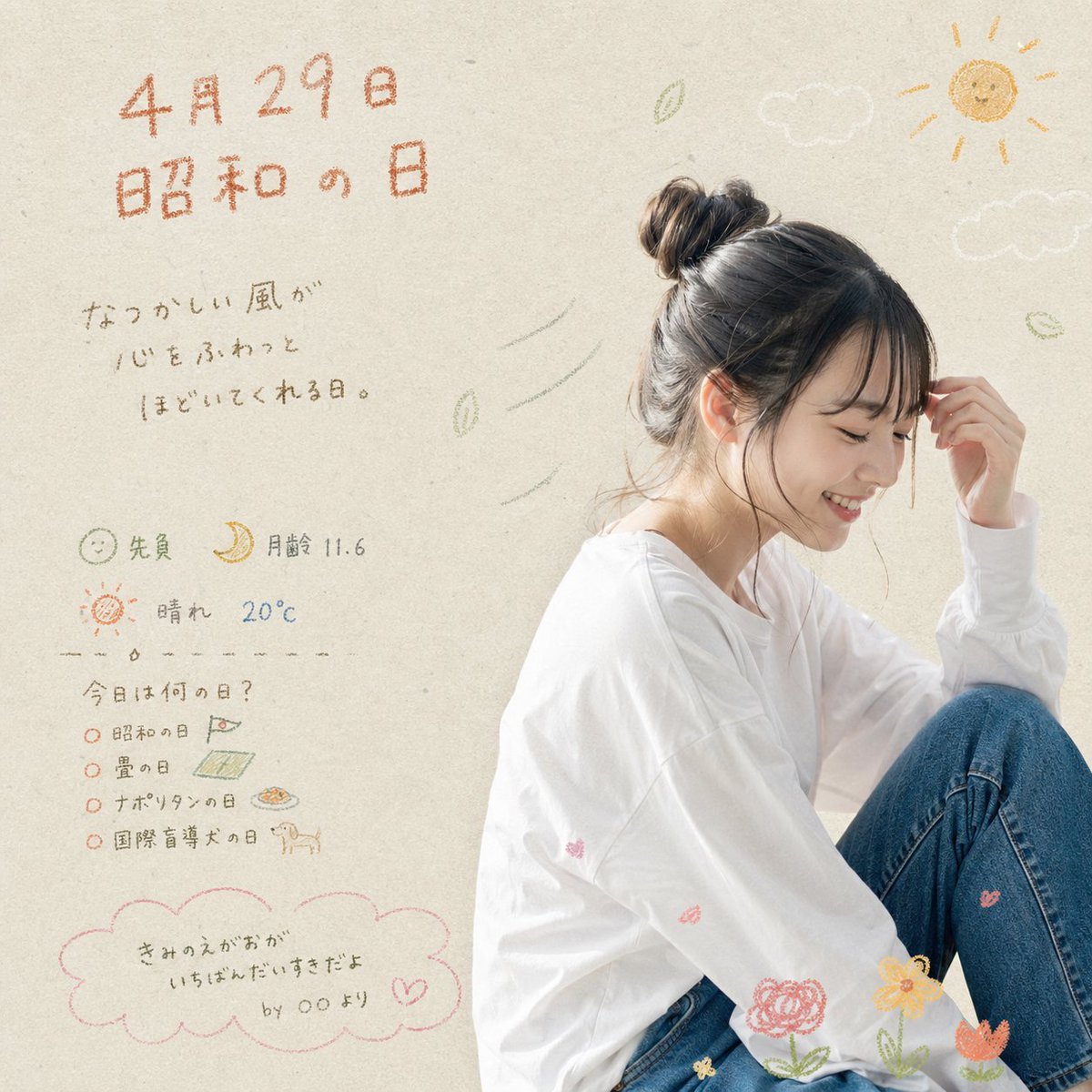
Showa Day Scrapbook Portrait
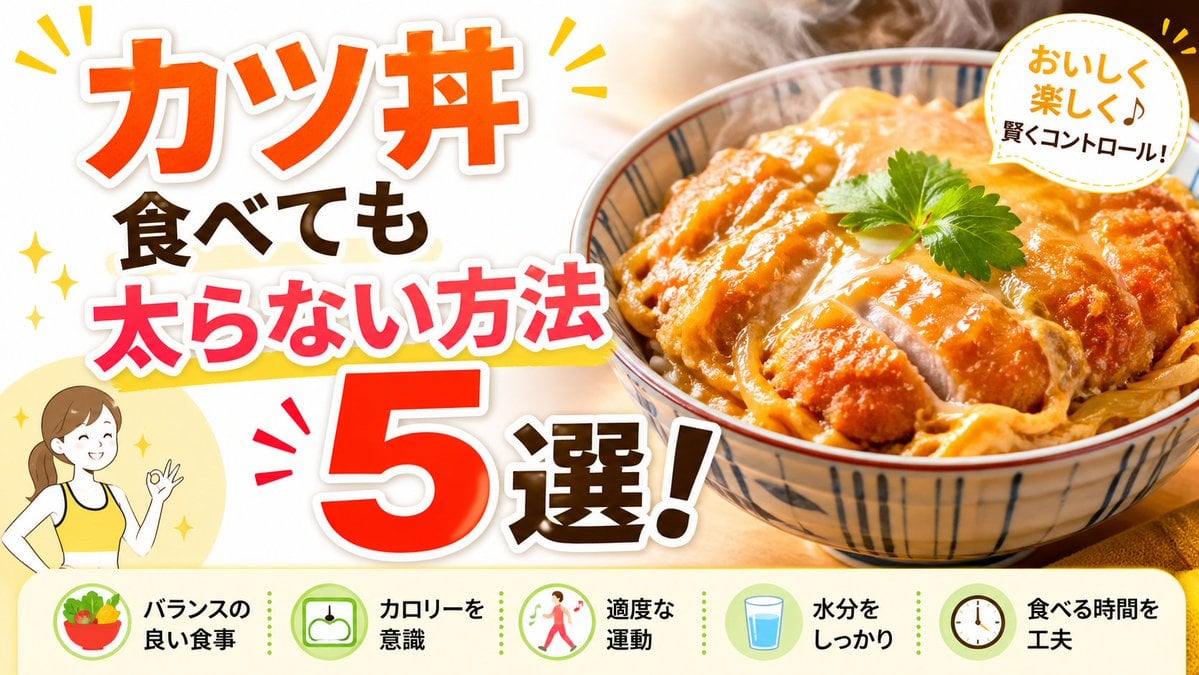
Japanese Katsudon Diet Thumbnail
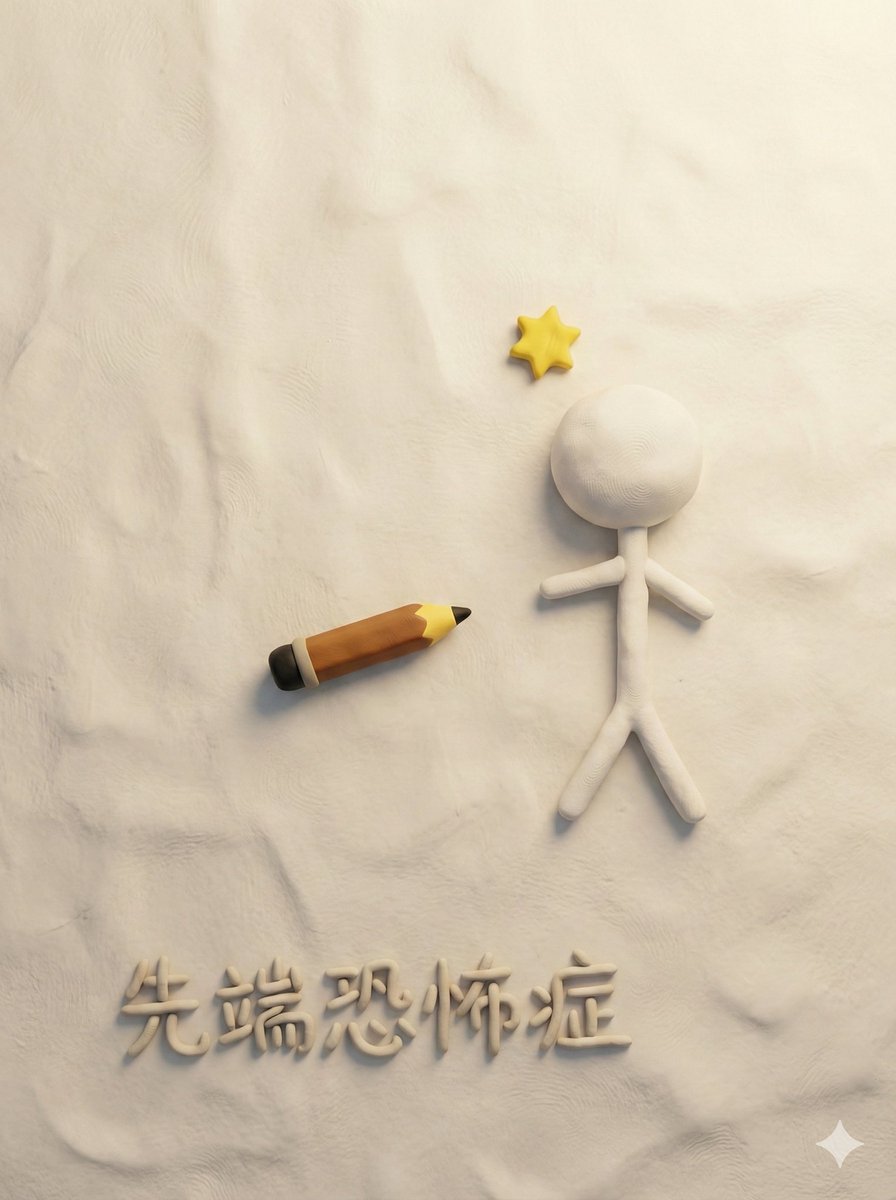
Style Transfer for Medical Term Infographic
Browse template categories
Black and White Fashion Portrait questions
How do I use the Black and White Fashion Portrait template?
Add your photo if the template asks for one, edit the prompt if you like — the template's model and format are already selected — and press Generate. Your version opens in PicX Studio.
Can I customize the Black and White Fashion Portrait template?
Yes. You can change the subject, setting, lighting, mood, format, and available model controls before creating your image.
Is the Black and White Fashion Portrait template free?
Opening and editing this template is free. Generating uses credits, shown on the Generate button when you are signed in.
Which AI model should I use?
Start with Gemini 3 Pro Image Preview, which is the model associated with this template. You can compare another compatible model for a different finish.
Looking for something else? Browse all templates.

Your photo, any look
Thousands of ready templates for every top image and video model, from one credit balance.