
Detailed Maki Zenin Anime Portrait
A production-ready prompt for generating a highly detailed anime portrait of Maki Zenin, featuring glowing glasses effects and cinematic lighting.
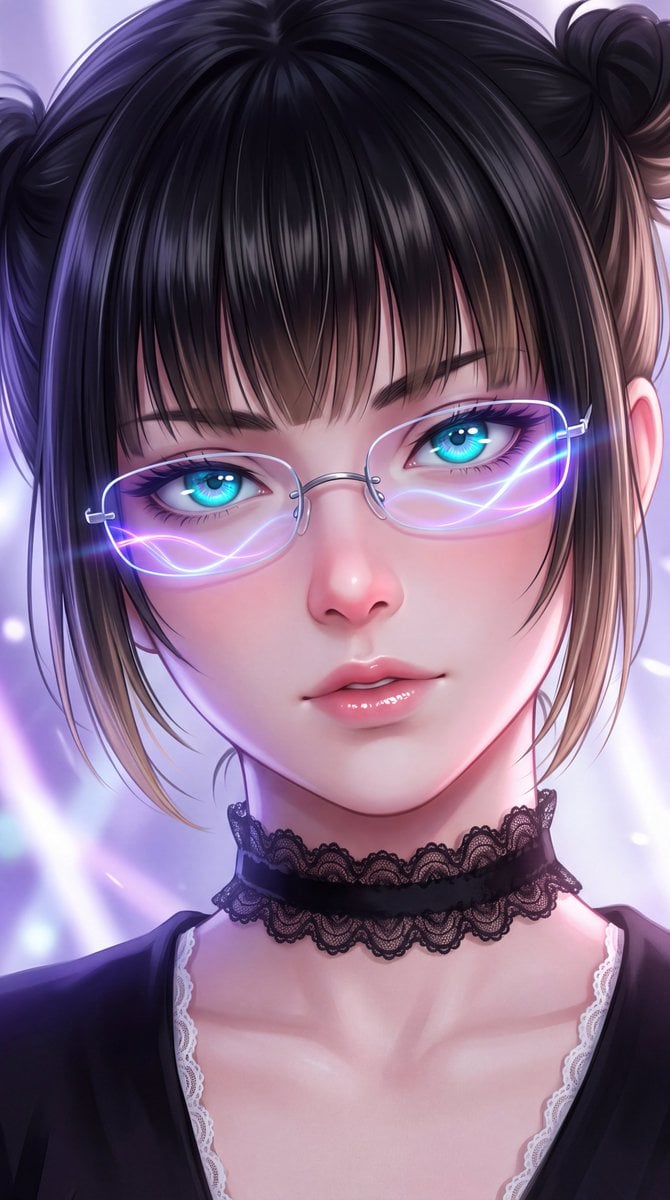
- Prompt included
- Model and format preset
- Free template
The prompt behind this image
Copy the exact prompt behind Detailed Maki Zenin Anime Portrait, or open it in the studio and make it yours.
masterpiece, best quality, ultra-detailed anime portrait of Maki Zenin from Jujutsu Kaisen, close-up face shot from slightly low angle looking upward, beautiful young woman with fair smooth skin, soft pink blush on cheeks and nose, glossy plump lips with subtle pink gloss, sharp defined jawline, delicate features, long black hair with soft brown highlights, straight bangs covering forehead, hair parted slightly, two small high buns or half-up style with loose strands framing the face, silky shiny hair texture with individual strands visible, piercing bright cyan-blue eyes with detailed irises and catchlights, looking directly at viewer with calm intense expression, slightly narrowed eyes, long dark eyelashes, thin silver rimless glasses resting on the bridge of the nose, glowing neon purple-blue light reflections and soft wavy light trails across both lenses creating a cybernetic or magical effect, soft lens flare and light bloom on the glasses, wearing a black lace choker with delicate ruffled edges, black top with white collar or lace trim visible at the neckline, subtle gothic or elegant details, soft volumetric lighting, cool purple and blue ambient light from the left, warm pink rim light on the right side of the face, gentle subsurface scattering on skin, cinematic soft focus background with abstract purple and white light streaks and bokeh, dreamy ethereal atmosphere, highly detailed face, perfect anatomy, sharp focus on eyes and glasses, intricate hair strands, realistic skin texture mixed with anime style, vibrant yet soft color palette, 8k, ultra high resolution, ar 9:16, 4K, anime style, illustration, digital painting, soft shading, cel shading mixed with realistic lighting, negative prompt: blurry, low quality, deformed eyes, extra fingers, bad anatomy, text, watermark, oversaturated, ugly, duplicate
How to use Detailed Maki Zenin Anime Portrait in 3 steps
- 1
Open
The prompt is already in the box next to the preview, with the template's model and format selected.
- 2…a portrait of your subject in softgolden-hour light, 85mm…
Personalize
Edit the subject and creative details for your destination.
- 3Generate
Generate
Press Generate — your image is created in PicX Studio, so you can compare it with the original and refine one variable at a time.
More like this
Templates with the same subject, style or setup. Open one to see its prompt.

Underwater Macro Face Portrait
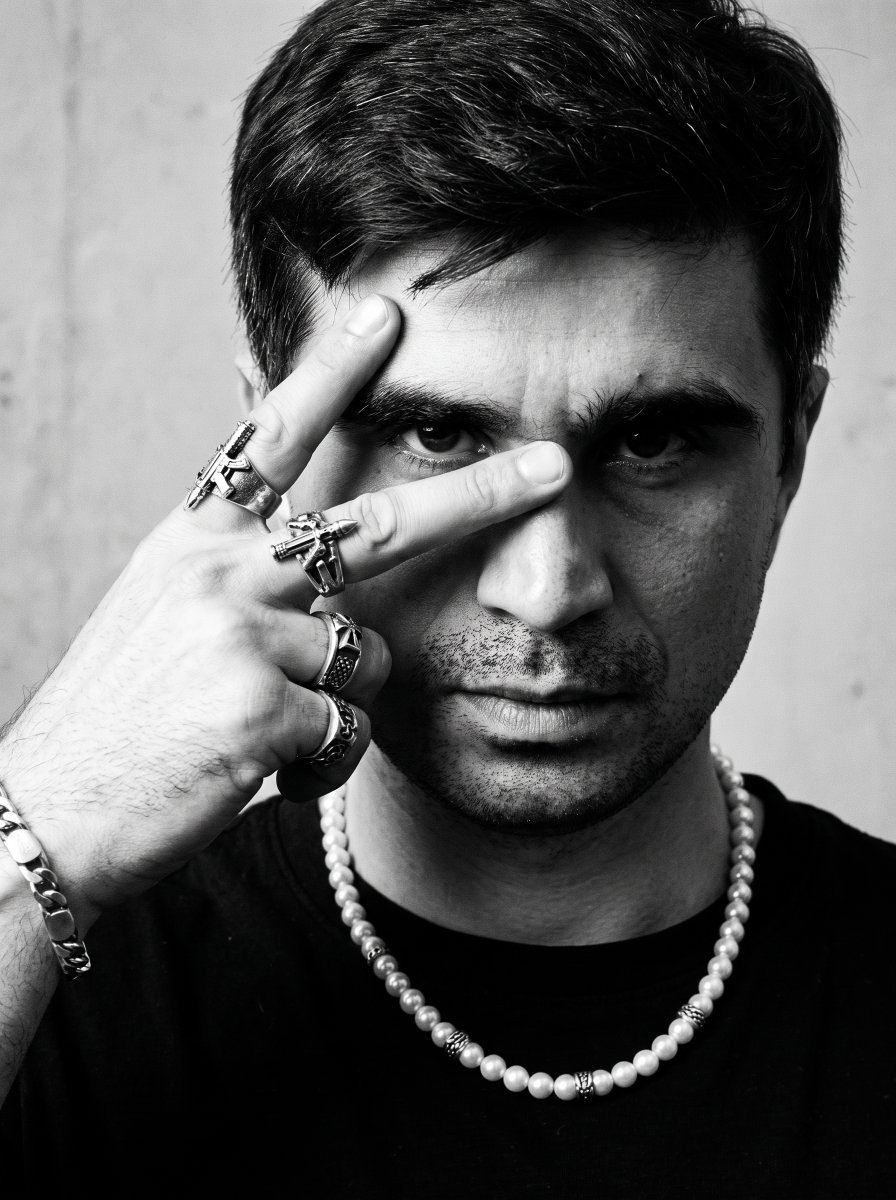
Noir Punk Street Portrait
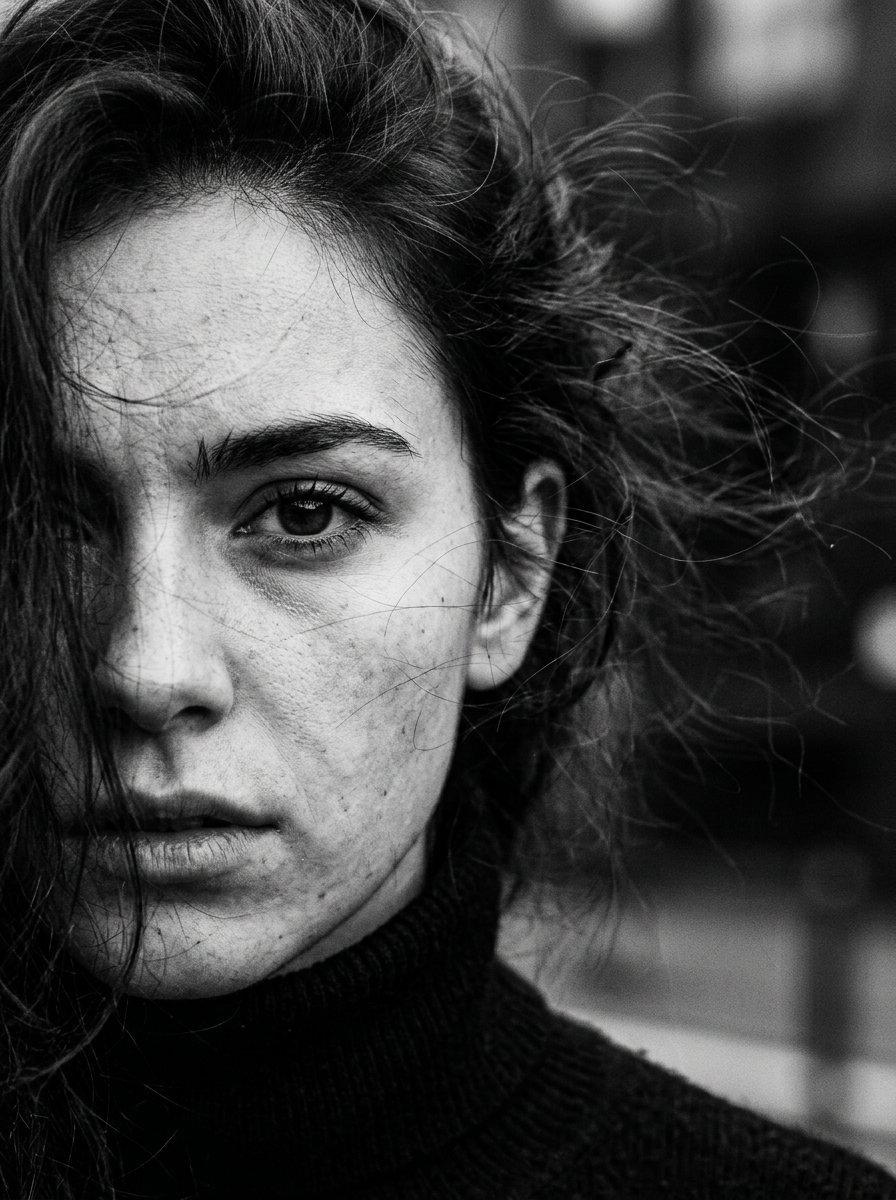
High Contrast Cinematic Face Portrait
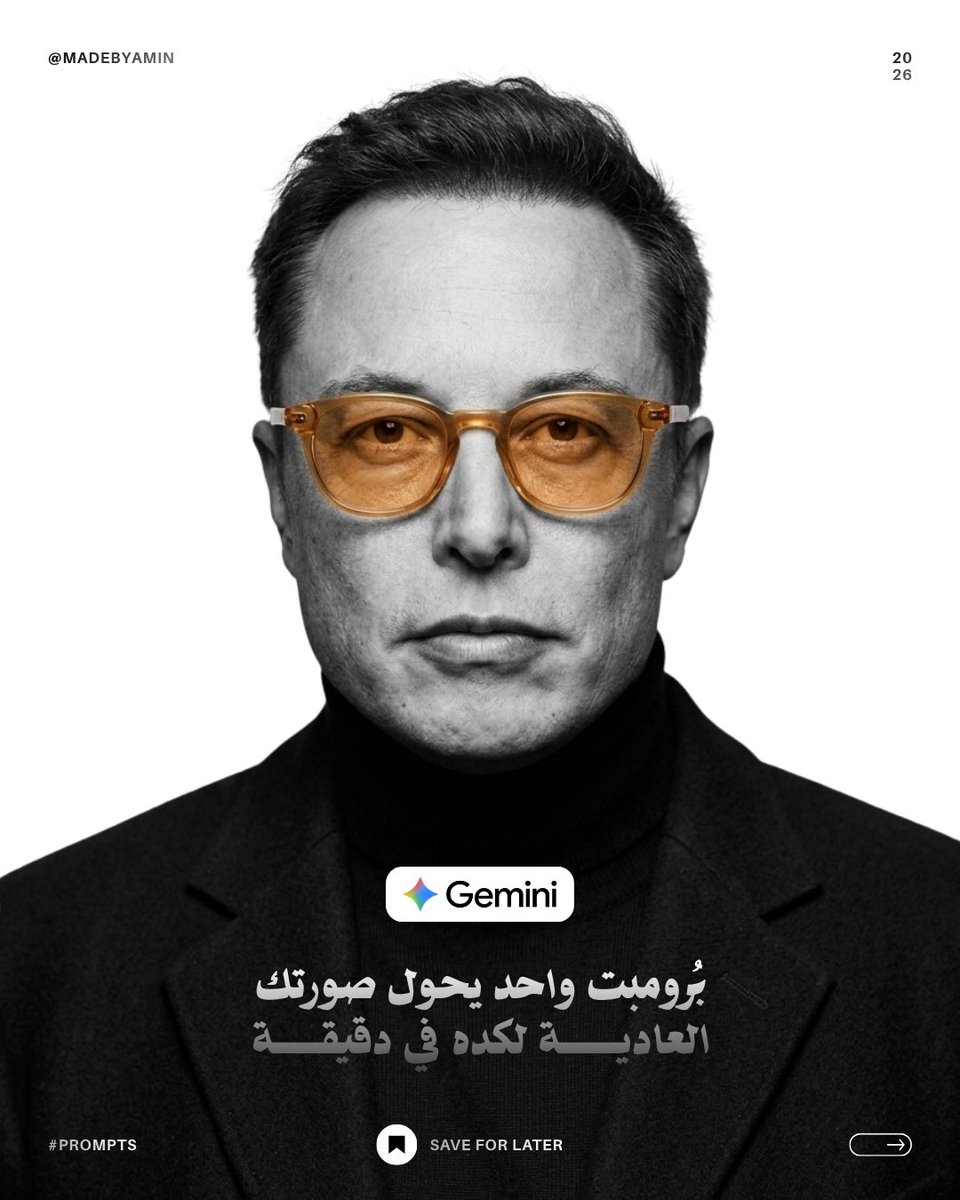
Monochrome Studio Portrait with Colored Lens
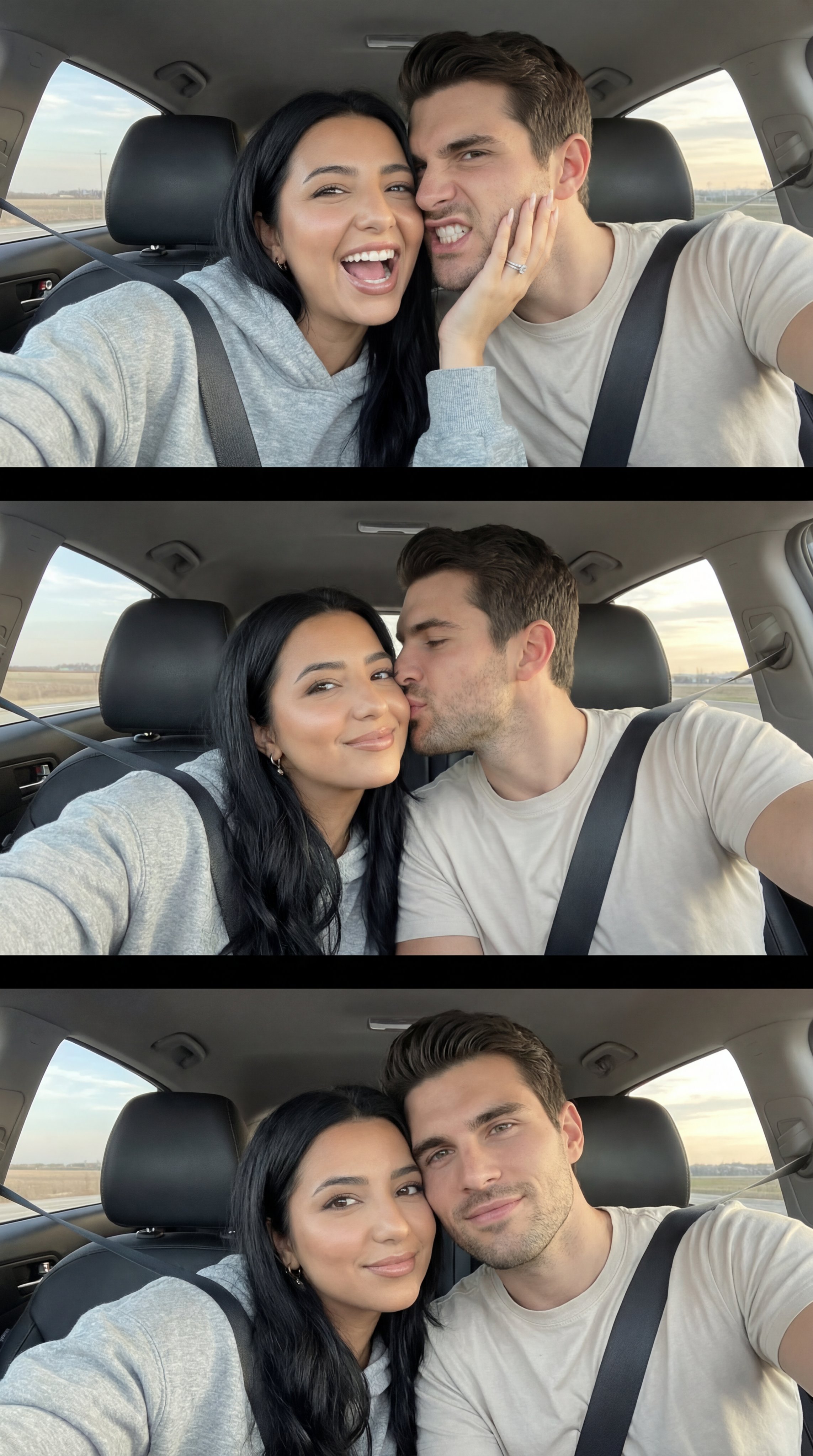
Nano Banana Pro Photoreal Playful Couple

Found Photograph: Us, 1970

80s Couple Studio Portrait

80s Bollywood Star

80s Golden Hour Cinema

Me in 1985

1985 Studio Portrait
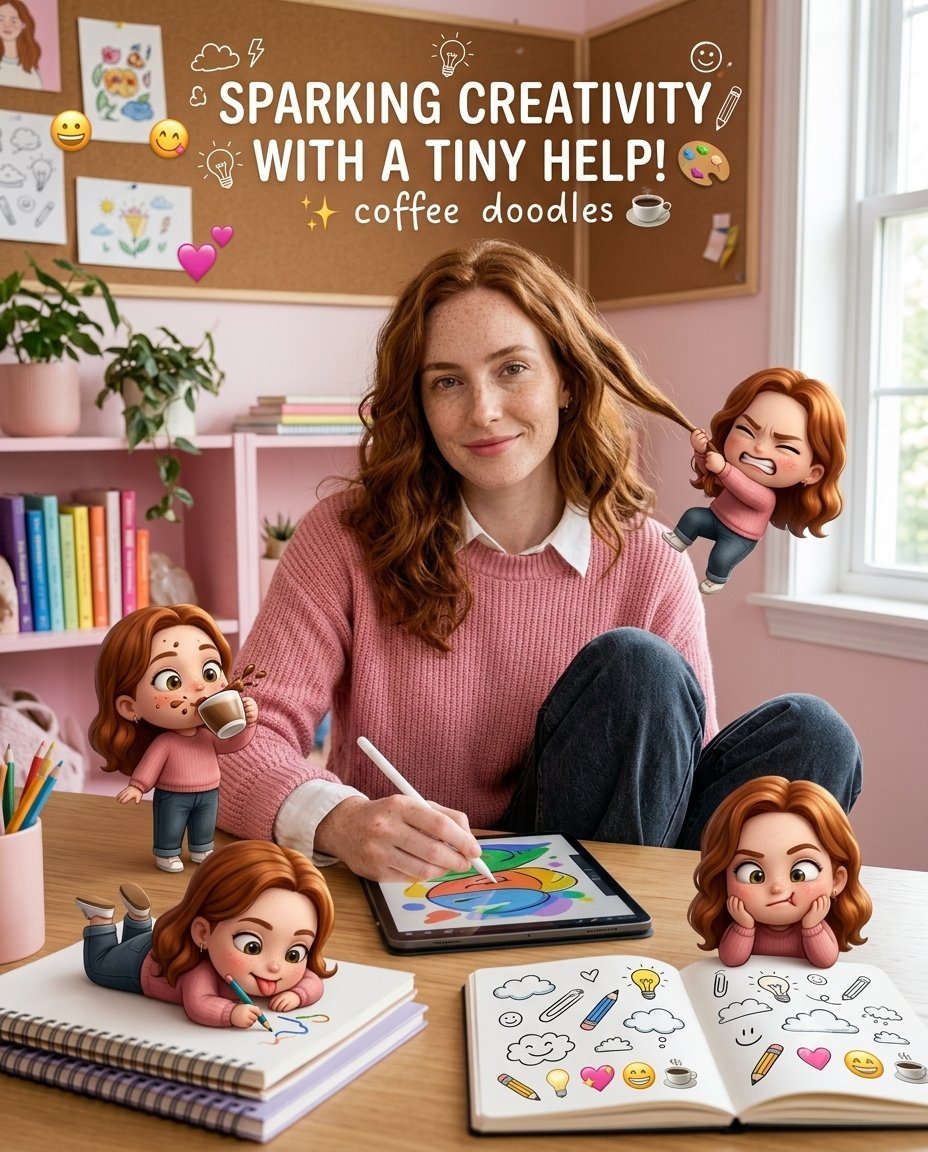
Creative Character in Pink Office
Make it yours
Detailed Maki Zenin Anime Portrait works as-is. These are the safest ways to change it without losing the look.
Change one field
Copy a single group, rewrite it, and generate again so you can see what that field is doing.
Keep the frame, change the subject
Hold the composition and light of Detailed Maki Zenin Anime Portrait, then swap wardrobe, props or the person for a new take.
| If the result… | Why | Fix |
|---|---|---|
| The result drifts from the preview | Too many fields changed at once. | Reuse Detailed Maki Zenin Anime Portrait as-is first, then change one group — subject, light, or setting. |
| The model over-stylizes the scene | The prose prompt leaves finish and camera underspecified. | Add one camera or lighting sentence and stay on Gemini 3 Pro Image Preview. |
More Gemini 3 Pro Image Preview templates
Other prompts made for Gemini 3 Pro Image Preview.

Ultra-Realistic Yacht Sunset Portrait

Mushroom Still Life Composition
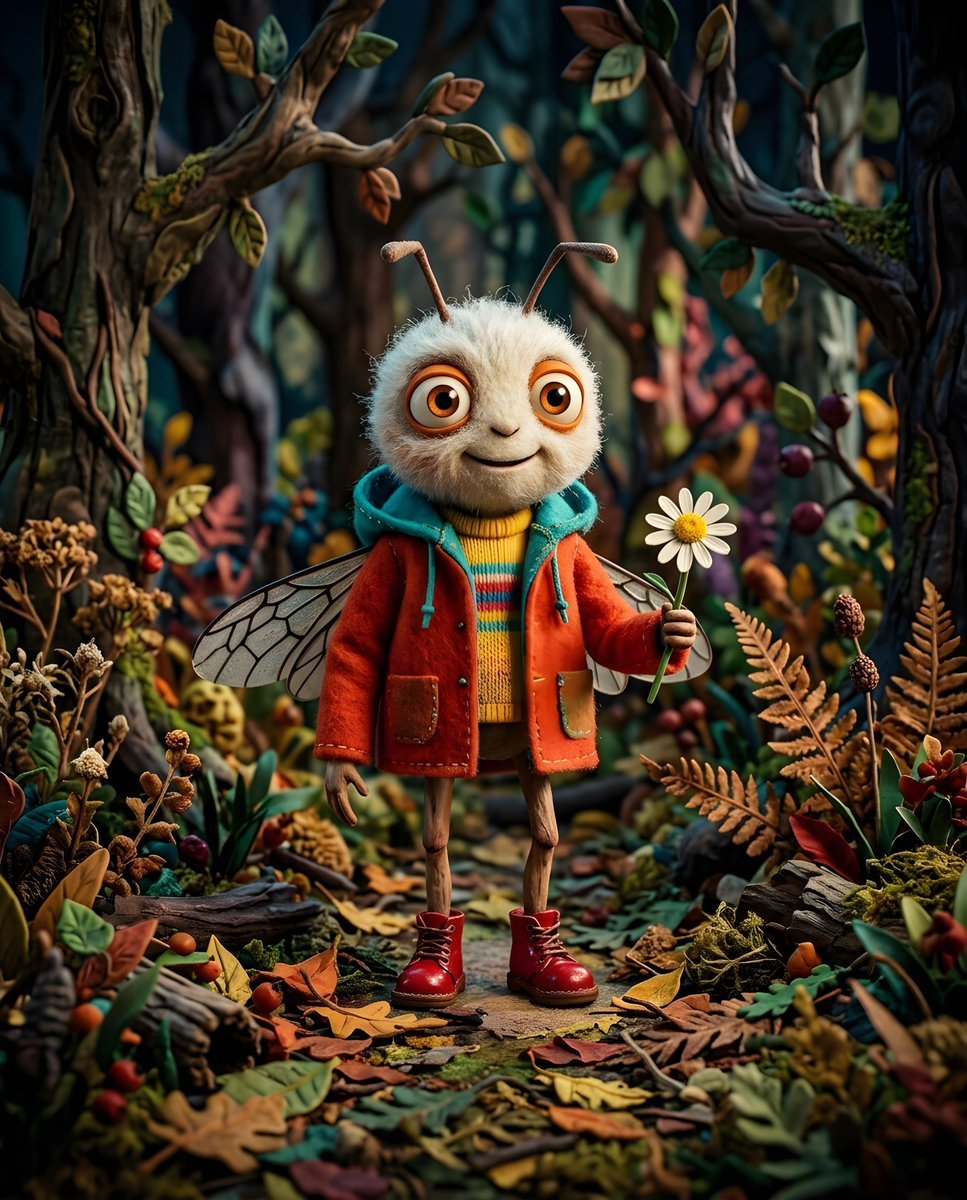
Whimsical Anthropomorphic Friendly Insect
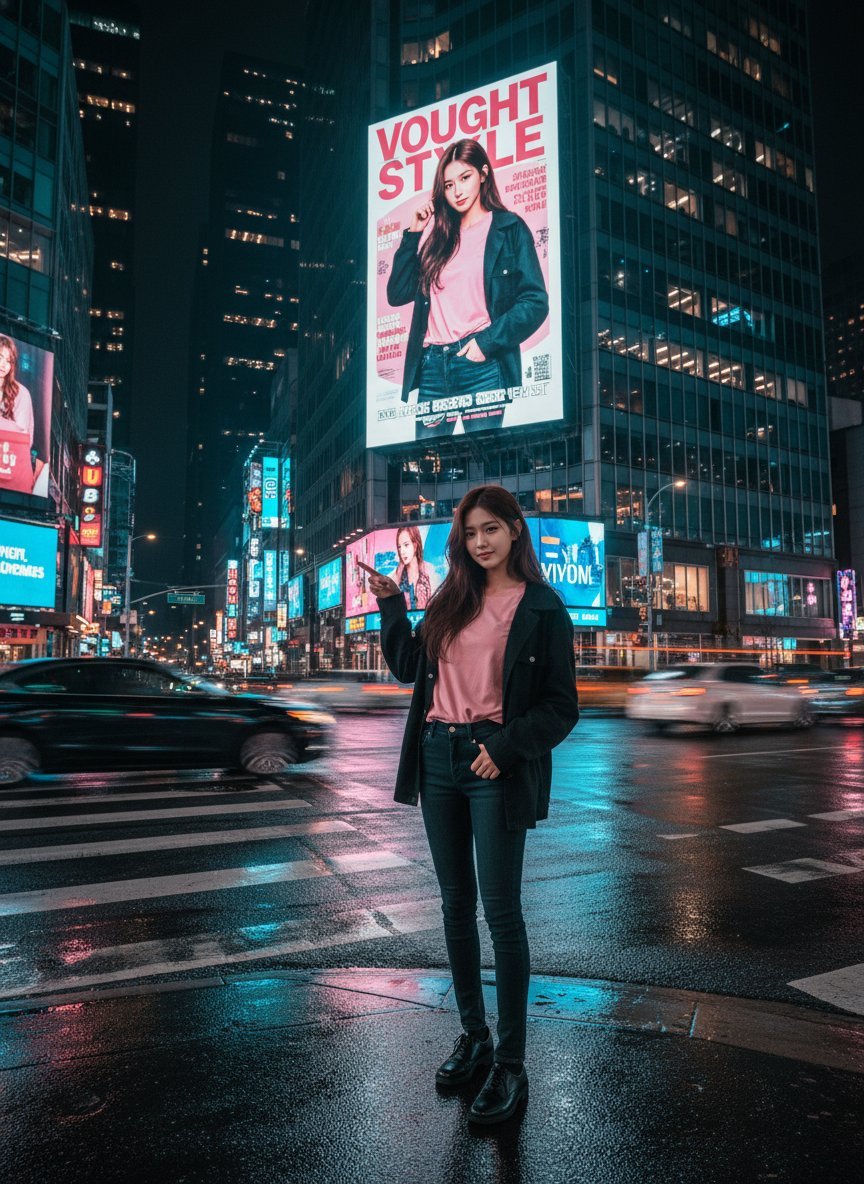
Cinematic Urban Night Billboard Portrait
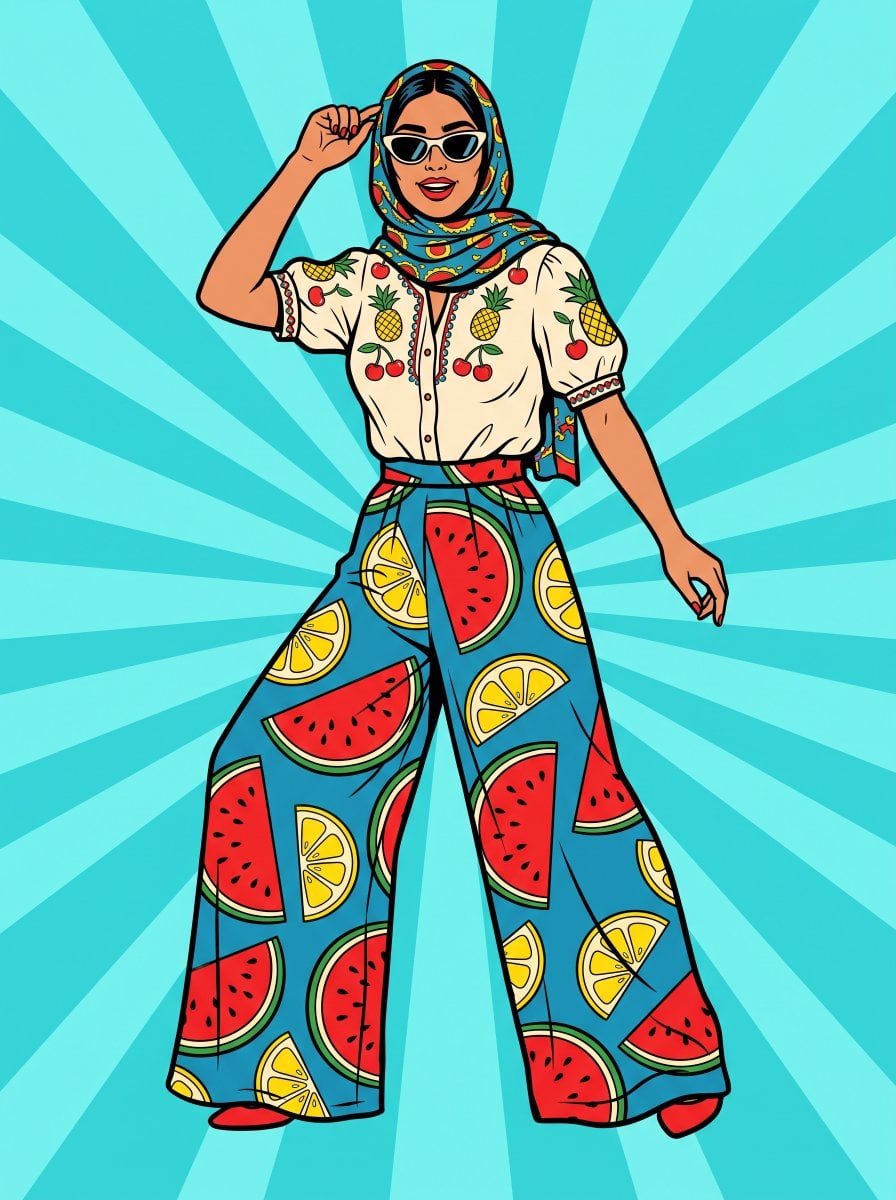
Pop Art Summer Fruit Fashion Illustration
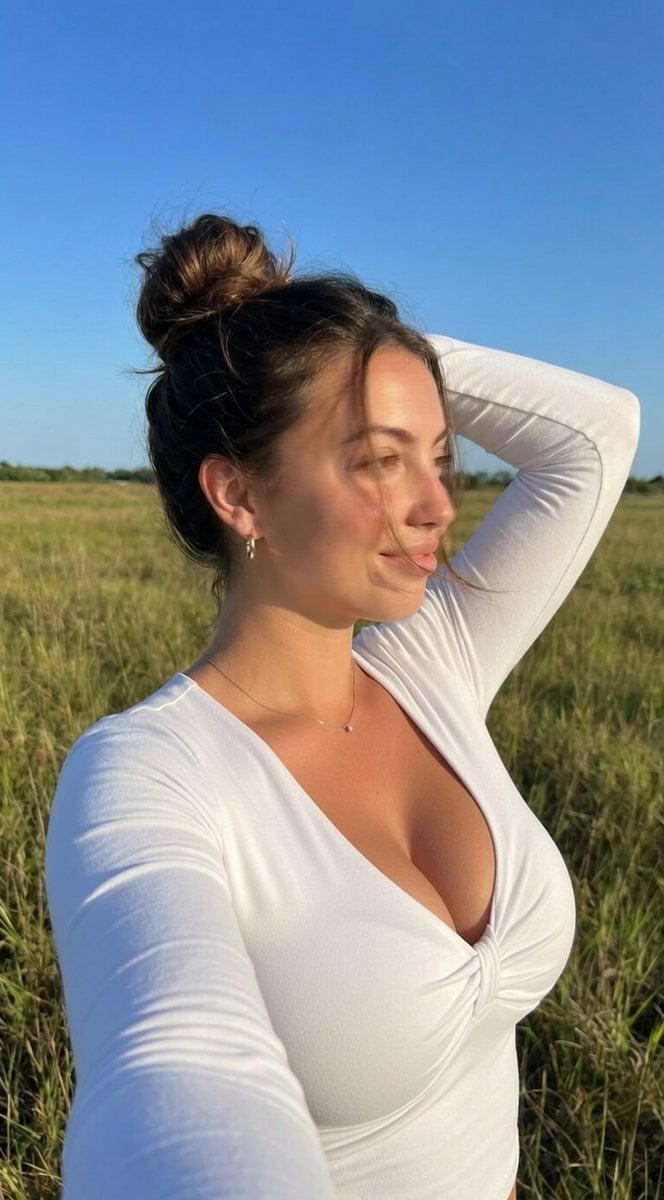
Ultra-Realistic iPhone Selfie with Motion Blur
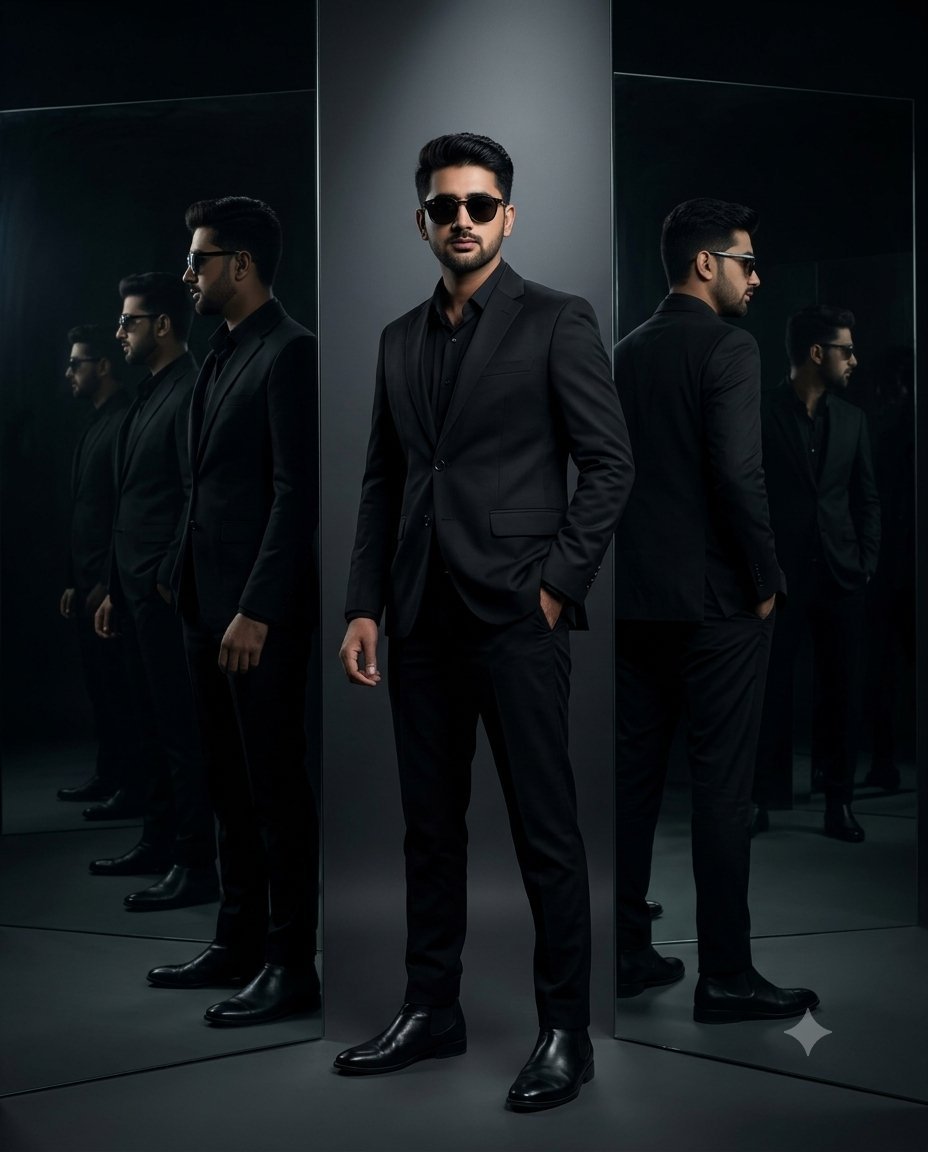
Cinematic Mirror Reflection Portrait
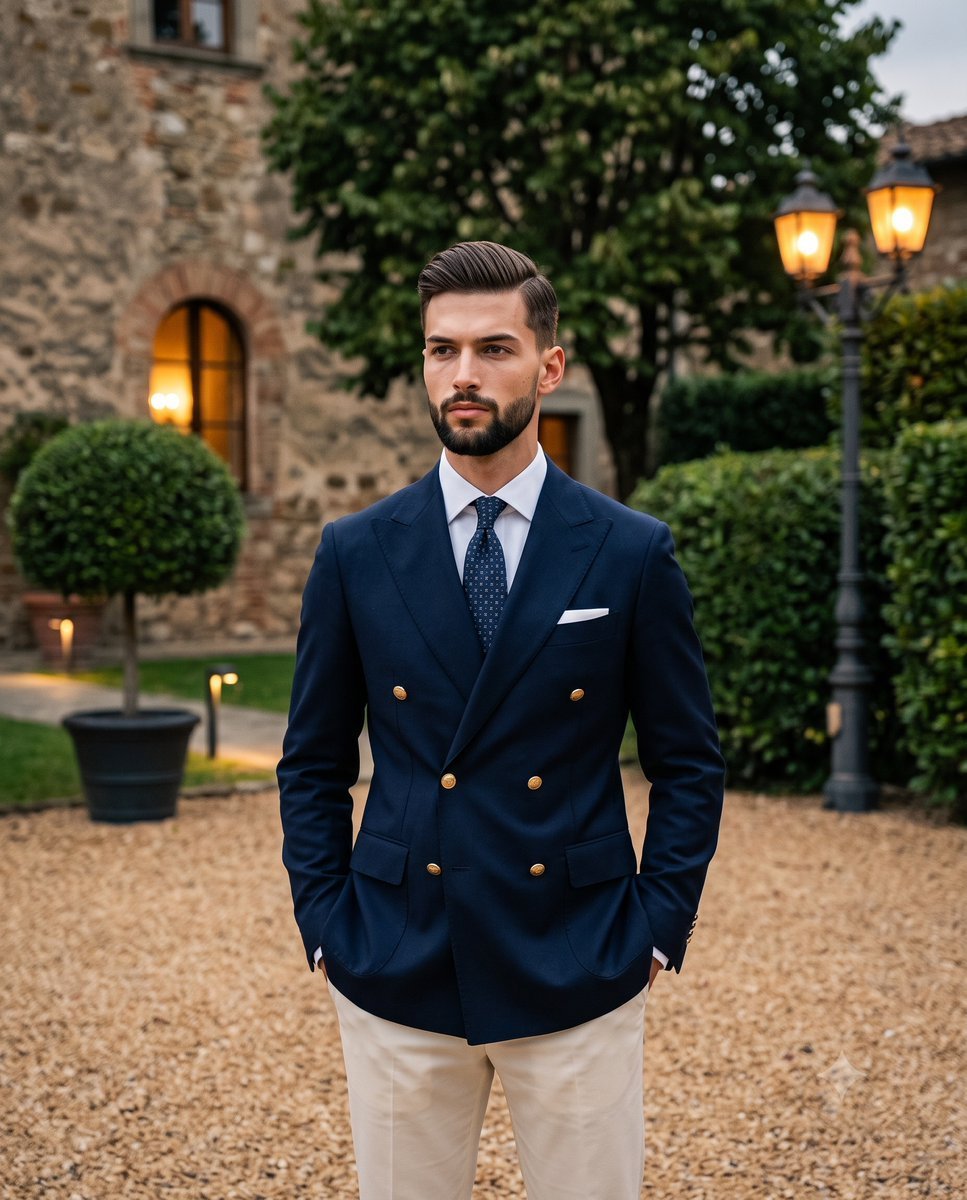
Elegant Men's Twilight Editorial
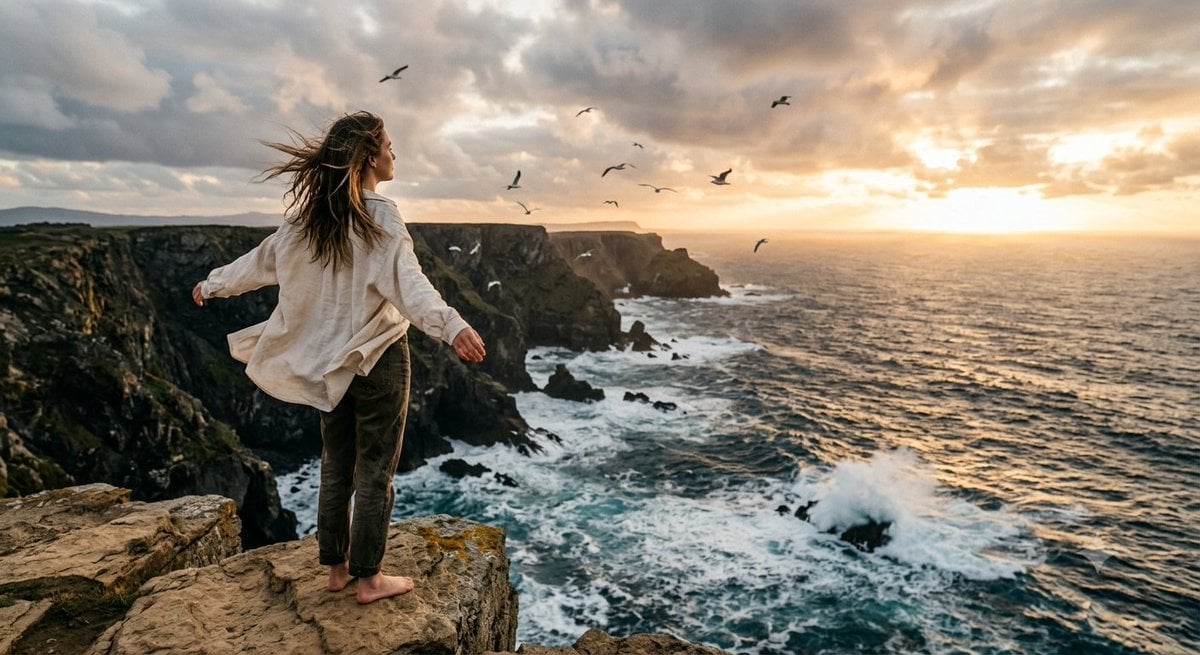
Coastal Freedom Sunset Portrait
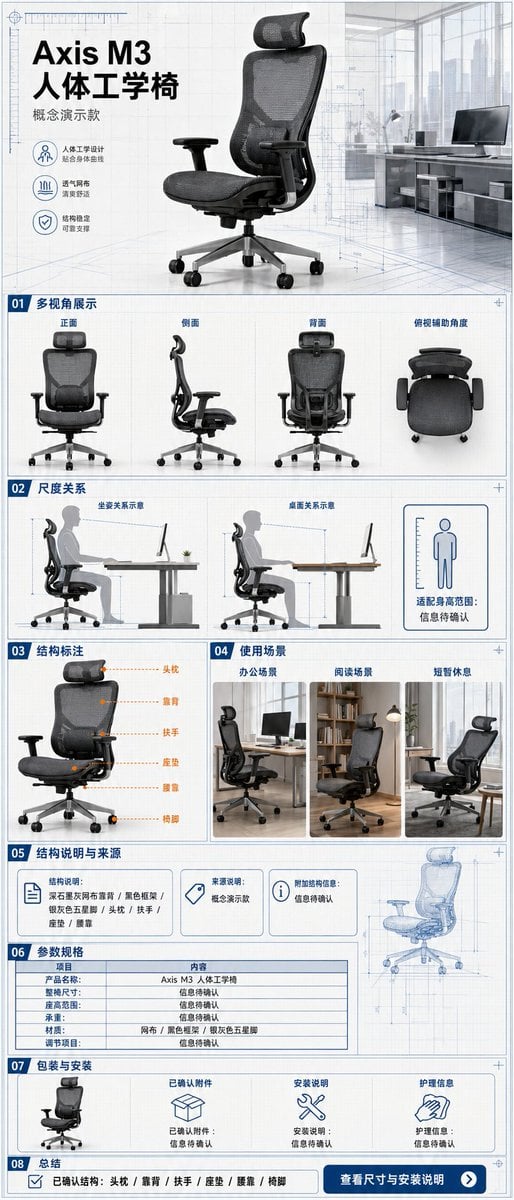
Ergonomic Office Chair E-commerce Mobile Detail Page
More image prompts
Fresh picks from across the catalog.
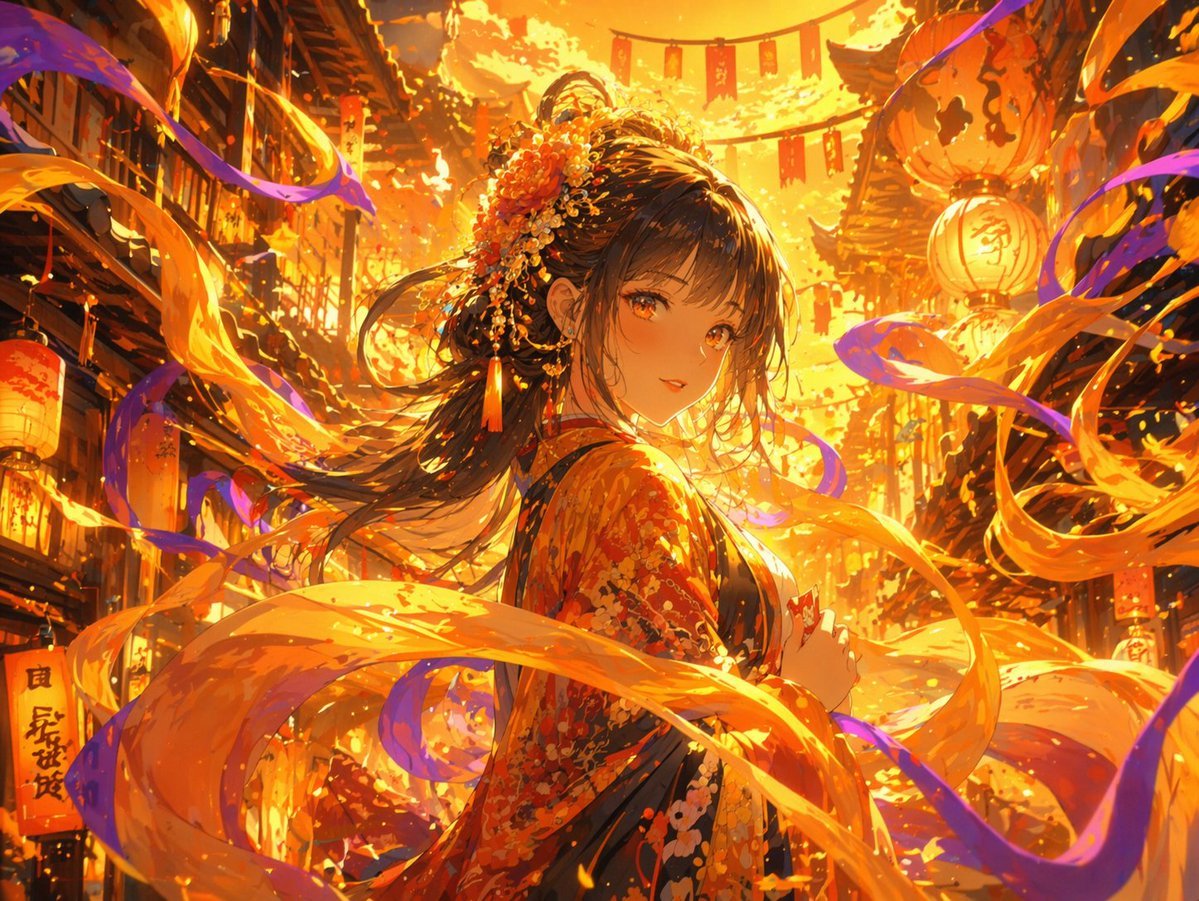
Magical Glowing Ribbon Style Transformation
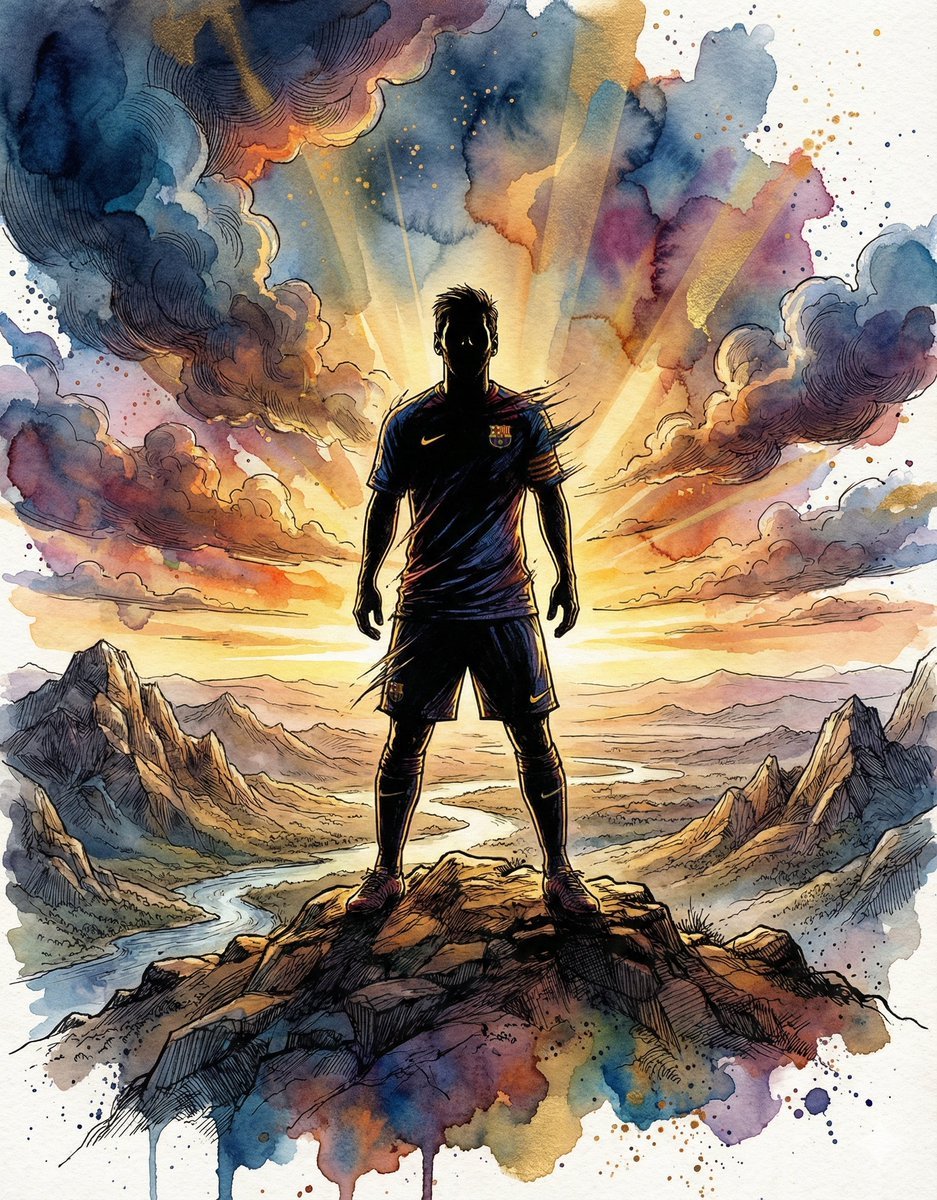
Epic Athlete/Artist Poster Design Prompt
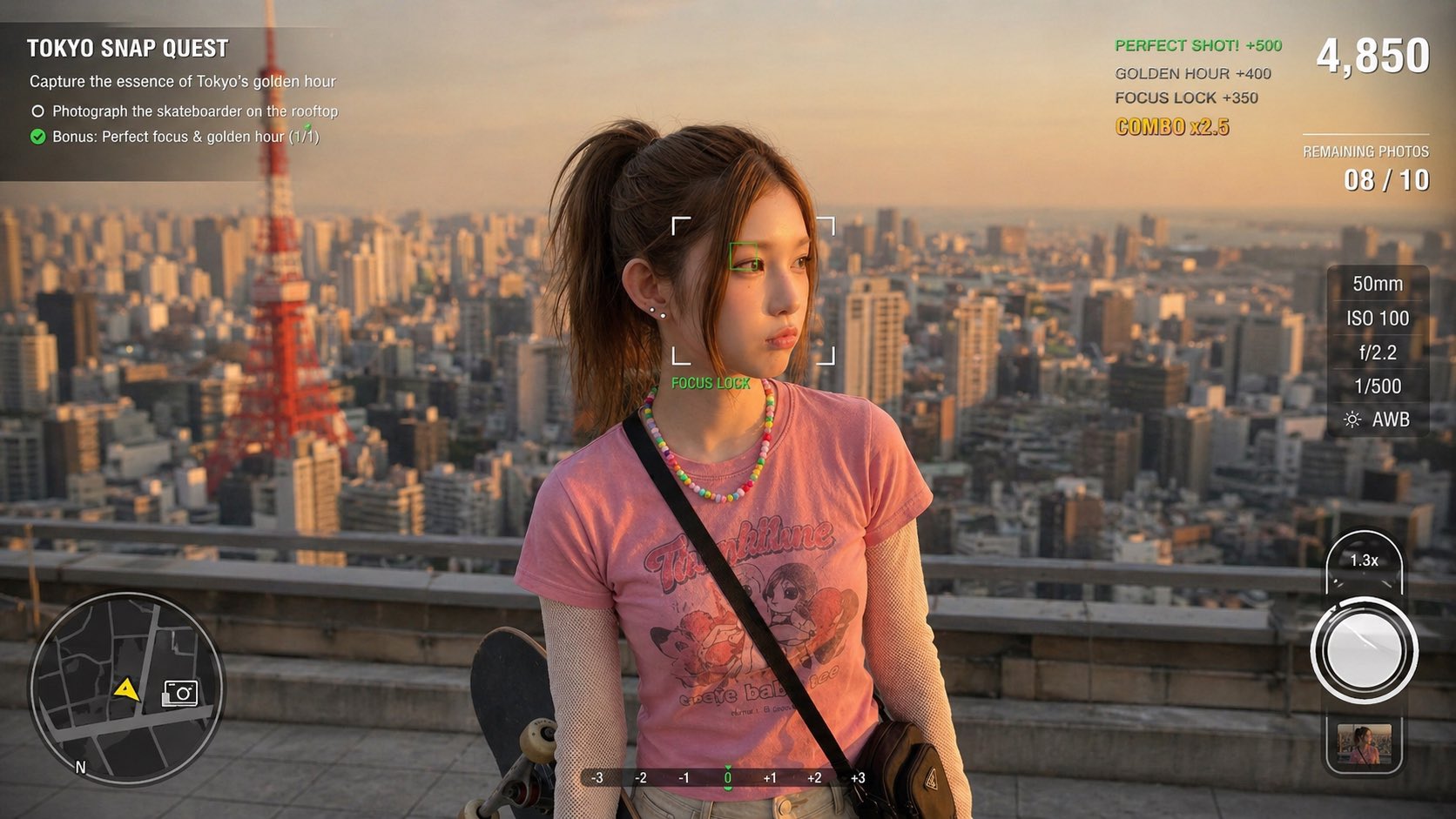
Photography Game Cinematic Capture
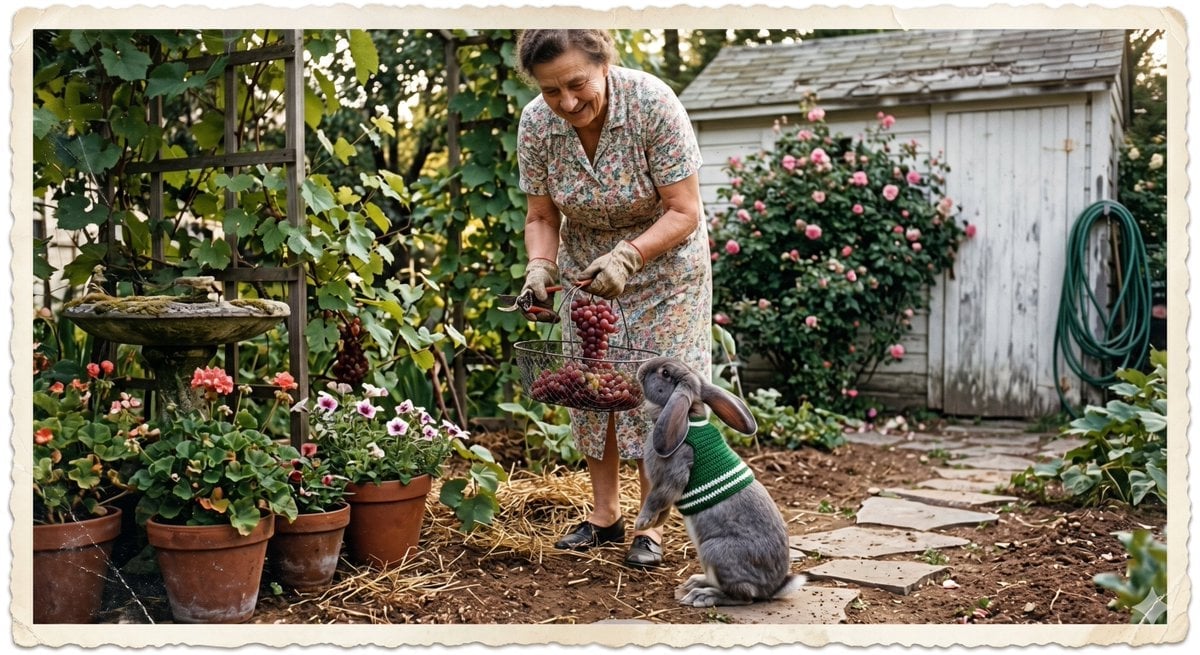
Vintage Gardener and Sweater Rabbit
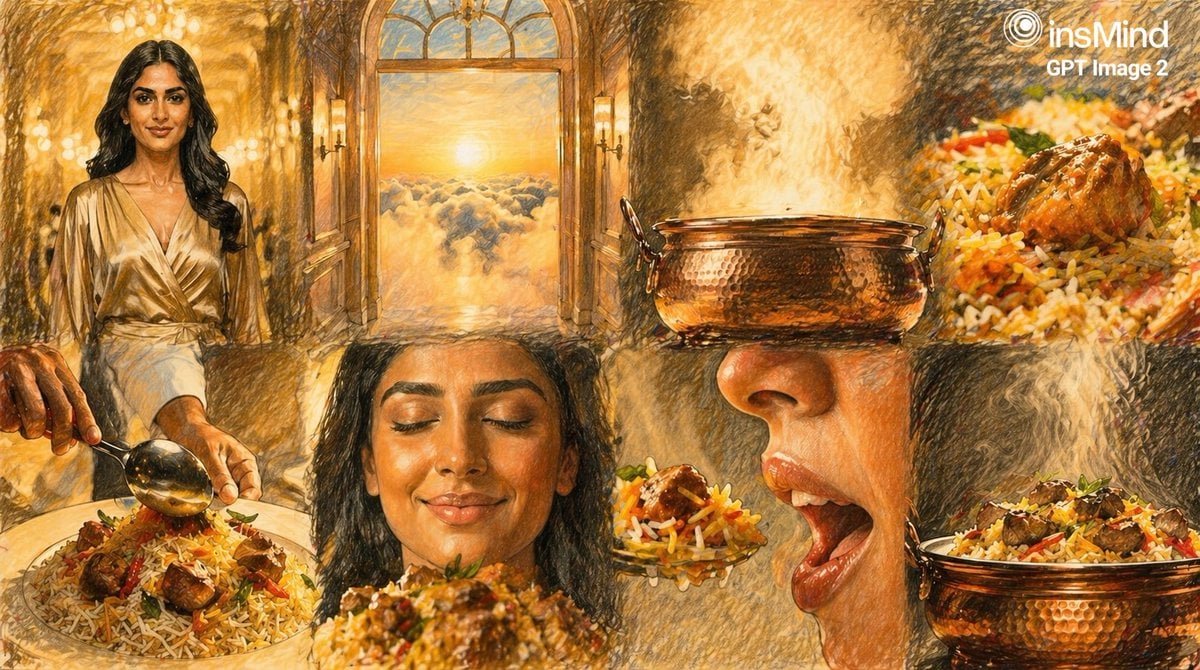
Storyboard Collage Prompt
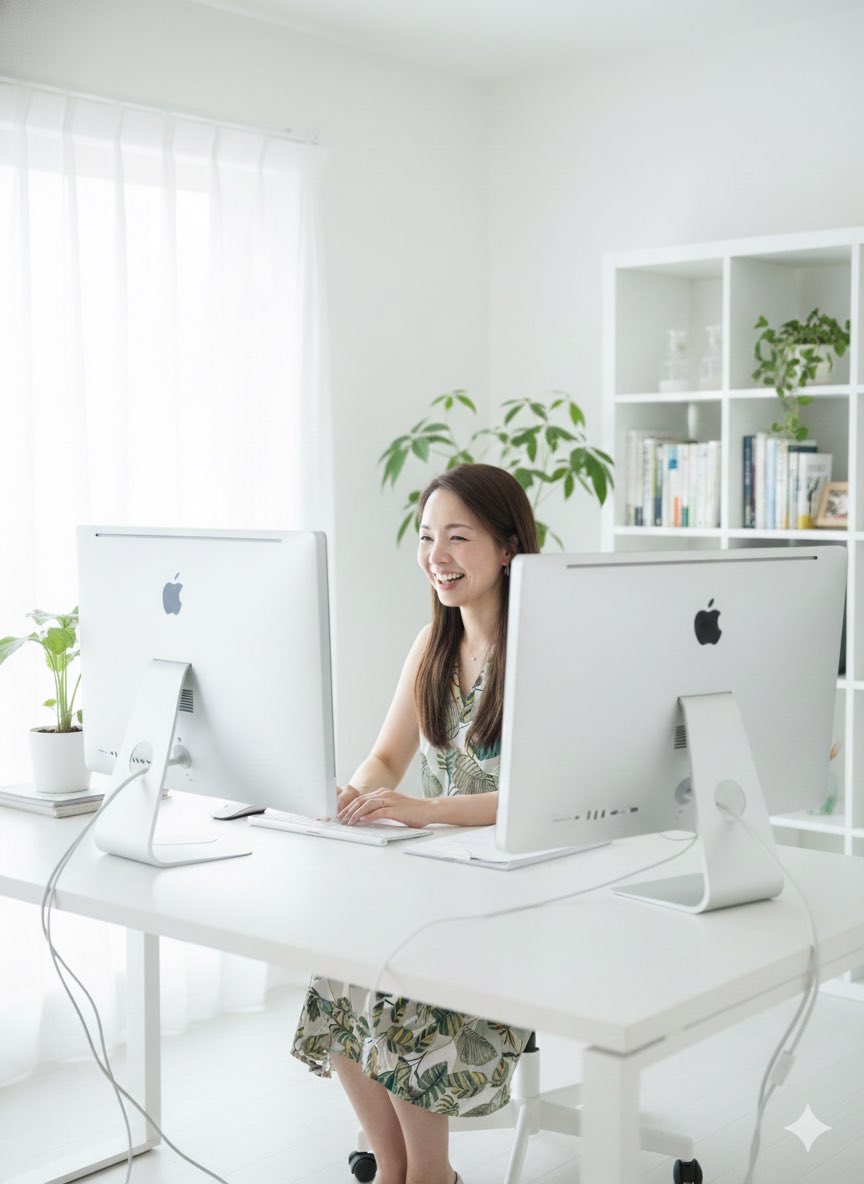
Generate a photo of myself achieving my dream
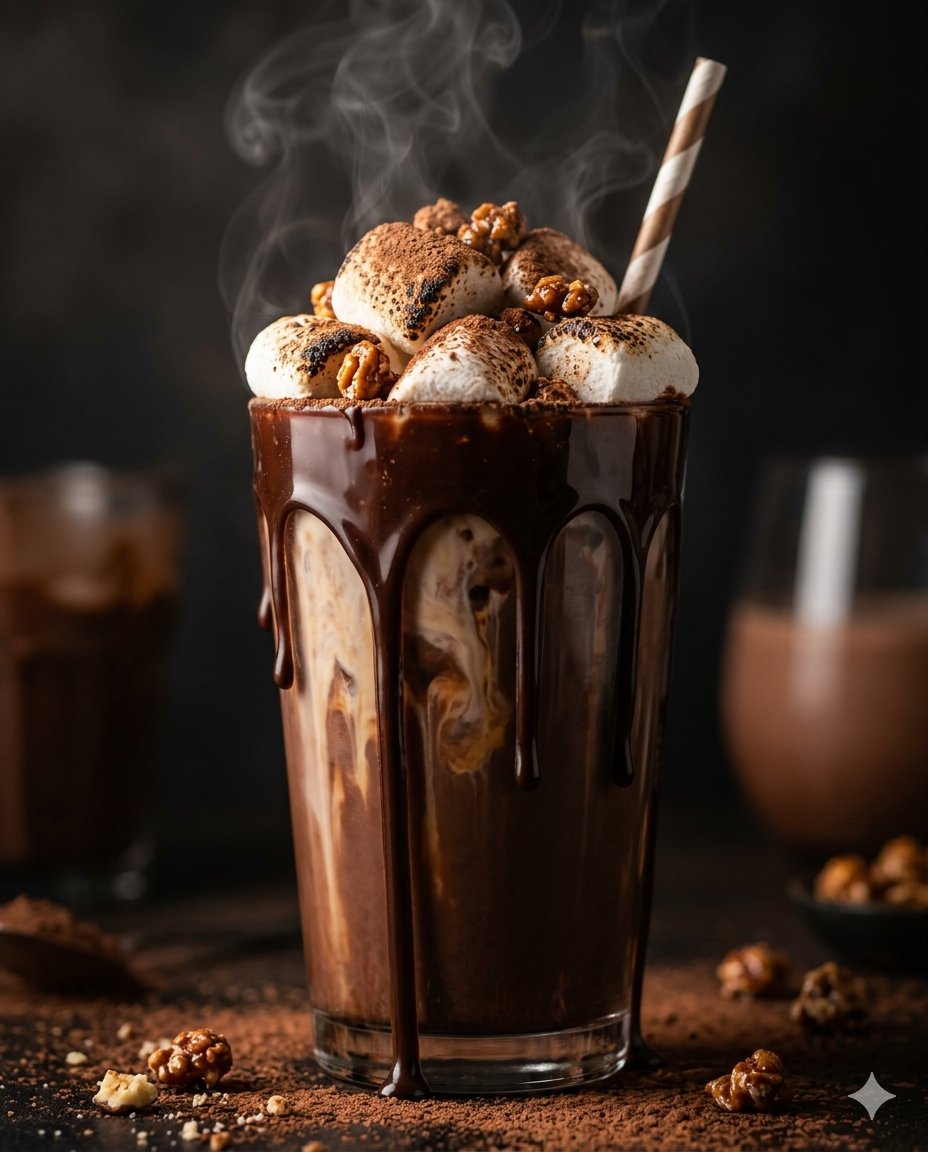
Editorial Food Photography of Chocolate Brownie Stack
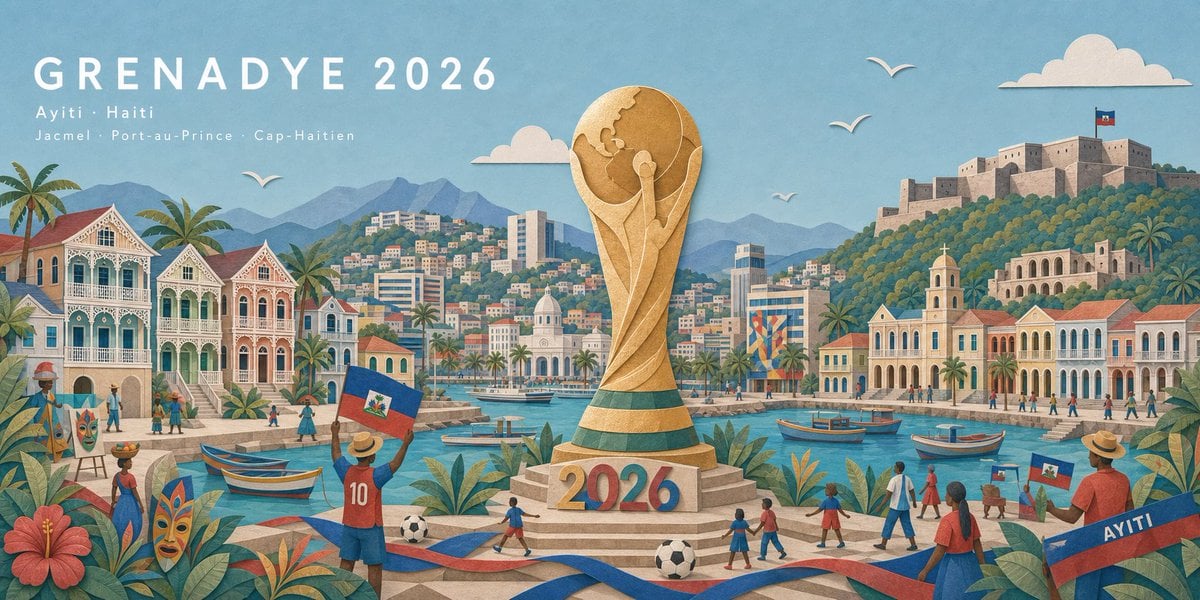
Haitian Football Poster Panorama
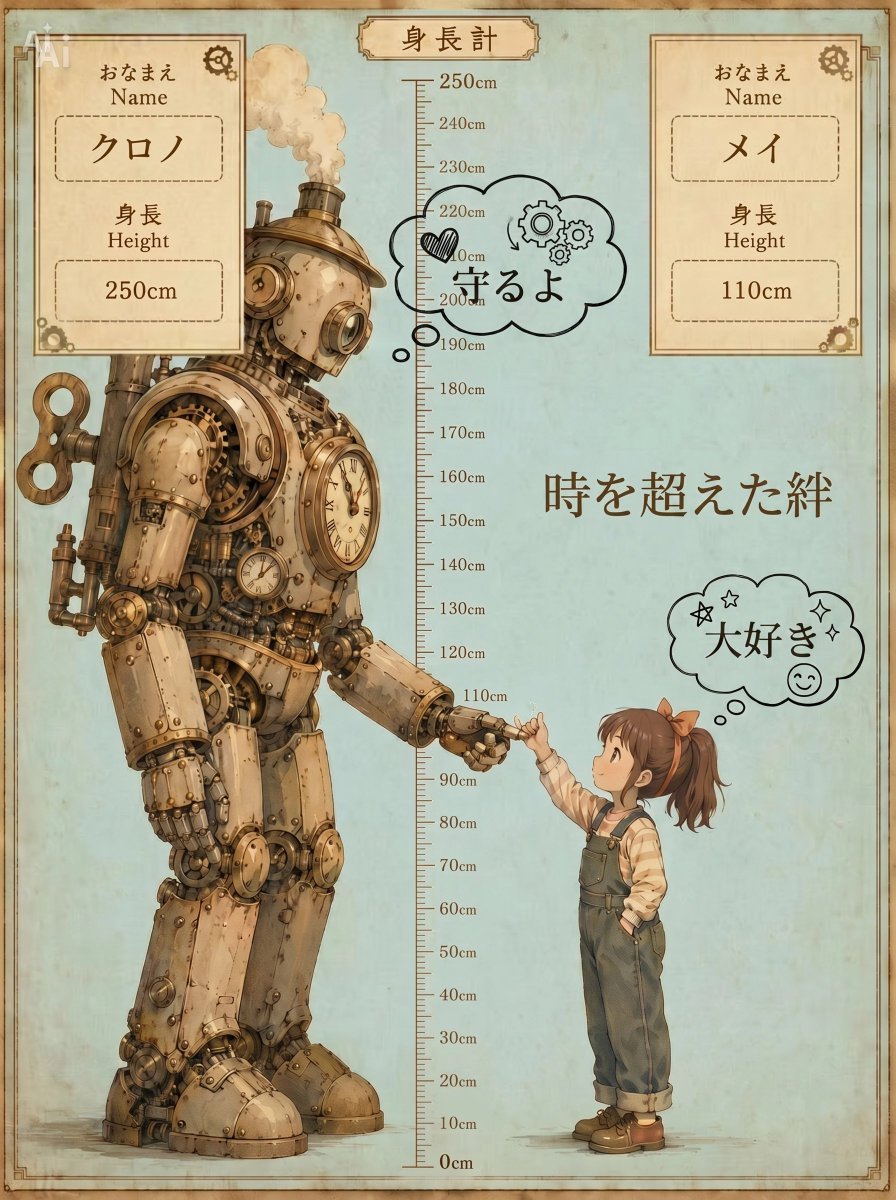
Steampunk Height Difference Poster
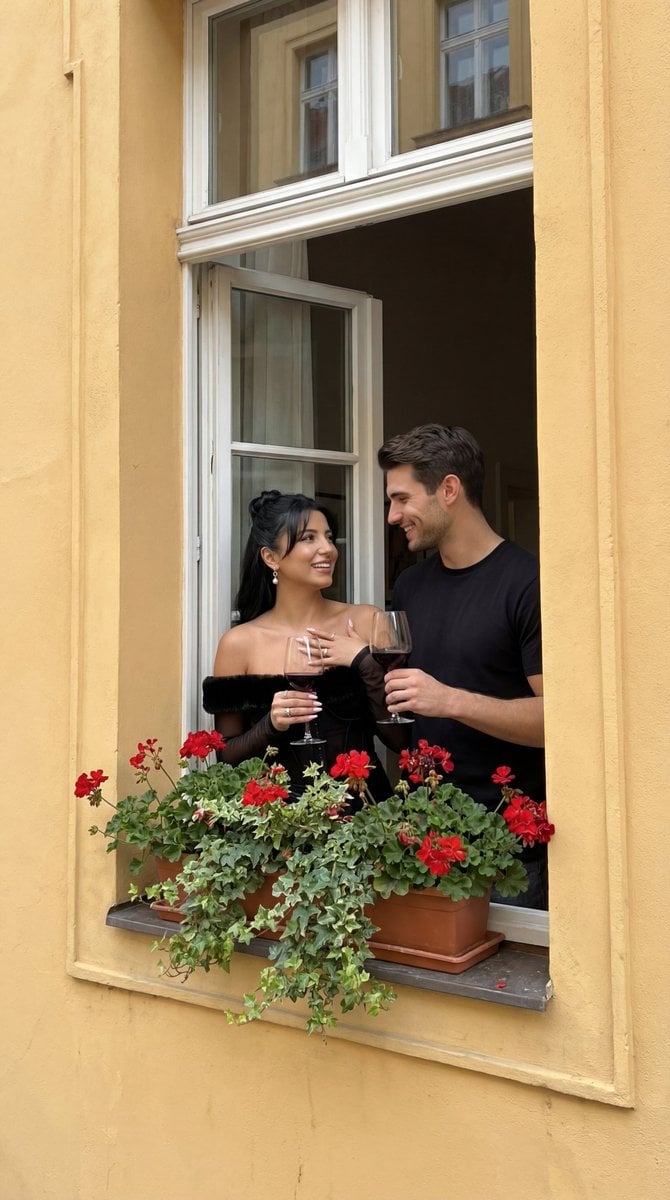
Photorealistic Architectural Edit: Couple in Window
Browse template categories
Detailed Maki Zenin Anime Portrait questions
How do I use the Detailed Maki Zenin Anime Portrait template?
Add your photo if the template asks for one, edit the prompt if you like — the template's model and format are already selected — and press Generate. Your version opens in PicX Studio.
Can I customize the Detailed Maki Zenin Anime Portrait template?
Yes. You can change the subject, setting, lighting, mood, format, and available model controls before creating your image.
Is the Detailed Maki Zenin Anime Portrait template free?
Opening and editing this template is free. Generating uses credits, shown on the Generate button when you are signed in.
Which AI model should I use?
Start with Gemini 3 Pro Image Preview, which is the model associated with this template. You can compare another compatible model for a different finish.
Looking for something else? Browse all templates.

Your photo, any look
Thousands of ready templates for every top image and video model, from one credit balance.