
Golden Sunset Beach Moments
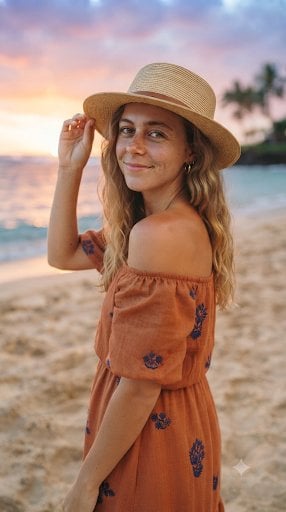
A tranquil beach sunset prompt featuring a woman in an off-the-shoulder dress with coastal escape aesthetics.
- Prompt included
- Model and format preset
- Free template
The prompt behind this image
Copy the exact prompt behind Golden Sunset Beach Moments, or open it in the studio and make it yours.
A sun-kissed woman with long, wavy {argument name="hair color" default="blonde"} hair stands gracefully on a sandy beach during a warm golden hour sunset. She wears a classic straw hat and an {argument name="dress" default="off-the-shoulder rust-orange dress adorned with delicate blue embroidery"}. In one pose, she gently adjusts the brim of her hat while looking softly toward the camera with a serene smile. In the companion pose, she sits by the shore, holding a small colorful shell in her hands against the glowing twilight horizon. The background features a vibrant pastel sky fading into dusk, gentle ocean waves rolling onto the sand, and distant tropical palm silhouettes framing the tranquil coastal escape.
How to use Golden Sunset Beach Moments in 3 steps
- 1
Open
The prompt is already in the box next to the preview, with the template's model and format selected.
- 2…a portrait of your subject in softgolden-hour light, 85mm…
Personalize
Edit the subject and creative details for your destination.
- 3Generate
Generate
Press Generate — your image is created in PicX Studio, so you can compare it with the original and refine one variable at a time.
More like this
Templates with the same subject, style or setup. Open one to see its prompt.

Ultra-Realistic Yacht Sunset Portrait
Urban Cinematic Golden Hour Portrait

Golden Retriever Sunset Campfire Photography
Creative Character in Pink Office
Avant-Garde Asian Fashion Model
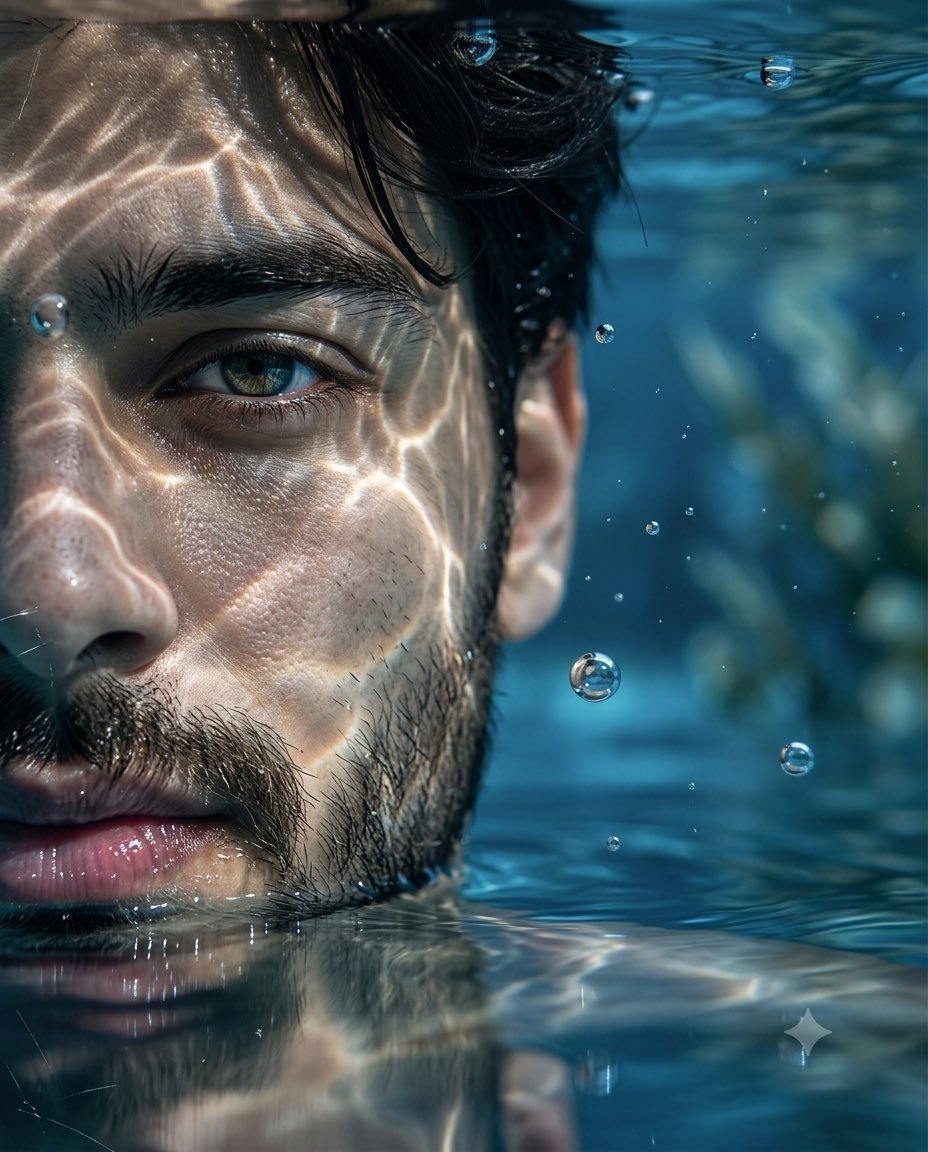
Underwater Macro Face Portrait
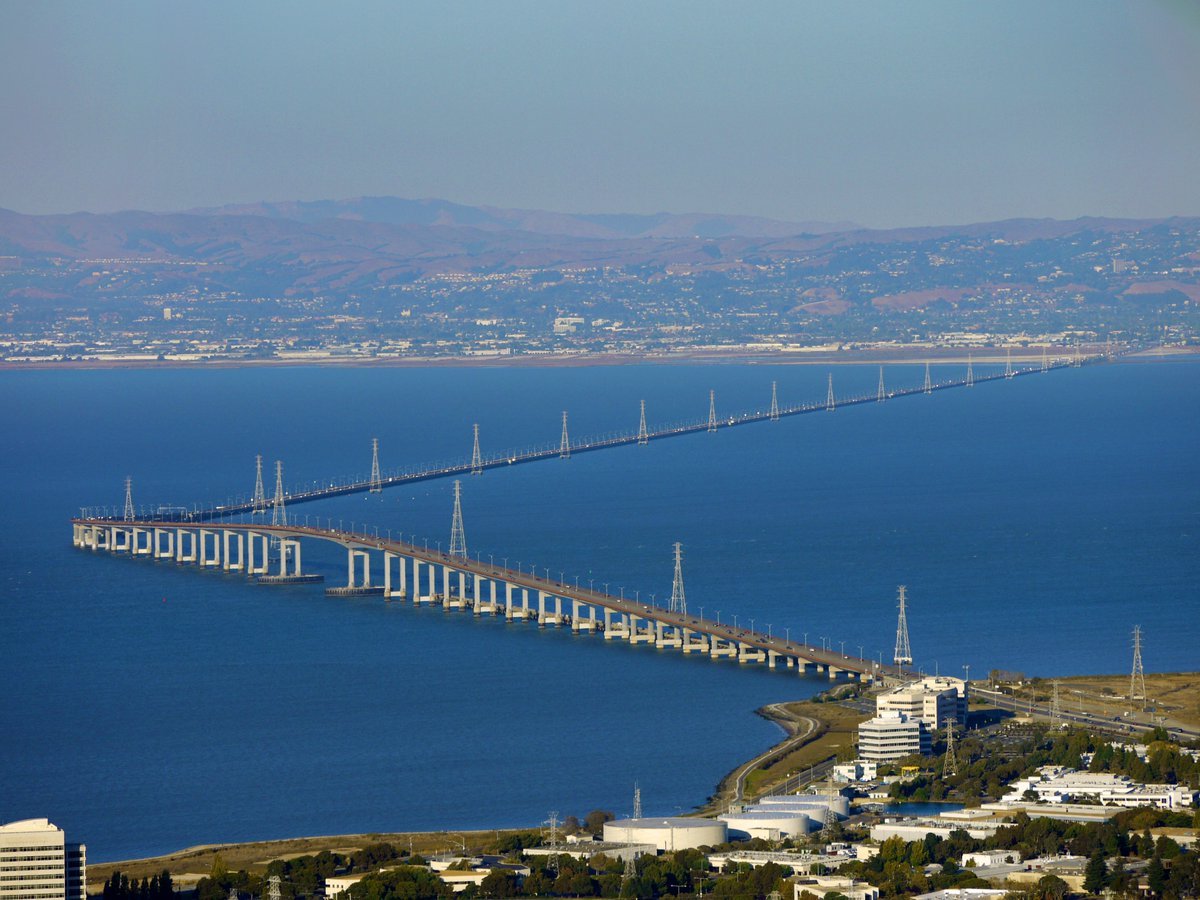
Water-level Bridge Modification
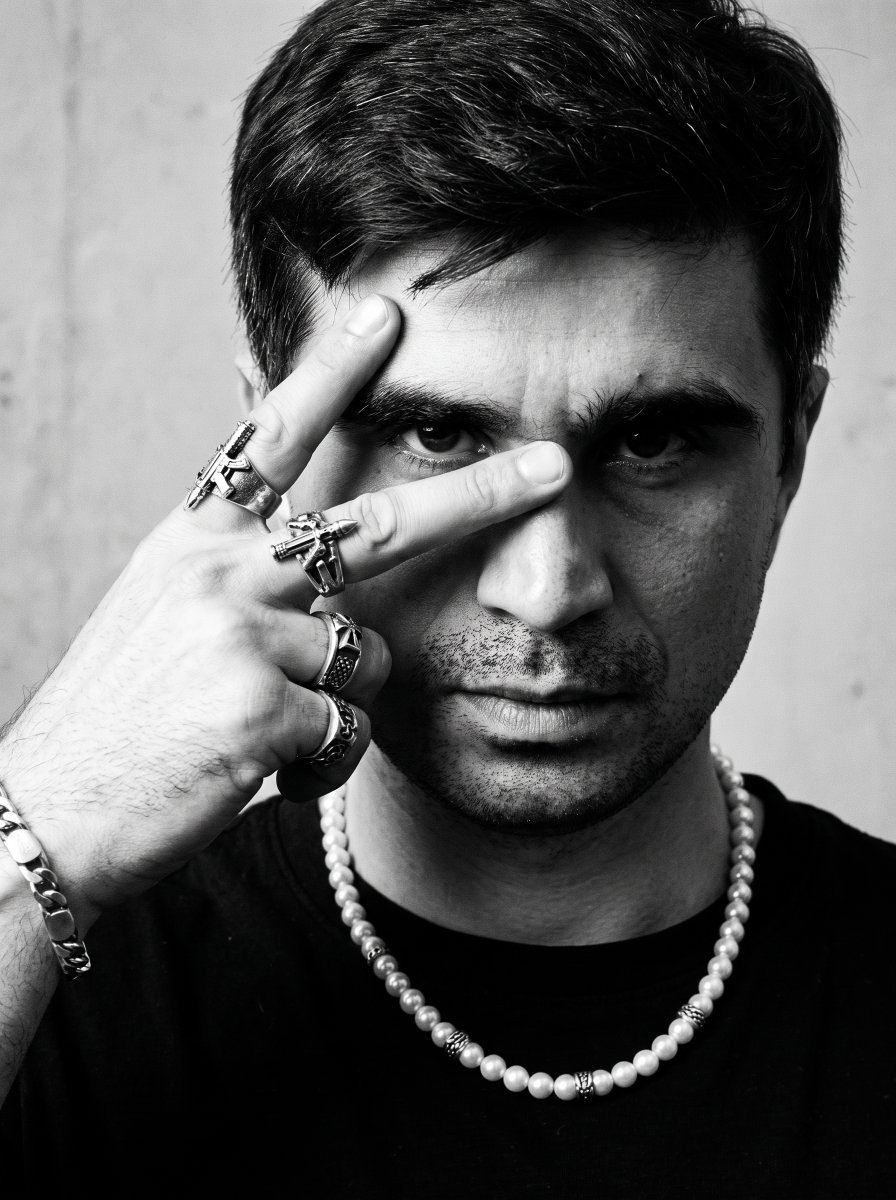
Noir Punk Street Portrait
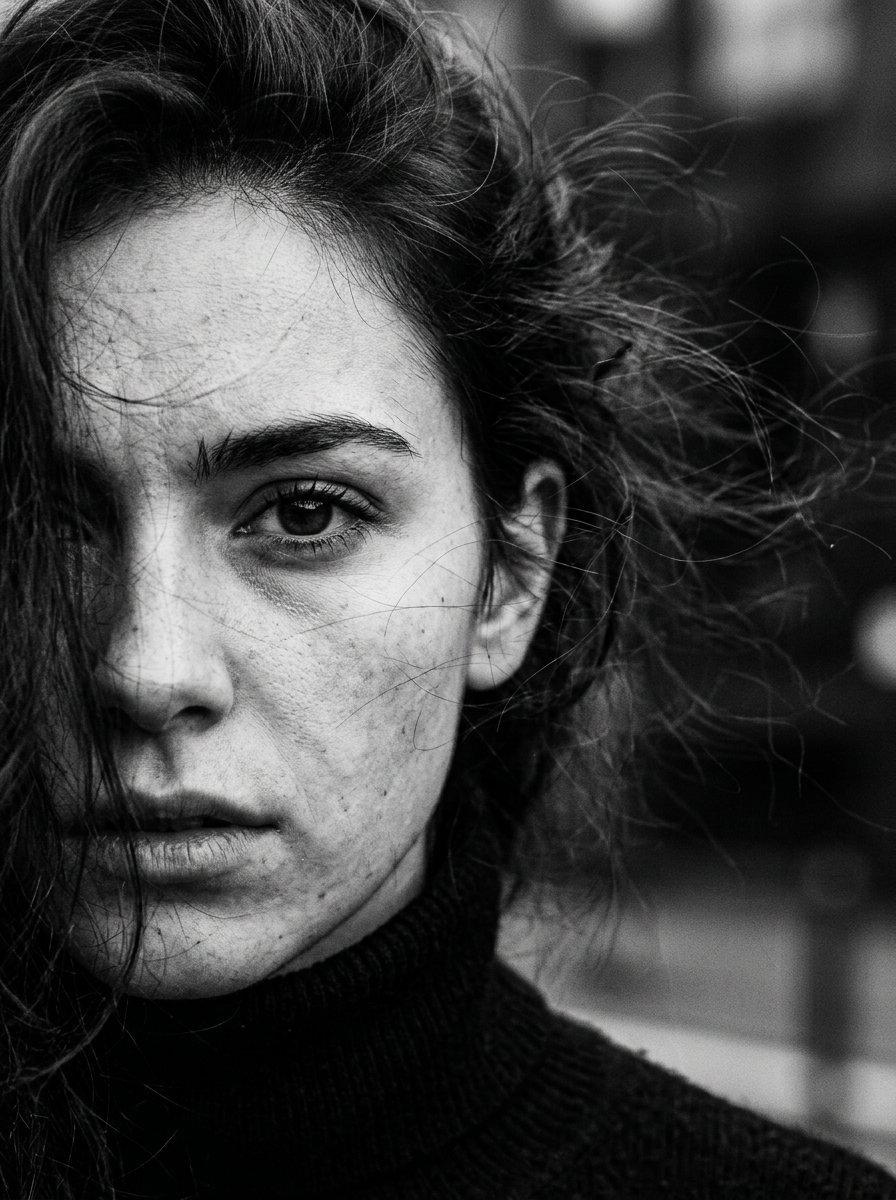
High Contrast Cinematic Face Portrait

Monochrome Studio Portrait with Colored Lens

Mushroom Still Life Composition

Whimsical Anthropomorphic Friendly Insect
Make it yours
Golden Sunset Beach Moments works as-is. These are the safest ways to change it without losing the look.
Change one field
Copy a single group, rewrite it, and generate again so you can see what that field is doing.
Keep the frame, change the subject
Hold the composition and light of Golden Sunset Beach Moments, then swap wardrobe, props or the person for a new take.
| If the result… | Why | Fix |
|---|---|---|
| The result drifts from the preview | Too many fields changed at once. | Reuse Golden Sunset Beach Moments as-is first, then change one group — subject, light, or setting. |
| The model over-stylizes the scene | The prose prompt leaves finish and camera underspecified. | Add one camera or lighting sentence and stay on Gemini 3 Pro Image Preview. |
More Gemini 3 Pro Image Preview templates
Other prompts made for Gemini 3 Pro Image Preview.
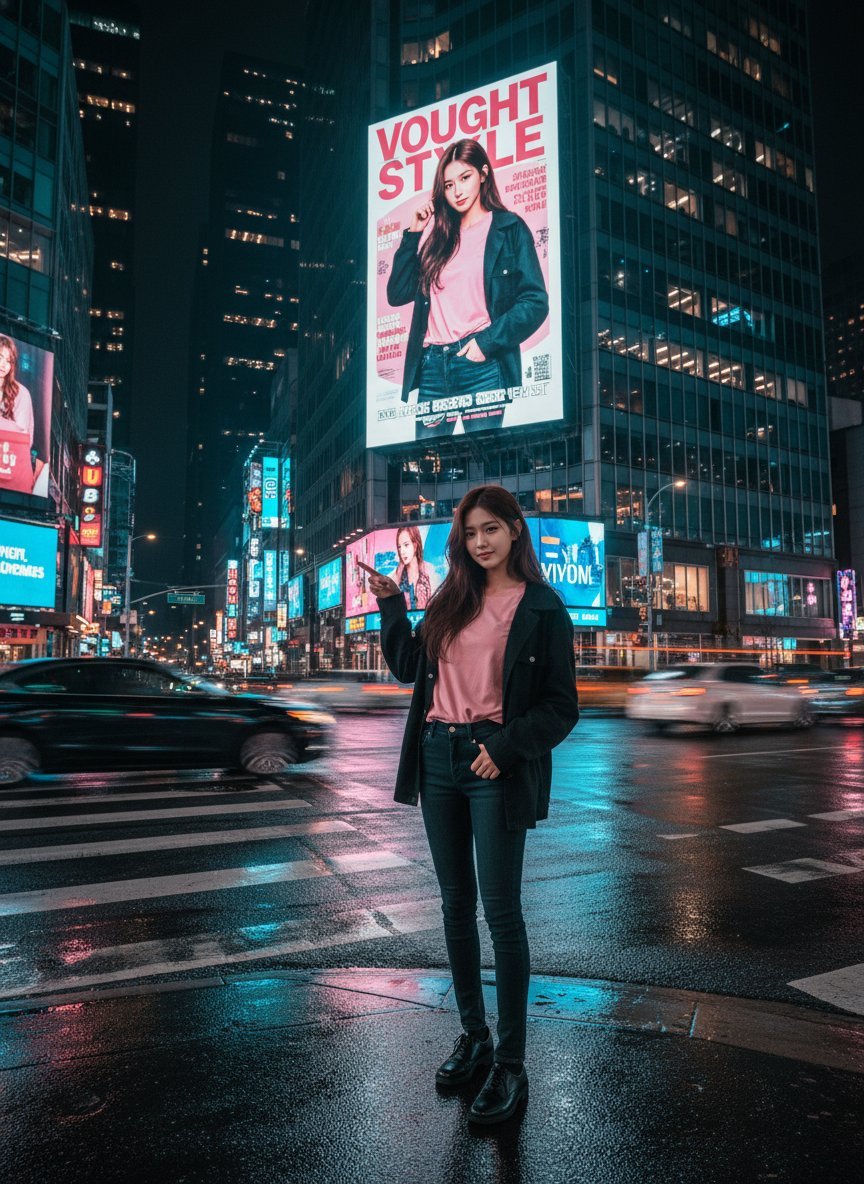
Cinematic Urban Night Billboard Portrait
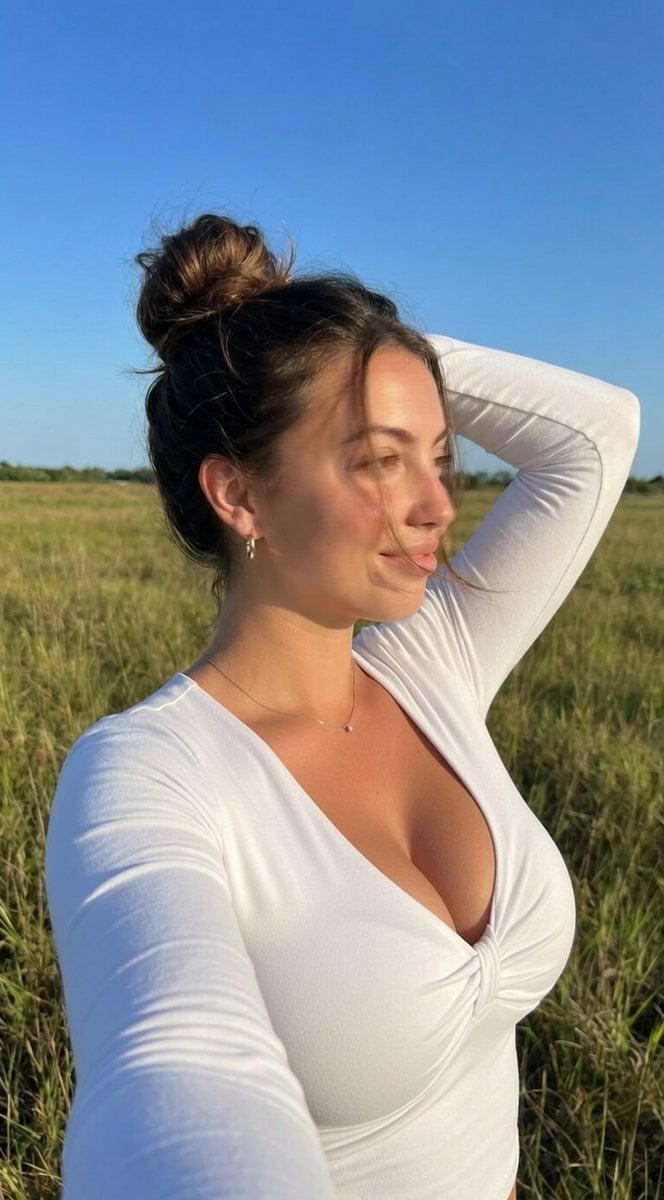
Ultra-Realistic iPhone Selfie with Motion Blur
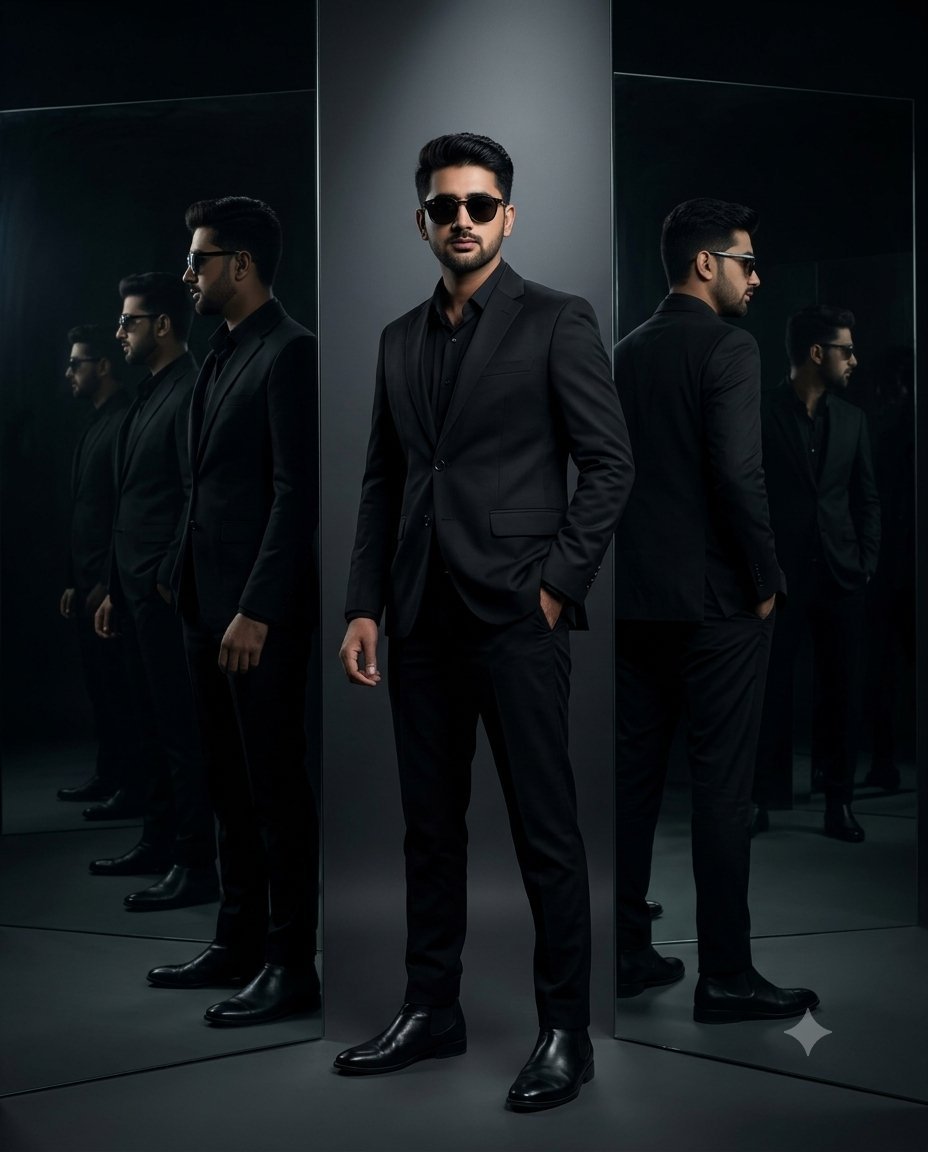
Cinematic Mirror Reflection Portrait
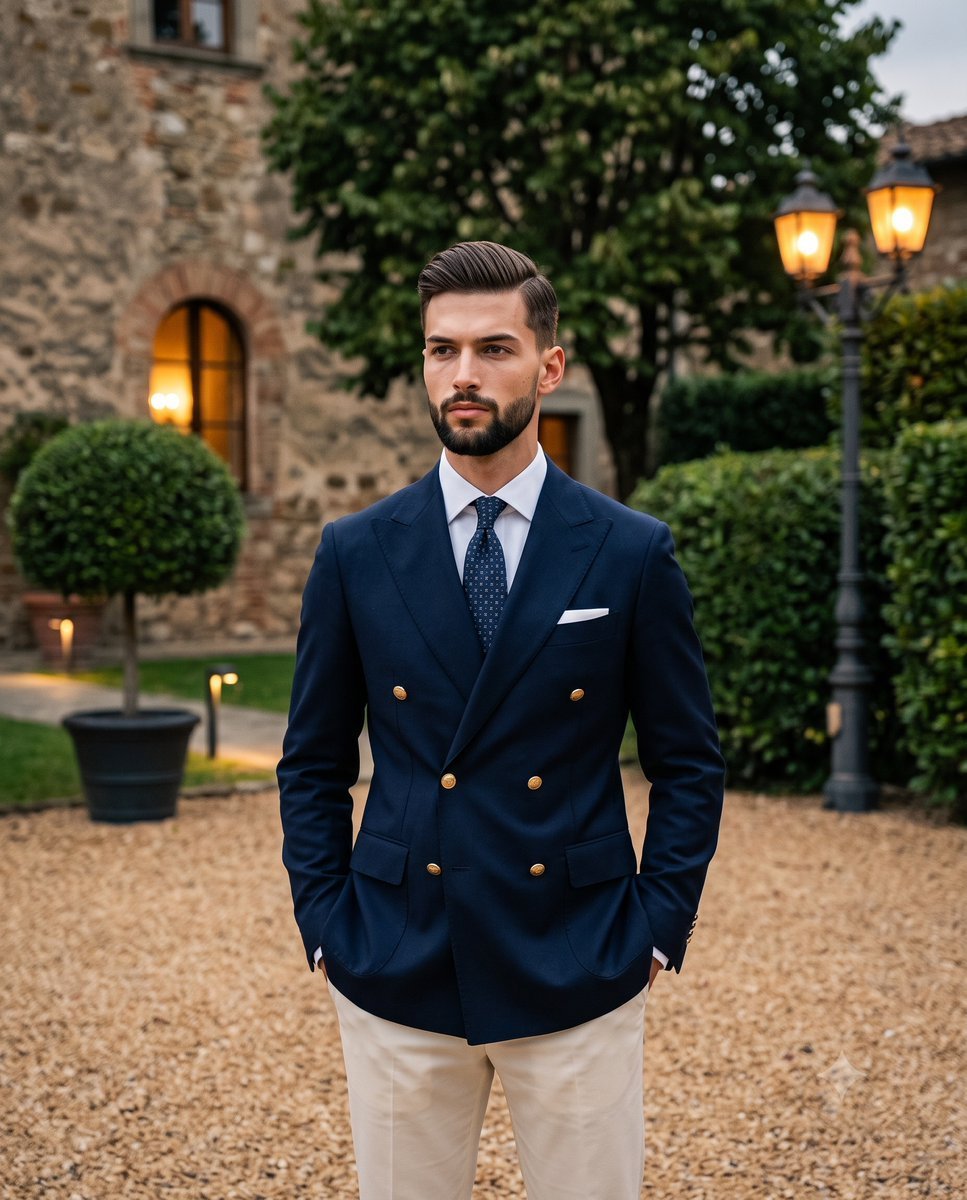
Elegant Men's Twilight Editorial
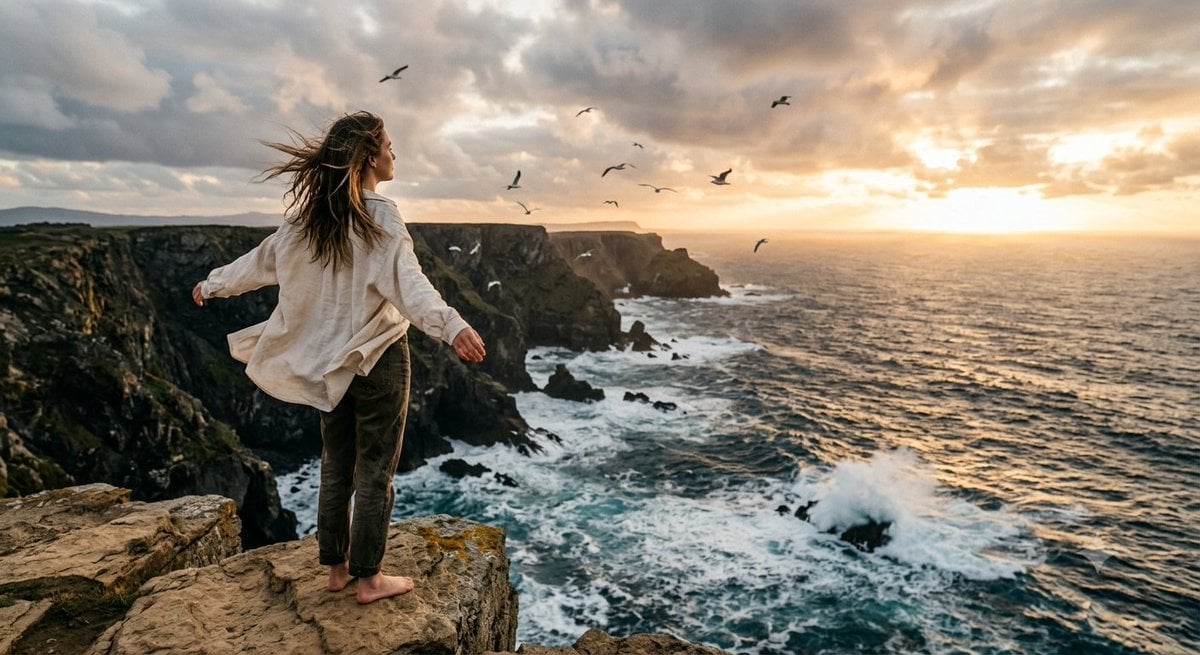
Coastal Freedom Sunset Portrait
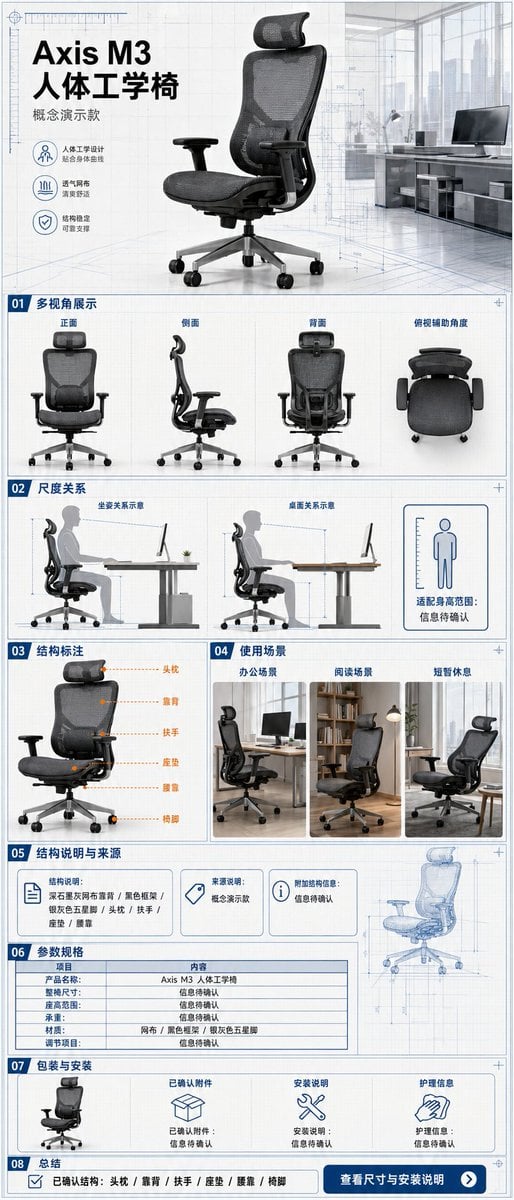
Ergonomic Office Chair E-commerce Mobile Detail Page

Macro Guitar Fret Dressing
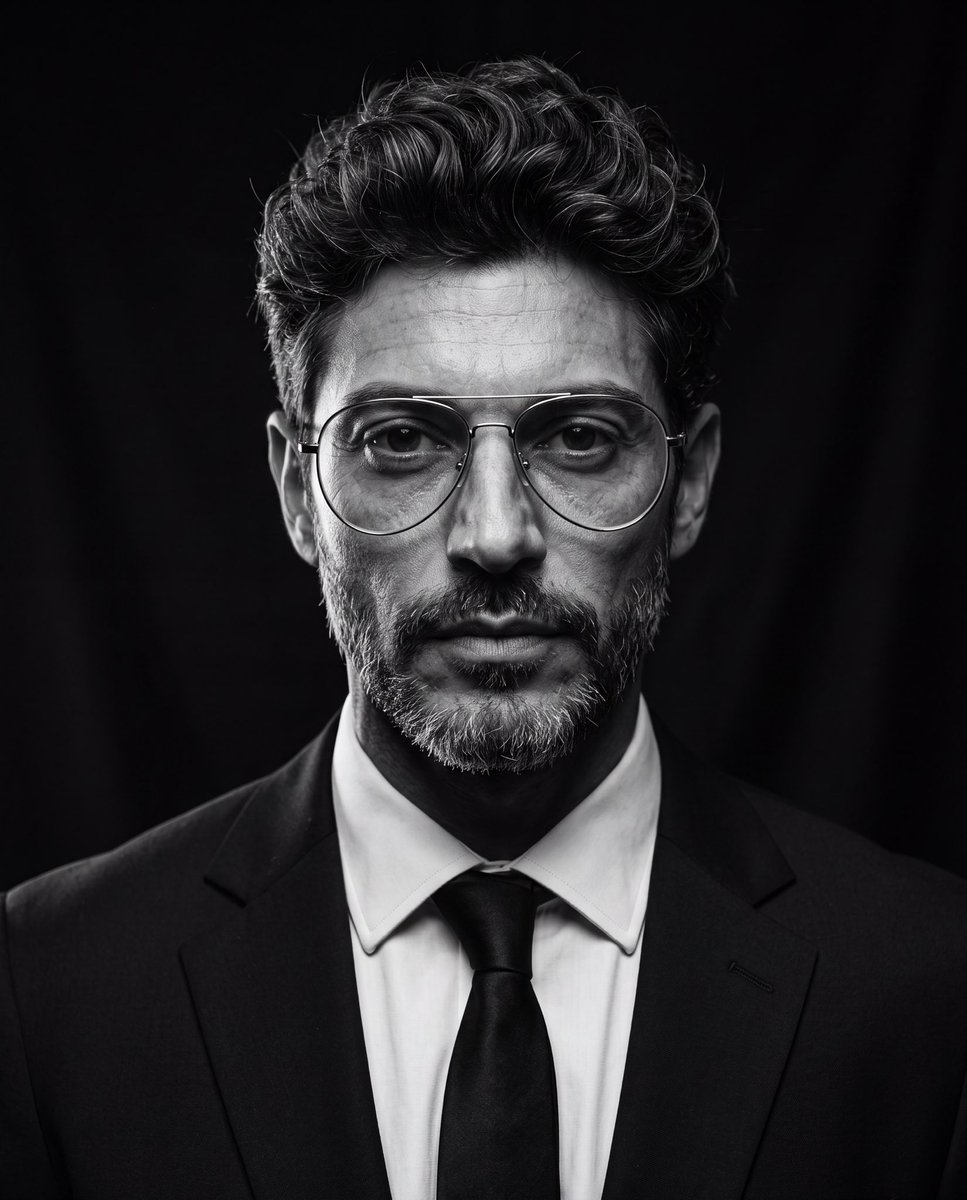
Cinematic Black and White Studio Portrait

1980s Retro Salon Portrait
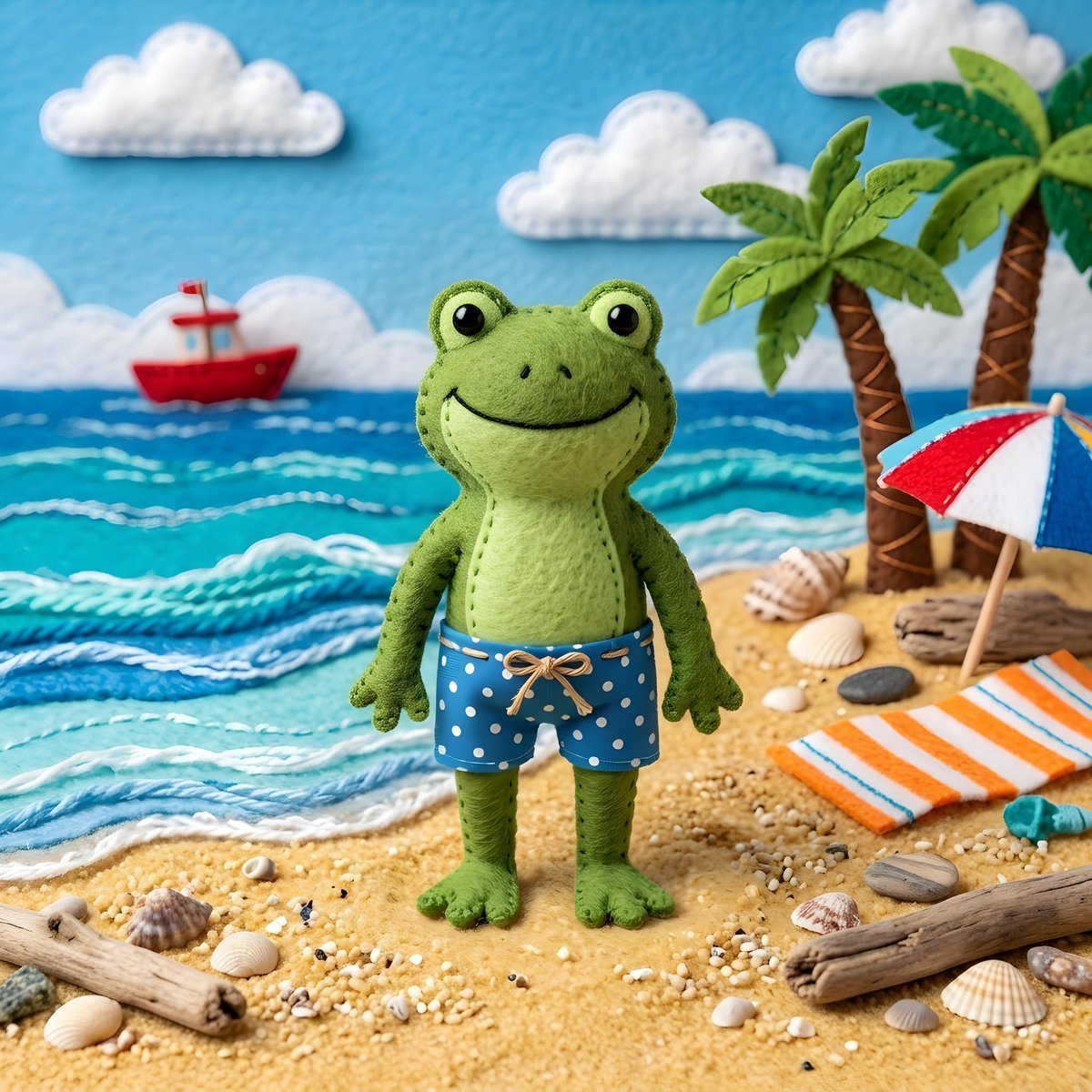
Felt Frog Diorama Beach
More image prompts
Fresh picks from across the catalog.
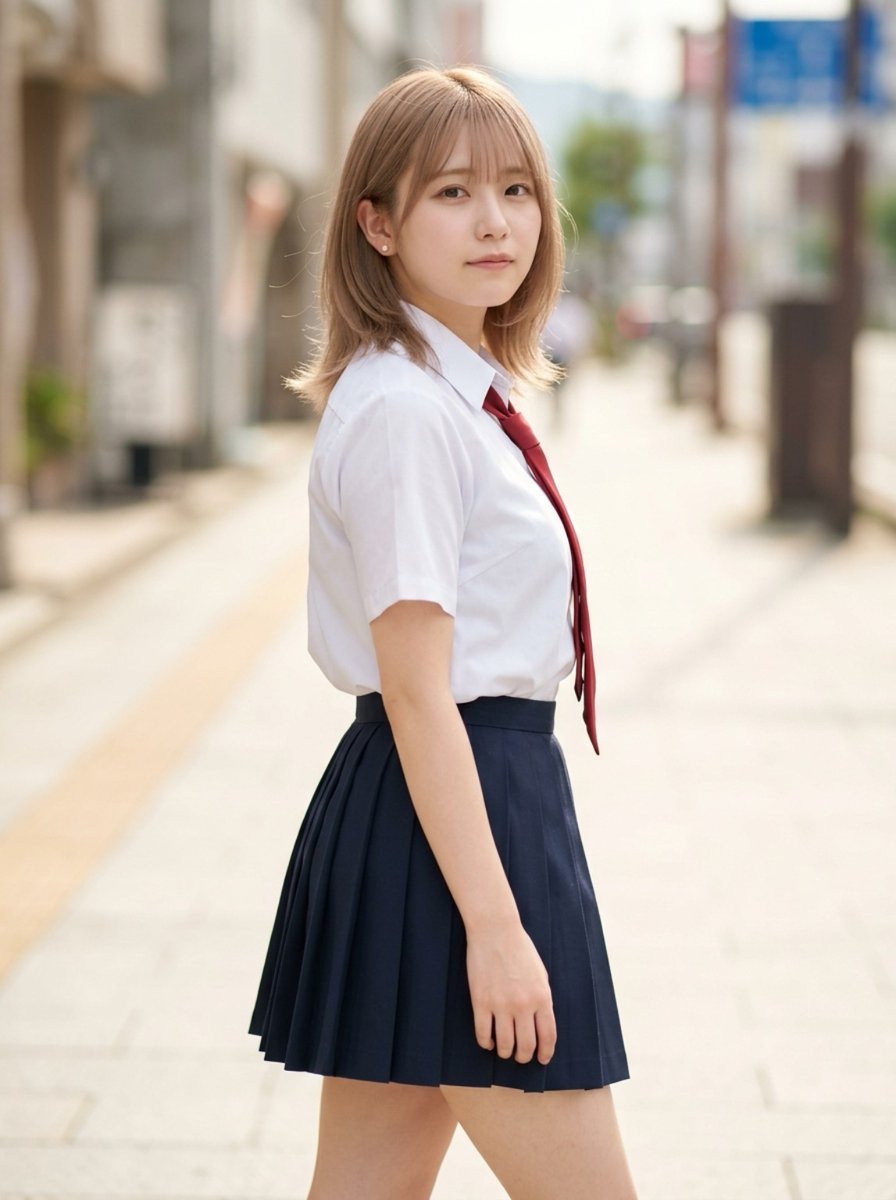
Censored School Uniform Street Portrait
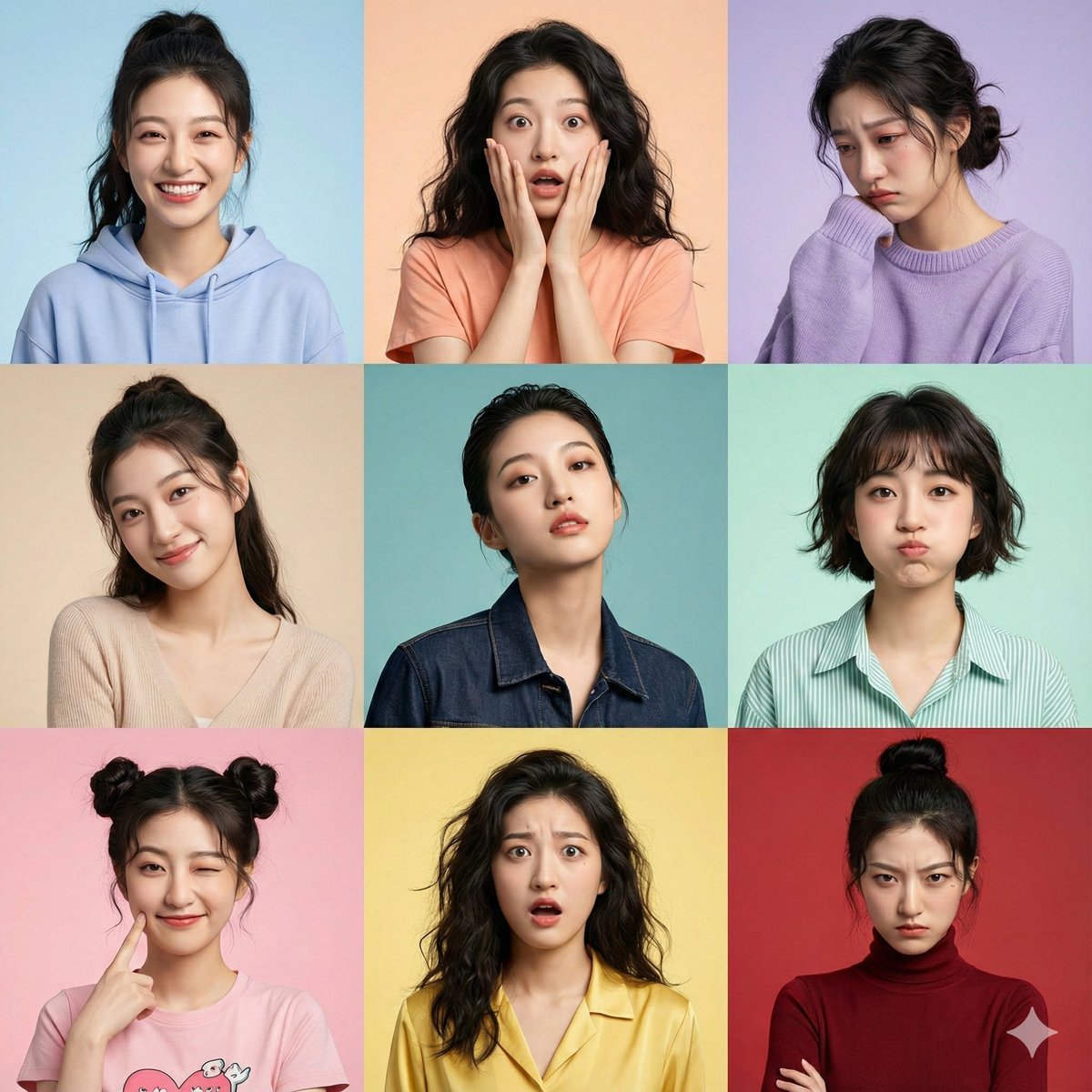
Hyper-Realistic 3x3 Grid Portrait with Fixed Identity
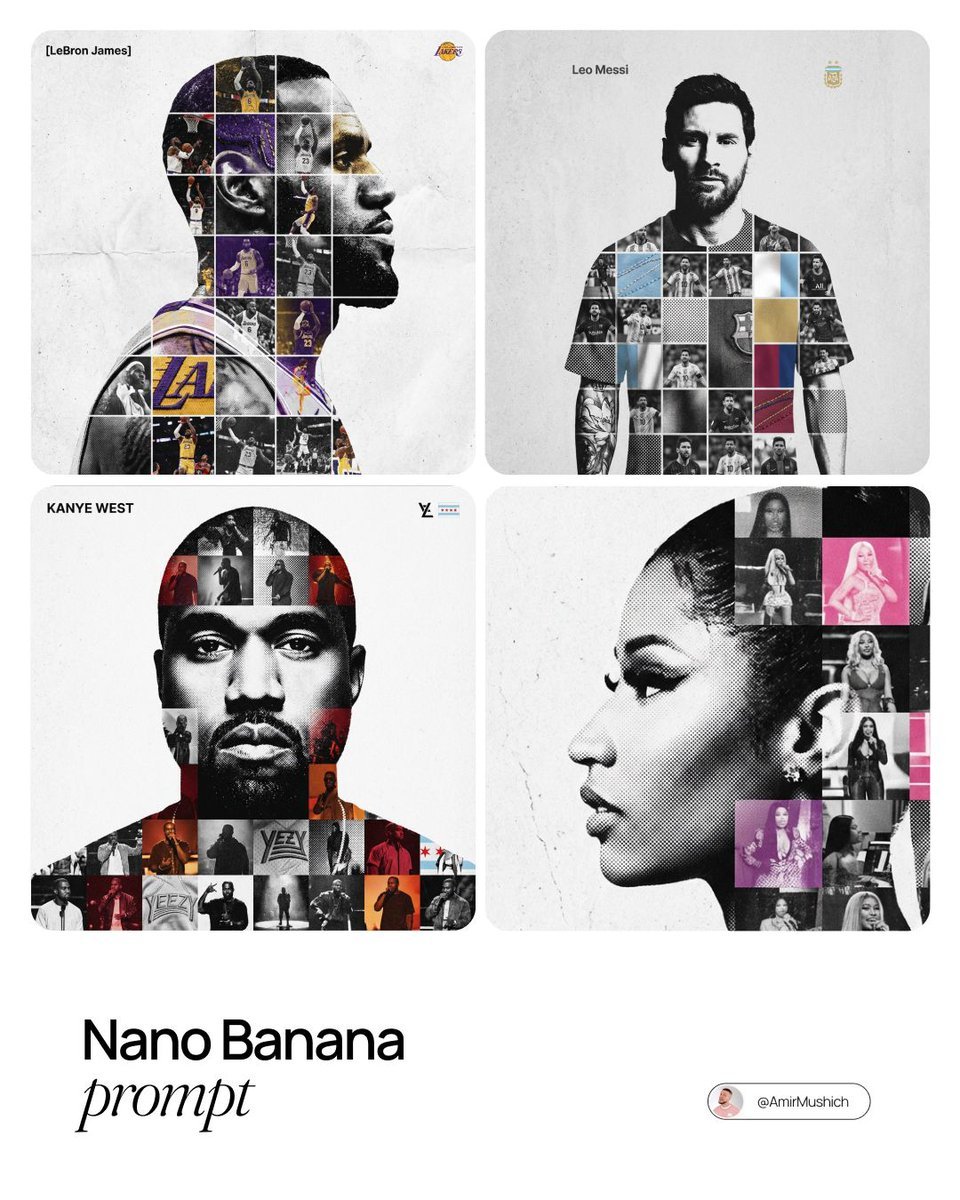
Photo-Grid Tribute Poster Design Prompt

National Sports Celebration Poster

Minimalist Sports Poster Campaign

Neo-Noir Hitman Film Still
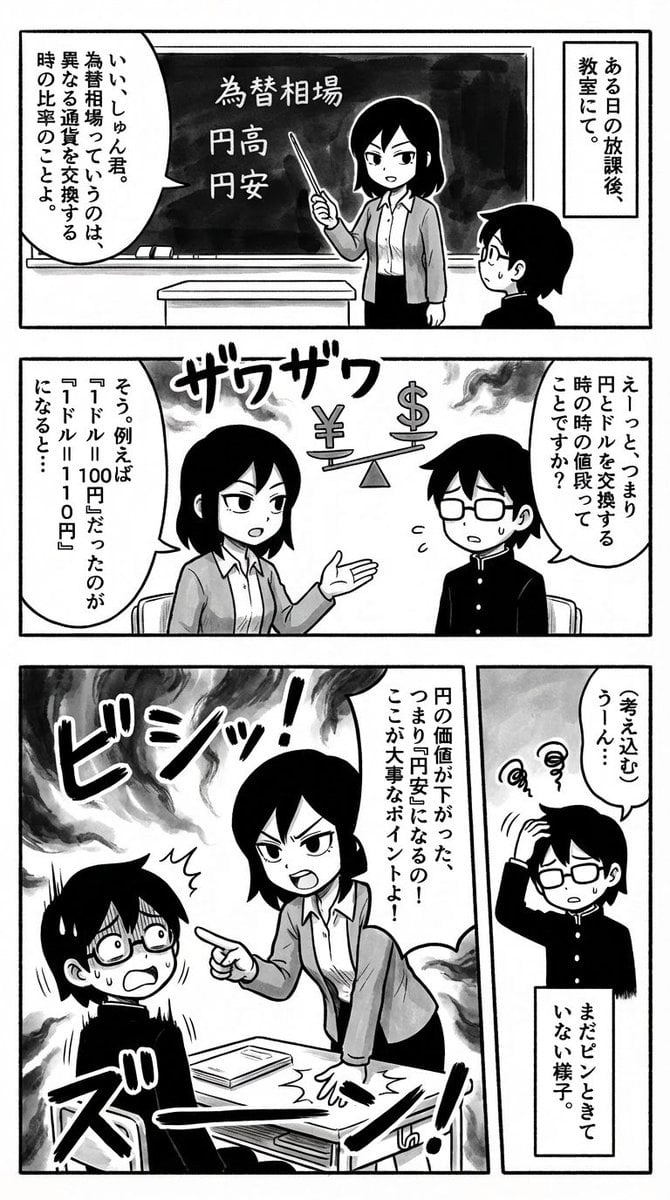
Simple Comic Generation Prompt

Surreal Library Armchair Generation
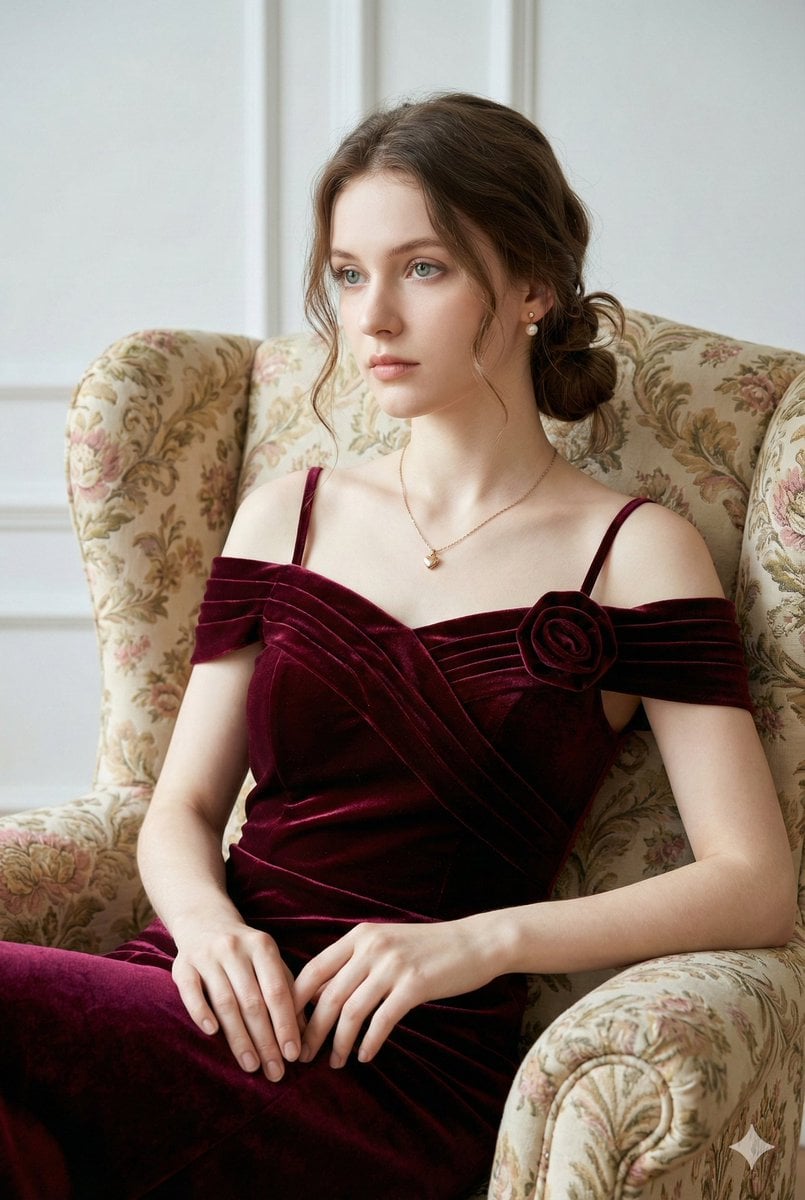
Photorealistic Velvet Dress Portrait
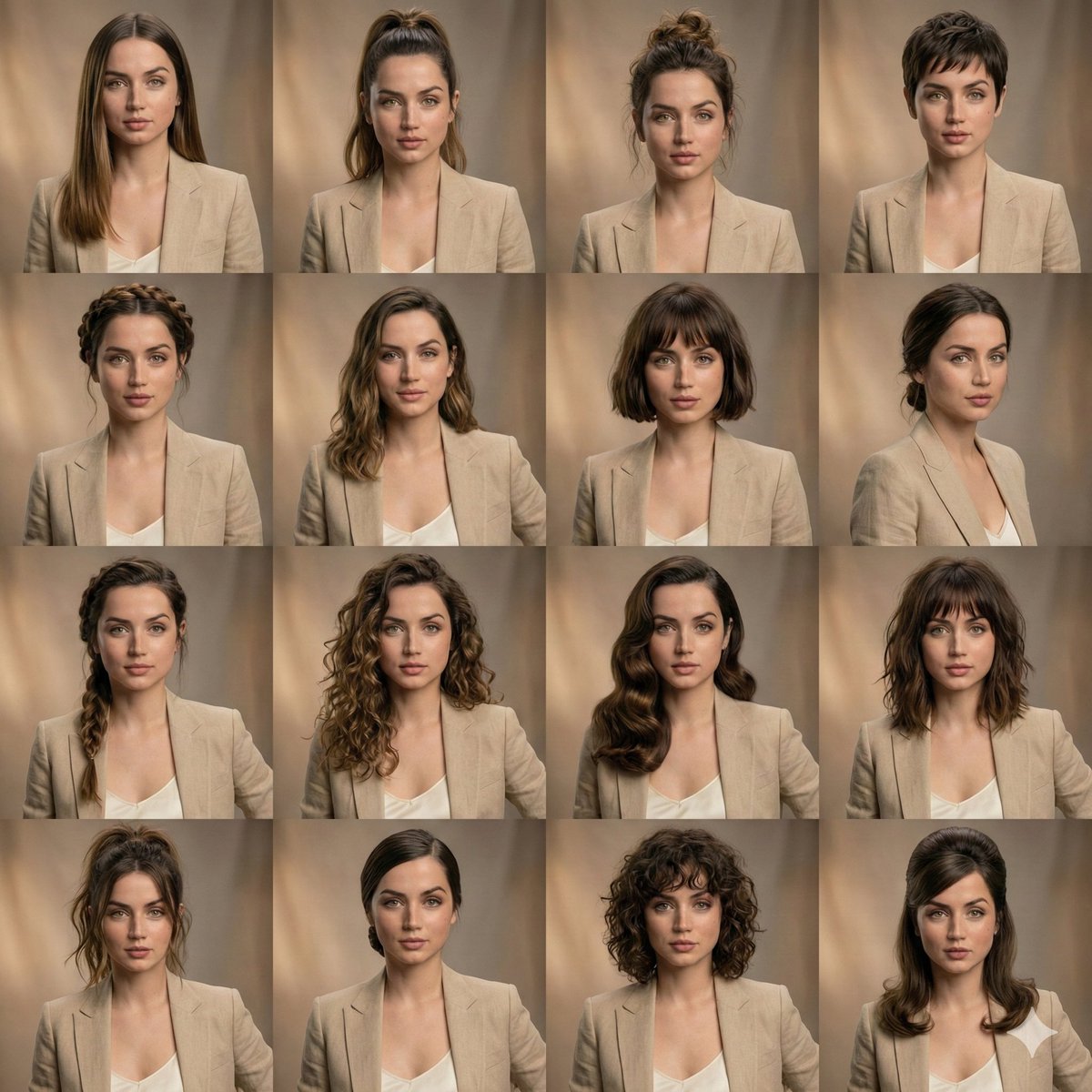
Editorial Beauty Collage for Hairstyle Variations
Browse template categories
Golden Sunset Beach Moments questions
How do I use the Golden Sunset Beach Moments template?
Add your photo if the template asks for one, edit the prompt if you like — the template's model and format are already selected — and press Generate. Your version opens in PicX Studio.
Can I customize the Golden Sunset Beach Moments template?
Yes. You can change the subject, setting, lighting, mood, format, and available model controls before creating your image.
Is the Golden Sunset Beach Moments template free?
Opening and editing this template is free. Generating uses credits, shown on the Generate button when you are signed in.
Which AI model should I use?
Start with Gemini 3 Pro Image Preview, which is the model associated with this template. You can compare another compatible model for a different finish.
Looking for something else? Browse all templates.

Your photo, any look
Thousands of ready templates for every top image and video model, from one credit balance.