
Sunny European Street Portrait
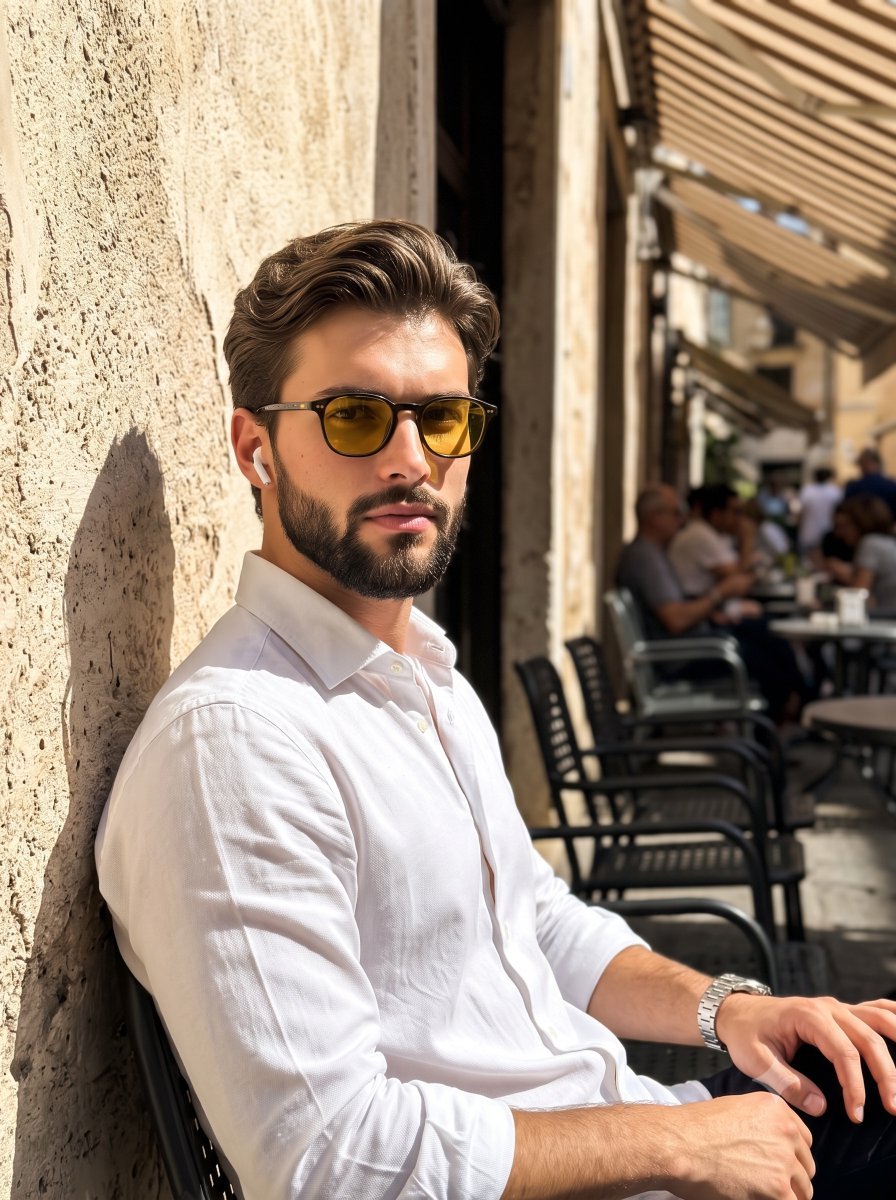
A highly descriptive editorial lifestyle photography prompt for a male model in a sunlit European street setting with dramatic lighting.
- Prompt included
- Model and format preset
- Free template
The prompt behind this image
Copy the exact prompt behind Sunny European Street Portrait, or open it in the studio and make it yours.
A confident young male model sits facing the camera on the left side of the frame, leaning slightly to his left with relaxed shoulders in an organic, composed posture. His medium-length, wavy hair, measuring roughly three to four inches on top, is swept back and styled with a matte product, featuring distinct natural flyaways beautifully illuminated by the sun. He holds a neutral expression with a closed mouth and a direct gaze through {argument name="sunglasses color" default="vibrant amber yellow"} sunglasses. He is dressed in a {argument name="shirt color" default="crisp, bright white"} shirt that intensely catches the direct sunlight, accessorized with a subtle earbud and a visible belt. His relaxed right hand rests naturally on his leg, revealing a sleek wristwatch. He is positioned against a {argument name="wall texture" default="weathered, warm gray plaster"} wall detailed with a rough, patchy matte finish and visible scuffs, contrasting with the dark gray stone cobblestones beneath him. The scene recedes with deep spatial depth into a street setting on the right, where a layered visual hierarchy draws the eye from the subject to the background. In the right midground, slightly out-of-focus worn cafe tables and black metal chairs sit beneath a weathered, striped fabric awning in the top right, while small, blurred figures of people dining populate the far background. The atmosphere captures a warm European summer afternoon, sculpted by a single, highly directional natural light source striking from a 45-degree side angle. This warm, golden hard light creates a dramatic, high-contrast chiaroscuro effect, producing blown-out highlights on his face and shirt while casting long, harsh-edged, deep black shadows across the textured wall behind him. The complementary color palette heavily balances the dominant whites and deep shadow browns with warm golden tans and the amber accent of his sunglasses, entirely devoid of ambient fill light. Captured straight-on in a tack-sharp, editorial lifestyle street photography style, the pristine, grain-free digital image utilizes a medium depth of field to isolate the subject. Enhanced with warm color grading and increased contrast at settings equivalent to f/2.8, 1/500s, and ISO 100, the composition perfectly applies the rule of thirds for an asymmetric, left-heavy balance, beautifully framed in a 3:4 aspect ratio.
How to use Sunny European Street Portrait in 3 steps
- 1
Open
The prompt is already in the box next to the preview, with the template's model and format selected.
- 2…a portrait of your subject in softgolden-hour light, 85mm…
Personalize
Edit the subject and creative details for your destination.
- 3Generate
Generate
Press Generate — your image is created in PicX Studio, so you can compare it with the original and refine one variable at a time.
More like this
Templates with the same subject, style or setup. Open one to see its prompt.
Elegant European Street Portrait

Nano Banana Pro Photoreal Playful Couple
Sunny Candid Street Portrait
Sunny Daikanyama Street Portrait
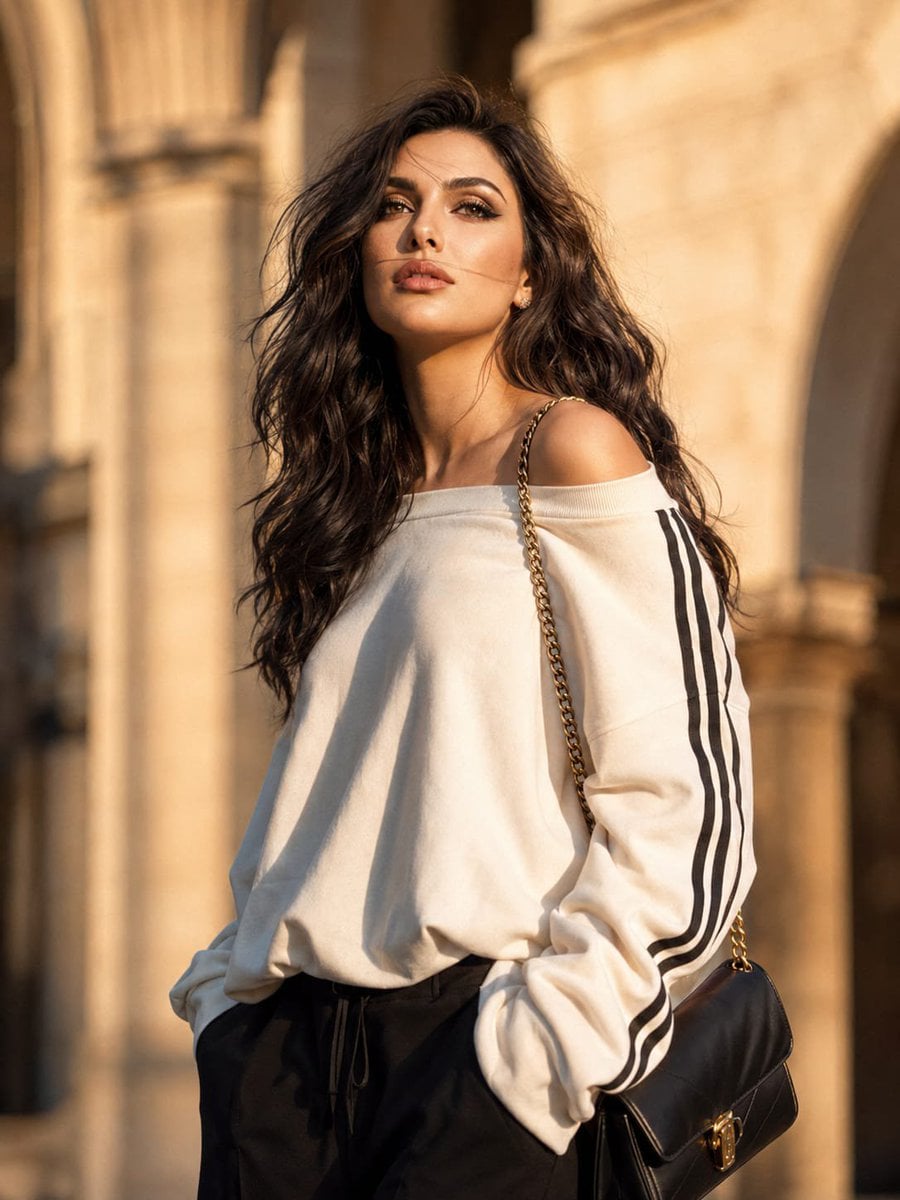
European Luxury Street Style Portrait

Male Fashion Portrait in European Street
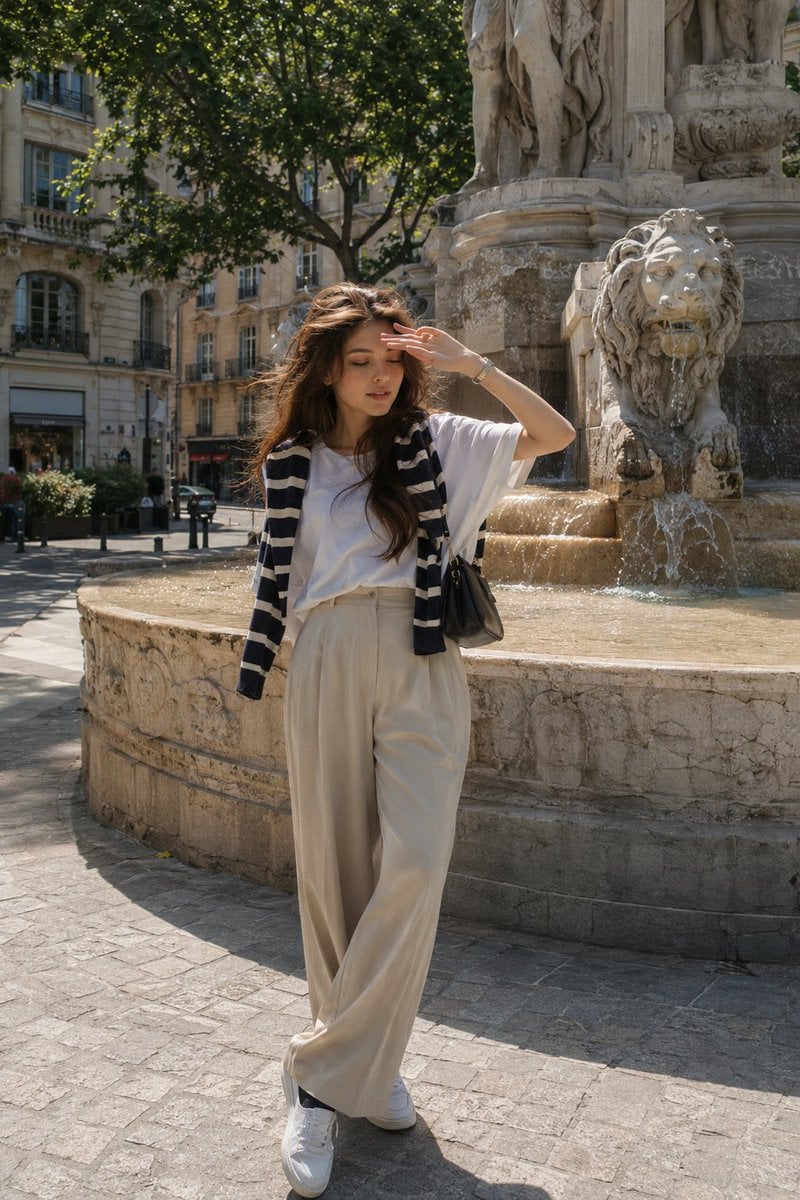
European Street-Style Portrait
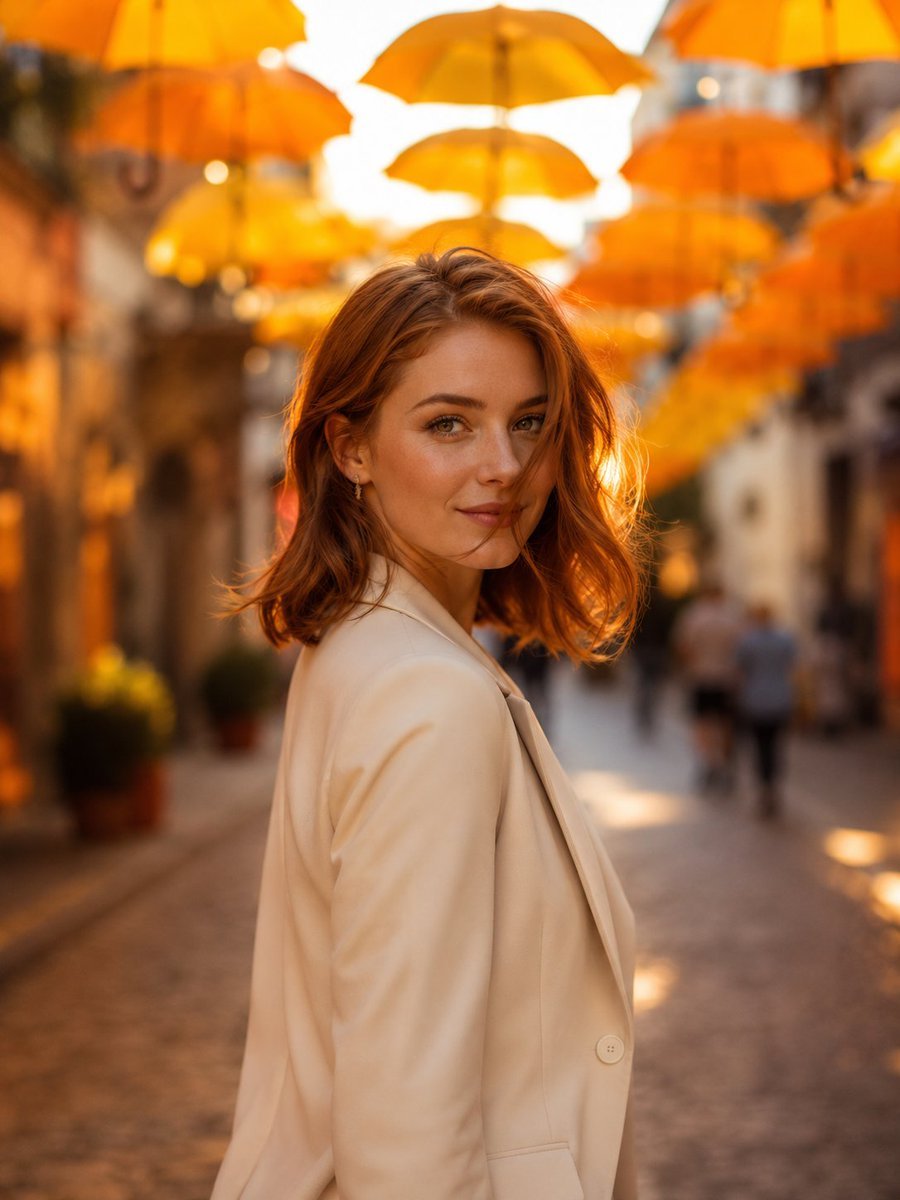
European Umbrella Street Portrait

Two Tickets, One Night

Found Photograph: Us, 1970

Meet Me When It Rains

Two Hearts. One Scooter.
Make it yours
Sunny European Street Portrait works as-is. These are the safest ways to change it without losing the look.
Change one field
Copy a single group, rewrite it, and generate again so you can see what that field is doing.
Keep the frame, change the subject
Hold the composition and light of Sunny European Street Portrait, then swap wardrobe, props or the person for a new take.
| If the result… | Why | Fix |
|---|---|---|
| The result drifts from the preview | Too many fields changed at once. | Reuse Sunny European Street Portrait as-is first, then change one group — subject, light, or setting. |
| The model over-stylizes the scene | The prose prompt leaves finish and camera underspecified. | Add one camera or lighting sentence and stay on Gemini 3 Pro Image Preview. |
More Gemini 3 Pro Image Preview templates
Other prompts made for Gemini 3 Pro Image Preview.

Avant-Garde Asian Fashion Model

Underwater Macro Face Portrait

Water-level Bridge Modification

Noir Punk Street Portrait

High Contrast Cinematic Face Portrait

Monochrome Studio Portrait with Colored Lens

Ultra-Realistic Yacht Sunset Portrait

Mushroom Still Life Composition

Whimsical Anthropomorphic Friendly Insect

Cinematic Urban Night Billboard Portrait
More image prompts
Fresh picks from across the catalog.
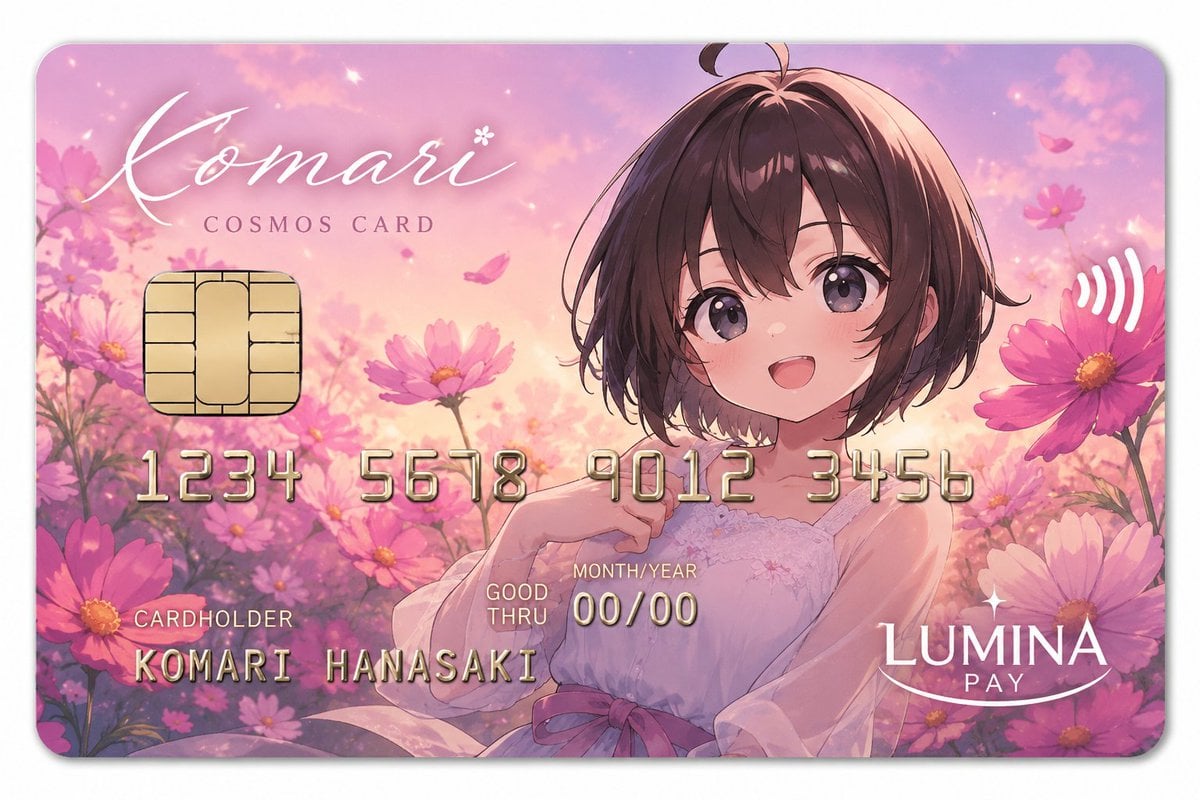
Anime Cosmos Credit Card Design

Gpt2 Social Media Post Golden Cocktail in Greenhouse Bar
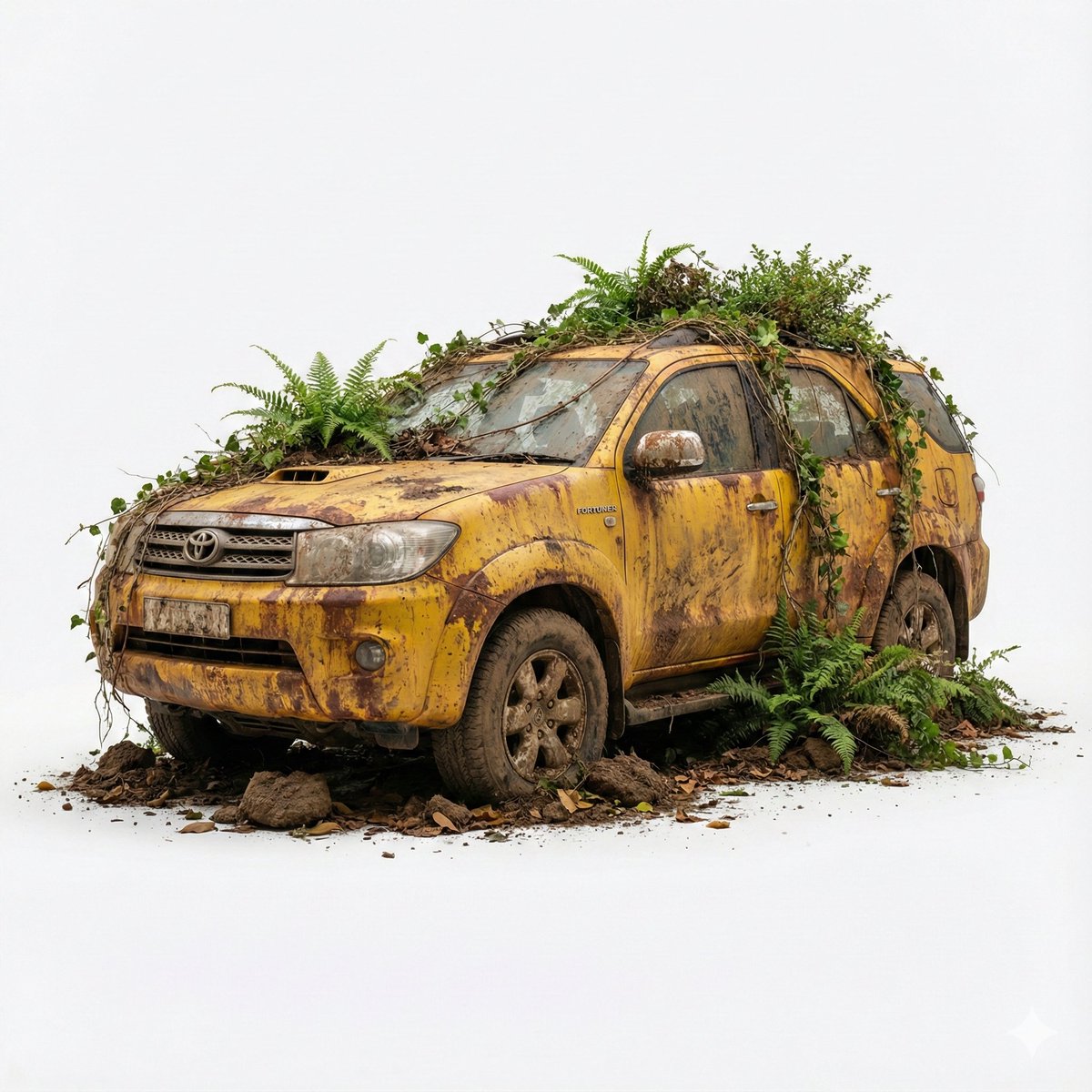
Abandoned Object Photorealistic Image Generator
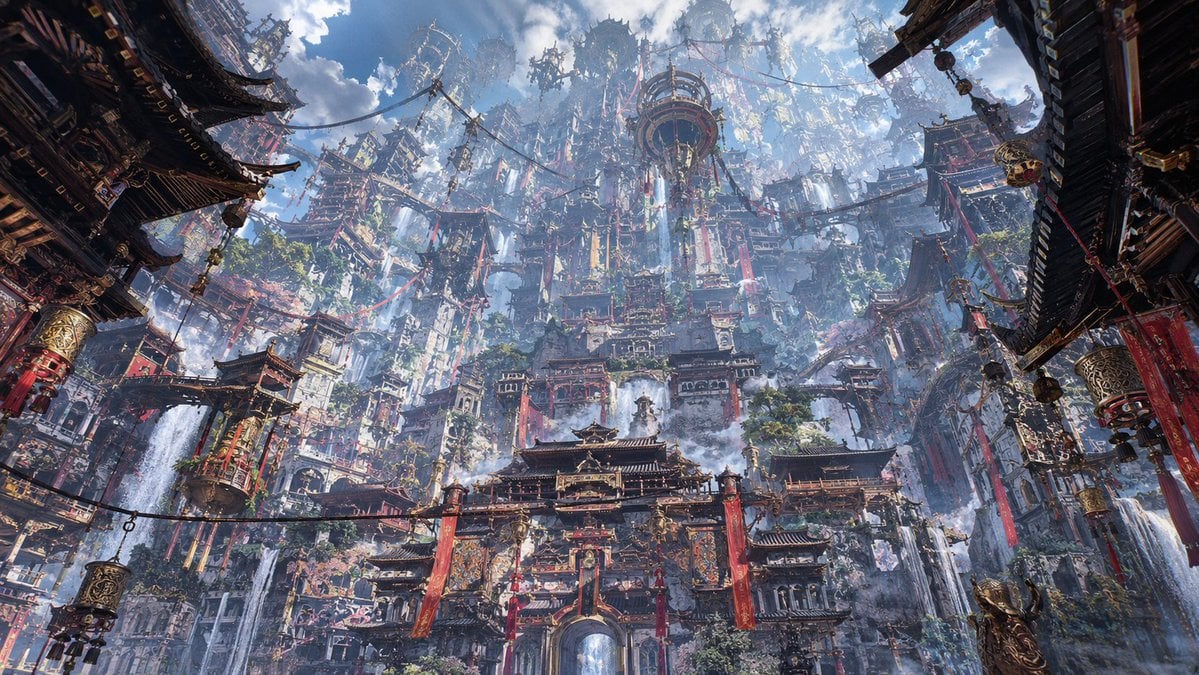
Maximalist Sky Temple City
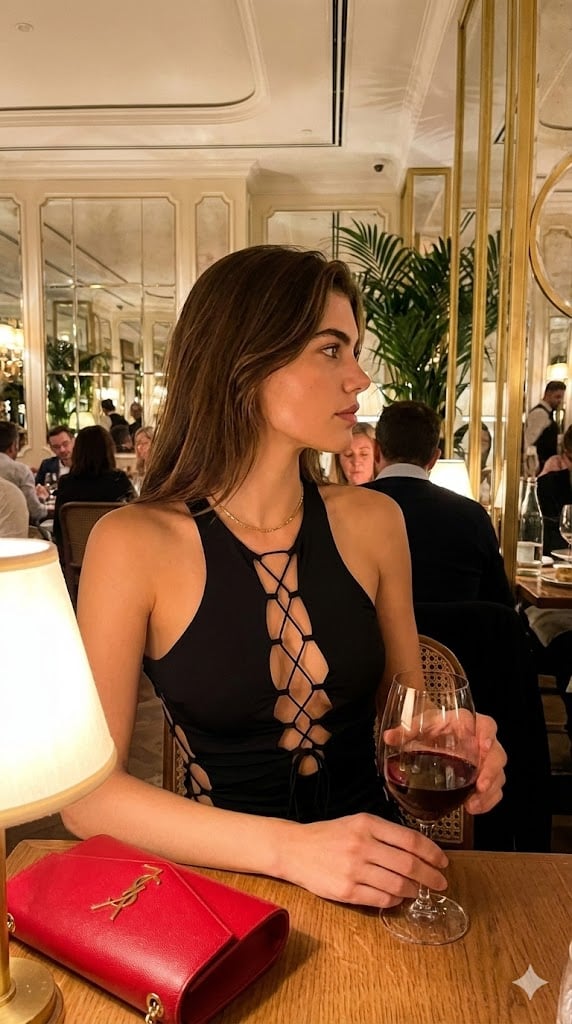
High-End Candid Portrait in an Italian Restaurant
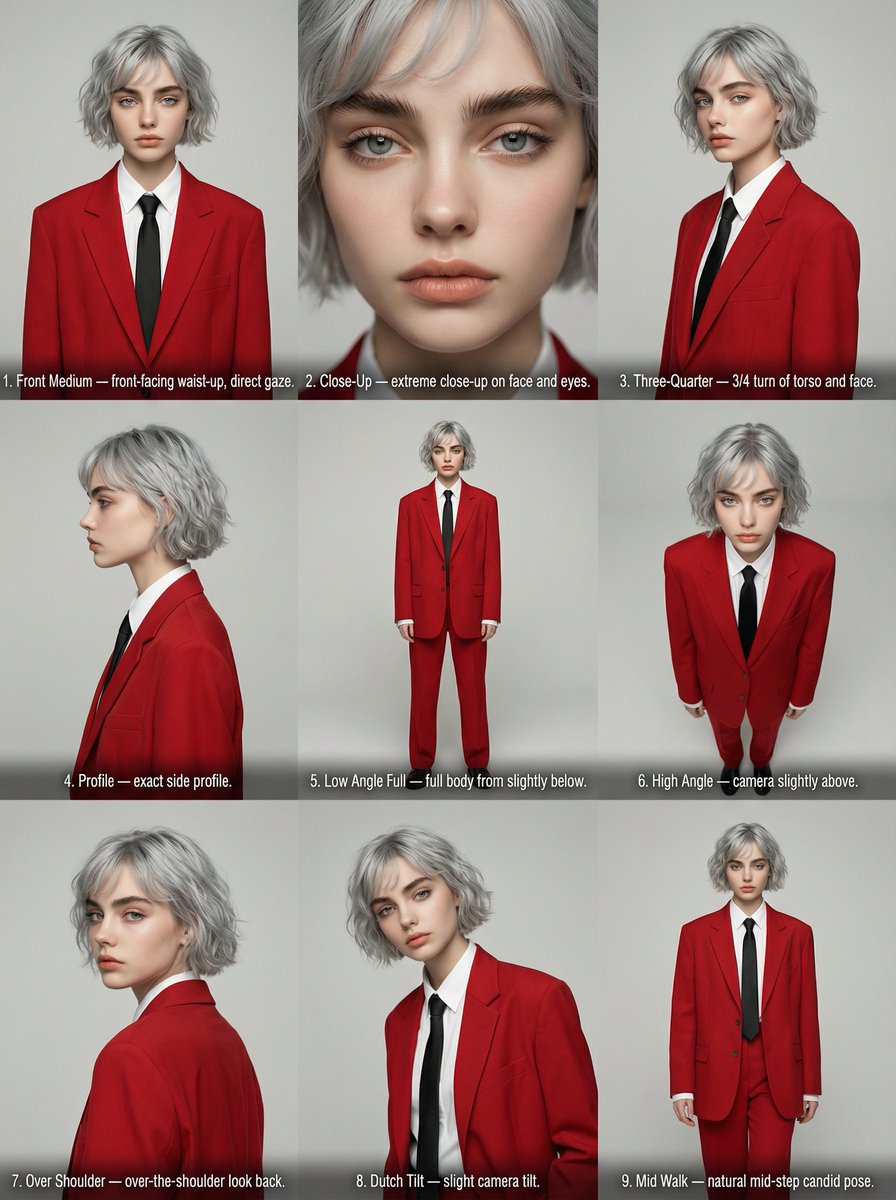
Editorial Angle Reference Sheet Grid

Logo generation prompt for Nano Banana Pro
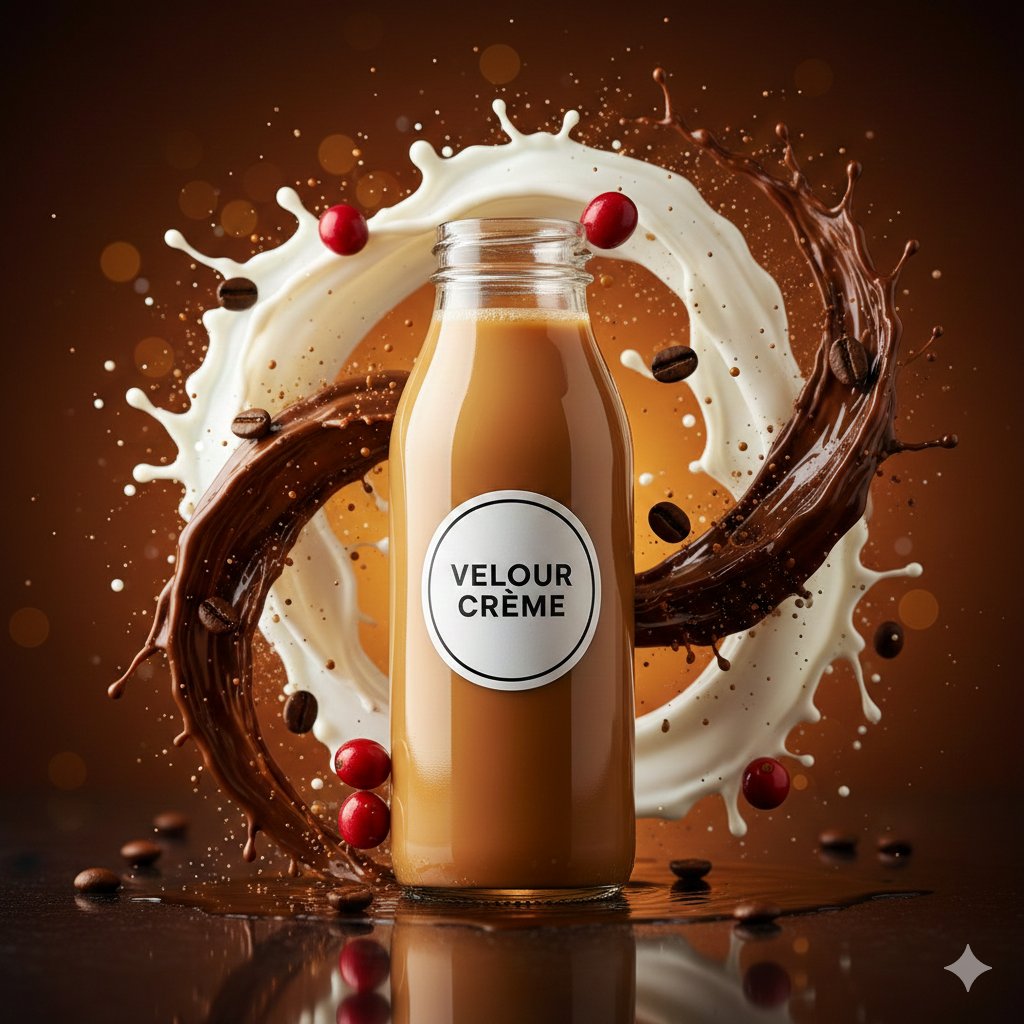
High-Speed Commercial Food Photography Prompt for Latte Bottle
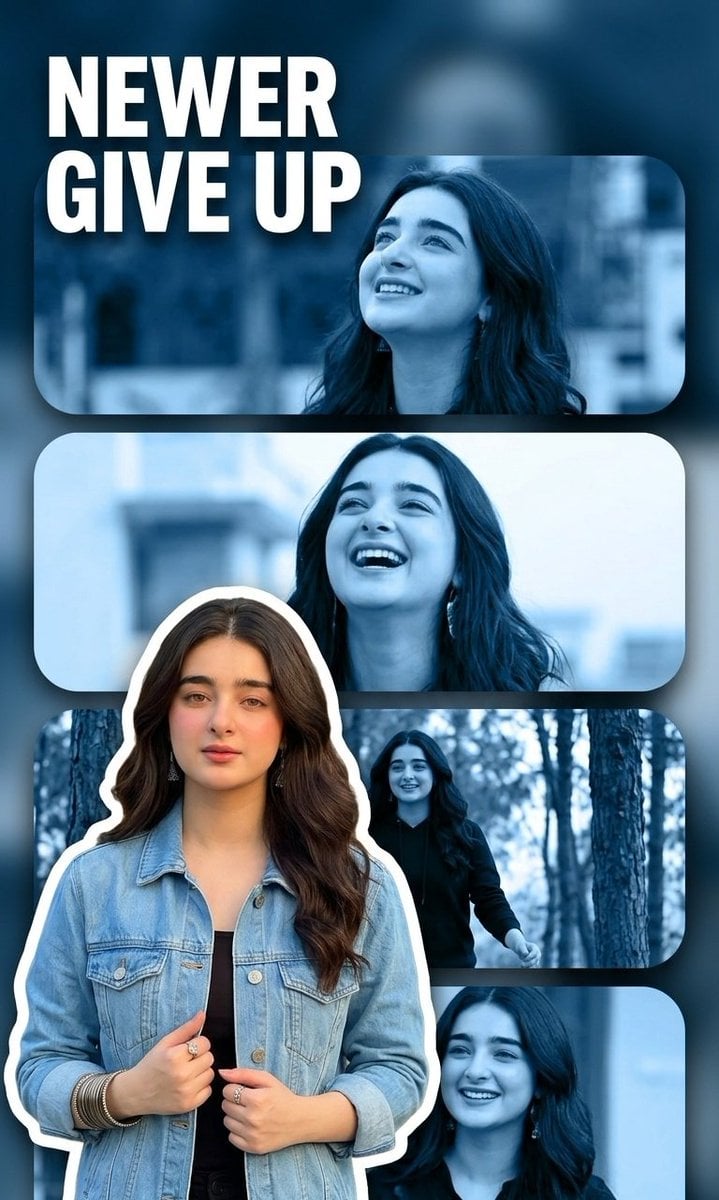
Vertical Poster Collage Design
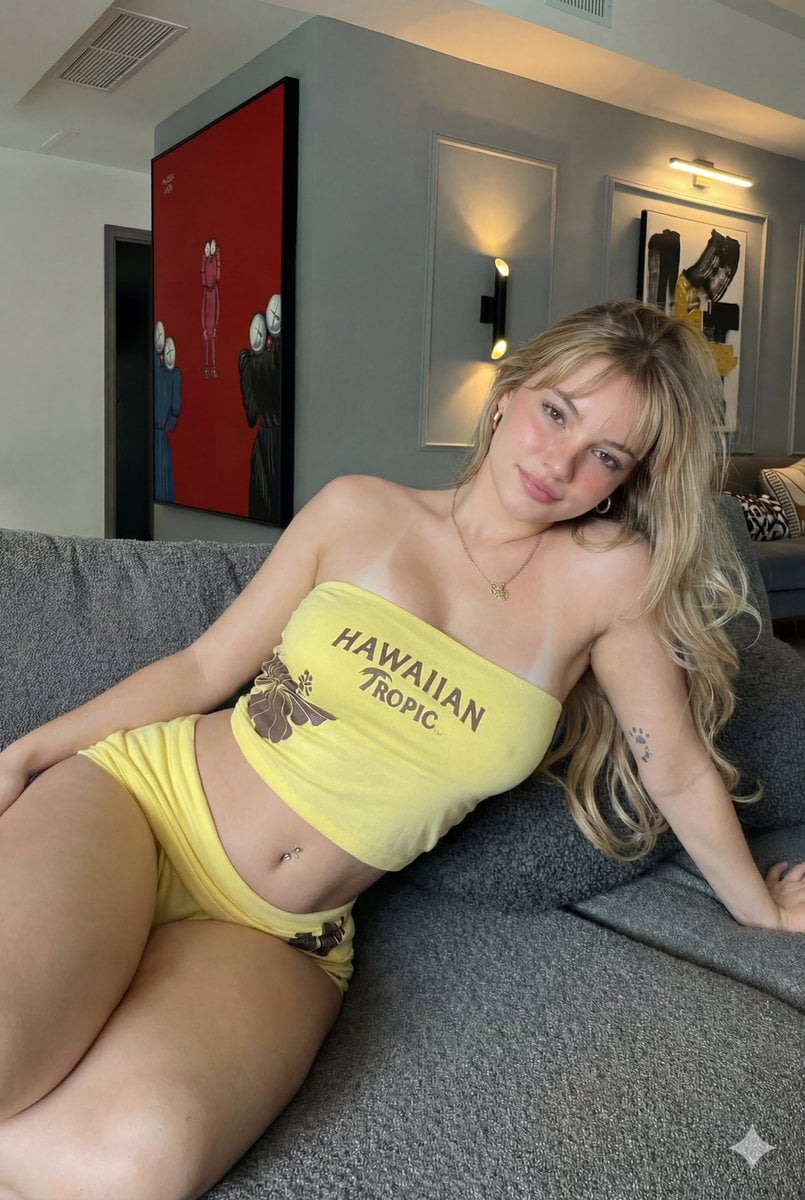
Photorealistic Influencer Lifestyle Portrait Prompt (Yellow Loungewear) (Duplicate)
Browse template categories
Sunny European Street Portrait questions
How do I use the Sunny European Street Portrait template?
Add your photo if the template asks for one, edit the prompt if you like — the template's model and format are already selected — and press Generate. Your version opens in PicX Studio.
Can I customize the Sunny European Street Portrait template?
Yes. You can change the subject, setting, lighting, mood, format, and available model controls before creating your image.
Is the Sunny European Street Portrait template free?
Opening and editing this template is free. Generating uses credits, shown on the Generate button when you are signed in.
Which AI model should I use?
Start with Gemini 3 Pro Image Preview, which is the model associated with this template. You can compare another compatible model for a different finish.
Looking for something else? Browse all templates.

Your photo, any look
Thousands of ready templates for every top image and video model, from one credit balance.