
Casual Hijab Selfie Portrait
A close-up selfie prompt for a Southeast Asian woman in a dark green knit top and hijab, featuring realistic golden-hour lighting.
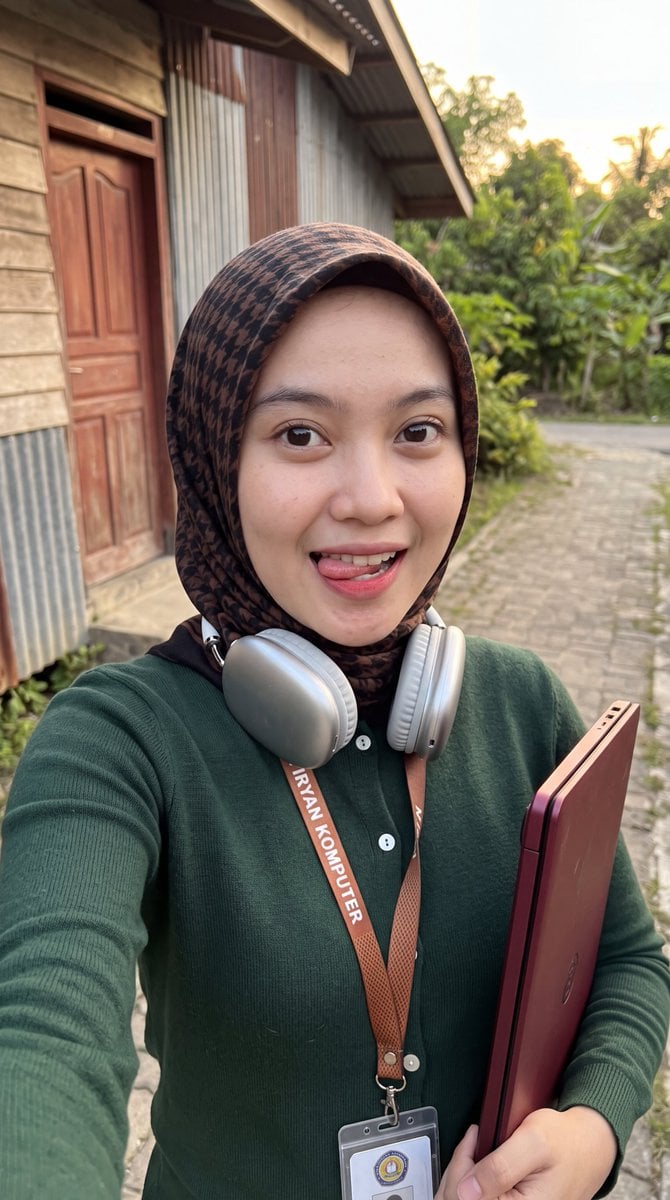
- Prompt included
- Model and format preset
- Free template
The prompt behind this image
Copy the exact prompt behind Casual Hijab Selfie Portrait, or open it in the studio and make it yours.
A close-up selfie of a young {argument name="ethnicity" default="Southeast Asian"} woman with fair skin, large dark brown eyes, and soft facial features, wearing a neatly wrapped dark brown/black hijab that fully covers her hair and frames her face. She is playfully sticking her tongue out slightly while looking directly at the camera with a cute, teasing expression and subtle pinkish-red lip tint. Silver metallic over-ear headphones rest around her neck. She wears a fitted {argument name="top color" default="dark green"} long-sleeved knit top with small white buttons down the front. A lanyard with an orange-brown mesh strap hangs around her neck; the strap has the text “Iryan Komputer” printed on it, and a clear plastic ID badge with a circular logo hangs from it. She holds a slim maroon/burgundy laptop or folder under her right arm. The photo is taken outdoors in {argument name="lighting" default="warm golden-hour"} lighting, with soft natural sunlight highlighting her face. Background shows a weathered wooden building with a reddish-brown door and corrugated metal wall, a paved outdoor path, and some greenery. Shallow depth of field, realistic skin texture, natural colors, high detail, casual everyday aesthetic.
How to use Casual Hijab Selfie Portrait in 3 steps
- 1Upload ImagePNG, JPG or paste
Add your photo
Upload the photo the template builds on. The prompt, model and format are already set.
- 2…a portrait of your subject in softgolden-hour light, 85mm…
Personalize
Edit the subject and creative details for your destination.
- 3Generate
Generate
Press Generate — your image is created in PicX Studio, so you can compare it with the original and refine one variable at a time.
More like this
Templates with the same subject, style or setup. Open one to see its prompt.
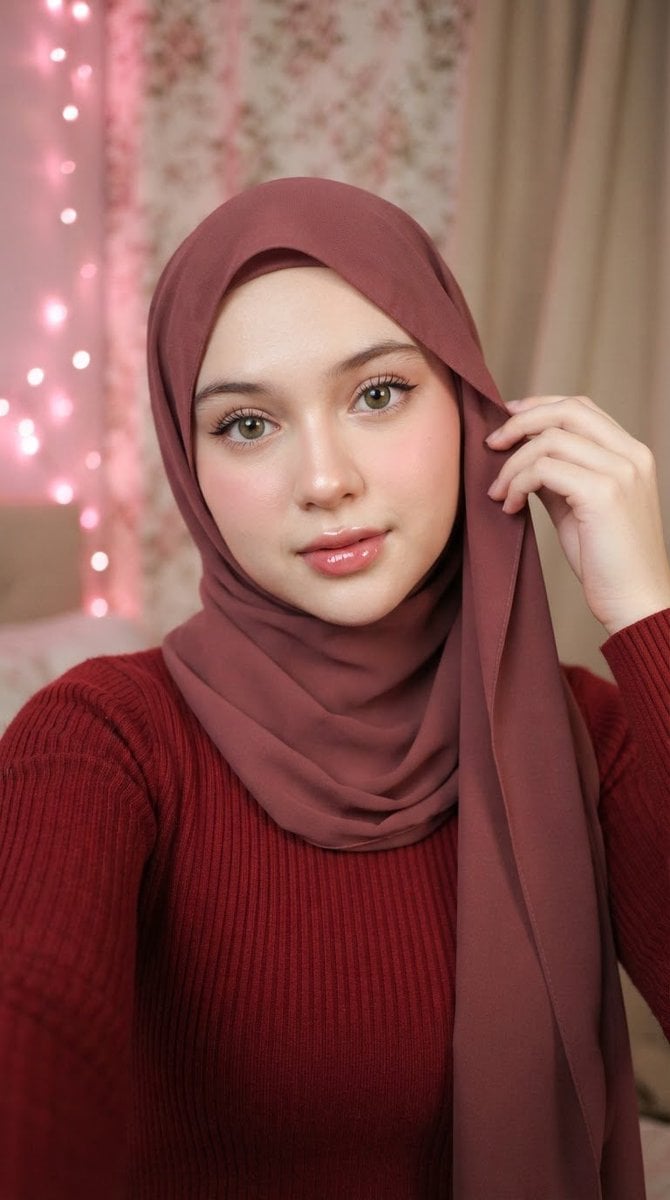
Muted Maroon Hijab Selfie

Rooftop Fisheye — Cat-Ear Balaclava at Golden Hour
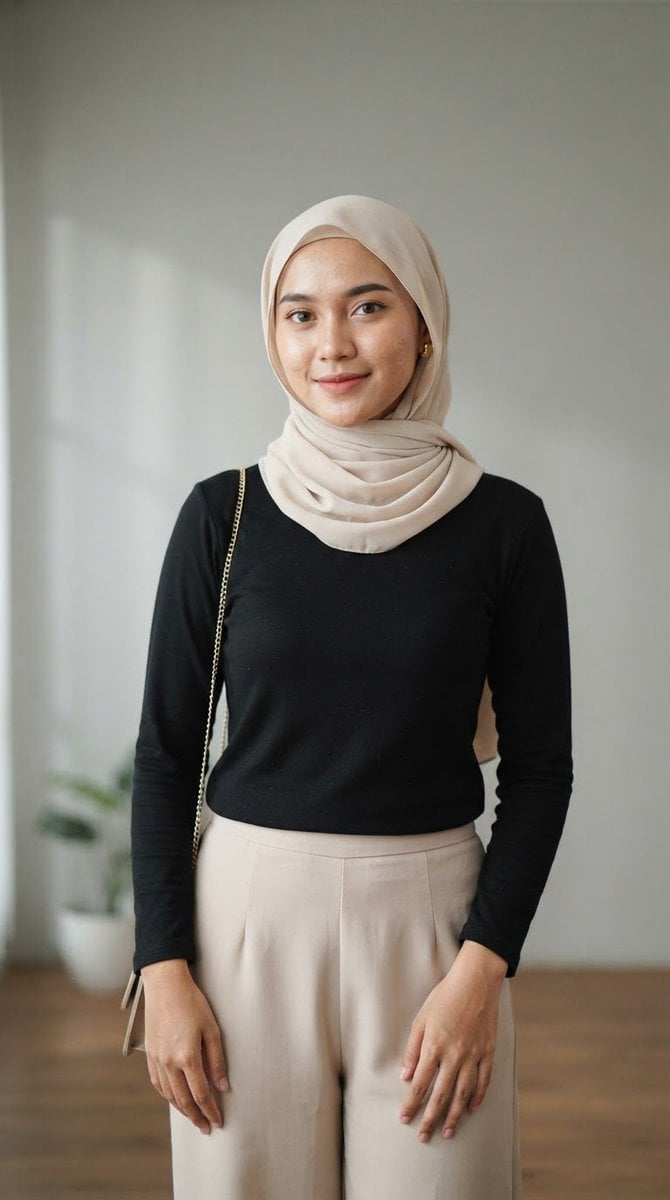
Indonesian Woman Hijab Portrait
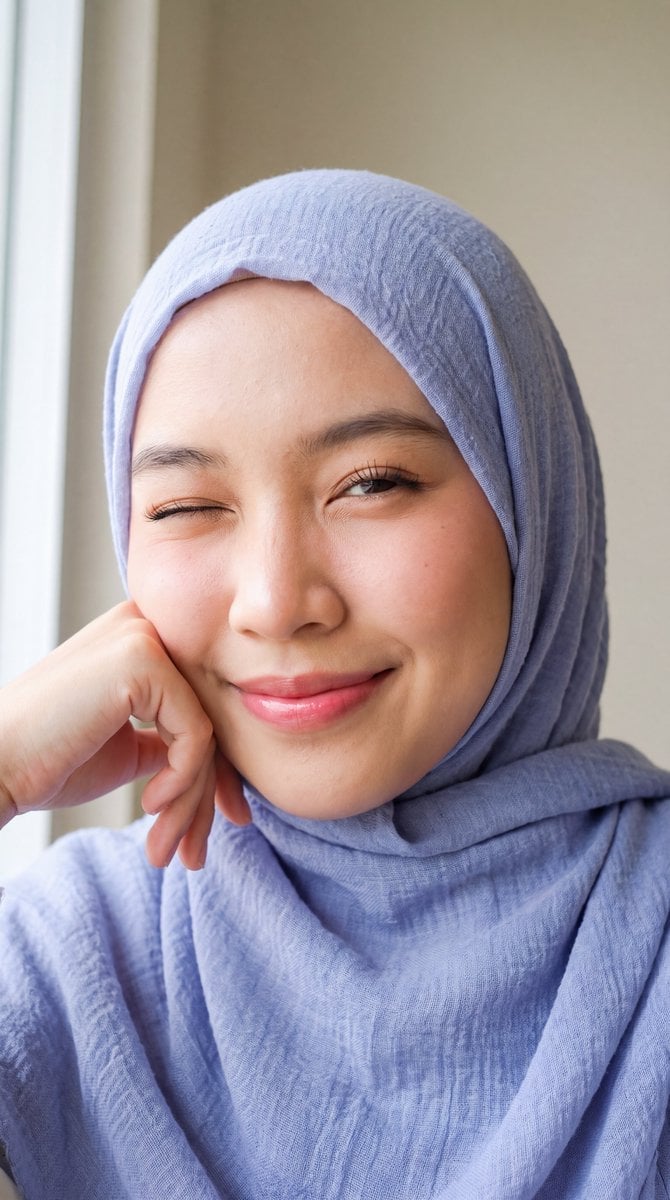
Playful Hijab Portrait
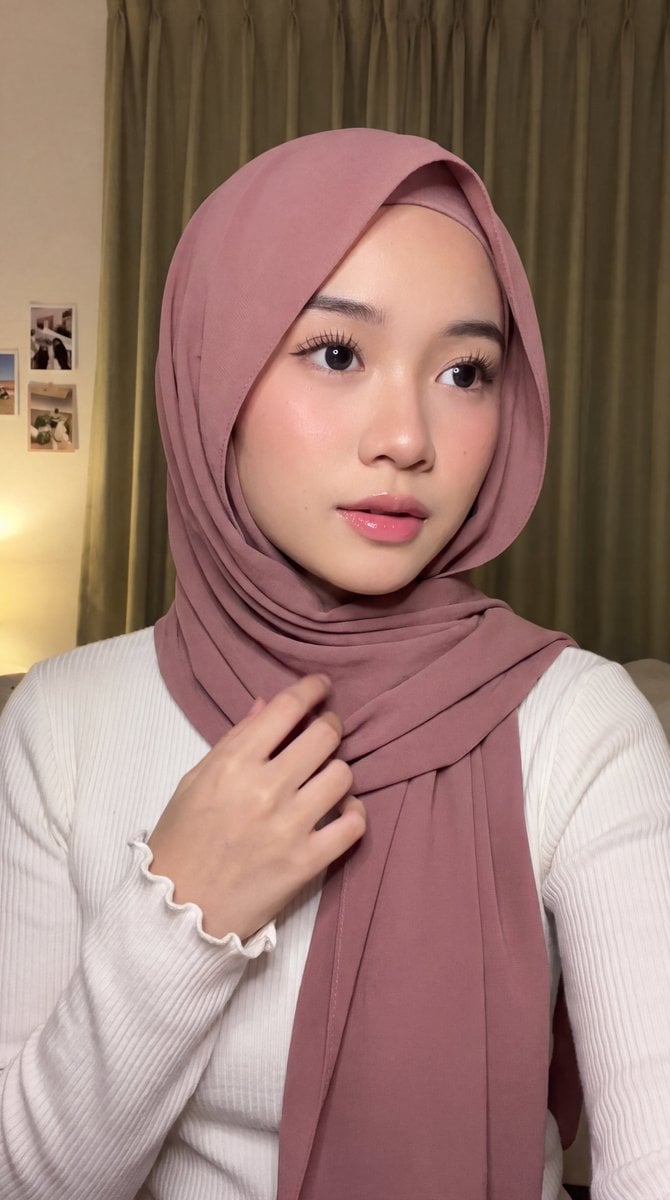
Intimate Hijab Portrait
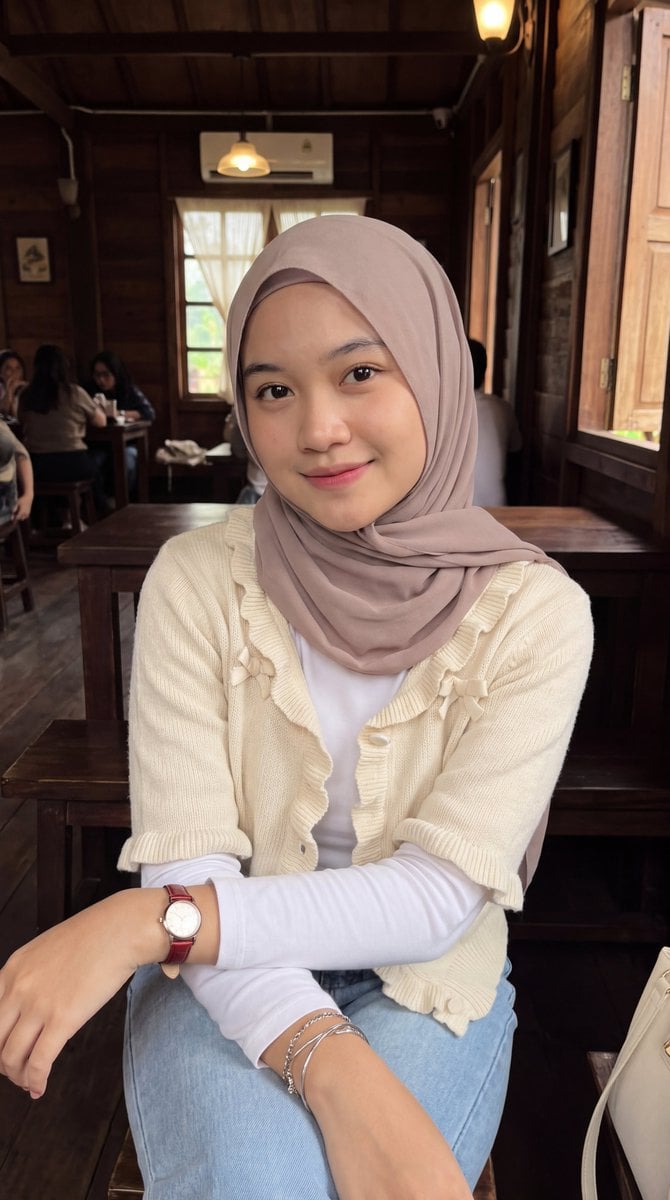
Hijab Portrait Cafe Aesthetic

Nano Banana Pro Photoreal Playful Couple

Underwater Macro Face Portrait

Noir Punk Street Portrait

High Contrast Cinematic Face Portrait
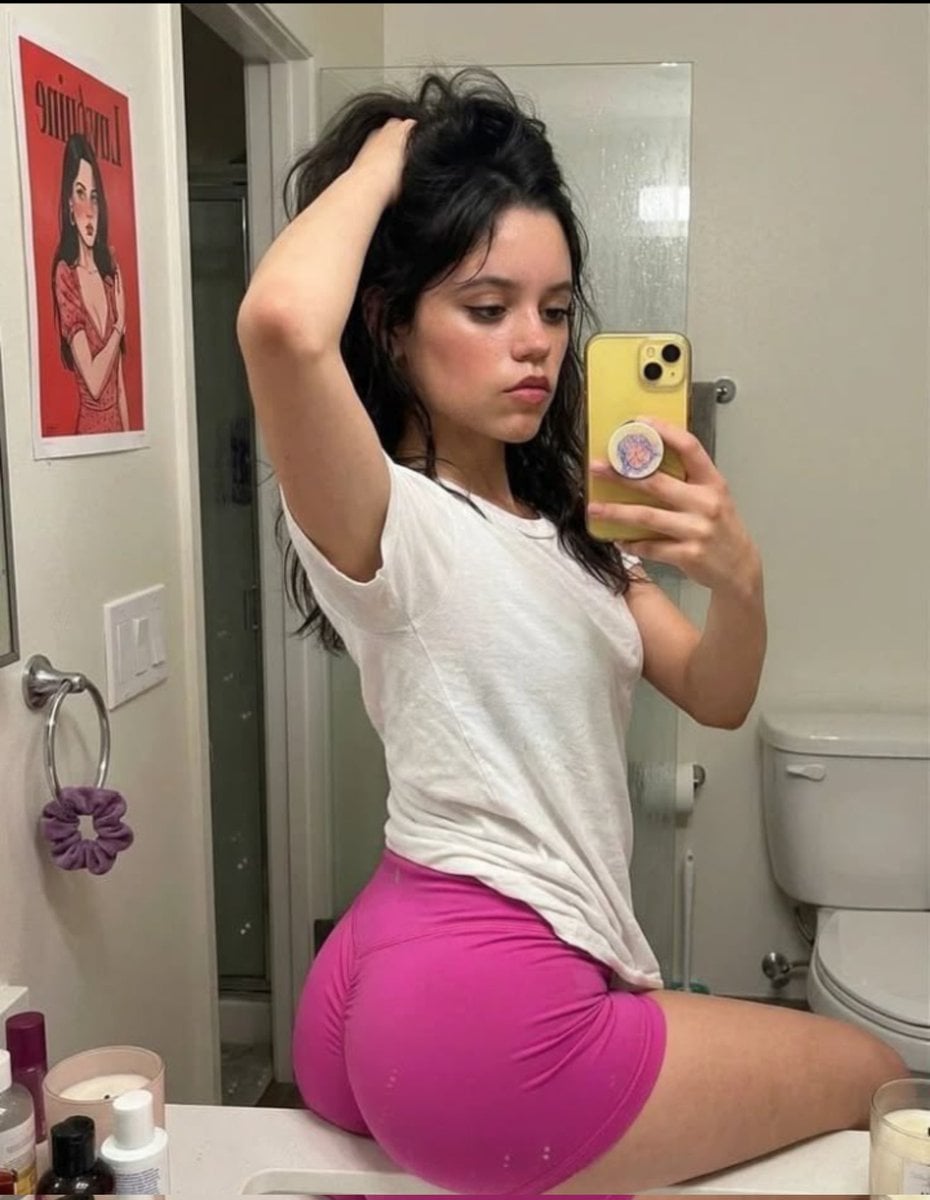
Casual Mirror Selfie Portrait
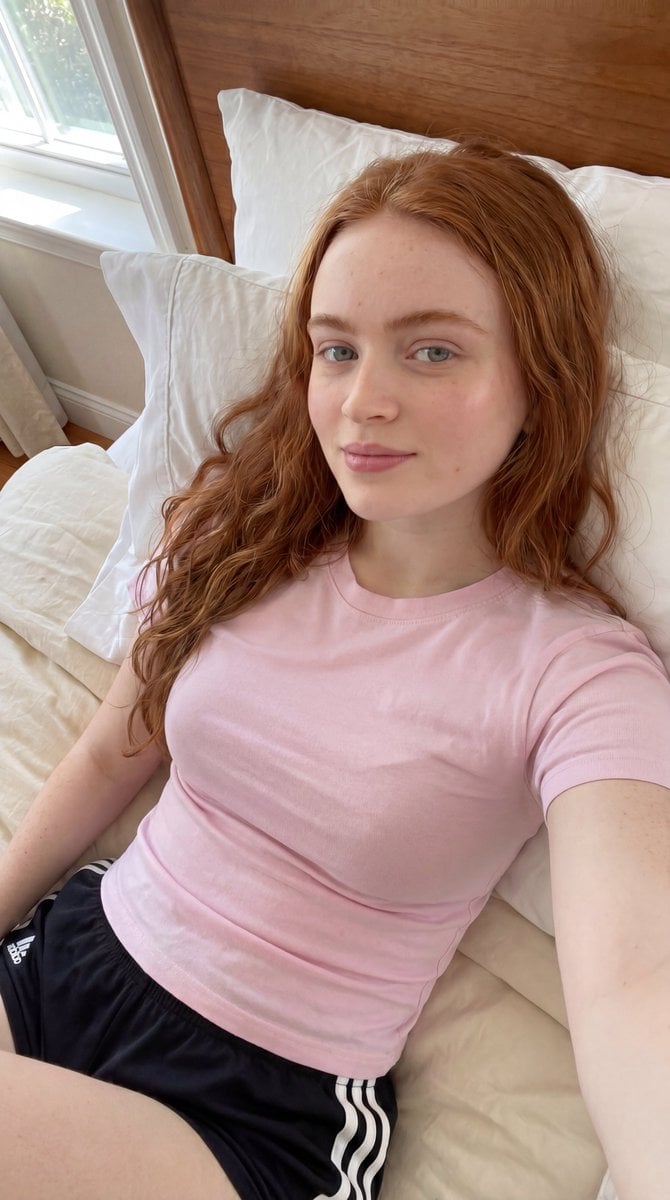
Casual Bedroom Selfie Portrait
Make it yours
Casual Hijab Selfie Portrait works as-is. These are the safest ways to change it without losing the look.
Change one field
Copy a single group, rewrite it, and generate again so you can see what that field is doing.
Keep the frame, change the subject
Hold the composition and light of Casual Hijab Selfie Portrait, then swap wardrobe, props or the person for a new take.
| If the result… | Why | Fix |
|---|---|---|
| The result drifts from the preview | Too many fields changed at once. | Reuse Casual Hijab Selfie Portrait as-is first, then change one group — subject, light, or setting. |
| The model over-stylizes the scene | The prose prompt leaves finish and camera underspecified. | Add one camera or lighting sentence and stay on Gemini 3 Pro Image Preview. |
More Gemini 3 Pro Image Preview templates
Other prompts made for Gemini 3 Pro Image Preview.

Creative Character in Pink Office

Avant-Garde Asian Fashion Model

Water-level Bridge Modification

Monochrome Studio Portrait with Colored Lens

Ultra-Realistic Yacht Sunset Portrait

Mushroom Still Life Composition

Whimsical Anthropomorphic Friendly Insect

Cinematic Urban Night Billboard Portrait

Pop Art Summer Fruit Fashion Illustration

Ultra-Realistic iPhone Selfie with Motion Blur
More image prompts
Fresh picks from across the catalog.

Post-Apocalyptic Tactical Anime Girl
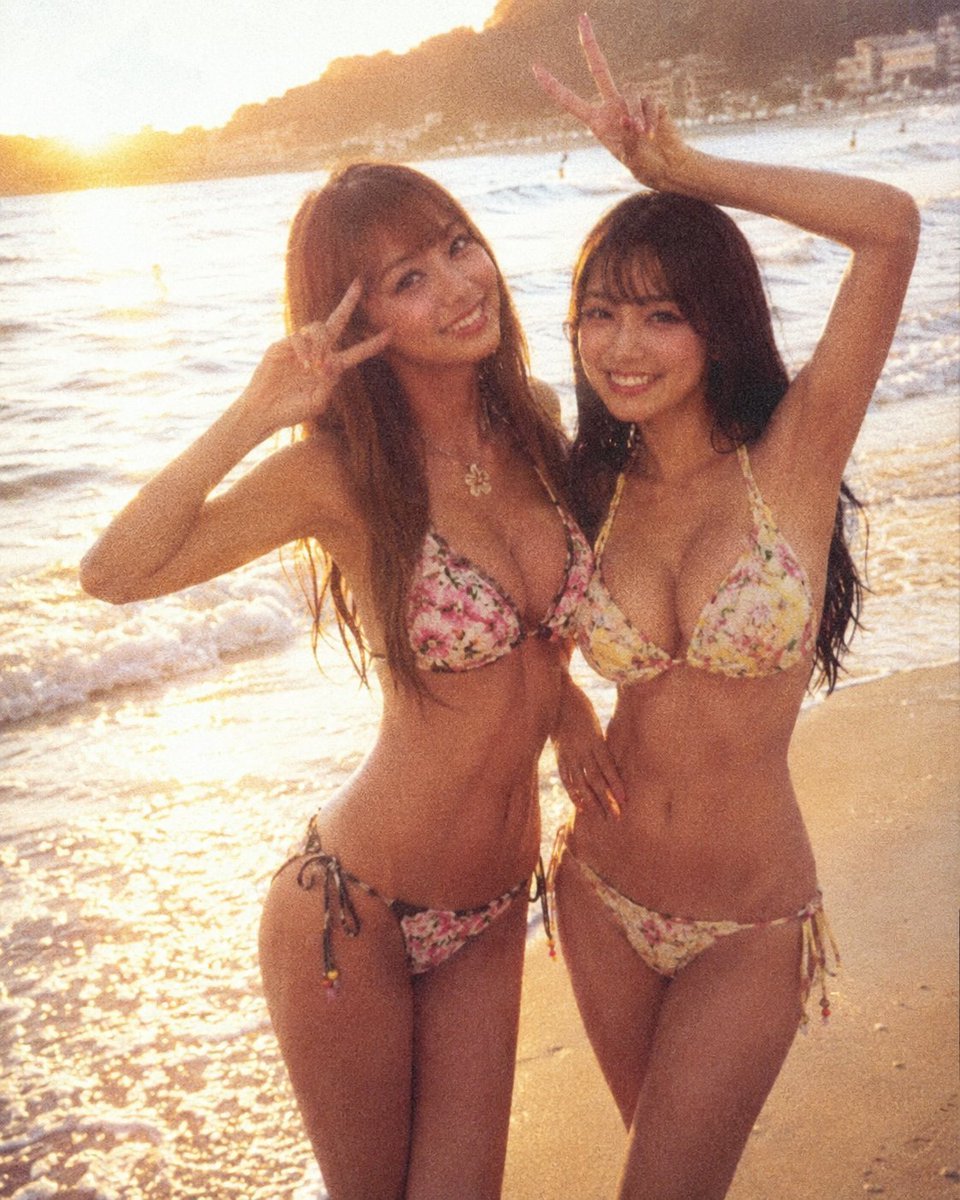
Analog Film Enoshima Portrait
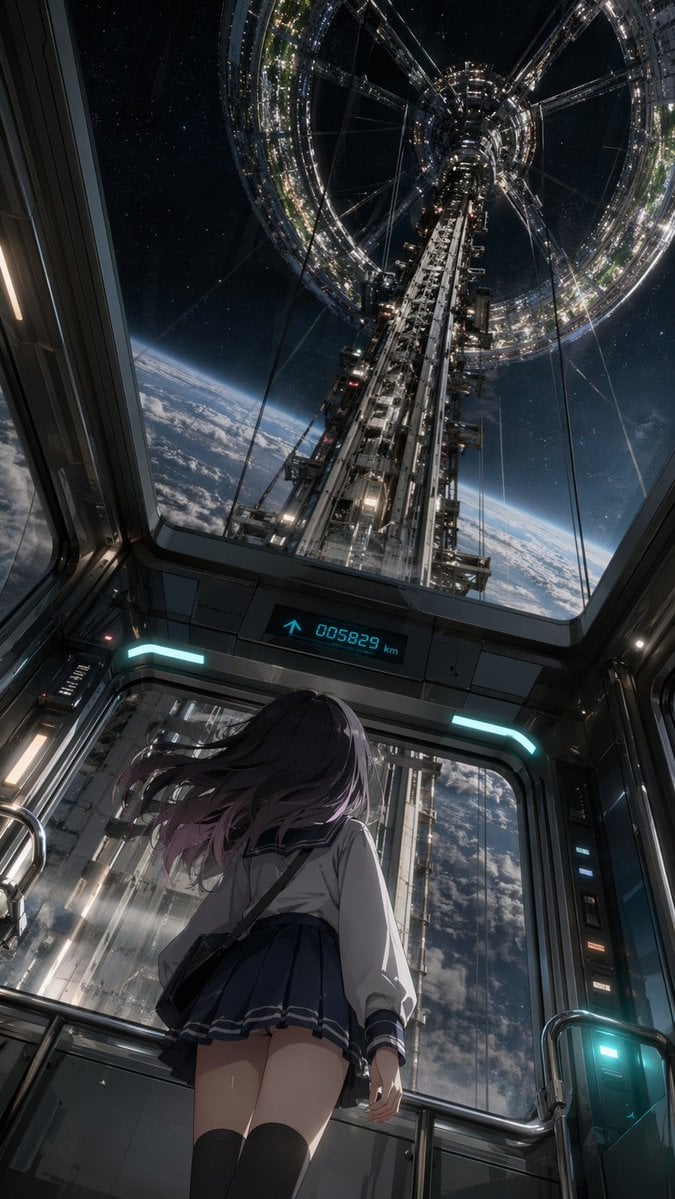
Anime Girl in Space Elevator
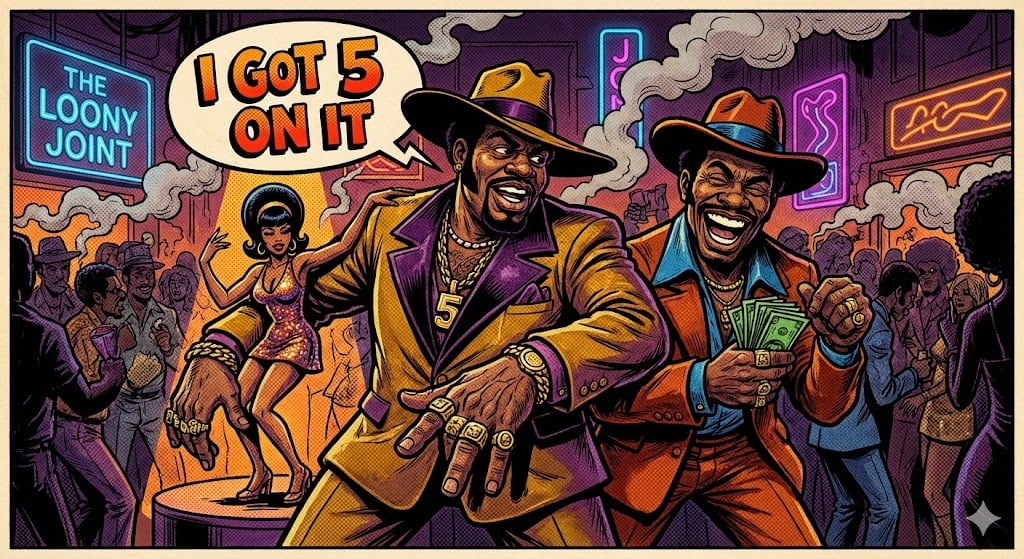
Blaxploitation Comic Art 'I Got 5 On It' Prompt
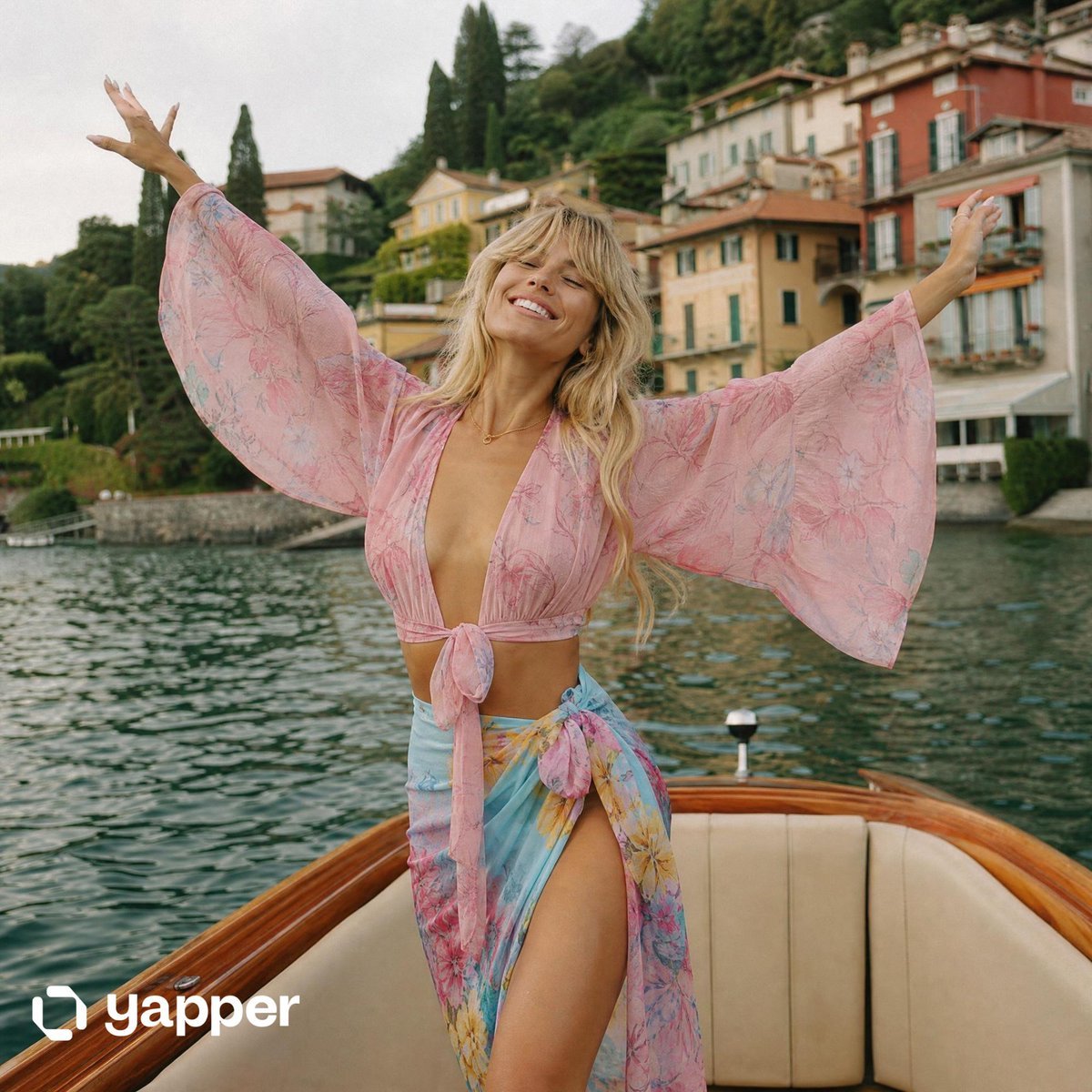
Lake Como Lifestyle Photography

Children's Book Illustration Prompt

Selfie with Night King on Game of Thrones Set
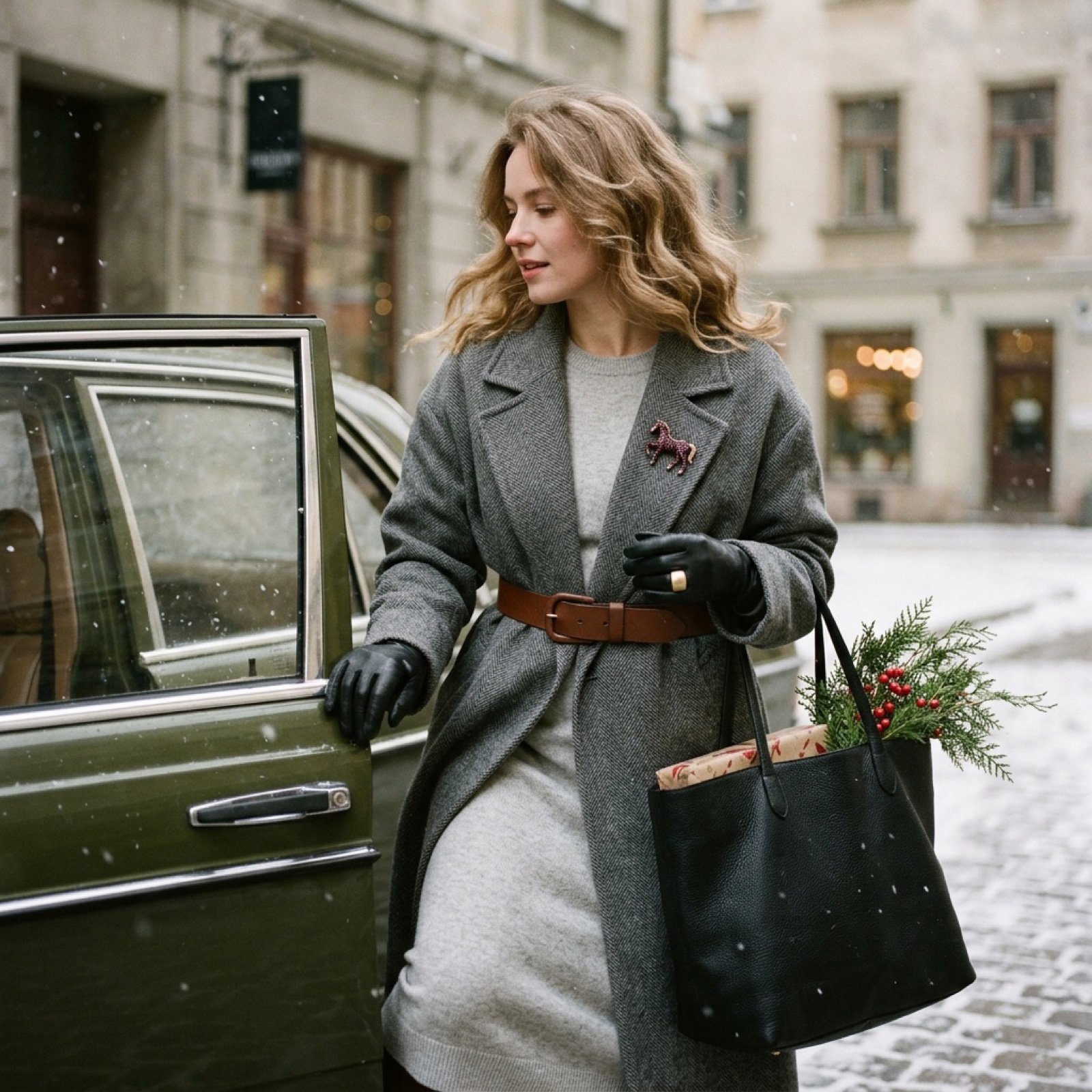
Nostalgic Winter Street Fashion Editorial Prompt
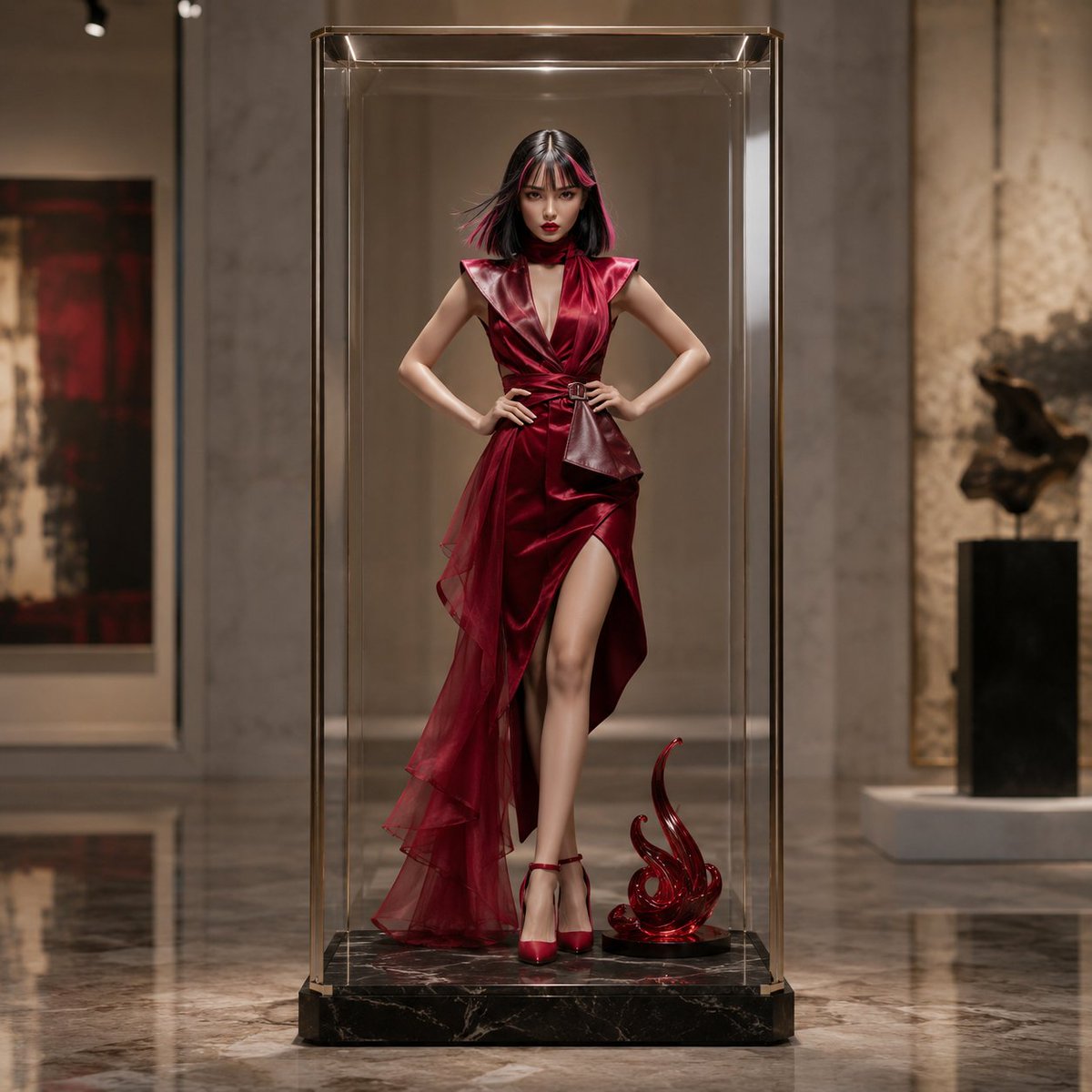
Luxury Art Figure Museum Display
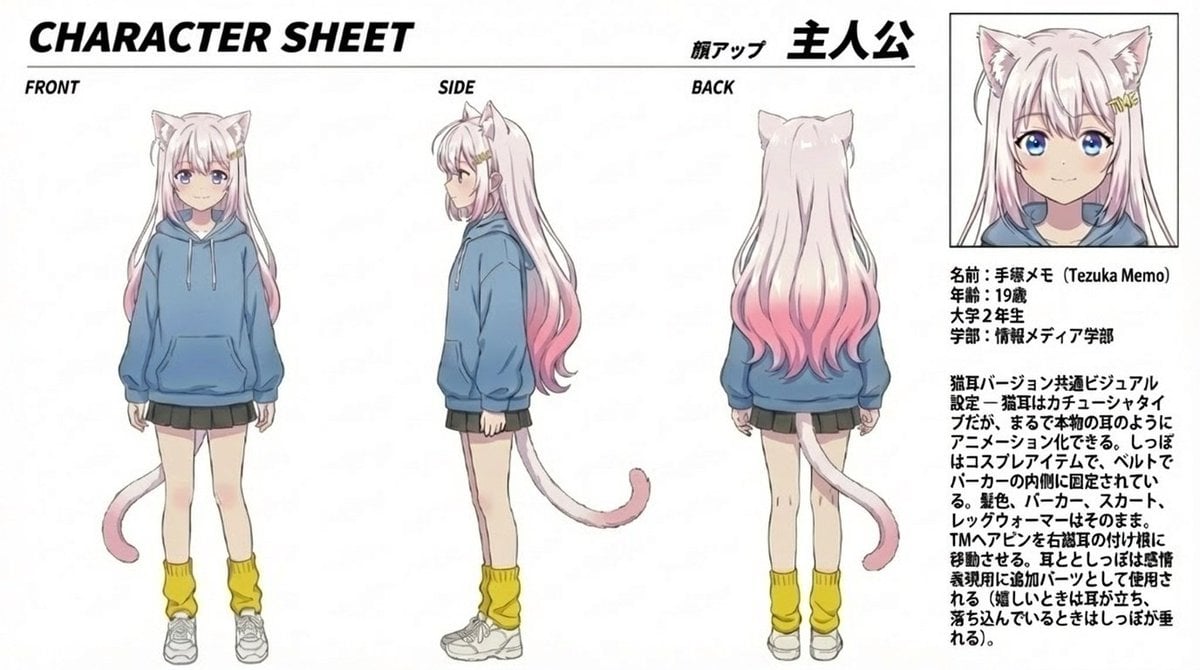
Anime Cat Girl Character Sheet
Browse template categories
Casual Hijab Selfie Portrait questions
How do I use the Casual Hijab Selfie Portrait template?
Add your photo if the template asks for one, edit the prompt if you like — the template's model and format are already selected — and press Generate. Your version opens in PicX Studio.
Can I customize the Casual Hijab Selfie Portrait template?
Yes. You can change the subject, setting, lighting, mood, format, and available model controls before creating your image.
Is the Casual Hijab Selfie Portrait template free?
Opening and editing this template is free. Generating uses credits, shown on the Generate button when you are signed in.
Which AI model should I use?
Start with Gemini 3 Pro Image Preview, which is the model associated with this template. You can compare another compatible model for a different finish.
Looking for something else? Browse all templates.

Your photo, any look
Thousands of ready templates for every top image and video model, from one credit balance.