
Muted Maroon Hijab Selfie
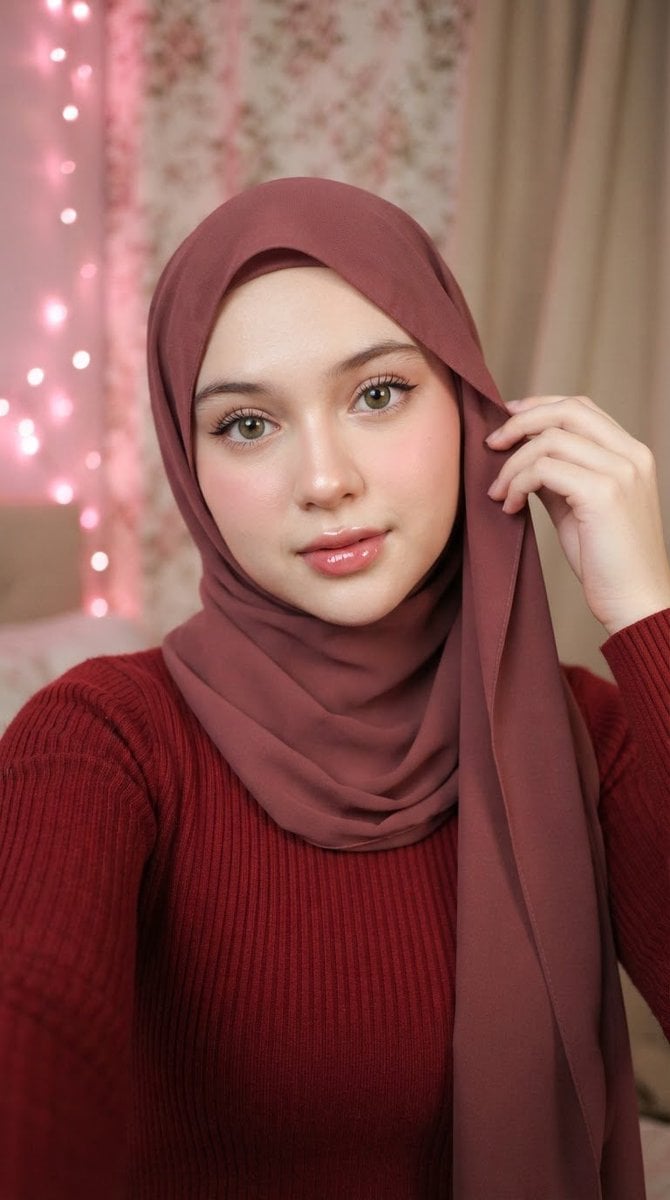
A realistic close-up selfie prompt of a woman wearing a dusty-rose hijab and burgundy top, featuring soft indoor lighting and pink ambient glow.
- Prompt included
- Model and format preset
- Premium template
The prompt behind this image
Copy the exact prompt behind Muted Maroon Hijab Selfie, or open it in the studio and make it yours.
ar 9:16 High A close-up selfie portrait of a young woman with fair skin, soft rounded facial features, large expressive green-hazel eyes with long dark lashes and subtle winged eyeliner, light natural makeup with a soft pink blush on the cheeks, and glossy pink lips slightly parted. She is wearing a smooth, solid dusty-rose / muted maroon hijab that fully covers her hair and frames her face, with the fabric neatly draped over her shoulders and chest. Her right hand is raised near the side of her head, gently holding and adjusting the edge of the hijab with relaxed fingers. She is dressed in a long-sleeved, ribbed, deep red / burgundy top that matches the warm tones of the hijab. Soft, flattering indoor lighting with a gentle glow, subtle pink LED fairy lights visible in the blurred background on the left, floral-patterned wallpaper or curtain behind her, and a beige drape on the right. Shallow depth of field, high detail on the face and fabric texture, natural skin texture, realistic photography style, intimate and calm expression looking directly at the camera. - Core subject: young woman, fair skin, large green-hazel eyes, long lashes, soft pink blush, glossy lips, dusty-rose/maroon hijab, deep red ribbed long-sleeve top, right hand adjusting hijab near temple. - Pose & expression: close-up selfie angle, direct eye contact, neutral-to-soft expression with slightly parted lips, one hand raised to the hijab. - Clothing & fabric: smooth matte hijab fabric with soft folds, ribbed knit texture on the sleeves and bodice, color harmony between hijab (muted rose-maroon) and top (deeper red). - Lighting & atmosphere: soft diffused indoor light + warm pink ambient glow from fairy lights, gentle catchlights in the eyes, realistic skin texture and fabric detail. - Background: slightly out-of-focus floral wallpaper/curtain and beige drape, cozy indoor setting. Intimate close-up portrait of a young woman in a muted maroon hijab and matching deep red knit top, large expressive green eyes looking into the camera, soft natural makeup, one hand delicately holding the edge of her hijab, warm pink ambient lighting and soft bokeh fairy lights, floral patterned background, ultra-realistic skin and fabric texture, shallow depth of field, high detail.
How to use Muted Maroon Hijab Selfie in 3 steps
- 1
Open
The prompt is already in the box next to the preview, with the template's model and format selected.
- 2…a portrait of your subject in softgolden-hour light, 85mm…
Personalize
Edit the subject and creative details for your destination.
- 3Generate
Generate
Press Generate — your image is created in PicX Studio, so you can compare it with the original and refine one variable at a time.
More like this
Templates with the same subject, style or setup. Open one to see its prompt.
Casual Hijab Selfie Portrait
Indonesian Woman Hijab Portrait
Playful Hijab Portrait
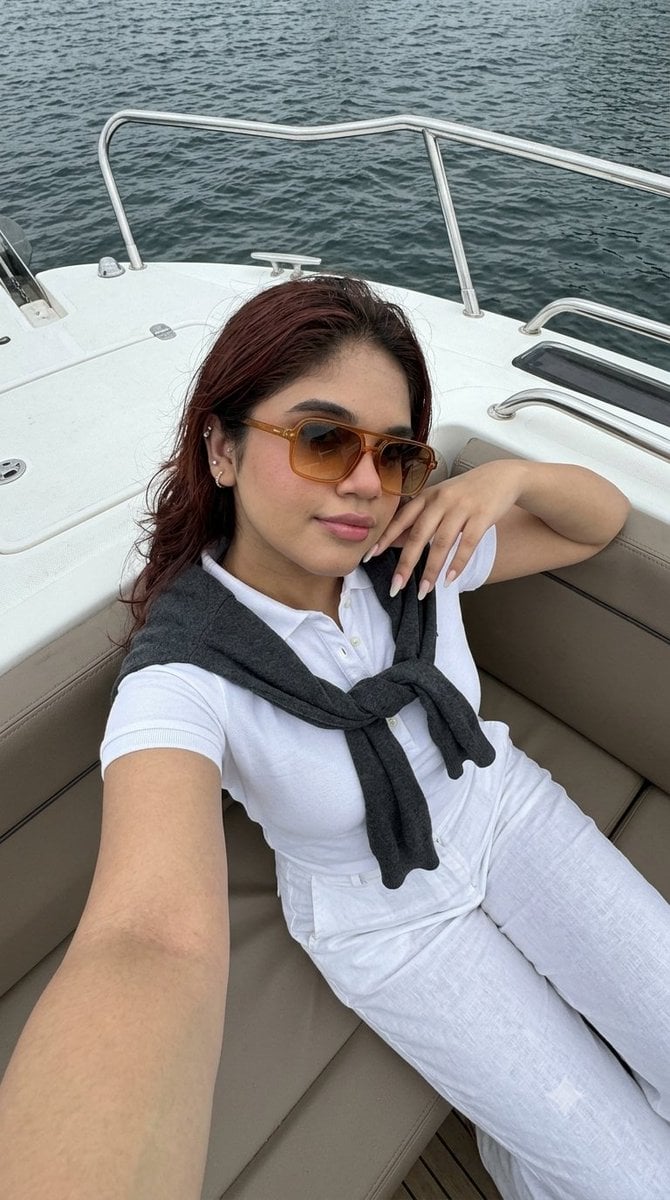
Smartphone Selfie on Motorboat
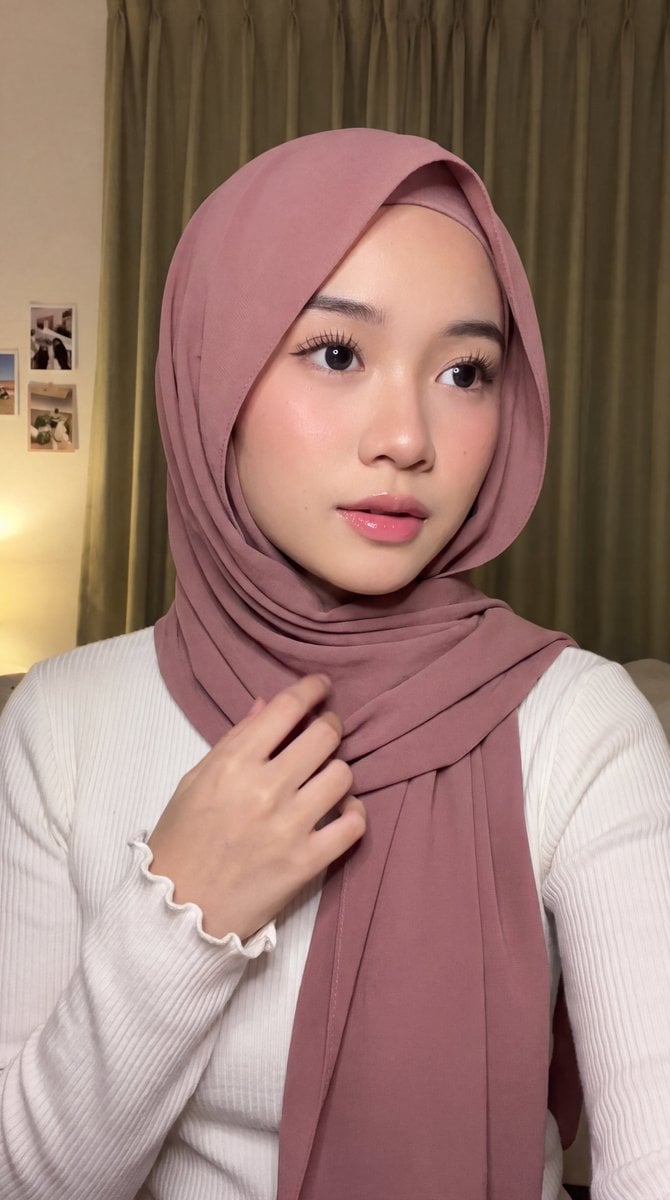
Intimate Hijab Portrait
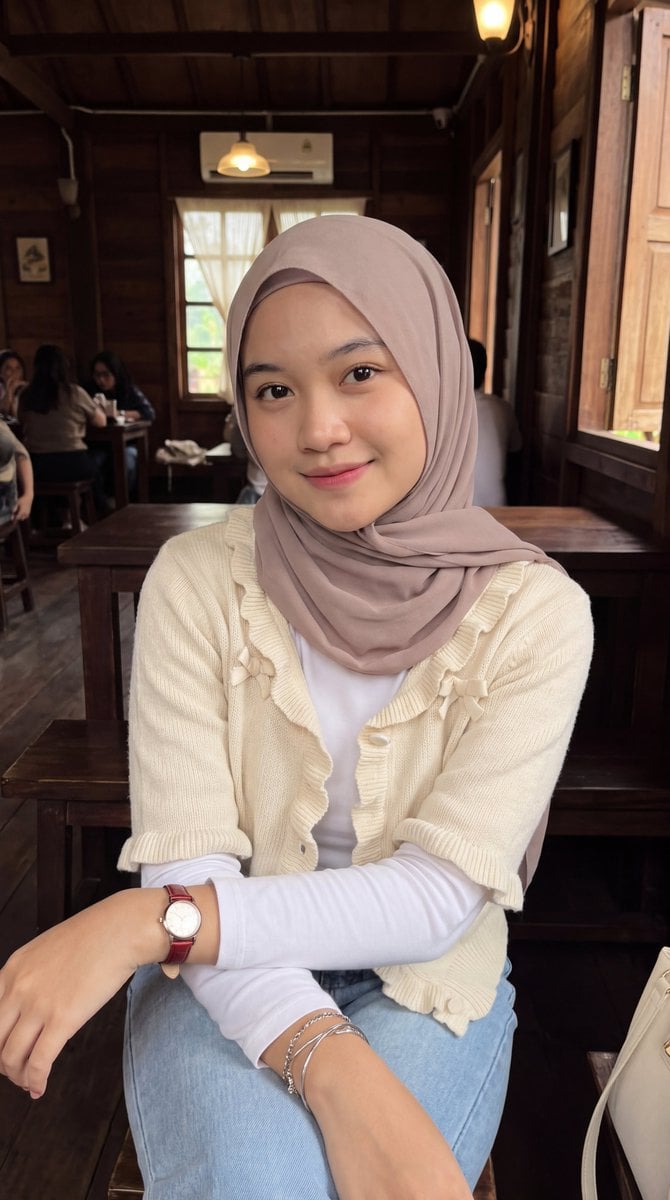
Hijab Portrait Cafe Aesthetic
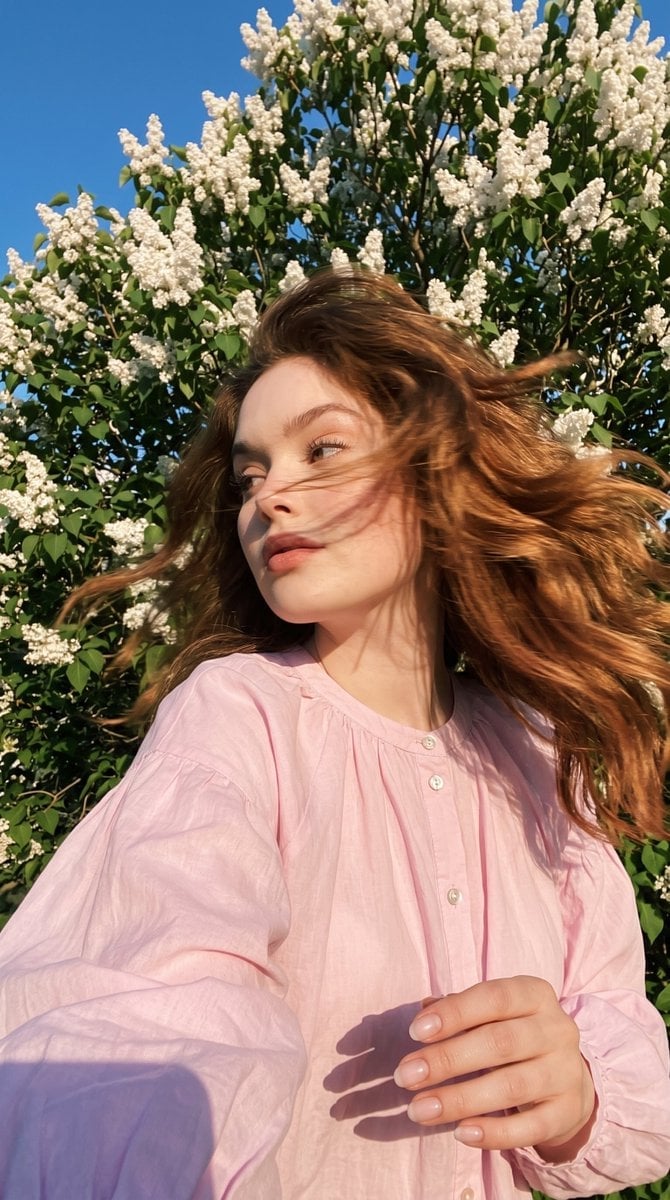
Candid Spring Selfie with Motion Blur
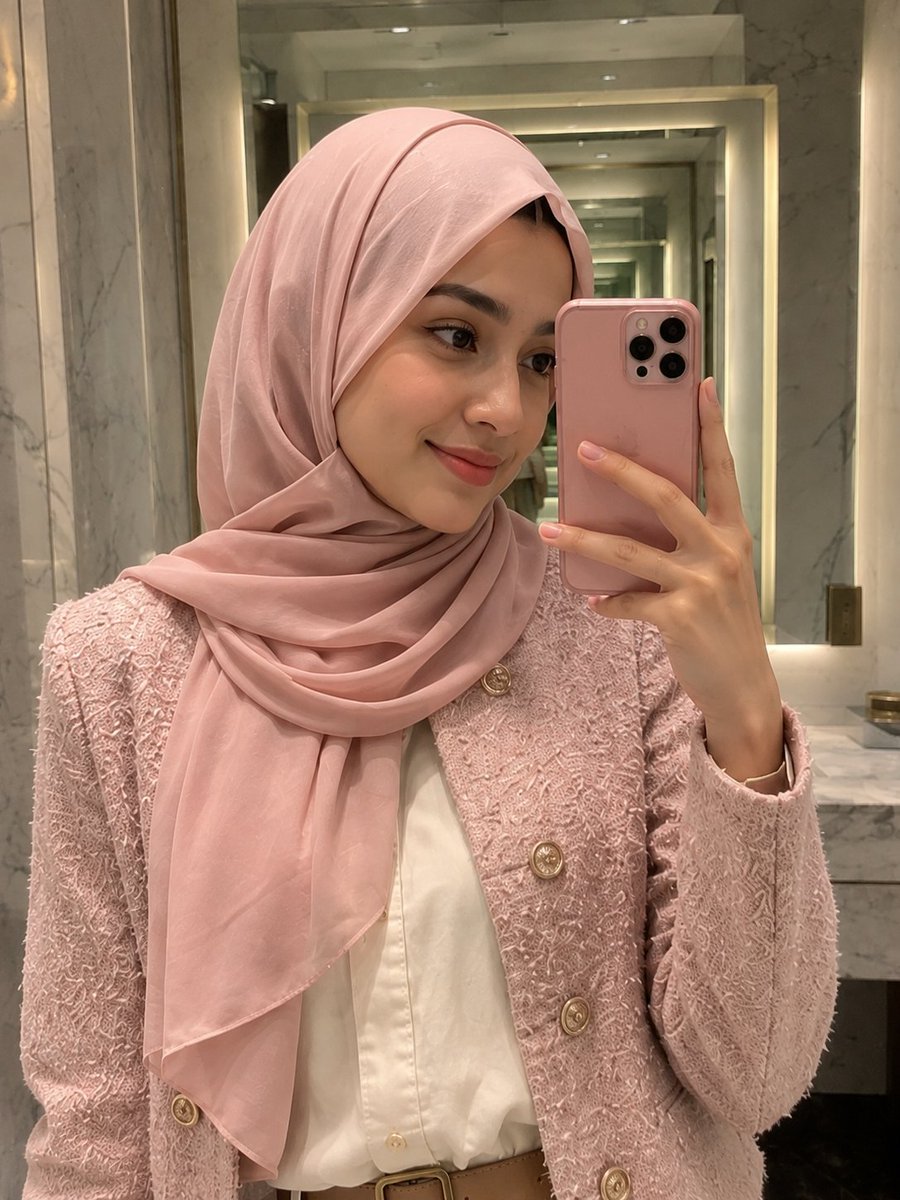
Elegant Pink Hijab Fashion Mirror Selfie

Creative Character in Pink Office

Avant-Garde Asian Fashion Model

Underwater Macro Face Portrait

Water-level Bridge Modification
Make it yours
Muted Maroon Hijab Selfie works as-is. These are the safest ways to change it without losing the look.
Change one field
Copy a single group, rewrite it, and generate again so you can see what that field is doing.
Keep the frame, change the subject
Hold the composition and light of Muted Maroon Hijab Selfie, then swap wardrobe, props or the person for a new take.
| If the result… | Why | Fix |
|---|---|---|
| The result drifts from the preview | Too many fields changed at once. | Reuse Muted Maroon Hijab Selfie as-is first, then change one group — subject, light, or setting. |
| The model over-stylizes the scene | The prose prompt leaves finish and camera underspecified. | Add one camera or lighting sentence and stay on Gemini 3 Pro Image Preview. |
More Gemini 3 Pro Image Preview templates
Other prompts made for Gemini 3 Pro Image Preview.

Cinematic Urban Night Billboard Portrait

Ultra-Realistic iPhone Selfie with Motion Blur

Cinematic Mirror Reflection Portrait

Elegant Men's Twilight Editorial

Coastal Freedom Sunset Portrait

Ergonomic Office Chair E-commerce Mobile Detail Page

Macro Guitar Fret Dressing

Cinematic Black and White Studio Portrait

1980s Retro Salon Portrait

Felt Frog Diorama Beach
More image prompts
Fresh picks from across the catalog.
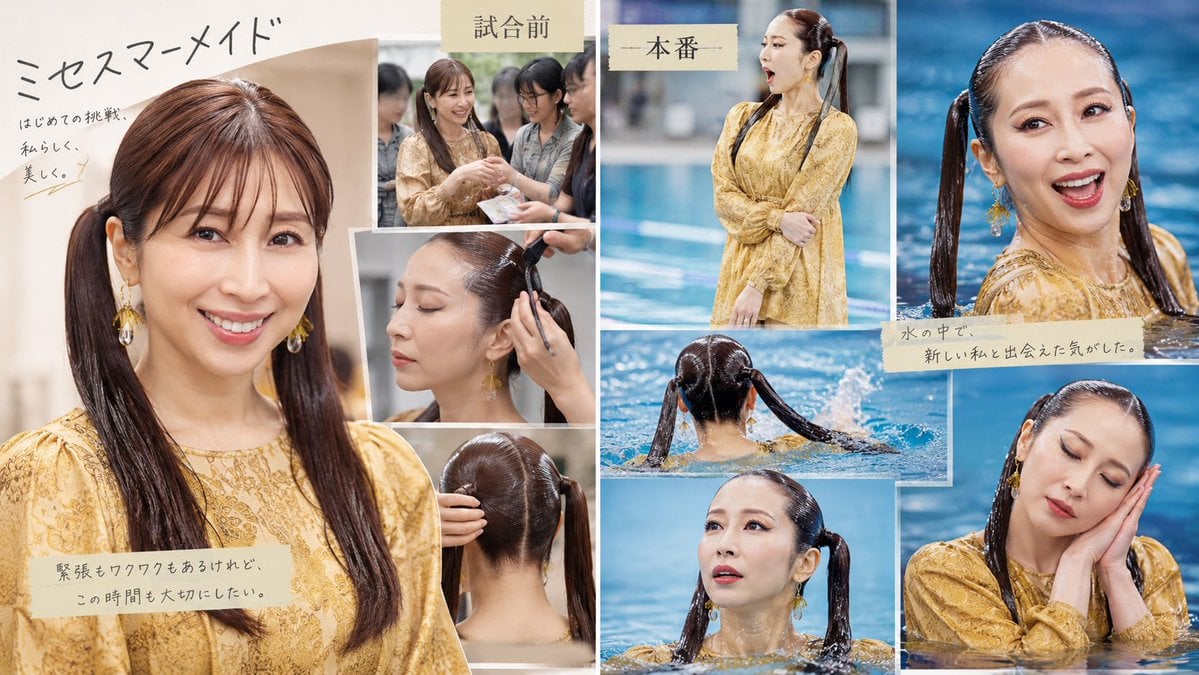
Japanese Mermaid Swim Collage
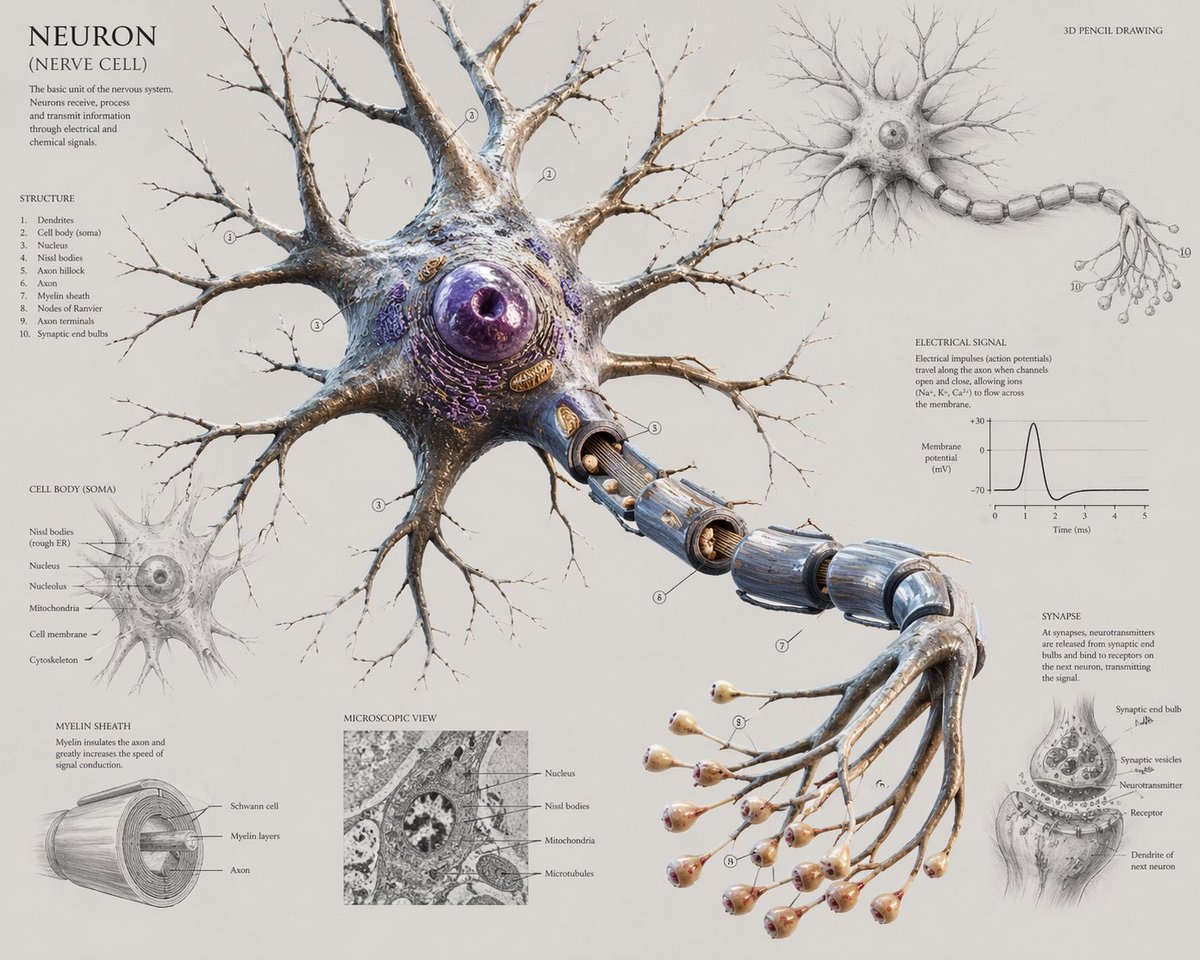
Scientific Neuron Anatomy Poster
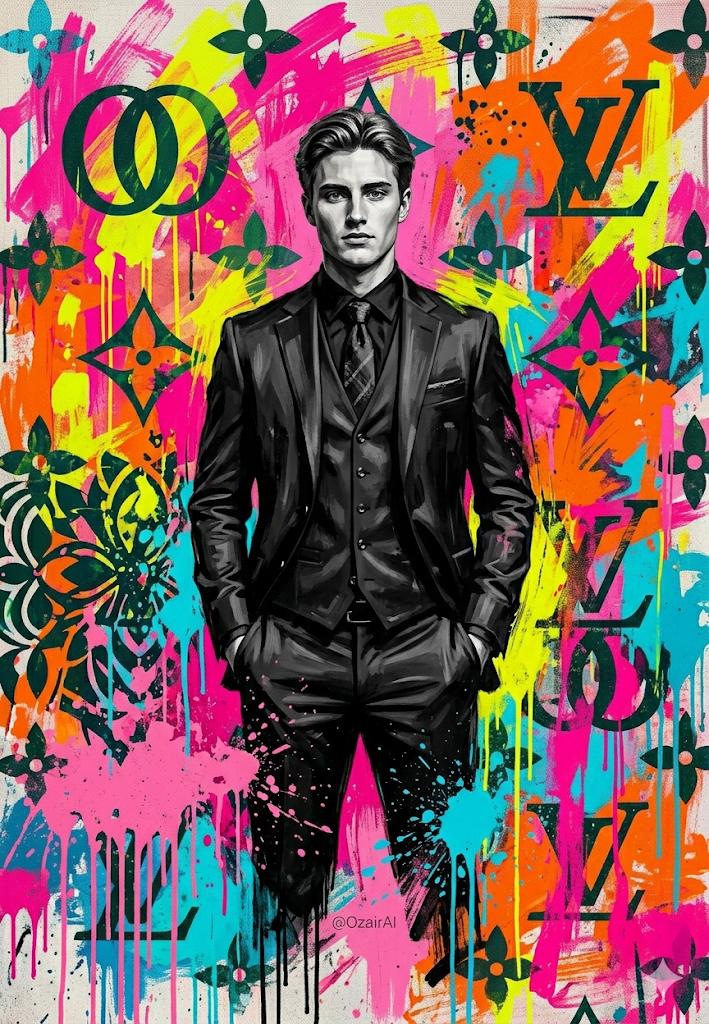
Pop-Art Graffiti Portrait
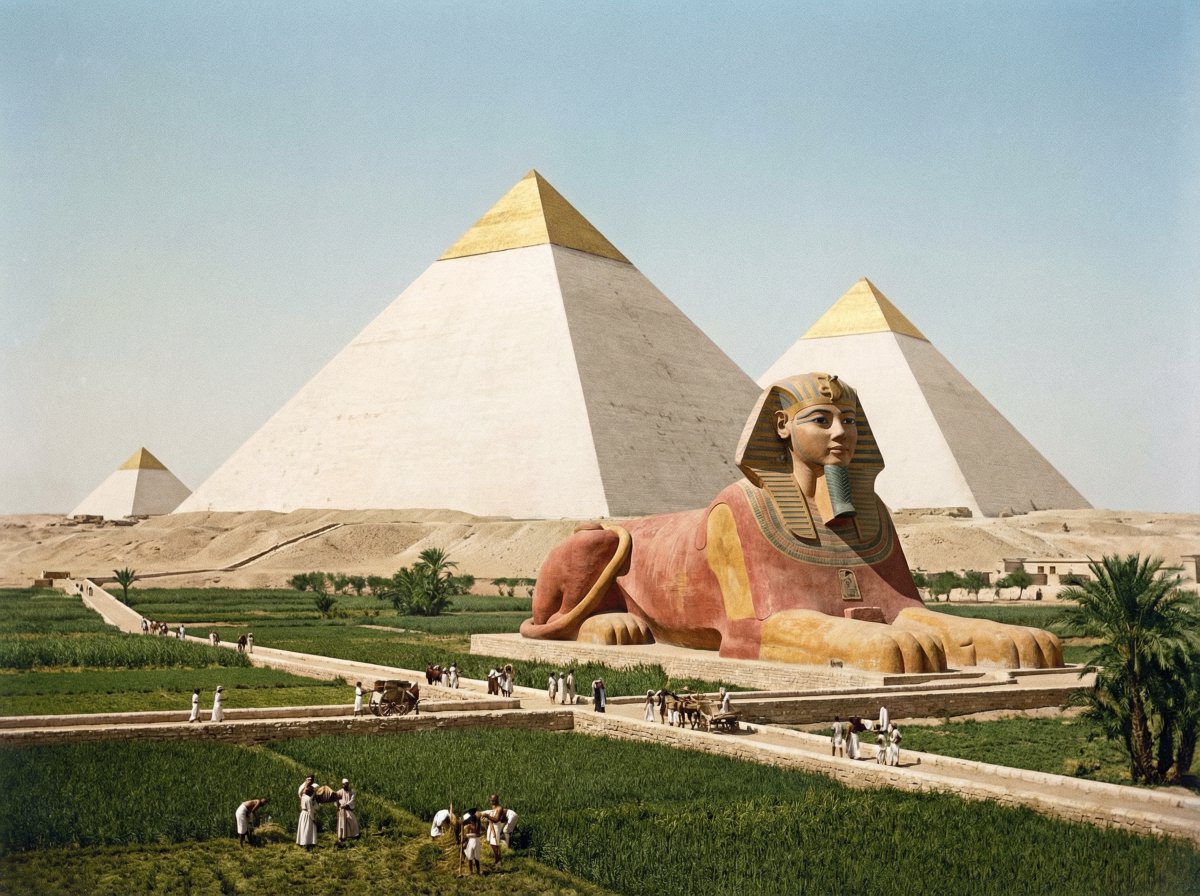
Restored pyramids and Sphinx
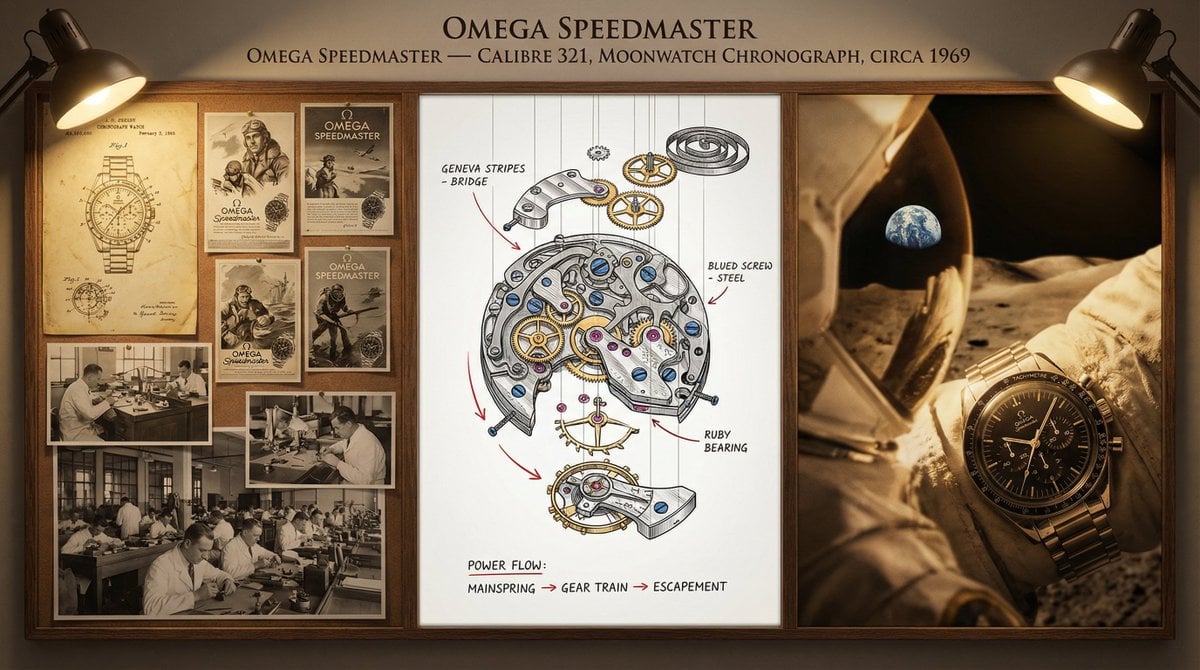
Watchmaker's Documentation Board (Exploded View)
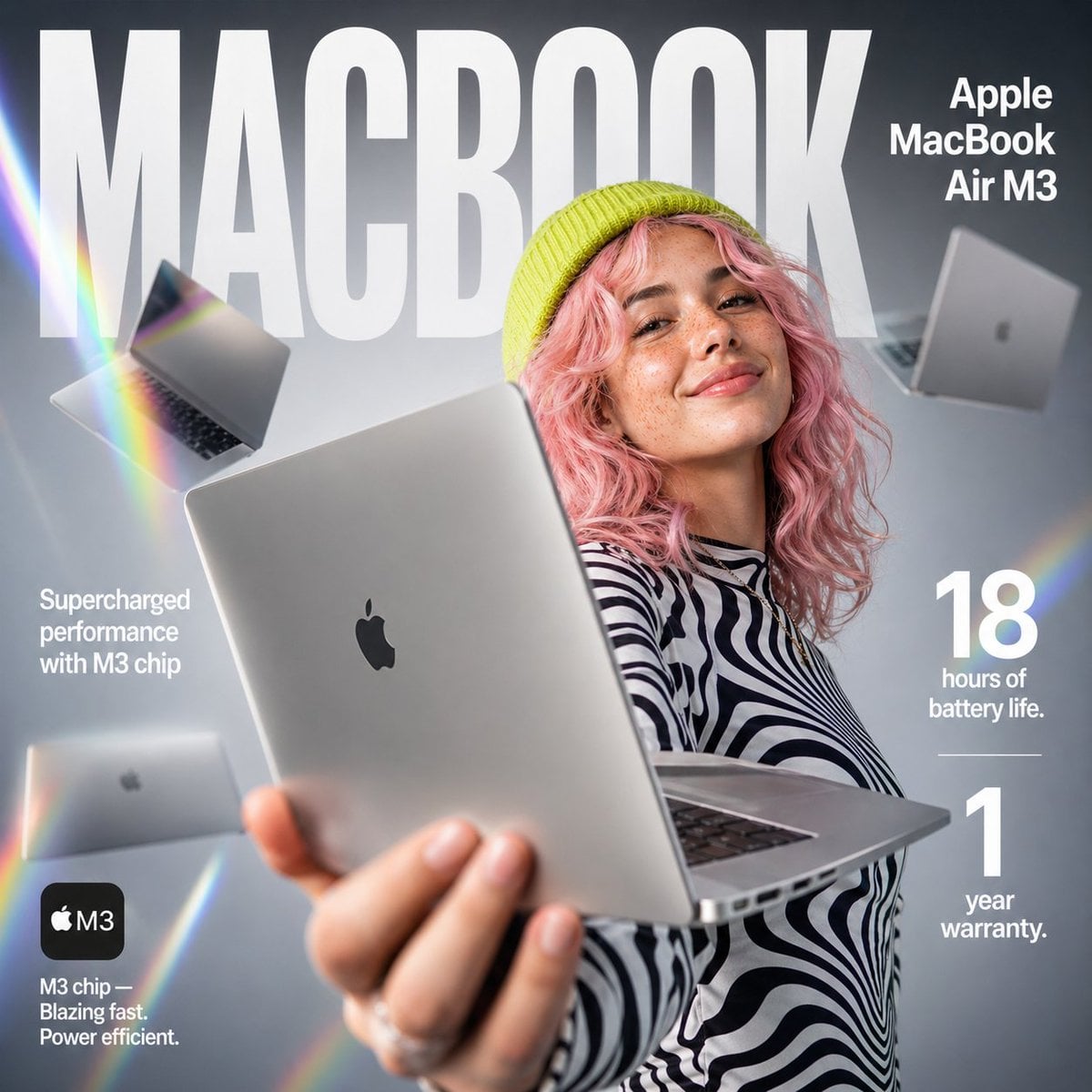
E-commerce Tech Infographic
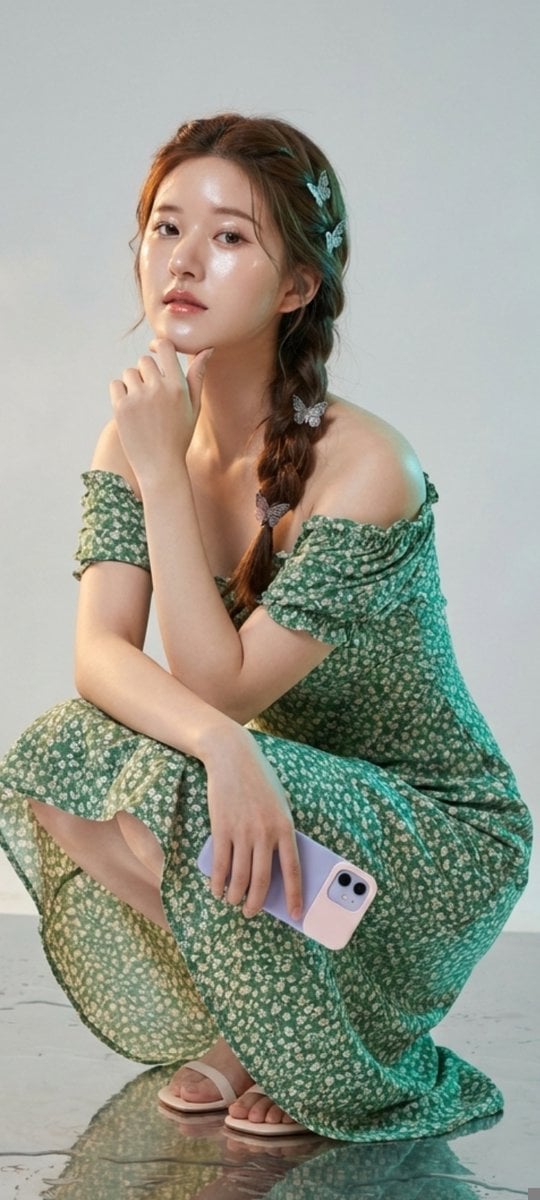
Photorealistic Portrait of Zhao Lusi (Rosy Zhao) with Cottagecore Vibe
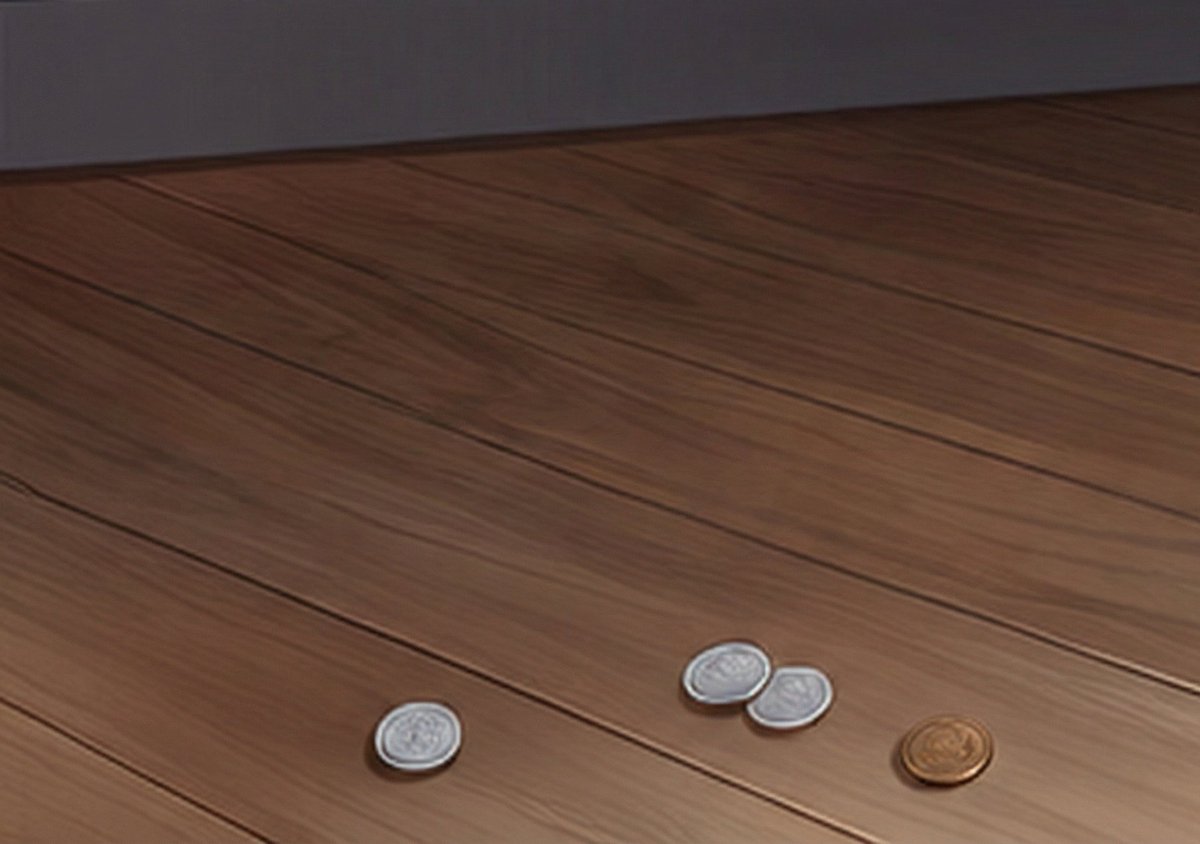
Generating Realistic Japanese Currency on a Floor
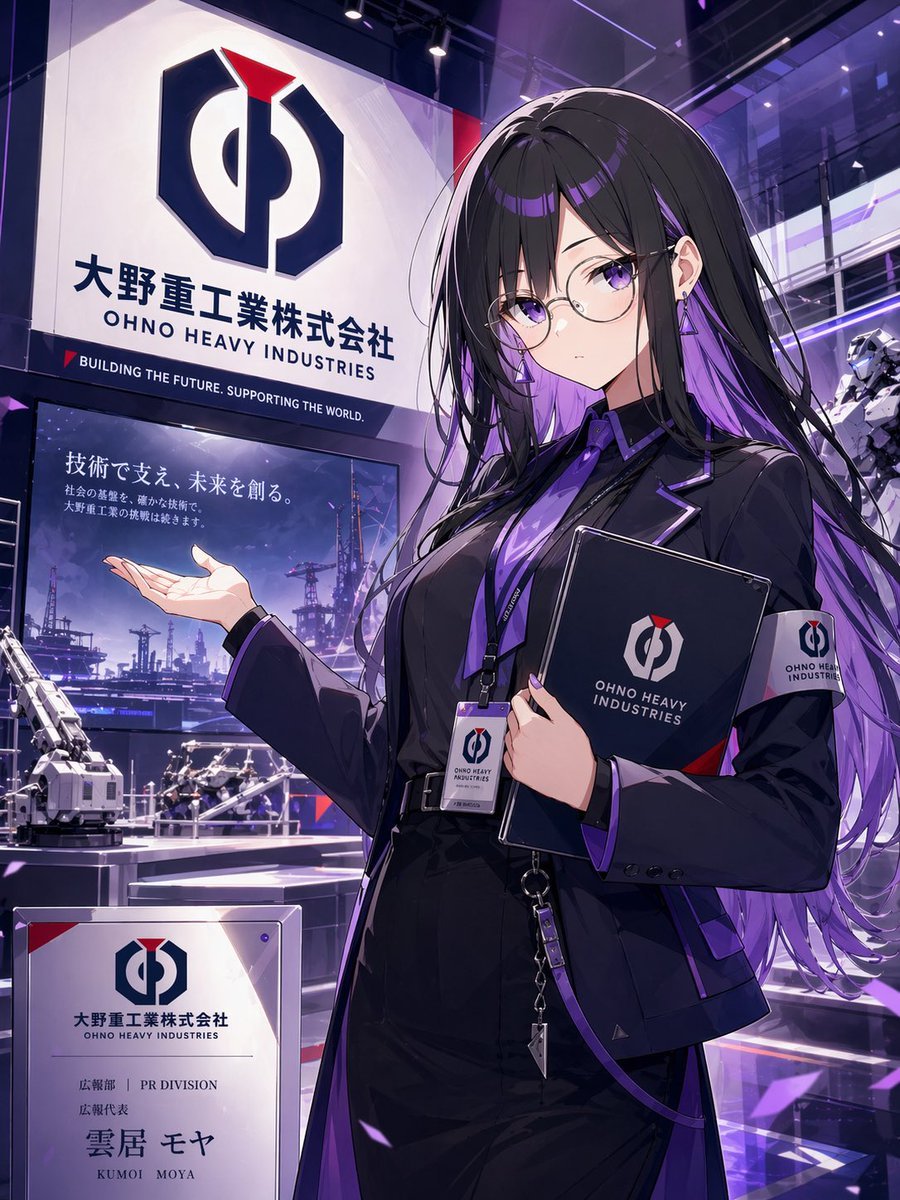
Anime PR Representative at Industrial Expo
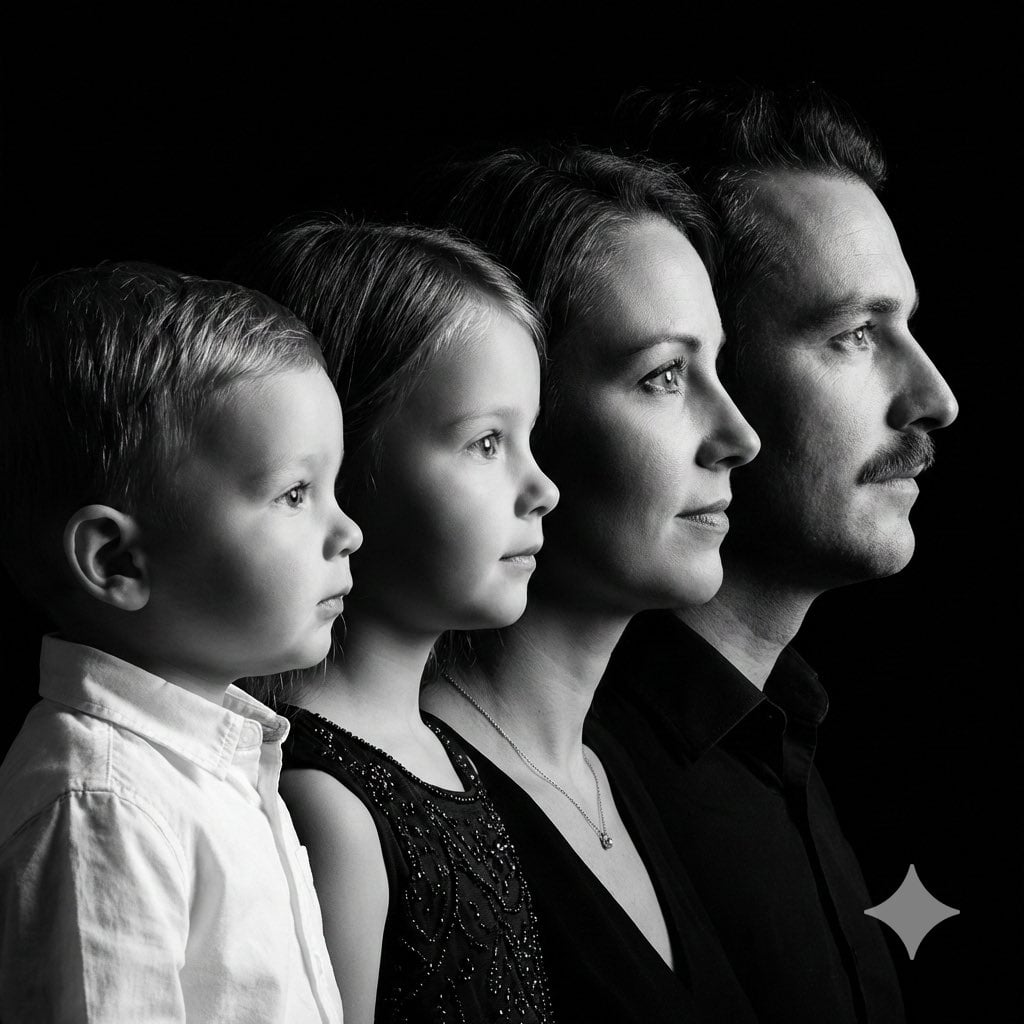
High-Contrast Black and White Family Studio Portrait
Browse template categories
Muted Maroon Hijab Selfie questions
How do I use the Muted Maroon Hijab Selfie template?
Add your photo if the template asks for one, edit the prompt if you like — the template's model and format are already selected — and press Generate. Your version opens in PicX Studio.
Can I customize the Muted Maroon Hijab Selfie template?
Yes. You can change the subject, setting, lighting, mood, format, and available model controls before creating your image.
Is the Muted Maroon Hijab Selfie template free?
Opening and editing this template is free. Generating uses credits, shown on the Generate button when you are signed in.
Which AI model should I use?
Start with Gemini 3 Pro Image Preview, which is the model associated with this template. You can compare another compatible model for a different finish.
Looking for something else? Browse all templates.

Your photo, any look
Thousands of ready templates for every top image and video model, from one credit balance.