
Submerged Underwater Skin Portrait
A highly descriptive prompt for a dark, cinematic underwater portrait focusing on forensic-level skin detail and complex water surface interactions.
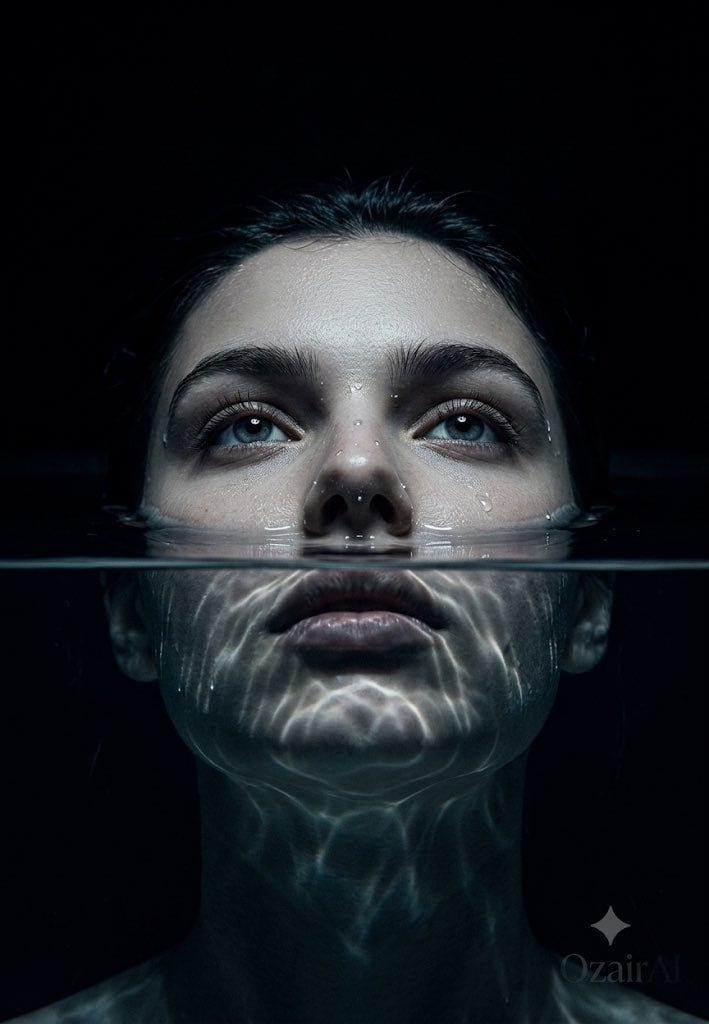
- Prompt included
- Model and format preset
- Free template
The prompt behind this image
Copy the exact prompt behind Submerged Underwater Skin Portrait, or open it in the studio and make it yours.
Use the exact same face from the reference image and generate a dark cinematic {argument name="concept" default="obsessive skin portrait"} with a completely new concept — the face {argument name="pose" default="partially submerged or emerged from water"}, skin meeting liquid at the frame, the most unexpected and visually devastating skin portrait in the entire series. The face tilted slightly backward, chin angled upward, the lower half of the face — jaw, lips, chin — submerged beneath perfectly still dark water, only the upper half visible above the surface. Eyes open and staring directly upward into the lens from below the camera position — that specific otherworldly gaze of eyes looking straight up, whites slightly visible at the lower iris, the gaze simultaneously vulnerable and magnetic and completely alien. The water surface cutting precisely across the face at the upper lip level — a perfect horizontal liquid boundary separating the visible world from the submerged. The water surface itself rendered at obsessive physical accuracy — completely still and mirror-like directly around the face, the surface tension visible as a very subtle meniscus where the water meets the skin at the lip line and cheeks. The skin at the waterline showing the specific way water clings to human skin — a very thin film of water remaining on the skin just above the surface, catching the light with a delicate sheen. A few individual water droplets sitting on the upper cheek and nose surface — each droplet a perfect lens catching and refracting the light source above, each one rendering the key light as a tiny distorted reflection within its curved surface. Below the water surface — the submerged lower face visible through the water with the specific optical distortion of looking through still water. The jaw and chin slightly displaced from their true position by water refraction. The lips just below the surface catching refracted light in complex caustic patterns — moving light patterns dancing across the submerged skin from water surface refraction above. The water itself not blue not green but a deep dark almost black — dark water, the same void as the background above. Skin above the waterline at full forensic biological obsession — every individual pore with unique depth and shadow, every fine hair catching the {argument name="lighting" default="cold overhead light"}, natural skin texture across the nose bridge cheekbones and forehead rendered at 150 megapixel detail. The skin at the waterline specifically — the way skin texture changes at the boundary with water, the slight pore swelling from moisture exposure, the water film clinging to the skin surface in complex thin-film patterns. Lighting is a single cold narrow spotlight from directly above — shining straight down into the water and onto the face simultaneously. The light hitting the still water surface and creating complex caustic light patterns that dance across the upper face and forehead — the specific moving gr
How to use Submerged Underwater Skin Portrait in 3 steps
- 1Upload ImagePNG, JPG or paste
Add your photo
Upload the photo the template builds on. The prompt, model and format are already set.
- 2…a portrait of your subject in softgolden-hour light, 85mm…
Personalize
Edit the subject and creative details for your destination.
- 3Generate
Generate
Press Generate — your image is created in PicX Studio, so you can compare it with the original and refine one variable at a time.
More like this
Templates with the same subject, style or setup. Open one to see its prompt.

Underwater Macro Face Portrait

Noir Punk Street Portrait

High Contrast Cinematic Face Portrait

Monochrome Studio Portrait with Colored Lens

Ultra-Realistic Yacht Sunset Portrait

Nano Banana Pro Photoreal Playful Couple

Found Photograph: Us, 1970

80s Couple Studio Portrait

80s Bollywood Star

80s Golden Hour Cinema

Me in 1985

1985 Studio Portrait
Make it yours
Submerged Underwater Skin Portrait works as-is. These are the safest ways to change it without losing the look.
Change one field
Copy a single group, rewrite it, and generate again so you can see what that field is doing.
Keep the frame, change the subject
Hold the composition and light of Submerged Underwater Skin Portrait, then swap wardrobe, props or the person for a new take.
| If the result… | Why | Fix |
|---|---|---|
| The result drifts from the preview | Too many fields changed at once. | Reuse Submerged Underwater Skin Portrait as-is first, then change one group — subject, light, or setting. |
| The model over-stylizes the scene | The prose prompt leaves finish and camera underspecified. | Add one camera or lighting sentence and stay on Gemini 3 Pro Image Preview. |
More Gemini 3 Pro Image Preview templates
Other prompts made for Gemini 3 Pro Image Preview.

Mushroom Still Life Composition

Whimsical Anthropomorphic Friendly Insect

Cinematic Urban Night Billboard Portrait

Pop Art Summer Fruit Fashion Illustration

Ultra-Realistic iPhone Selfie with Motion Blur

Cinematic Mirror Reflection Portrait

Elegant Men's Twilight Editorial

Coastal Freedom Sunset Portrait

Ergonomic Office Chair E-commerce Mobile Detail Page

Macro Guitar Fret Dressing
More image prompts
Fresh picks from across the catalog.

One Piece Devil Fruit Image Generation Prompt Template

Red Pink Fractal Kaleidoscope

Double Exposure in Nano Banana Pro

Illustration Generation: Free the Nipple Theme

Kodak Portra Film Style Mirror Selfie
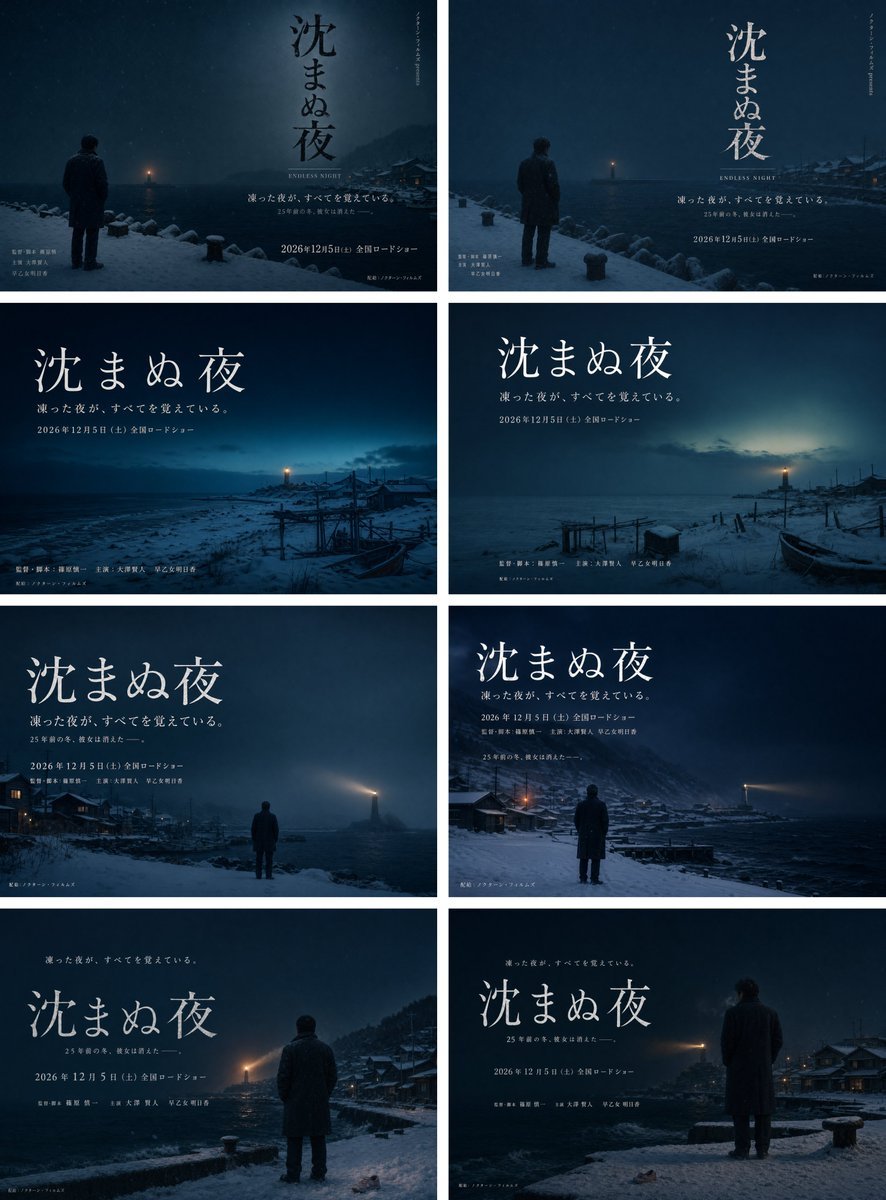
Snowy Japanese Film Poster Grid

Cinematic Double Exposure Travel Poster

Presentation Slide Generation Template using Nano Banana Pro
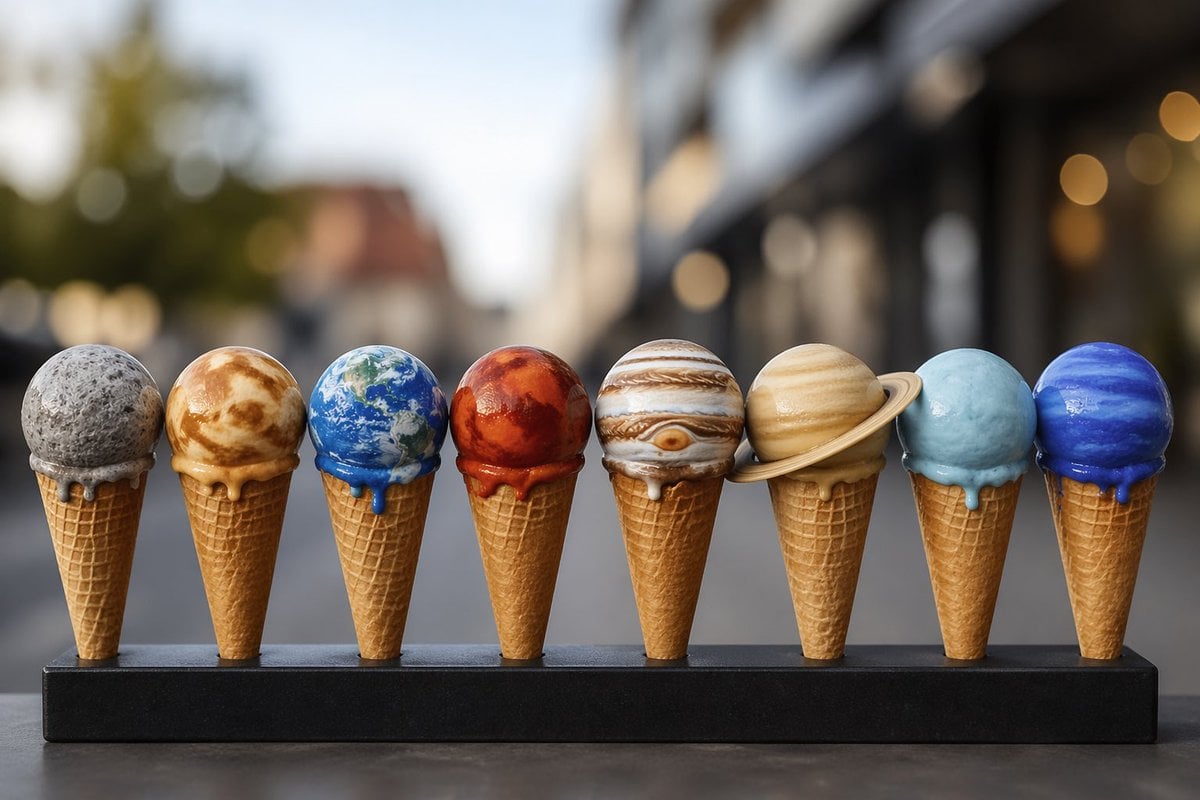
Solar System Ice Cream Cones

Cinematic Night Drive Filmstrip Prompt
Browse template categories
Submerged Underwater Skin Portrait questions
How do I use the Submerged Underwater Skin Portrait template?
Add your photo if the template asks for one, edit the prompt if you like — the template's model and format are already selected — and press Generate. Your version opens in PicX Studio.
Can I customize the Submerged Underwater Skin Portrait template?
Yes. You can change the subject, setting, lighting, mood, format, and available model controls before creating your image.
Is the Submerged Underwater Skin Portrait template free?
Opening and editing this template is free. Generating uses credits, shown on the Generate button when you are signed in.
Which AI model should I use?
Start with Gemini 3 Pro Image Preview, which is the model associated with this template. You can compare another compatible model for a different finish.
Looking for something else? Browse all templates.

Your photo, any look
Thousands of ready templates for every top image and video model, from one credit balance.