How do I use the Cinematic Rainy City Portrait template?
Choose the primary action to open PicX Studio with the available template settings. Review the model and format, personalize the creative direction, and generate when ready.
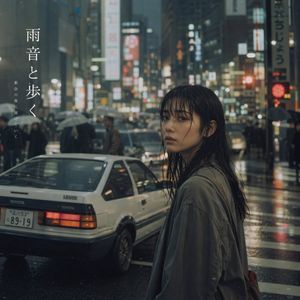
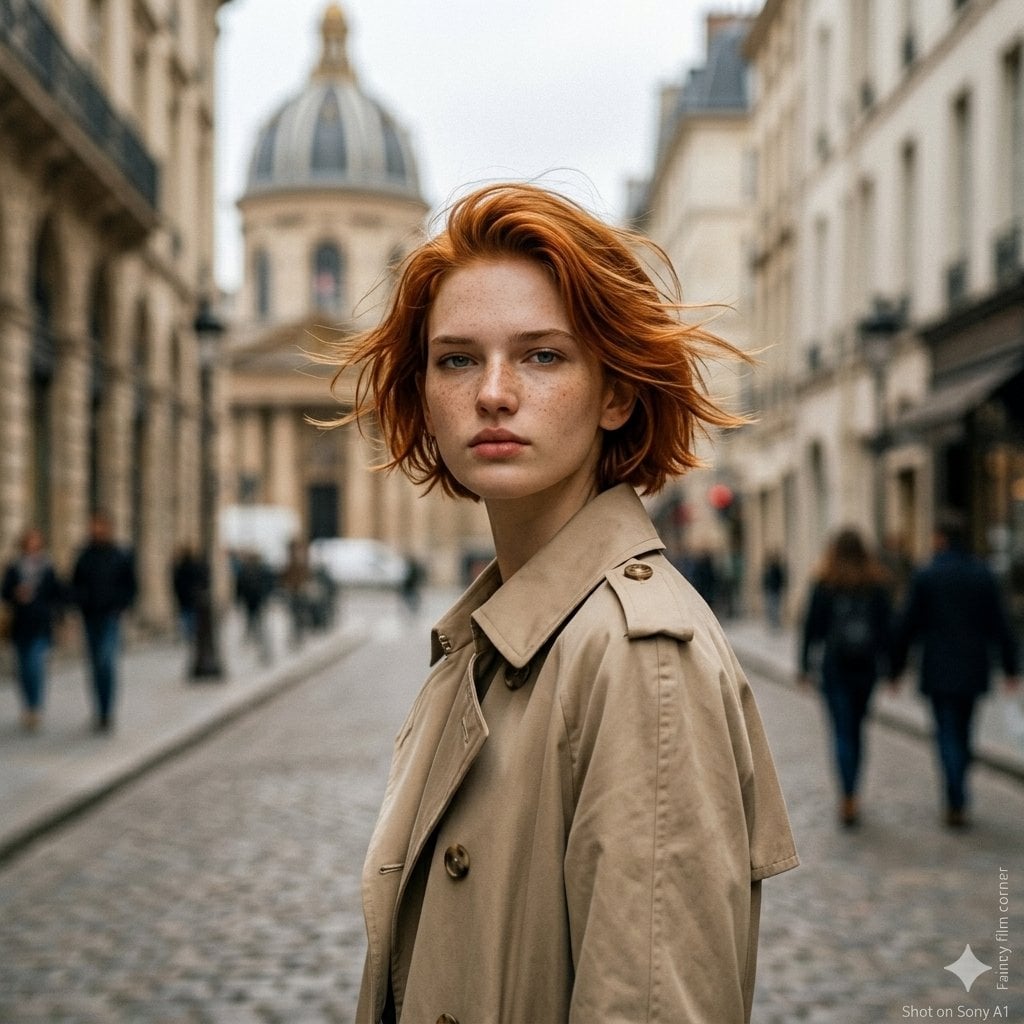
A cinematic close-up of a woman in a black windbreaker jacket during a rainy night in a city with amber and red bokeh lights.

Cinematic close-up portrait of a stunning {argument name="subject" default="young woman"} with {argument name="hair style" default="tousled, wavy auburn-red hair"}, layered shaggy cut, and soft fringe bangs. She is wearing a {argument name="outerwear" default="glossy black waterproof nylon windbreaker jacket"} with a high zipped collar and hood. Gentle rain falling in a night city, dramatic warm amber and red bokeh lights glowing in a heavily blurred background. Warm rim lighting catching her face and wet strands of hair, detailed expressive eyes, smooth skin with a dewy glow. Shot on 85mm f/1.4 lens, shallow depth of field, moody atmosphere, movie still aesthetic, photorealistic, 8k resolution.
Choose the primary action to open PicX Studio with the available template settings. Review the model and format, personalize the creative direction, and generate when ready.
Yes. You can change the subject, setting, lighting, mood, format, and available model controls before creating your image.
This template is free to open and customize. Generation usage is shown in PicX Studio before you create.
Start with gemini-3-pro-image-preview, which is the model associated with this template. You can compare another compatible model for a different finish.
Follow a topic to a crawlable collection of related PicX Studio templates.