
Indie Sleaze Glamour Portrait
A structured prompt for generating a high-fashion editorial shot of a woman on a Victorian loveseat with a dark crimson backdrop.
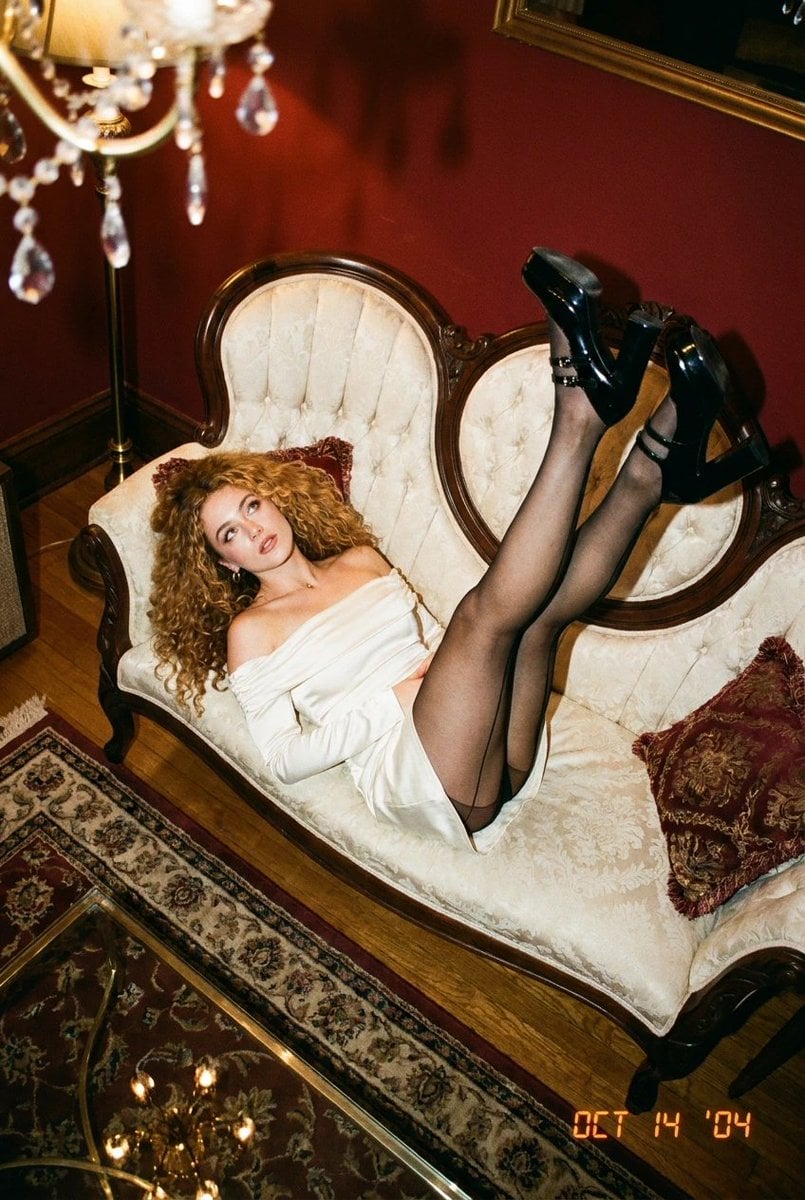
- Prompt included
- Model and format preset
- Free template
The prompt behind this image
Copy the exact prompt behind Indie Sleaze Glamour Portrait, or open it in the studio and make it yours.
A curly blonde sprawled across a tufted Victorian loveseat, heels kicked to the ceiling - crimson walls, direct flash, pure late-night indie-sleaze glamour. { "scene": { "subject": "A young woman with long, voluminous curly blonde hair — warm honey-gold with lighter sun-bleached ends, falling in dense spirals past her shoulders and across her back. Fair skin with a warm glow, softly flushed cheeks, glossy lip, subtle liner. Slim, long-legged build. Half-lidded, languid gaze toward the lens.", "wardrobe": { "dress": "Cream-white off-the-shoulder mini dress in a soft satin-cotton blend, elasticated bardot neckline, long fitted sleeves, ruffled asymmetric hem with a small bow detail at the hip", "hosiery": "Sheer black tights with a fine back seam running up the calf", "shoes": "Black patent Mary Jane platform heels with double ankle straps and silver buckles", "accessories": [ "Slim silver rings on the fingers", "Small delicate ear studs" ], "styling_note": "Cream and black against a saturated crimson room — coquette-baroque layering" }, "pose": "Sprawled sideways across a small antique loveseat, torso draped over one armrest with the chin propped near a raised hand, chest turned toward the camera. Both legs extended and lifted high off the seat, one knee bent, heels kicked toward the ceiling in a loose scissoring line. Back arched, hair cascading over one shoulder.", "setting": "A dim, ornately decorated sitting room. Carved dark-walnut Victorian loveseat with scrolled crest rail and cabriole legs, upholstered in cream tufted damask with pearl buttons. Deep crimson-red painted walls. Scattered burgundy and gold tapestry cushions with fringed trim. A brass floor lamp with dangling crystal droplets and amber glass at the edge of frame. Warm honey-toned hardwood floor, a patterned ivory-and-red area rug, and the glass edge of a low ornate coffee table in the near foreground." }, "composition": { "framing": "Square 1:1, wide-ish full-body shot", "camera_angle": "CHANGED ANGLE — high overhead three-quarter view from behind the far armrest, the lens tilted down at roughly 50°. The loveseat is seen foreshortened from above and slightly beyond the subject's feet, so her raised legs read as the nearest element, her torso recedes into the frame, and her upturned face is the deepest anchor point. The crimson wall now occupies the top-left corner rather than the full backdrop, and the patterned rug and hardwood floor fill more of the lower frame.", "perspective_effect": "Strong downward foreshortening — the legs loom large and taper, the tufted seat back flattens into a decorative field, and the carved wood frame draws an S-curve across the composition", "subject_placement": "Body running diagonally from upper-right (feet) to lower-left (head), face at the lower-left third", "foreground": "Blurred crystal droplets of the floor lamp intruding at the frame edge; soft glassy reflection from the coffee table below", "depth": "Compressed but layered — raised heels sharp and near, upholstery mid-plane, red wall and lamp receding into shadow" }, "color_and_tone": { "palette": [ "Deep crimson / oxblood red (walls, cushions, rug motifs)", "Cream and antique ivory (dress, tufted upholstery)", "Matte black (tights, patent shoes)", "Warm honey-gold (hair, hardwood, brass lamp)", "Dark walnut brown (carved frame)", "Muted sage and gold (tapestry embroidery)" ], "grading": "Warm, heavily saturated analog grade. Reds pushed rich and slightly orange, creams tinted amber, blacks dense with a faint magenta cast in the shadows.", "contrast": "High, punchy, with deep shadow pockets in the corners", "temperature": "Warm tungsten, roughly 3000–3400K feel" }, "lighting": { "quality": "Hard direct camera flash cutting into warm ambient lamplight", "direction": "Frontal flash from the raised camera position, casting a short hard shadow of the subject down onto the upholstery", "shadows": "Crisp and immediate beneath the body and behind the legs", "highlights": "Hot specular flare on the patent shoes, glints on the crystal droplets and brass, sheen across the satin dress", "mood_of_light": "Late-night party snapshot — raw flash against opulent domestic clutter" }, "technical": { "lens_look": "24–28mm wide angle, moderate depth of field around f/4", "focus_point": "Subject's face and upper torso", "bokeh": "Slight softening at the frame edges and foreground crystals", "texture": "Visible 35mm film grain, mild halation around flash highlights, dust specks, noticeable corner vignette" }, "style": { "genre": "Editorial / film-look portrait", "references": "Vintage disposable-camera party photography, 2000s indie-sleaze revival, baroque-maximalist interiors", "mood": [ "sultry", "nostalgic", "decadent", "candid", "coquettish", "moody" ], "keywords": [ "curly blonde", "cream mini dress", "sheer black tights", "patent Mary Janes", "Victorian loveseat", "red walls", "direct flash", "high angle", "film grain" ] } }
How to use Indie Sleaze Glamour Portrait in 3 steps
- 1
Open
The prompt is already in the box next to the preview, with the template's model and format selected.
- 2…a portrait of your subject in softgolden-hour light, 85mm…
Personalize
Edit the subject and creative details for your destination.
- 3Generate
Generate
Press Generate — your image is created in PicX Studio, so you can compare it with the original and refine one variable at a time.
More like this
Templates with the same subject, style or setup. Open one to see its prompt.

Nano Banana Pro Photoreal Playful Couple

Underwater Macro Face Portrait

Noir Punk Street Portrait

High Contrast Cinematic Face Portrait

Monochrome Studio Portrait with Colored Lens
Y2K Indie Sleaze Portrait
Indie Sleaze 2000s Street Style Portrait Prompt
Y2K Indie Sleaze Editorial Portrait

Found Photograph: Us, 1970

80s Couple Studio Portrait

80s Bollywood Star

80s Golden Hour Cinema
Make it yours
Indie Sleaze Glamour Portrait works as-is. These are the safest ways to change it without losing the look.
Change one field
Copy a single group, rewrite it, and generate again so you can see what that field is doing.
Keep the frame, change the subject
Hold the composition and light of Indie Sleaze Glamour Portrait, then swap wardrobe, props or the person for a new take.
| If the result… | Why | Fix |
|---|---|---|
| The result drifts from the preview | Too many fields changed at once. | Reuse Indie Sleaze Glamour Portrait as-is first, then change one group — subject, light, or setting. |
| The model over-stylizes the scene | The prose prompt leaves finish and camera underspecified. | Add one camera or lighting sentence and stay on Gemini 3 Pro Image Preview. |
More Gemini 3 Pro Image Preview templates
Other prompts made for Gemini 3 Pro Image Preview.

Ultra-Realistic Yacht Sunset Portrait

Mushroom Still Life Composition

Whimsical Anthropomorphic Friendly Insect

Cinematic Urban Night Billboard Portrait

Pop Art Summer Fruit Fashion Illustration

Ultra-Realistic iPhone Selfie with Motion Blur

Cinematic Mirror Reflection Portrait

Elegant Men's Twilight Editorial

Coastal Freedom Sunset Portrait

Ergonomic Office Chair E-commerce Mobile Detail Page
More image prompts
Fresh picks from across the catalog.
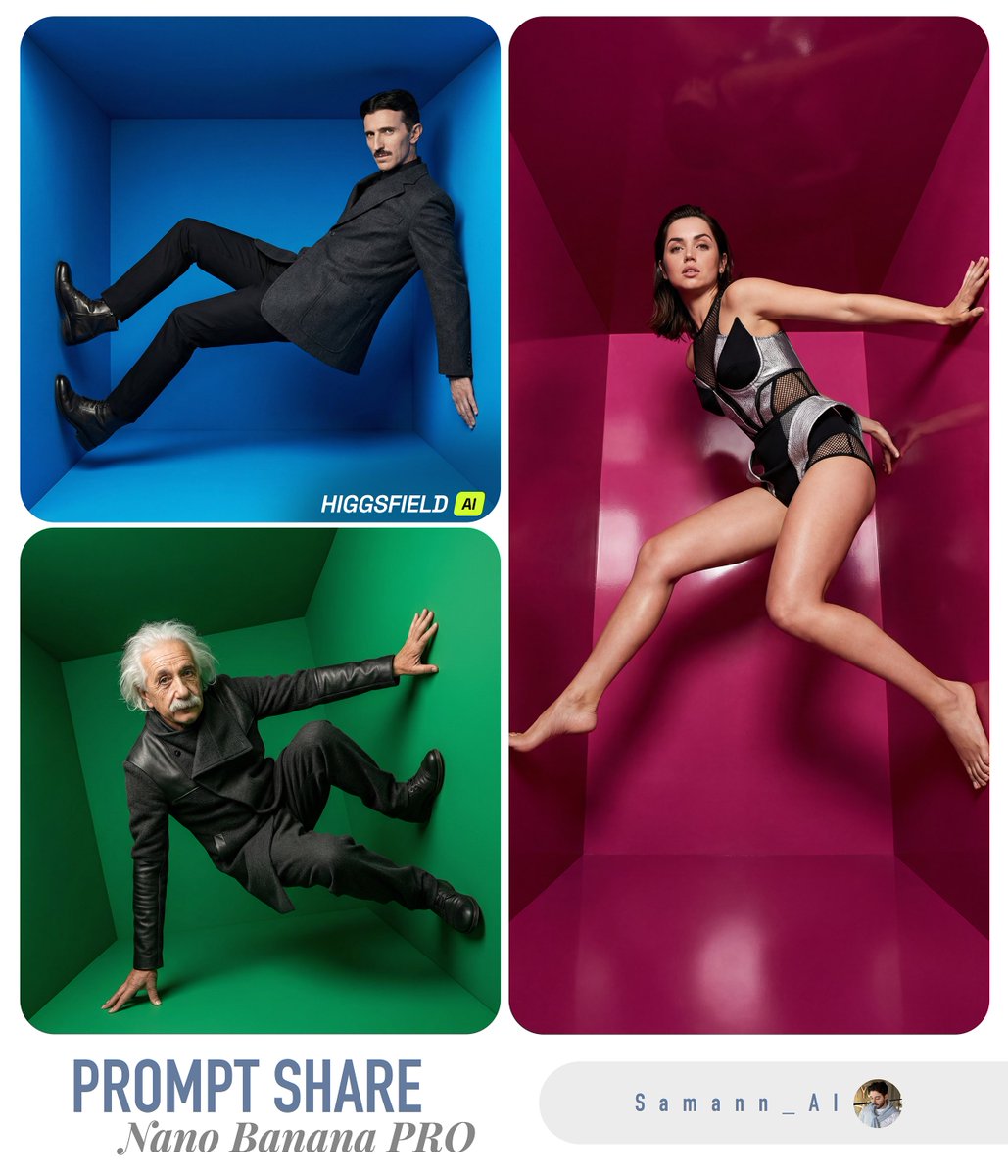
High-Fashion Editorial in Anti-Gravity Color Box
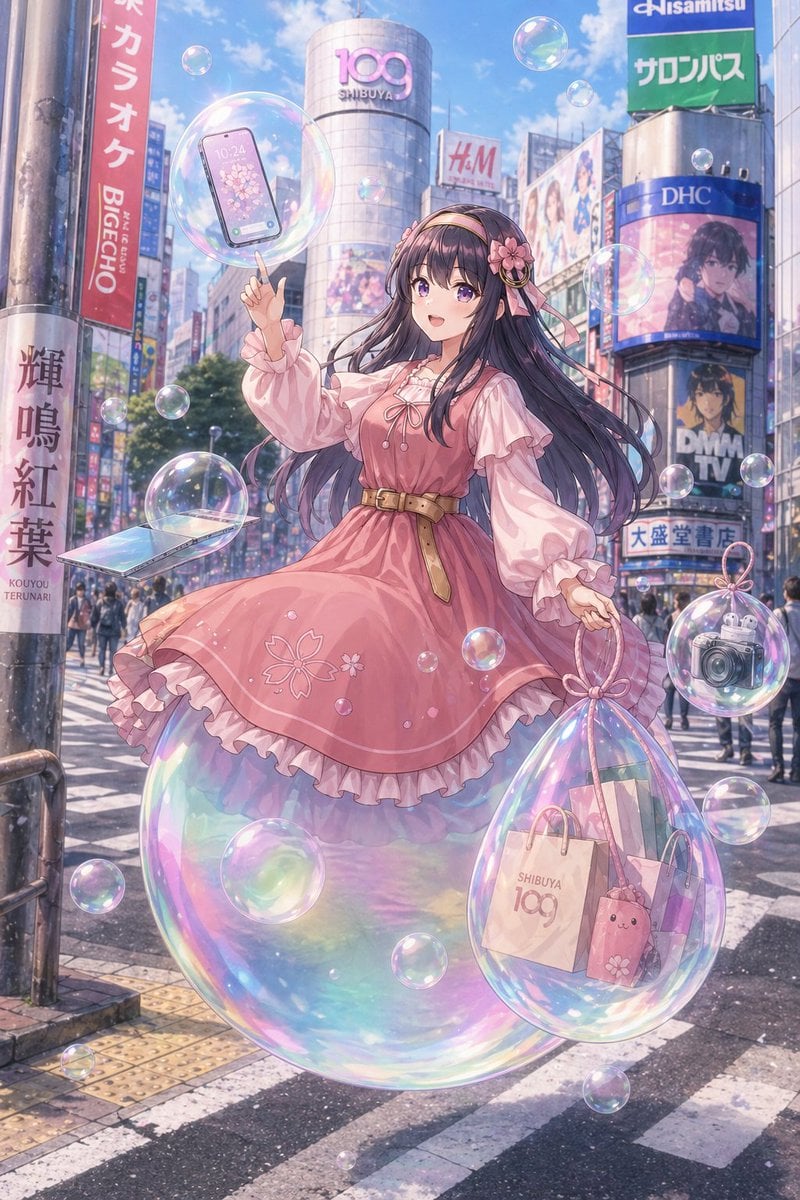
Pastel Anime Girl at Shibuya Crossing
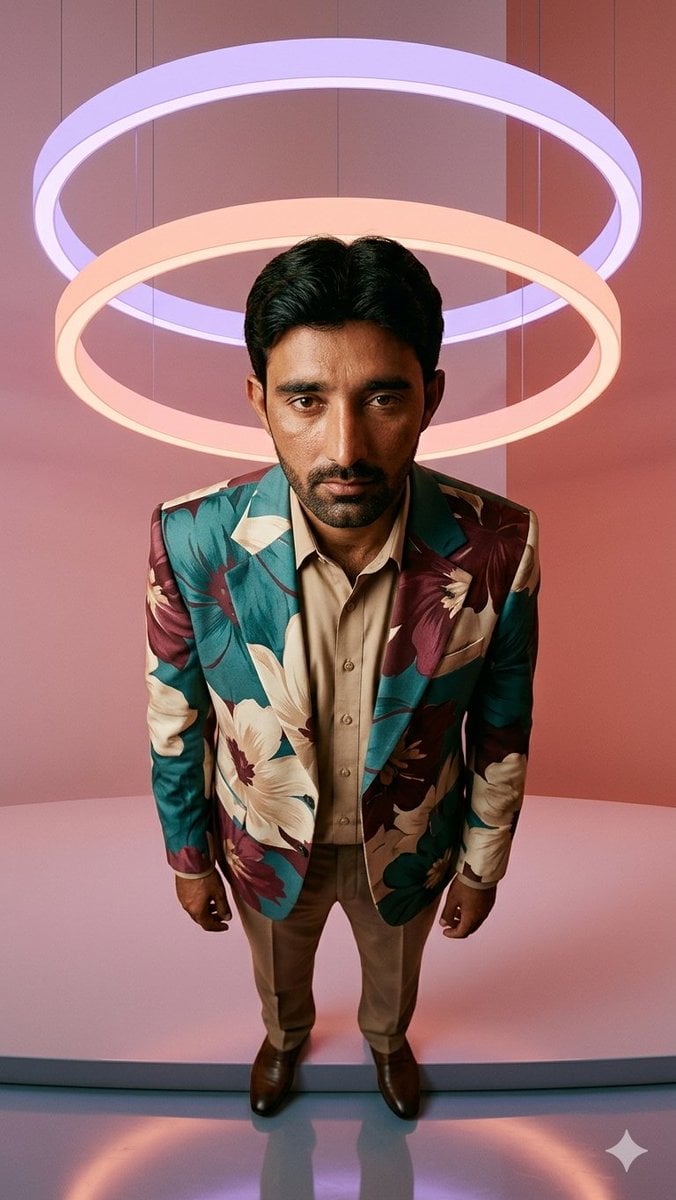
Low-Angle Fashion Portrait with Light Rings

Man Inside Giant Crocodile Mouth
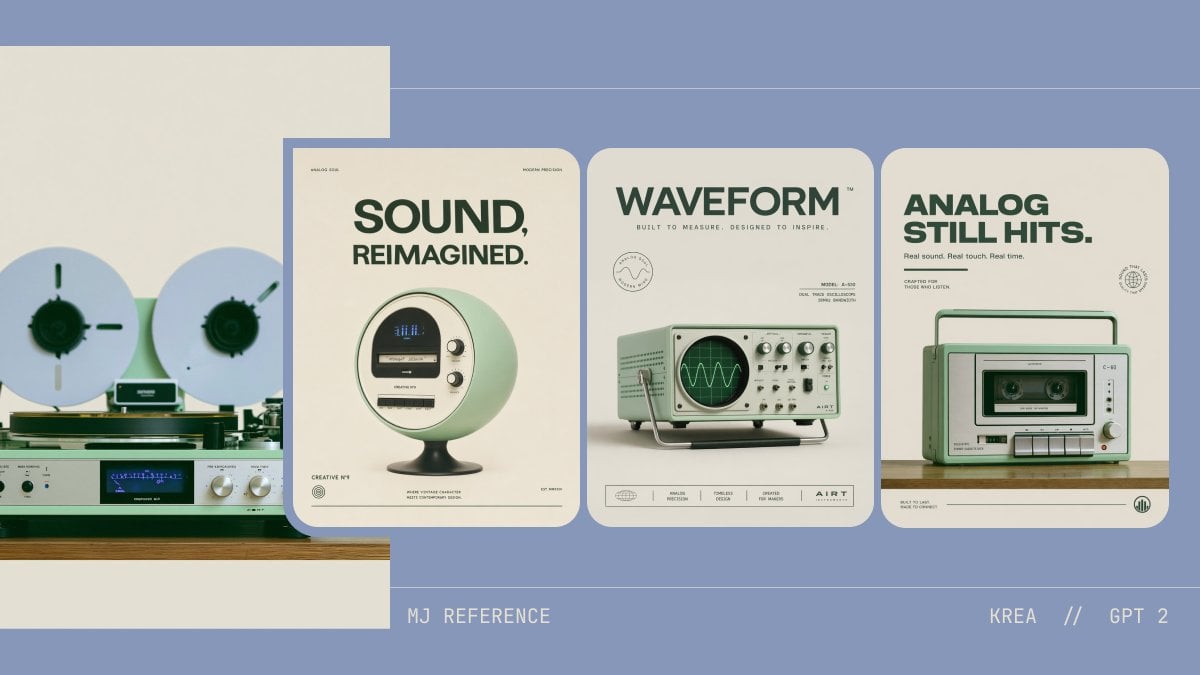
Retro Audio Concept Poster Board
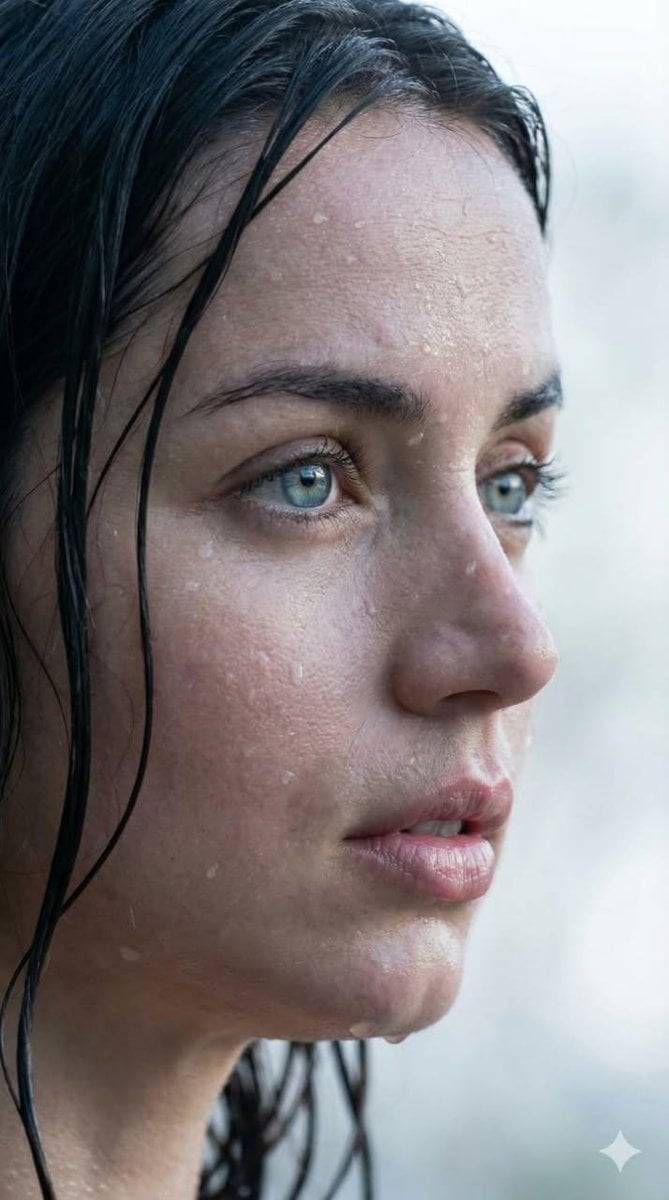
Extreme Wet Close-up Portrait with Reference Image

Surreal Conceptual Mind Portrait
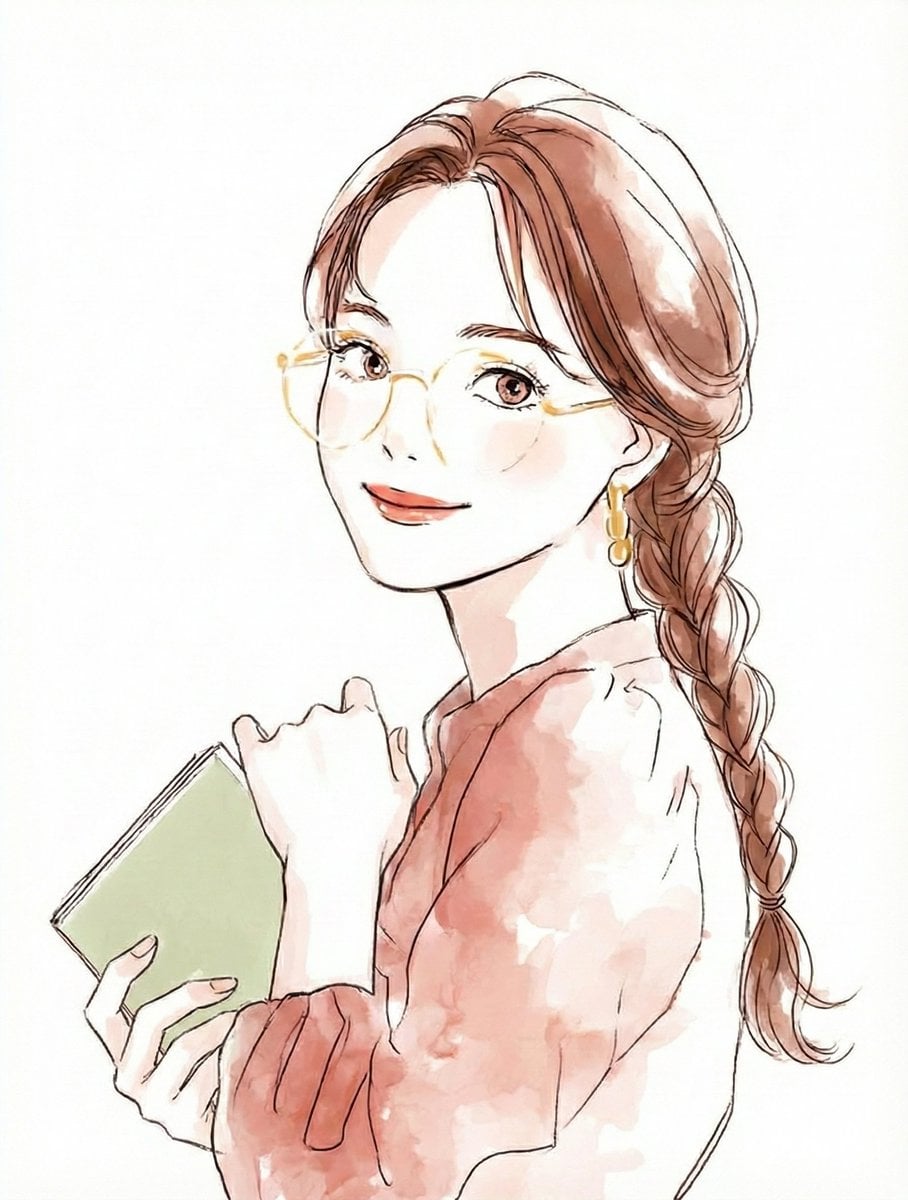
Illustration Anthropomorphism Prompt

High-Tech Corporate KPI Presentation Slide

3D Render of Edible Letters Candy
Browse template categories
Indie Sleaze Glamour Portrait questions
How do I use the Indie Sleaze Glamour Portrait template?
Add your photo if the template asks for one, edit the prompt if you like — the template's model and format are already selected — and press Generate. Your version opens in PicX Studio.
Can I customize the Indie Sleaze Glamour Portrait template?
Yes. You can change the subject, setting, lighting, mood, format, and available model controls before creating your image.
Is the Indie Sleaze Glamour Portrait template free?
Opening and editing this template is free. Generating uses credits, shown on the Generate button when you are signed in.
Which AI model should I use?
Start with Gemini 3 Pro Image Preview, which is the model associated with this template. You can compare another compatible model for a different finish.
Looking for something else? Browse all templates.

Your photo, any look
Thousands of ready templates for every top image and video model, from one credit balance.