
Retro Audio Concept Poster Board
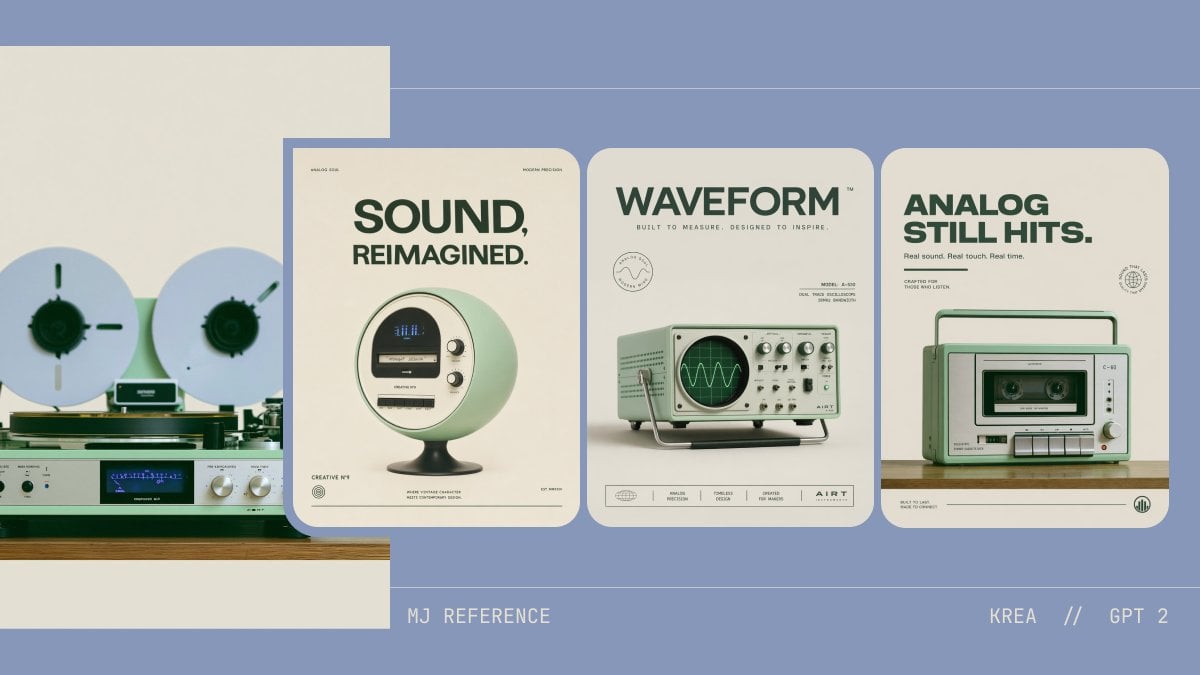
This prompt generates a stylish design board combining one analog reference photo with three matching retro-tech product posters for concept presentation and brand aesthetic exploration.
- Prompt included
- Model and format preset
- Free template
The prompt behind this image
Copy the exact prompt behind Retro Audio Concept Poster Board, or open it in the studio and make it yours.
A clean retro-futurist presentation board on a muted periwinkle-blue background with a minimalist editorial layout, showing 4 analog-inspired audio product concept visuals arranged horizontally. On the far left, a partially cropped reference image of a vintage reel-to-reel tape deck and silver stereo receiver on a wooden shelf against a warm off-white wall; two large white reels with dark green centers, brushed metal knobs, a blue-lit display, and pale mint and silver hardware. To the right, 3 tall rounded-corner poster cards evenly spaced, all using the same cream paper tone, dark forest-green typography, mint-green product styling, and soft studio shadows. First poster: a spherical retro speaker/radio on a pedestal base, pale mint body with a circular front face, small display, and two side knobs, centered under a large bold uppercase headline reading {argument name="headline text 1" default="SOUND, REIMAGINED."}. Second poster: a mint-green vintage oscilloscope-like device with a CRT screen displaying a waveform, silver knobs and switches, and a metal tilt stand, centered under a bold uppercase headline reading {argument name="headline text 2" default="WAVEFORM"}. Third poster: a compact mint-green portable cassette recorder/boombox with handle, front cassette window, buttons, speaker grille, and silver knobs, centered under a bold uppercase headline reading {argument name="headline text 3" default="ANALOG STILL HITS."}. Each poster includes tiny microtype, fake brand marks, and footer icons in a refined Swiss-modern advertising style. Use a restrained palette of dusty blue, cream, sage mint, forest green, silver, black, and warm wood. Add thin horizontal guide lines across the background and small footer text at the bottom reading {argument name="left footer text" default="MJ REFERENCE"} on the left and {argument name="right footer text" default="KREA // GPT 2"} on the right. Overall look: premium concept design board, consistent aesthetic translation from analog hi-fi inspiration into three polished product posters, soft lighting, high-end graphic design, minimal clutter, crisp typography, and subtle nostalgic realism.
How to use Retro Audio Concept Poster Board in 3 steps
- 1Upload ImagePNG, JPG or paste
Add your photo
Upload the photo the template builds on. The prompt, model and format are already set.
- 2…a portrait of your subject in softgolden-hour light, 85mm…
Personalize
Edit the subject and creative details for your destination.
- 3Generate
Generate
Press Generate — your image is created in PicX Studio, so you can compare it with the original and refine one variable at a time.
More like this
Templates with the same subject, style or setup. Open one to see its prompt.












Make it yours
Retro Audio Concept Poster Board works as-is. These are the safest ways to change it without losing the look.
Change one field
Copy a single group, rewrite it, and generate again so you can see what that field is doing.
Keep the frame, change the subject
Hold the composition and light of Retro Audio Concept Poster Board, then swap wardrobe, props or the person for a new take.
| If the result… | Why | Fix |
|---|---|---|
| The result drifts from the preview | Too many fields changed at once. | Reuse Retro Audio Concept Poster Board as-is first, then change one group — subject, light, or setting. |
| The model over-stylizes the scene | The prose prompt leaves finish and camera underspecified. | Add one camera or lighting sentence and stay on GPT Image 2. |
More GPT Image 2 templates
Other prompts made for GPT Image 2.

Six VTuber Japanese Logo Sheet

Realistic Portrait of Woman and Deer

The Vista Modular Condo Poster

AI Model Routing Comparison Infographic

2.5D Anime Art Board

Isometric Productivity Desk Scene

New York Double Exposure Poster

Four-Panel AI Landscape Comparison

Japanese Tatami Lifestyle Magazine Cover

NESCAFÉ Coffee Map Poster
More image prompts
Fresh picks from across the catalog.
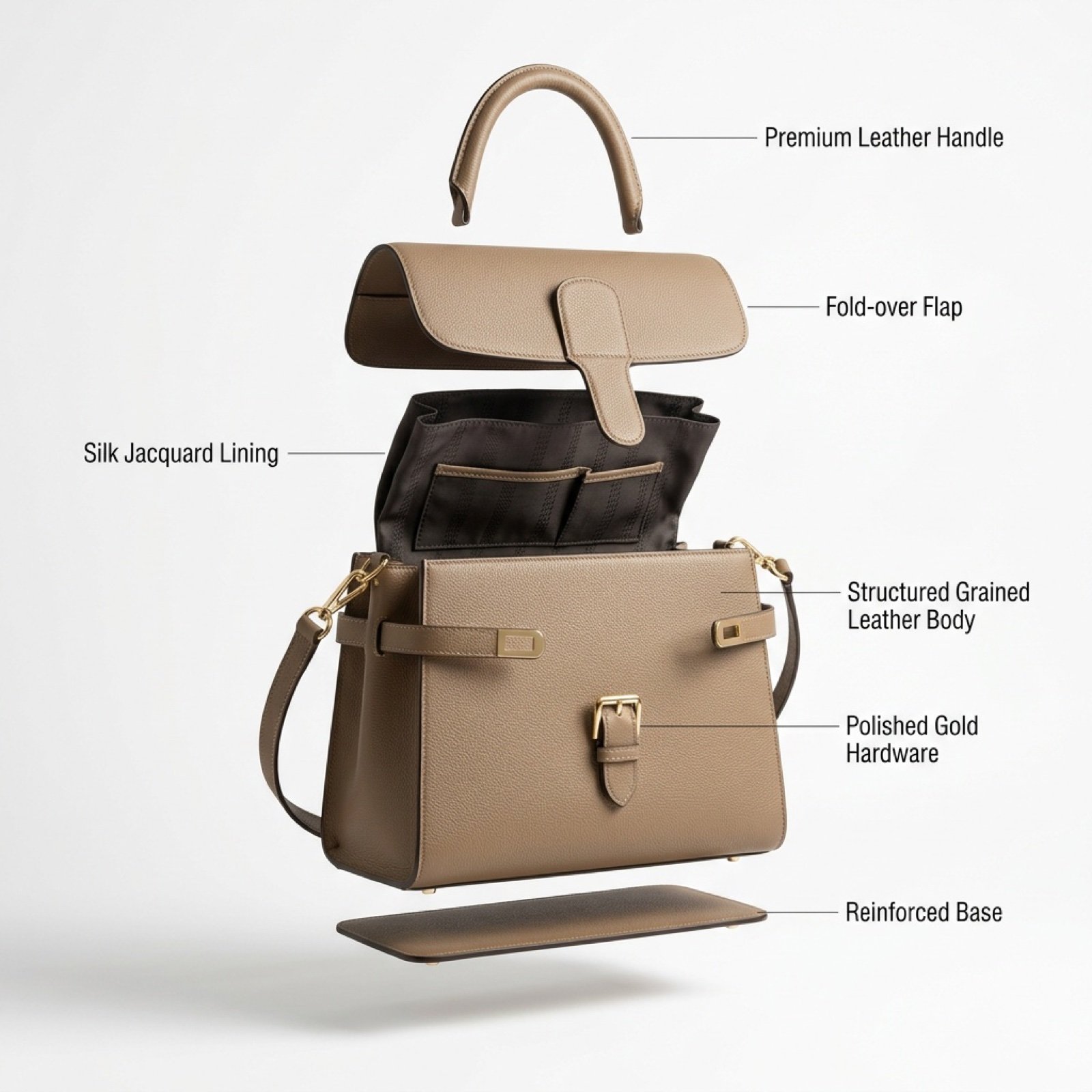
Luxury Handbag Exploded View Animation Prompt
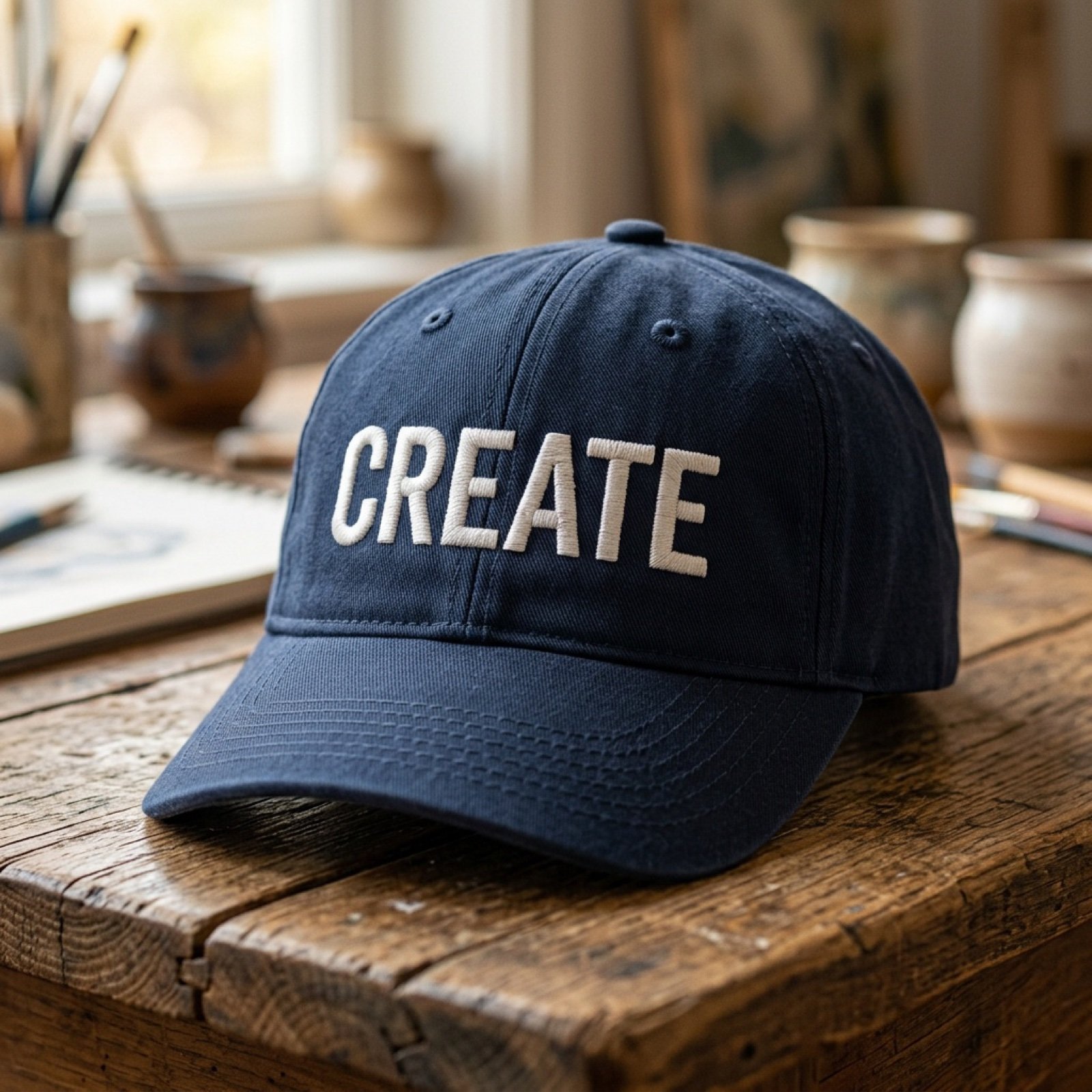
Add baseball hat with embroidered text
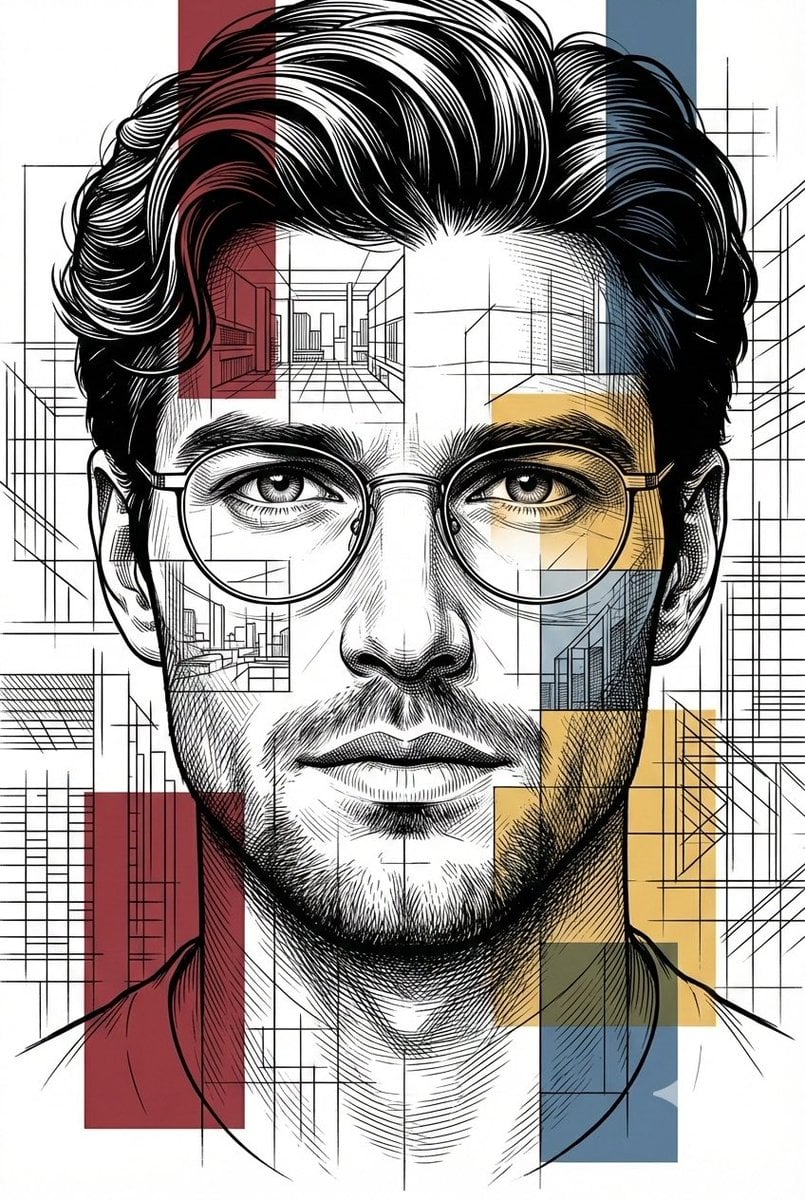
Architectural Blueprint Style Portrait
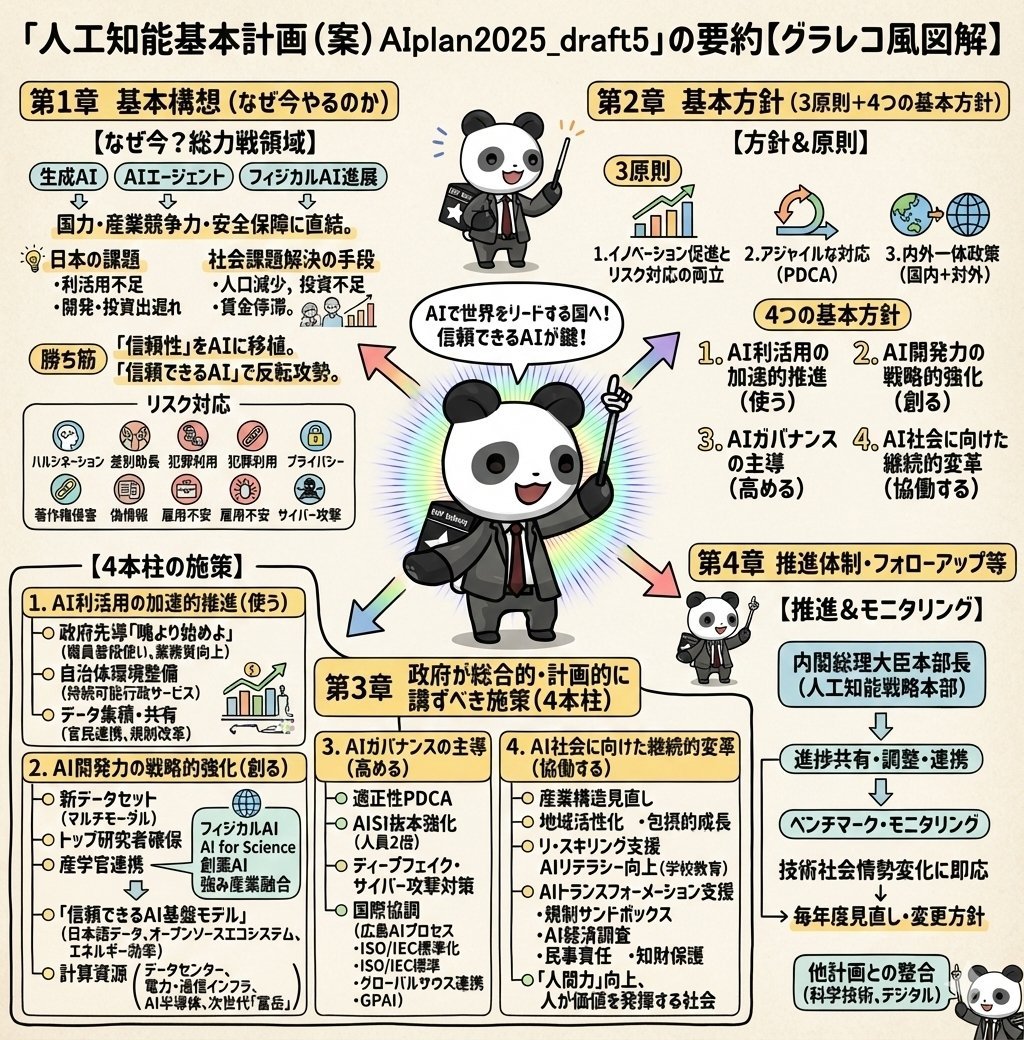
Detailed Japanese Graphic Recording Summary
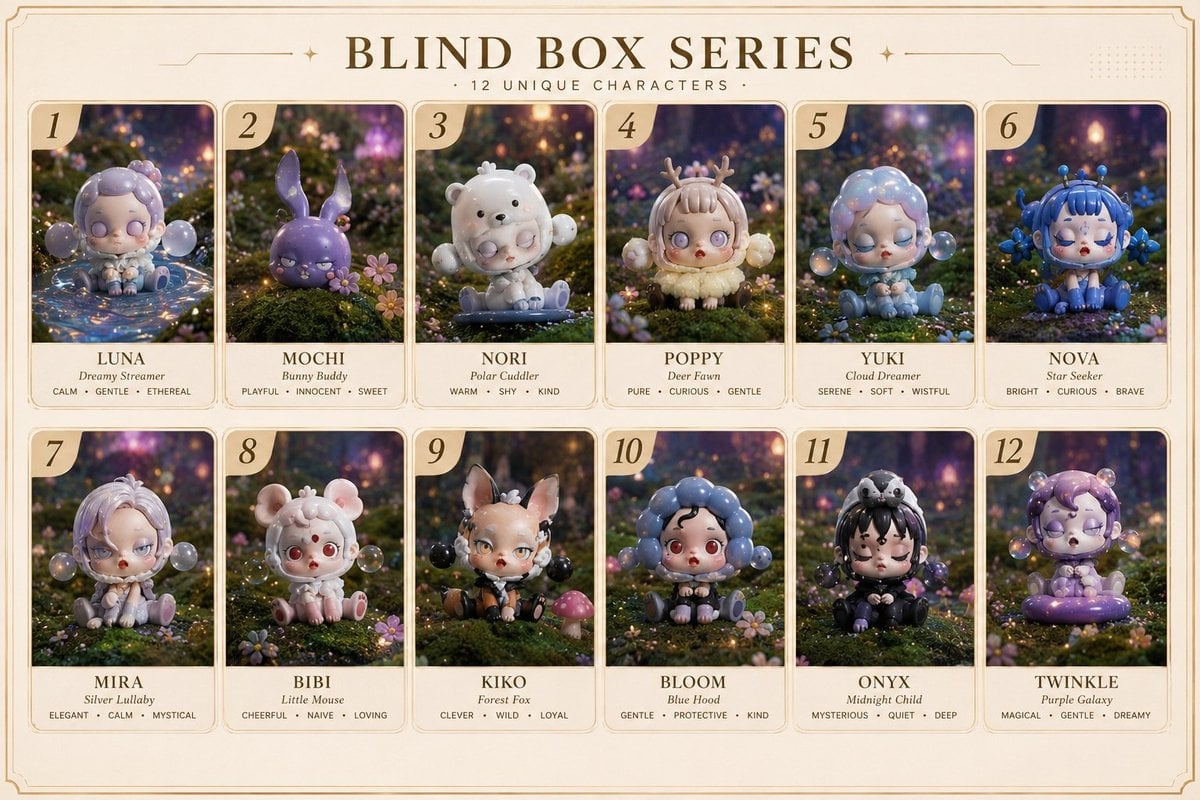
Fantasy Blind Box Character Series Poster
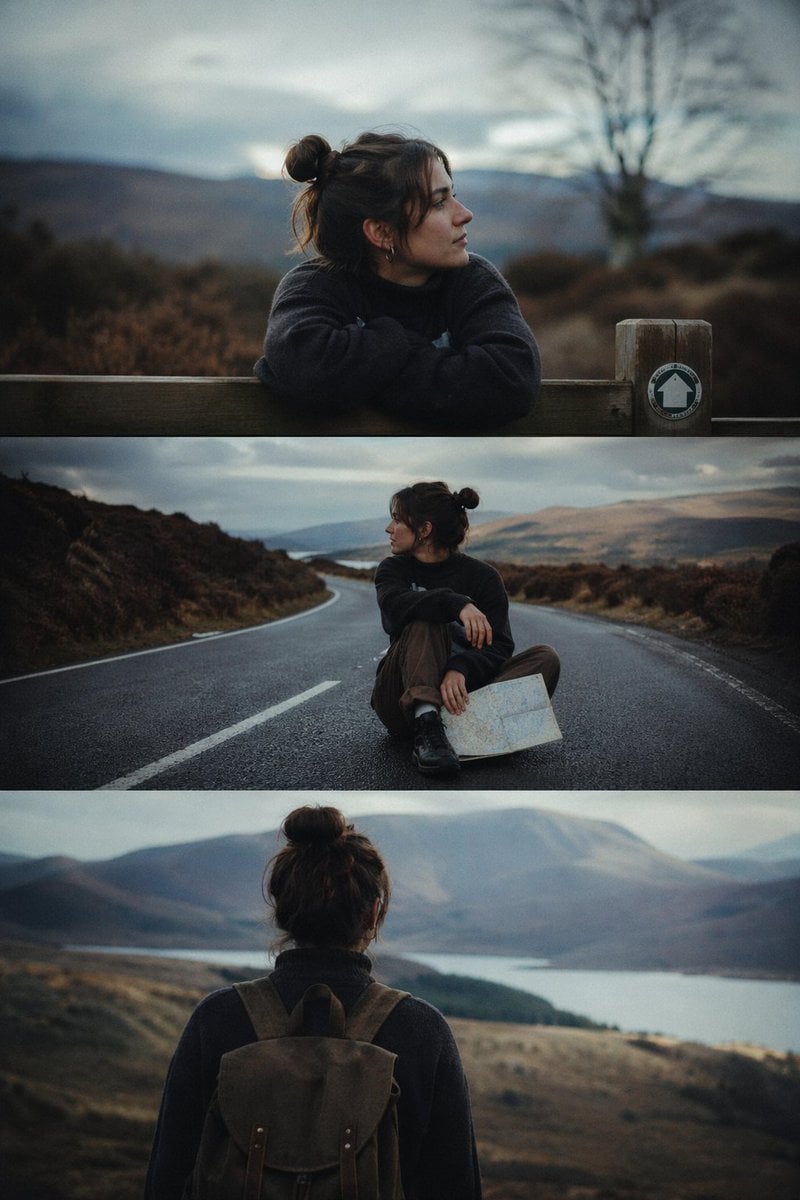
Cinematic 3-Frame Solo Travel Stills

Reference Image Consistency Prompt Template

Ukiyo-e Portrait Transformation
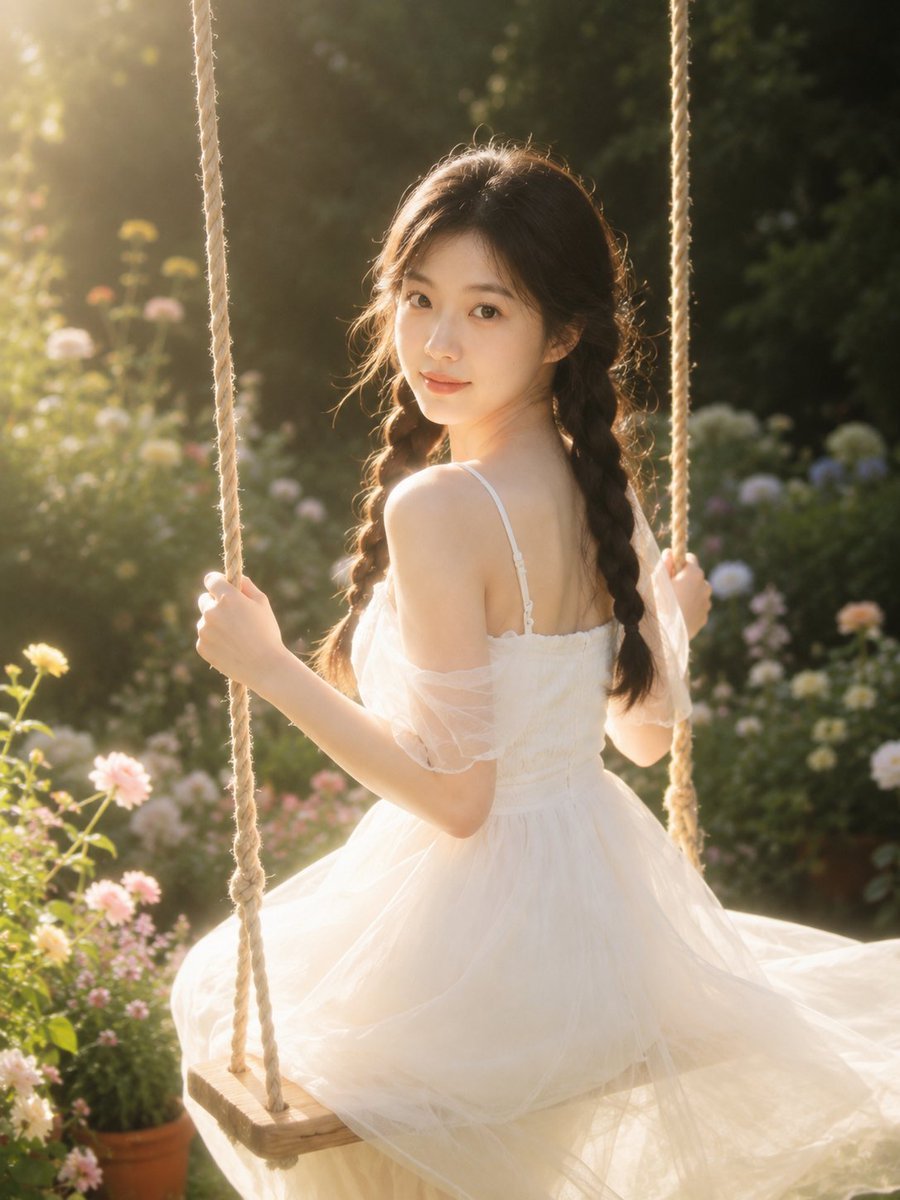
Dreamy Garden Swing Portrait

Photorealistic cinematic image prompt for a woman enjoying an evening on a balcony
Browse template categories
Retro Audio Concept Poster Board questions
How do I use the Retro Audio Concept Poster Board template?
Add your photo if the template asks for one, edit the prompt if you like — the template's model and format are already selected — and press Generate. Your version opens in PicX Studio.
Can I customize the Retro Audio Concept Poster Board template?
Yes. You can change the subject, setting, lighting, mood, format, and available model controls before creating your image.
Is the Retro Audio Concept Poster Board template free?
Opening and editing this template is free. Generating uses credits, shown on the Generate button when you are signed in.
Which AI model should I use?
Start with GPT Image 2, which is the model associated with this template. You can compare another compatible model for a different finish.
Looking for something else? Browse all templates.

Your photo, any look
Thousands of ready templates for every top image and video model, from one credit balance.