
Minimalist Architectural Fashion Portrait
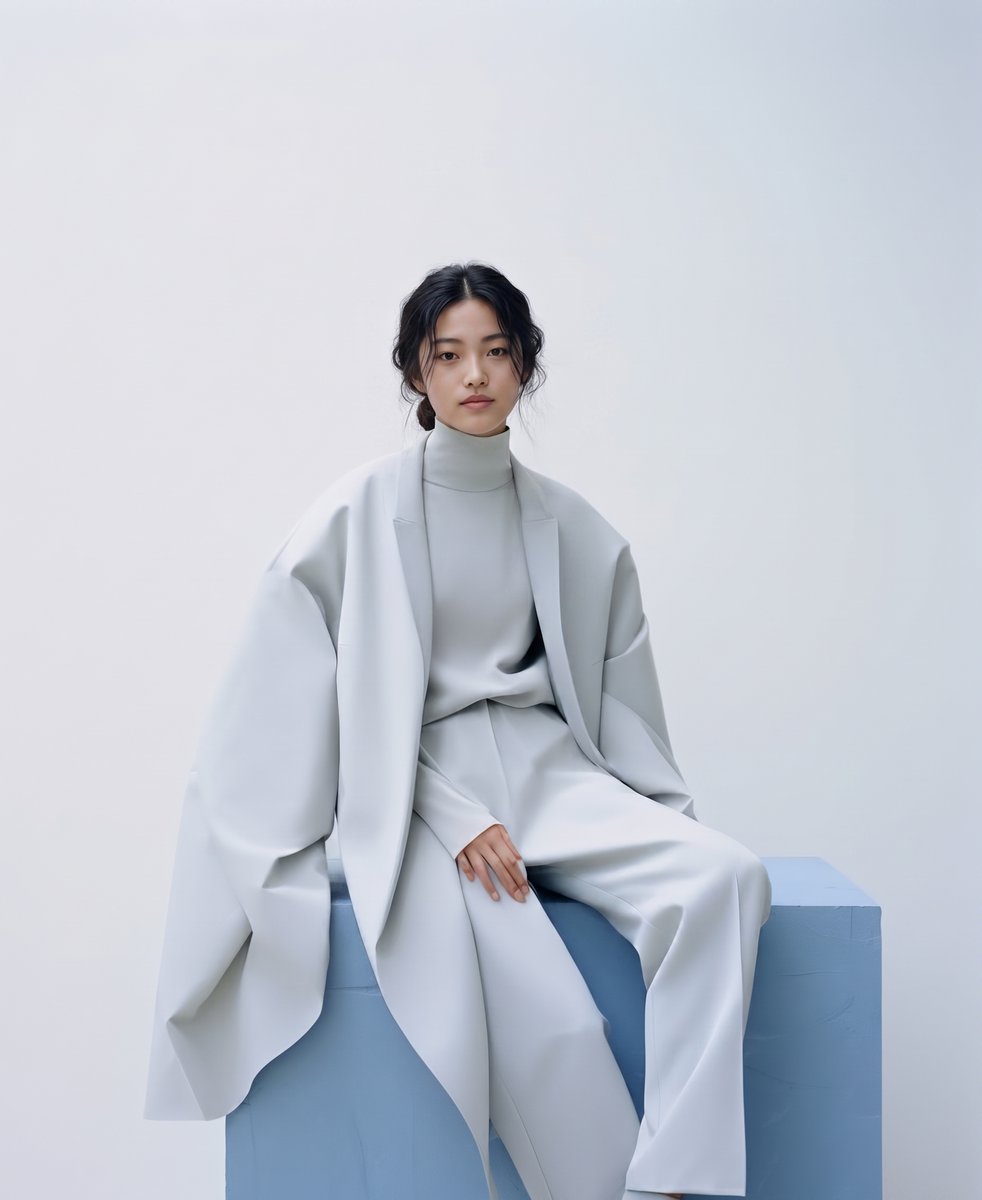
A structured, minimalist fashion portrait of an East Asian woman in an oversized ice-grey ensemble.
- Prompt included
- Model and format preset
- Free template
The prompt behind this image
Copy the exact prompt behind Minimalist Architectural Fashion Portrait, or open it in the studio and make it yours.
A high-resolution, minimalist fashion portrait photograph featuring an {argument name="ethnicity" default="East Asian woman"} with a calm, direct gaze. Her dark hair is styled in a very sleek, center-parted, tight low bun. She is sitting with a poised, structured pose on a large, textured geometric plinth painted a soft, {argument name="plinth color" default="pale powder blue"}. Outfit Details: The woman is wearing a striking, monochromatic, oversized ensemble in a de-saturated, {argument name="outfit color" default="light grey"} color (appearing like ice-grey or light celadon). The outfit consists of three main pieces: A dramatically oversized, collarless wrap-front cape-coat with wide, fluid sleeves and an undulating hemline, which drapes extensively over her and the blue plinth. Underneath the coat, a matching light grey, high-neck turtleneck knit top. Matching high-waisted, wide-leg trousers that pooling slightly at the ankles, made from a similar heavy drape fabric. Pose and Composition: She is seated comfortably but formally, hands lightly resting in her lap and on the surface of the blue cube. The composition is a centered, three-quarter length shot. Setting and Lighting: The background is a clean, seamless, off-white studio wall. The lighting is soft, diffused, high-key studio lighting, creating a cool and clean atmosphere with minimal, soft shadows, emphasizing the architectural lines and textures of the garments. The overall feel is modern, elegant, and editorial. The perspective is eye-level.
How to use Minimalist Architectural Fashion Portrait in 3 steps
- 1
Open
The prompt is already in the box next to the preview, with the template's model and format selected.
- 2…a portrait of your subject in softgolden-hour light, 85mm…
Personalize
Edit the subject and creative details for your destination.
- 3Generate
Generate
Press Generate — your image is created in PicX Studio, so you can compare it with the original and refine one variable at a time.
More like this
Templates with the same subject, style or setup. Open one to see its prompt.

Nano Banana 2 High Fashion Sports Campai

Couture Fashion Editorial Woman and Drag

Ive Yujin Fashion Portrait in Blue

Nano Banana 2 Editorial Fashion Portrait

Caution Tape Fashion — Industrial Editorial
Minimalist High-Fashion Studio Portrait

Minimalist Studio Fashion Portrait Grid
Minimalist Studio Fashion Portrait
Modern Architectural Fashion Portrait
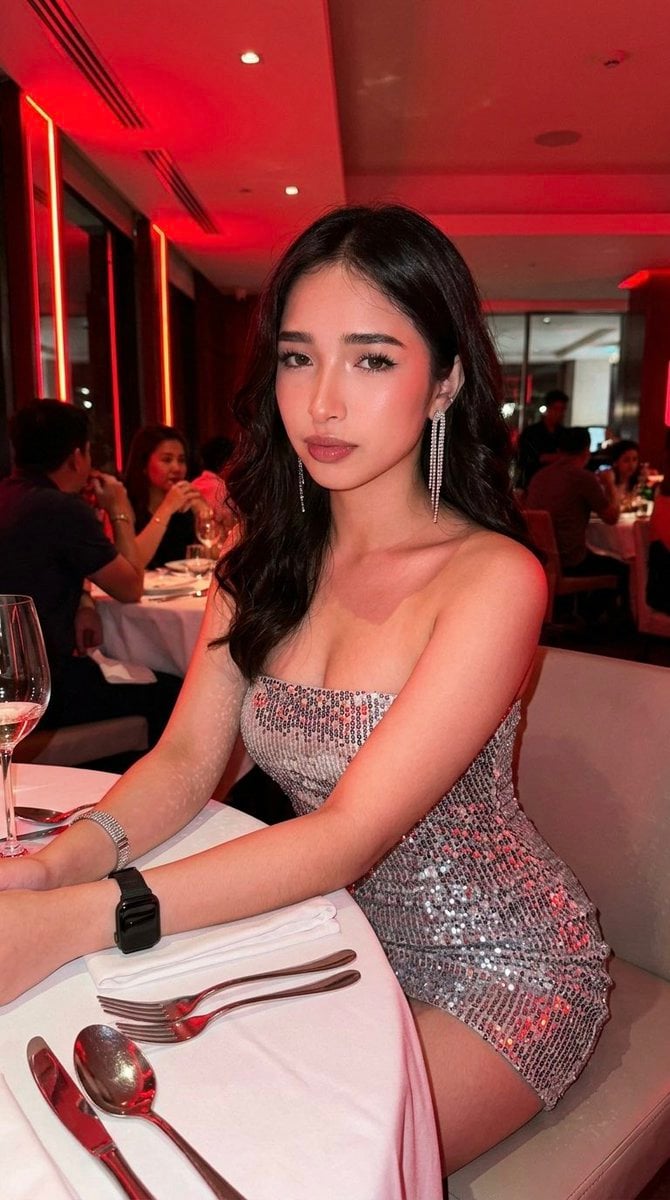
Hyper-Defined Portrait with Neon Lighting and Architectural Fashion

Nano Banana Pro Photoreal Playful Couple

Miniature Self Portrait Collage
Make it yours
Minimalist Architectural Fashion Portrait works as-is. These are the safest ways to change it without losing the look.
Change one field
Copy a single group, rewrite it, and generate again so you can see what that field is doing.
Keep the frame, change the subject
Hold the composition and light of Minimalist Architectural Fashion Portrait, then swap wardrobe, props or the person for a new take.
| If the result… | Why | Fix |
|---|---|---|
| The result drifts from the preview | Too many fields changed at once. | Reuse Minimalist Architectural Fashion Portrait as-is first, then change one group — subject, light, or setting. |
| The model over-stylizes the scene | The prose prompt leaves finish and camera underspecified. | Add one camera or lighting sentence and stay on Gemini 3 Pro Image Preview. |
More Gemini 3 Pro Image Preview templates
Other prompts made for Gemini 3 Pro Image Preview.

Creative Character in Pink Office

Avant-Garde Asian Fashion Model

Underwater Macro Face Portrait

Water-level Bridge Modification

Noir Punk Street Portrait

High Contrast Cinematic Face Portrait

Monochrome Studio Portrait with Colored Lens

Ultra-Realistic Yacht Sunset Portrait

Mushroom Still Life Composition

Whimsical Anthropomorphic Friendly Insect
More image prompts
Fresh picks from across the catalog.
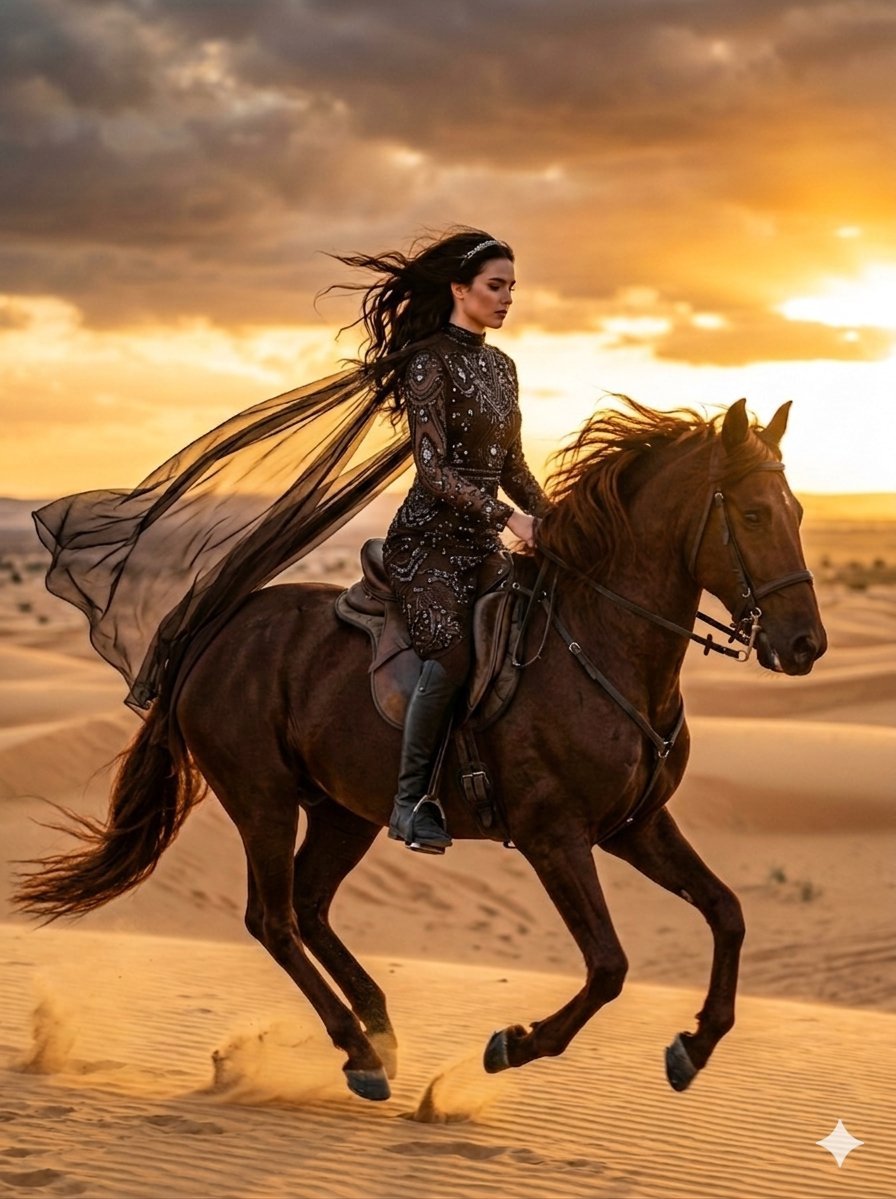
Cinematic Desert Horse Rider

Modern Webinar Promotional Banner
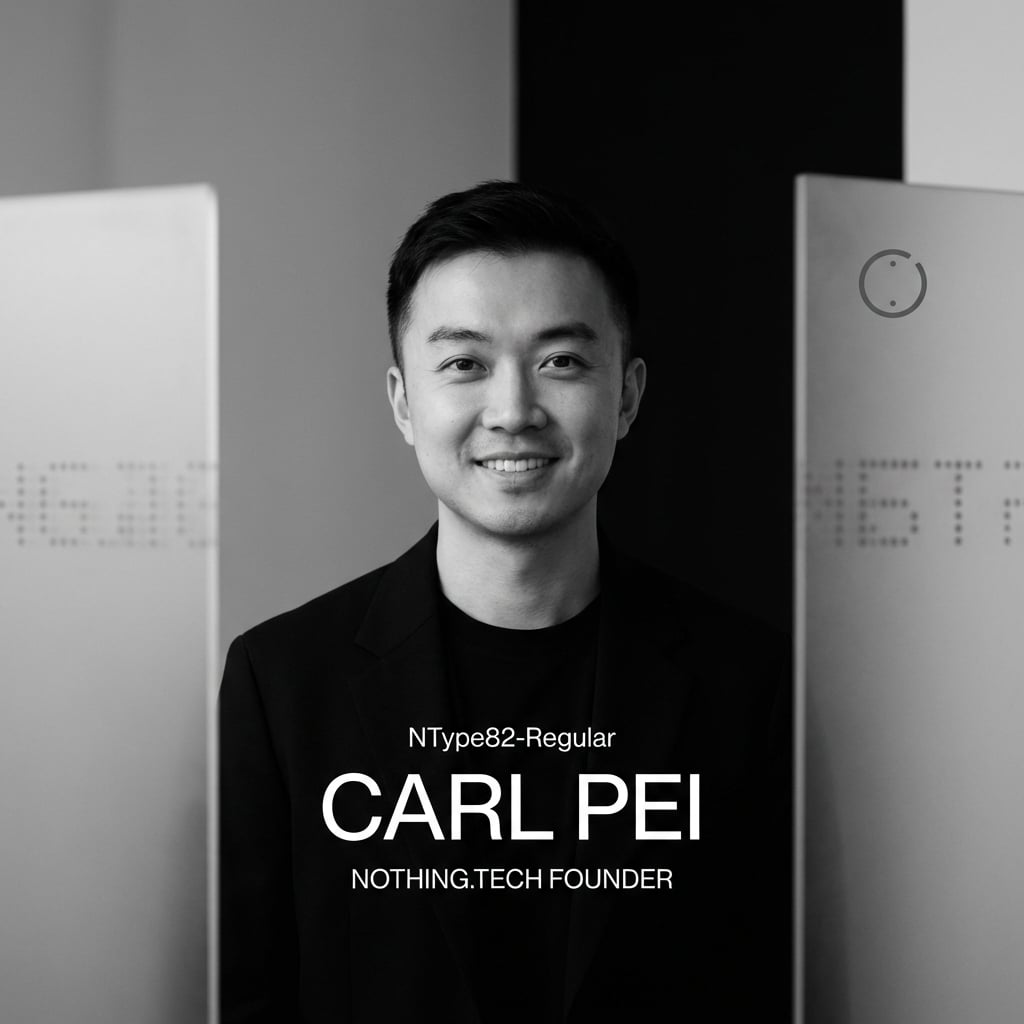
Editorial Visual for Modern Tech Founder
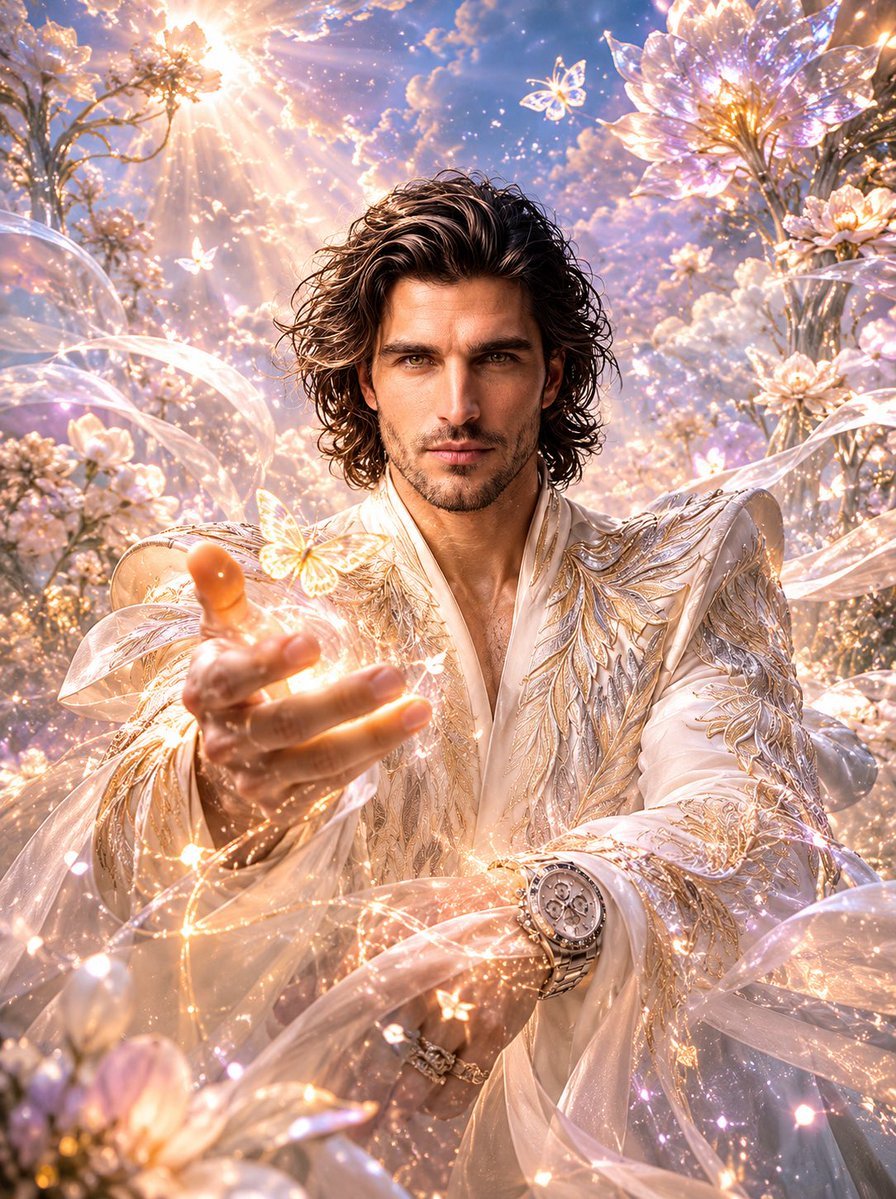
Dreamlike Fantasy Forest Boy
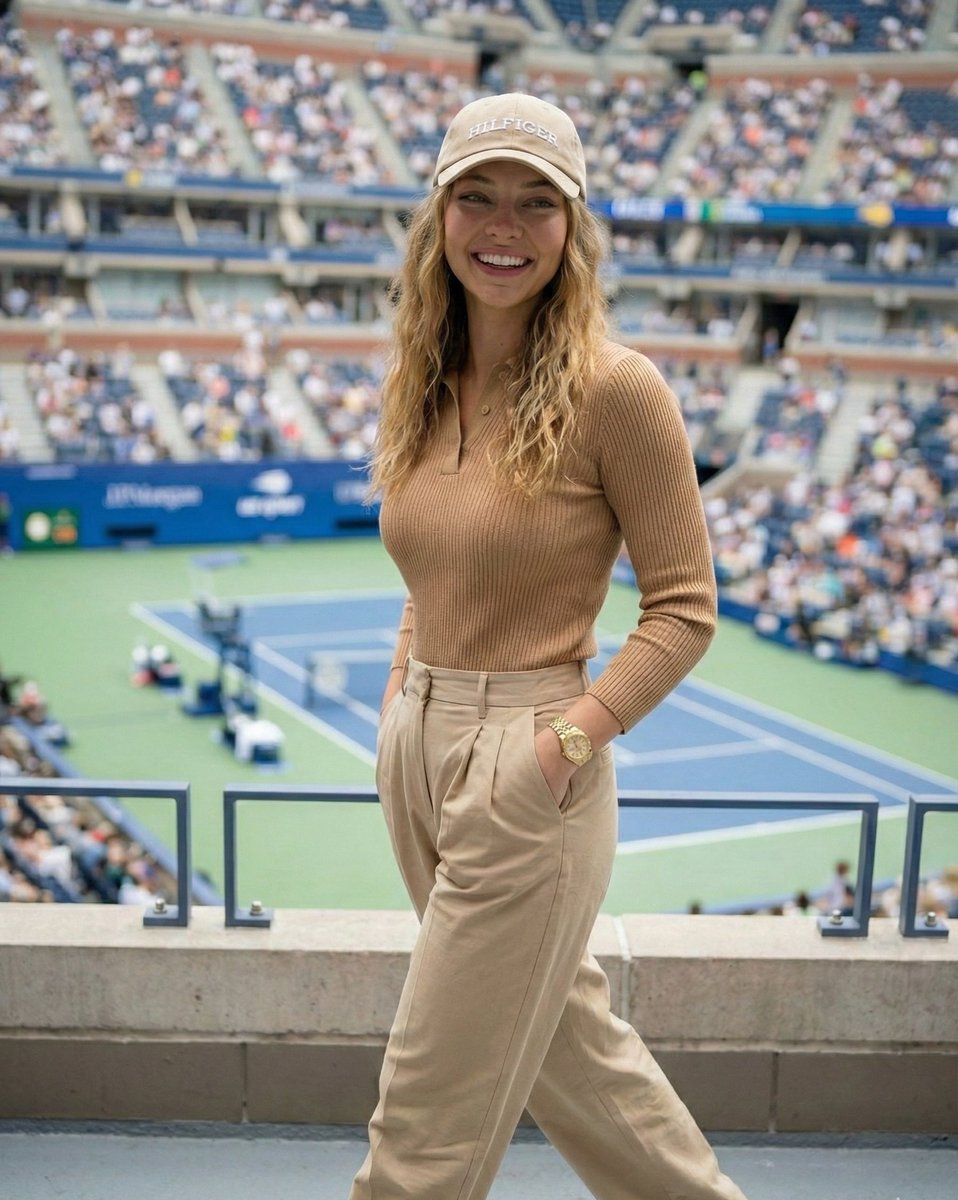
Ultra-Photorealistic Tenniscore Event Portrait
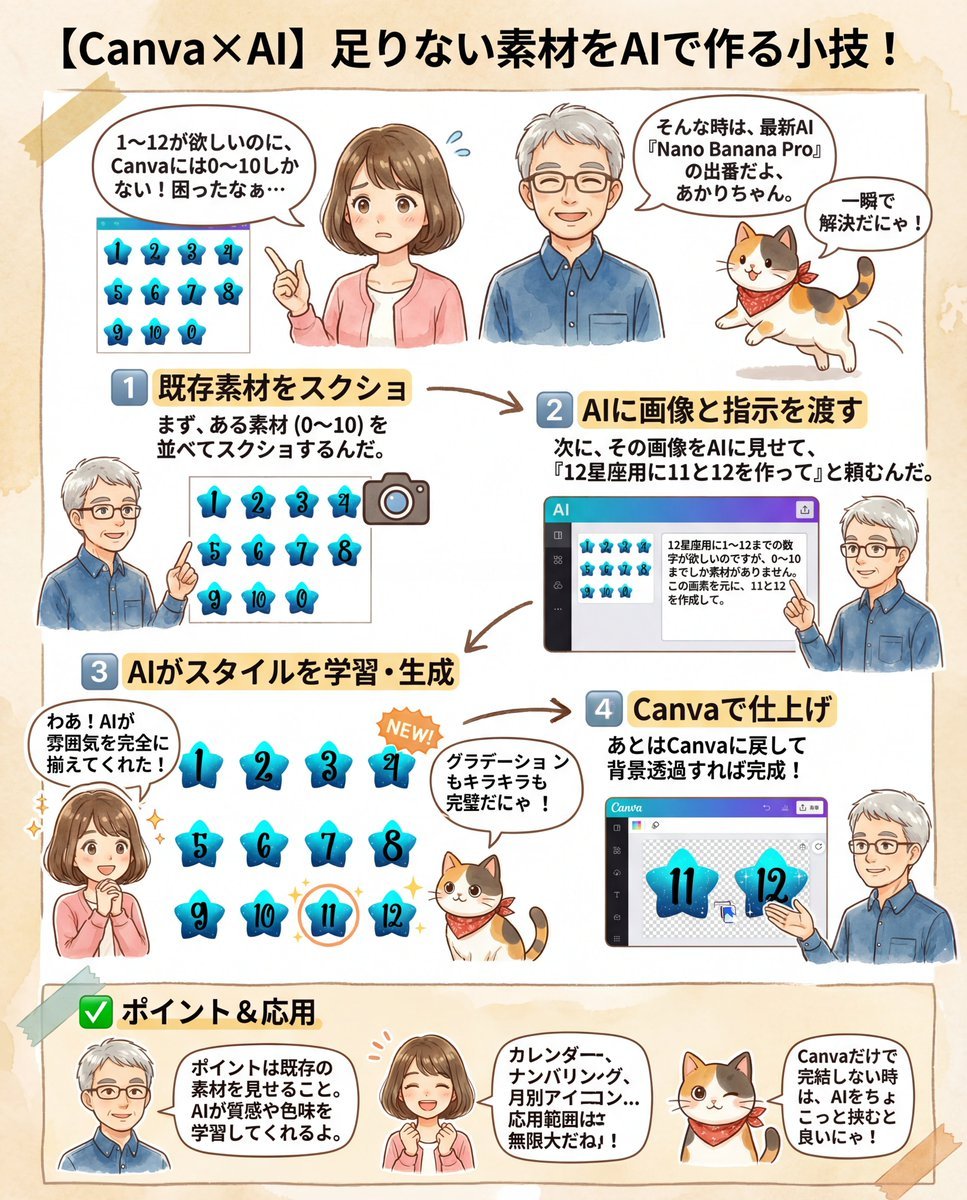
Canva Asset Creation and Style Matching Prompt
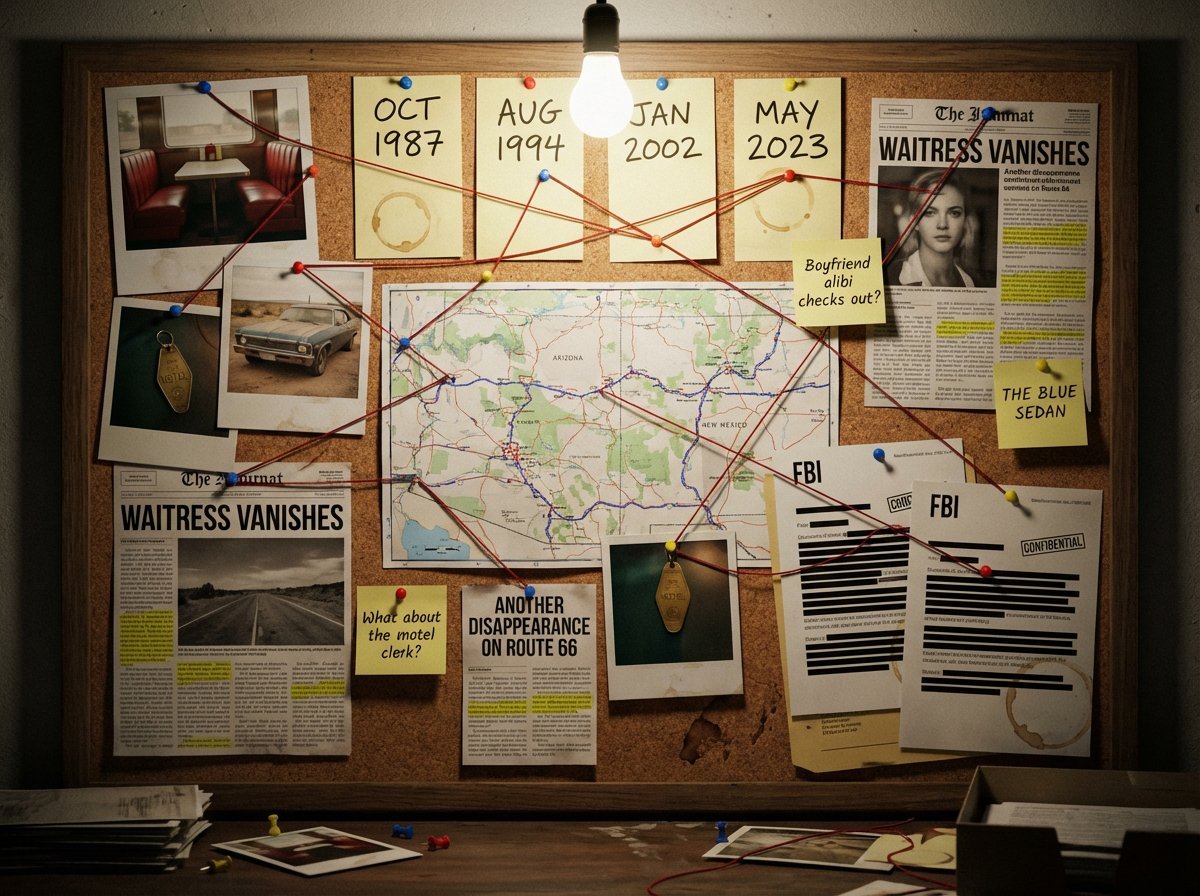
Noir Detective Evidence Board Visualization
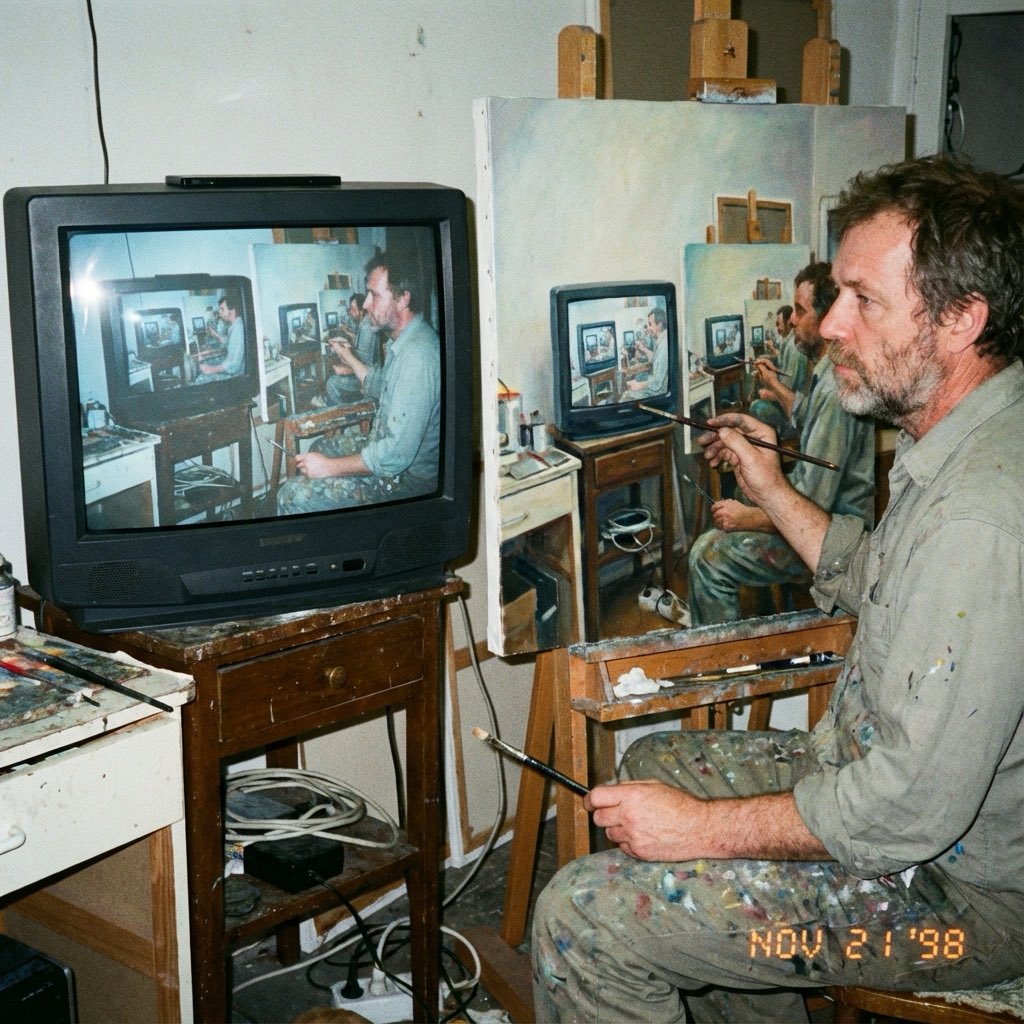
Recursive Painting Photograph Prompt
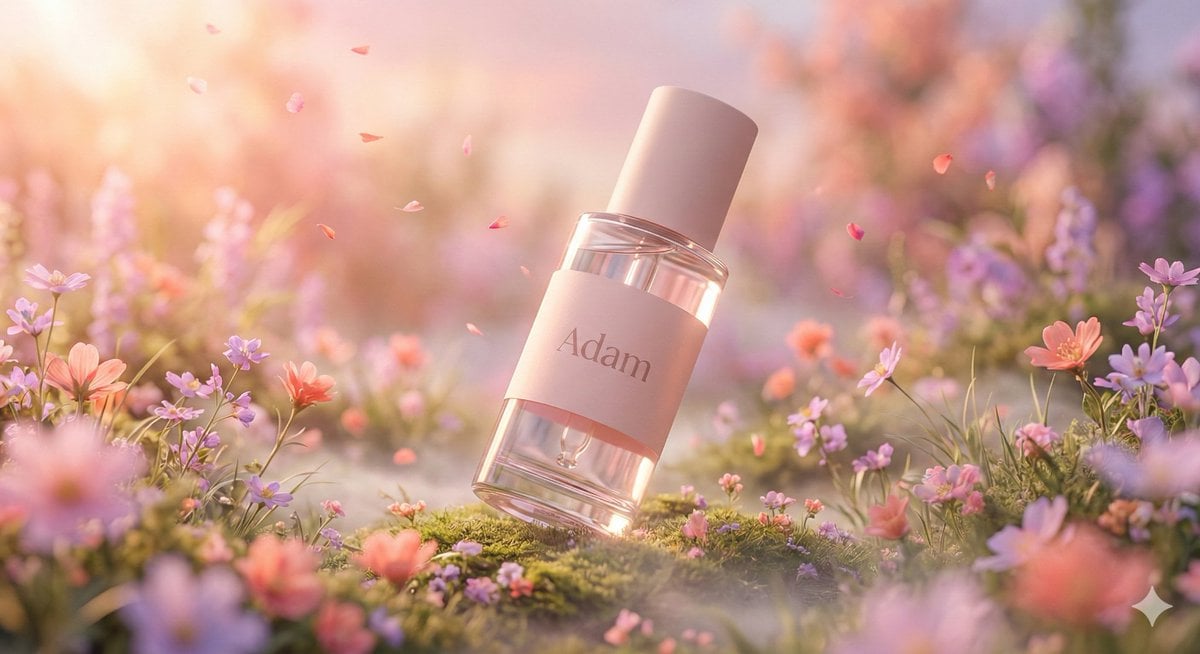
Hyper-Realistic Luxury Serum Product Photography Prompt (JSON)
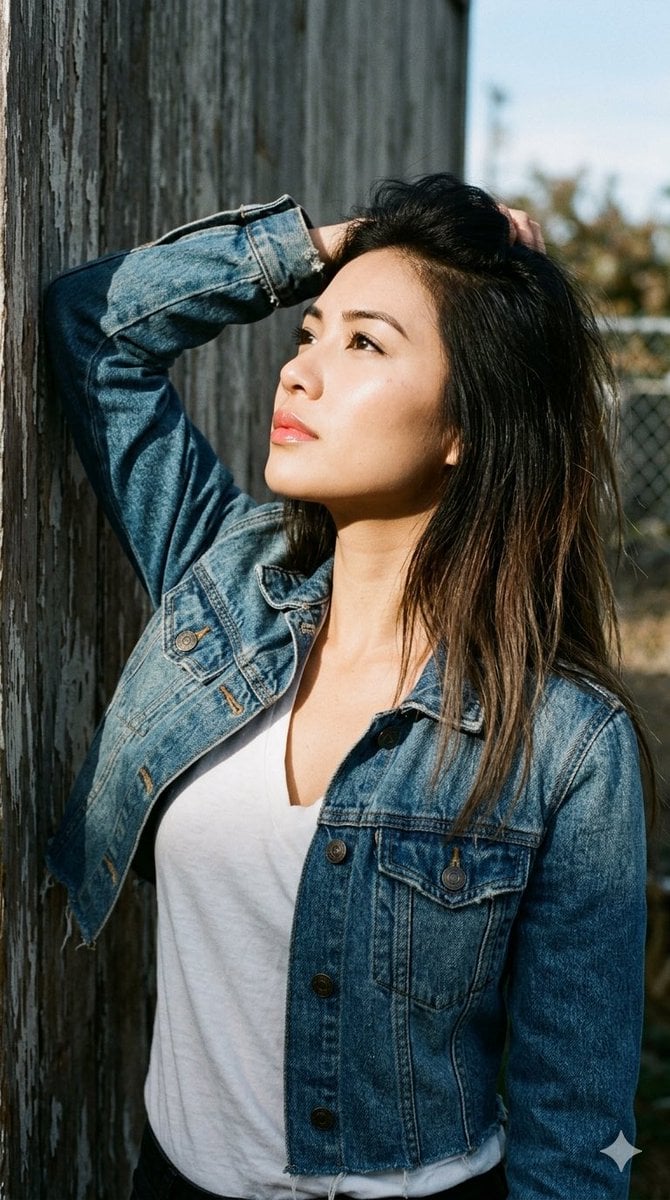
1990s Portrait Prompt for Gemini Nano Banana Pro
Browse template categories
Minimalist Architectural Fashion Portrait questions
How do I use the Minimalist Architectural Fashion Portrait template?
Add your photo if the template asks for one, edit the prompt if you like — the template's model and format are already selected — and press Generate. Your version opens in PicX Studio.
Can I customize the Minimalist Architectural Fashion Portrait template?
Yes. You can change the subject, setting, lighting, mood, format, and available model controls before creating your image.
Is the Minimalist Architectural Fashion Portrait template free?
Opening and editing this template is free. Generating uses credits, shown on the Generate button when you are signed in.
Which AI model should I use?
Start with Gemini 3 Pro Image Preview, which is the model associated with this template. You can compare another compatible model for a different finish.
Looking for something else? Browse all templates.

Your photo, any look
Thousands of ready templates for every top image and video model, from one credit balance.