
Editorial Man Portrait with Silver Glasses
An editorial fashion portrait of a refined man in a patterned knit sweater, using cinematic chiaroscuro lighting and professional 85mm lens effects.
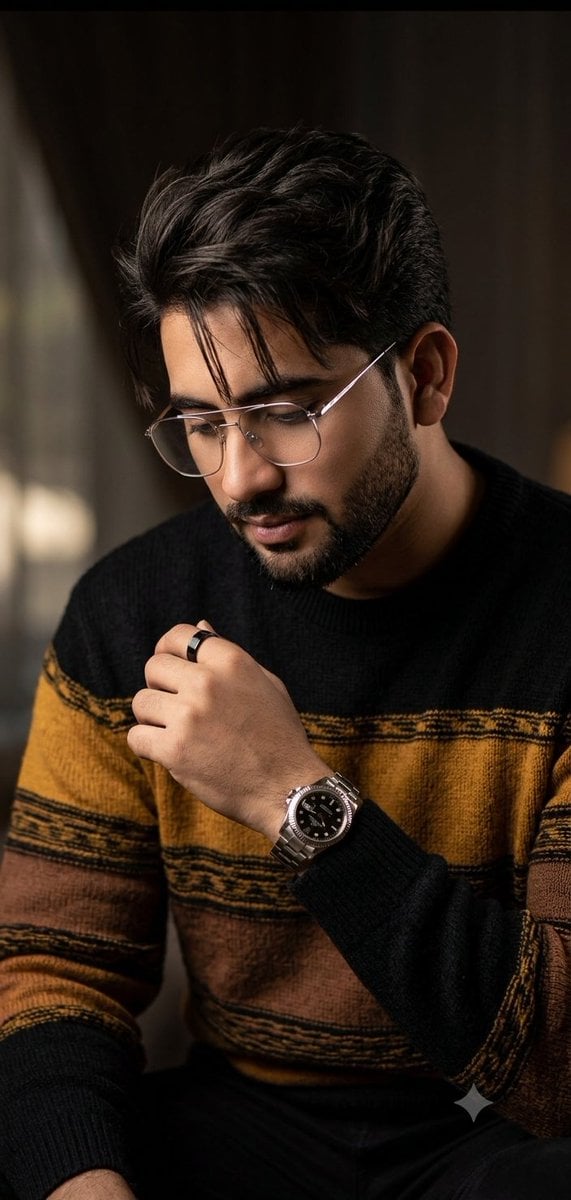
- Prompt included
- Model and format preset
- Free template
The prompt behind this image
Copy the exact prompt behind Editorial Man Portrait with Silver Glasses, or open it in the studio and make it yours.
A high-end editorial portrait of a {argument name="subject" default="35-year-old man"} with a flawless porcelain-smooth complexion and refined bone structure. He is looking down in a relaxed, candid pose. He wears elegant, thin-framed silver glasses, a black ring on his finger, and a luxury Rolex-style watch visible on his wrist. His hair is styled in a modern, textured curtains look with a few strands gently falling over his forehead. He is wearing a {argument name="knit sweater description" default="premium, textured oversized knit sweater in black with striking mustard-yellow and earthy brown horizontal block patterns"}. The background is a softly blurred, warm-toned luxury indoor environment with beautiful bokeh. Captured with an {argument name="lens type" default="85mm"} lens at f/1.8, cinematic chiaroscuro lighting highlighting his facial features, professional photography.
How to use Editorial Man Portrait with Silver Glasses in 3 steps
- 1
Open
The prompt is already in the box next to the preview, with the template's model and format selected.
- 2…a portrait of your subject in softgolden-hour light, 85mm…
Personalize
Edit the subject and creative details for your destination.
- 3Generate
Generate
Press Generate — your image is created in PicX Studio, so you can compare it with the original and refine one variable at a time.
More like this
Templates with the same subject, style or setup. Open one to see its prompt.
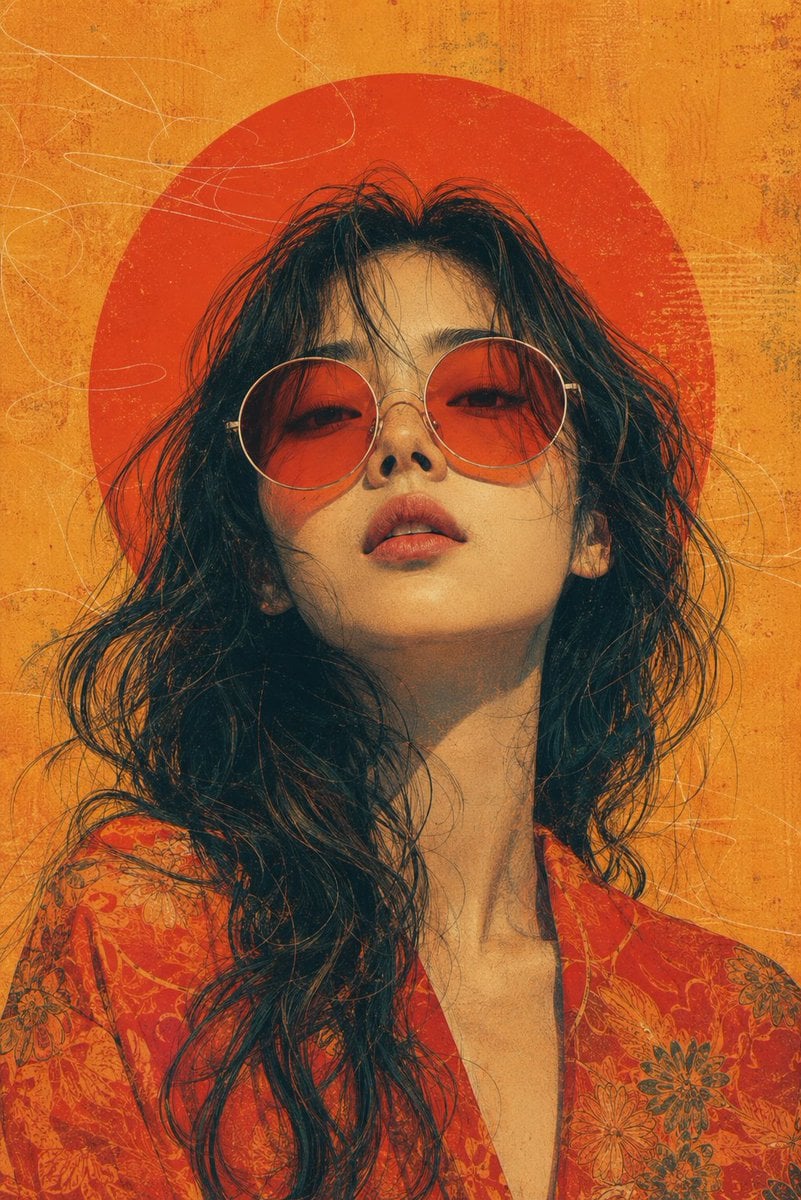
Retro-Futuristic Editorial Portrait with Sunglasses

untitled

Couture Fashion Editorial Woman and Drag

Caution Tape Fashion — Industrial Editorial
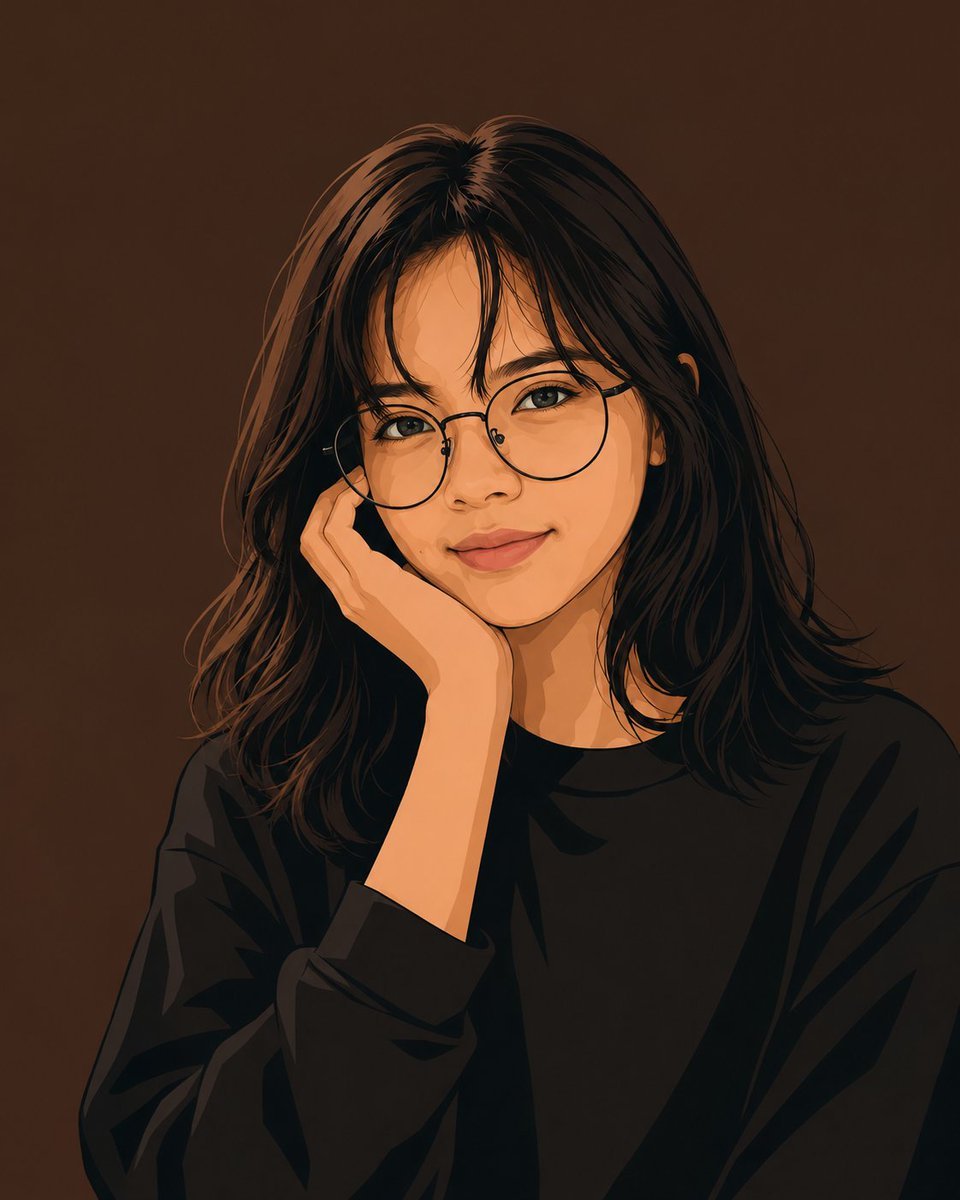
Clean Vector Portrait of Woman with Glasses

Parisian Outdoor Café Silver-Hair Portrait
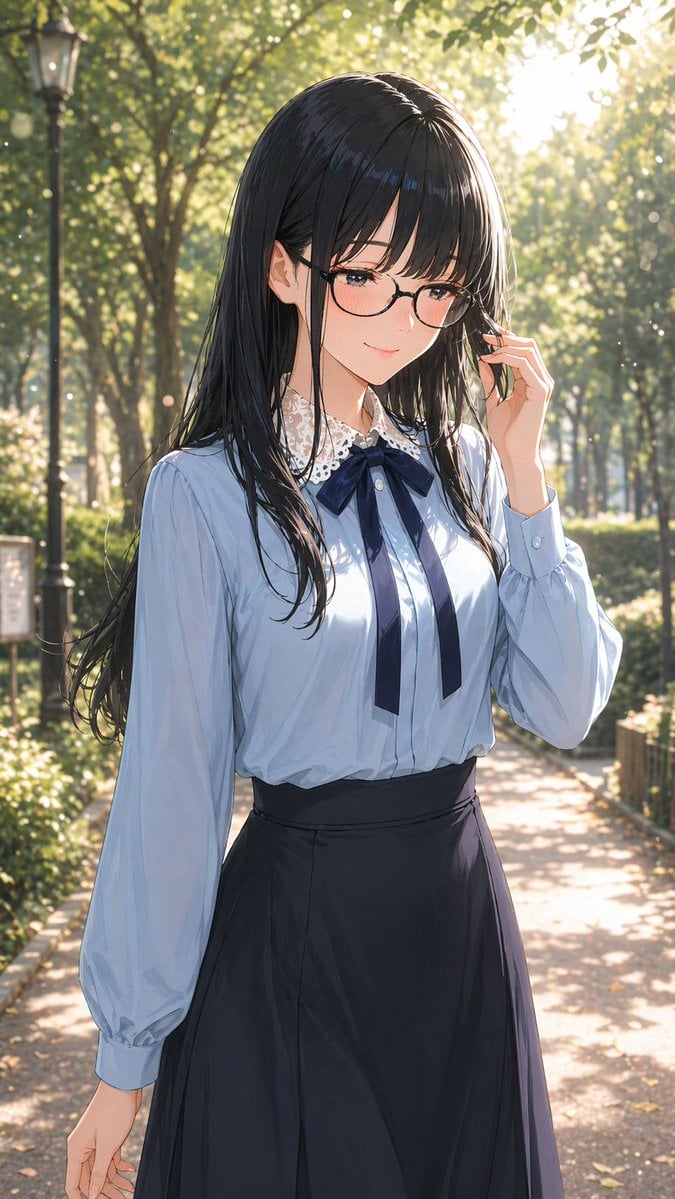
Portrait of a Gentle Woman with Glasses
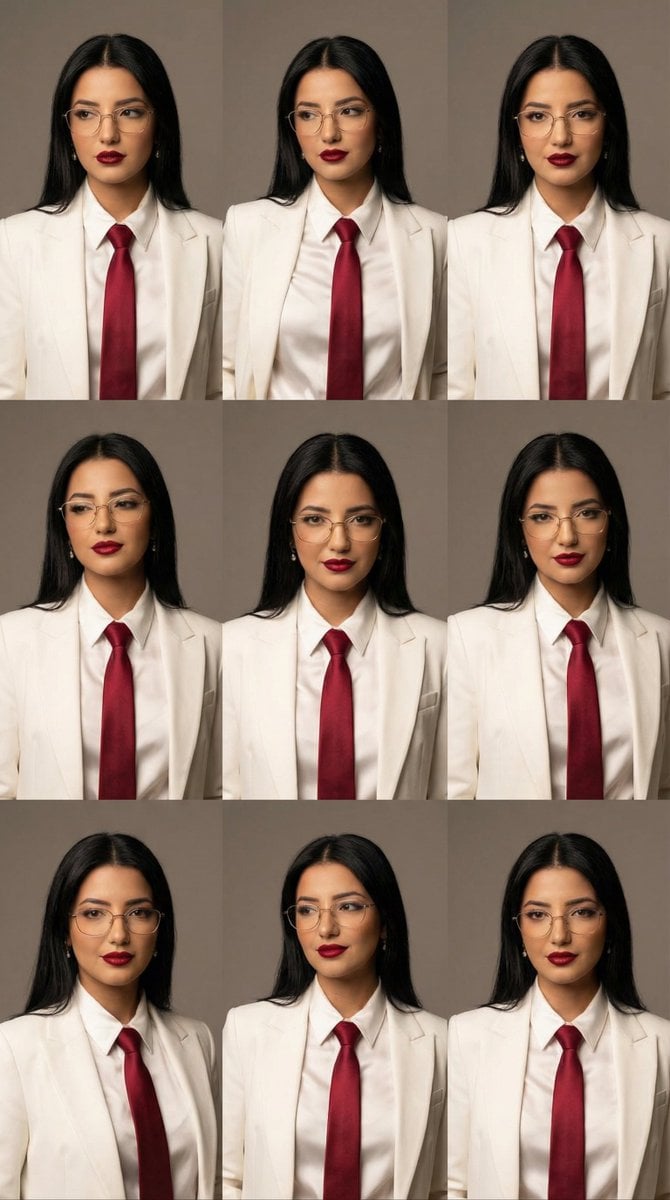
High-Fashion Editorial Portrait Grid with Glasses
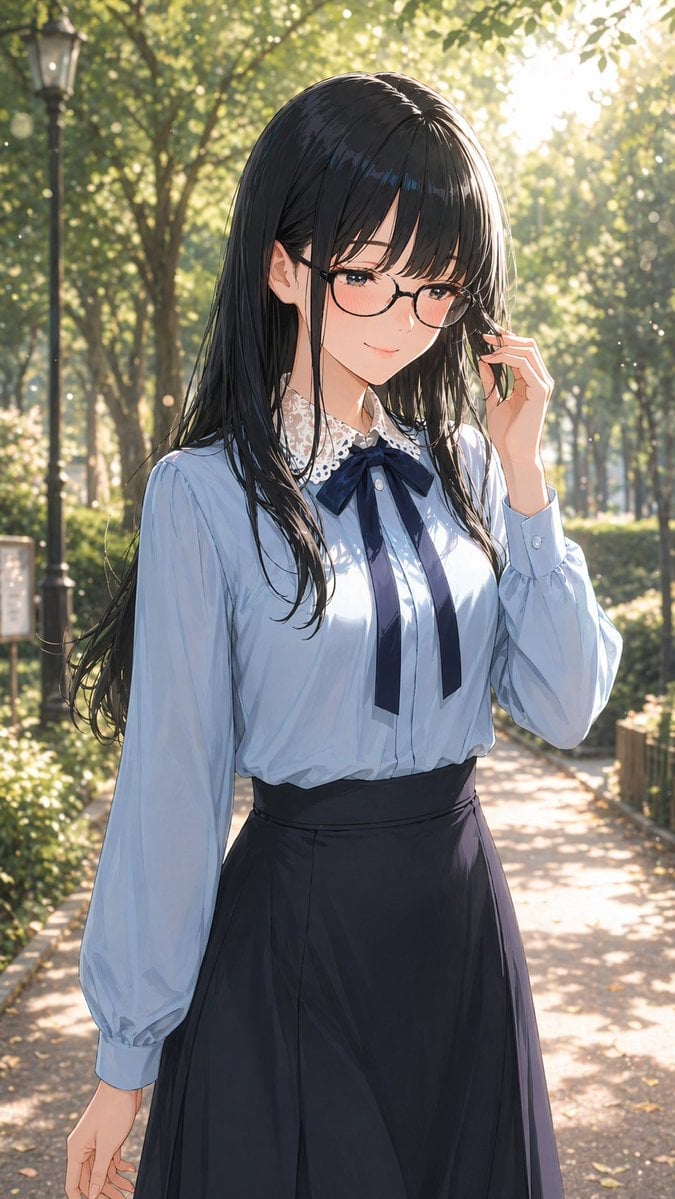
Gpt2 Profile Avatar Portrait of a Gentle Woman with Glasses

Romantic Cinematic Still of a Couple in

Nano Banana Pro Photoreal Playful Couple

Nano Banana 2 Editorial Fashion Portrait
Make it yours
Editorial Man Portrait with Silver Glasses works as-is. These are the safest ways to change it without losing the look.
Change one field
Copy a single group, rewrite it, and generate again so you can see what that field is doing.
Keep the frame, change the subject
Hold the composition and light of Editorial Man Portrait with Silver Glasses, then swap wardrobe, props or the person for a new take.
| If the result… | Why | Fix |
|---|---|---|
| The result drifts from the preview | Too many fields changed at once. | Reuse Editorial Man Portrait with Silver Glasses as-is first, then change one group — subject, light, or setting. |
| The model over-stylizes the scene | The prose prompt leaves finish and camera underspecified. | Add one camera or lighting sentence and stay on Gemini 3 Pro Image Preview. |
More Gemini 3 Pro Image Preview templates
Other prompts made for Gemini 3 Pro Image Preview.

Creative Character in Pink Office

Avant-Garde Asian Fashion Model

Underwater Macro Face Portrait

Water-level Bridge Modification

Noir Punk Street Portrait

High Contrast Cinematic Face Portrait

Monochrome Studio Portrait with Colored Lens

Ultra-Realistic Yacht Sunset Portrait

Mushroom Still Life Composition

Whimsical Anthropomorphic Friendly Insect
More image prompts
Fresh picks from across the catalog.
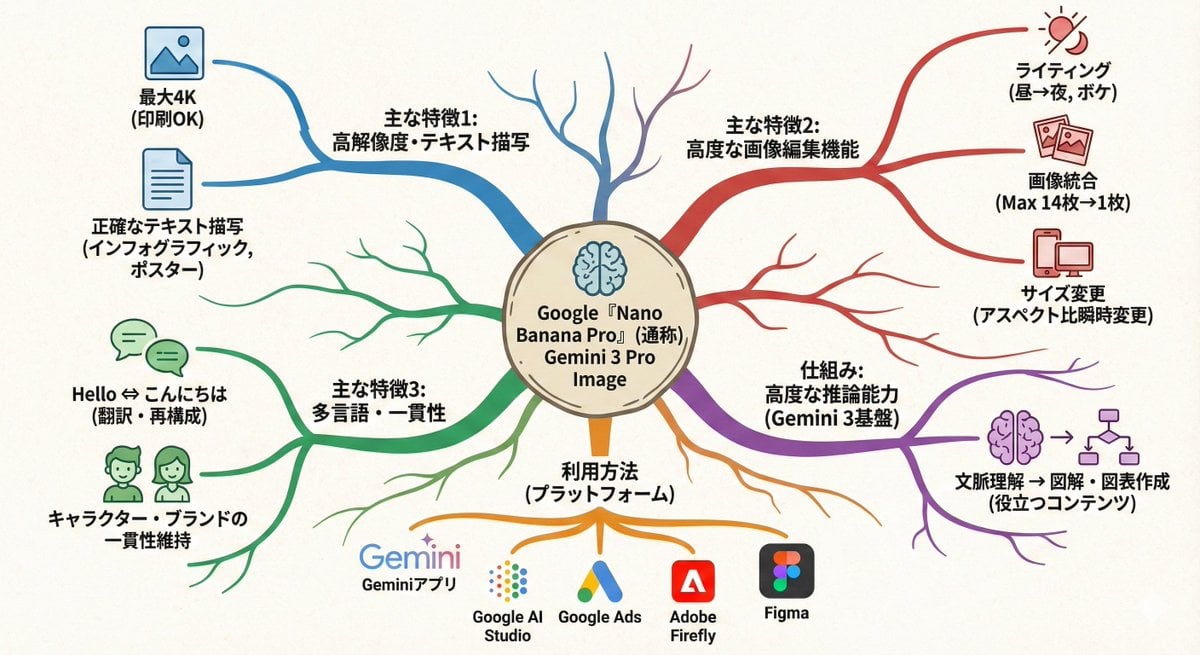
Text-to-mindmap graphic
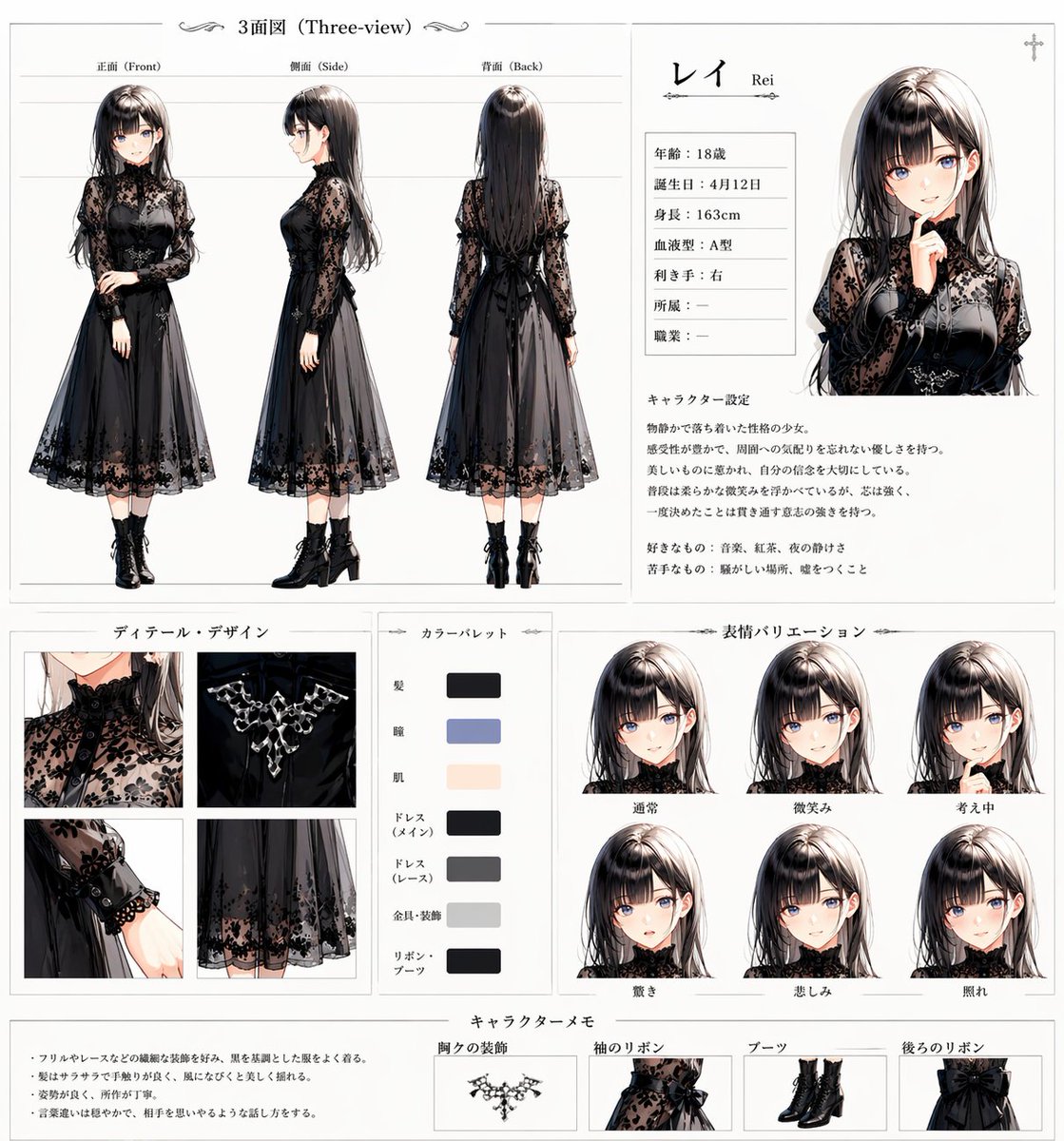
Gothic Anime Character Sheet
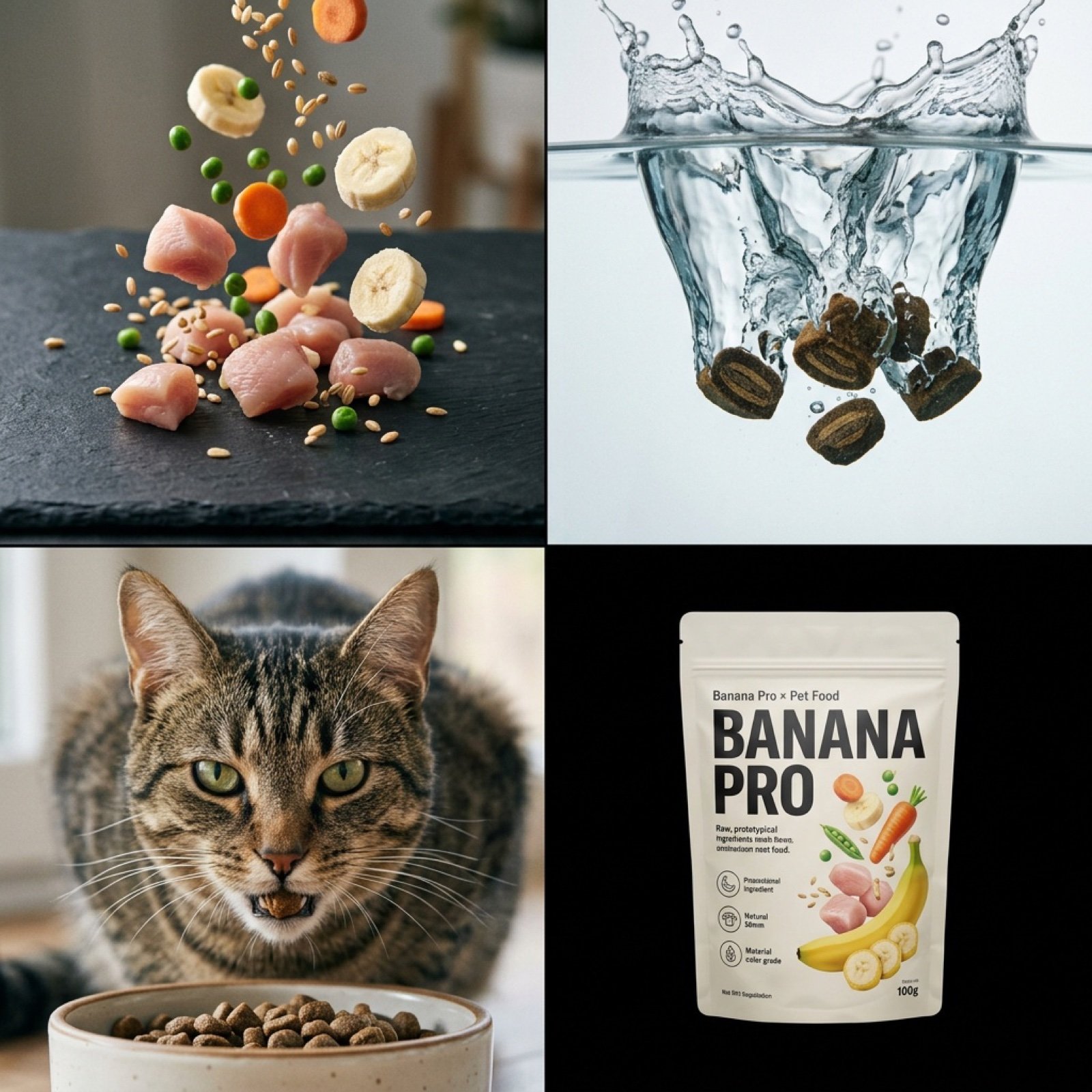
Hyper-Realistic Pet Food Ad Series Prompt
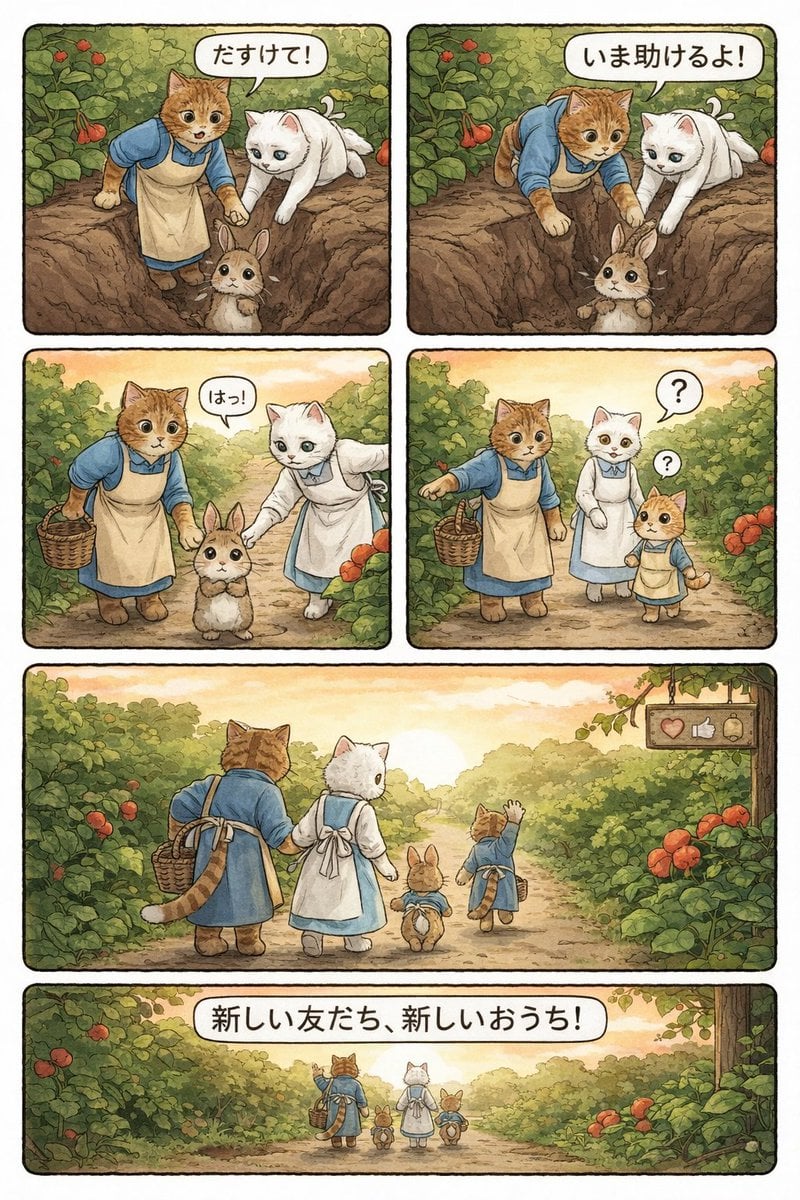
Converting Video to 4-Panel Manga
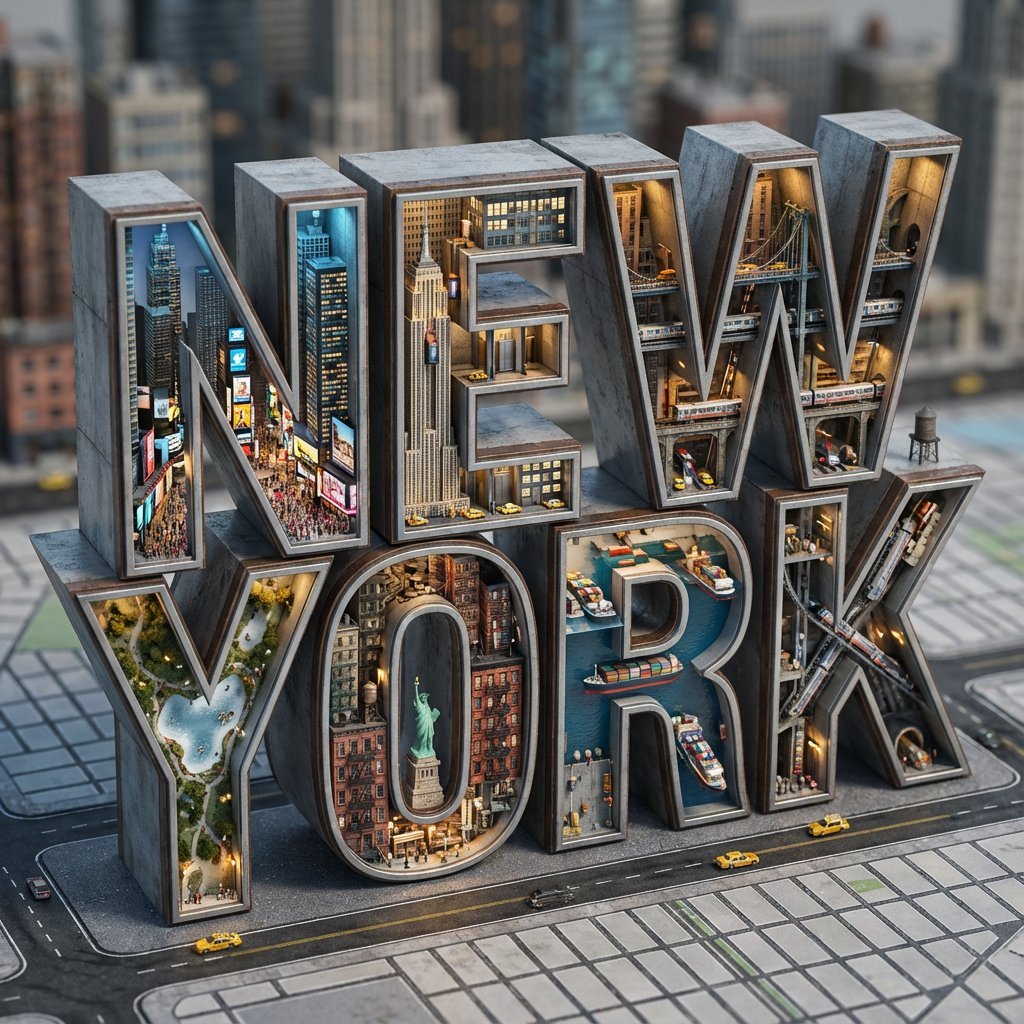
Architectural Typography Micro-World Render Prompt (New York)
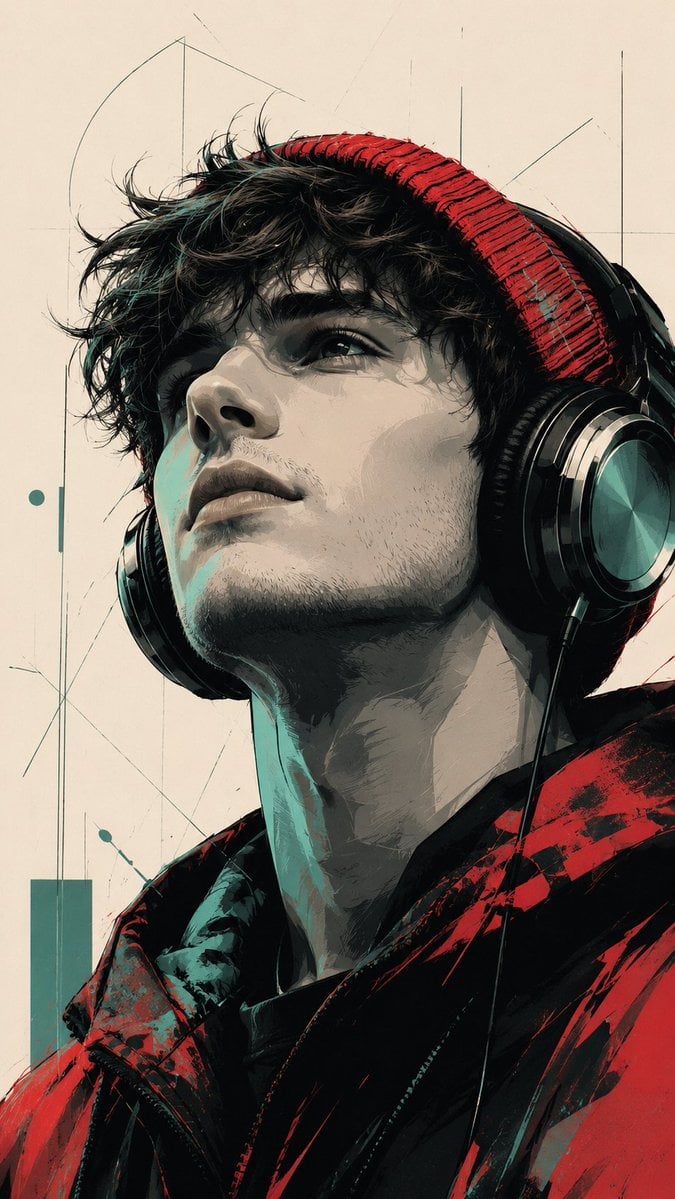
Modern Pop Art Vector Portrait

New Chinese Golden Staff Poster
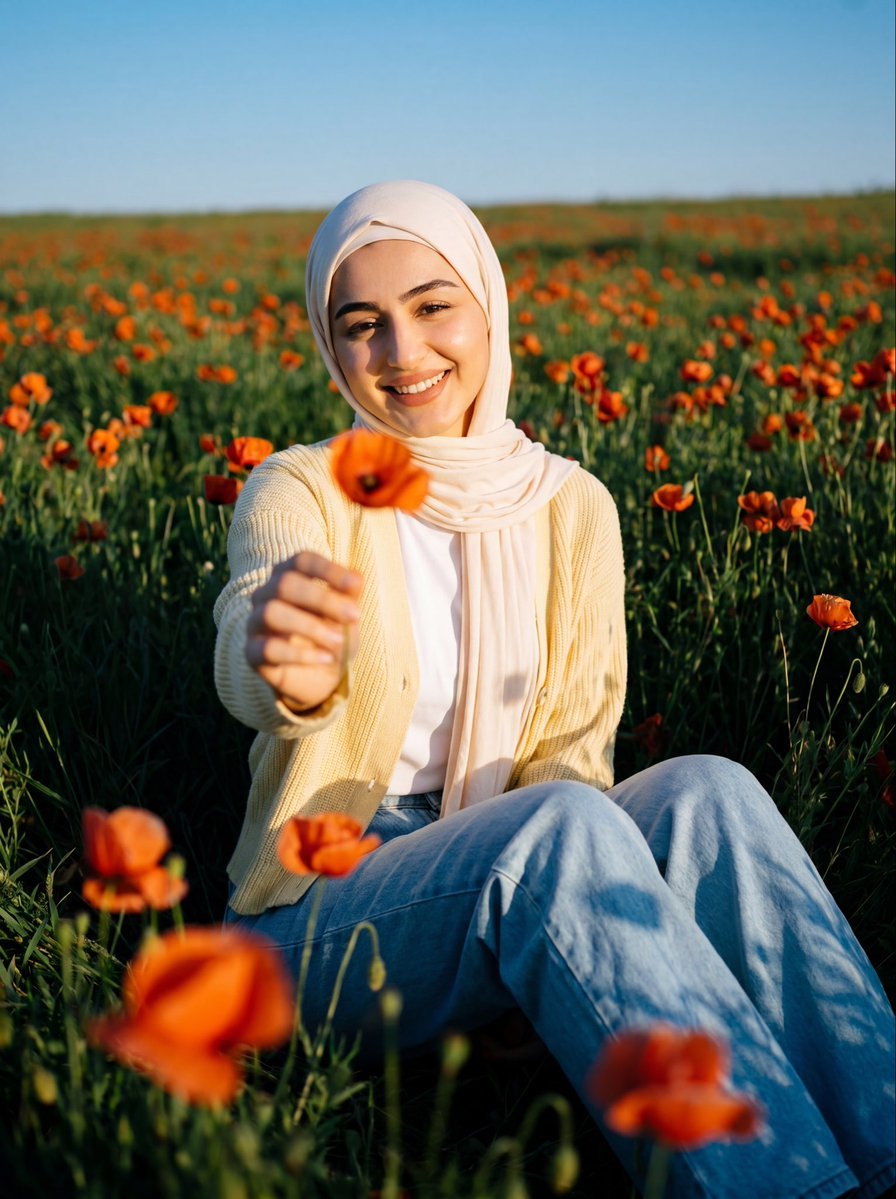
Cinematic Meadow Portrait
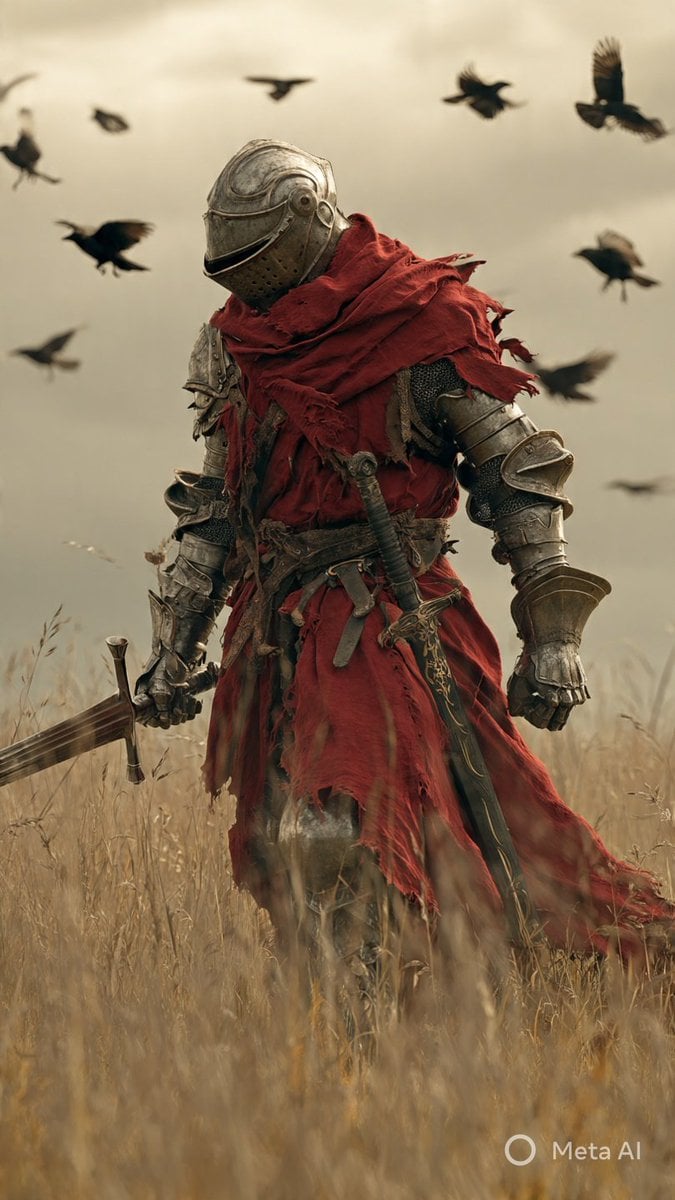
Dark Fantasy Knight Wallpaper Generation with Nano Banana 2
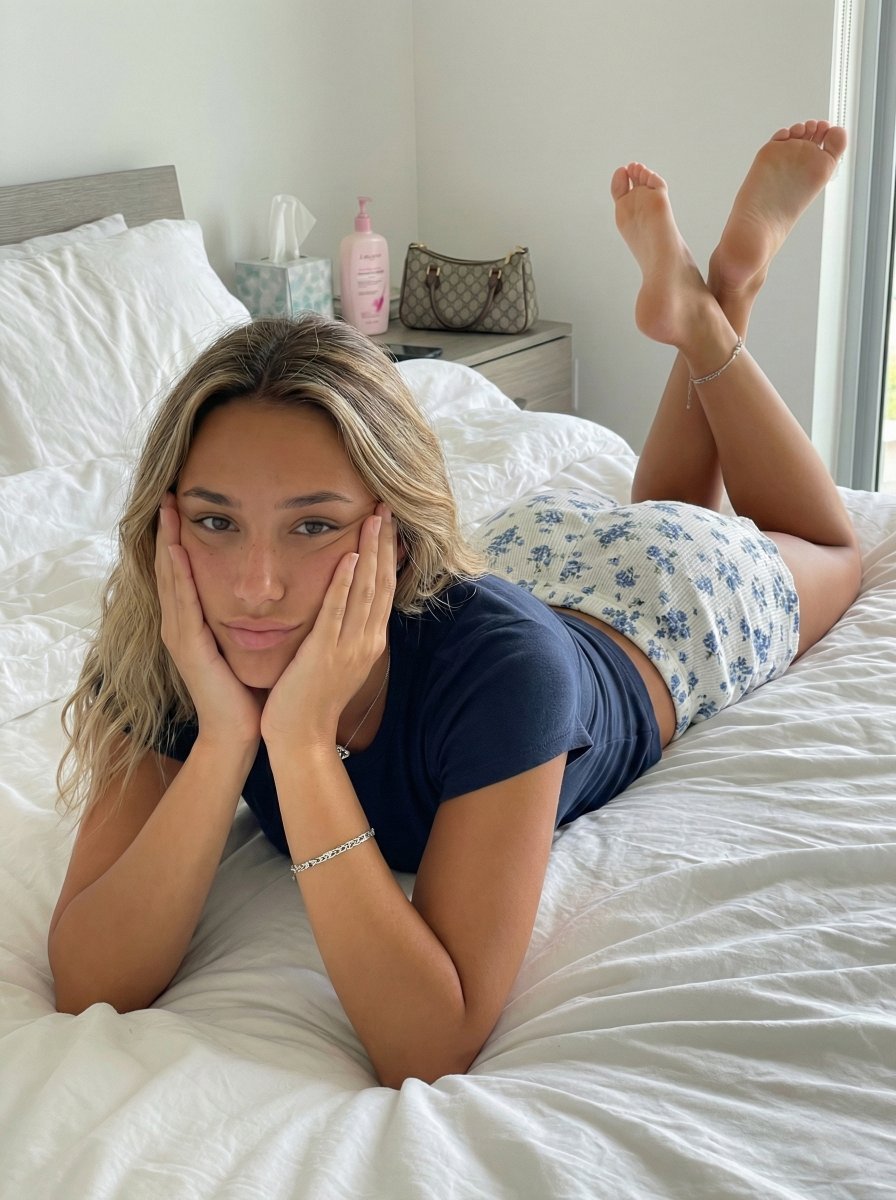
Candid Bedroom Portrait with Feet Up
Browse template categories
Editorial Man Portrait with Silver Glasses questions
How do I use the Editorial Man Portrait with Silver Glasses template?
Add your photo if the template asks for one, edit the prompt if you like — the template's model and format are already selected — and press Generate. Your version opens in PicX Studio.
Can I customize the Editorial Man Portrait with Silver Glasses template?
Yes. You can change the subject, setting, lighting, mood, format, and available model controls before creating your image.
Is the Editorial Man Portrait with Silver Glasses template free?
Opening and editing this template is free. Generating uses credits, shown on the Generate button when you are signed in.
Which AI model should I use?
Start with Gemini 3 Pro Image Preview, which is the model associated with this template. You can compare another compatible model for a different finish.
Looking for something else? Browse all templates.

Your photo, any look
Thousands of ready templates for every top image and video model, from one credit balance.