How do I use the Double Exposure Watercolor Portrait template?
Choose the primary action to open PicX Studio with the available template settings. Review the model and format, personalize the creative direction, and generate when ready.
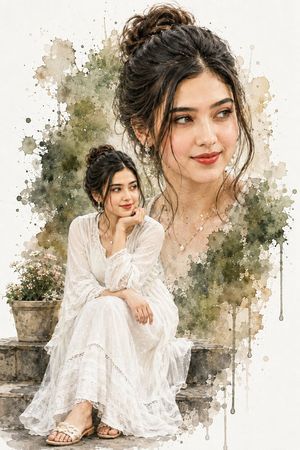
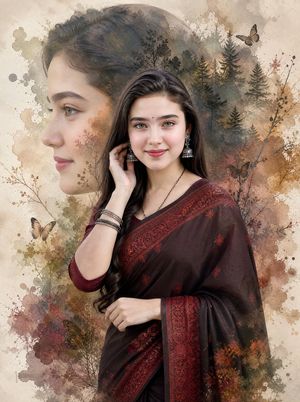
A detailed prompt for creating a stylized double-exposure watercolor portrait of a woman sitting on a park bench, featuring elegant attire and a thoughtful expr
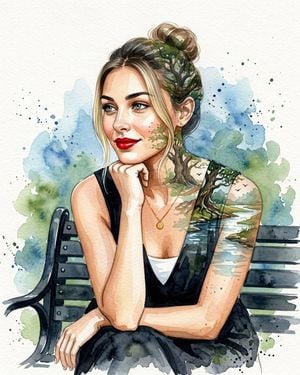
A creative double-exposure watercolor portrait composition. In the foreground, a {argument name="subject" default="young South Asian woman"} sits gracefully on a {argument name="setting" default="black metal park bench"}, wearing an {argument name="outfit" default="elegant black sleeveless frock layered over a white top"}, with hair styled in a neat bun. She wears bold red lipstick and a delicate white necklace, no dupatta or head covering. She rests her chin thoughtfully on her hand, one arm across her knee, smiling softly while looking off to the side.
Choose the primary action to open PicX Studio with the available template settings. Review the model and format, personalize the creative direction, and generate when ready.
Yes. You can change the subject, setting, lighting, mood, format, and available model controls before creating your image.
This template is free to open and customize. Generation usage is shown in PicX Studio before you create.
Start with gemini-3-pro-image-preview, which is the model associated with this template. You can compare another compatible model for a different finish.
Follow a topic to a crawlable collection of related PicX Studio templates.