
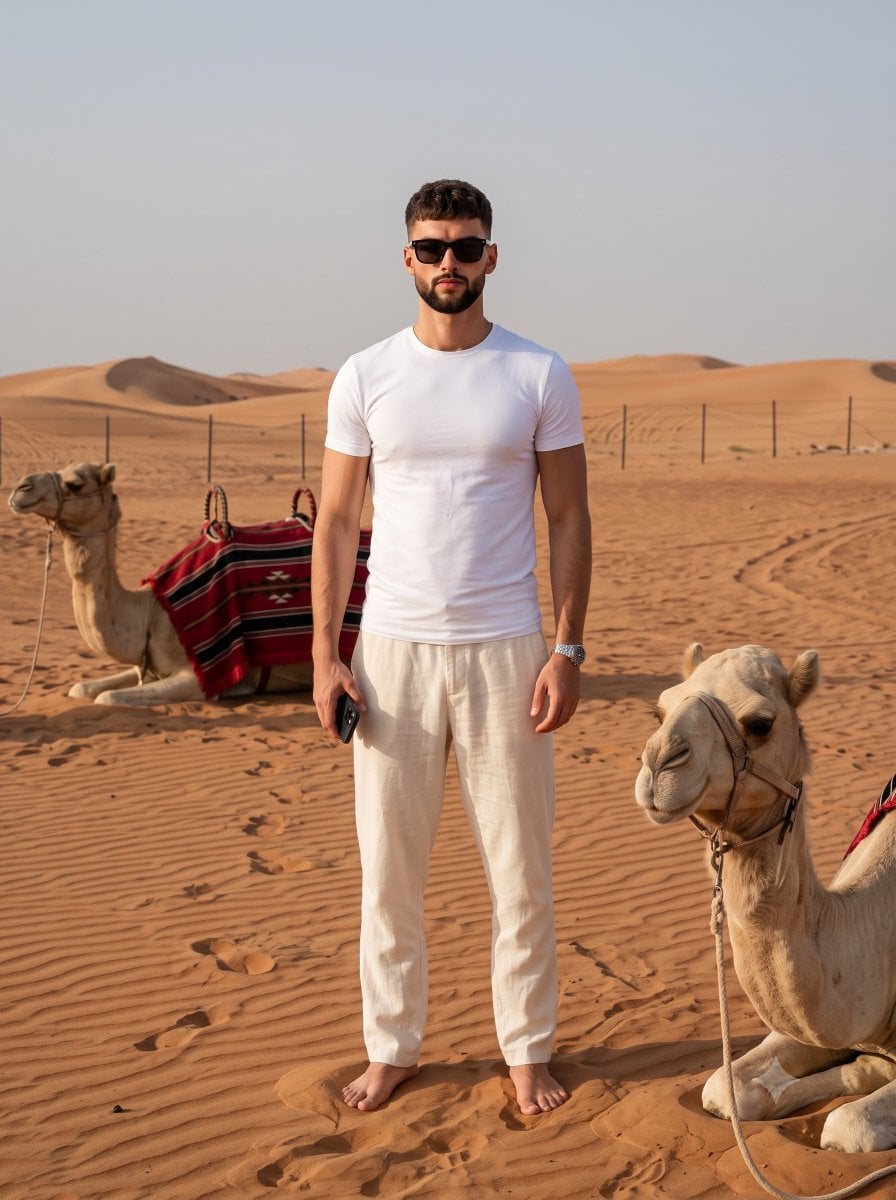
Sahara Desert Cinematic Portrait Prompt
A detailed prompt for generating a cinematic desert portrait featuring a man in linen clothing walking through sand dunes, designed for face-swap or image-to-image workflows.

- Prompt included
- Model and format preset
- Free template
The prompt behind this image
Copy the exact prompt behind Sahara Desert Cinematic Portrait Prompt, or open it in the studio and make it yours.
A weathered {argument name="subject description" default="late-20s man"}. Clothing: Flowing cream-colored linen tunic, wide-leg loose-fitting desert trousers in a sandy hue, draped pashmina scarf. Footwear: Distressed leather open-toe sandals. Accessories: Silver cuff bracelets, leather satchel worn across the body, dark square-frame sunglasses. Pose: Walking away from the camera, looking back over his shoulder towards a vast landscape. Camera Setup: Nikon Z9, 70-200mm lens (shot at 150mm), f/4.0. Angle of Capture: Full body, wide shot, slightly elevated to capture the environment. Setting: {argument name="setting" default="Endless sand dunes"} under a clear blue sky. Lighting/Mood/Time of Day: {argument name="lighting" default="Harsh, direct mid-day sun"}, creating strong shadows, epic and mysterious mood. Style and Finish: Cinematic landscape portrait, extreme depth-of-field, warm desert color palette, high detail on sand texture. KEEP FACE FEATURES IDENTICAL FROM ATTACHED PHOTO Negative Prompt : Modern buildings, lush vegetation, blur, bad anatomy, extra limbs, poor quality, noisy, out of focus, duplicate elements, weird textures, digital, beige turtleneck.
How to use Sahara Desert Cinematic Portrait Prompt in 3 steps
- 1Upload ImagePNG, JPG or paste
Add your photo
Upload the photo the template builds on. The prompt, model and format are already set.
- 2…a portrait of your subject in softgolden-hour light, 85mm…
Personalize
Edit the subject and creative details for your destination.
- 3Generate
Generate
Press Generate — your image is created in PicX Studio, so you can compare it with the original and refine one variable at a time.
More like this
Templates with the same subject, style or setup. Open one to see its prompt.
Desert Travel Lifestyle Portrait

Nano Banana Pro Photoreal Playful Couple

Underwater Macro Face Portrait

Noir Punk Street Portrait

High Contrast Cinematic Face Portrait

Monochrome Studio Portrait with Colored Lens

Found Photograph: Us, 1970

80s Couple Studio Portrait

80s Bollywood Star

80s Golden Hour Cinema

Me in 1985

1985 Studio Portrait
Make it yours
Sahara Desert Cinematic Portrait Prompt works as-is. These are the safest ways to change it without losing the look.
Change one field
Copy a single group, rewrite it, and generate again so you can see what that field is doing.
Keep the frame, change the subject
Hold the composition and light of Sahara Desert Cinematic Portrait Prompt, then swap wardrobe, props or the person for a new take.
| If the result… | Why | Fix |
|---|---|---|
| The result drifts from the preview | Too many fields changed at once. | Reuse Sahara Desert Cinematic Portrait Prompt as-is first, then change one group — subject, light, or setting. |
| The model over-stylizes the scene | The prose prompt leaves finish and camera underspecified. | Add one camera or lighting sentence and stay on Gemini 3 Pro Image Preview. |
More Gemini 3 Pro Image Preview templates
Other prompts made for Gemini 3 Pro Image Preview.

Ultra-Realistic Yacht Sunset Portrait

Mushroom Still Life Composition

Whimsical Anthropomorphic Friendly Insect

Cinematic Urban Night Billboard Portrait

Pop Art Summer Fruit Fashion Illustration

Ultra-Realistic iPhone Selfie with Motion Blur

Cinematic Mirror Reflection Portrait

Elegant Men's Twilight Editorial

Coastal Freedom Sunset Portrait

Ergonomic Office Chair E-commerce Mobile Detail Page
More image prompts
Fresh picks from across the catalog.
Gen-Z Music Doodle Poster
Isometric 3D Miniature Room with Chibi Character Prompt
Urban Fantasy Coexistence Crossing
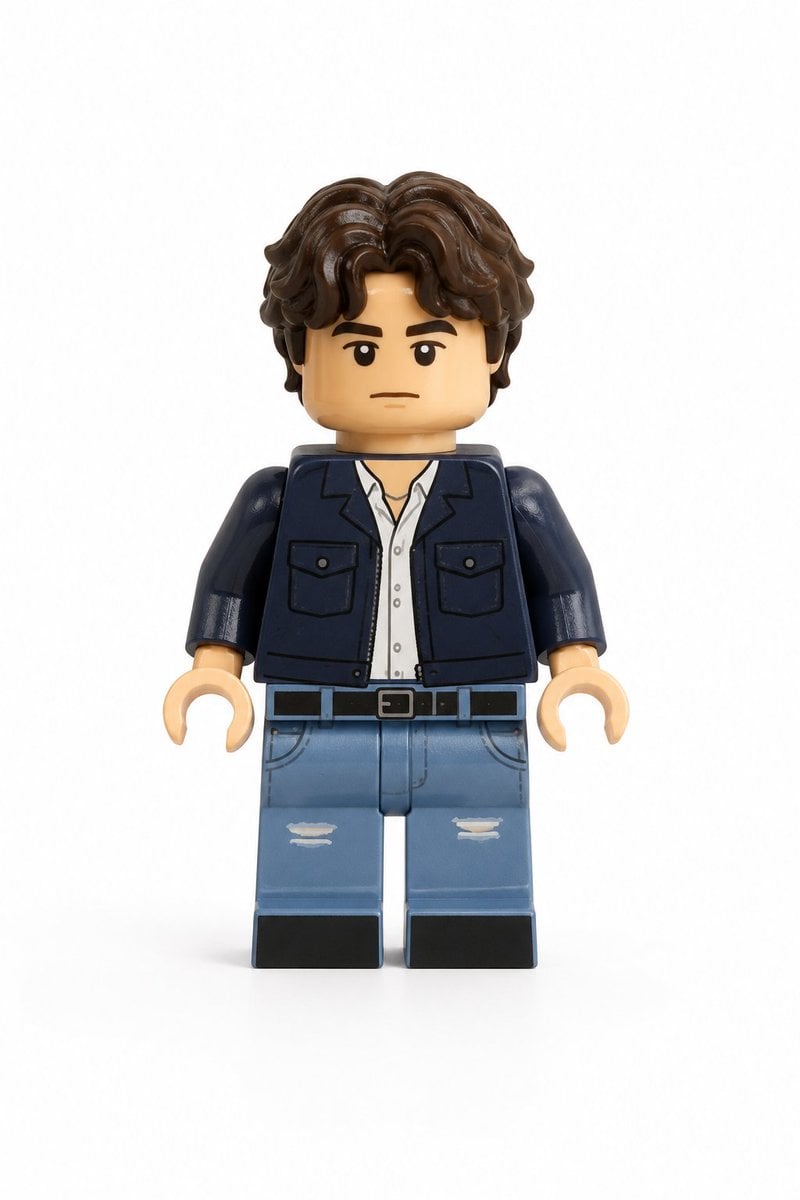
Photo-to-LEGO Minifigure Transformation
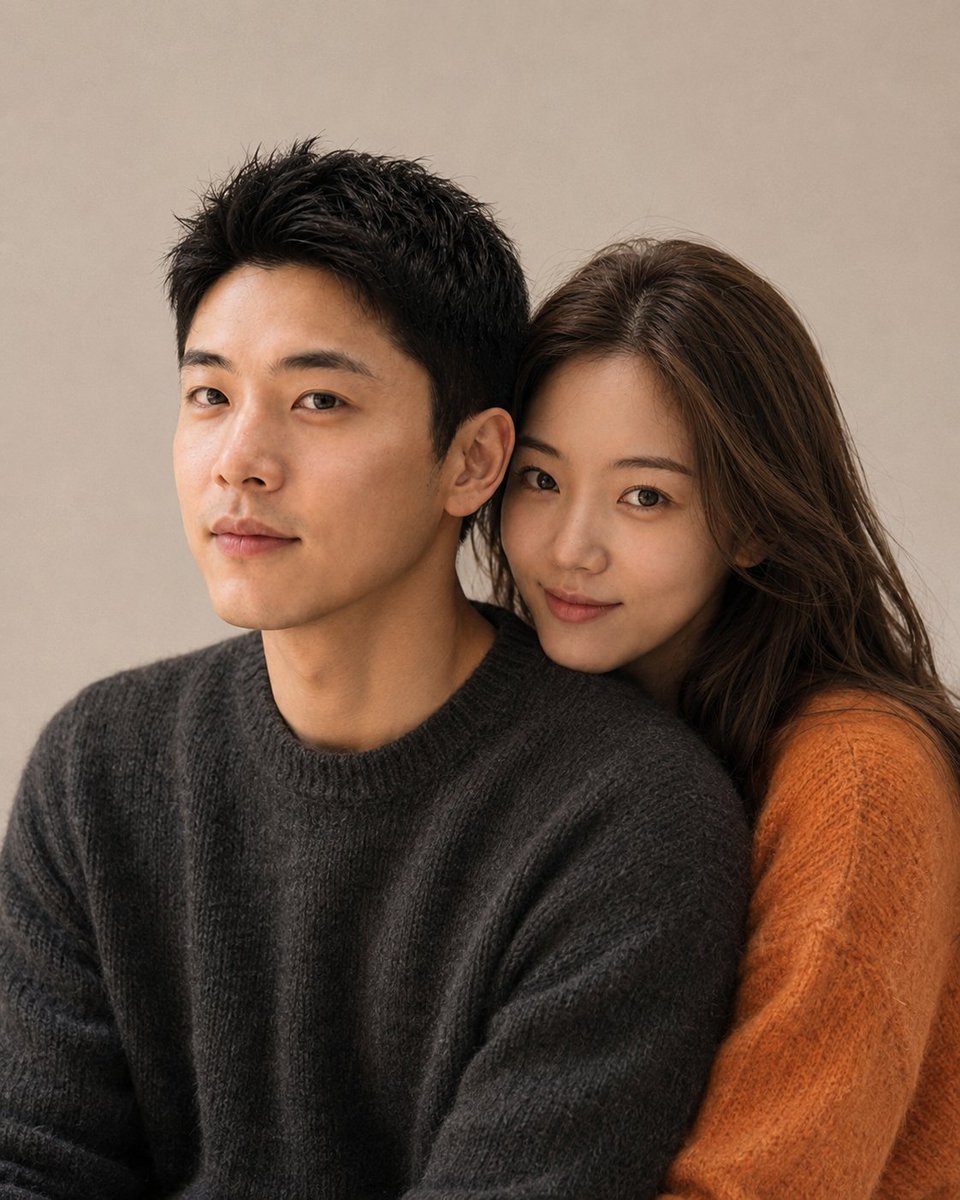
Korean Magazine Style Couple Portrait
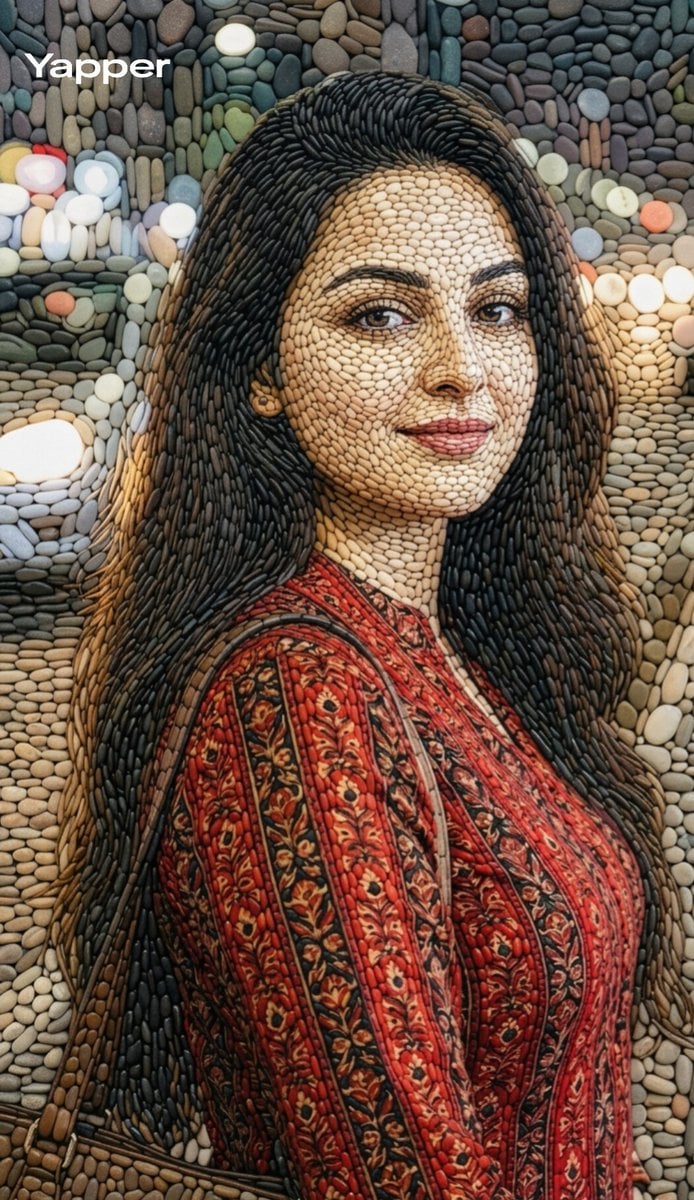
Pebble mosaic portrait of a beautiful woman

Four-Season Plush Festival City Grid
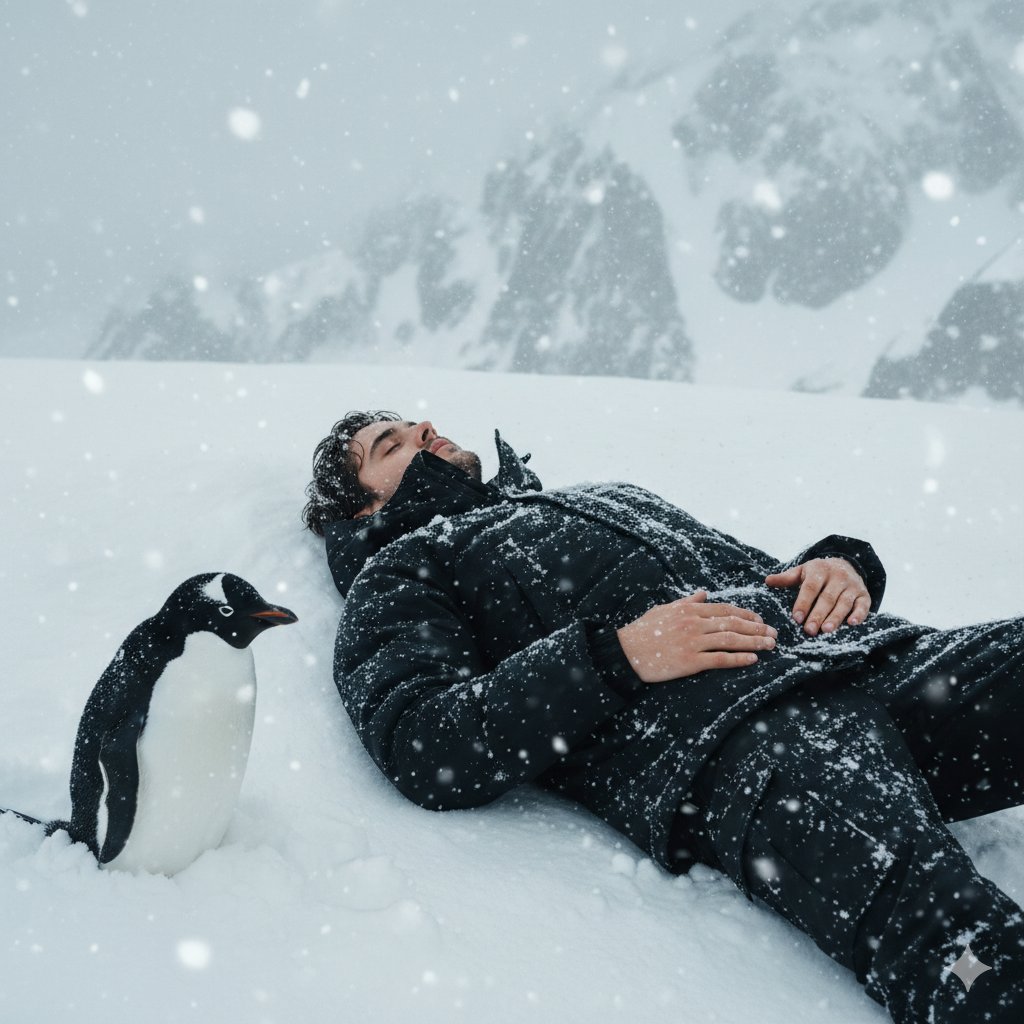
Tired Penguin in Alt Text Prompt
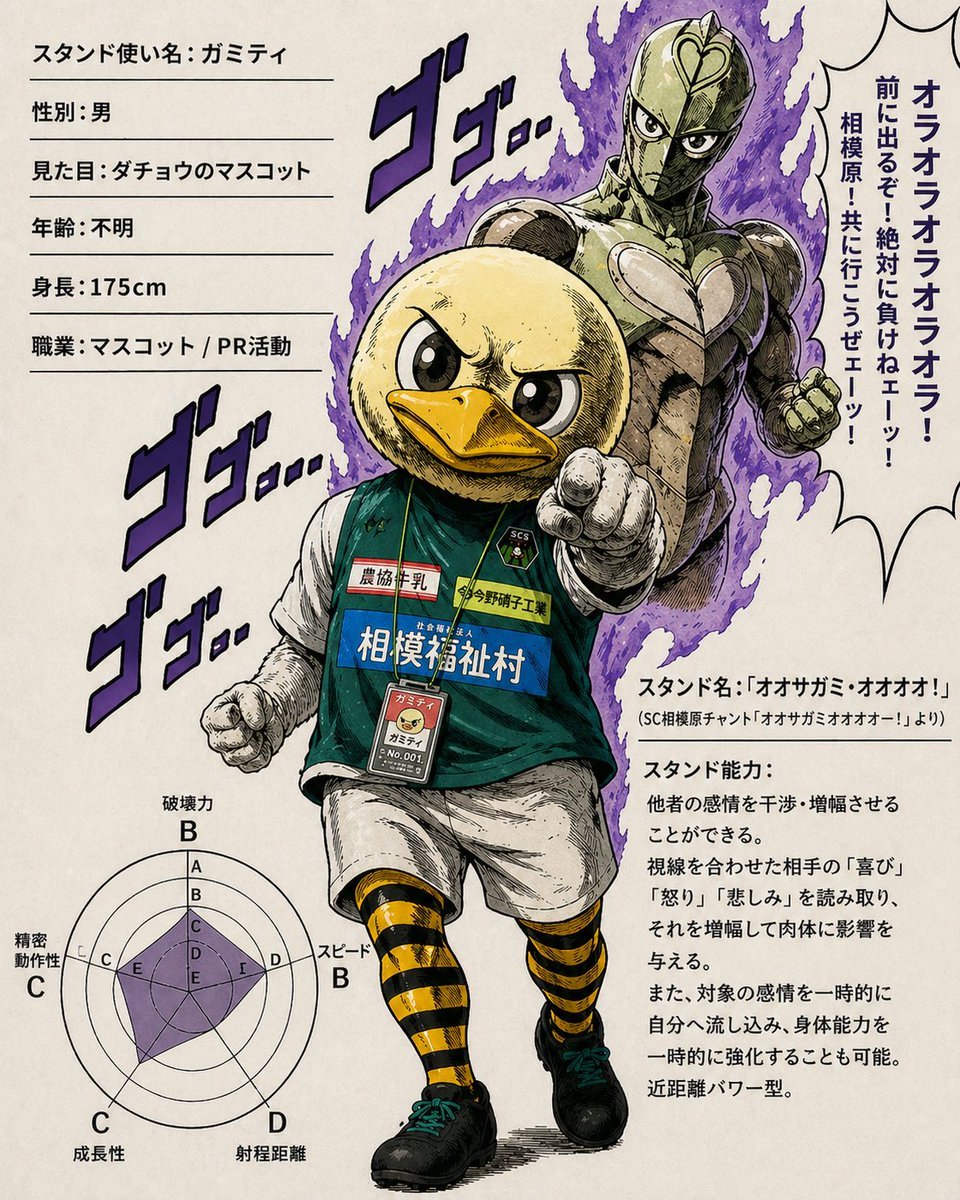
JoJo-Style Duck Mascot Stand Profile
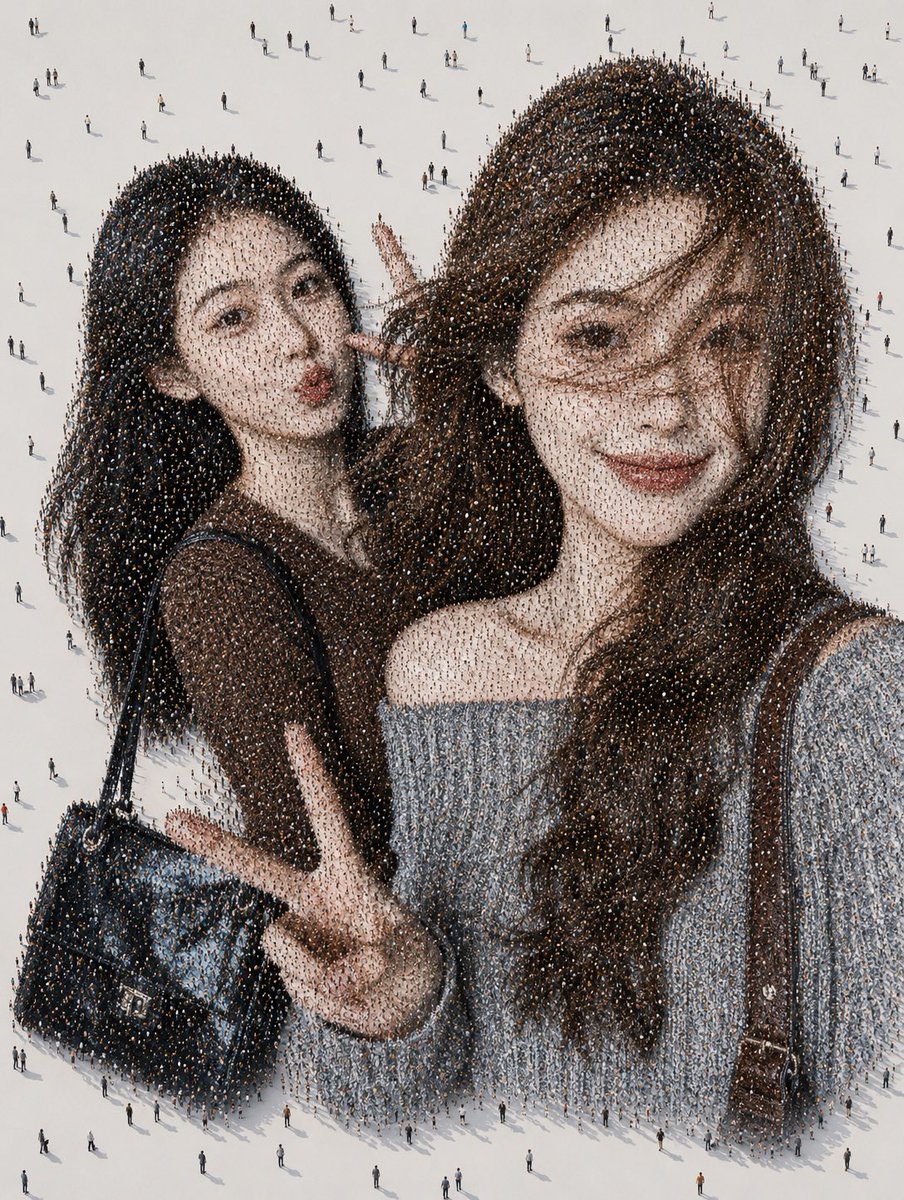
Crowd Mosaic Best Friends Selfie
Browse template categories
Sahara Desert Cinematic Portrait Prompt questions
How do I use the Sahara Desert Cinematic Portrait Prompt template?
Add your photo if the template asks for one, edit the prompt if you like — the template's model and format are already selected — and press Generate. Your version opens in PicX Studio.
Can I customize the Sahara Desert Cinematic Portrait Prompt template?
Yes. You can change the subject, setting, lighting, mood, format, and available model controls before creating your image.
Is the Sahara Desert Cinematic Portrait Prompt template free?
Opening and editing this template is free. Generating uses credits, shown on the Generate button when you are signed in.
Which AI model should I use?
Start with Gemini 3 Pro Image Preview, which is the model associated with this template. You can compare another compatible model for a different finish.
Looking for something else? Browse all templates.

Your photo, any look
Thousands of ready templates for every top image and video model, from one credit balance.