
Cinematic Fashion Montage
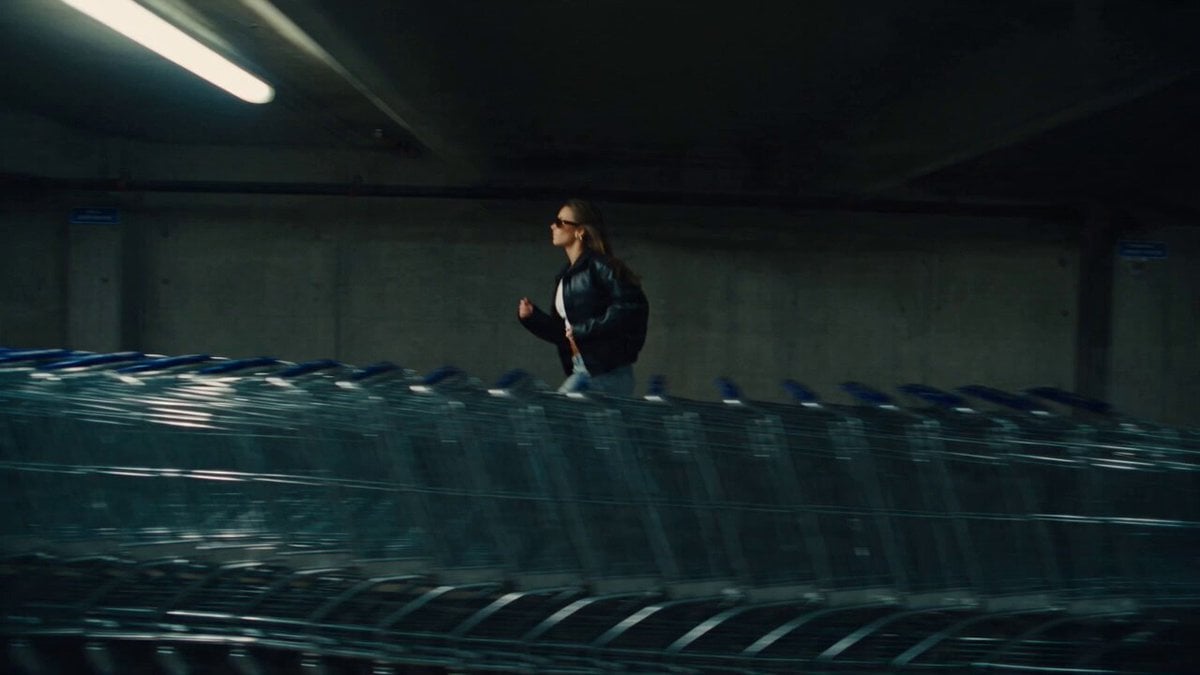
A high-energy, fast-paced fashion montage prompt featuring a stylish subject in an urban parking garage setting with dynamic camera transitions.
- Prompt included
- Model and format preset
- Free template
The prompt behind this video
Copy the exact prompt behind Cinematic Fashion Montage, or open it in the studio and make it yours.
A fast paced cinematic fashion montage featuring a stylish young woman wearing a black leather jacket baggy light blue jeans a white crop top and dark sunglasses The video begins with a fast tracking shot of her running past metal shopping carts in a cool toned concrete parking garage The camera transitions rapidly using whip pans and barrel rolls An extreme low angle fisheye shot reveals her standing against a tall concrete building under a bright overcast sky This immediately cuts to a high angle drone shot looking straight down as she spins in an empty parking lot Digital glitch effects and visual warp distortions appear briefly between cuts The sequence features dynamic hand transitions where the subject reaches for the lens It concludes with a low angle tracking shot of her walking confidently forward The lighting shifts between dim fluorescent garage lights and bright overcast daylight Highly realistic motion blur cinematic color grading natural skin textures and authentic clothing physics Upbeat electronic music plays in the background aspect ratio 16 9 duration 12 seconds
How to use Cinematic Fashion Montage in 3 steps
- 1
Open
The prompt is already in the box next to the preview, with the template's model and format selected.
- 2…a portrait of your subject in softgolden-hour light, 85mm…
Personalize
Edit the subject and creative details for your destination.
- 3Generate
Generate
Press Generate — your video is created in PicX Studio, so you can compare it with the original and refine one variable at a time.
More like this
Templates with the same subject, style or setup. Open one to see its prompt.
Luxury Handbag Commercial — Hollywood VFX Ad
Fighter Jet Aerial Combat Montage — Seedance 2.5

Sneaker Product Commercial
Cinematic Short Film Scene
Rushed Morning Routine Montage

Luxury Lifestyle Day Vlog
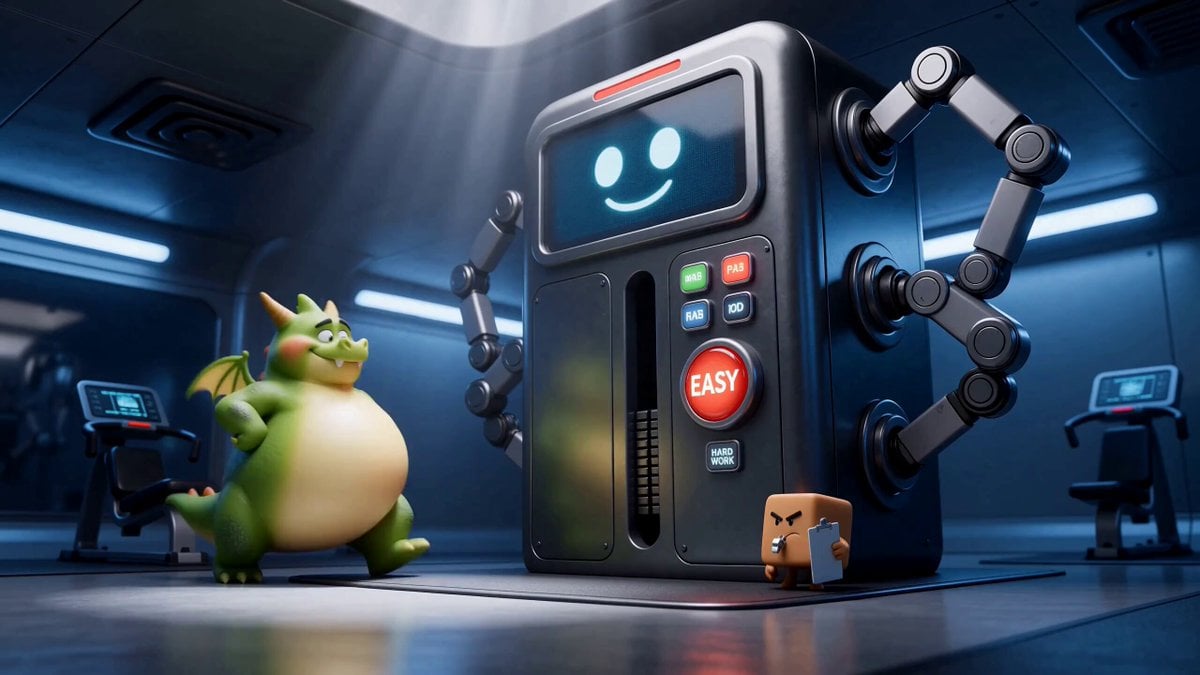
Green Dragon Training Short
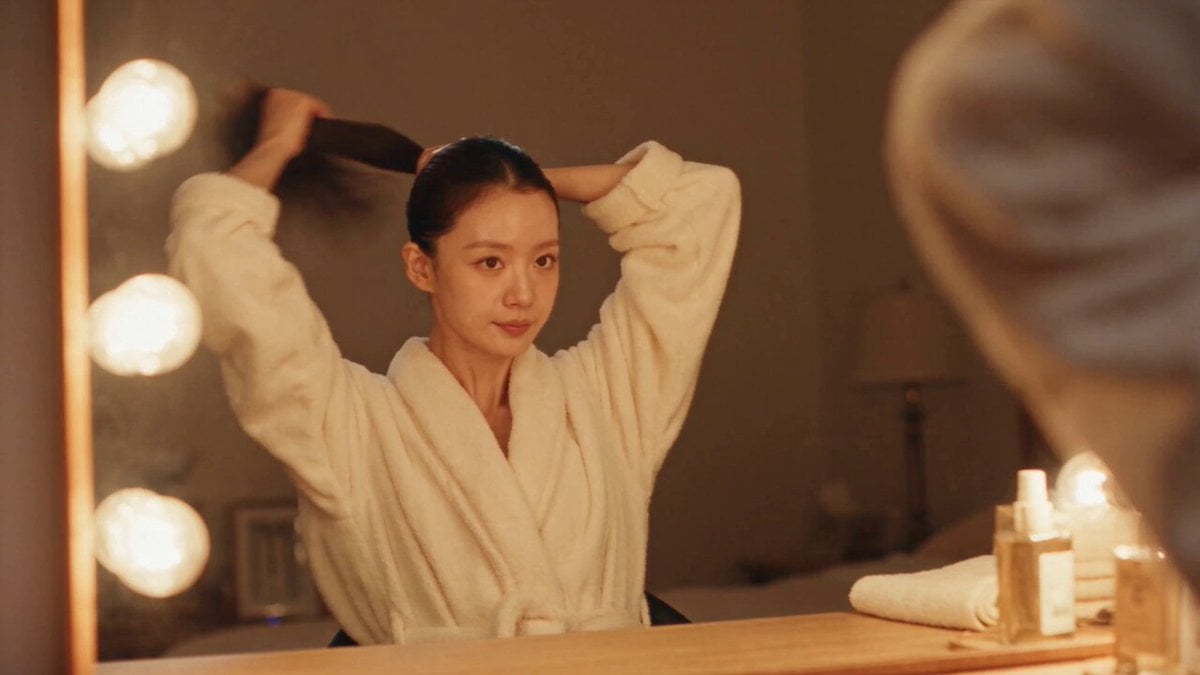
DV Camcorder POV Gym Montage — Seedance 2.5
DV Camcorder POV Gym Montage — Seedance 2.5
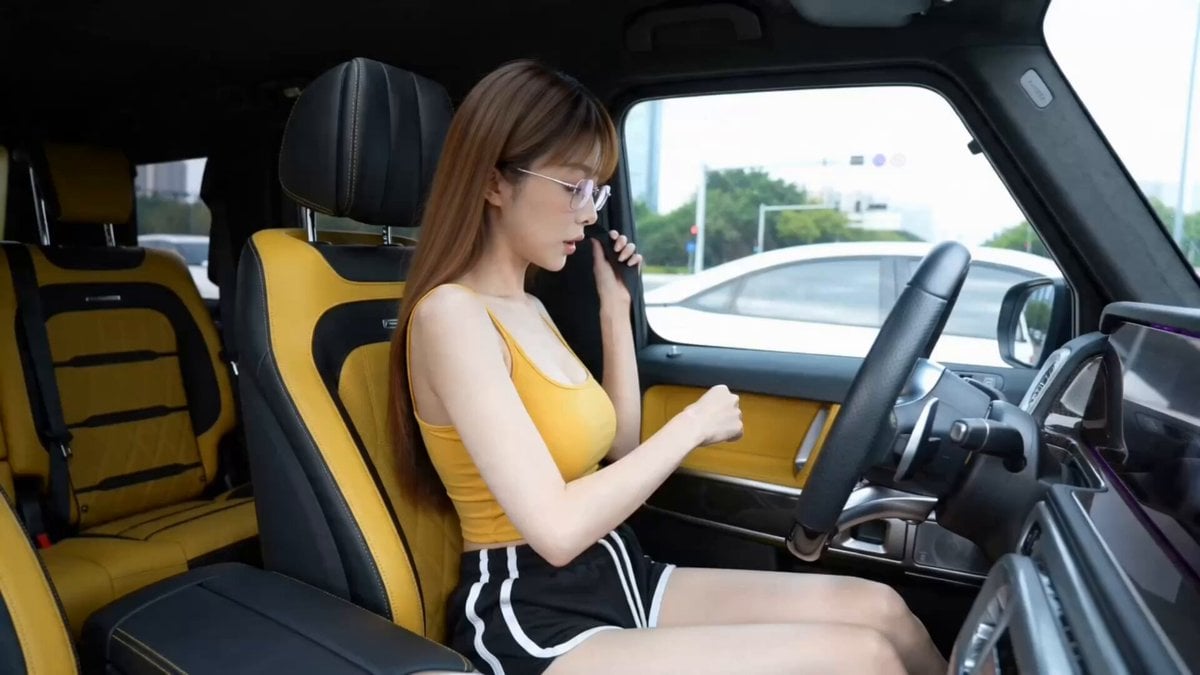
Luxury Car Fashion Montage
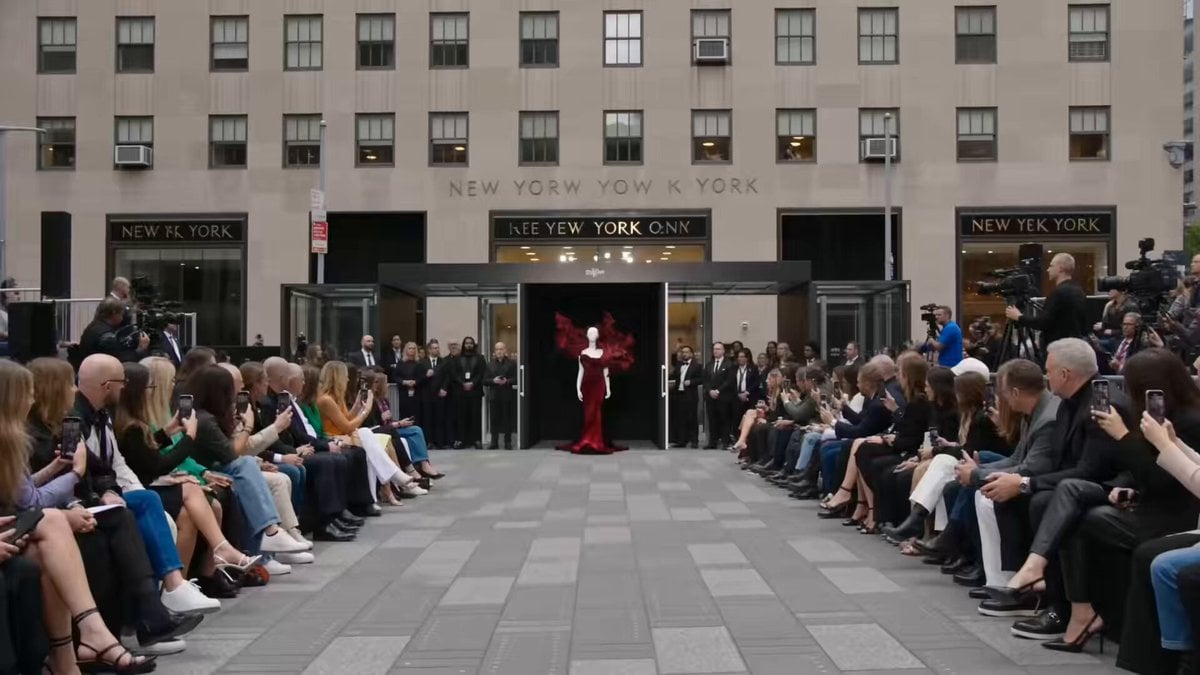
Fashion Runway Couture Walk
Fashion Outfit Transformation Office Vlog
Make it yours
Cinematic Fashion Montage works as-is. These are the safest ways to change it without losing the look.
Change one field
Copy a single group, rewrite it, and generate again so you can see what that field is doing.
Keep the frame, change the subject
Hold the composition and light of Cinematic Fashion Montage, then swap wardrobe, props or the person for a new take.
| If the result… | Why | Fix |
|---|---|---|
| The result drifts from the preview | Too many fields changed at once. | Reuse Cinematic Fashion Montage as-is first, then change one group — subject, light, or setting. |
| The model over-stylizes the scene | The prose prompt leaves finish and camera underspecified. | Add one camera or lighting sentence and stay on Seedance 2.0. |
More Seedance 2.0 templates
Other prompts made for Seedance 2.0.

Comical Martial Arts Punch Scene

Maglev Train Action Sequence

Martial Arts Fight Sequence

Wuxia Protection and Trust Script

Vintage Korean Arcade MiniDV Vlog

Mercedes 190 SL Luxury Ad

Rainy Night Supernatural Reverse Comedy Video Script

Amazon Civilization Discovery

Futuristic South Asian City Transformation

Cozy Luxury Cafe Commercial
More video prompts
Fresh picks from across the catalog.
Cowboy Showdown Storyboard Conversion
Tesla Optimus Room Service Video Prompt
Cinematic POV of stressed Ghanaian healthcare worker prompt
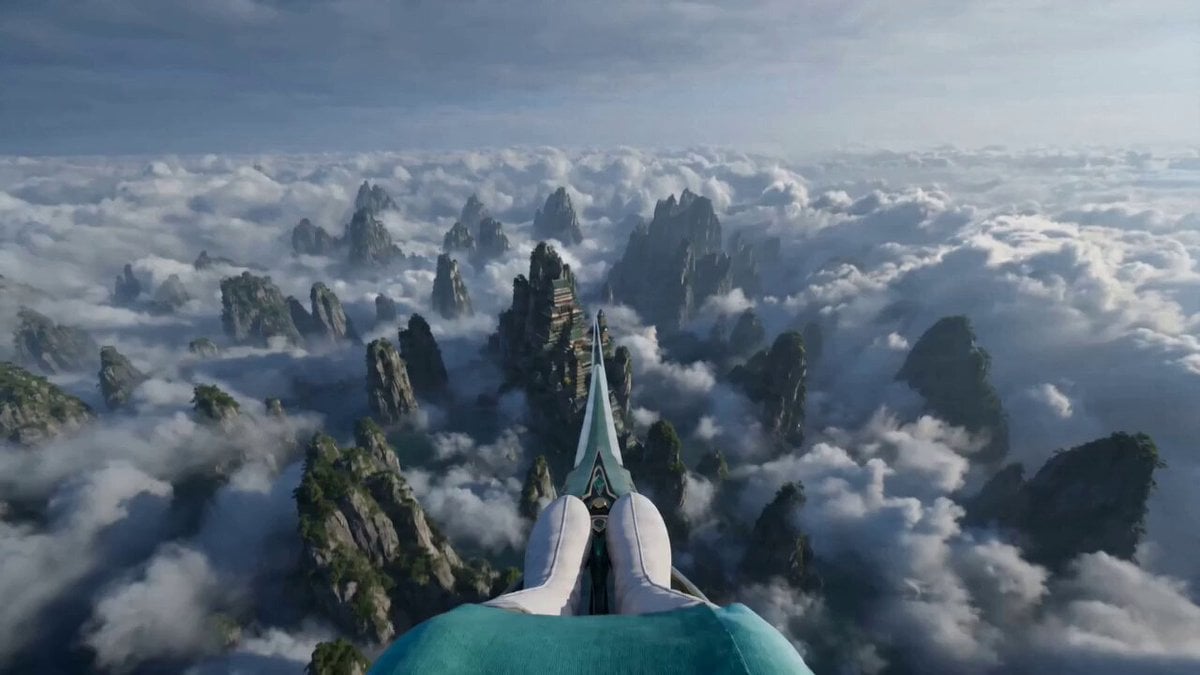
First-Person POV Sword Flying
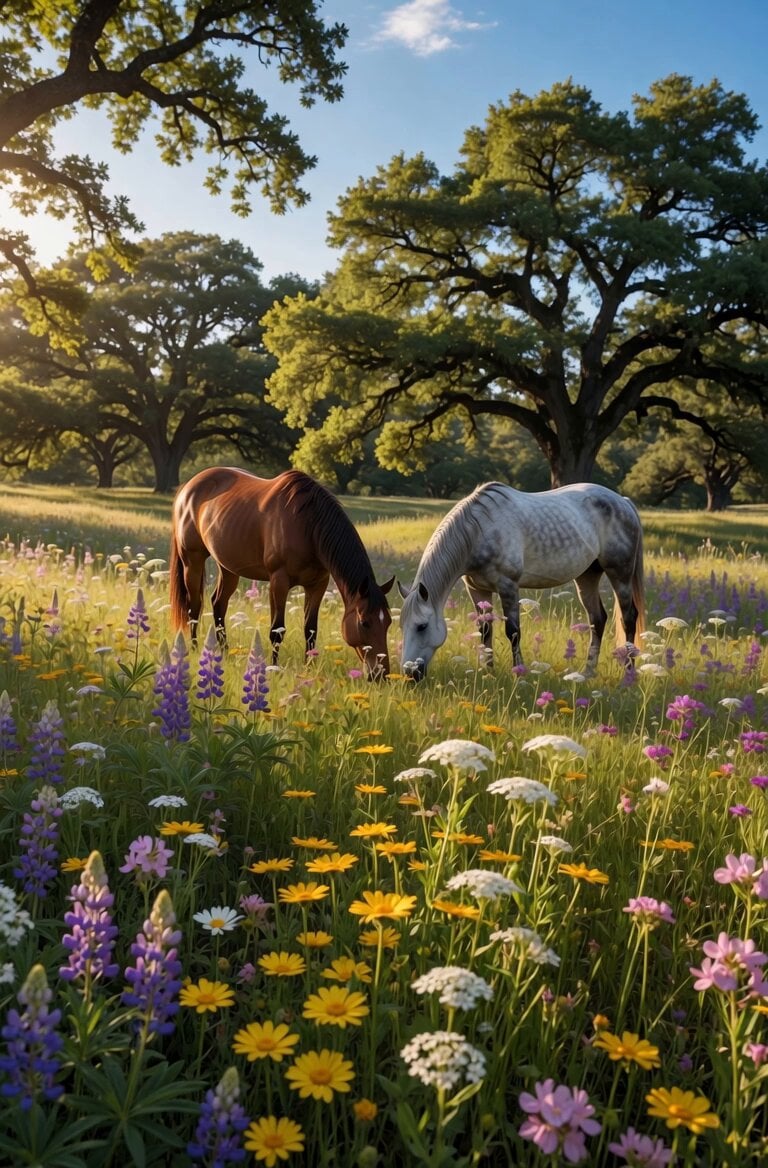
Peaceful Meadow Horse Grazing Video
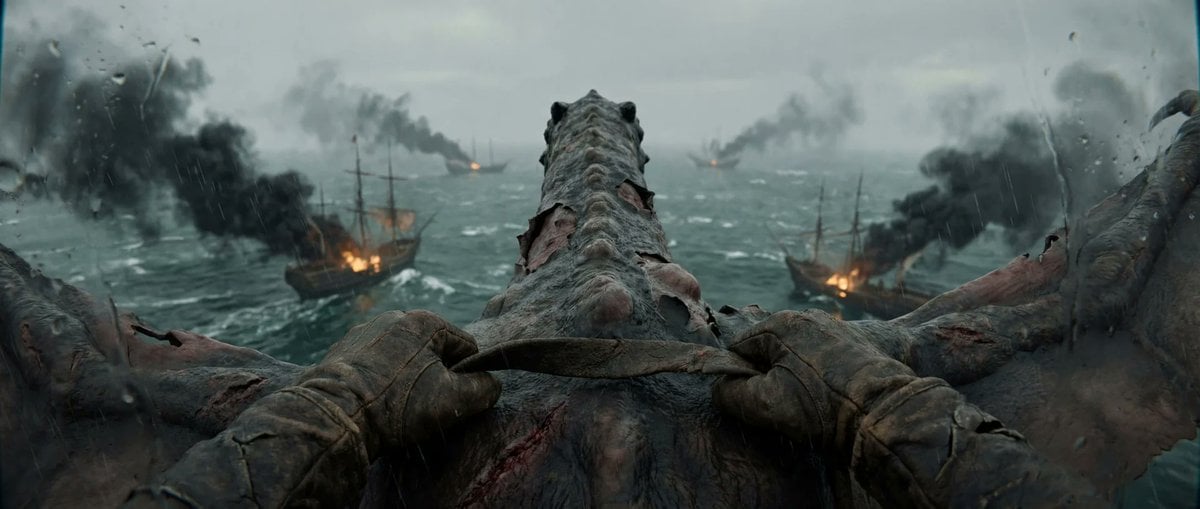
First-Person Dragon Rider Attack
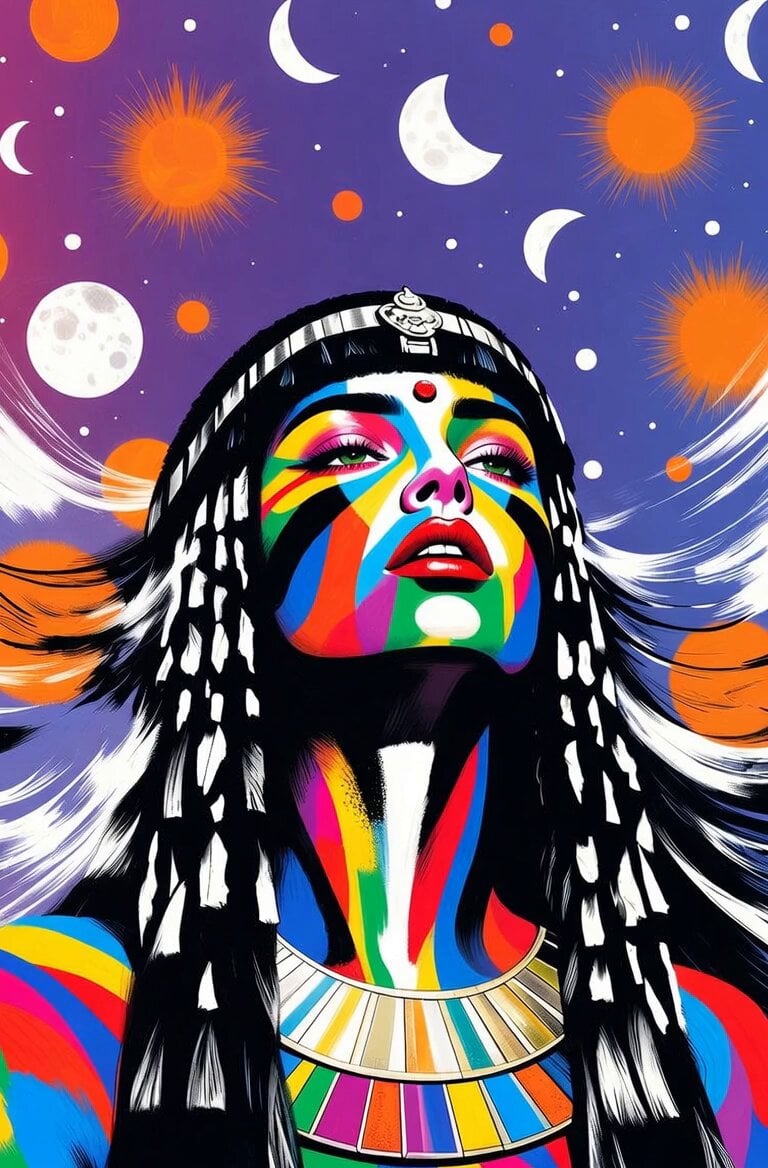
Cleopatra Dancing with Sun and Moon
Sea Monster Storm Survival
Realistic Dog News Interview
Cinematic Star Cruiser Orbital Shipyard
Browse template categories
Cinematic Fashion Montage questions
How do I use the Cinematic Fashion Montage template?
Add your photo if the template asks for one, edit the prompt if you like — the template's model and format are already selected — and press Generate. Your version opens in PicX Studio.
Can I customize the Cinematic Fashion Montage template?
Yes. You can change the subject, setting, lighting, mood, format, and available model controls before creating your video.
Is the Cinematic Fashion Montage template free?
Opening and editing this template is free. Generating uses credits, shown on the Generate button when you are signed in.
Which AI model should I use?
Start with Seedance 2.0, which is the model associated with this template. You can compare another compatible model for a different finish.
Looking for something else? Browse all templates.

Your photo, any look
Thousands of ready templates for every top image and video model, from one credit balance.