
3D Brazilian Shuffle Cat Dance
A highly detailed video generation prompt for a 3D semi-realistic kitten performing the Brazilian shuffle dance, using specific reference images for character and setting and a video for motion driving.
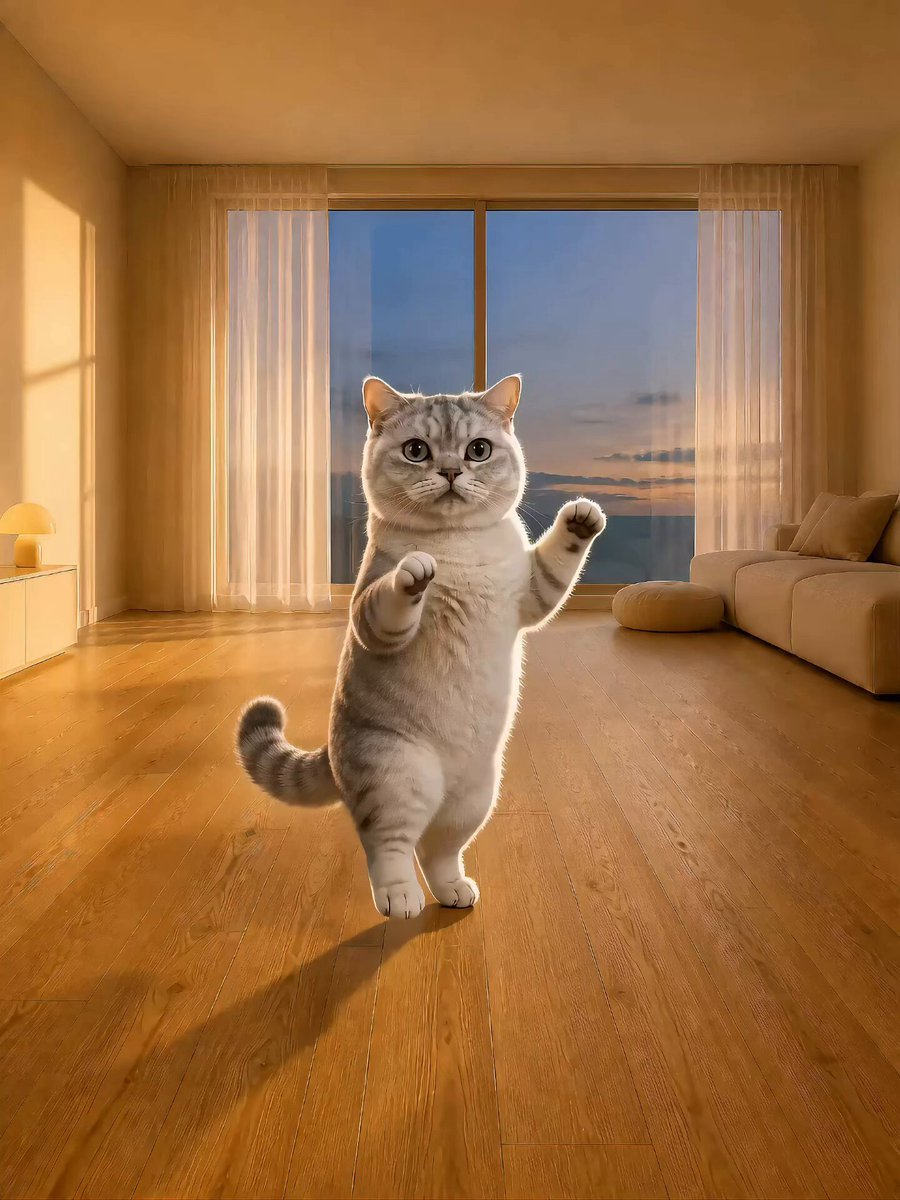
- Prompt included
- Model and format preset
- Free template
The prompt behind this video
Copy the exact prompt behind 3D Brazilian Shuffle Cat Dance, or open it in the studio and make it yours.
生成15秒、3:4竖版、720p、静音的半写实3D小猫舞蹈视频。固定正面全身中远景,一镜到底;不切镜、不推拉、不摇移、不变焦。 @图片1只负责全片唯一角色的身份:始终是同一只稍瘦银渐层小猫,保持圆脸、灰绿色大眼、粉色鼻子、银白短毛、深灰背部渐层、短腿、圆润猫爪和一条完整粗尾巴。不要使用@图片1的摄影棚背景,也不要保持其静止站姿。 @图片2只负责场景、构图和光线:始终保持同一个奶油色临海客厅、窗户、窗帘、沙发、圆凳、矮柜、台灯、海景、黄昏天空、木地板透视和左侧金色阳光;家具和背景全程稳定。 @视频1是全片唯一的动作时间轴和动作驱动参考。严格跟随@视频1从0.00秒到15.00秒的完整动作顺序、每个动作的开始与结束时刻、左右肢体关系、双脚落点、重心切换、身体下沉回弹、前肢轨迹、头部摆动、眨眼、闭眼、张嘴、吐舌和最后收尾姿势。动作必须按@视频1原有顺序连续发生,不得重新编舞、重排、简化、平均化、循环、遗漏或新增动作。只参考@视频1的动作、表情、运动幅度、固定机位和时间节奏;绝不参考其中角色的青蛙身份、绿色外观、皮肤材质、海滩、海浪、沙地和光线。 重点保持@视频1的小幅贴地顺拐步:脚尖贴地的小交叉、松开、侧点、并回和反向交叉连续衔接,步幅小、重心左右移动,膝踝随动作轻微下沉回弹。前爪只按@视频1的小幅高低位置交替,不得自行变成高抬腿、原地踏步、跑跳、踢腿、双爪长时间举过头顶、敬礼、挥手或普通可爱舞。猫的四肢动作幅度和每一时刻的姿势轮廓都以@视频1为准。 小猫始终位于画面水平中央,完整全身可见,身体占画面高度约52%至58%,宽度不超过40%;保留头顶留白、完整耳朵、双脚、猫爪、尾巴和脚下木地板。角色大小全程恒定,不靠近镜头,不越跳越大。尾巴从根部连续存在,只随重心自然反向轻摆,不能复制或消失。 全程只出现一只猫。保持真实猫科四肢与半写实3D毛发,猫爪不能变成人手或长出手指;每次落脚都与木地板稳定接触,不能滑行、漂浮或穿地。禁止青蛙、其他动物、人物、衣服、项圈、文字、字幕、Logo、UI、水印、多余肢体、重复尾巴、体型变胖、脸部漂移、毛色变化、背景闪烁或家具移动。全片保持静音,不生成任何声音。
How to use 3D Brazilian Shuffle Cat Dance in 3 steps
- 1
Open
The prompt is already in the box next to the preview, with the template's model and format selected.
- 2…a portrait of your subject in softgolden-hour light, 85mm…
Personalize
Edit the subject and creative details for your destination.
- 3Generate
Generate
Press Generate — your video is created in PicX Studio, so you can compare it with the original and refine one variable at a time.
More like this
Templates with the same subject, style or setup. Open one to see its prompt.
3D Animated Cat and Old Man - Seedance
Cyberpunk Holographic Dance Performance - Seedance 2.5
Early-2000s Trainee Flashback Film

Luxury Airport Travel Vlog
Ballerina Opera House — Seedance 2.0
In Each Other's Gravity — Dance Duo

Seedance 2.0 Video Prompt: Cats on a Scooter
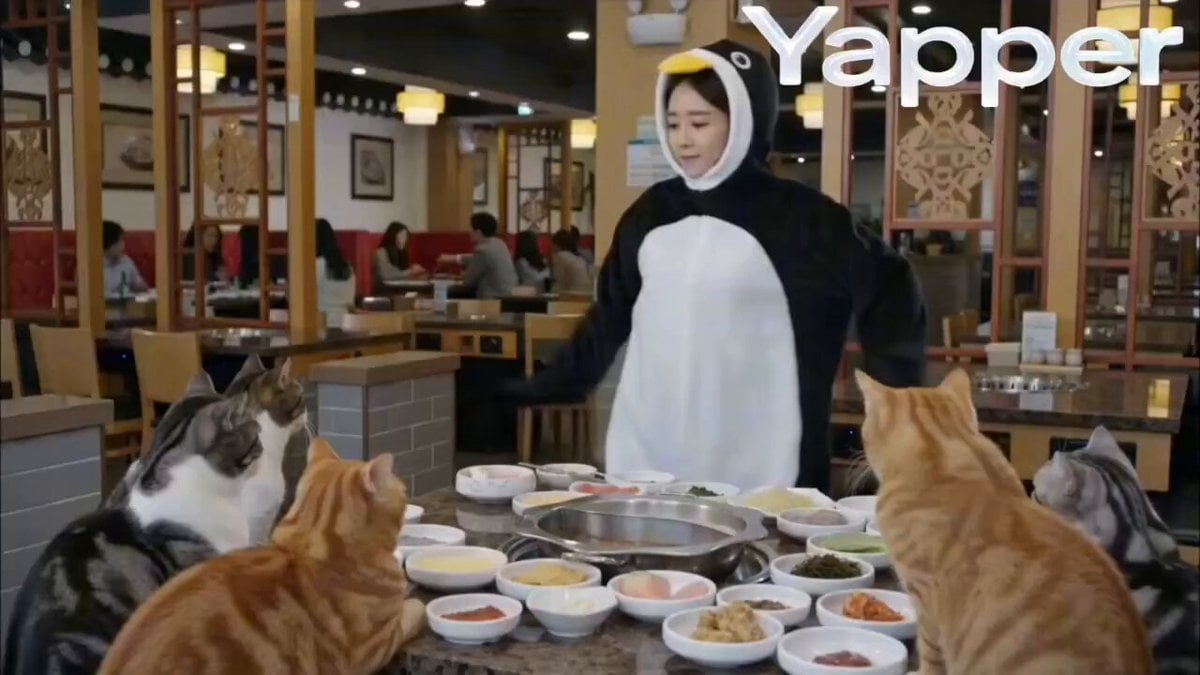
Penguin Dancer in Cat Hotpot Restaurant
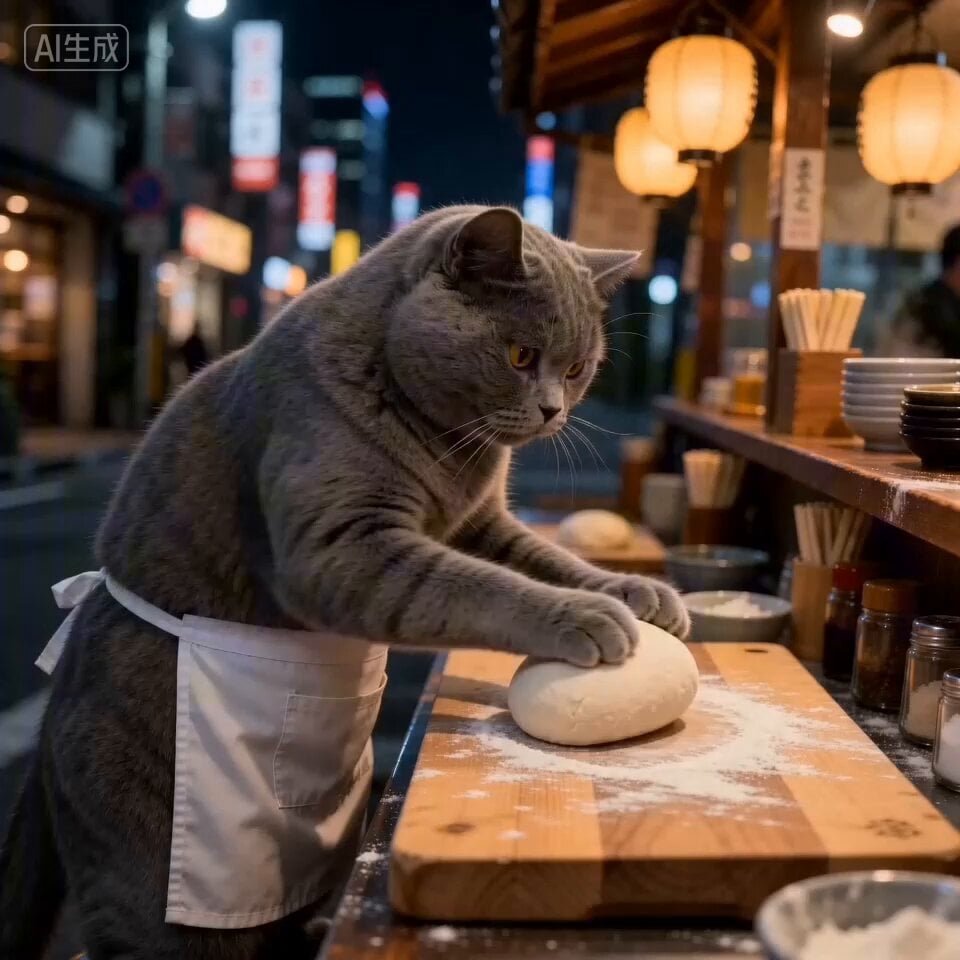
Cat Ramen Chef ASMR Video Prompt for Seedance 2.0
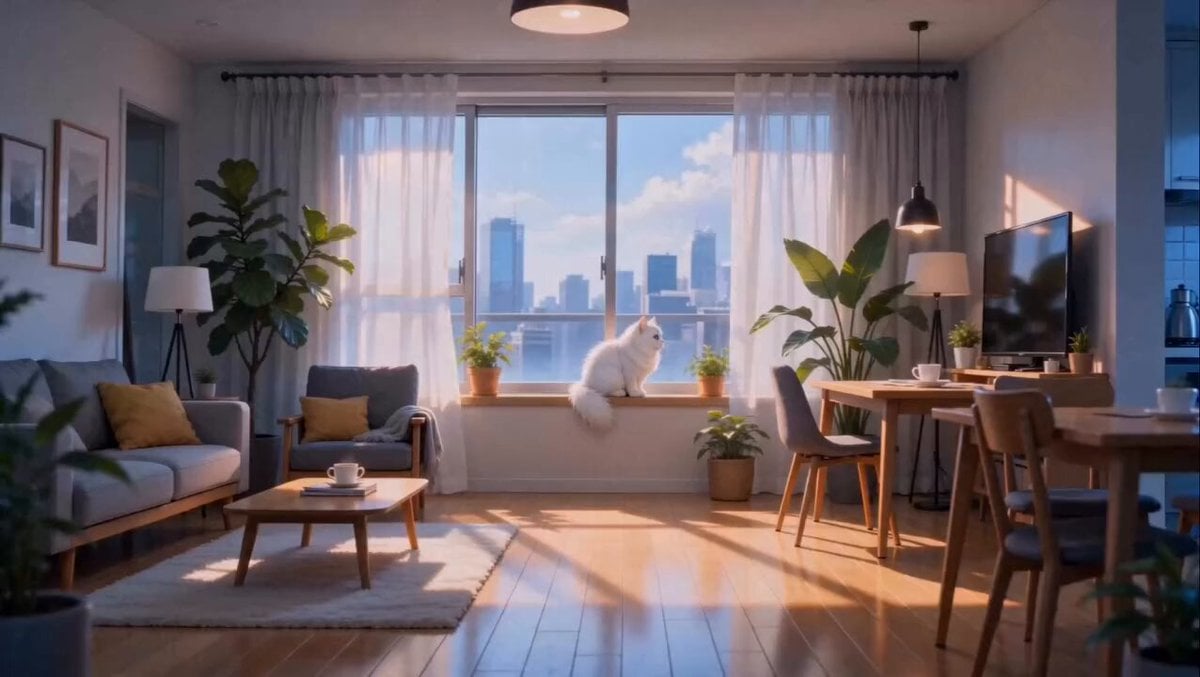
Anime Fluffy Cat Morning Routine
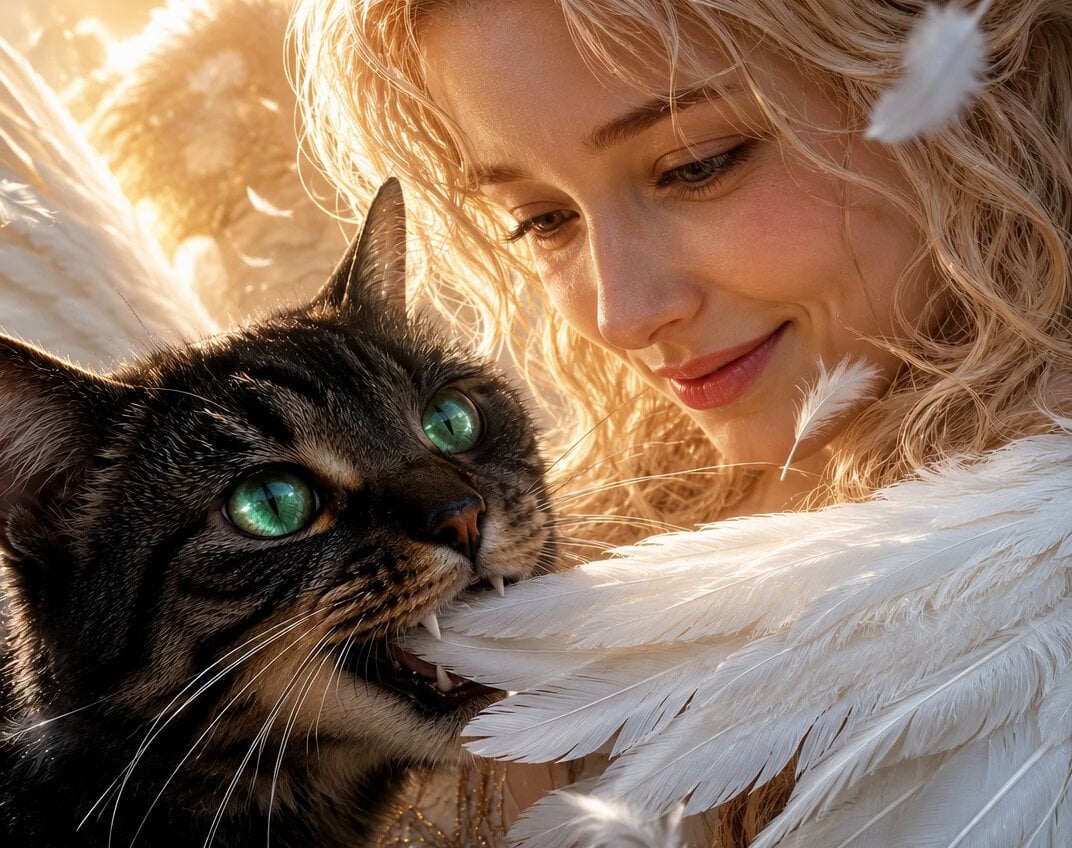
Angel and Curious Cat
Talking Munchkin Cat Video Prompt
Make it yours
3D Brazilian Shuffle Cat Dance works as-is. These are the safest ways to change it without losing the look.
Change one field
Copy a single group, rewrite it, and generate again so you can see what that field is doing.
Keep the frame, change the subject
Hold the composition and light of 3D Brazilian Shuffle Cat Dance, then swap wardrobe, props or the person for a new take.
| If the result… | Why | Fix |
|---|---|---|
| The result drifts from the preview | Too many fields changed at once. | Reuse 3D Brazilian Shuffle Cat Dance as-is first, then change one group — subject, light, or setting. |
| The model over-stylizes the scene | The prose prompt leaves finish and camera underspecified. | Add one camera or lighting sentence and stay on Seedance 2.0. |
More Seedance 2.0 templates
Other prompts made for Seedance 2.0.

Comical Martial Arts Punch Scene

Maglev Train Action Sequence

Martial Arts Fight Sequence

Wuxia Protection and Trust Script

Vintage Korean Arcade MiniDV Vlog

Mercedes 190 SL Luxury Ad

Rainy Night Supernatural Reverse Comedy Video Script

Amazon Civilization Discovery

Futuristic South Asian City Transformation

Cozy Luxury Cafe Commercial
More video prompts
Fresh picks from across the catalog.
Detailed Cinematic Scene Prompt for Seedance 2.0
Dark Fantasy Dragon Ride

Elderly Man Playing Piano with Dynamic Camera Movement
Woman Staring Out Window Video Prompt
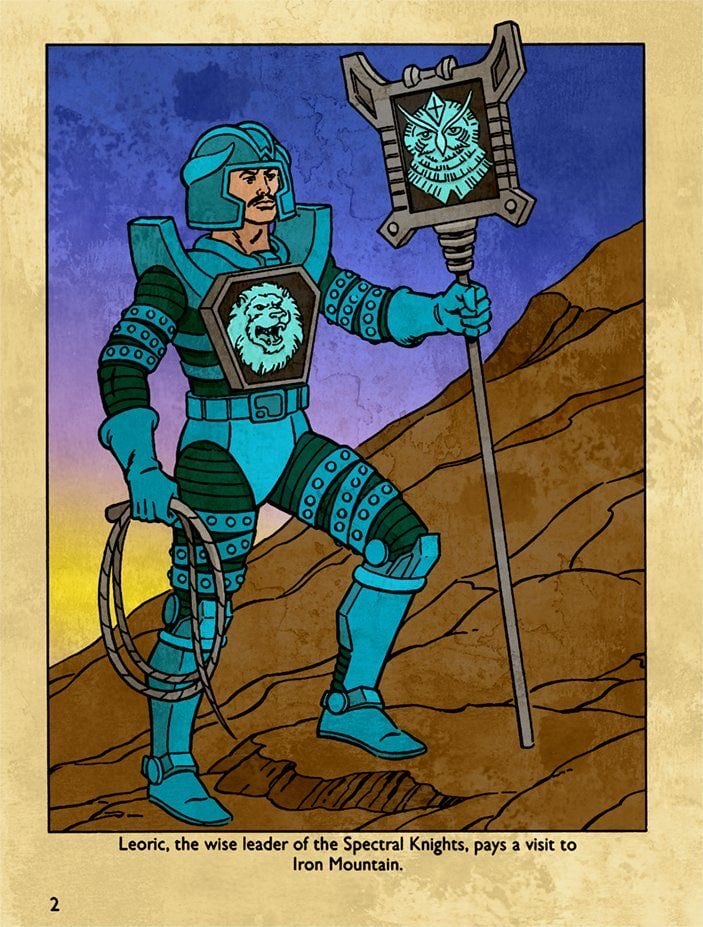
Hyper-Realistic Dune-Style Character Transformation
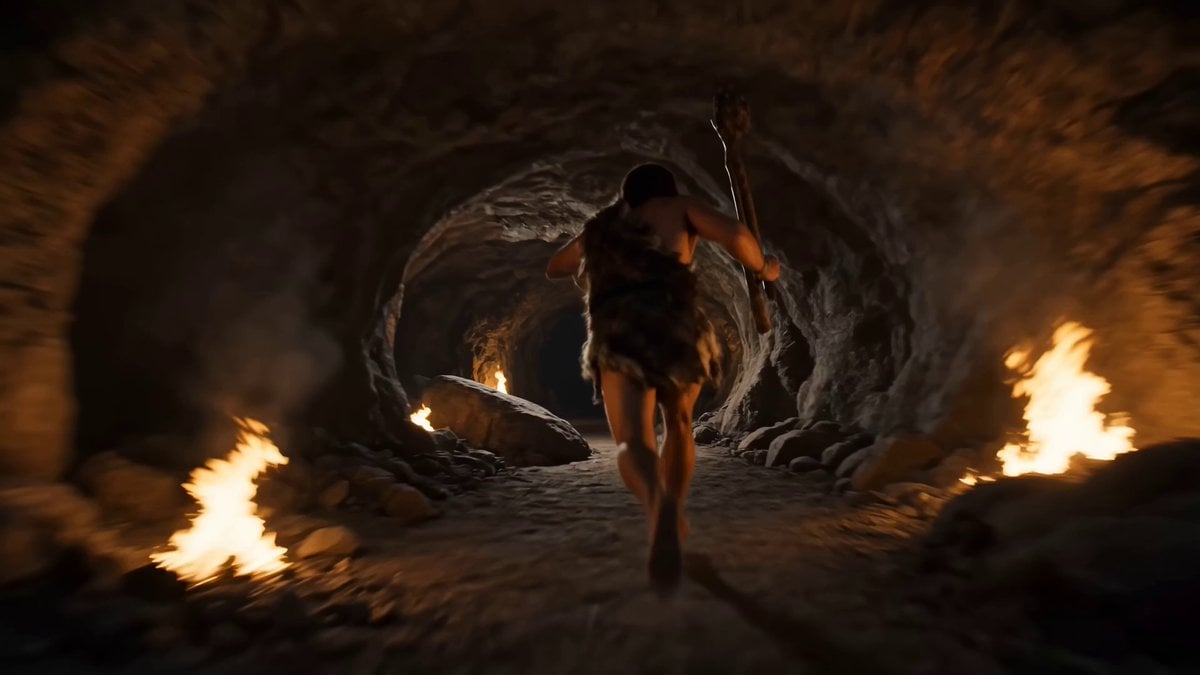
Prompt : Create a 15 second high energy continuous

Female warrior transformation combat

Ultra Chill ASMR Vlog
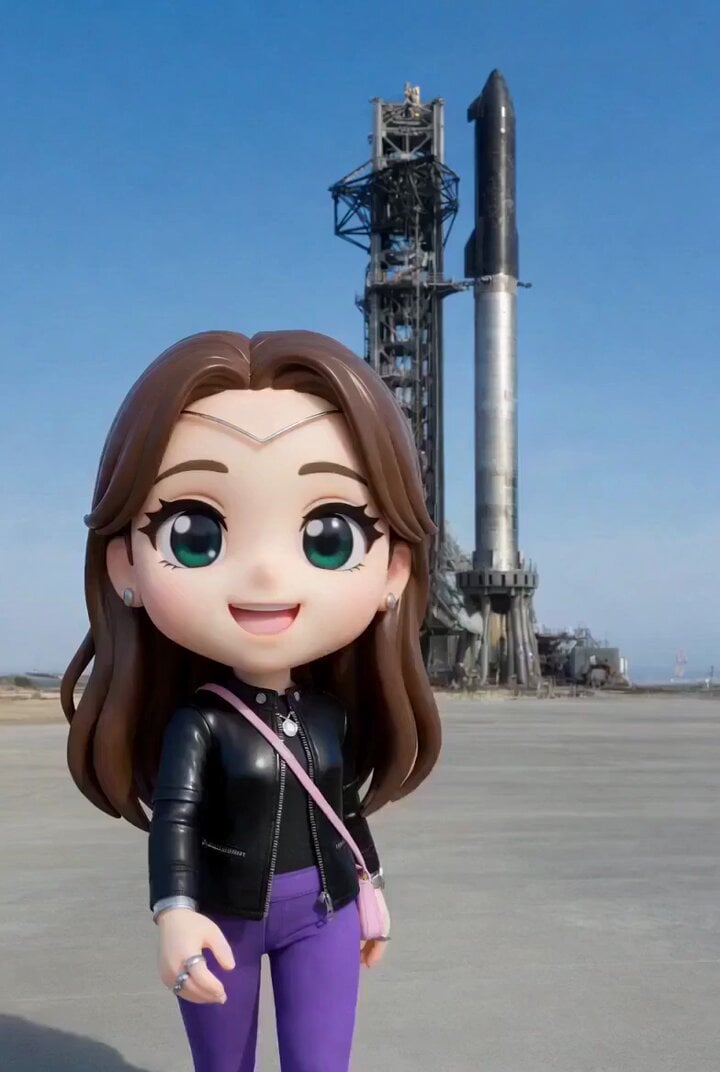
Empress Heavy Mars Vacation Chibi Prompt
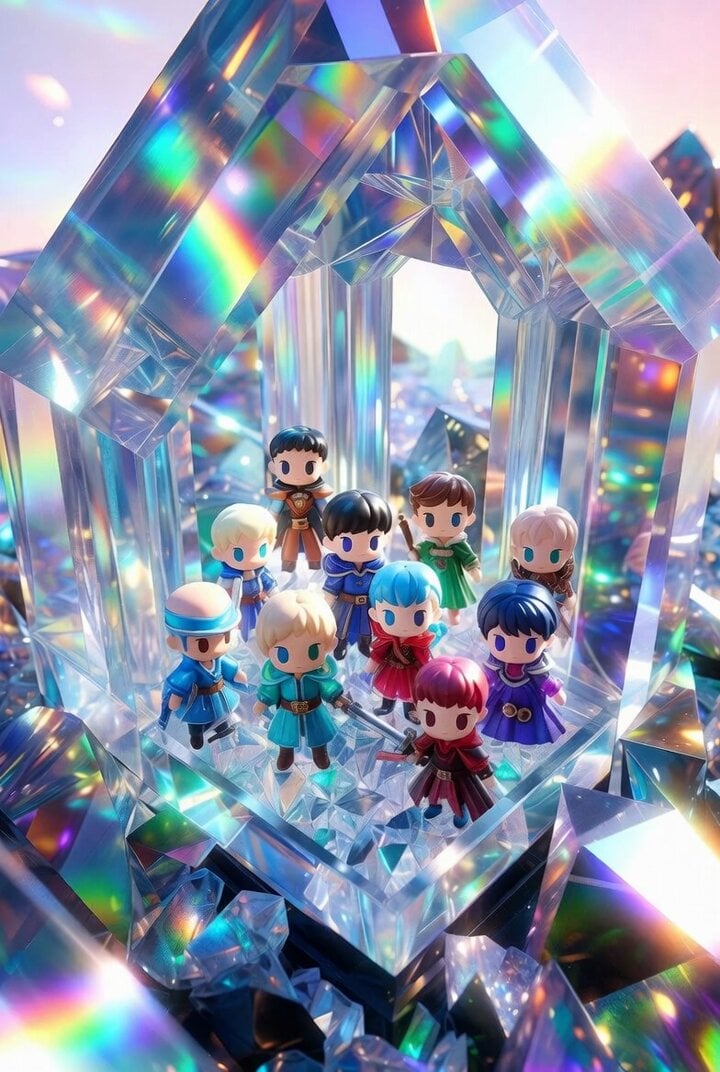
Chibi Heroes in Crystal Palace
Browse template categories
3D Brazilian Shuffle Cat Dance questions
How do I use the 3D Brazilian Shuffle Cat Dance template?
Add your photo if the template asks for one, edit the prompt if you like — the template's model and format are already selected — and press Generate. Your version opens in PicX Studio.
Can I customize the 3D Brazilian Shuffle Cat Dance template?
Yes. You can change the subject, setting, lighting, mood, format, and available model controls before creating your video.
Is the 3D Brazilian Shuffle Cat Dance template free?
Opening and editing this template is free. Generating uses credits, shown on the Generate button when you are signed in.
Which AI model should I use?
Start with Seedance 2.0, which is the model associated with this template. You can compare another compatible model for a different finish.
Looking for something else? Browse all templates.

Your photo, any look
Thousands of ready templates for every top image and video model, from one credit balance.