
Velociraptor Runway Fashion Show
A hilarious and absurd cinematic comedy prompt featuring a velociraptor as a supermodel on a luxury fashion runway.
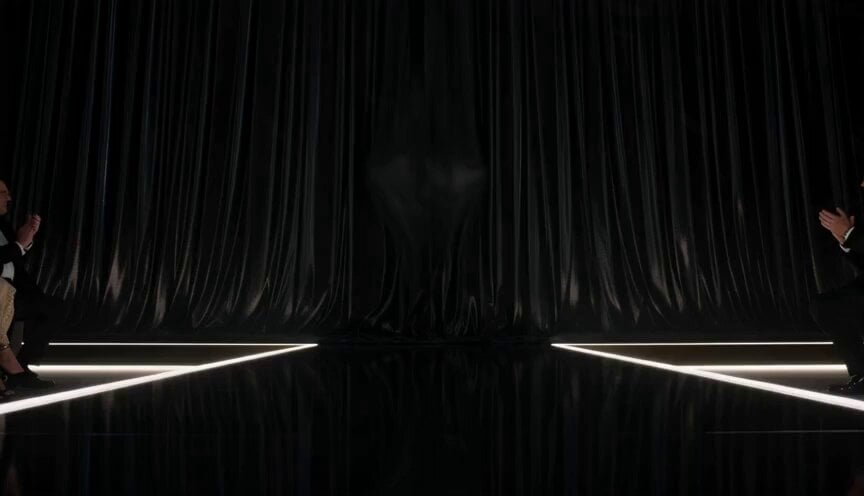
- Prompt included
- Model and format preset
- Free template
The prompt behind this video
Copy the exact prompt behind Velociraptor Runway Fashion Show, or open it in the studio and make it yours.
Hyper-realistic cinematic comedy sequence, 10 seconds, aspect ratio 16:9. Inside a luxury fashion runway show, one female velociraptor is the star. The setting is simple and clear: long glossy catwalk, flashing cameras, elegant lights, fashion audience, and a dramatic backstage curtain. The mood is glamorous, ridiculous, and completely overconfident. The goal is simple: the female velociraptor steps onto the runway and becomes far too powerful and dramatic for a normal fashion show. The action starts when she bursts onto the catwalk wearing an absurdly glamorous feathered cape, oversized sunglasses, and sparkling jewelry. She struts with impossible confidence, giving fierce model poses and snapping her tiny claws like she owns the event. The audience is stunned. The chaos escalates fast. She whips her tail too hard and spins a spotlight sideways. She turns sharply, sends a mannequin crashing offstage, then keeps walking like it was part of the show. Cameras flash wildly while she serves increasingly ridiculous runway poses. End with the female velociraptor reaching the end of the runway, striking one perfect supermodel pose, then accidentally shedding the feathered cape behind her like a dramatic molting mic-drop while the crowd loses its mind. Style: hyper-realistic, cinematic, hilarious, absurd glam comedy, one female velociraptor only, one runway show only, one main joke, luxury fashion takeover, model strut, tail chaos, final cape-drop payoff, clear readable comedy action, no gore, no horror, no text, no logos, no cartoon style, no slow motion, no famous celebrity faces, no recognizable actors, no movie-star resemblance. Keep proportions. Keep style and features. Aspect ratio 16:9.
How to use Velociraptor Runway Fashion Show in 3 steps
- 1
Open
The prompt is already in the box next to the preview, with the template's model and format selected.
- 2…a portrait of your subject in softgolden-hour light, 85mm…
Personalize
Edit the subject and creative details for your destination.
- 3Generate
Generate
Press Generate — your video is created in PicX Studio, so you can compare it with the original and refine one variable at a time.
More like this
Templates with the same subject, style or setup. Open one to see its prompt.

Sneaker Product Commercial
Cinematic Short Film Scene

Luxury Lifestyle Day Vlog
Thornmaw Monarch — Crimson Glass Desert Beast
High-Speed Ship Descent with Seedance 2.0
Luxury Handbag Commercial — Hollywood VFX Ad
Fashion Runway Couture Walk
Paris Fashion Runway Footage
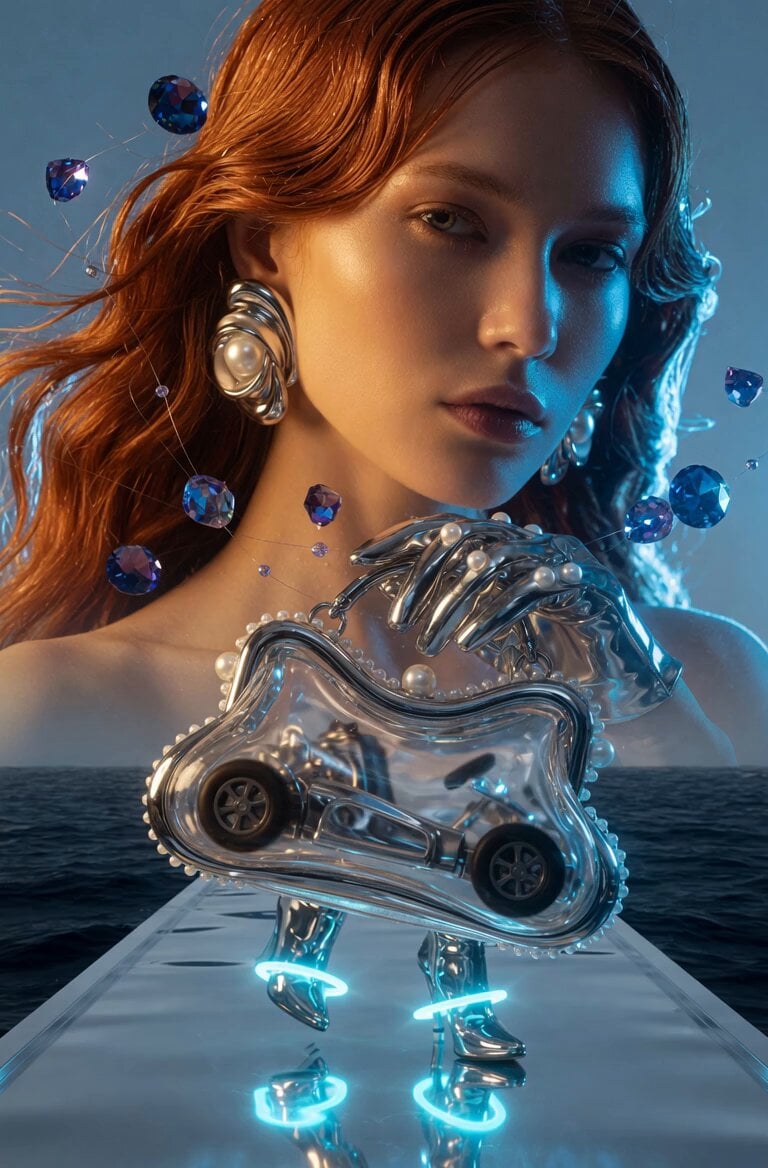
Fashion Runway Walk
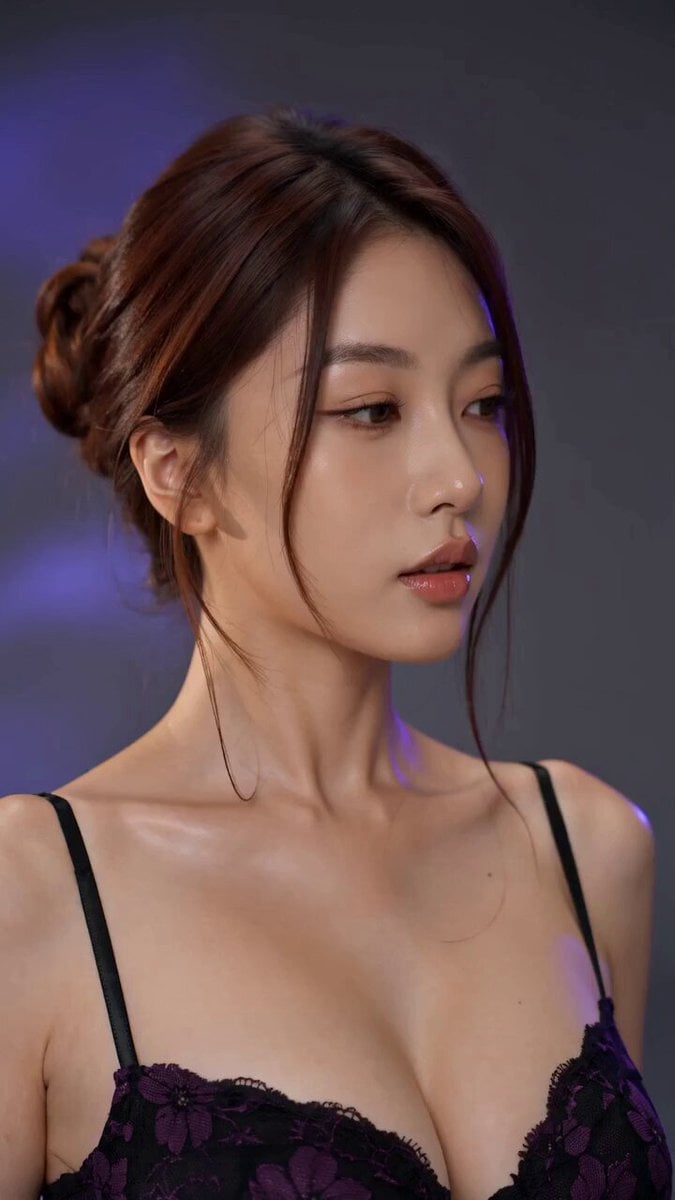
Fashion Model Studio Showcase
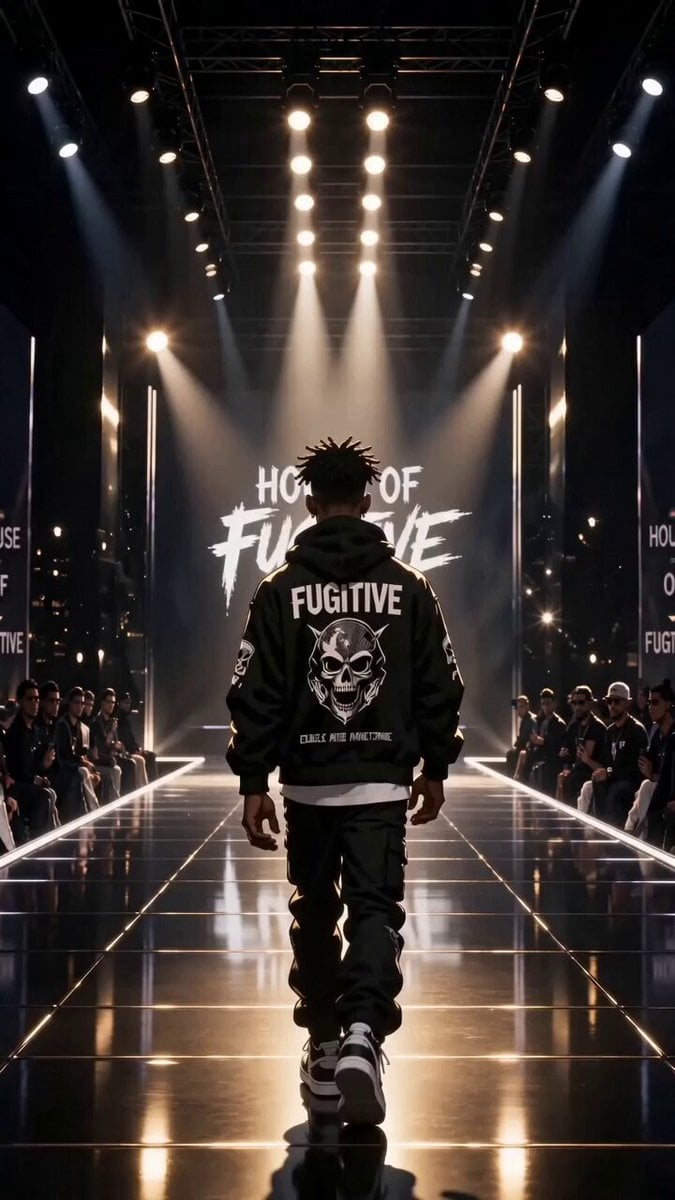
Luxury Streetwear Fashion Runway Film
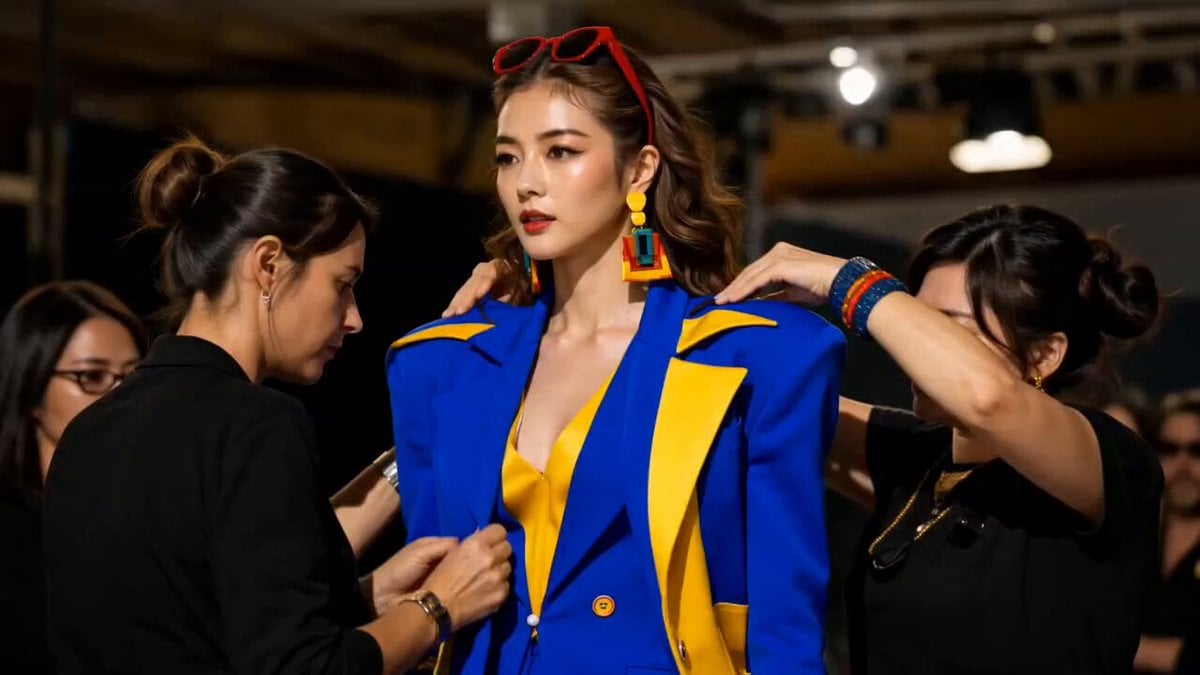
Fashion Runway Stumble Recovery
Make it yours
Velociraptor Runway Fashion Show works as-is. These are the safest ways to change it without losing the look.
Change one field
Copy a single group, rewrite it, and generate again so you can see what that field is doing.
Keep the frame, change the subject
Hold the composition and light of Velociraptor Runway Fashion Show, then swap wardrobe, props or the person for a new take.
| If the result… | Why | Fix |
|---|---|---|
| The result drifts from the preview | Too many fields changed at once. | Reuse Velociraptor Runway Fashion Show as-is first, then change one group — subject, light, or setting. |
| The model over-stylizes the scene | The prose prompt leaves finish and camera underspecified. | Add one camera or lighting sentence and stay on Seedance 2.0. |
More Seedance 2.0 templates
Other prompts made for Seedance 2.0.

Comical Martial Arts Punch Scene

Maglev Train Action Sequence

Martial Arts Fight Sequence

Wuxia Protection and Trust Script

Vintage Korean Arcade MiniDV Vlog

Mercedes 190 SL Luxury Ad

Rainy Night Supernatural Reverse Comedy Video Script

Amazon Civilization Discovery

Futuristic South Asian City Transformation

Cozy Luxury Cafe Commercial
More video prompts
Fresh picks from across the catalog.
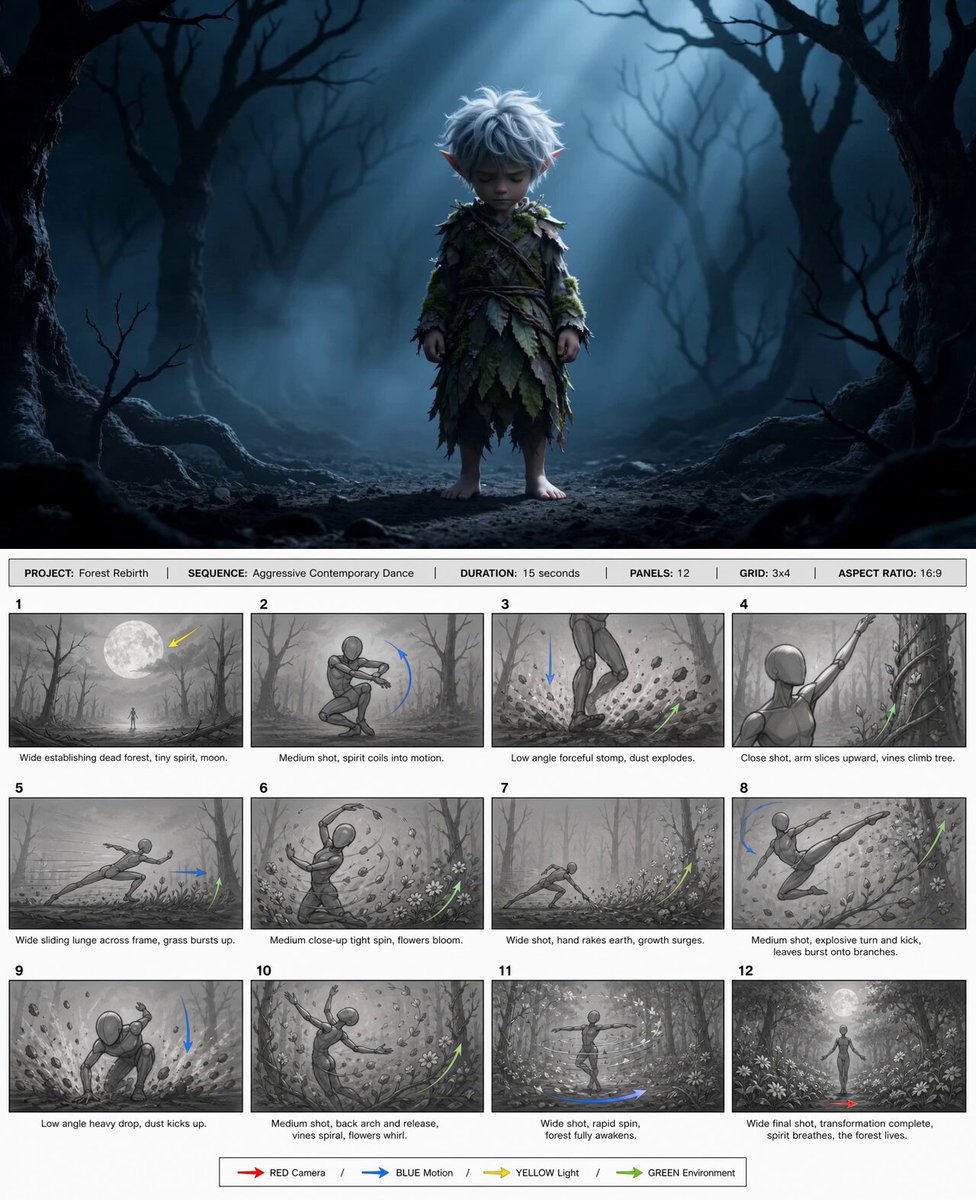
@happycapyai @aimikoda GPT Image 2 storyboard prom
UGC Influencer Morning Routine
Grok Imagine prompt with negative constraints and scenario
High-Intensity Experimental Music Video
Cozy Morning Kitchen Breakfast Scene
Cinematic digital painting of a fierce blonde warrior
Sports Player POV Camera Signing Template
GRWM Influencer Lunch Date Vlog
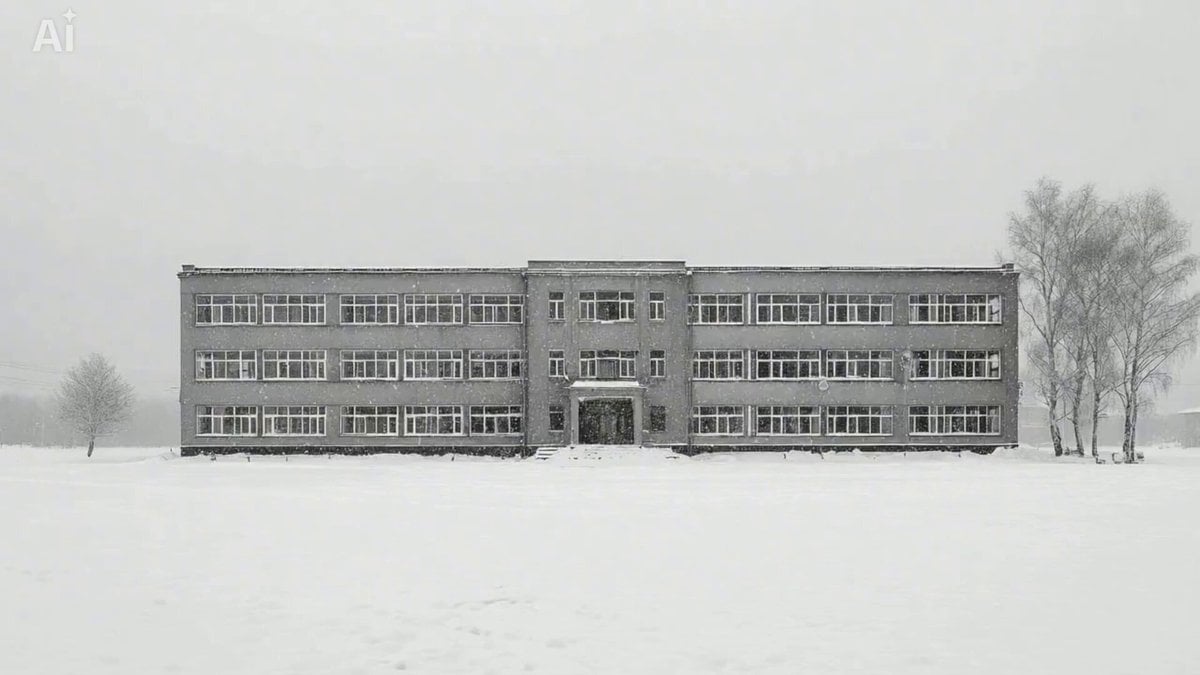
Snowy Eastern European Thriller Trailer
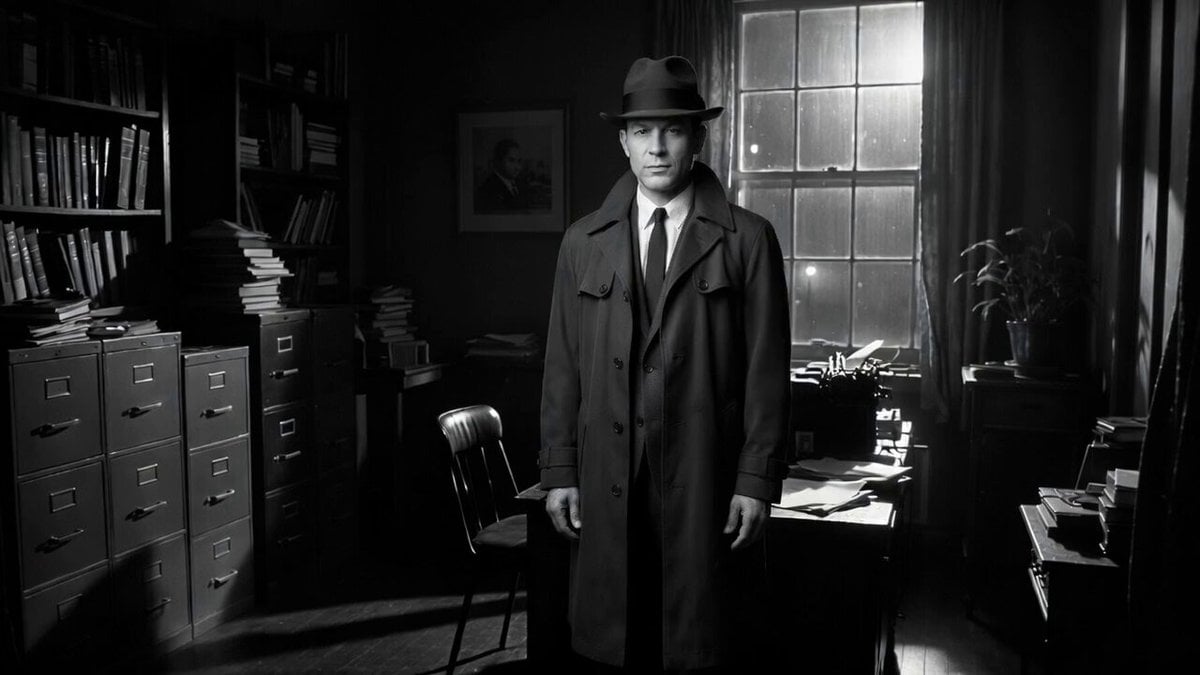
Detective Scene with Dialogue
Browse template categories
Velociraptor Runway Fashion Show questions
How do I use the Velociraptor Runway Fashion Show template?
Add your photo if the template asks for one, edit the prompt if you like — the template's model and format are already selected — and press Generate. Your version opens in PicX Studio.
Can I customize the Velociraptor Runway Fashion Show template?
Yes. You can change the subject, setting, lighting, mood, format, and available model controls before creating your video.
Is the Velociraptor Runway Fashion Show template free?
Opening and editing this template is free. Generating uses credits, shown on the Generate button when you are signed in.
Which AI model should I use?
Start with Seedance 2.0, which is the model associated with this template. You can compare another compatible model for a different finish.
Looking for something else? Browse all templates.

Your photo, any look
Thousands of ready templates for every top image and video model, from one credit balance.