
Vintage Lace Romance Collage
Vintage Lace Romance Collage is a ready photo look.
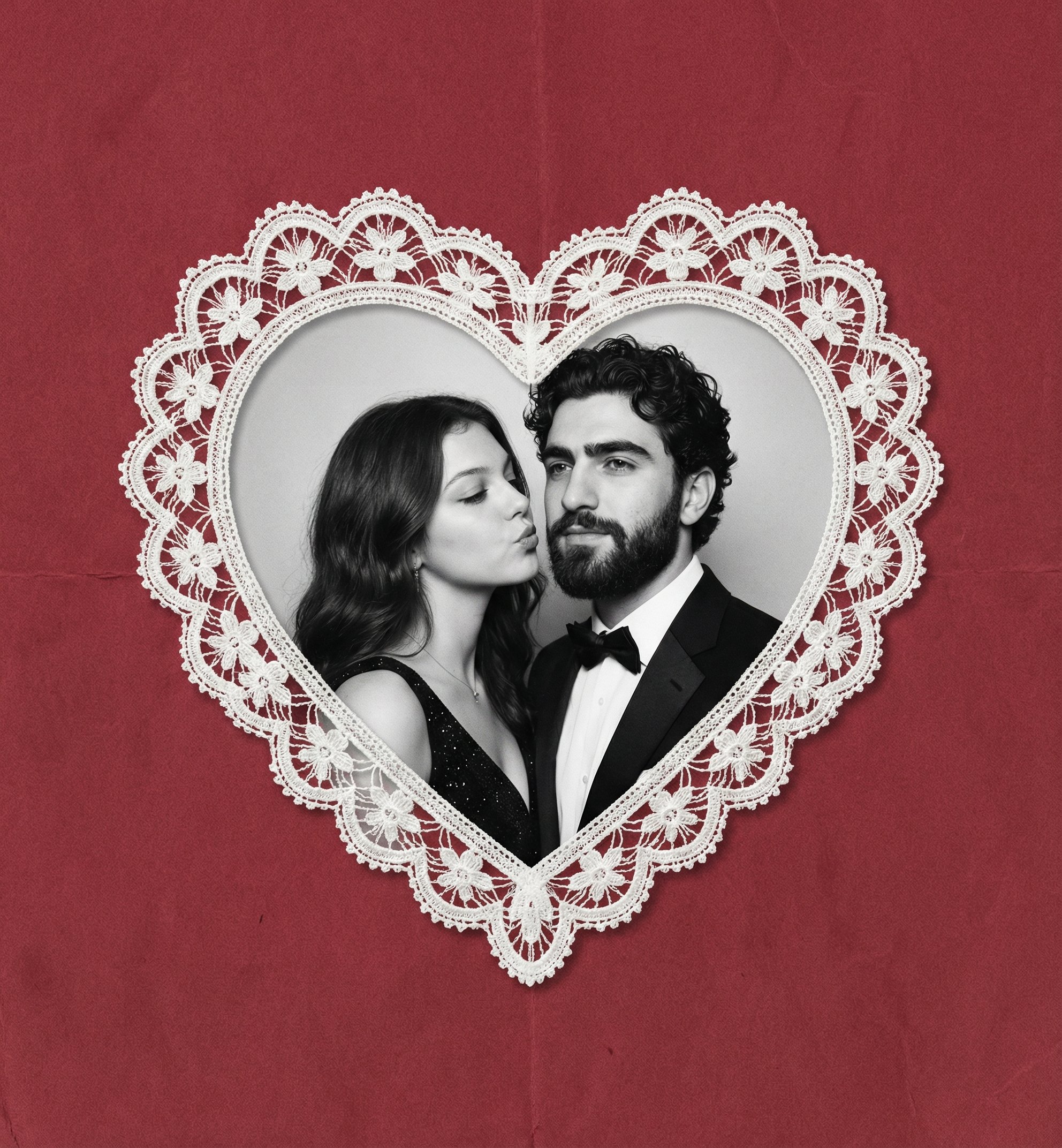
- Prompt included
- Model and format preset
- Premium template
The prompt behind this image
Copy the exact prompt behind Vintage Lace Romance Collage, or open it in the studio and make it yours.
Ultra-high resolution editorial Valentine collage with a nostalgic, handcrafted aesthetic. Background: a full-frame deep muted crimson red paper texture, slightly grainy, matte finish, visible subtle paper creases and imperfections, evenly lit with soft diffused studio lighting, no gradients, no vignettes. Foreground centerpiece: a perfectly symmetrical white lace heart-shaped frame, intricate crochet-style detailing, delicate floral lace patterns, thin lace threads clearly visible, realistic textile depth, soft shadows where lace meets the background. Inside the lace heart: a black-and-white analog-style photograph of a couple. Woman: must EXACTLY match the girl from the uploaded reference image — take reference from uploaded image. Same facial structure, same jawline, cheekbones, lips, nose, eyes, skin texture, hairline, hair volume, and expression. No beautification, no face alteration, no AI smoothing. Man: must be the EXACT same man as shown in the original template image — identical face, beard density, beard shape, hair curl pattern, eyebrow thickness, nose shape, age, and proportions. Do not modify or reinterpret him in any way. Pose: the woman leaning in closely toward the man’s face with an intimate, affectionate expression, lips slightly pursed as if whispering or about to kiss. The man faces slightly forward and off-camera with a calm, confident expression. Styling: formal evening attire, classic black tuxedo with bow tie for the man, elegant styling for the woman. Image quality: authentic film grain, realistic contrast, gentle highlights, soft shadows, true monochrome tonal range. Composition: centered, balanced, romantic, must look IDENTICAL to the original lace heart template, no creative deviation. NEGATIVE PROMPT AI face distortion, face blending, altered facial identity, beautification filters, plastic skin, over-smoothing, anime style, illustration, painting, cartoon, CGI, 3D render, unrealistic lighting, exaggerated expressions, color tint inside the photo, warped lace, uneven symmetry, modern graphic design, typography, logos, text, watermark, blur, low resolution, incorrect framing, cropped faces
How to use Vintage Lace Romance Collage in 3 steps
- 1Upload ImagePNG, JPG or paste
Add your photo
Upload the photo the template builds on. The prompt, model and format are already set.
- 2…a portrait of your subject in softgolden-hour light, 85mm…
Personalize
Edit the subject and creative details for your destination.
- 3Generate
Generate
Press Generate — your image is created in PicX Studio, so you can compare it with the original and refine one variable at a time.
More like this
Templates with the same subject, style or setup. Open one to see its prompt.




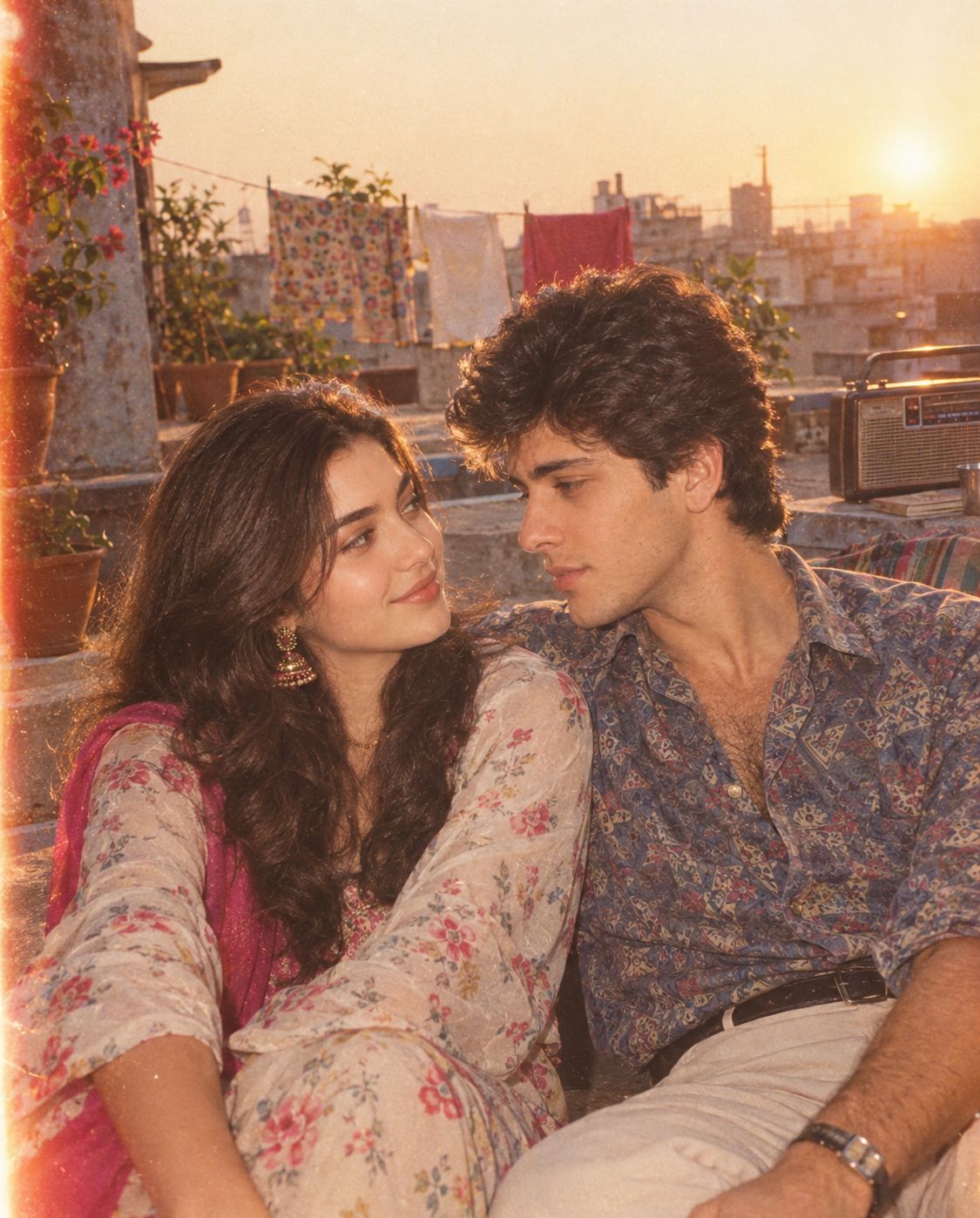
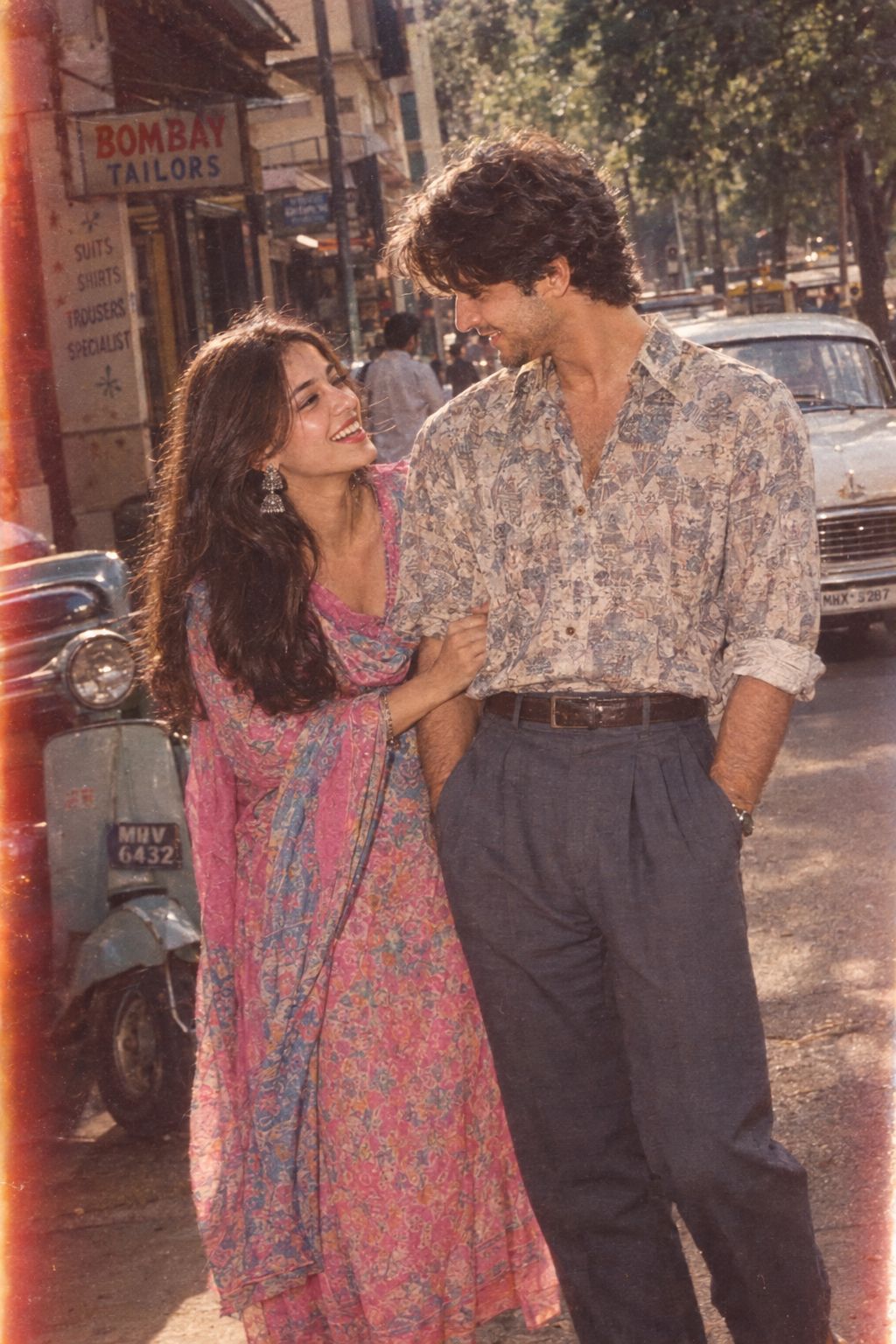


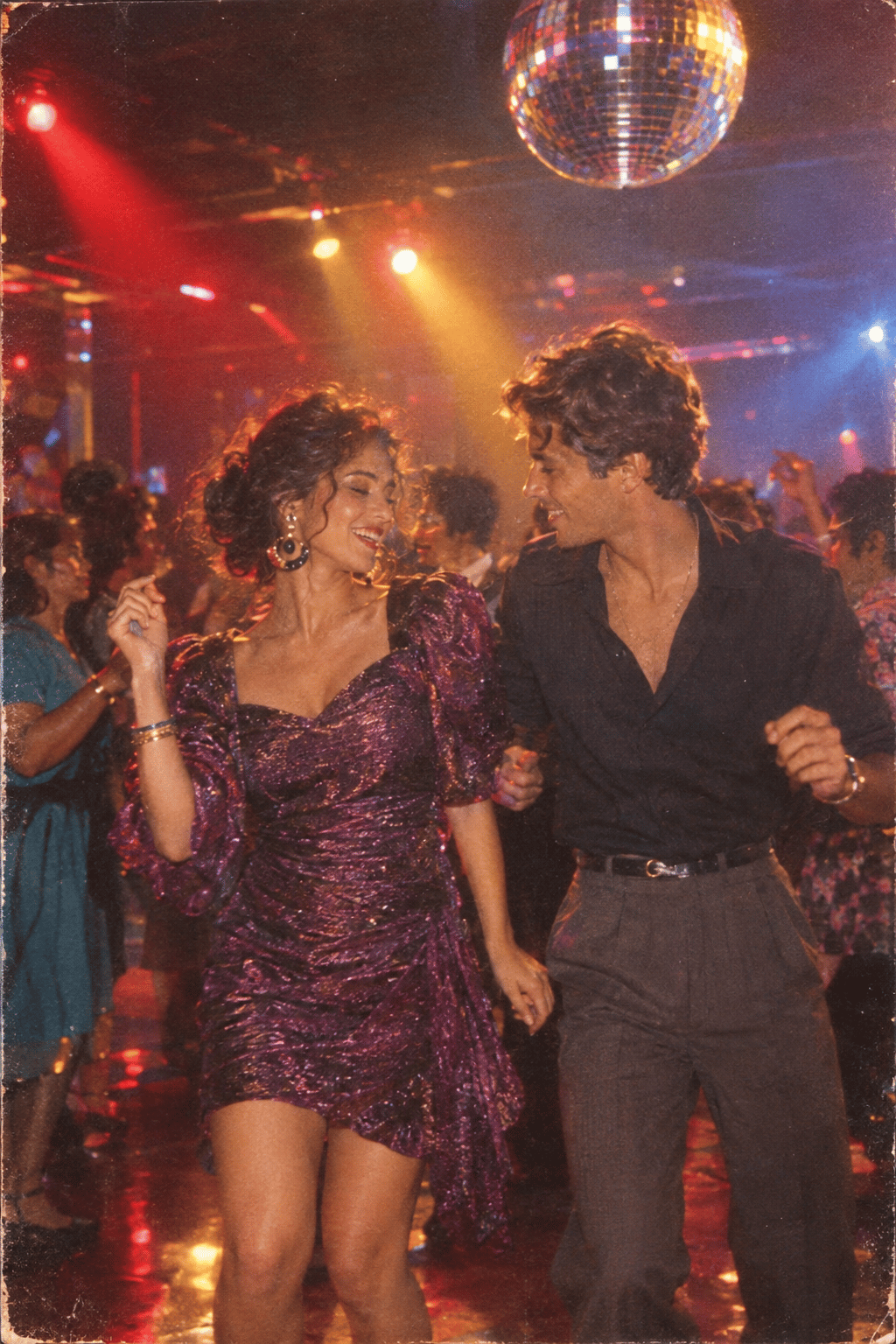
Make it yours
Vintage Lace Romance Collage works as-is. These are the safest ways to change it without losing the look.
Change one field
Copy a single group, rewrite it, and generate again so you can see what that field is doing.
Keep the frame, change the subject
Hold the composition and light of Vintage Lace Romance Collage, then swap wardrobe, props or the person for a new take.
| If the result… | Why | Fix |
|---|---|---|
| The result drifts from the preview | Too many fields changed at once. | Reuse Vintage Lace Romance Collage as-is first, then change one group — subject, light, or setting. |
| The model over-stylizes the scene | The prose prompt leaves finish and camera underspecified. | Add one camera or lighting sentence and stay on PicX Studio. |
More image prompts
Fresh picks from across the catalog.
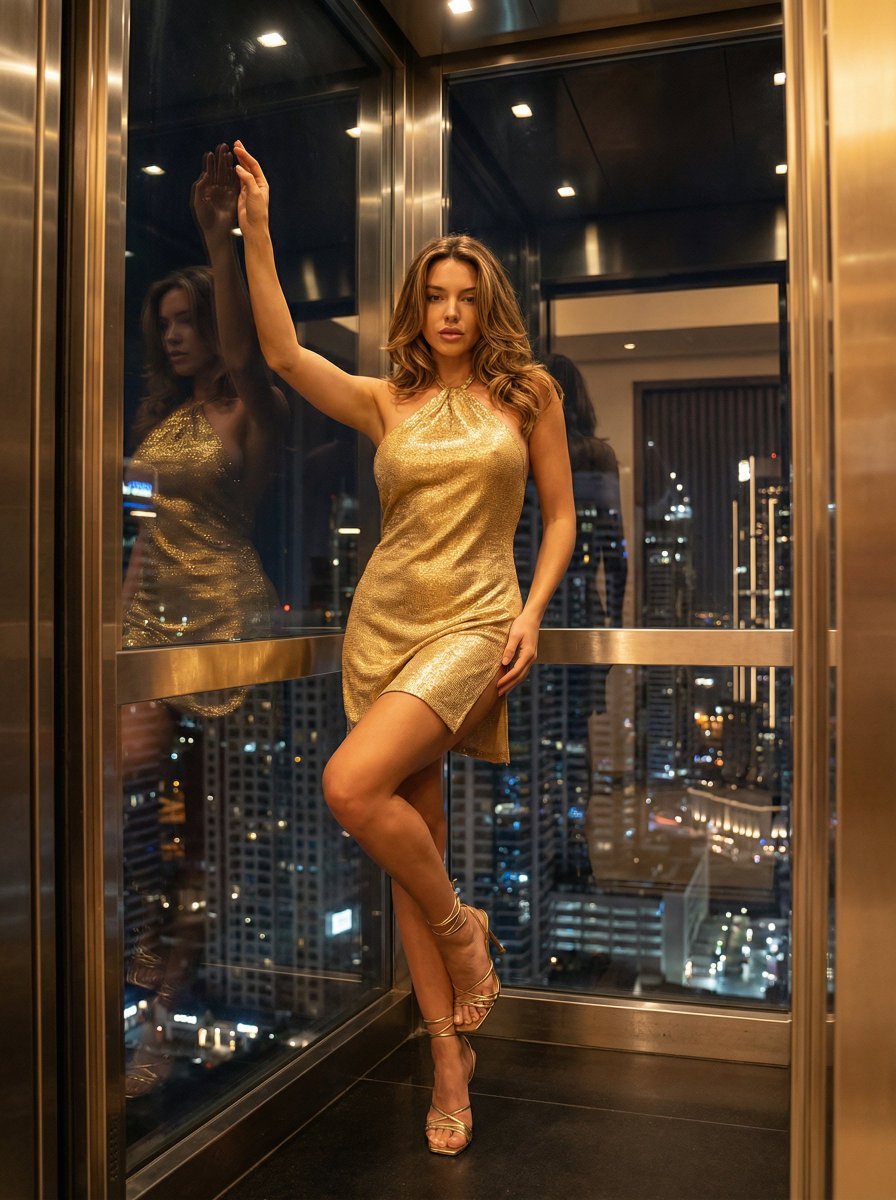
Nightlife Glamour Fashion Shoot in Glass Elevator
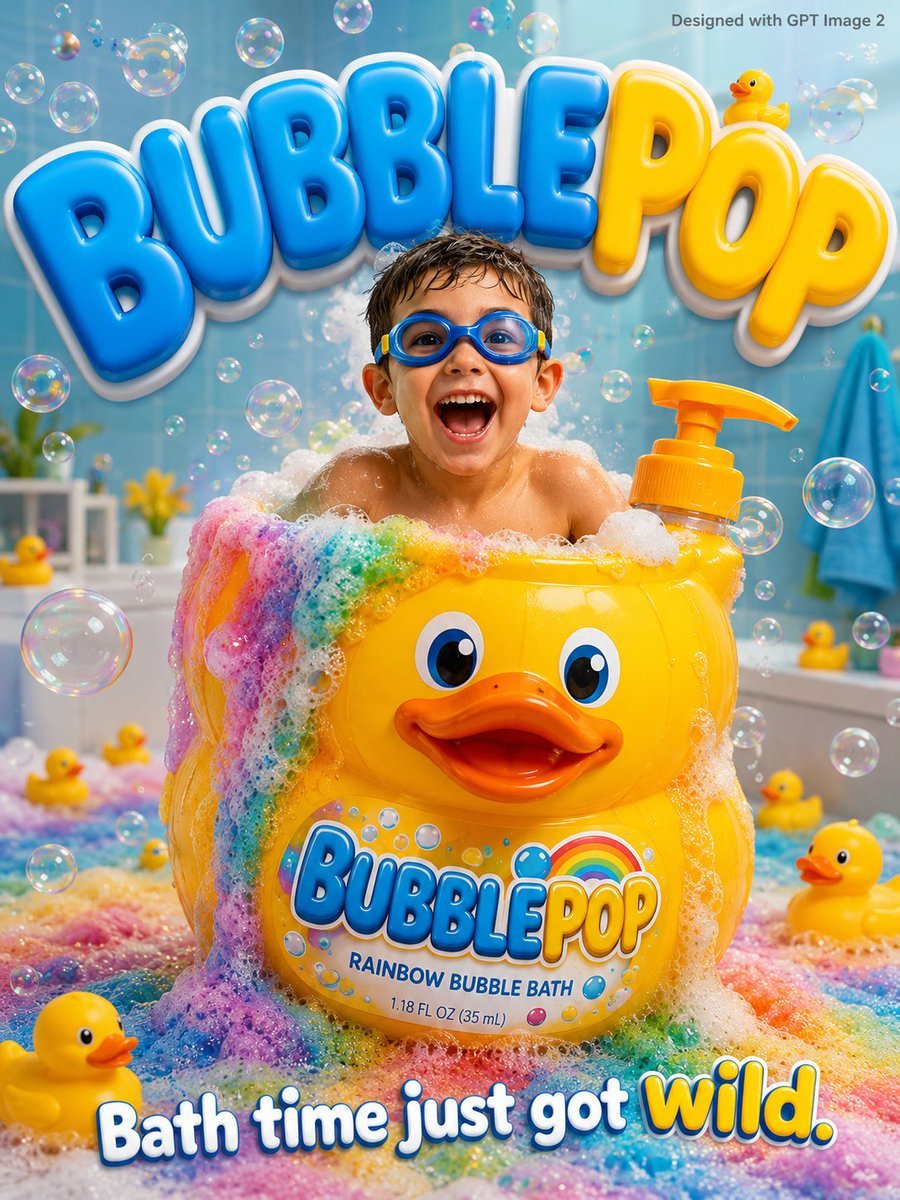
Kids Bath Product Advertisement Poster
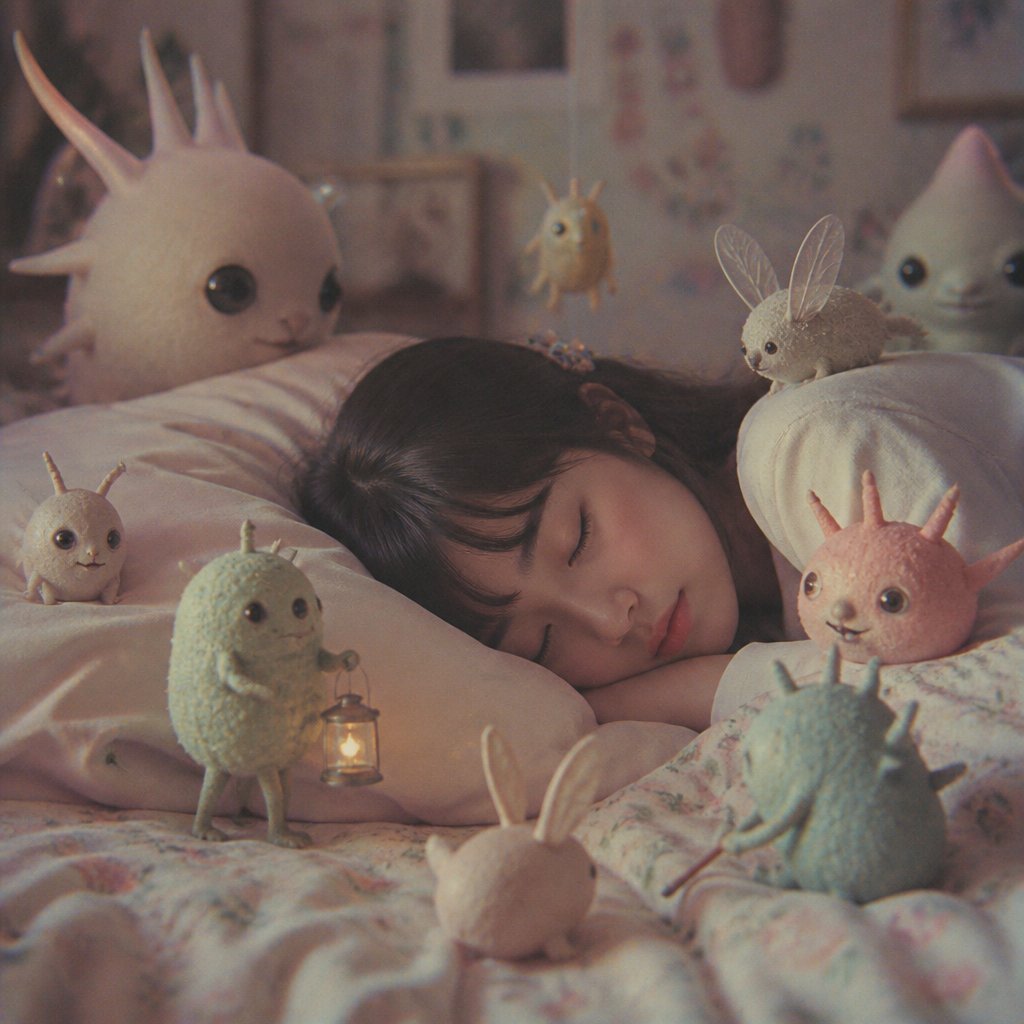
Sleeping Child with Dream Creatures
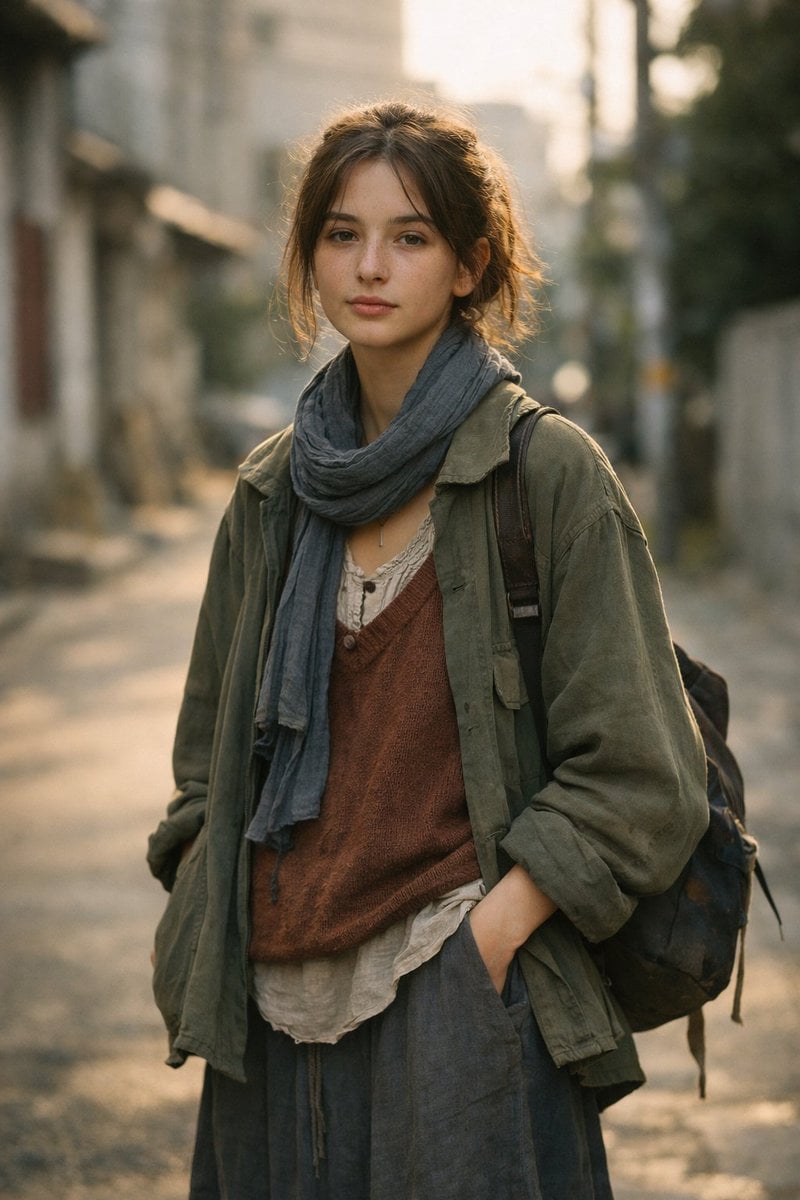
LLM prompt for generating a detailed travel itinerary for a trip to Japan
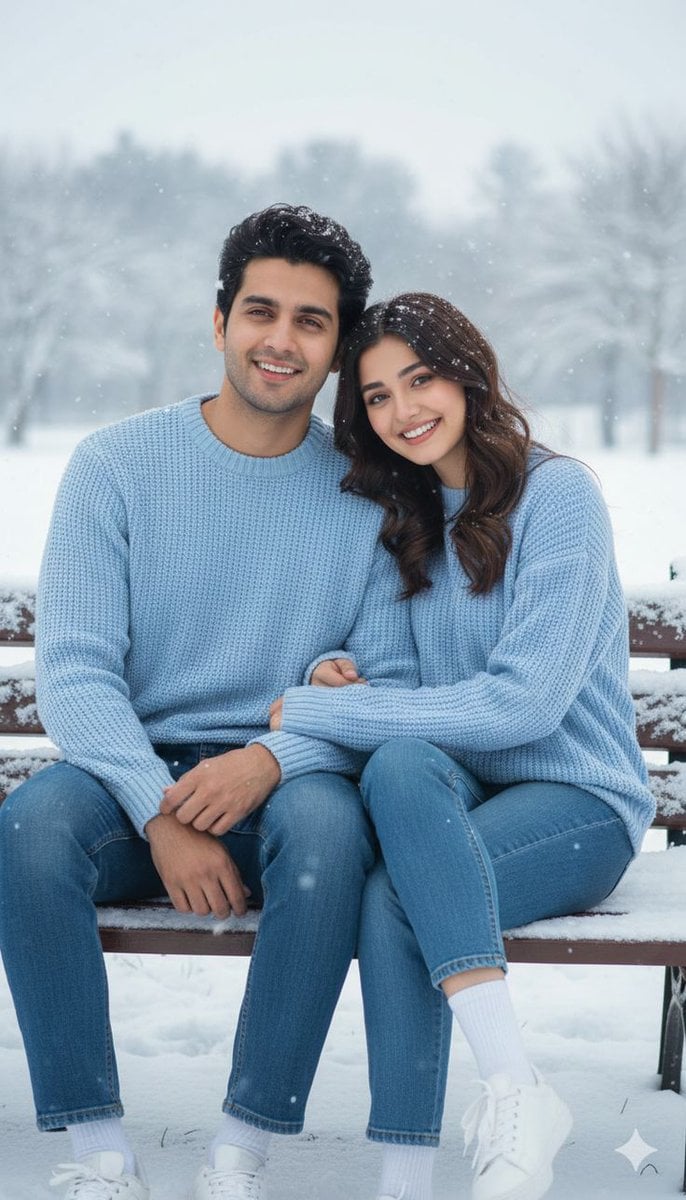
Romantic Pastel Illustration with Strict Identity Lock
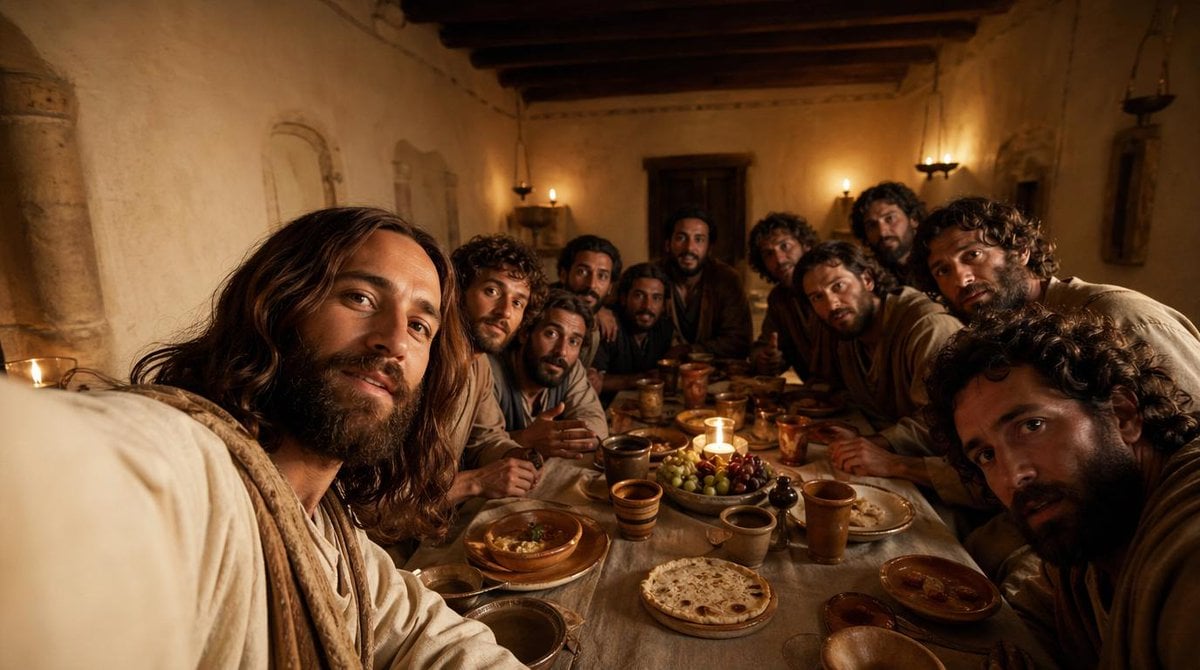
Cinematic Last Supper Scene
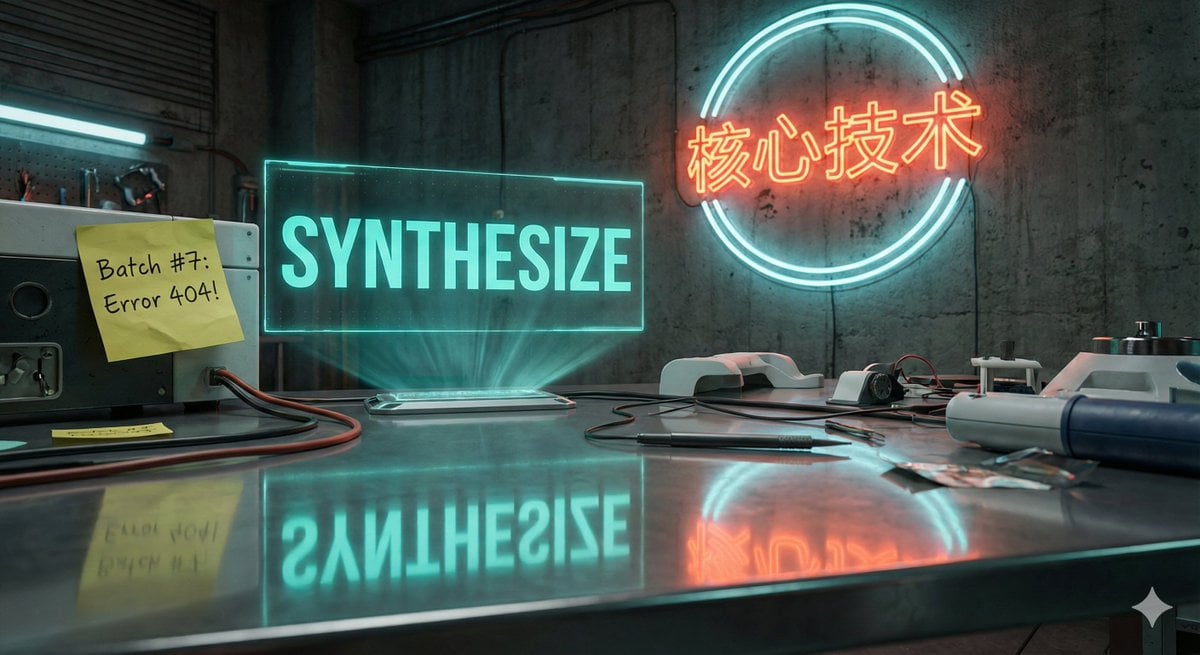
Futuristic Laboratory Text Accuracy Test Prompt
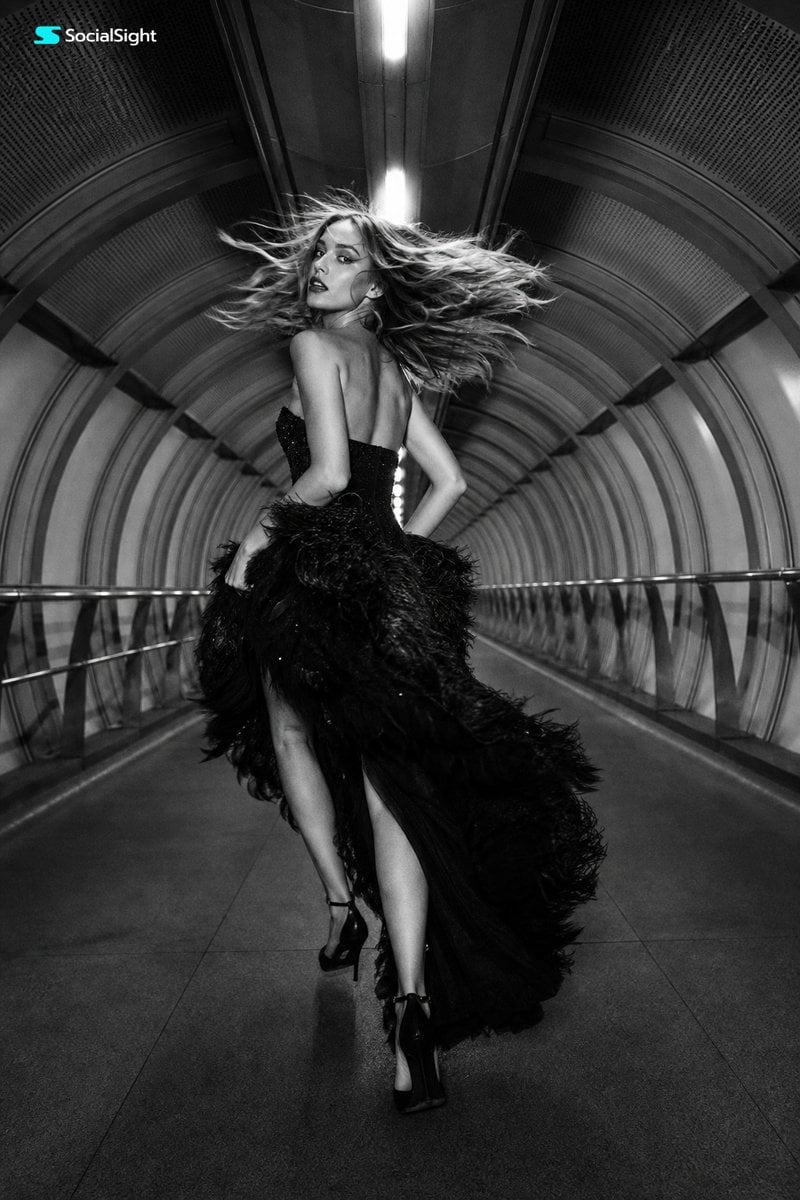
Futuristic Tunnel Fashion Editorial
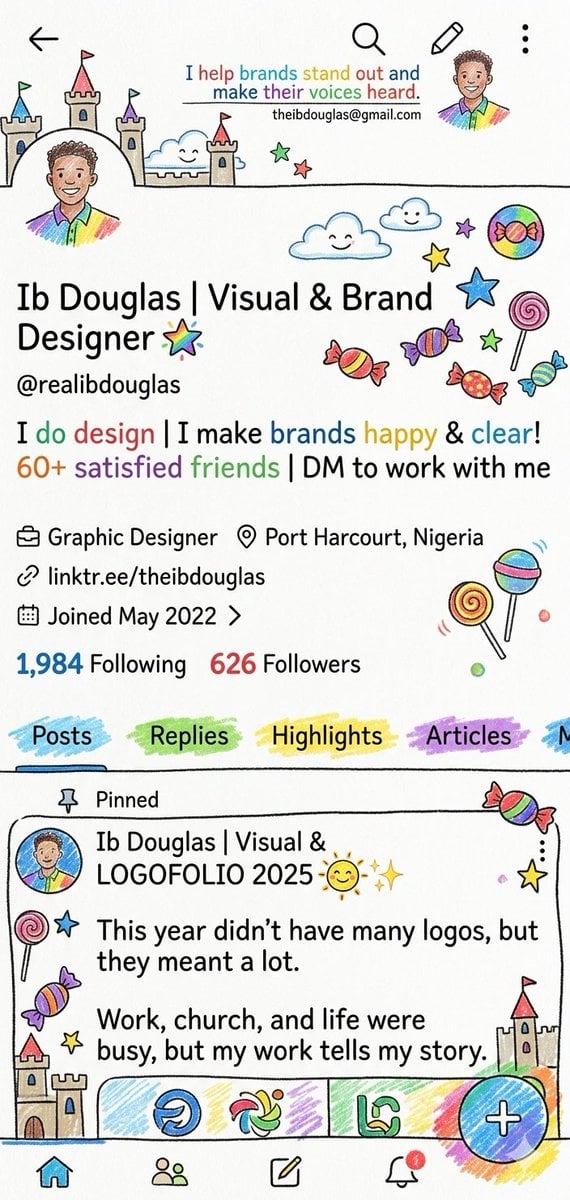
Whimsical Designer Profile UI
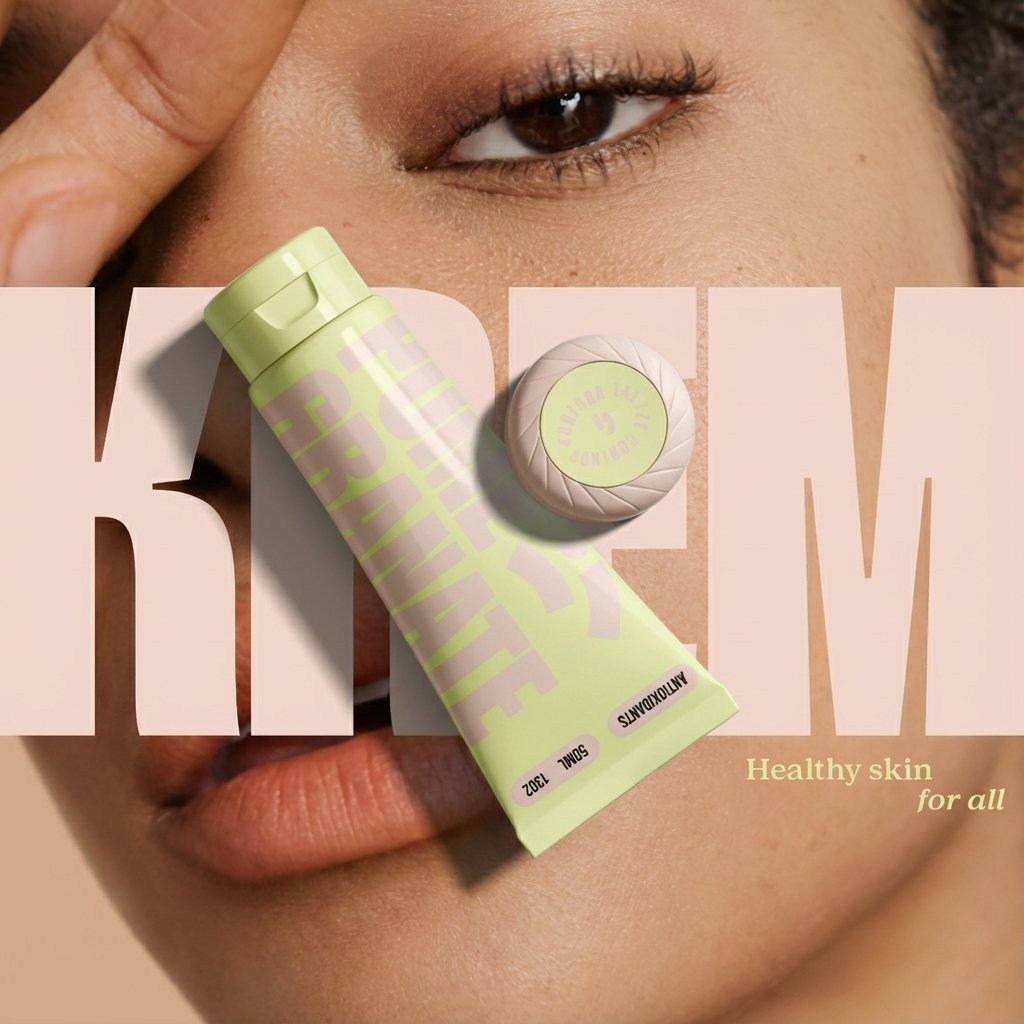
Ad recreation prompt using your product and brand aesthetics
Browse template categories
Vintage Lace Romance Collage questions
How do I use the Vintage Lace Romance Collage template?
Add your photo if the template asks for one, edit the prompt if you like — the template's model and format are already selected — and press Generate. Your version opens in PicX Studio.
Can I customize the Vintage Lace Romance Collage template?
Yes. You can change the subject, setting, lighting, mood, format, and available model controls before creating your image.
Is the Vintage Lace Romance Collage template free?
Opening and editing this template is free. Generating uses credits, shown on the Generate button when you are signed in.
Which AI model should I use?
Choose a compatible model in PicX Studio based on the style, speed, and output controls your project needs.
Looking for something else? Browse all templates.

Your photo, any look
Thousands of ready templates for every top image and video model, from one credit balance.