How do I use the Romantic Vintage Boudoir Portrait Prompt template?
Choose the primary action to open PicX Studio with the available template settings. Review the model and format, personalize the creative direction, and generate when ready.
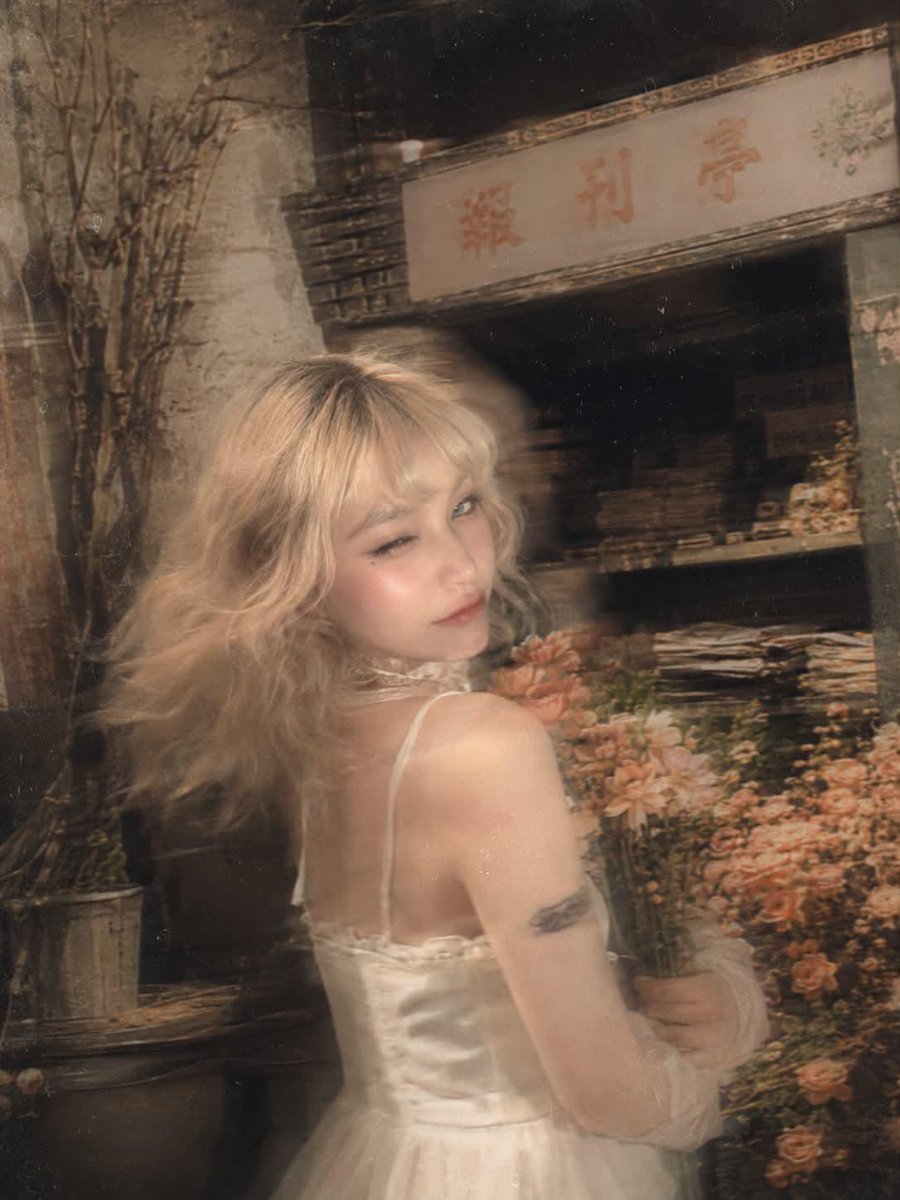
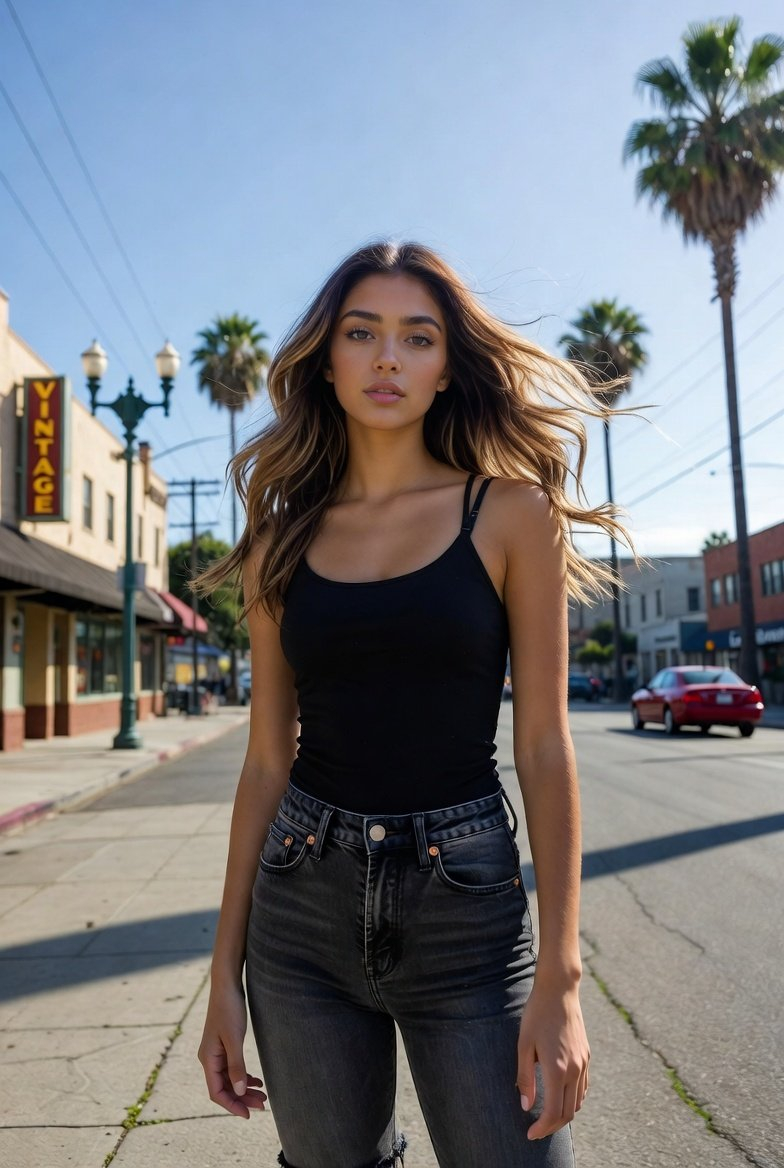
A highly detailed JSON-formatted prompt for generating a romantic vintage boudoir portrait of a young woman. It specifies the subject's features, wardrobe, pose, lighting, and aesthetic (cottagecore) for a dreamy, intimate feel. (free to use) — Free AI image template on PicX Studio.
{ "prompt": "Romantic vintage boudoir portrait, young woman with long platinum white blonde wavy hair falling past shoulders, standing in vintage room, head turned slightly to right looking off camera with soft dreamy wistful expression, light blue green eyes, natural soft makeup with peachy pink lips, fair porcelain skin, left hand raised up to left shoulder with fingers gently touching strap and collarbone delicately, wearing cream beige sheer chiffon floral print slip dress camisole with pink and green flower pattern, pink crystal rhinestone beaded trim along v-neckline and thin spaghetti straps, vintage floral wallpaper background in cream gold and dusty pink botanical leaf and flower pattern, white wooden door frame visible on left edge, warm soft natural indoor lighting with golden tones, romantic dreamy feminine mood, vintage cottagecore aesthetic, intimate close-up portrait from chest up, 3:4", "negative_prompt": "outdoor, harsh lighting, heavy makeup, modern background, bright colors, studio backdrop", "style": "romantic vintage boudoir, cottagecore aesthetic, dreamy feminine portrait, soft natural lighting", "aspect_ratio": "3:4", "camera": { "type": "portrait photography", "angle": "front facing, slightly angled, eye level", "framing": "close-up portrait from chest up to top of head" }, "lighting": { "type": "soft warm natural indoor light", "quality": "golden warm tones, diffused gentle illumination", "atmosphere": "intimate vintage room with warm ambient glow" }, "mood": "romantic, dreamy, soft, feminine, wistful, intimate, vintage", "color_palette": "platinum blonde, cream beige floral dress, pink green floral print, pink crystal trim, gold cream pink floral wallpaper, warm golden tones", "subject_features": { "hair": "long platinum white blonde, soft wavy texture, middle parted, falling past shoulders", "skin": "fair, porcelain, natural soft glow", "eyes": "light blue green, looking off to the right, soft dreamy gaze", "lips": "peachy pink, natural soft", "eyebrows": "natural, soft shape", "expression": "soft, dreamy, wistful, romantic, slightly melancholic" }, "makeup": { "style": "natural soft romantic makeup", "base": "natural dewy skin", "eyes": "soft neutral eyeshadow, natural lashes", "lips": "peachy pink natural" }, "wardrobe": { "dress": "cream beige sheer chiffon slip dress or camisole, floral print pattern with pink flowers and green leaves, deep v-neckline, thin spaghetti straps, pink crystal rhinestone beaded trim along neckline edge" }, "pose": { "body": "standing facing camera with slight angle", "left_hand": "raised up to left shoulder, fingers delicately touching strap and collarbone", "head": "turned slightly to right", "gaze": "looking off camera to the right with dreamy expression" }, "setting": { "location": "vintage room interior", "wallpaper": "cream gold and dus
Use Romantic Vintage Boudoir Portrait Prompt to plan an AI image around nano-banana-2 generation. Match the preview's composition first, then personalize the subject, setting, and mood for your own project.
Use the primary action to load the template settings in PicX Studio.
Adjust the subject and creative details for your destination.
Create the image, compare the result with the preview, and refine one variable at a time.
A continuous mix — similar concepts first, woven with same-model prompts and fresh picks from the catalog.
Choose the primary action to open PicX Studio with the available template settings. Review the model and format, personalize the creative direction, and generate when ready.
Yes. You can change the subject, setting, lighting, mood, format, and available model controls before creating your image.
This template is free to open and customize. Generation usage is shown in PicX Studio before you create.
Start with nano-banana-2, which is the model associated with this template. You can compare another compatible model for a different finish.
Follow a topic to a crawlable collection of related PicX Studio templates.
39,155 public templates available. Verified via the PicX Studio public templates API; refreshed hourly.
A continuous mix — similar concepts first, woven with same-model prompts and fresh picks from the catalog.