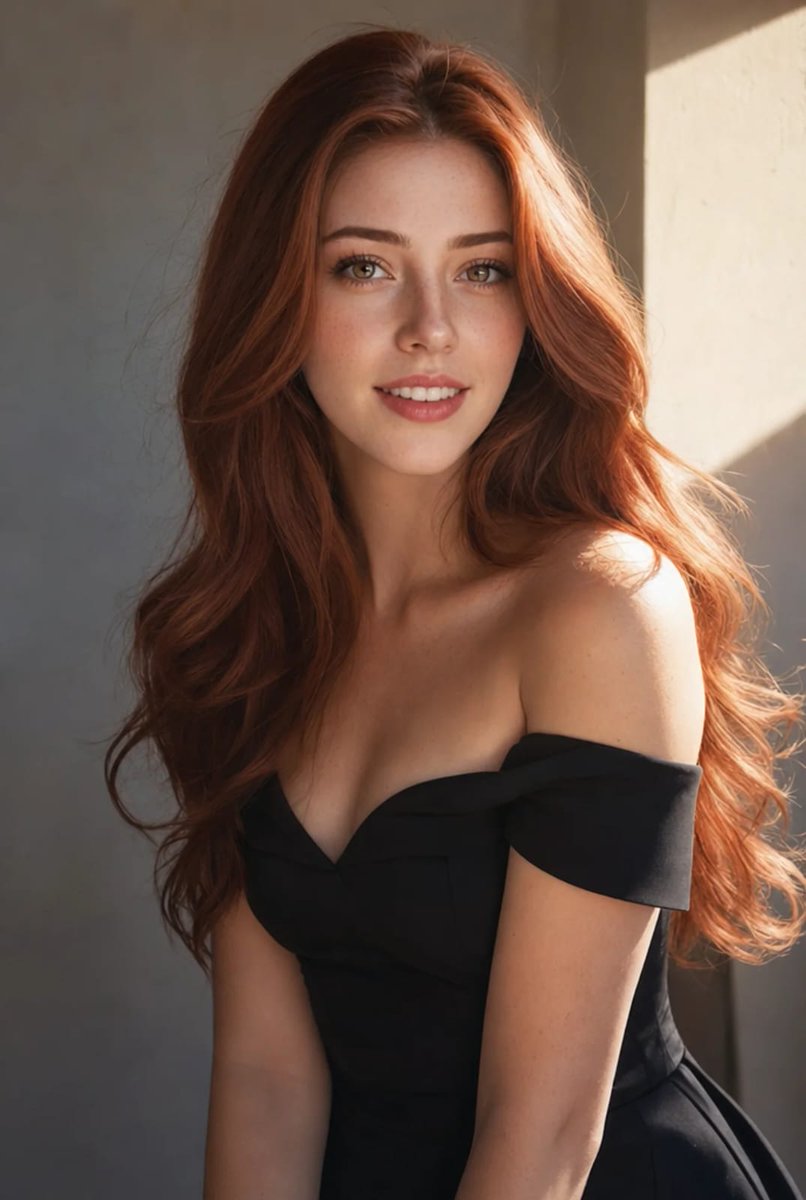
How do I use the 89-cinematic-hollywood-portraits-by-grok-ai template?
Choose the primary action to open PicX Studio with the available template settings. Review the model and format, personalize the creative direction, and generate when ready.
From @Callme_Chemist on X | Score: 66.3 Change the subject, setting, or lighting one variable at a time.

A strikingly beautiful young woman in her early 20s with long wavy sun-kissed brunette hair, glowing tan skin, expressive hazel eyes, delicate yet confident facial features, natural makeup with glossy lips, wearing an off-shoulder white long-sleeve crop top and high-waisted light-wash distressed jeans, black combat boots, layered delicate necklaces, standing boldly in the middle of a vibrant Hollywood street, iconic Hollywood Boulevard atmosphere, palm trees lining the sidewalk, classic theater signs and Hollywood lettering visible in the background, golden hour sunlight, warm cinematic lighting, adventurous free-spirited energy, urban jungle feel, dreamy yet powerful pose with one hand on hip, looking slightly upward with a determined dreamy expression, cinematic composition, highly detailed, photorealistic, 8k, shot on Sony A1, 50mm lens, shallow depth of field, --ar 2:3 --v 6 --q 2
Choose the primary action to open PicX Studio with the available template settings. Review the model and format, personalize the creative direction, and generate when ready.
Yes. You can change the subject, setting, lighting, mood, format, and available model controls before creating your image.
This template is free to open and customize. Generation usage is shown in PicX Studio before you create.
Start with nano-banana, which is the model associated with this template. You can compare another compatible model for a different finish.
© 2026 PicX Studio. All rights reserved.

Follow a topic to a crawlable collection of related PicX Studio templates.
43,474 public templates available. Verified via the PicX Studio public templates API; refreshed hourly.






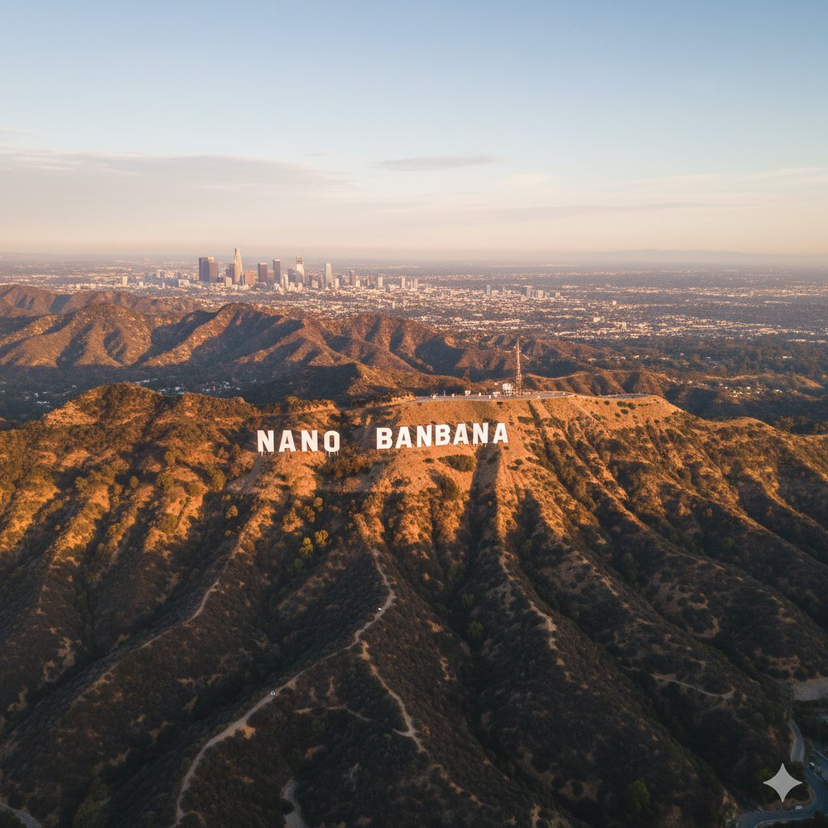



![118-google-nano-banana-pro-skincare-product- — A professional skincare shot of a [product container] with [cap/lid], labeled [brand, product, descriptor, volume](/_next/image?url=https%3A%2F%2Fcdn.picxstudio.com%2Fuploads%2Fpost118_img0_332898b8-29ea-42a9-87ab-9ed746a3f944.jpg&w=828&q=100)

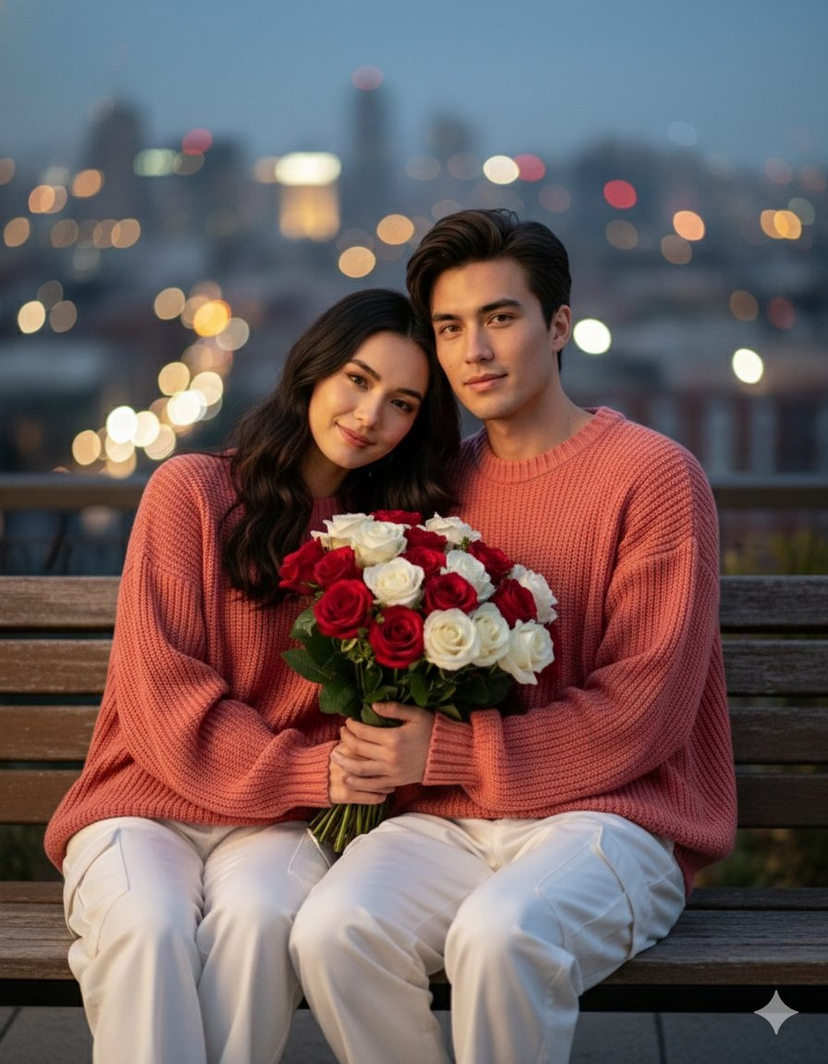


![69-untitled — FORMAT: 15s / 145 BPM / 14 SHOTS
SUBJECT: @[image1]
WARDROBE: Clean modern outfit
ENVIRONMENT: Street / indoor transitions
MOOD: Discovery → contr](/_next/image?url=https%3A%2F%2Fcdn.picxstudio.com%2Fuploads%2Fpost69_img0_d45faecf-38c3-4bcb-81a4-f6eb1cf42bb2.jpg&w=828&q=100)






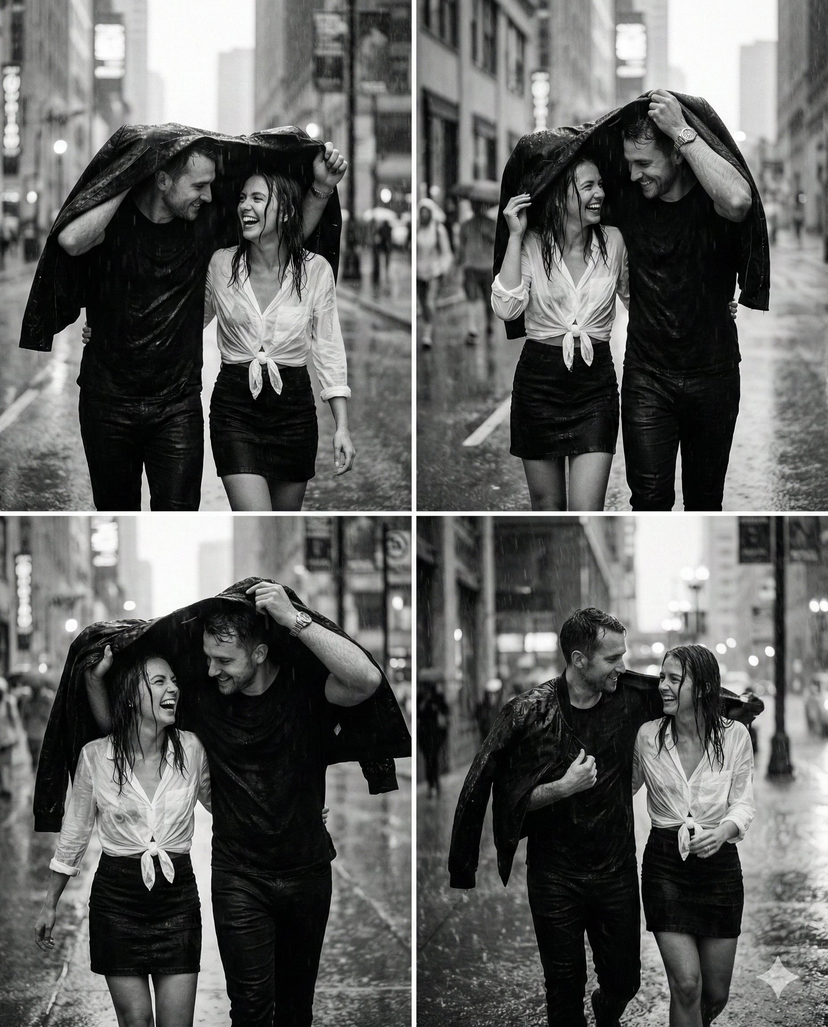

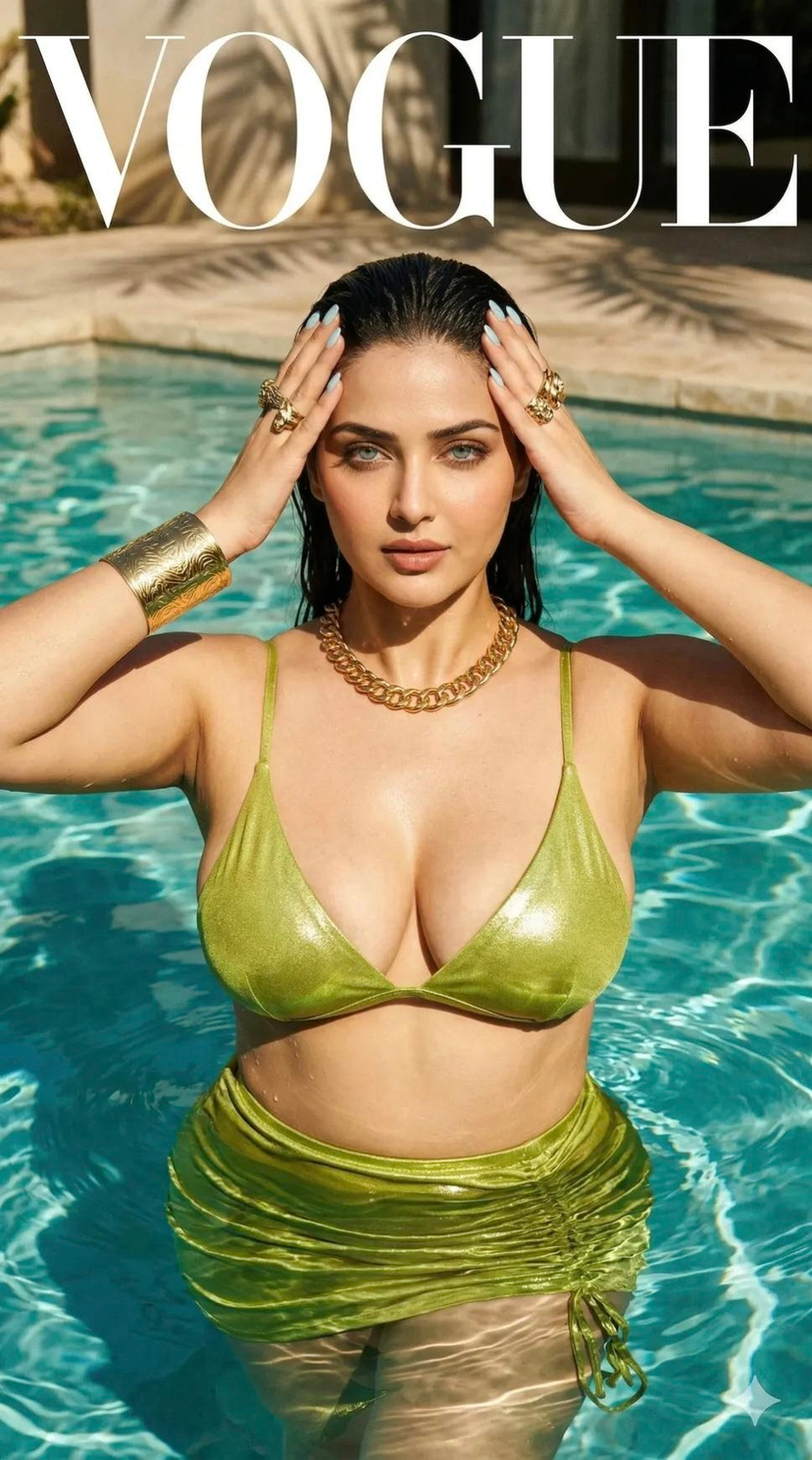





![79-cinematic-sport-logo-render-in-midjourne — 3d render of [logo name/ shape,...] made out of clear glass, glowing and sparkling with light reflections, on a bl](/_next/image?url=https%3A%2F%2Fcdn.picxstudio.com%2Fuploads%2Fpost79_img0_a5057526-9cc7-4a02-805f-4faa62dd929b.jpg&w=828&q=100)
![86-hyper-realistic-ai-selfie-prompt-generat — Raw iPhone [model] photo, [shot type] of [character details: age, ethnicity, specific features], [hair with imperf](/_next/image?url=https%3A%2F%2Fcdn.picxstudio.com%2Fuploads%2Fpost86_img0_c444d40d-a07d-4013-8b75-e692799481c0.jpg&w=828&q=100)





![75-cinematic-sport-in-midjourney-v7 — [close-up] of [an athlete performing a key action] in [sport-specific environment],
with dramatic lighting, high-speed ph](/_next/image?url=https%3A%2F%2Fcdn.picxstudio.com%2Fuploads%2Fpost75_img0_29c96604-31bd-49f1-88dd-2396ed946239.jpg&w=828&q=100)