Mirror Selfie with Strict Identity Lock in Preppy School Outfit
{
"image_generation_prompt": {
"subject": {
"description": "young woman taking a mirror selfie in a bedroom, Use uploaded reference image, keep identity exact",
"identity_lock": "STRICT — Use uploaded reference image, keep identity exact. Preserve face, hair, eyes, proportions. Do not alter identity.",
"pose": {
"type": "mirror selfie pose",
"body_position": "standing upright facing mirror",
"legs": "slightly together with relaxed stance",
"arms": "one hand holding phone in front of face, other hand resting on hip",
"head": "slightly tilted with soft smile toward mirror"
}
},
"face_details": {
"instruction": "Use uploaded reference image, keep identity exact",
"expression": "soft confident smile",
"skin": "natural texture with slight indoor lighting softness",
"eyes": "looking at phone screen reflection",
"clarity": "face must be sharp and realistic even through mirror"
},
"hair": {
"instruction": "Preserve hairstyle exactly",
"style": "blonde wavy hair",
"details": "soft curls with volume, natural shine"
},
"clothing": {
"outfit": "preppy school-inspired outfit",
"top": "black cardigan over white collared shirt with tie",
"bottom": "blue plaid skirt",
"accessories": "heart-shaped belt buckle",
"shoes": "black glossy shoes with white socks",
"details": "clean, neat styling"
},
"props": {
"phone": "smartphone with decorative case and charm",
"mirror": "full-length mirror with subtle rainbow edge reflection",
"background_items": "dresser and TV screen visible behind subject"
},
"environment": {
"setting": "modern bedroom",
"lighting": "soft indoor daylight",
"details": "neutral walls, carpet floor, minimal clutter"
},
"lighting": {
"type": "natural indoor lighting",
"quality": "soft and even",
"effect": "clean, slightly warm tones",
"imperfections": "minor shadow falloff and reflection artifacts from mirror"
},
"camera": {
"type": "smartphone selfie camera",
"lens": "standard phone lens",
"angle": "straight-on mirror angle",
"focus": "sharp focus on subject reflection",
"depth": "deep focus",
"imperfections": "slight noise, realistic phone camera softness"
},
"composition": {
"style": "casual lifestyle selfie",
"framing": "full body centered in mirror",
"balance": "subject centered with room elements behind"
},
"quality": {
"resolution": "high",
"rendering": "photorealistic",
"details": "clear clothing textures, realistic mirror reflection"
},
"negative_prompt": [
"different face",
"identity change",
"blurry face",
"low quality",
"distorte


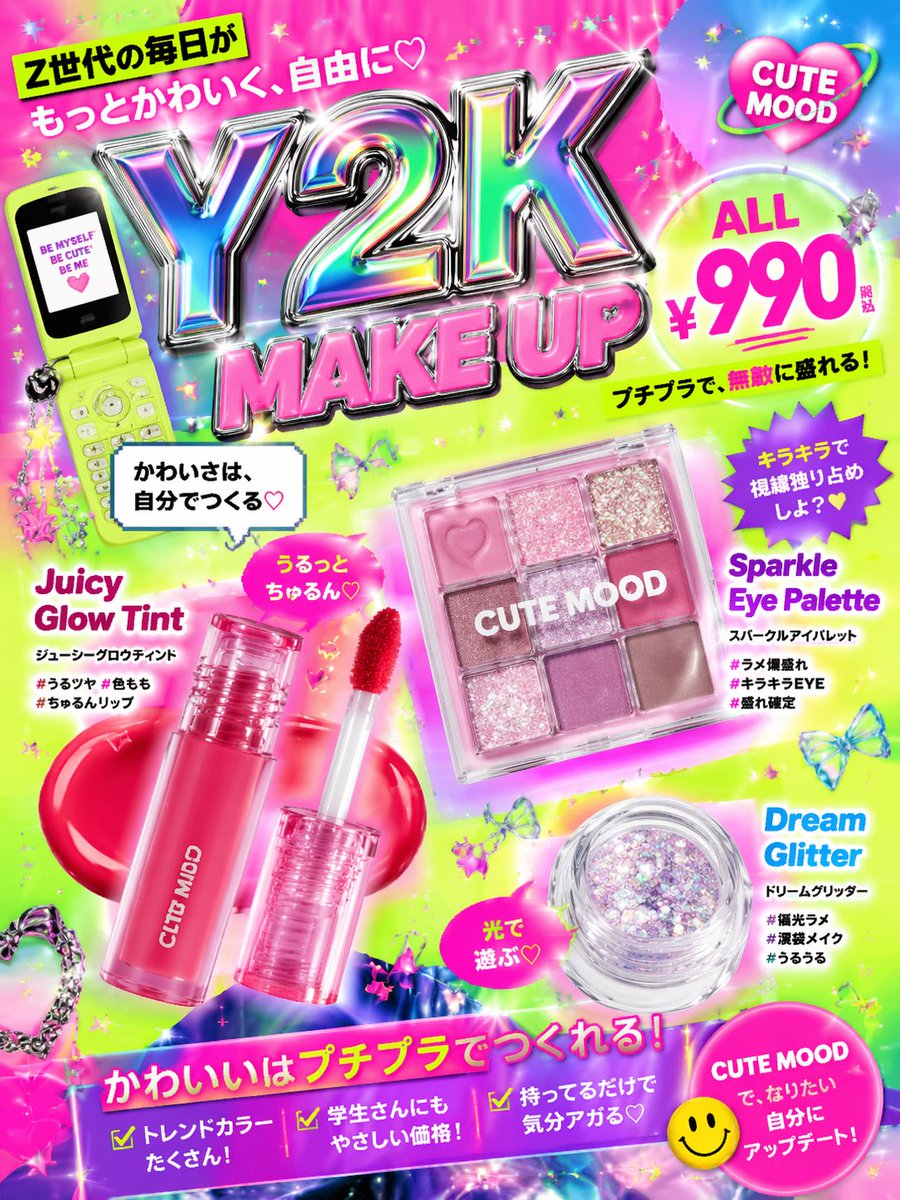




![Act as a Senior Vector Graphic Designer specializing in Y2K Japanese — [BRAND NAME]
Act as a Senior Vector Graphic Designer specializing in Y2K Japanese street](https://images.meigen.ai/tweets/2040157426775724206/0.jpg)



![Act as a Senior Vector Graphic Designer specializing in Y2K Japanese — [BRAND NAME]
Act as a Senior Vector Graphic Designer specializing in Y2K Japanese street](https://images.meigen.ai/tweets/2040769988466733167/0.jpg)
![Naive doodle-style subject illustration — A doodle-style {argument name="subject" default="[subject]"}, naive lines, humorous shape exaggeration](https://pbs.twimg.com/media/G6Wl2YxbsAARB2b.jpg)
























![Limestone Sculpture with Neon Glow Prompt — Close-up three-quarter bust sculpture of {argument name="character name" default="[Character Name]"} carved from gre](https://pbs.twimg.com/media/HBxIh1IaAAA9uvF.jpg)


