
Y2K CCD Camera Portrait
A detailed prompt for creating an authentic early-2000s compact camera photograph, focusing on CCD sensor characteristics, specific outfit details, and natural lighting.
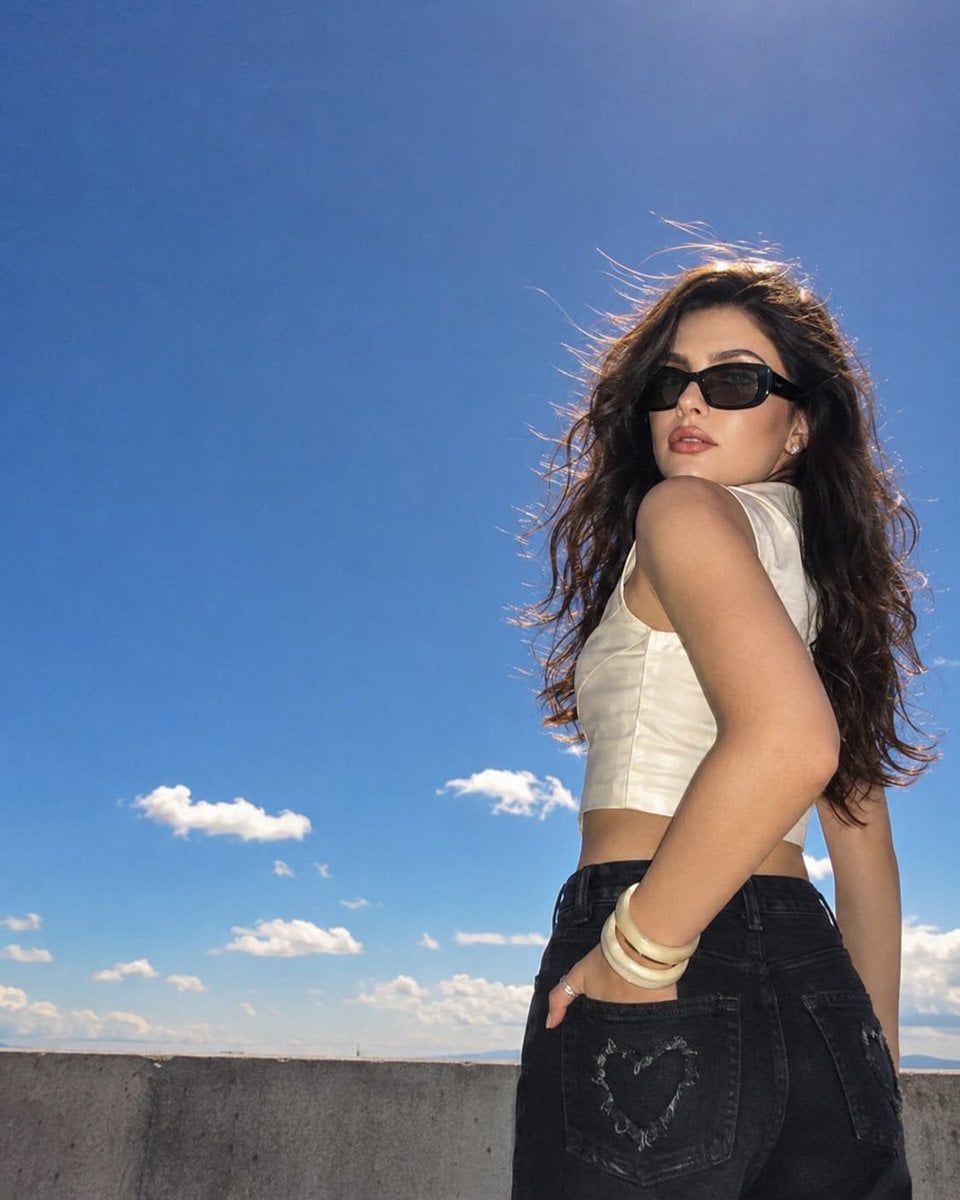
- Prompt included
- Model and format preset
- Free template
The prompt behind this image
Copy the exact prompt behind Y2K CCD Camera Portrait, or open it in the studio and make it yours.
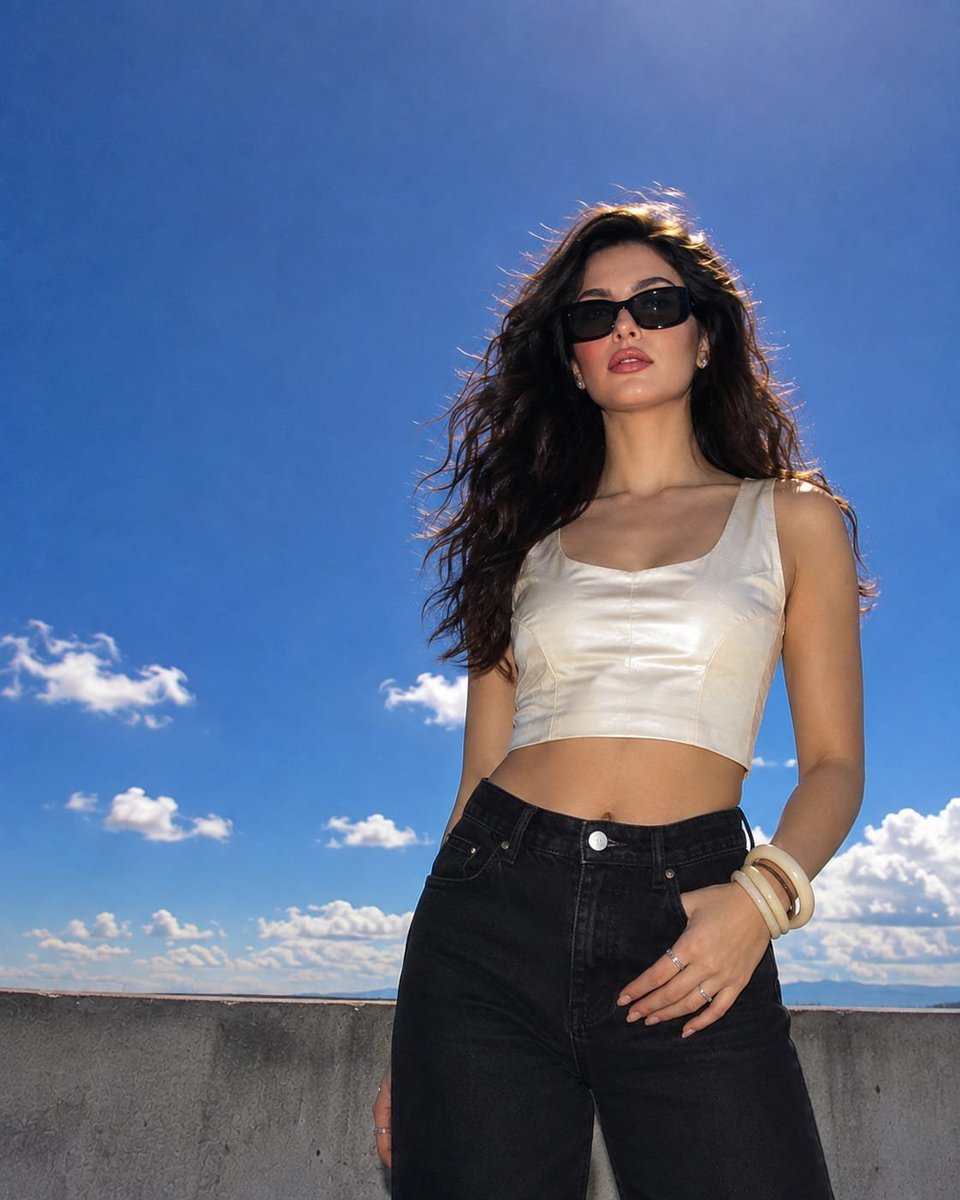
Use the attached image as the primary facial reference. Preserve her recognizable facial identity, natural facial proportions, subtle asymmetry, facial balance, and individual character. Keep the face completely authentic and unchanged—no beautification, reshaping, or feature alteration. Create an authentic early-2000s premium CCD compact-camera photograph with the unmistakable look of a straight-out-of-camera JPEG. Use a 24–28mm equivalent wide-angle lens and an unconventional low viewpoint, with the invisible camera placed naturally near ground level around her feet and aimed upward. The framing should feel spontaneous and slightly imperfect rather than professionally staged. Position her within the right third of the image, leaving roughly 70% of the frame to an expansive cobalt-blue sky. The nearest arm can appear subtly larger due to the wide-angle perspective, while her face stays naturally recognizable and proportionate. The camera must never be visible. She is dressed in a {argument name="top" default="tailored ivory satin sleeveless crop top"} with structured seams, paired with {argument name="pants" default="high-waisted black straight-cut jeans"}. Include a {argument name="detail" default="distressed heart-shaped detail"} on the rear pocket. She wears oversized glossy black rectangular sunglasses, chunky ivory resin bangles, a few delicate silver rings, and understated jewelry. Her pose should feel effortless: one hand casually tucked into the back pocket, the opposite arm hanging naturally by her side. Her torso is angled slightly away from the lens as she turns her head over one shoulder toward the camera, giving a calm, self-assured expression. Her long dark wavy hair is loose and moving naturally in the breeze, with fine flyaway strands catching the sunlight. Keep the setting spacious and uncluttered. A simple concrete rooftop or terrace should appear only along the bottom portion of the frame, while the deep cobalt sky dominates the composition. Add a handful of soft, naturally shaped warm-white clouds in the distance, maintaining plenty of clean negative space. The sun is positioned just beyond the upper edge of the image, slightly behind and above her. This creates a bright natural halo along her hair, shoulders, sunglasses, and outer silhouette. Individual loose hairs should glow subtly against the blue sky. Combine direct daylight with gentle on-camera flash-style fill, giving the image the characteristic luminous CCD compact-camera appearance without looking artificially lit. Preserve realistic skin: naturally fair with a subtle peach undertone, lightly flushed cheeks and nose, visible pores, fine peach fuzz, authentic micro-texture, and a healthy hydrated appearance. Add restrained liquid highlighter reflecting naturally across the cheekbones, bridge of the nose, brow bone, inner eye corners, cupid’s bow, and chin. Makeup remains refined and realistic: champagne-toned shimmer on the eyelids, naturally brushed-up feathered brows, softly separated lashes, and glossy bubble-gum-pink lips.
Reference images included
Y2K CCD Camera Portrait needs input media to work. They load alongside the prompt when you open it in the studio.
How to use Y2K CCD Camera Portrait in 3 steps
- 1Upload ImagePNG, JPG or paste
Add your photo
Upload the photo the template builds on. The prompt, model and format are already set.
- 2…a portrait of your subject in softgolden-hour light, 85mm…
Personalize
Edit the subject and creative details for your destination.
- 3Generate
Generate
Press Generate — your image is created in PicX Studio, so you can compare it with the original and refine one variable at a time.
More like this
Templates with the same subject, style or setup. Open one to see its prompt.
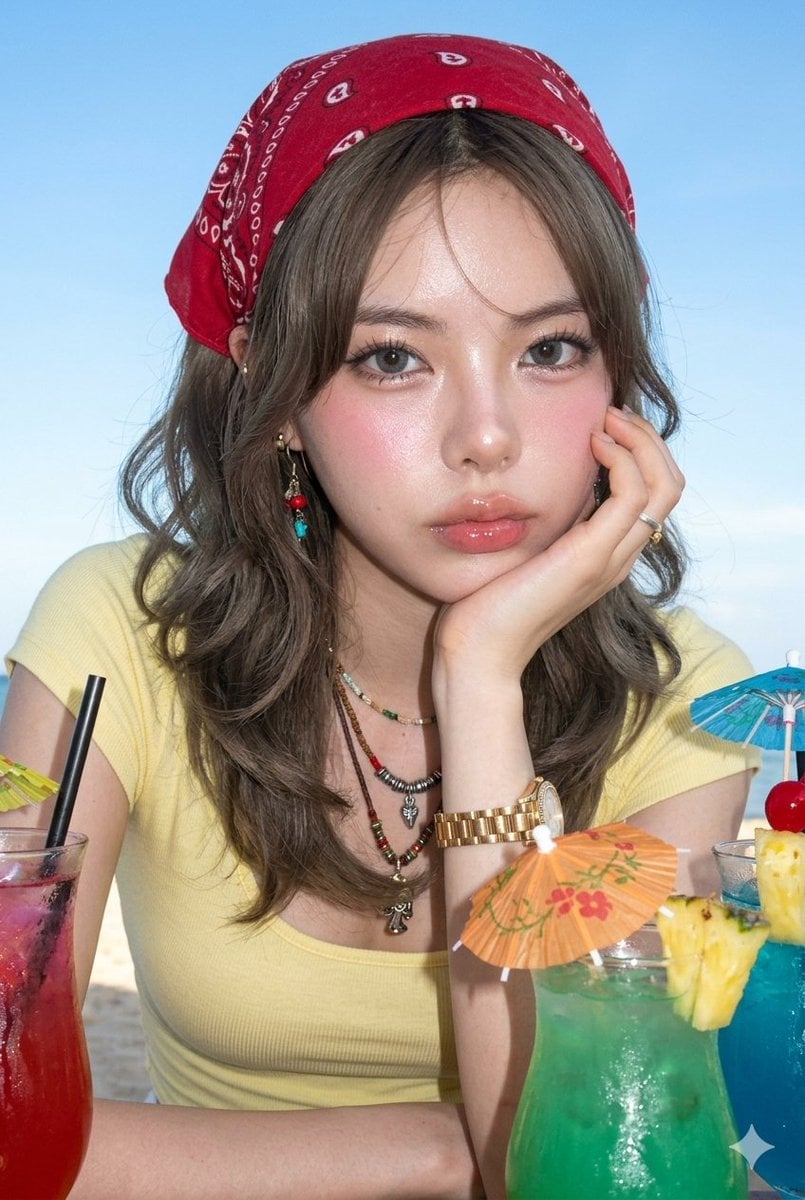
Hyper-Photorealistic CCD Camera Portrait
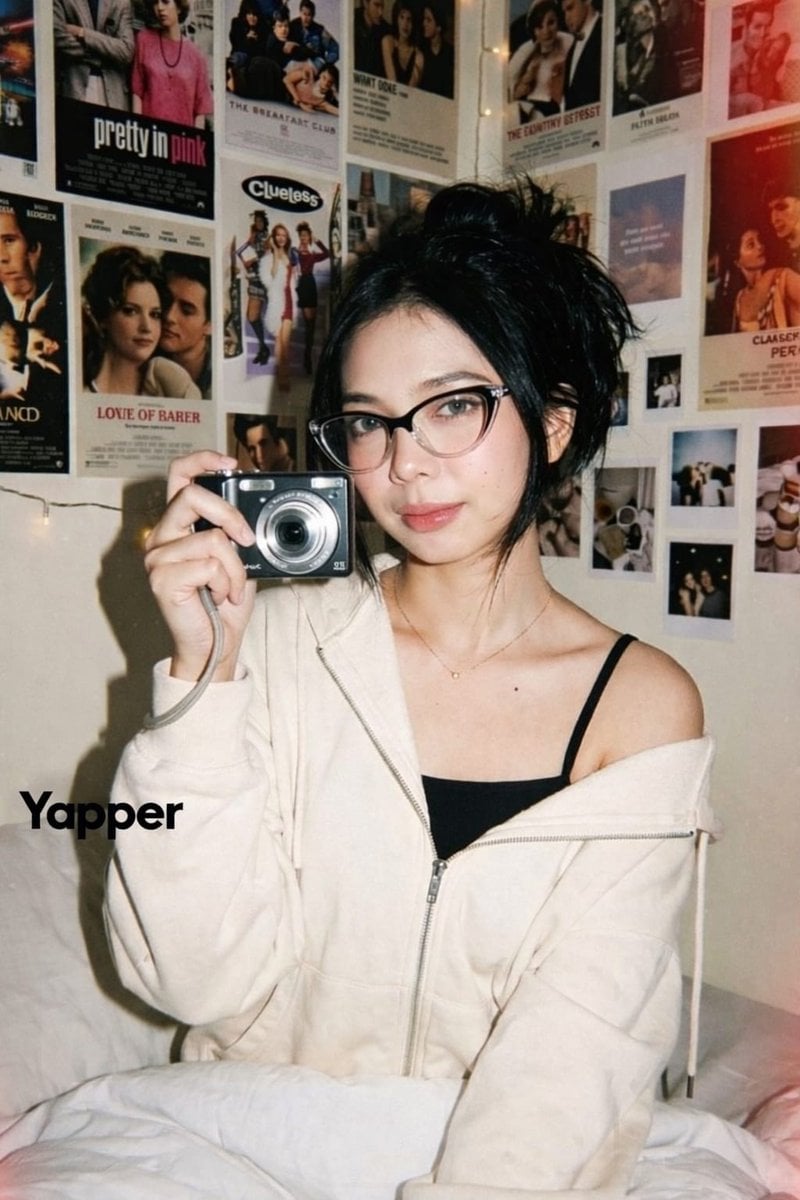
Y2K Candid Digital Camera Portrait of a Young Woman

Found Photograph: Us, 1970

80s Couple Studio Portrait

80s Bollywood Star

80s Golden Hour Cinema

Me in 1985

1985 Studio Portrait
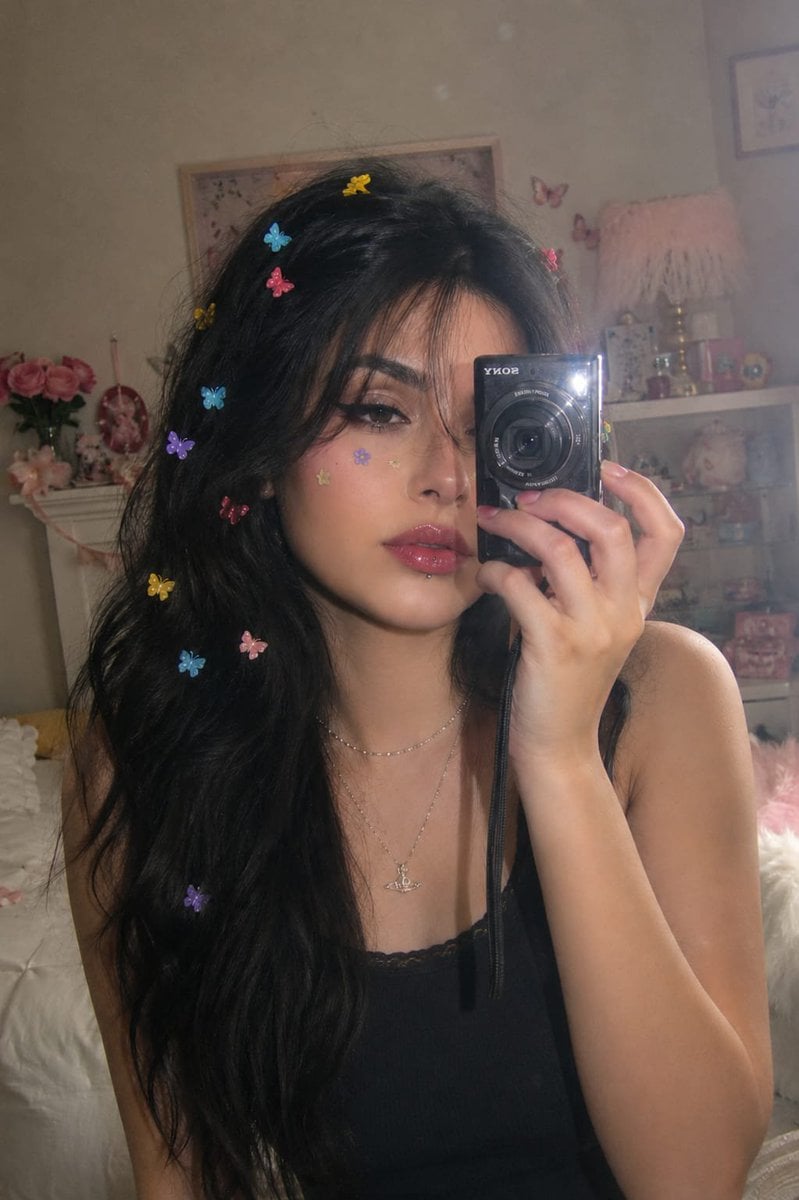
Dreamy Y2K Digital Camera Mirror Selfie

Hyper-Realistic Minecraft POV Portrait

Rooftop Fisheye — Cat-Ear Balaclava at Golden Hour
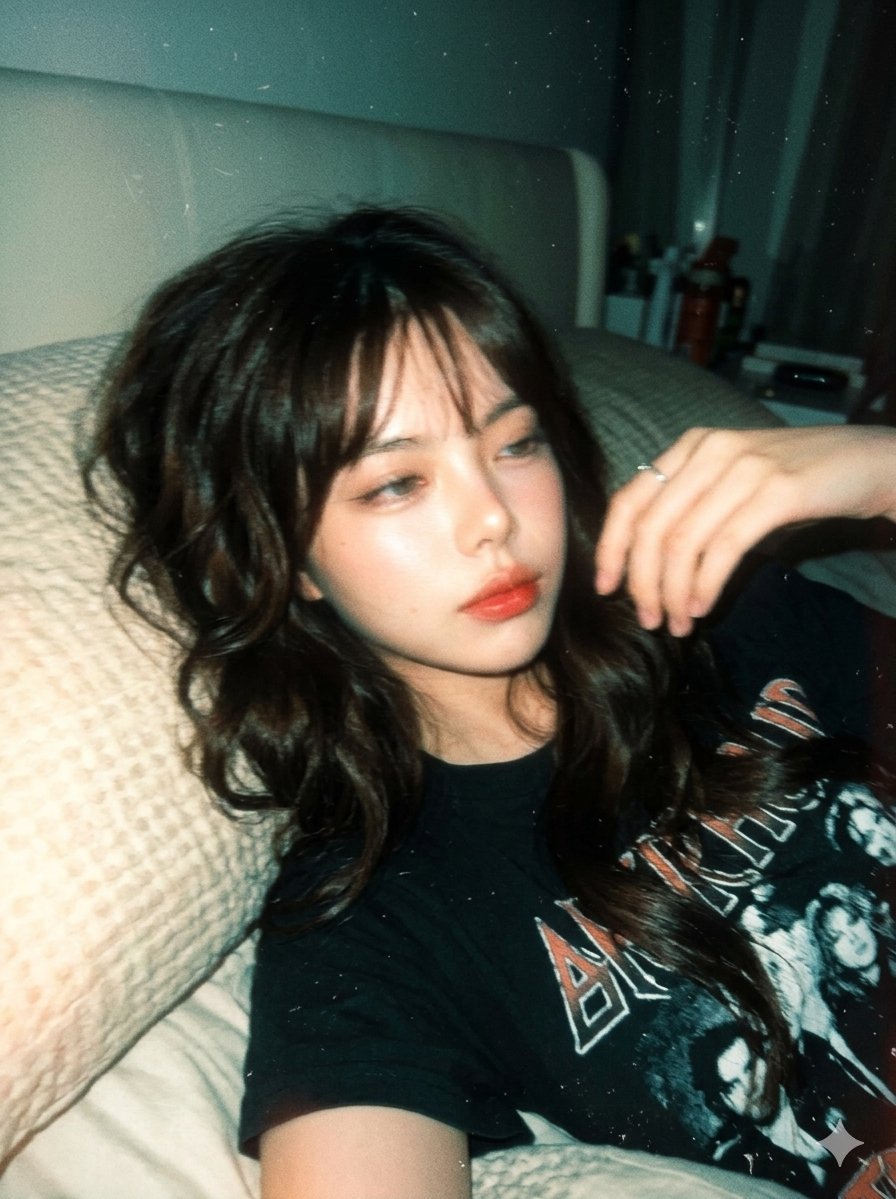
Y2K Disposable Camera Aesthetic
Make it yours
Y2K CCD Camera Portrait works as-is. These are the safest ways to change it without losing the look.
Change one field
Copy a single group, rewrite it, and generate again so you can see what that field is doing.
Keep the frame, change the subject
Hold the composition and light of Y2K CCD Camera Portrait, then swap wardrobe, props or the person for a new take.
| If the result… | Why | Fix |
|---|---|---|
| The result drifts from the preview | Too many fields changed at once. | Reuse Y2K CCD Camera Portrait as-is first, then change one group — subject, light, or setting. |
| The model over-stylizes the scene | The prose prompt leaves finish and camera underspecified. | Add one camera or lighting sentence and stay on GPT Image 2. |
More GPT Image 2 templates
Other prompts made for GPT Image 2.

Six VTuber Japanese Logo Sheet

Realistic Portrait of Woman and Deer

The Vista Modular Condo Poster

AI Model Routing Comparison Infographic

2.5D Anime Art Board

Isometric Productivity Desk Scene

New York Double Exposure Poster

Four-Panel AI Landscape Comparison

Japanese Tatami Lifestyle Magazine Cover

NESCAFÉ Coffee Map Poster
More image prompts
Fresh picks from across the catalog.
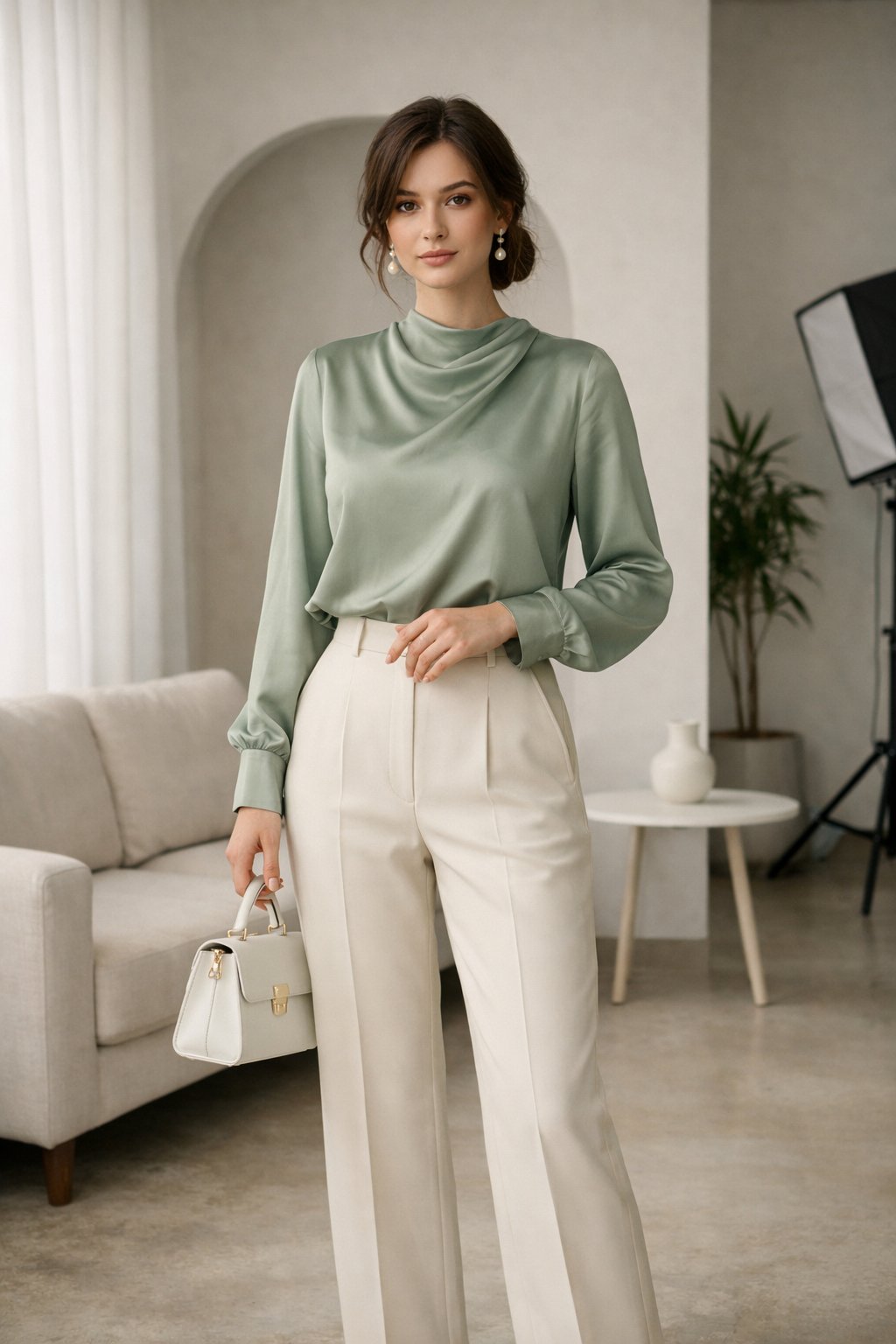
Fashion Editorial Description Using Goog
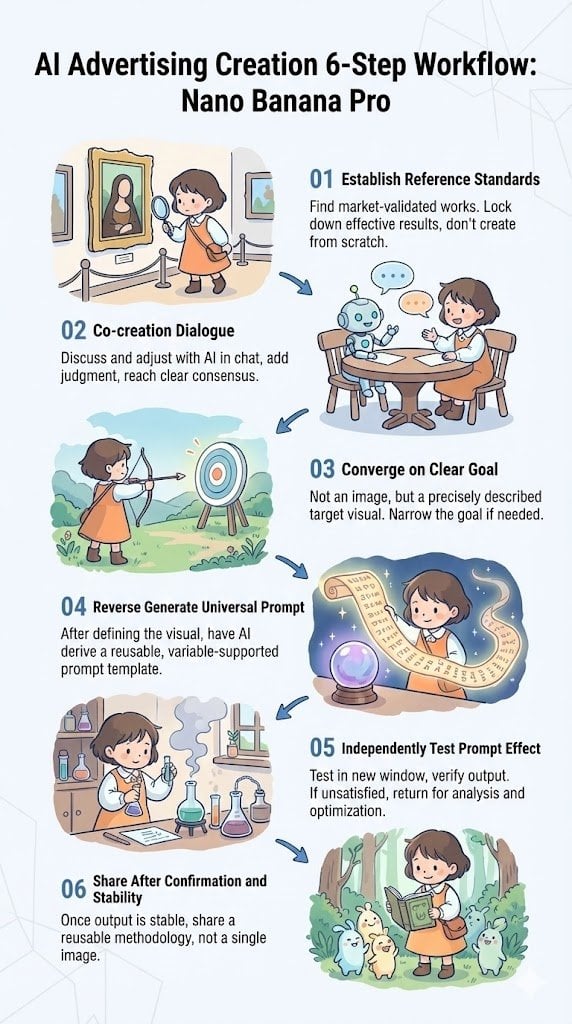
Reverse-Engineering Reusable Prompt Templates for Advertising
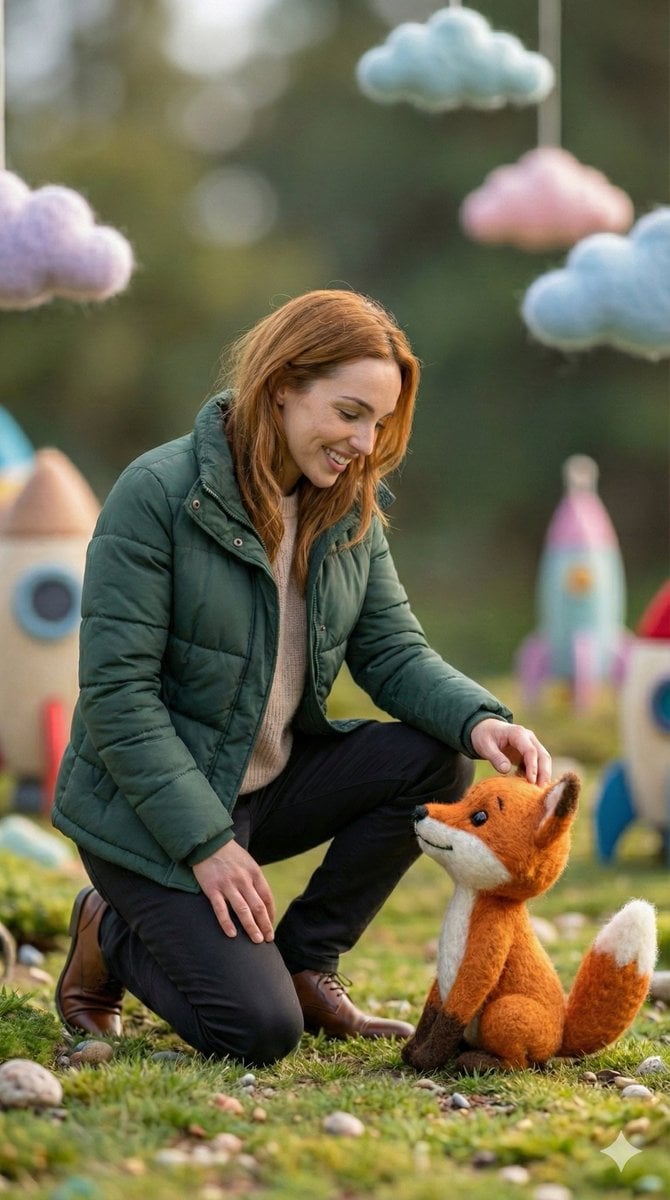
Photorealistic Human and Felt Fox Hybrid
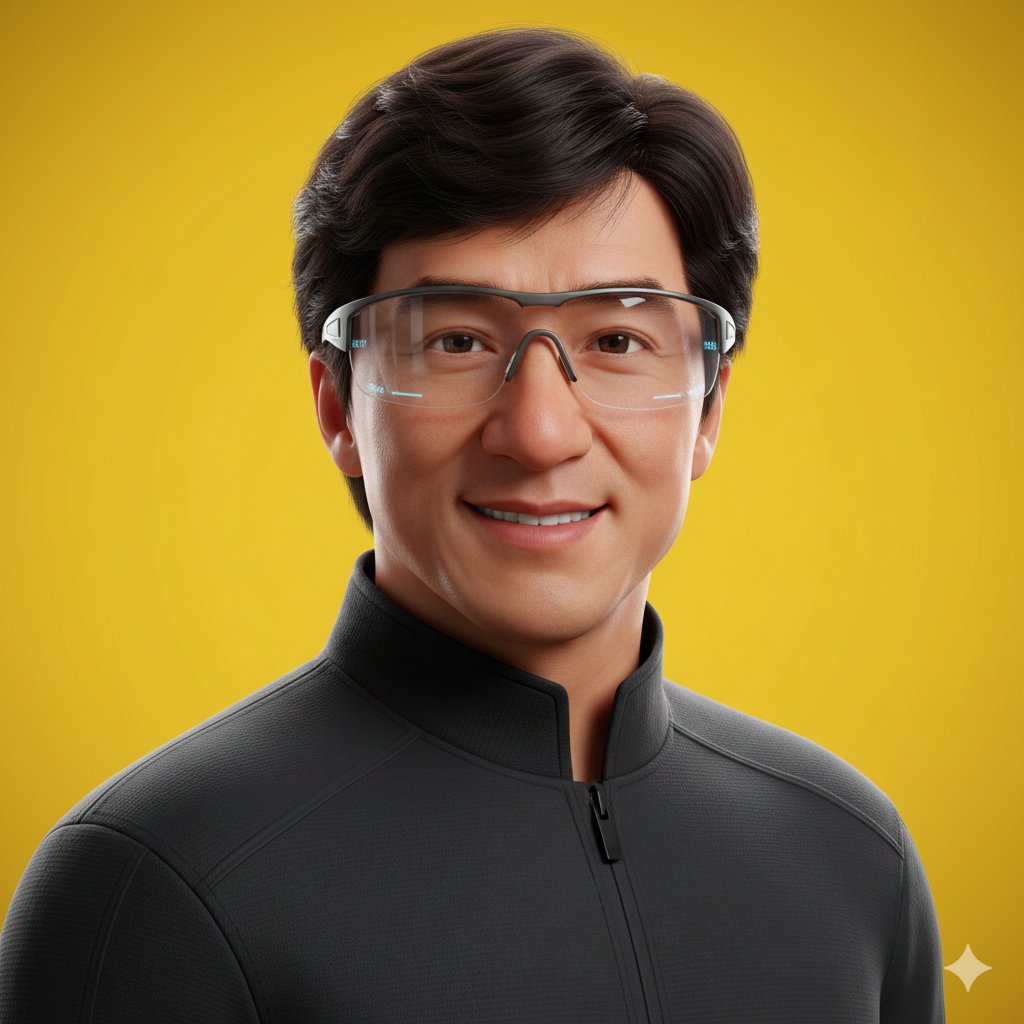
Pixar Style Headshot Prompt (Fixing Glasses Glare)
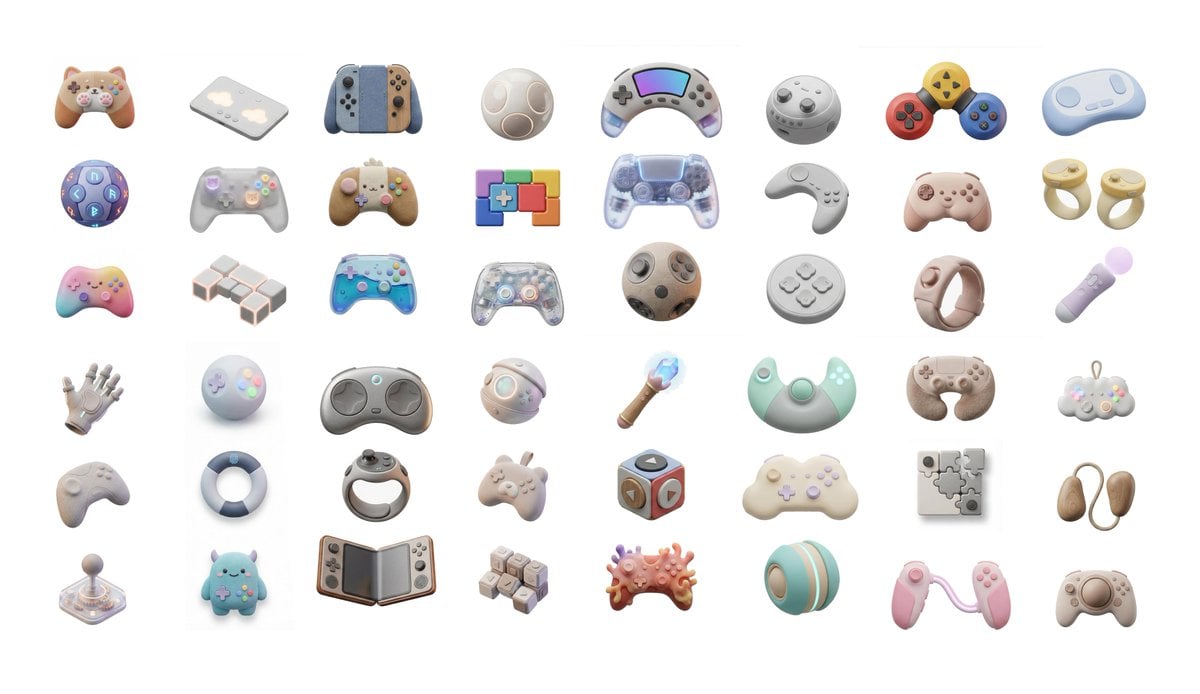
3D Artsy Video Game Controller Grid
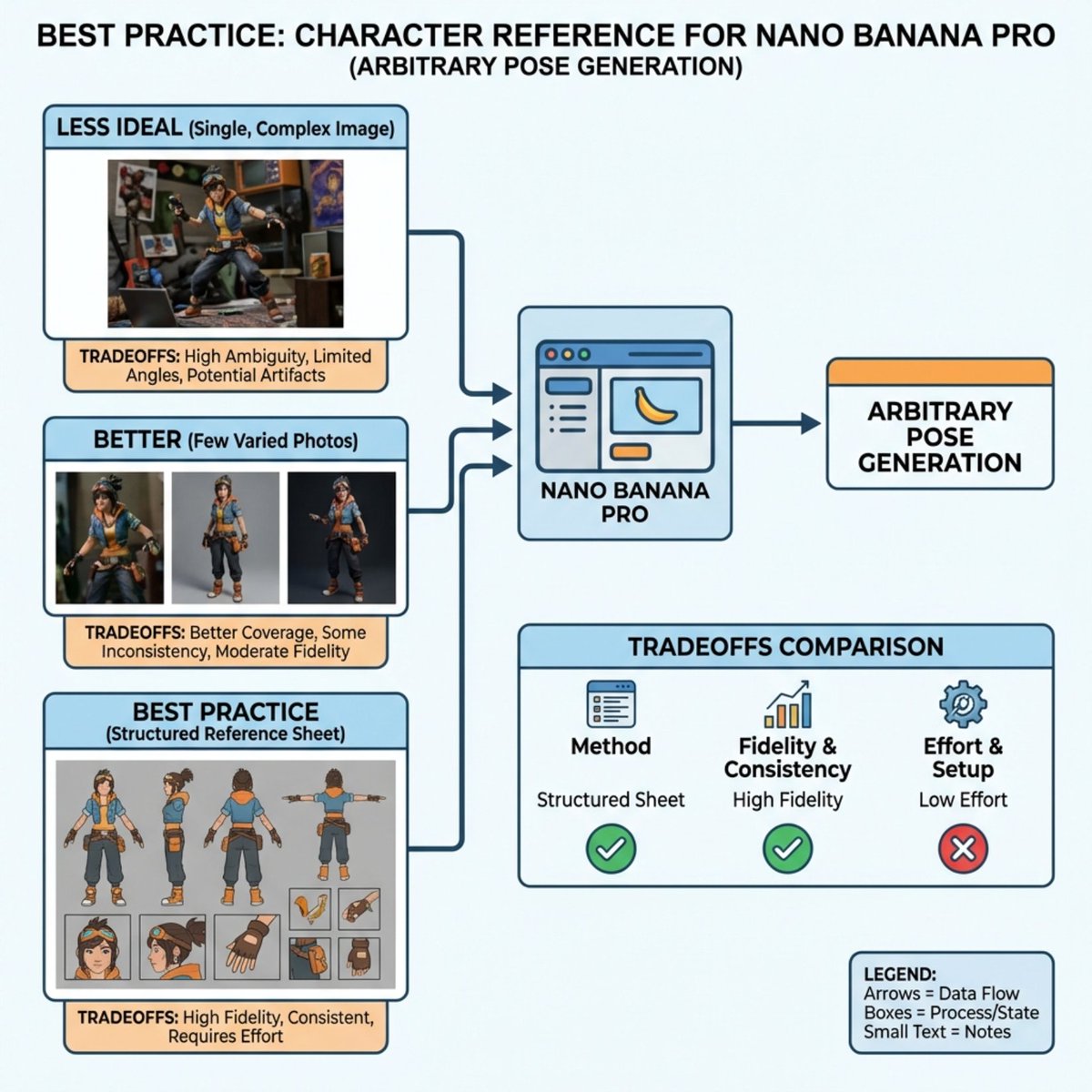
Nano Banana Pro Explains Itself
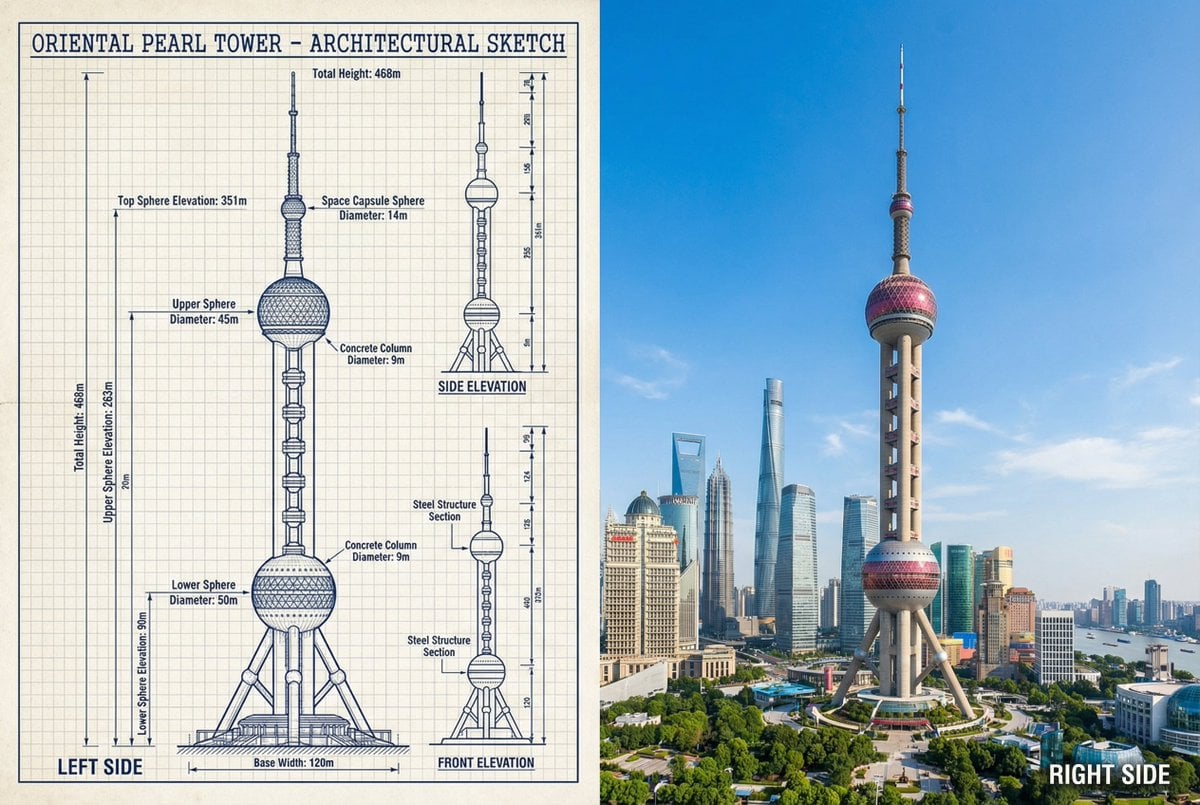
JSON Prompt for Side-by-Side Architectural Comparison of Oriental Pearl Tower
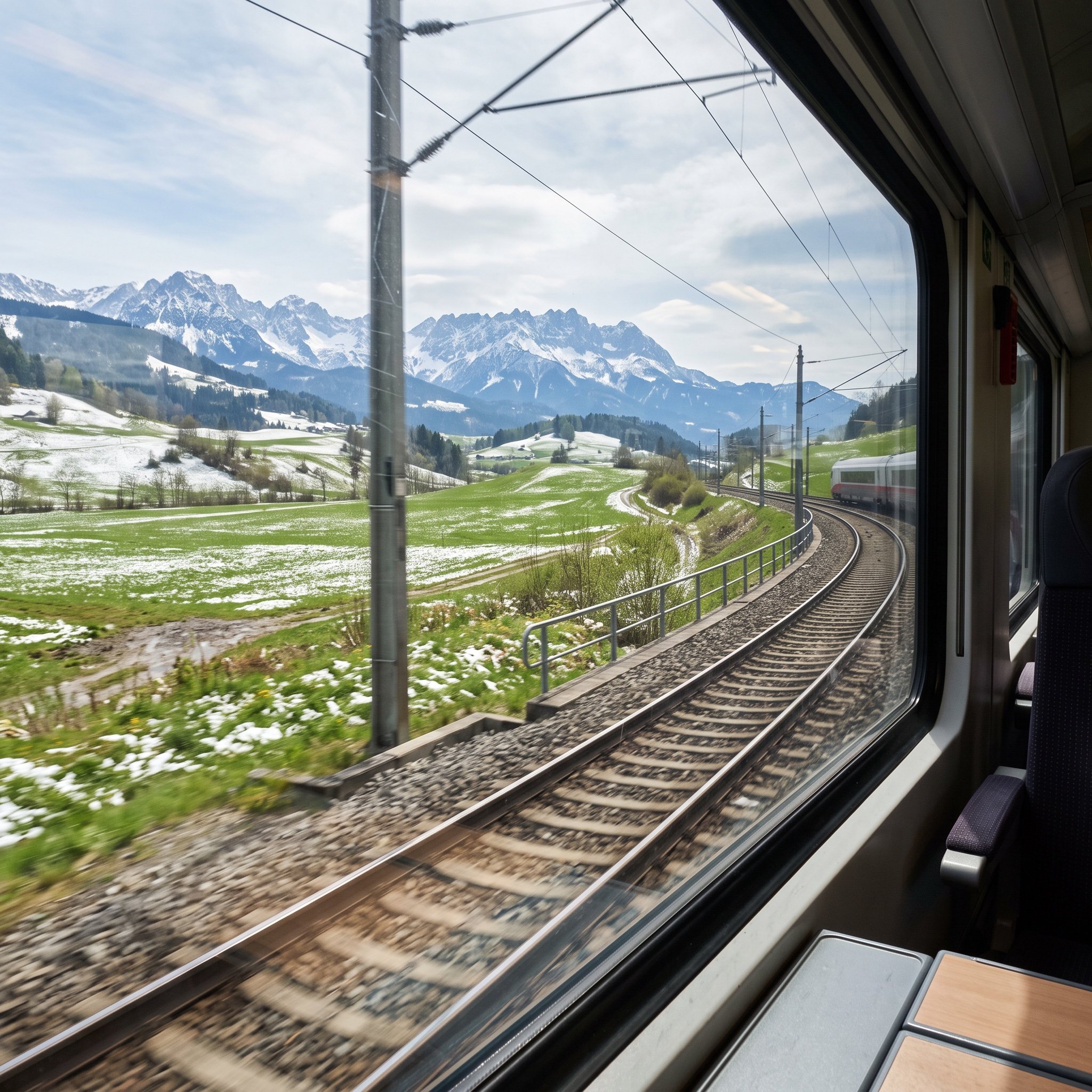
Cinematic Train Window View in European Spring
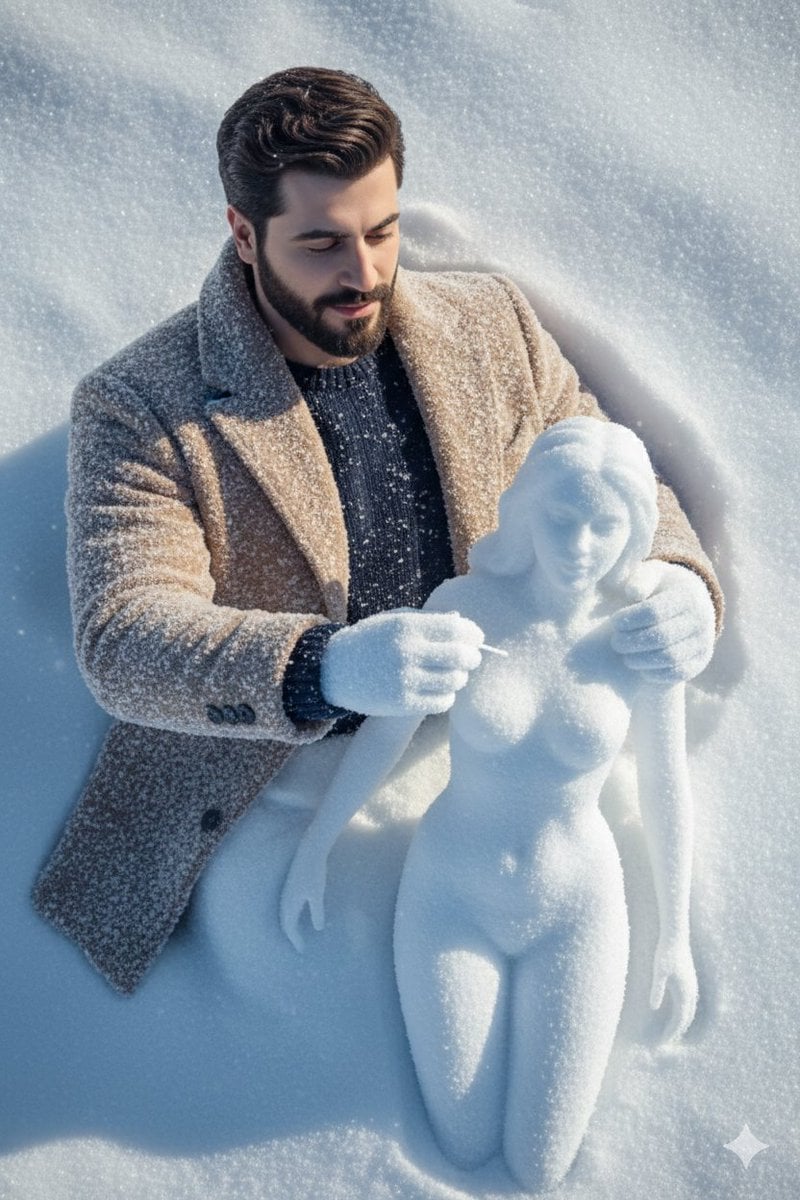
Hyper-Realistic Snow Sculpture Artist Prompt
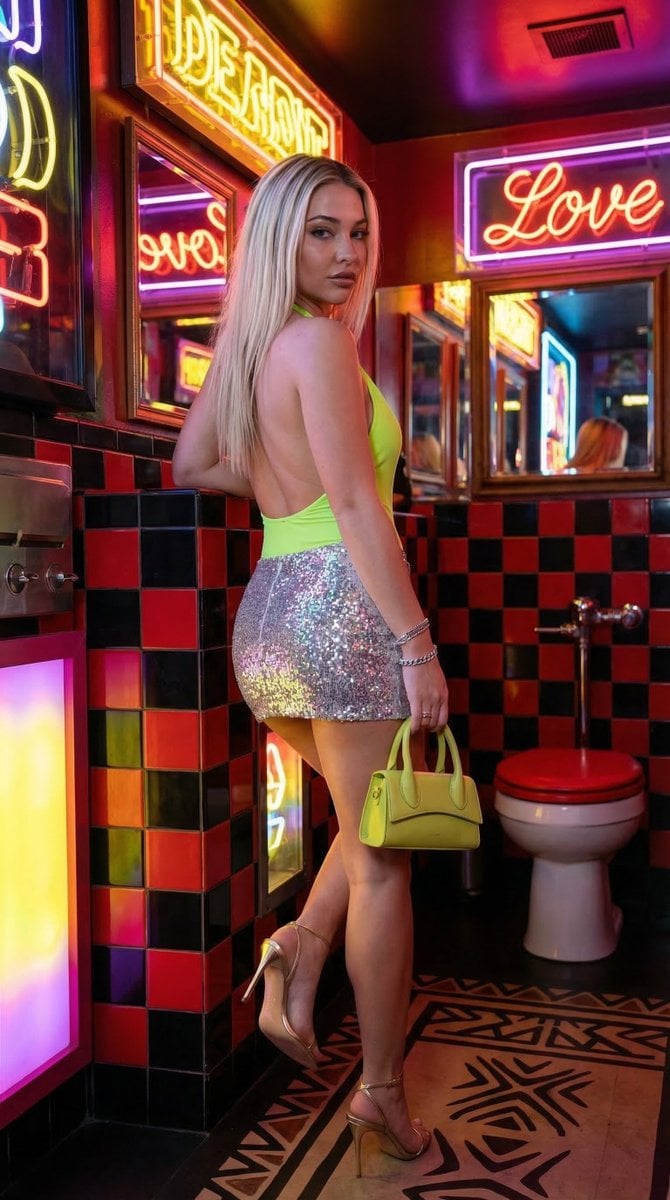
Retro-Chic Party Vibe Portrait in a Neon Restroom
Browse template categories
Y2K CCD Camera Portrait questions
How do I use the Y2K CCD Camera Portrait template?
Add your photo if the template asks for one, edit the prompt if you like — the template's model and format are already selected — and press Generate. Your version opens in PicX Studio.
Can I customize the Y2K CCD Camera Portrait template?
Yes. You can change the subject, setting, lighting, mood, format, and available model controls before creating your image.
Is the Y2K CCD Camera Portrait template free?
Opening and editing this template is free. Generating uses credits, shown on the Generate button when you are signed in.
Which AI model should I use?
Start with GPT Image 2, which is the model associated with this template. You can compare another compatible model for a different finish.
Looking for something else? Browse all templates.

Your photo, any look
Thousands of ready templates for every top image and video model, from one credit balance.