
Y2K Style Sticker Portrait
Converts childhood or old photos into trendy Y2K-style sticker portraits with high detail and high-fashion aesthetics.
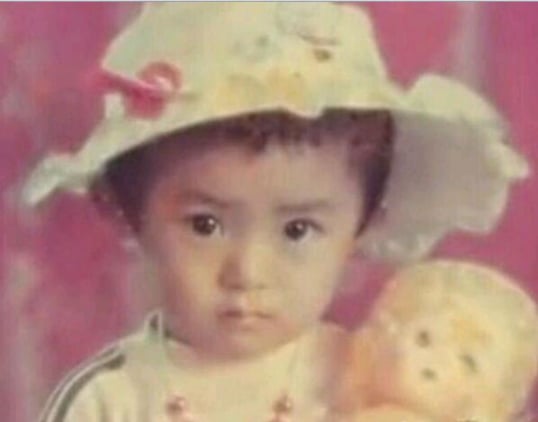
- Prompt included
- Model and format preset
- Free template
The prompt behind this image
Copy the exact prompt behind Y2K Style Sticker Portrait, or open it in the studio and make it yours.
以用户上传的人像照片作为人物身份与五官参考。即使原图是童年照、低清、模糊、老照片,也优先提取并延续人物最有辨识度的特征:脸型比例、眼型与眼距、眉形、鼻子结构、嘴型、耳朵轮廓、发际线、面部肉感、神态习惯与个人气质;在提升清晰度和细节完整度时,保持这个人原本的辨识度,生成结果仍能明显看出是照片中的同一个人。将人物制作成可爱潮流人像贴纸 / floating head sticker portrait:只保留头部与少量颈部,头部居中放大,轻微大头比例,脸部仍保持自然真实的人体结构;皮肤细腻柔软,五官清晰,带轻微童趣和精致杂志感,真实摄影质感与可爱玩具感融合。人物轮廓干净,带柔和的白色贴纸描边,背景使用简洁的奶白色或浅色纯净背景。表情设为【{argument name="表情" default="嘟嘴 / 眨眼 / 偷笑 / 惊讶 / 鼓腮 / 呆萌 / 酷酷地看向一侧"}】;发型设为【{argument name="发型" default="保留原发型 / 双丸子头 / 短碎发 / 蓬松卷发"}】;加入【{argument name="配饰" default="墨镜 / 棒球帽 / 星星耳钉 / 小圆环耳环 / 发夹"}】;加入【互动道具:泡泡糖 / 面包片 / 糖果 / 无道具 / 自定义】;背景点缀【装饰元素:手绘星星 / 闪光符号 / 小花 / 爱心 / 涂鸦 / 自定义】,数量少而灵活,像时尚贴纸拼贴;主色调为【颜色:蓝黄 / 粉蓝 / 黑白 / 奶油色 / 自定义】。整体效果:高质量棚拍人像 + 潮流贴纸 + 可爱 editorial fashion + Y2K pop collage,光线柔和明亮,头发有真实发丝与自然高光,眼睛清透有神,皮肤保留细微真实纹理,画面干净、俏皮、精致、有收藏贴纸感。构图可根据人物动作与配饰自然变化,但人物身份特征始终作为最高优先级保持一致。
Reference images included
Y2K Style Sticker Portrait needs input media to work. They load alongside the prompt when you open it in the studio.
How to use Y2K Style Sticker Portrait in 3 steps
- 1Upload ImagePNG, JPG or paste
Add your photo
Upload the photo the template builds on. The prompt, model and format are already set.
- 2…a portrait of your subject in softgolden-hour light, 85mm…
Personalize
Edit the subject and creative details for your destination.
- 3Generate
Generate
Press Generate — your image is created in PicX Studio, so you can compare it with the original and refine one variable at a time.
More like this
Templates with the same subject, style or setup. Open one to see its prompt.

Found Photograph: Us, 1970

80s Couple Studio Portrait

80s Bollywood Star

80s Golden Hour Cinema

Me in 1985

1985 Studio Portrait
Y2K Fisheye Streetwear Portrait

Hyper-Realistic Minecraft POV Portrait
Y2K Music Editorial Portrait

Rooftop Fisheye — Cat-Ear Balaclava at Golden Hour
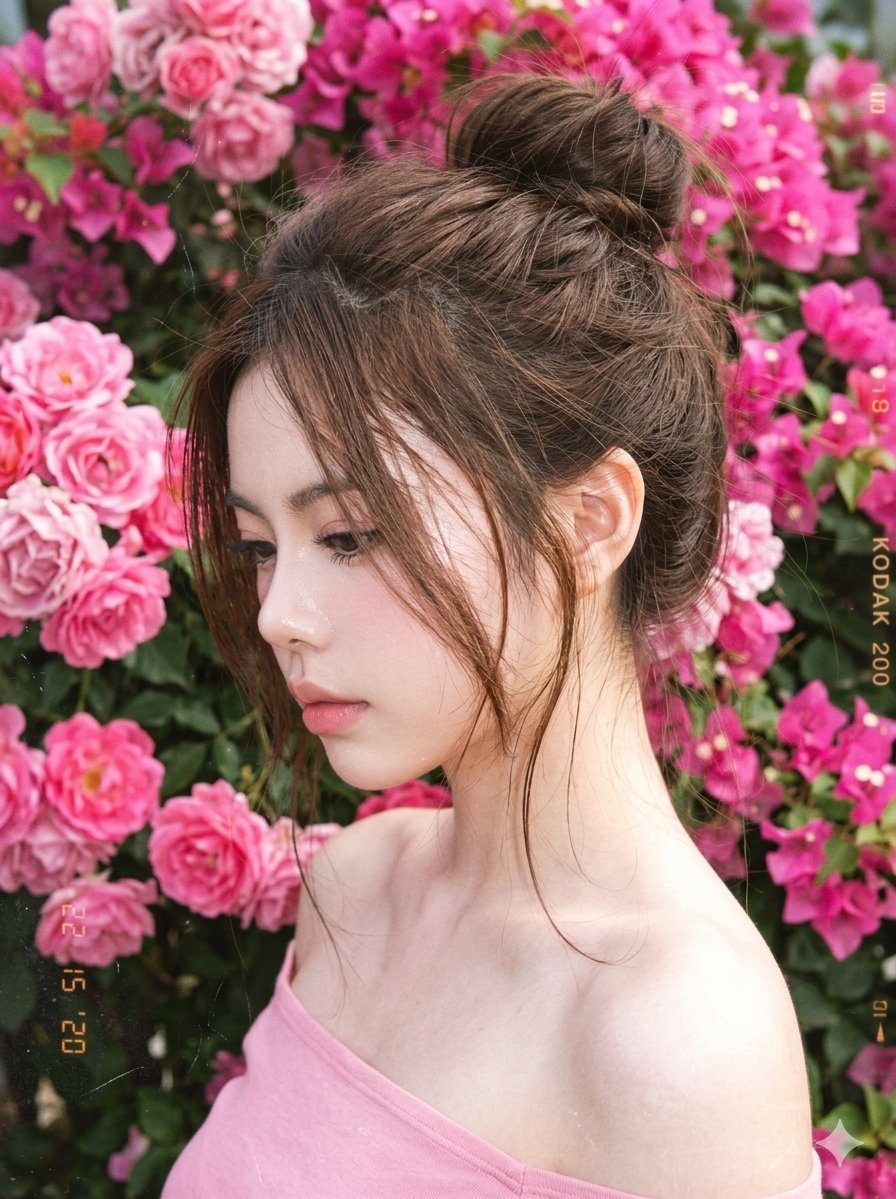
Y2K Style Digital Portrait
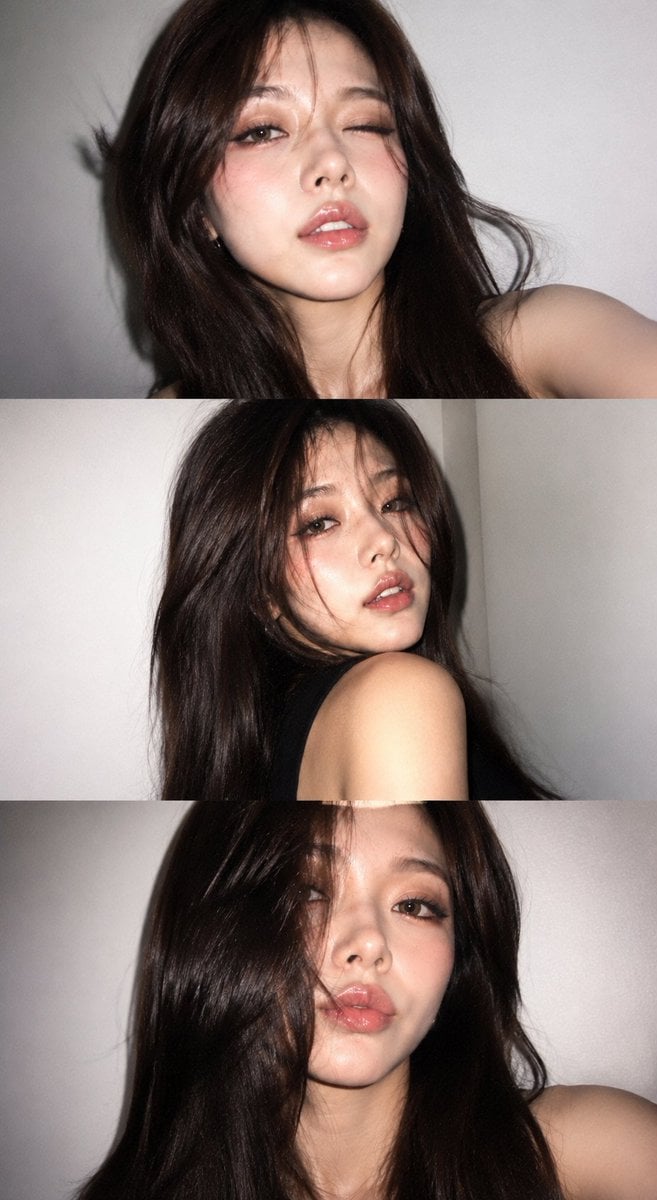
Y2K Portrait Collage from Face Reference
Make it yours
Y2K Style Sticker Portrait works as-is. These are the safest ways to change it without losing the look.
Change one field
Copy a single group, rewrite it, and generate again so you can see what that field is doing.
Keep the frame, change the subject
Hold the composition and light of Y2K Style Sticker Portrait, then swap wardrobe, props or the person for a new take.
| If the result… | Why | Fix |
|---|---|---|
| The result drifts from the preview | Too many fields changed at once. | Reuse Y2K Style Sticker Portrait as-is first, then change one group — subject, light, or setting. |
| The model over-stylizes the scene | The prose prompt leaves finish and camera underspecified. | Add one camera or lighting sentence and stay on GPT Image 2. |
More GPT Image 2 templates
Other prompts made for GPT Image 2.

Six VTuber Japanese Logo Sheet

Realistic Portrait of Woman and Deer

The Vista Modular Condo Poster

AI Model Routing Comparison Infographic

2.5D Anime Art Board

Isometric Productivity Desk Scene

New York Double Exposure Poster

Four-Panel AI Landscape Comparison

Japanese Tatami Lifestyle Magazine Cover

NESCAFÉ Coffee Map Poster
More image prompts
Fresh picks from across the catalog.
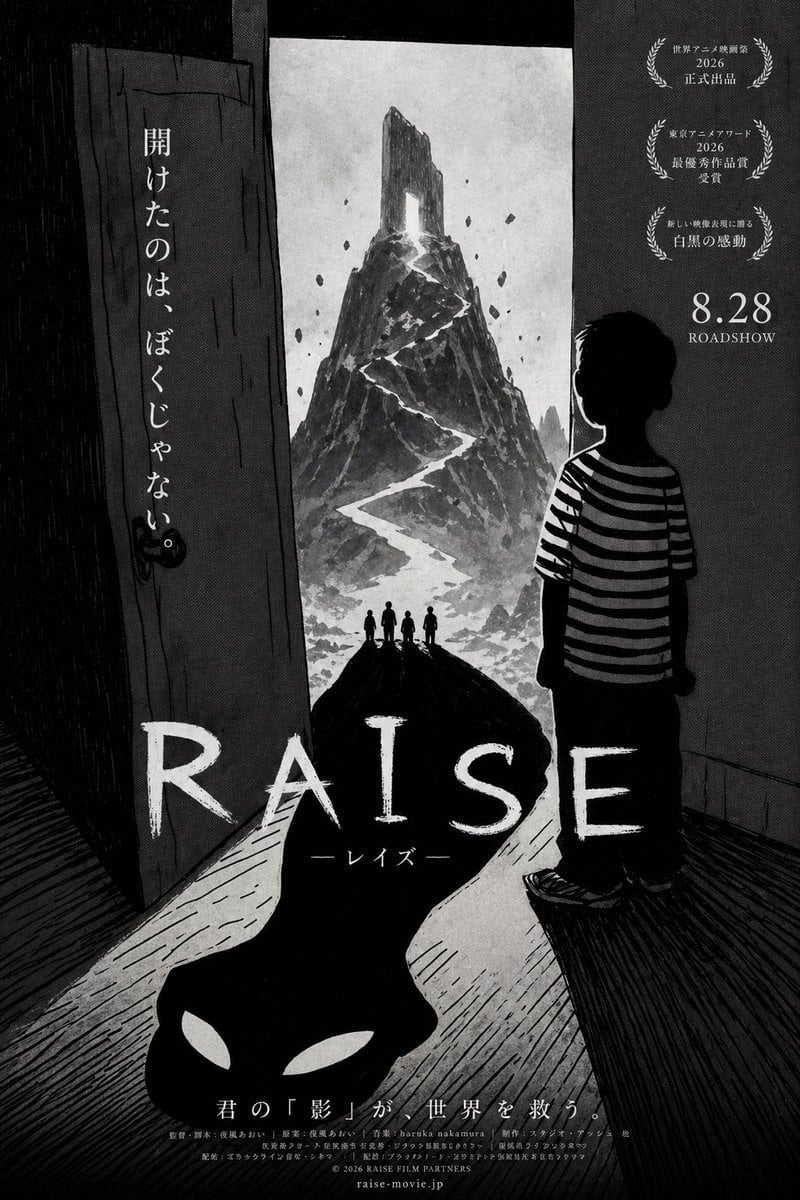
Monochrome Anime Horror Film Poster
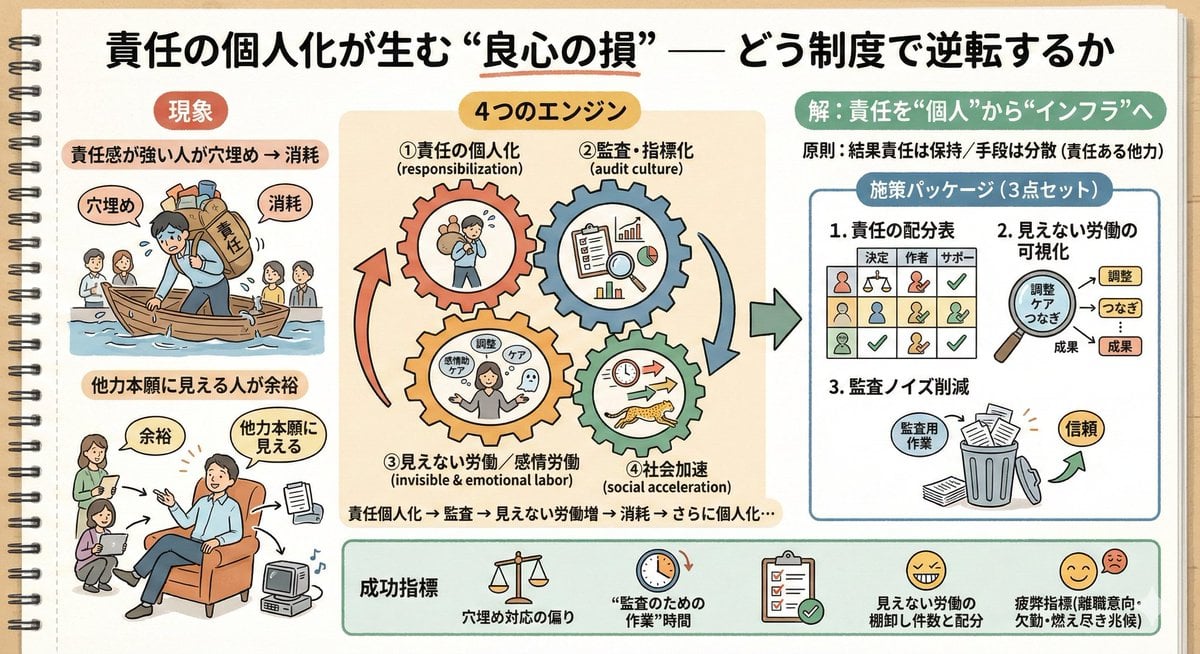
Sketch Generation for Work Personalization
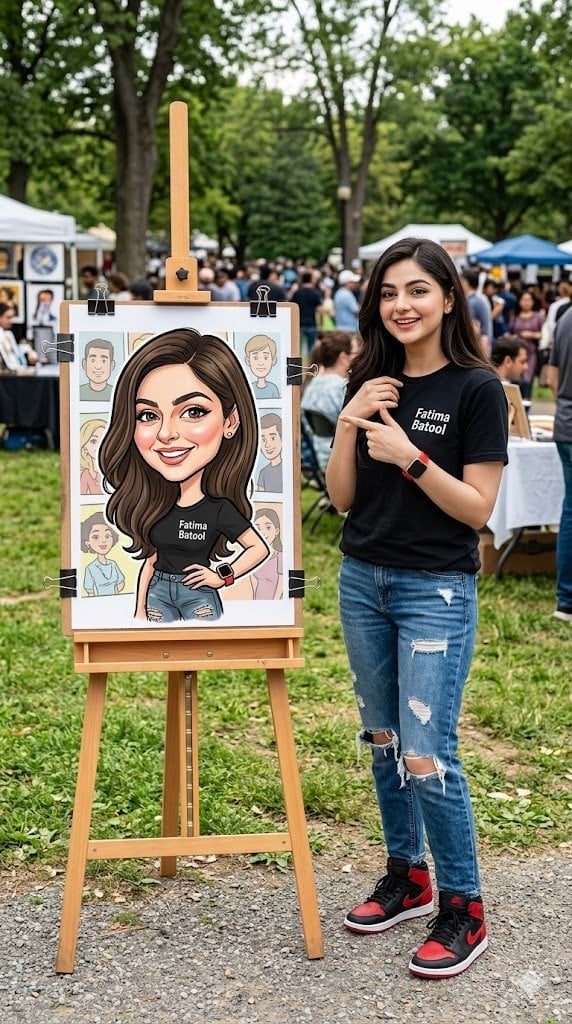
Personalized Vibrant Caricature Art
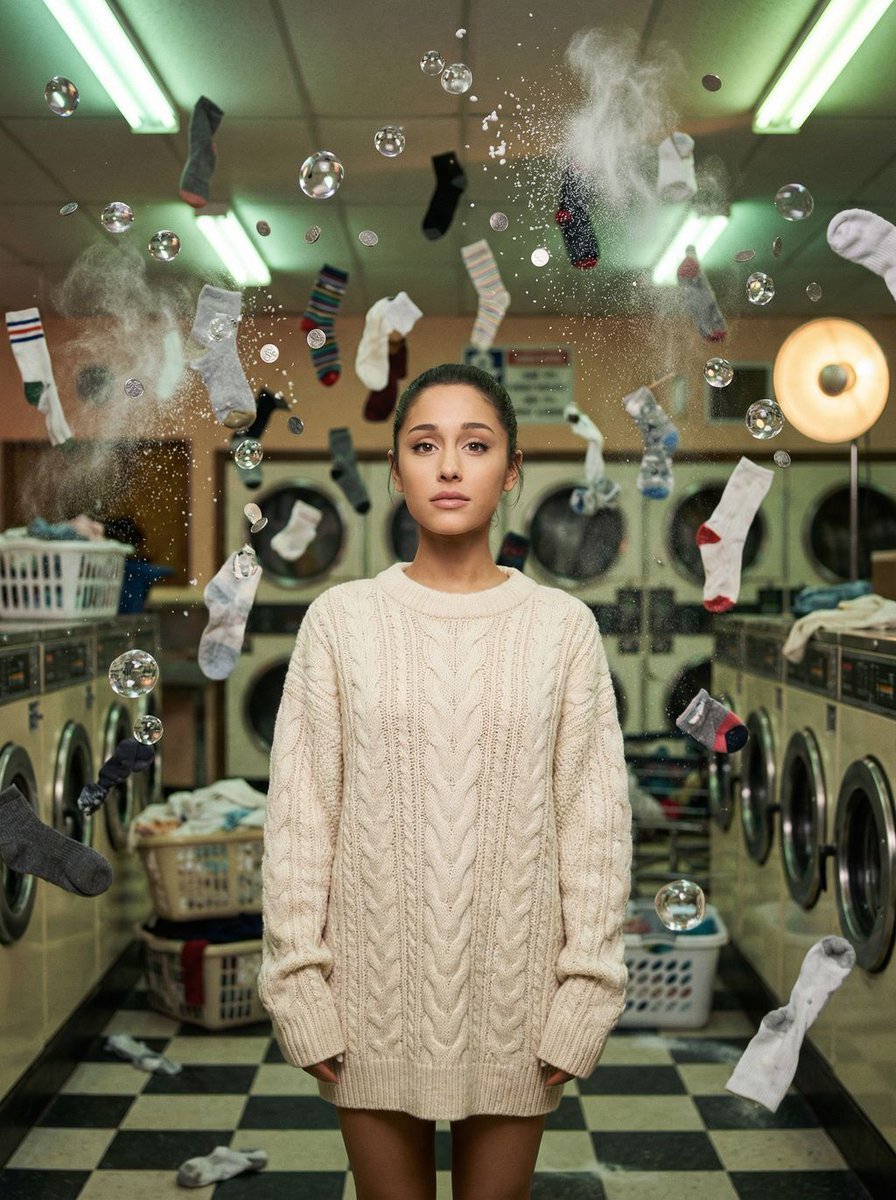
Zero-G Laundromat: Surreal Fashion Editorial
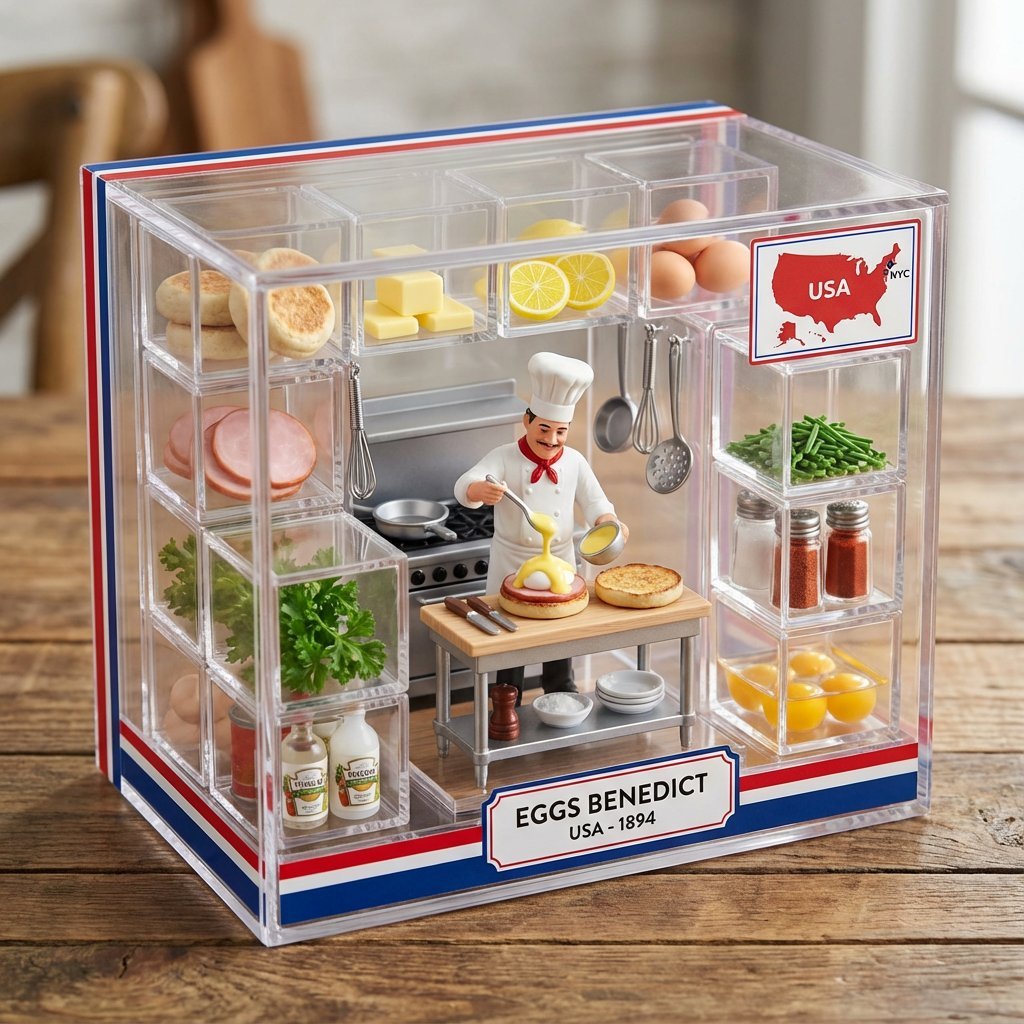
Eggs Benedict Miniature Acrylic Box
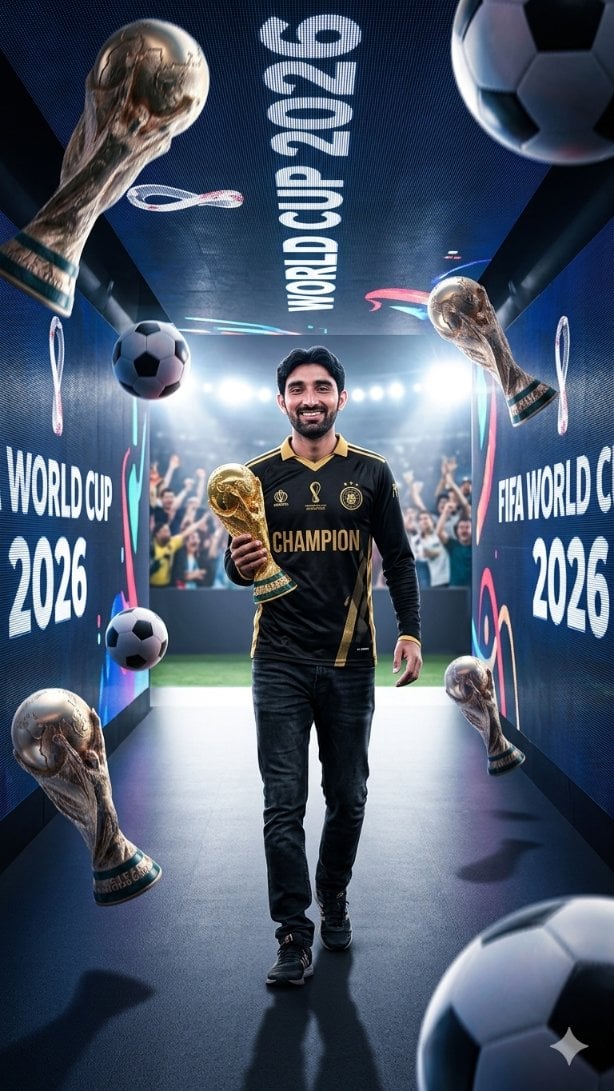
World Cup Champion Tunnel Poster
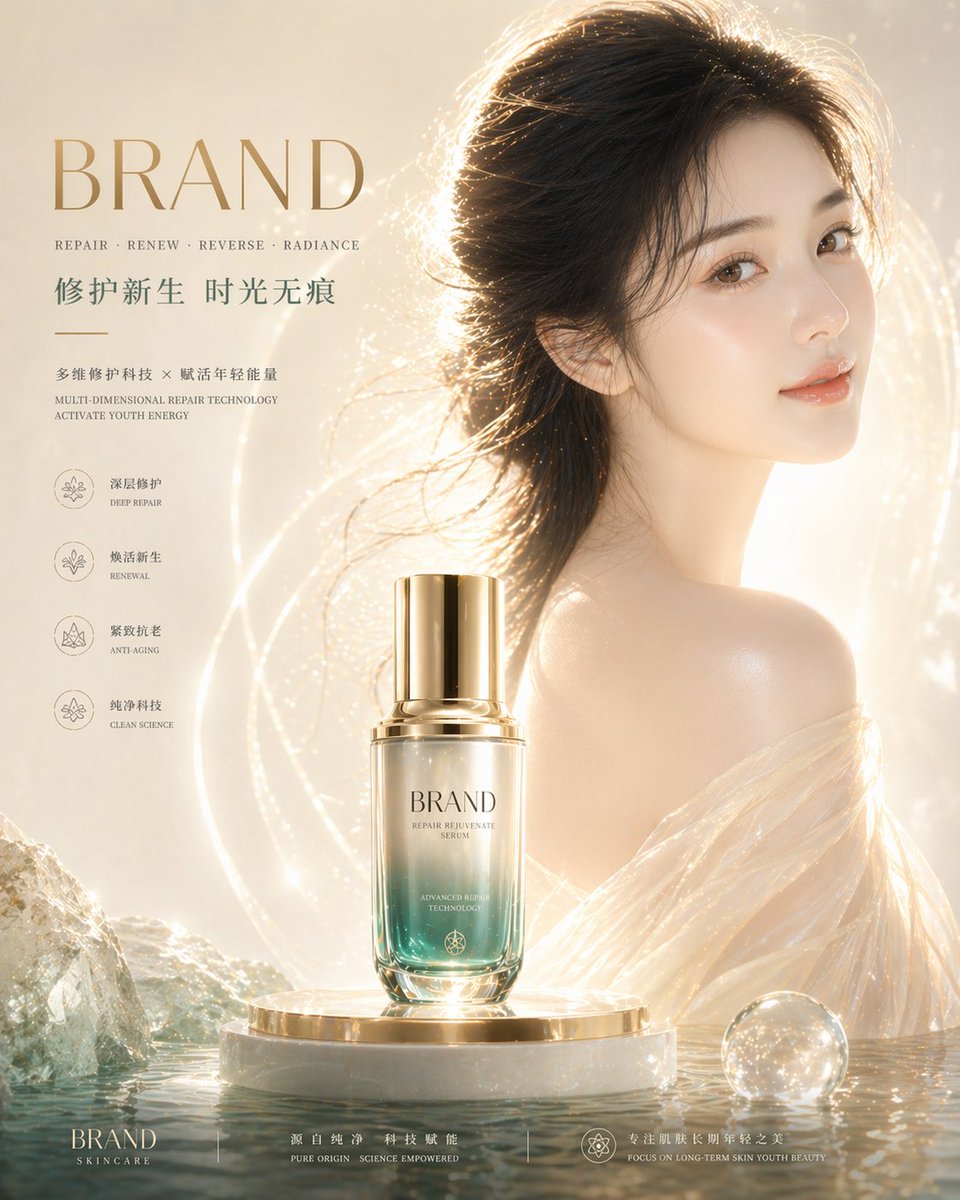
High-End Skincare Brand Key Visual
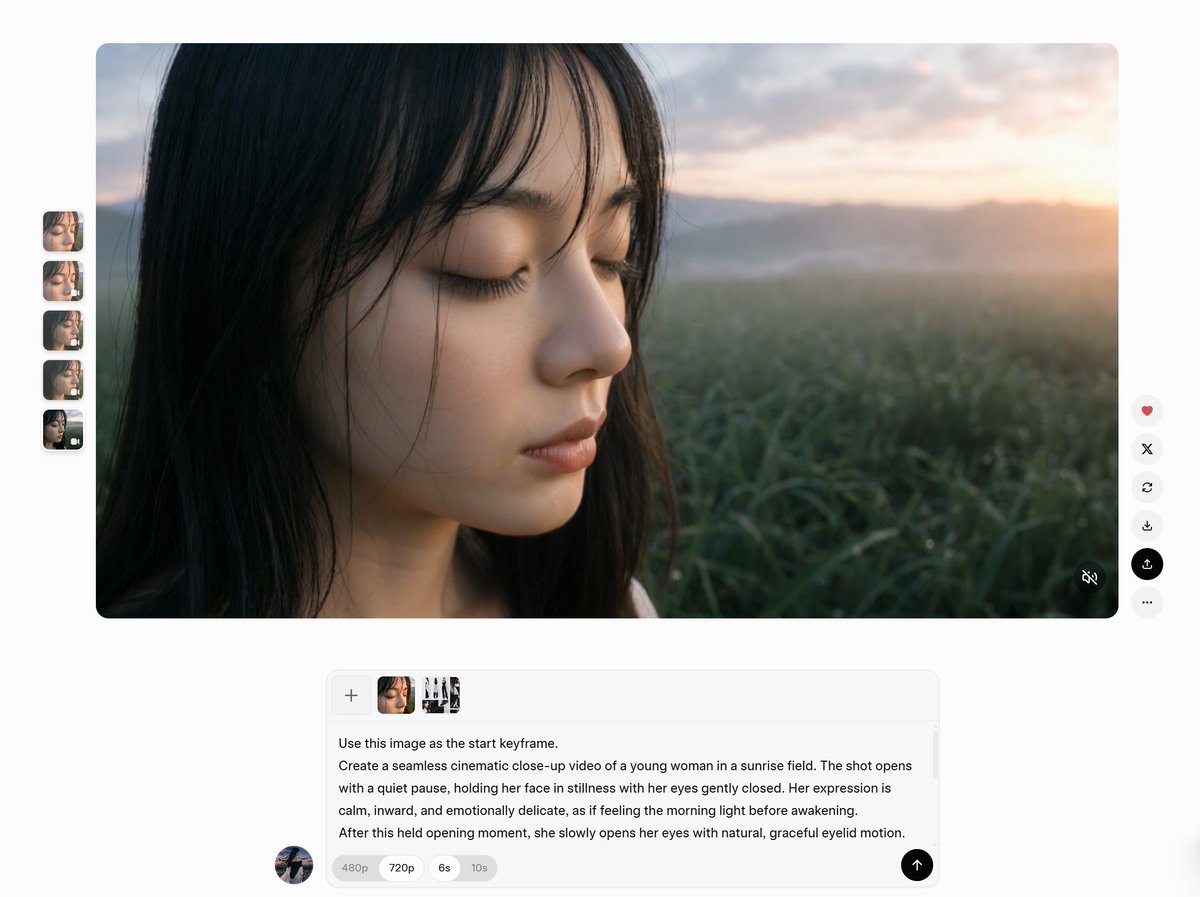
AI Video Workspace Screenshot
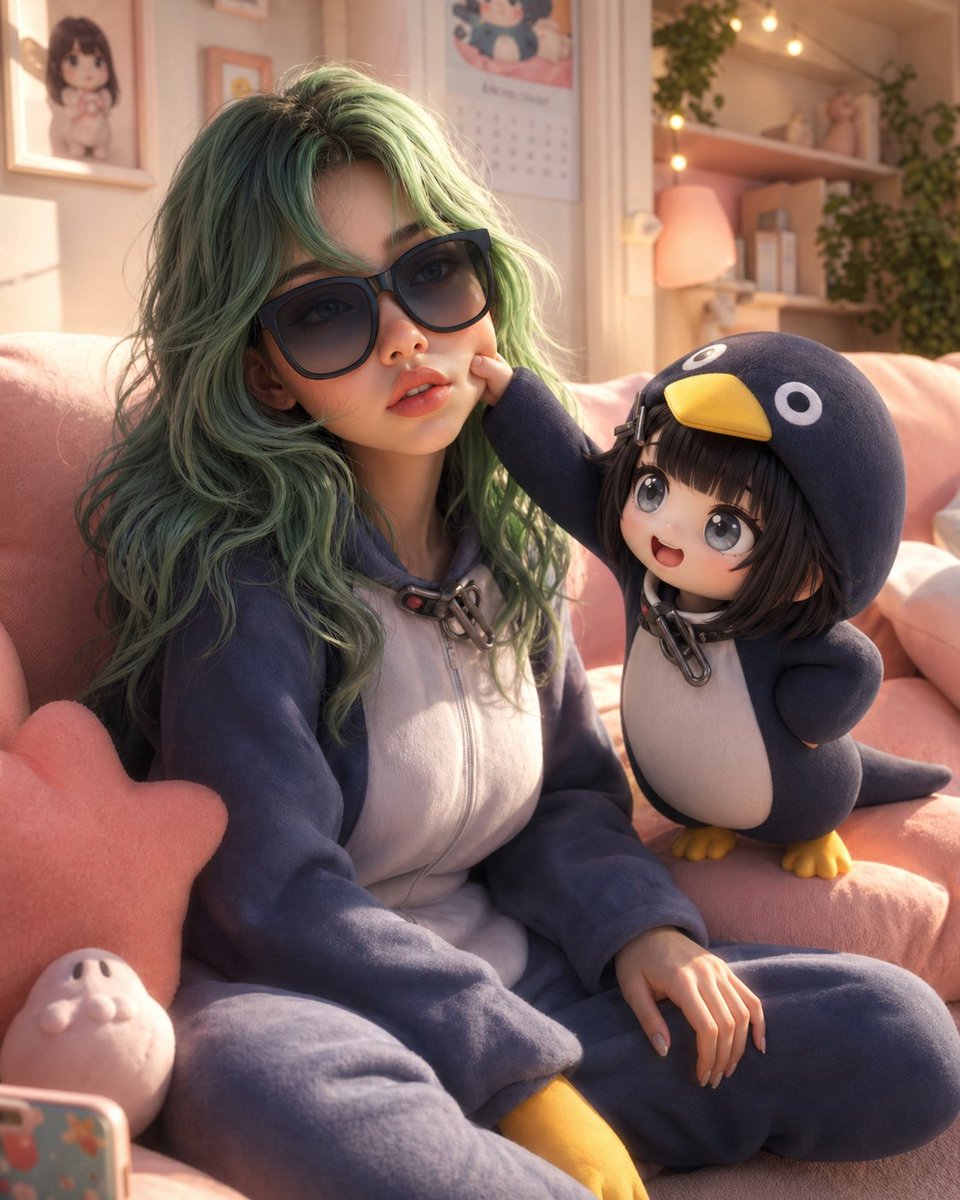
3D Animated Scene with Reference Matching
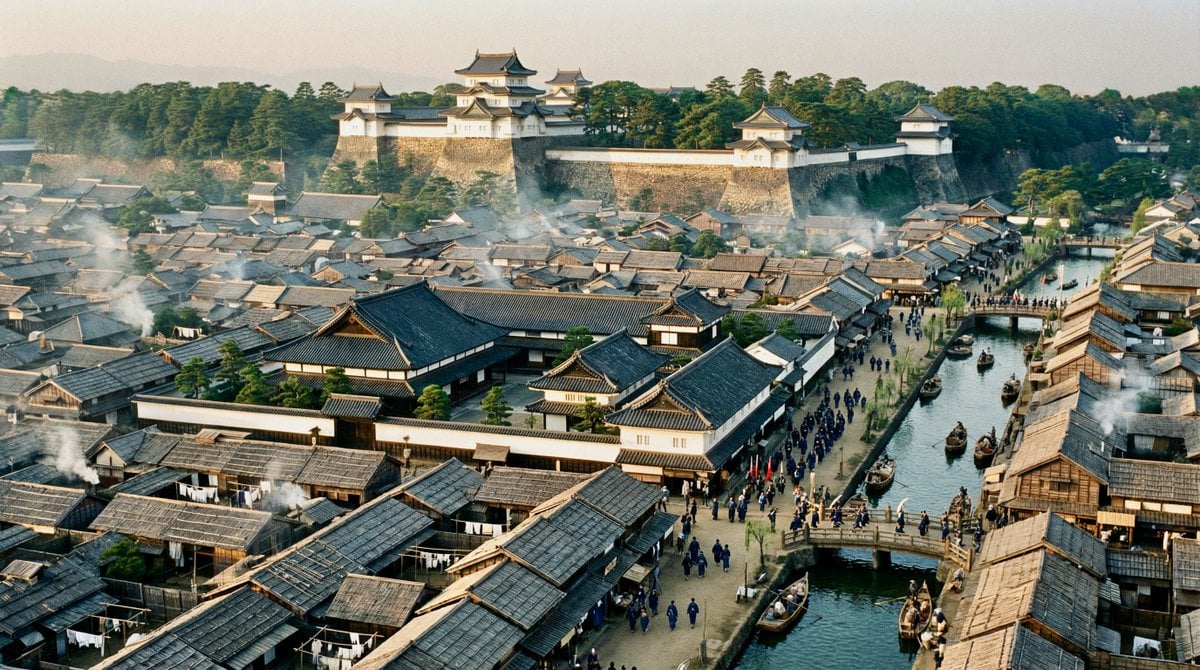
Edo-period castle town scene
Browse template categories
Y2K Style Sticker Portrait questions
How do I use the Y2K Style Sticker Portrait template?
Add your photo if the template asks for one, edit the prompt if you like — the template's model and format are already selected — and press Generate. Your version opens in PicX Studio.
Can I customize the Y2K Style Sticker Portrait template?
Yes. You can change the subject, setting, lighting, mood, format, and available model controls before creating your image.
Is the Y2K Style Sticker Portrait template free?
Opening and editing this template is free. Generating uses credits, shown on the Generate button when you are signed in.
Which AI model should I use?
Start with GPT Image 2, which is the model associated with this template. You can compare another compatible model for a different finish.
Looking for something else? Browse all templates.

Your photo, any look
Thousands of ready templates for every top image and video model, from one credit balance.