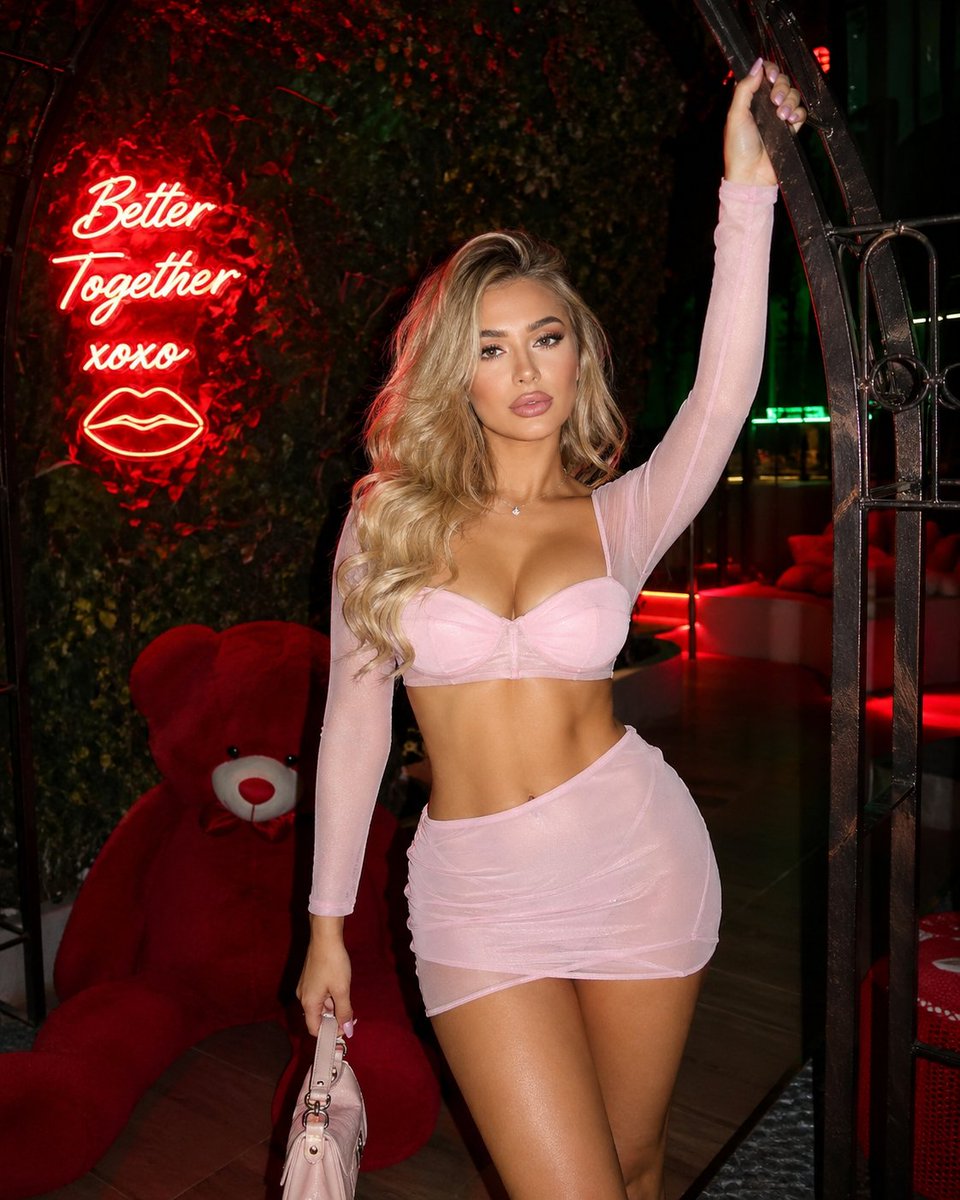
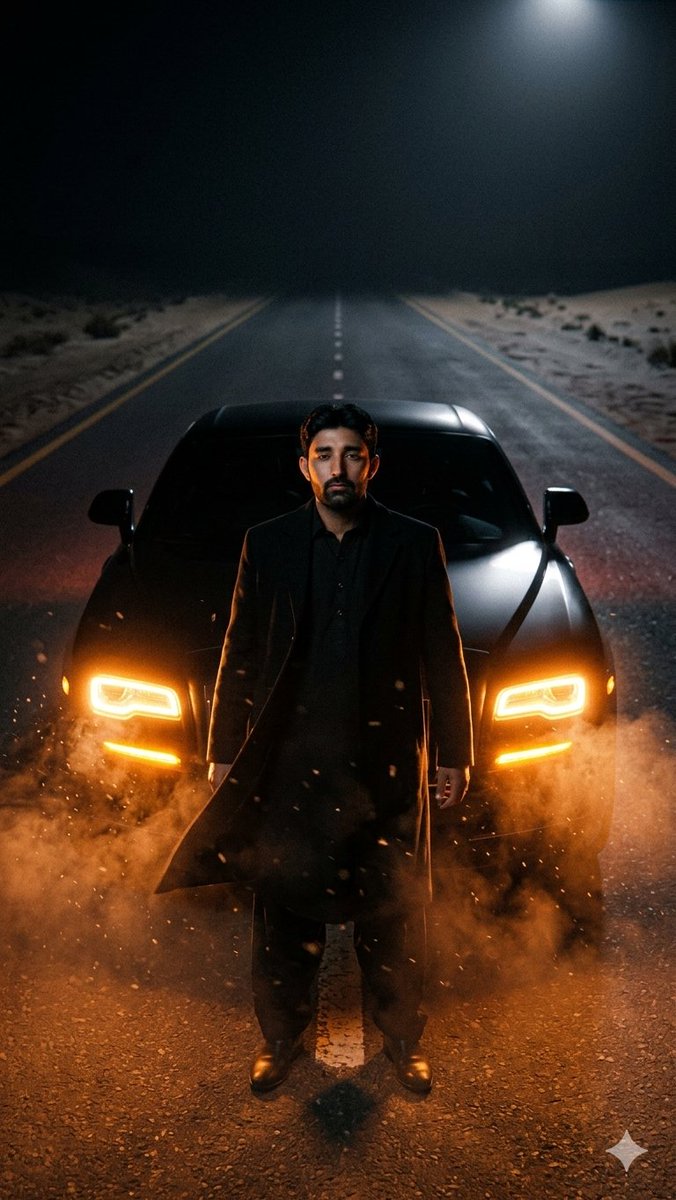
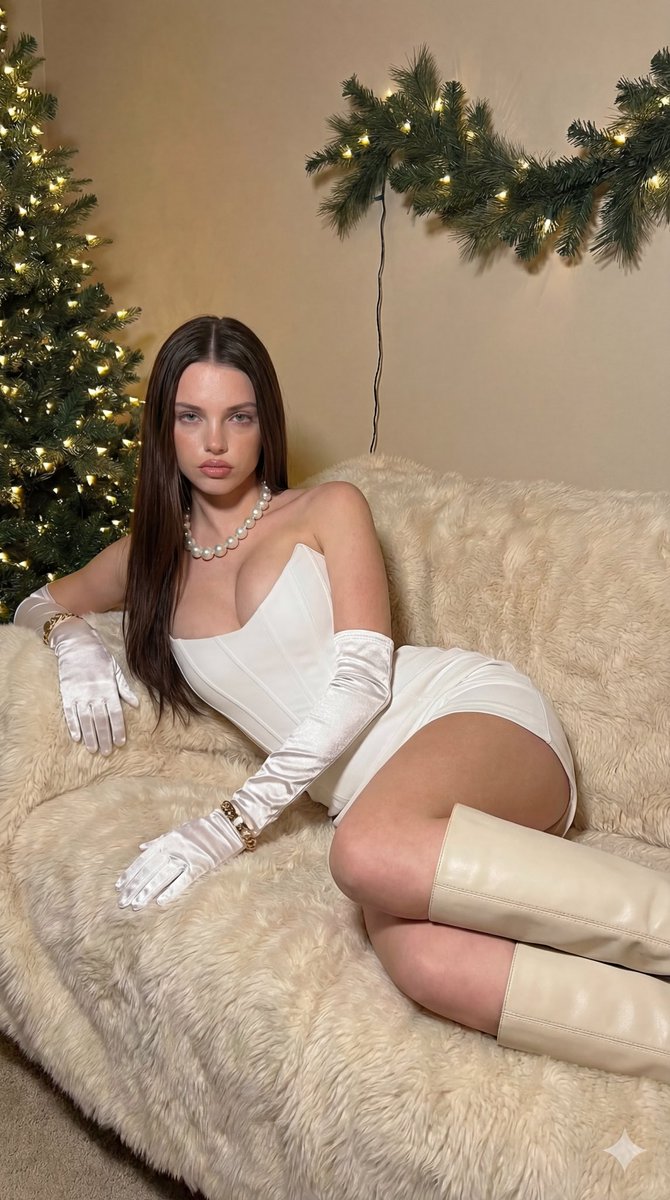
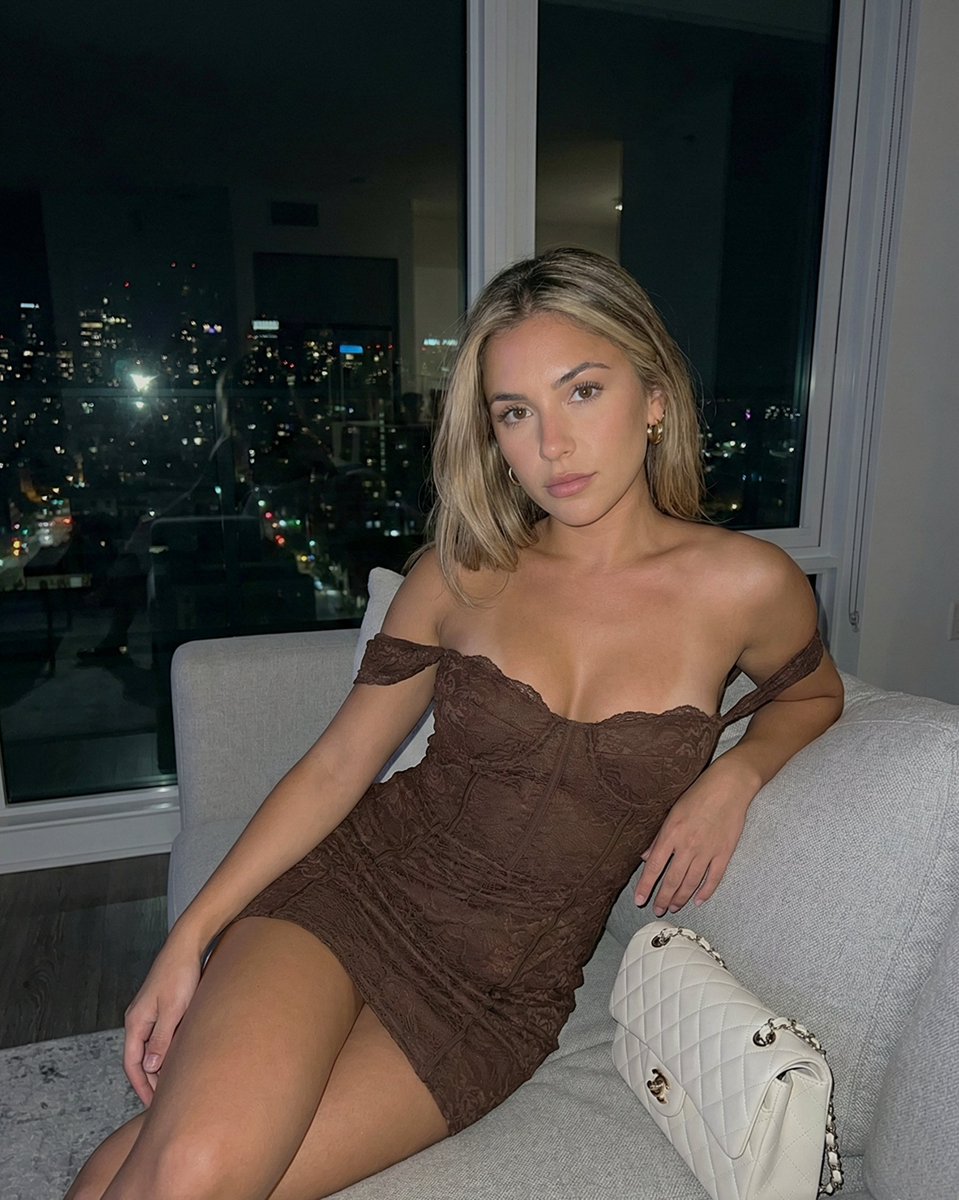
How do I use the Glamorous Holiday Portrait with White Mini Dress template?
Choose the primary action to open PicX Studio with the available template settings. Review the model and format, personalize the creative direction, and generate when ready.
A detailed JSON prompt for generating a glamorous, holiday-themed indoor portrait. Change the subject, setting, or lighting one variable at a time.

{ "subject": { "type": "person", "gender": "female", "pose": "reclining on a textured sofa, leaning back on one arm", "expression": "neutral, confident, slight pout", "gaze": "direct contact with the camera", "hair": { "color": "dark brown", "style": "long, straight, center-parted, flowing over shoulders" }, "attire": { "outfit": "white strapless mini dress with a corset-style bodice", "gloves": "{argument name="gloves color" default="white"} satin opera-length gloves", "footwear": "cream-colored knee-high leather boots with pointed toes and chain detail", "accessories": [ "chunky pearl necklace", "gold bracelet worn over the left glove" ] } }, "environment": { "setting": "indoor, festive living space", "furniture": "sofa covered with a plush, textured cream/beige fur throw", "decor": [ "large Christmas tree heavily decorated with {argument name="ornament colors" default="gold and silver"} ornaments, ribbon, and warm white fairy lights", "frosted pine garland with lights mounted on the upper wall", "small framed picture hanging on the wall" ], "background": "textured beige wall" }, "lighting_and_mood": { "lighting": "warm ambient light, soft shadows, highlights on the satin gloves and corset", "atmosphere": "glamorous, cozy, holiday-themed, elegant", "color_palette": [ "cream", "white", "gold", "dark green", "warm beige" ] } }
Choose the primary action to open PicX Studio with the available template settings. Review the model and format, personalize the creative direction, and generate when ready.
Yes. You can change the subject, setting, lighting, mood, format, and available model controls before creating your image.
This template is free to open and customize. Generation usage is shown in PicX Studio before you create.
© 2026 PicX Studio. All rights reserved.

Start with Nano Banana 2, which is the model associated with this template. You can compare another compatible model for a different finish.
Follow a topic to a crawlable collection of related PicX Studio templates.
43,474 public templates available. Verified via the PicX Studio public templates API; refreshed hourly.















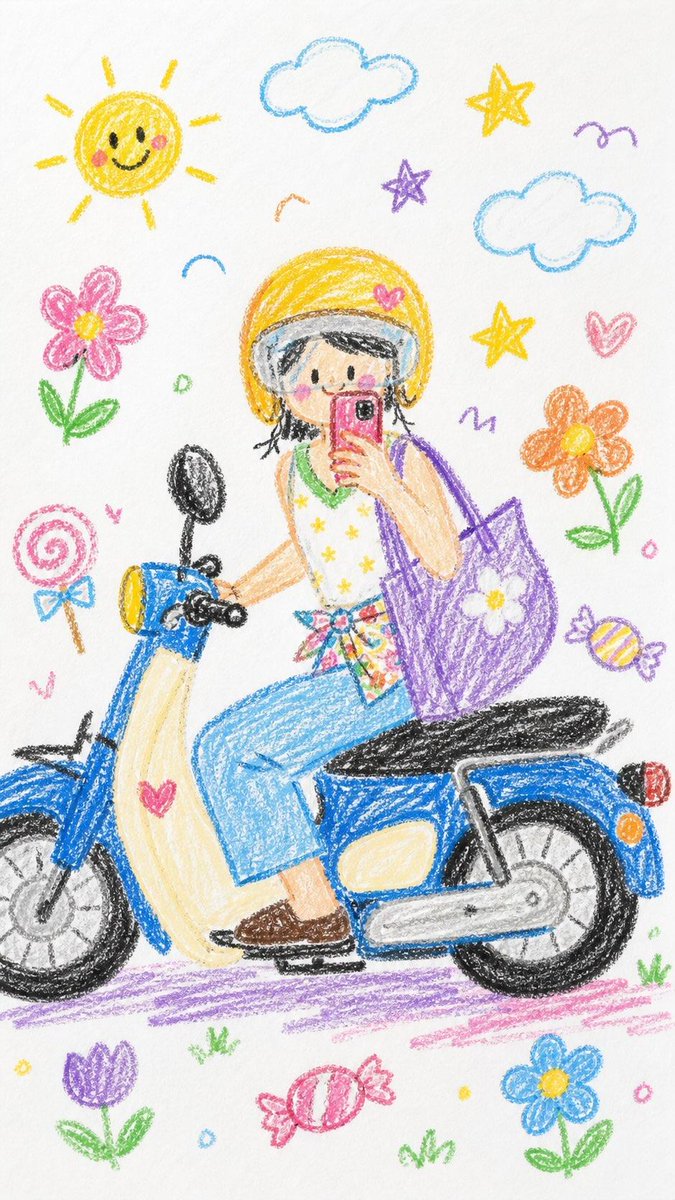
![Naive doodle-style subject illustration — A doodle-style {argument name="subject" default="[subject]"}, naive lines, humorous shape exaggeration](https://pbs.twimg.com/media/G6Wl2YxbsAARB2b.jpg)











![Bakery Product Poster Template — 变量配置
基础信息
品牌名称:{argument name="品牌名称" default="H·X"}
品牌标签:[如:H·X SIGNATURE / 招牌出品 / ARTISAN BAKED]
画面规格
画面比例:9比16竖版 / 3比4 / 1比](https://cms-assets.youmind.com/media/1777711053774_nlg3gy_HHNjpeLbkAA2WtQ.jpg)







![16-bit RPG Field Exploration Prompt — 16bit RPG フィールド探索・イベント画面風
────────────────
キャラクター名指定:[{argument name="キャラクター名" default="(★任意)"}]
セリフ指定:[{argument name="セリ](https://cms-assets.youmind.com/media/1779182071805_cxyje2_HIpfr0tb0AAijeF.jpg)

![Fisheye Perspective of a Fish and Seagull — Fisheye lens photo captured from the perspective of the fish that's about to be eaten by a [seagull] (varies seegull](https://pbs.twimg.com/media/HC5kXVbbsAI7dOZ.png)

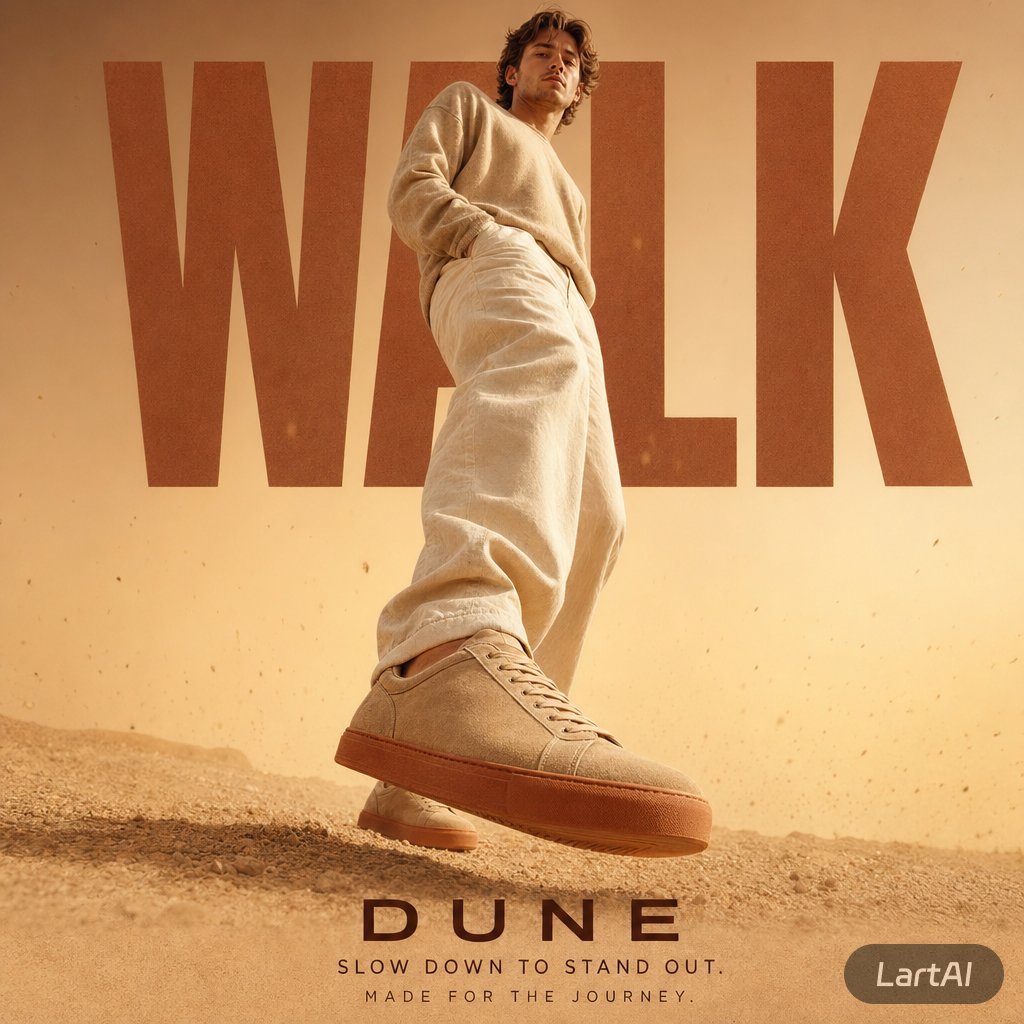
![travel-poster-graphic-collage — Create a stylized travel poster / graphic collage for [country]. The main subject should be a stylish international tourist visi](https://pbs.twimg.com/media/HGwXN0JbgAAY5vm?format=jpg&name=large)